WISPAPALOOZA Software & Network Platform Booth Planning for ISP Workflow Evaluation

How should software and platform exhibitors plan a WISPAPALOOZA booth?
A WISPAPALOOZA software booth should help an ISP operator recognize the operating problem first, follow a focused workflow, and then decide whether integration, compatibility, deployment, or purchasing questions justify deeper discussion. Screen layout, demo capacity, meeting handoff, connectivity, and software readiness should support that complete evaluation path.
Software and network platforms create a different WISPAPALOOZA booth task from physical equipment. ISP operators need to understand the operating problem first—whether it involves network management, monitoring, automation, subscriber operations, billing, or analytics—before a workflow or interface becomes meaningful. That software-specific evaluation fits within the broader WISPAPALOOZA booth planning journey.
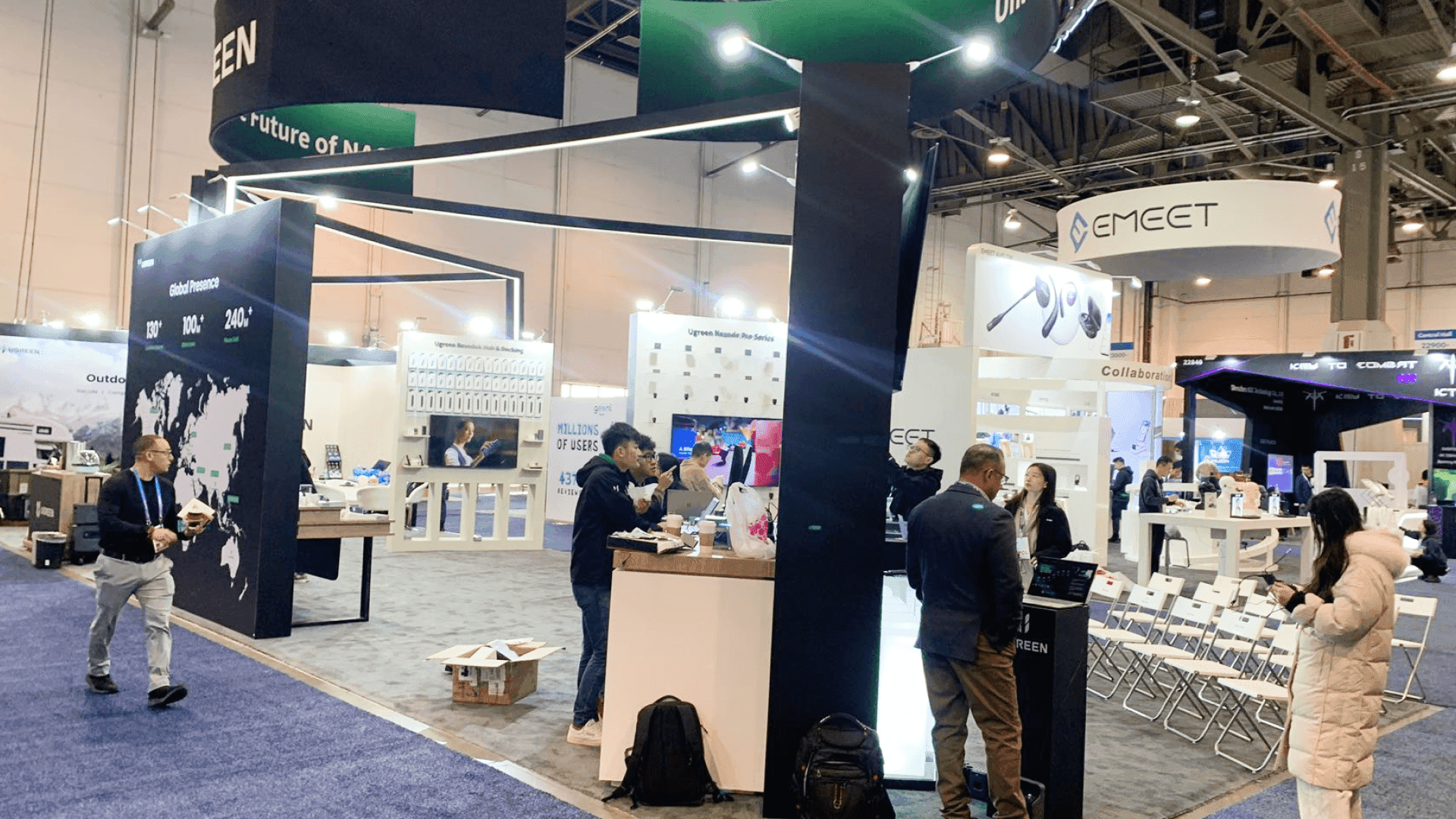
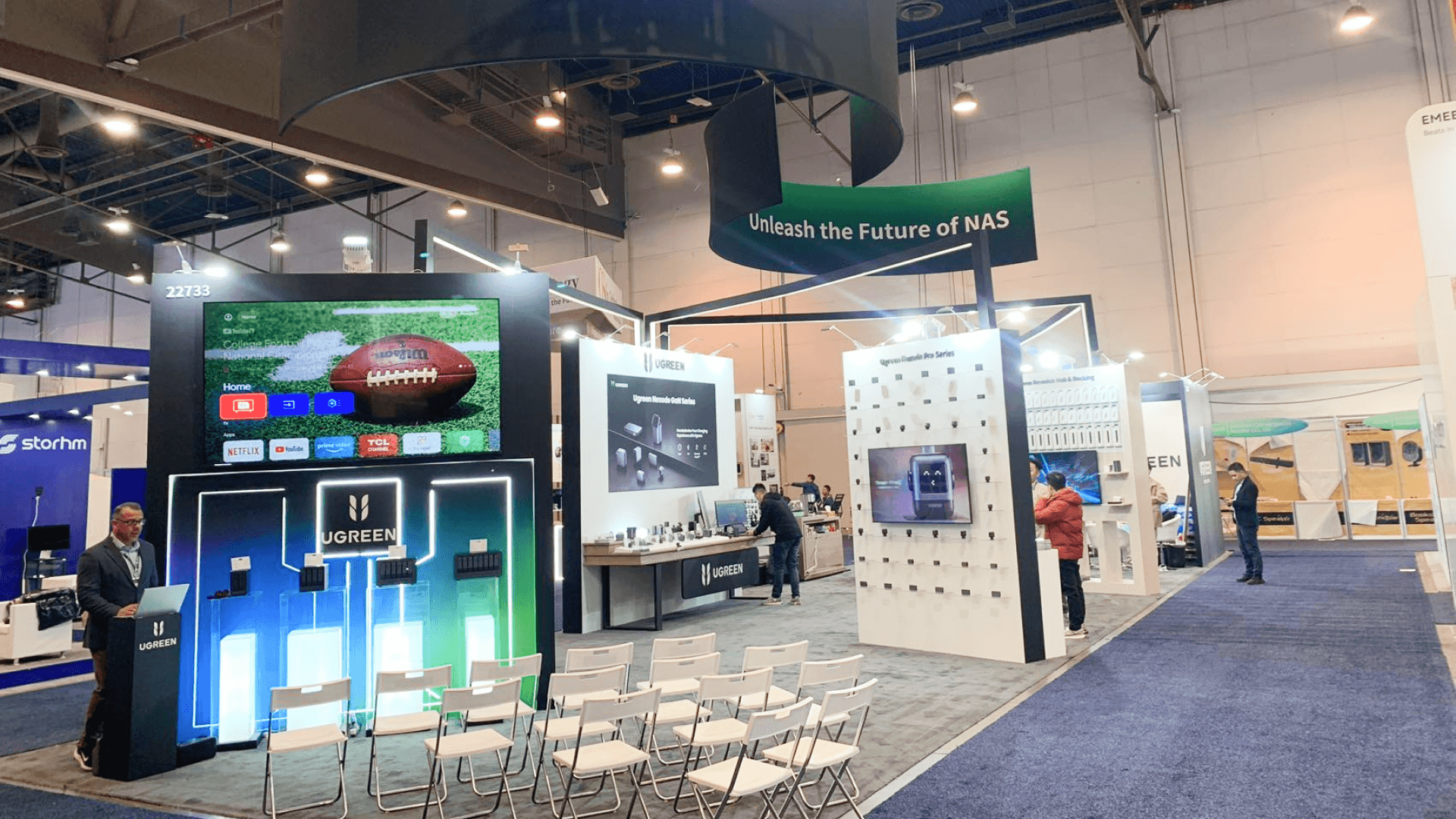
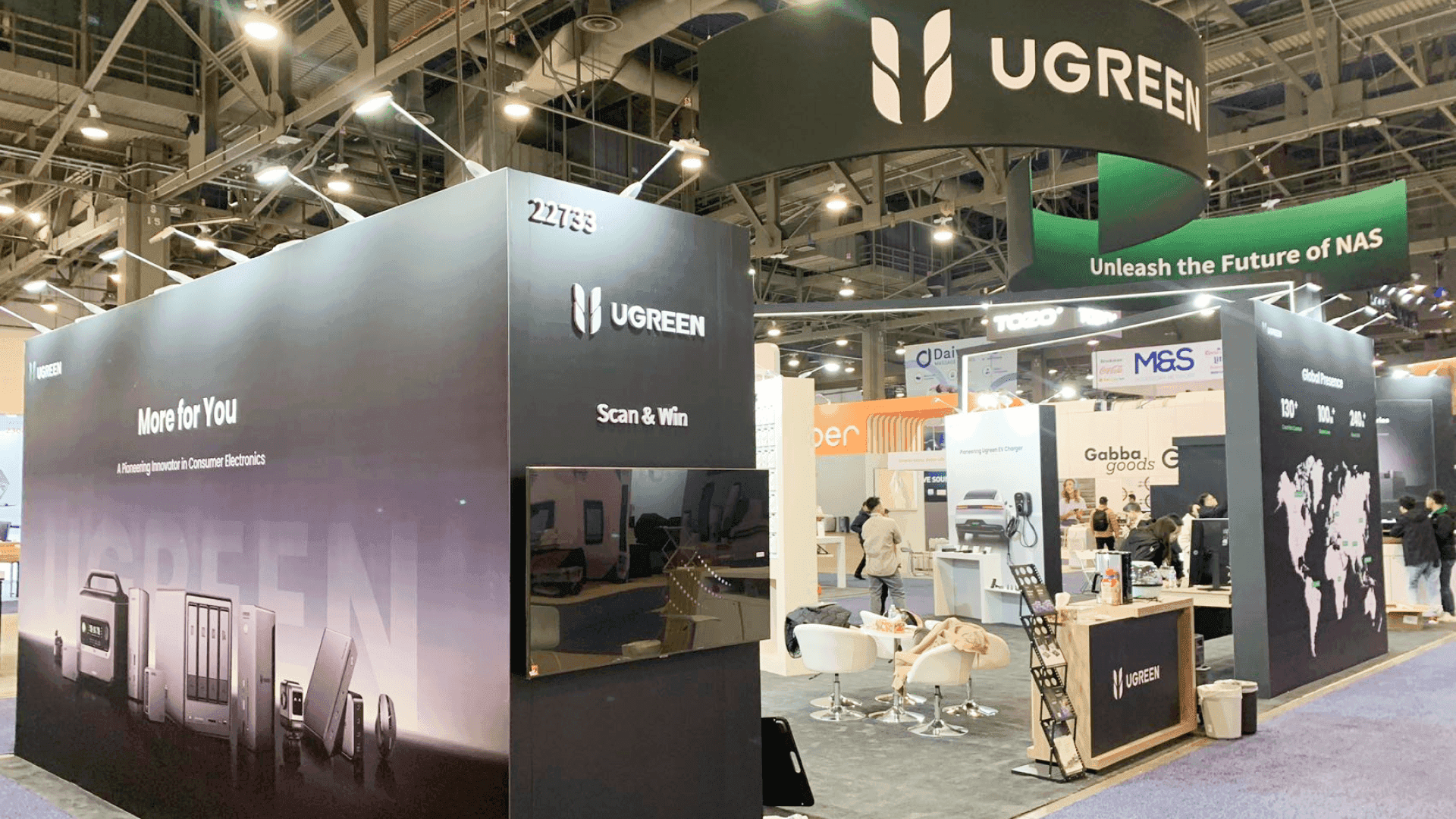
Space should follow demo capacity and technical discussion needs. A 10×10 can support one focused workflow, while a 10×20 booth gives one demo room to stay active as a qualified operator moves into integration or deployment questions. A 20×20 becomes more useful when several workflows or operator conversations need to run in parallel. At Caesars Palace’s Julius Ballroom, screens, computers, power, connectivity, demo accounts, and meeting space also need to function as one show-ready ISP evaluation environment.
Why Exhibitors Choose Circle Exhibit
Clear scope, transparent quote review, nationwide booth support, and efficient setup planning for qualified rental and custom exhibit projects.
48hr
Setup Window
10+
Years Since 2014
U.S.
Trade Show Support
Real
Booth Project Proof
Software booth size should follow demo capacity, viewing groups, technical discussions, and meeting needs. More screens only justify more space when they support different workflows or simultaneous operator evaluations.
A Tabletop or compact footprint can work when one team member is guiding one ISP operator through a focused workflow and the platform does not need a public multi-person demo.
A 10×20 booth gives more room for two workflow evaluations or for one demo to remain active while a qualified operator moves into integration, compatibility, or deployment questions.
A 10×10 can support one operator problem, one main screen, one presenter, and a small viewing group. It works best when the booth keeps the first evaluation focused instead of presenting several unrelated software modules at once.
A 20×20 booth is better suited to several workflow stations, different operator roles, or simultaneous demonstrations that also need a separate technical discussion area.
One focused workflow may fit comfortably in a 10×10, while two active demos or a separate integration discussion can push the requirement toward 10×20 or larger space. The choice among WISPAPALOOZA booth options should therefore be made before screen positions, presenter locations, and workflow stations are fixed.
For software companies also presenting in the Emerging Tech Showcase, the Main Stage may introduce the new capability while the booth carries the operator into the actual workflow, integration questions, or a longer technical discussion. Planning that stage-to-booth follow-up early helps keep the booth from simply repeating the presentation.
An invisible digital product has to become understandable through an operator problem, a focused workflow, visible proof, and a clear path into deeper evaluation.
Graphics should identify the ISP task first—such as monitoring, automation, subscriber operations, billing, or customer management—so operators understand the relevance before focusing on the software interface.
Show one clear sequence from operator action to useful result instead of moving across unrelated menus. The workflow should give visitors enough proof to decide whether the platform deserves deeper evaluation.
The interface should remain readable while the presenter explains the workflow without blocking the screen. Multiple demo stations need enough separation to keep adjacent software stories distinct.
When questions shift to integration, migration, compatibility, deployment, or purchasing, the conversation should move away from the primary screen so the next workflow demo can continue.
ISP operators evaluate software and network platforms through the operating problems they solve, the workflows they support, and the technical questions they raise—not through physical-product inspection.
WISPAPALOOZA 2026 runs November 2–5 at Caesars Palace Las Vegas, with exhibits in the Julius Ballroom and concentrated Expo Hall periods across Tuesday, Wednesday, and Thursday.
WISPA’s vendor community includes software manufacturers and providers serving ISP operations, while operator attendees use fixed wireless, fiber, and other access technologies to deliver broadband service.
Not Sure Which Booth Size You Need?
Not every exhibitor knows whether a 10x20, 20x20, 20x30, or larger booth is the right fit. Circle Exhibit can help review your event goals, product display needs, demo areas, meeting space, storage, budget scope, and setup timeline before you choose a booth size.
Reduce the Platform to One Clear Workflow
Keep Parallel Demos From Competing
1
Define the ISP Problem First
2
3
4
Rental for Fast-Changing Workflow Demos
A configurable Las Vegas trade show booth rental works well when the physical environment is mainly walls, screens, counters, storage, and discussion space while the software workflows, UI, product modules, and messaging change frequently. The booth can stay flexible without locking the demo into one permanent architecture.
Modular AV Framework for Evolving Platforms
A reusable framework with standardized screen mounts, power locations, counters, and meeting elements can support changing software releases without redesigning the entire booth. The physical system stays stable while workflows, demo devices, graphics, and interface content are replaced as the platform evolves.
Reusable Structure for Changing Software Stories
A modular or hybrid system can keep the physical booth stable while workflows, interface captures, product modules, and messaging change between WISPAPALOOZA and other technology shows.
Screens, counters, computers, and display structures still need to comply with the height and sightline limits of the purchased Inline or End-Cap space.
Electrical is not included in the booth purchase. List screens, computers, chargers, and local network devices separately from any live connectivity the software workflow depends on.
Accounts, permissions, test users, data states, and integrations should be stable before the final move-in period so the team is validating the show-floor workflow rather than creating it on site.
Before the first Expo Hall session, test the sequence from operator-problem recognition through workflow proof, technical questions, meeting handoff, lead capture, and fallback content.
Rental Booths for ISP Software Workflow Demos
A modular rental booth can support one or more software workflow stations with screens, demo counters, storage, and discussion space while allowing graphics and platform messaging to change as ISP products and workflows evolve.
What should a WISPAPALOOZA software booth show first?
Start with the ISP operating problem and one workflow that addresses it. The full platform interface should come after the operator understands why the software is relevant.
When should a software booth use two demo stations?
Should the booth rely entirely on live internet?
When does a software exhibitor need separate discussion space?
What should be tested before the first WISPAPALOOZA software demo?
READY TO PLAN YOUR NEXT BOOTH?
Let’s Build a Booth That Fits Your Event
Share your event name, booth size, city, timeline, product display needs, and design references. Circle Exhibit will review your project direction and help you choose a rental-friendly or custom exhibit path.
3000+
Booth Projects Supported
50+
U.S. Event Cities
Transparent
Quote Review
Use graphics planning to connect the aisle-facing operator problem, workflow category, supporting explanation, and on-screen proof without filling the booth with interface screenshots.
Use design and engineering when screen positions, viewing distance, counters, storage, meeting space, utilities, or integrated AV elements need to be coordinated as one physical layout.
Use logistics coordination when monitors, computers, booth components, network hardware, graphics, and other demo equipment need staged delivery and setup within the Caesars Palace move-in schedule.
Use installation support when booth structure, screens, counters, utilities, graphics, demo hardware, and final software readiness checks need coordinated show-site setup.
Use the broader technology-trade-show hub when comparing WISPAPALOOZA with other Las Vegas events that involve software demos, technical products, screens, and buyer meetings.









