Cyber Training and Wargaming Booth Planning for the I/ITSEC Cyber Pavilion

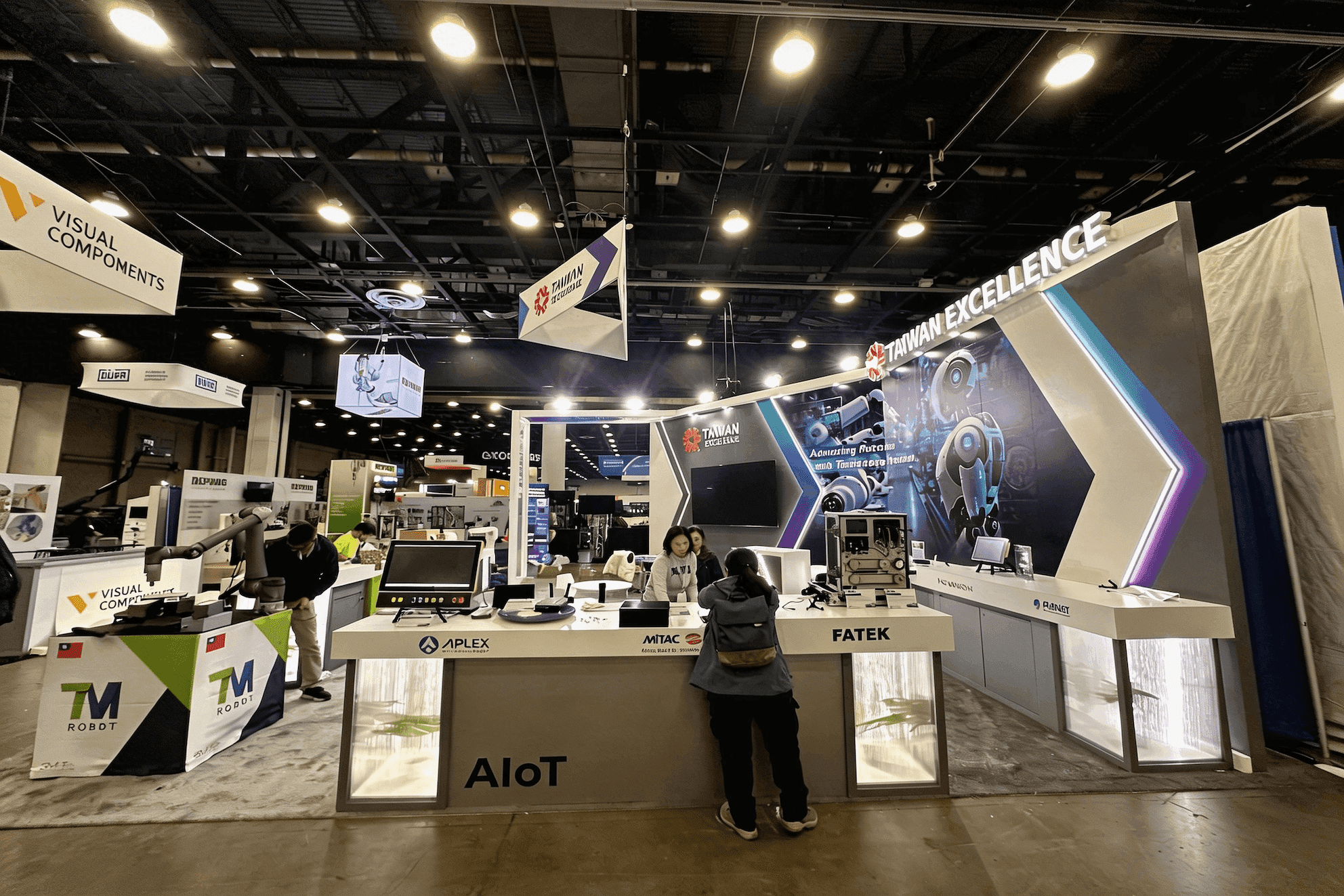


How should an I/ITSEC Cyber Pavilion booth be planned?
An I/ITSEC Cyber Pavilion booth should start with one clear training scenario, the roles involved, and what observers need to understand as the exercise unfolds. Role-based cyber and wargaming demos may require several workstations, a simplified observer dashboard, reliable connectivity, offline backup content, technical storage, and a quieter area for program or integration discussions.
Within the broader I/ITSEC exhibitor planning environment, the Cyber Pavilion brings together cyber ranges, electromagnetic warfare, wargaming, information warfare, networked training, and mission rehearsal technologies. Exhibitors may need to show how multiple operators, command interfaces, scenario tools, and connected systems work together, so the booth has to make the exercise understandable beyond the people sitting at the workstations.
Booth size depends heavily on station count, operator clearance, observer screens, equipment racks, cable routes, storage, and discussion space. A 20x20 booth can support a compact multi-role exercise with a shared observer view, while a 20x30 booth gives exhibitors more room to separate operators, equipment, and visitors. At the Orange County Convention Center, power, network services, equipment access, and installation sequencing should be coordinated around that technical layout.
These requirements also connect I/ITSEC with the wider cybersecurity trade show planning environment, where visitors need to understand not only what a system does, but how people interact with it during a live scenario. Clear observer views, visible role changes, and a defined path from demonstration to technical discussion help turn a complex exercise into something buyers can follow from the aisle.
Why Exhibitors Choose Circle Exhibit
Clear scope, transparent quote review, nationwide booth support, and efficient setup planning for qualified rental and custom exhibit projects.
48hr
Setup Window
10+
Years Since 2014
U.S.
Trade Show Support
Real
Booth Project Proof
Choose the footprint around the number of roles, workstations, observer screens, technical equipment, waiting visitors, and discussion needs. Additional stations only help when the exercise remains easy to follow.
Use a 10x20 booth for a focused cyber or wargaming demonstration with a limited number of stations, one observer display, and a short explanation area.
Move to a 20x30 booth when the exhibit needs separate briefing, active stations, external viewing, technical control, and a quieter integration or program discussion area.
A 20x20 booth gives a multi-role exercise room for several user stations, an instructor or control point, one observer dashboard, technical storage, and limited discussions.
A 30x40 booth suits larger station groups, linked scenarios, wider observer zones, overhead visibility, storage, and private meetings.
A multi-user cyber demo should make the scenario, participant roles, workstations, observer dashboard, and reset process easy to follow. The cyber range demo workflow guide explains how to connect these parts so participants can run the exercise while nearby visitors understand what is happening and why the result matters.
Cyber Pavilion displays need to communicate a digital exercise through physical stations, simplified visuals, reliable technical infrastructure, and a clear transition from demonstration to discussion.
Give visitors a clear starting point before they watch the exercise. Identify the mission, participating roles, training objective, and expected result.
Arrange workstations so active users can collaborate without blocking operator access or surrounding sightlines. Cable routes and technical support should remain outside the visitor path.
Use a larger display to show key actions, status changes, and the exercise result. The observer view should explain the scenario without exposing every technical screen.
Plan live network access together with local data, recorded content, equipment storage, and a quieter area where technical teams can discuss integration after the demonstration.
The Cyber Pavilion brings together cyber, electromagnetic warfare, wargaming, and information warfare technologies, training programs, and workforce development discussions.
The Cyber Pavilion is part of I/ITSEC 2026, running November 30–December 3 in the OCCC South Concourse in Orlando.
The Pavilion connects government, defense, industry, international, and academic teams working on cyber readiness, training, simulation, and mission operations.
Not Sure Which Booth Size You Need?
Not every exhibitor knows whether a 10x20, 20x20, 20x30, or larger booth is the right fit. Circle Exhibit can help review your event goals, product display needs, demo areas, meeting space, storage, budget scope, and setup timeline before you choose a booth size.
User Roles Blend Together
Workstations Turn Away From Observers
1
Choose One Scenario to Lead With
2
3
4
Rental for Screen-Based Cyber Exercises
When the demonstration is built around software, operator stations, and shared observer screens, the booth itself can stay relatively simple. Orlando booth rental fits setups that can be organized with standard walls, counters, monitor positions, concealed cabling, and a clear boundary between active users and observers.
Custom for Integrated Mission Environments
A custom build becomes more relevant when multiple station groups, equipment racks, command interfaces, overhead branding, private discussion areas, or unusual cable access begin to shape the architecture.
Hybrid for Reusable Cyber Training Systems
A hybrid approach can keep the main structure reusable while adding purpose-built workstations, equipment interfaces, cable access, storage, and graphic elements around the current training scenario.
At the OCCC South Concourse, workstation clusters, observer displays, equipment racks, storage, and aisle access should be confirmed before electrical and network service locations are finalized.
Place the briefing point, active users, waiting visitors, and observer screen so the scenario remains readable without surrounding the workstations.
Treat electrical service, wired connectivity, AV routing, equipment arrival, cable management, and installation sequencing as one technical workstream.
Before opening, test account access, station roles, dashboard routing, connectivity, local data, recorded content, reset timing, and the transition into the next session.
I/ITSEC Cyber Pavilion Booth Rental Planning
A rental booth can support role-based workstations, cyber range demos, observer dashboards, scenario graphics, equipment storage, and technical discussions. Larger station groups or complex cable and control requirements may need custom components within the rental structure.
What should an I/ITSEC Cyber Pavilion booth include?
The booth should include a clear scenario briefing, role-based workstations, an operator or instructor point, an observer dashboard, technical storage, connectivity, backup content, and discussion space.
What booth size works for a cyber training demonstration?
Does a cyber range demonstration need wired internet?
How can observers follow a multi-user cyber exercise?
Should technical discussions be separated from the live demo?
READY TO PLAN YOUR NEXT BOOTH?
Let’s Build a Booth That Fits Your Event
Share your event name, booth size, city, timeline, product display needs, and design references. Circle Exhibit will review your project direction and help you choose a rental-friendly or custom exhibit path.
3000+
Booth Projects Supported
50+
U.S. Event Cities
Transparent
Quote Review
Let station count, screen positions, equipment racks, operator access, sightlines, and cable routes shape the booth before production begins.
A prebuild review verifies workstation fit, monitor placement, equipment access, storage, graphic locations, and readiness for technical integration.
Freight timing, computer and AV arrival, network requirements, utility orders, equipment racks, and installation sequencing need to be aligned before move-in.
Leave enough installation time for workstation setup, screen routing, cable management, connectivity checks, dashboard testing, and scenario rehearsal.
Role labels, scenario diagrams, mission context, system relationships, and outcome graphics help visitors understand the exercise before entering a technical discussion.