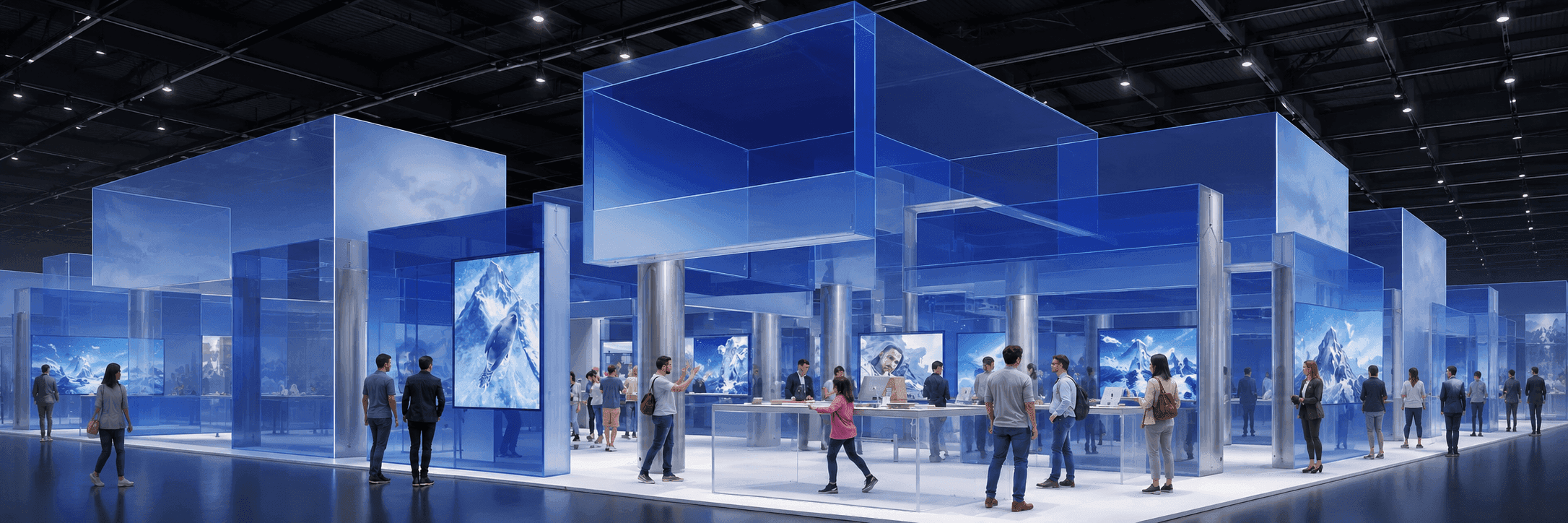
20x30 Trade Show Booth Size and Layout Planning
A 20x30 trade show booth gives exhibitors 600 square feet to separate product demos, buyer conversations, reception, storage, graphics, and screen presentations without moving into a much larger island footprint.
This size works well when a 20x20 booth feels too tight for multiple visitor activities, but a 30x30 or 30x40 booth adds more space than the project needs. The strongest 20x30 booth design starts with clear zoning, open aisle access, and one primary visitor action.
Start with the footprint and visitor path. Build the booth around what people actually need to do inside it.

What Fits Inside a 20x30 Trade Show Booth?
A 20x30 trade show booth can usually support a reception point, one or two product demo areas, a meeting zone, hidden storage, branded graphics, screen displays, lighting, and open visitor paths.
The footprint provides more flexibility than a 20x20 booth, but the extra space should not simply be filled. A practical 20x30 booth layout gives the main product or presentation enough room to work while keeping meetings, storage, and staff movement from competing with visitor flow.
When a 20x30 Trade Show Booth Makes Sense
A 20x30 booth is useful when the exhibit needs more than one visitor activity but still benefits from a controlled island layout.
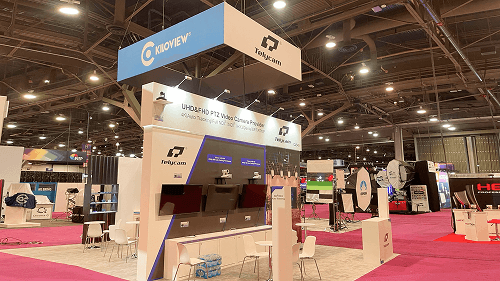
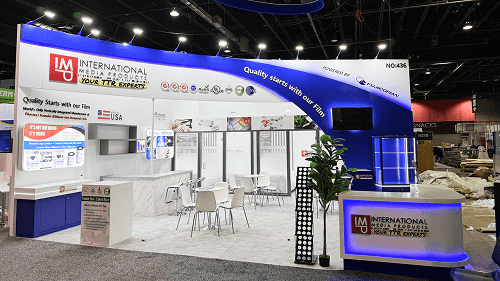
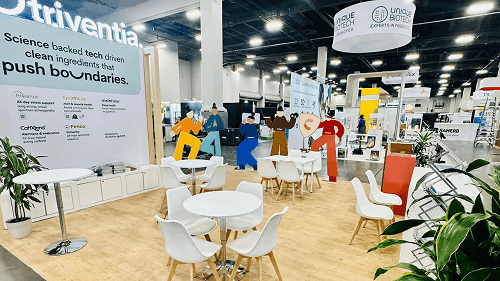
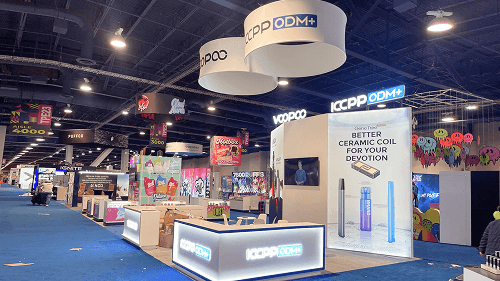
Explore 20x30 Booth Designs
Common 20x30 Island Booth Layouts
A 20x30 island booth can be organized in several ways depending on what visitors should do first. The best layout is usually the one that makes the primary interaction obvious from the aisle.
Demo-First Island Layout
Place the strongest product demonstration, screen, or presentation counter toward the most important aisle. Meeting and storage areas stay behind or beside the main demo zone.
Screen Wall + Meeting Layout
Use one side for a larger digital presentation or software demonstration while the opposite side supports buyer meetings, qualification, and storage.
Reception + Product Display Layout
A visible reception point manages arrival while product displays, shelving, samples, or equipment are distributed through the longer side of the booth.
Storage-Led Layout
Use an enclosed or concealed storage area as one anchor point, leaving the remaining footprint open for product demos, meetings, graphics, and visitor movement.
A good 20x30 trade show island booth layout should remain readable from several open sides. Counters, furniture, graphics, and storage walls should guide visitors rather than create barriers.

20x30 and Similar Booth Project References
Review real booth projects with 20x30 and nearby island footprints. These examples show how exhibitors use product demonstrations, screen presentations, meeting areas, graphics, storage, visitor flow, and show-site execution differently within larger booth spaces.

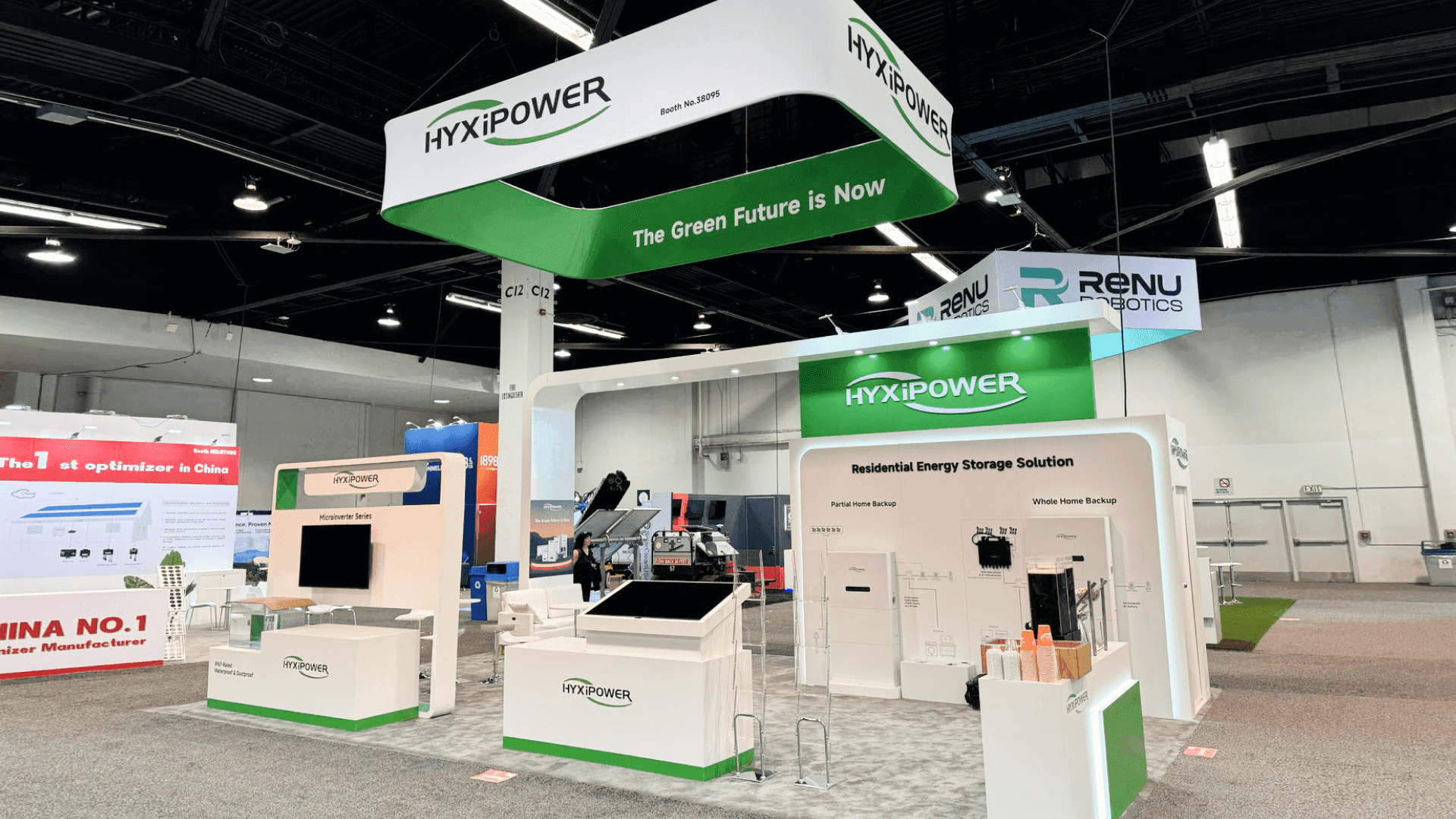

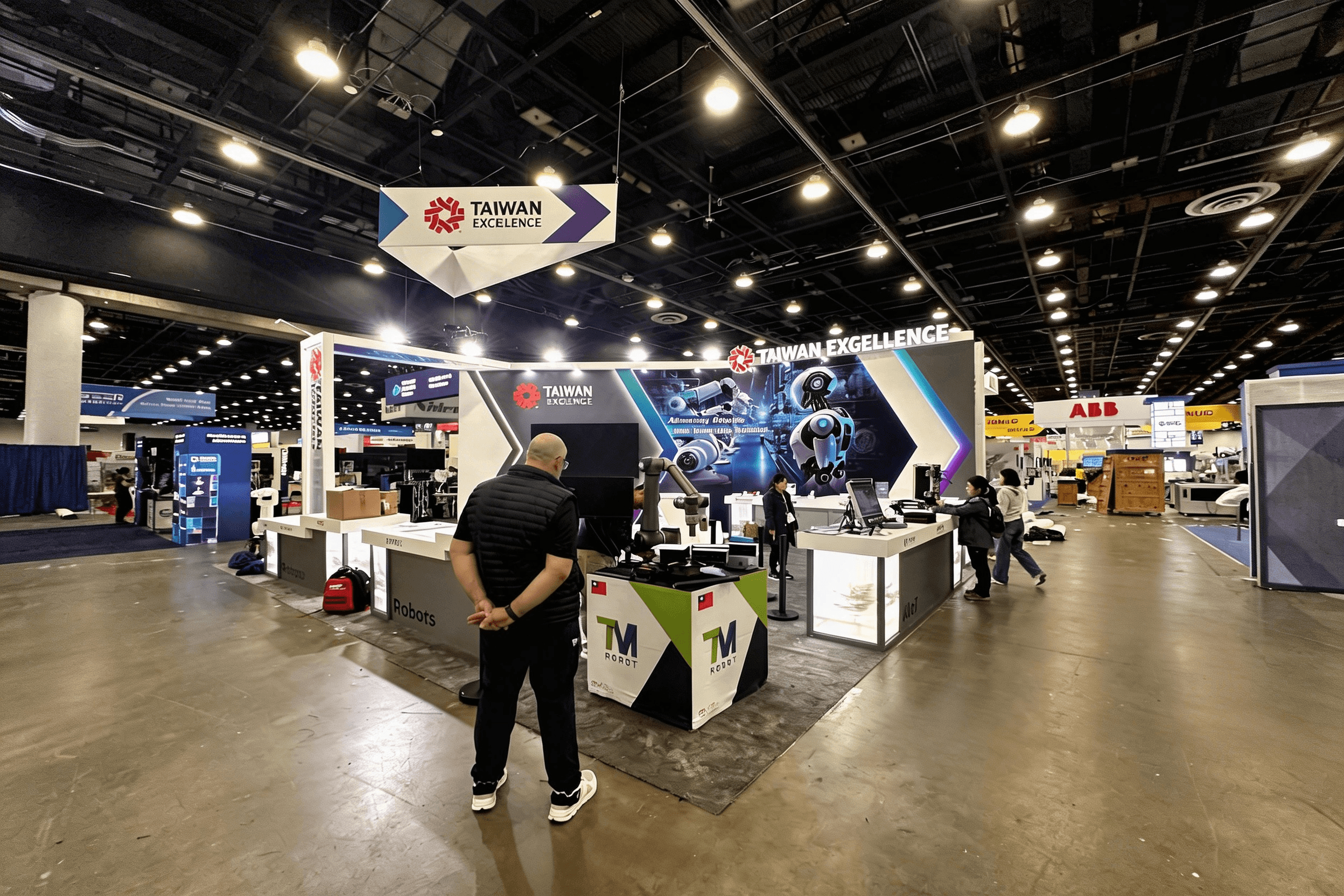
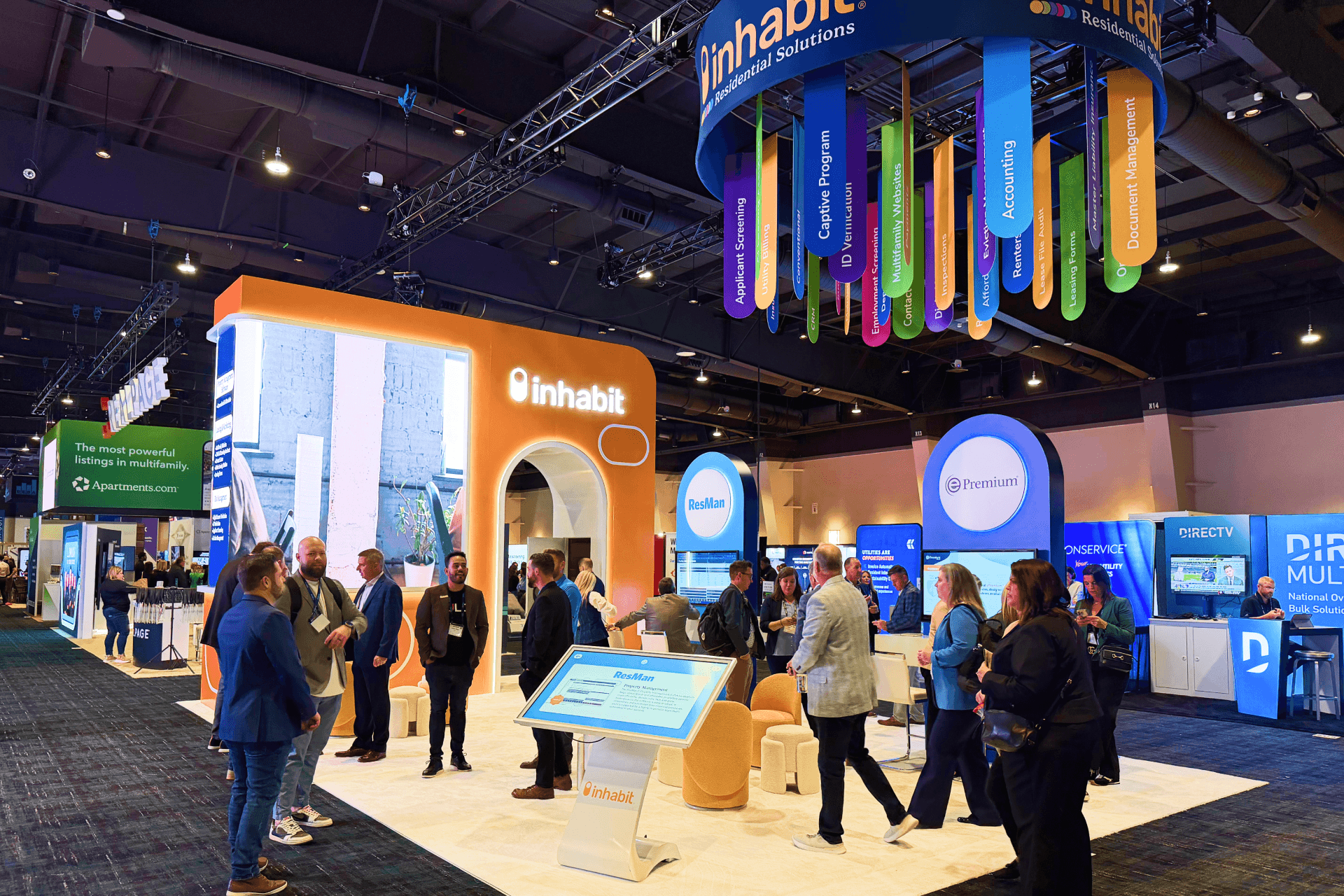
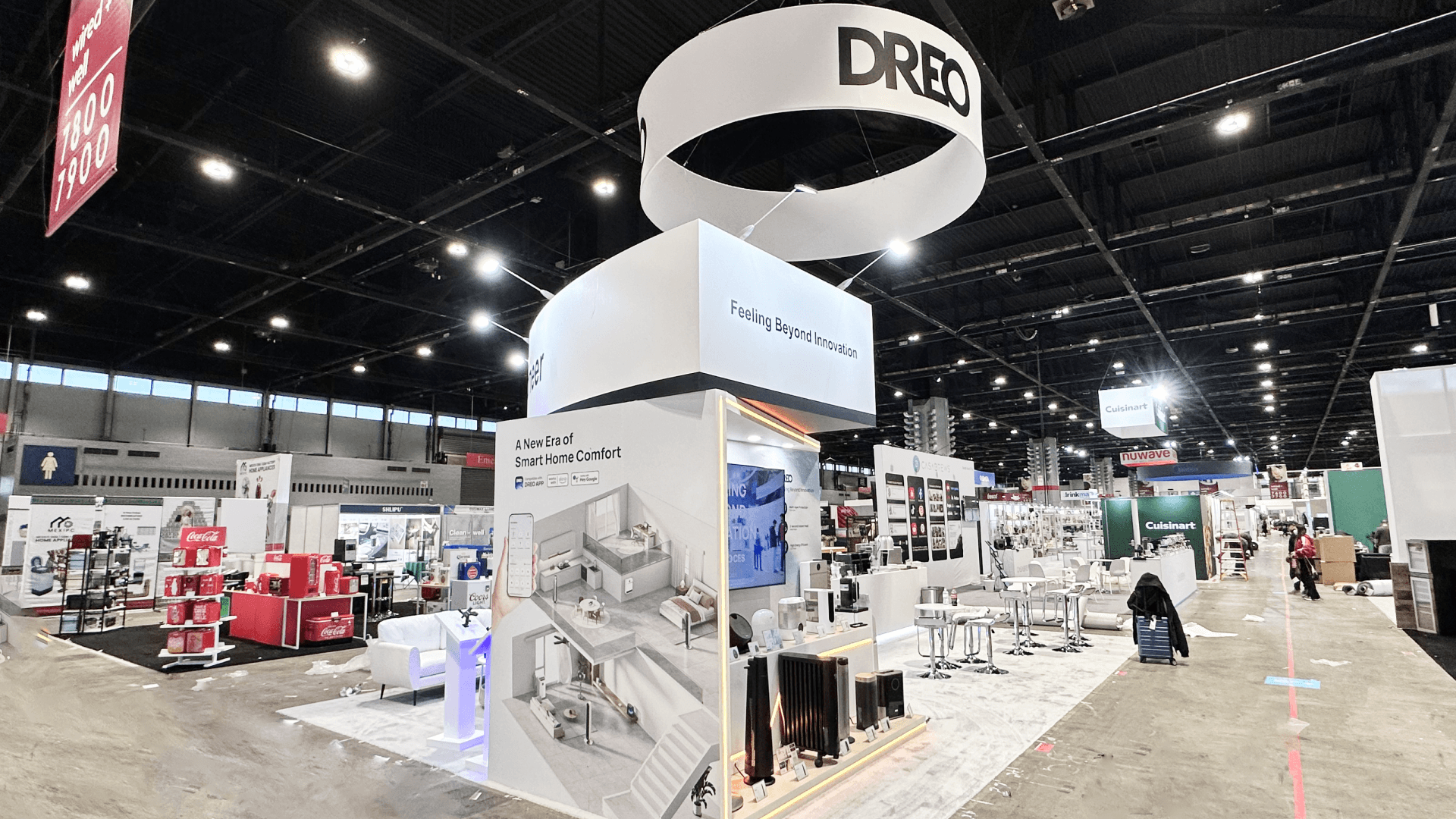
Want to compare more booth layouts, graphics, logistics, and installation details? View more trade show booth case studies, or review SEMA booth planning for vehicle displays when a 20x30 booth needs product walls, demo counters, and stronger aisle visibility.
Planning a Similar 20x30 Booth?
Share your show, product type, visitor goals, and preferred booth functions. Circle Exhibit can help review whether the layout should prioritize demos, meetings, storage, graphics, or a combination of these.
Start My 20x30 Booth Plan
20x20 vs 20x30 vs 30x30: Which Booth Size Fits?
There is no single “best” 20x20 layout. The right one depends on the open sides, product, visitor behavior, staffing, and how long people are expected to stay.
20x20
Best when the booth needs a focused product demo, reception, small meeting area, graphics, and storage within a more compact island footprint.
Compare 20x20 booth planning
20x30
Best when the booth needs more separation between demos, meetings, product display, storage, screen content, and staff movement while remaining relatively controlled.
30x30
Best when the exhibit needs more balanced island depth, several active zones, larger meetings, stronger overhead branding, or more space around product presentations.
Compare 30x30 booth planning
A 20x30 booth is often the practical middle step when a 20x20 feels crowded but the project does not yet need the additional depth of a 30x30 island.
Rental-Friendly or Custom 20x30 Booth?
A 20x30 trade show booth can follow either a rental-friendly or custom build path. The right choice depends on how specialized the structure needs to be, how often the booth will be reused, and how much of the brand environment must be created specifically for the project.
Rental-Friendly 20x30 Booth
A rental-friendly layout works well when the project needs:
branded wall and SEG graphics
demo counters or product displays
screen presentations
meeting furniture
reception
hidden storage
adaptable structural components
It gives exhibitors more flexibility when the booth must change between events or campaigns.
View 20x30 Rental Designs
Custom 20x30 Booth
A custom 20x30 booth makes more sense when the project needs:
unique architectural features
specialized product integration
private or semi-private rooms
custom fabrication
overhead branding
a structure designed around a multi-show program
For larger custom requirements, Las Vegas trade show booth builder support can connect fabrication, graphics, logistics, and show-site execution with the booth plan.

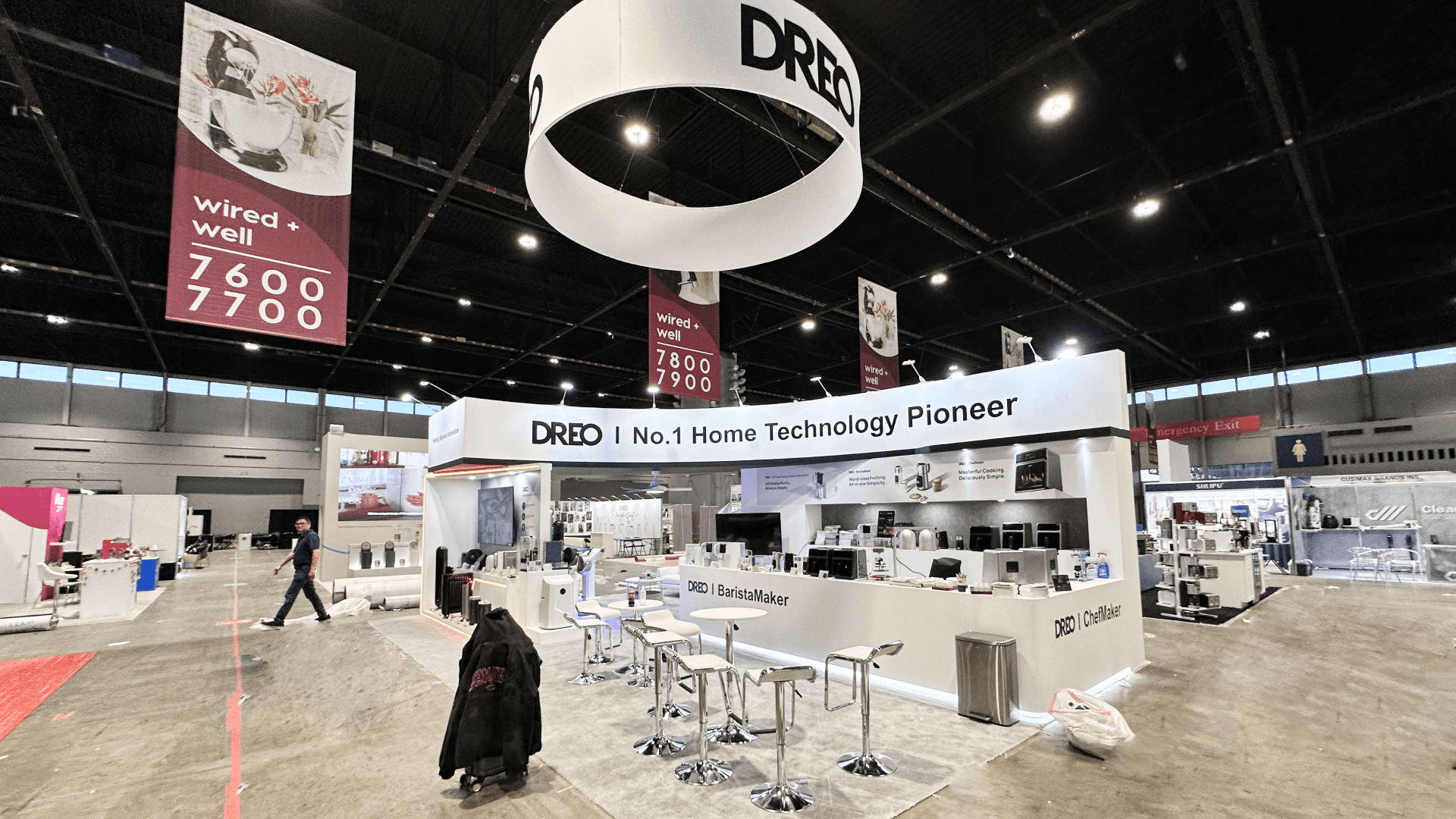
What Changes in a 20x30 Trade Show Booth Design?
A 20x30 trade show booth design has more moving parts than a smaller exhibit. The additional width and length affect how visitors approach the booth, how graphics are viewed, where screens and demos can operate, and how the structure is packed and installed.
Open-Side Planning
Confirm how many sides of the booth are open before walls, counters, or meeting areas are finalized. Strong aisle access is one of the main advantages of a larger footprint.
Graphics and Viewing Distance
A larger booth needs a clear visual hierarchy. Main graphics, screens, product messages, and brand identifiers should be readable from the aisle before visitors enter the space.
Power and Demo Placement
Screens, product equipment, lighting, charging points, devices, and demo counters should be placed with electrical routing and visitor movement in mind.
Packing and Construction Sequence
A 20x30 trade show booth construction plan may involve larger graphics, multiple counters, flooring, furniture, screens, wall sections, and lighting. These components should be packed and installed in an order that supports the final show-floor layout.
For more detailed planning, review booth design and engineering support and logistics and pre-show coordination.
20x30 Booth Execution in Las Vegas
For Las Vegas trade shows, a 20x30 booth should be planned around the event schedule and venue requirements before freight reaches the show floor.
LVCC, Venetian Expo, Mandalay Bay, Caesars Forum, and other major venues can involve different move-in schedules, freight handling procedures, labor coordination, electrical requirements, and installation timing.
A 20x30 booth may include multiple crates, larger graphic surfaces, screen equipment, meeting furniture, product displays, counters, flooring, lighting, and storage components. The layout should therefore connect with freight order, drayage planning, electrical placement, and the installation sequence.
Exhibitors comparing flexible structures can review Las Vegas trade show booth rental options.
For fabrication and show-site execution, review Las Vegas trade show booth builder support.
Common 20x30 Booth Mistakes to Avoid
A 20x30 booth gives more room than a 20x20, but that extra space can create new problems if the layout is not controlled. The booth should feel easier to use, not simply larger.
Too Many Zones
A 20x30 booth can support several functions, but every function should not receive equal space. Choose the primary visitor action first.
Reception Blocking the Main Entry
Reception should welcome and qualify visitors without becoming a physical barrier across the strongest aisle approach.
Meeting Space Too Exposed
Buyer conversations become difficult when seating sits directly inside an active demo path or near a high-traffic entrance.
Graphics Spread Too Thin
A larger footprint still needs one clear brand hierarchy. Too many small messages can make the booth harder to understand from the aisle.
Storage Added Too Late
Samples, devices, tools, brochures, cables, staff items, cleaning materials, and giveaways need a planned location before the booth moves into production.
20x30 Booth Planning Checklist
Define the Main Booth Purpose
Decide whether the primary goal is a product demo, buyer meeting, product display, screen presentation, lead capture, or product launch.
Confirm Open Sides
Check how visitors can approach the booth before walls, counters, graphics, and meeting zones are positioned.
Separate Active and Quiet Zones
Keep product demonstrations and high-traffic activity from interfering with meetings and qualified conversations.
Confirm Product and Demo Equipment
Finalize product dimensions, screens, counters, lighting, devices, and power requirements before production.
Plan Graphics by Viewing Distance
Identify the strongest aisle approaches and make the primary brand message readable before visitors enter the booth.
Reserve Practical Storage
Keep supplies accessible to staff while preventing cases, literature, cables, and personal belongings from becoming visible clutter.
Confirm Freight and Installation
Large graphics, flooring, counters, wall sections, lighting, screens, and product equipment should arrive and install in a controlled sequence.

For Las Vegas projects, exhibit installation and dismantle planning should be confirmed before move-in.
Compare larger booth layouts, rental designs, and planning resources before confirming demos, meetings, and display zones.

FAQs
Quick clarity on scope, timeline, and execution workflow
Is a 20x30 booth considered an island booth?
A 20x30 booth is commonly used as an island or peninsula footprint, but the final booth type depends on the assigned show-floor location and the number of open sides. Exhibitors should confirm the official floor plan before finalizing walls, entrances, counters, or graphics.
How much space is in a 20x30 trade show booth?
What can fit inside a 20x30 trade show booth?
Is a 20x30 booth better than a 20x20 booth?
Can a 20x30 trade show booth be rented?