AACR Laboratory Technology Demo Booth Planning for Instrument and Workflow Exhibitors
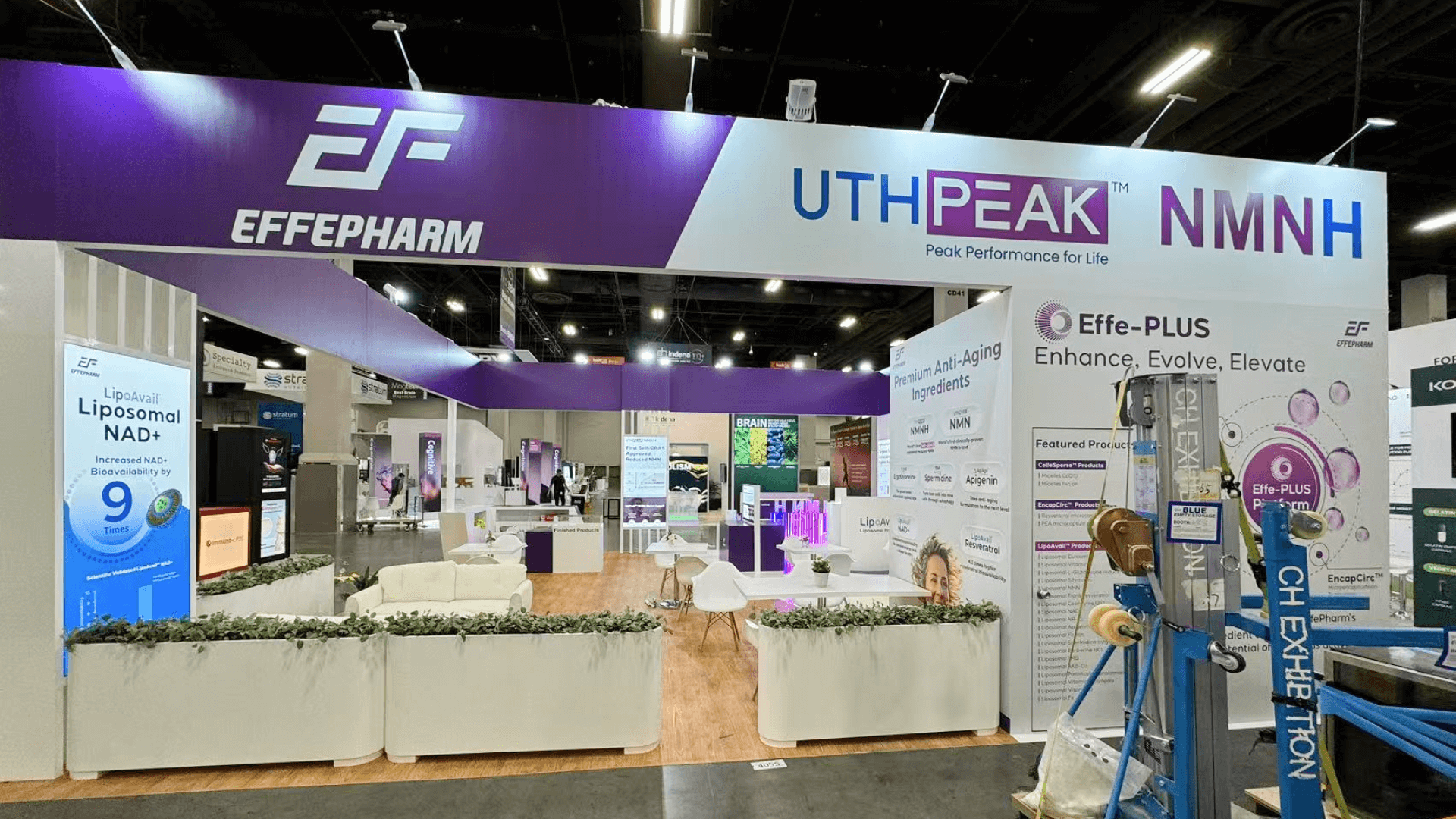
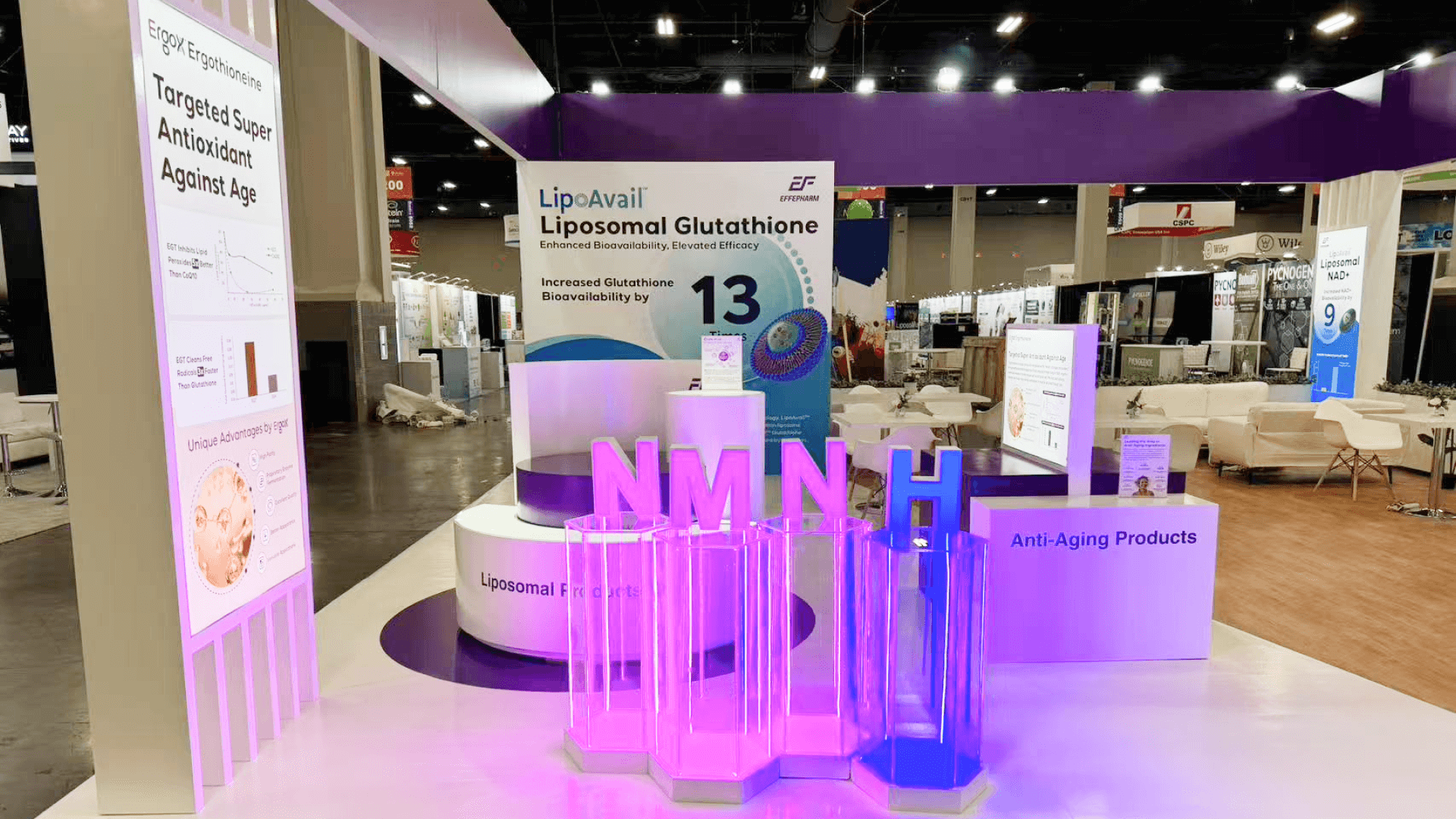


How should exhibitors plan an AACR laboratory technology demo booth?
Begin with the working process. Account for the instrument, loading points, operator movement, service access, utilities, result screen, visitor position, consumables, and reset materials before adding architectural elements. The booth works only when visitors can recognize the input, follow the operating step, see the result, and ask questions without entering the operator’s space.
A laboratory technology booth works best when visitors can follow the process without waiting for a long explanation. They should be able to see what enters the system, which step the equipment performs, and where the result appears, allowing the presenter to move quickly into technical detail.
Within the broader AACR Annual Meeting, equipment-led exhibits introduce practical requirements that do not apply to every exhibitor. Operator movement, viewing positions, screens, utilities, service access, and reset all affect the layout. When the focus shifts to therapeutic pipelines, scientific evidence, or partnership discussions rather than equipment operation, biotech and drug discovery planning addresses that different exhibit need.
Booth size should be based on the equipment in operation rather than its stored dimensions. A 10x20 footprint can support a compact device or screen-led workflow, while 20x20 and 20x30 layouts provide more room for working clearance, visible results, viewer positions, consumable storage, and technical discussions. At the Orange County Convention Center, equipment access, utilities, freight, and installation should be coordinated around that operating footprint.
Why Exhibitors Choose Circle Exhibit
Clear scope, transparent quote review, nationwide booth support, and efficient setup planning for qualified rental and custom exhibit projects.
48hr
Setup Window
10+
Years Since 2014
U.S.
Trade Show Support
Real
Booth Project Proof
The equipment dimensions are only the starting point. Open panels, operator movement, sample handling, utilities, result screens, audience positions, storage, and reset determine the usable footprint.
A 10x20 booth can accommodate a tabletop device, compact instrument, software-led process, or sample-based explanation when the active operation remains limited.
A 20x30 booth gives a larger system more depth and separates active operation from result review or a longer discussion with an application specialist.
A 20x20 booth provides room for one primary instrument, an operator zone, visible output, several viewers, technical questions, and nearby reset storage.
A 30x40 booth can support multiple instruments, application teams, or workflow stages. At that scale, freight order, utilities, prebuild checks, and testing become part of the layout.
Getting scientific equipment into the booth and making it ready to run are separate tasks. The AACR move-in and equipment sequence follows freight, service access, utilities, placement, screens, and connected testing before opening, while this Event page continues with operator access, visitor viewing, visible results, and demonstration reset during the show.
The booth should make one complete working sequence understandable while preserving operator access, technical clearances, audience visibility, result display, storage, and reset.
The plan should reflect the instrument while it is being loaded, operated, viewed, and serviced—not only where it rests when closed.
Visitors should be able to identify the input, operating step, and output before they hear every technical detail.
The screen or physical output should connect clearly to the process. Visitors should not have to look over the operator’s shoulder to understand what happened.
Frequently used consumables belong near the operator. Backup components, literature, and staff items can remain farther from the active station.
This page applies to instruments, imaging systems, analytical tools, sequencing platforms, assays, laboratory automation, and other research technologies shown at AACR.
AACR Annual Meeting 2027 takes place April 2–7 at the Orange County Convention Center, with exhibits open April 4–6.
Visitors are likely to ask how the system operates, where it fits into a research workflow, and what type of result or evidence it produces.
Not Sure Which Booth Size You Need?
Not every exhibitor knows whether a 10x20, 20x20, 20x30, or larger booth is the right fit. Circle Exhibit can help review your event goals, product display needs, demo areas, meeting space, storage, budget scope, and setup timeline before you choose a booth size.
Planning Around the Equipment While It Is in Use
Giving the Operator and Visitors Different Positions
1
Select the Demonstration Moment
2
3
4
Rental for Compact Instrument Demos
A compact instrument demo can often use an Orlando booth rental setup when standard walls, counters, screens, and storage leave enough room for operation, viewing, and servicing.
Custom for Exact Equipment Integration
When the instrument requires exact openings, reinforced supports, integrated utilities, controlled sightlines, or protected service access, the booth may need custom design and engineering built around those requirements.
Hybrid for Repeat Scientific Demonstrations
A hybrid approach can keep walls and storage reusable while adding purpose-built equipment platforms, work surfaces, screen mounts, and utility access around the instrument. This works well when the same system or workflow is demonstrated across several scientific meetings.
Structure, utilities, screens, and technical equipment may arrive on different schedules. The installation plan should identify which item must be ready before another can be positioned.
AACR requires Inline Booth demonstrations to remain in the back half of the footprint. The operator and viewing group should stay far enough inside the booth to keep the front open and avoid drawing a crowd into the aisle.
Power, data, and service points should be tested before completed counters, walls, or equipment placement make them difficult to reach.
Do not stop after confirming that the instrument powers on. Run the visitor explanation, operating step, screen result, questions, cleanup, and reset.
Rental Booth for a Compact Instrument Demo
A rental booth in Orlando can work for a compact instrument or screen-led workflow when standard walls, counters, screen supports, and storage leave enough room for operator movement, visitor viewing, service access, and demonstration reset.
What belongs in an AACR laboratory technology demo booth?
The core elements are the instrument or workflow, an operator position, visible output, visitor viewing space, utilities, storage, and a repeatable reset process.
Does the equipment need to operate live?
How much equipment clearance should be planned?
Where should visitors stand?
What should be tested before opening?
READY TO PLAN YOUR NEXT BOOTH?
Let’s Build a Booth That Fits Your Event
Share your event name, booth size, city, timeline, product display needs, and design references. Circle Exhibit will review your project direction and help you choose a rental-friendly or custom exhibit path.
3000+
Booth Projects Supported
50+
U.S. Event Cities
Transparent
Quote Review
Equipment access, operator movement, viewers, screens, utilities, and storage affect the same few feet of floor space. Design and engineering planning helps resolve those physical relationships before production.
The equipment cannot be tested before handling, power, internet, and access are ready. Logistics and pre-show coordination connects those dependencies to the delivery schedule.
Structure, utilities, graphics, screens, and equipment cannot always be installed in any order. Installation and dismantle planning establishes the sequence needed to preserve access and leave time for testing.
An opening may be too narrow, a screen mount may interfere with access, or storage may block an operator. Fabrication and prebuild checks can expose those conflicts before the booth reaches Orlando.
The 20x20 booth planning page gives a closer look at organizing one instrument, one operator zone, visible output, reset storage, and several viewer positions.