
Show the Process in the Order Buyers Evaluate It
Before choosing samples, screens, or data panels, define the decision path the display needs to support.
Identify the feed material. State what enters the process and any starting condition that affects the outcome.
Define the change. Make clear whether the equipment mixes, reduces size, removes moisture, screens, separates, or performs another relevant action.
Show the output. Give the buyer something visible or measurable to compare with the original material.
State the conditions. Attach the material and operating context needed to interpret the comparison.
Set up the next technical question. Indicate whether the next step involves application review, sample testing, configuration, or another form of confirmation.
This order explains the process without prescribing a floor plan. The machine, samples, data, and visual should all help answer the same application question.

A non-operating machine needs supporting proof that connects the feed material, processing step, and resulting output.
Give Each Form of Evidence a Different Job
The Machine Establishes What Buyers Can Inspect
The physical display should give a visitor a useful inspection point, such as a connection, interface, access panel, contact surface, mixing tool, screen deck, discharge assembly, or maintenance point. It may be the full unit or one relevant component. Its purpose is to reveal scale, construction, or access that a photograph or specification sheet cannot communicate as clearly—not to prove the material outcome by itself.
Samples Establish the Before-and-After Relationship
Place the starting material and processed output in a clear relationship. Labels should identify the material, distinguish input from output, and state any condition needed to understand the comparison. If feed size, moisture, formulation, or another starting condition materially affects the outcome, include it beside the sample. The samples should represent the stated test rather than imply that one selected output reflects every application.
Operating Data Gives the Result Its Context
Choose only the metrics needed to interpret the displayed outcome. Depending on the task, those might include particle-size information, moisture change, throughput range, mixing time, or another relevant measure. Each figure needs the material type and test conditions that produced it; a number without feed conditions, moisture, particle range, throughput band, or test context gives the buyer little basis for comparison. Detailed specifications can remain in technical documents.
A Process Visual Explains the Hidden Step
Use a diagram, animation, or short recorded sequence for the part of the process that cannot be observed from outside the stationary equipment. It might explain internal material movement, an enclosed processing stage, or the relationship between two components. Keep it tied to the physical display and the output being discussed. A general brand video does not serve the same purpose.
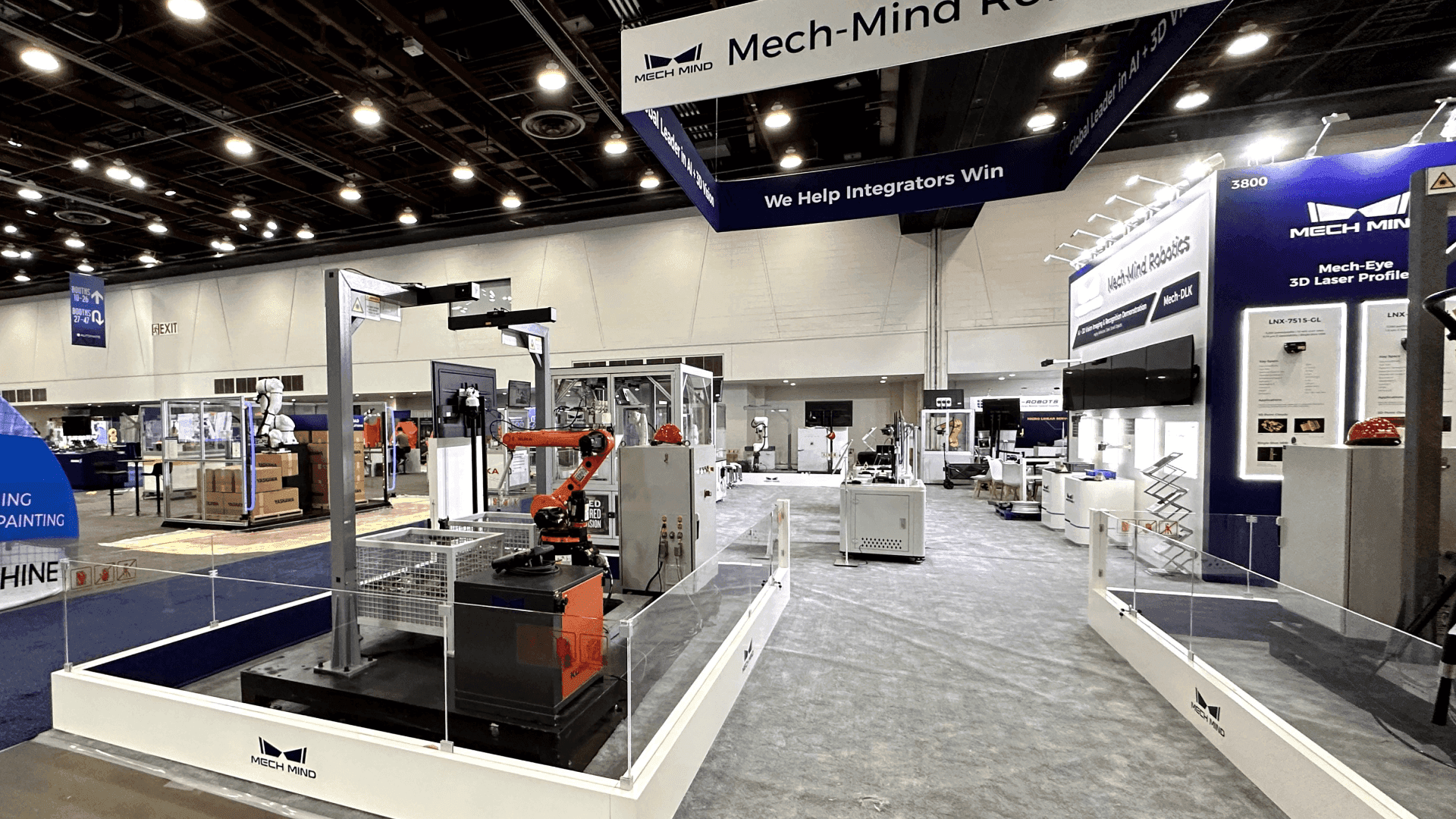
Operating data becomes meaningful when it is tied to the material and test conditions that produced the displayed result.
Match the Evidence to the Processing Task
The supporting material should reflect the change each machine is expected to produce. These examples define display priorities, not performance standards.
Equipment | Buyer Question | What to Show |
|---|---|---|
Mixer | What enters the machine and whether the output matches the stated mixing objective | Labeled ingredients, an output sample, and any approved cycle or uniformity measure needed to interpret it |
Mill | How the feed material changes in size | Feed and processed samples, particle-size information, and the conditions of the test |
Dryer | How the material’s moisture condition changes | Labeled input and output samples, before-and-after moisture values, and relevant temperature or residence-time context |
Screener | How the feed is divided into size-based fractions | The original feed mixture, retained and passing fractions, and relevant screen-opening or cut information |
Separator | How the material is divided or a target fraction is recovered | Feed and resulting fractions, a simple process visual, and an approved separation measure tied to material and test conditions |
Only include values supported by the exhibitor’s approved test results. The table should not suggest that one result applies to every material or equipment configuration.
Create an Evidence Brief Before Booth Design Begins
Before layout work starts, give the design team a short evidence brief containing:
The exact machine or component that will be displayed
The buyer question the physical item must help answer
The samples, data, and process visual required
The material and test conditions that must remain attached to each claim
What the buyer should inspect or discuss next
The brief tells the design team what must be visible, readable, and available for inspection. Booth size, equipment placement, utilities, freight, and installation remain separate planning decisions.
FAQ: Presenting Powder Processing Equipment Without a Live Demo
Does the Full Machine Need to Be Present?
No. Use the full unit when visitors need to understand its overall scale, access, interfaces, or configuration. A key component may be more useful when the decision depends on inspecting a rotor, screen, mixing element, discharge assembly, contact surface, or another specific part.
Can Recorded Process Footage Replace a Live Run?
Footage can show motion or an internal stage that cannot operate in the booth, but it should not stand alone as proof of the output. Connect it to the relevant equipment, samples, and operating conditions so visitors can distinguish recorded action from the material evidence available for inspection.
What If the Processing Result Is Not Visually Obvious?
Use a measured before-and-after comparison rather than relying on appearance. Moisture values, particle-size data, consistency measurements, or another relevant result can sit beside the labeled material. State the measurement and test conditions needed to keep the comparison meaningful.







