Smart Building System Demos and Integration Planning for NFMT West

How should smart-building systems be demonstrated at NFMT West?
Use one guided system story that shows what enters the system, how it responds, what the operator sees, and what changes operationally. Once the buyer understands that sequence, move compatibility and integration questions into a separate technical conversation focused on the buyer’s existing building environment.
Smart-building systems are difficult to evaluate from a software interface alone. Facility managers need to see what triggers the system, how it responds, what the operator sees, and how it fits an existing building environment.
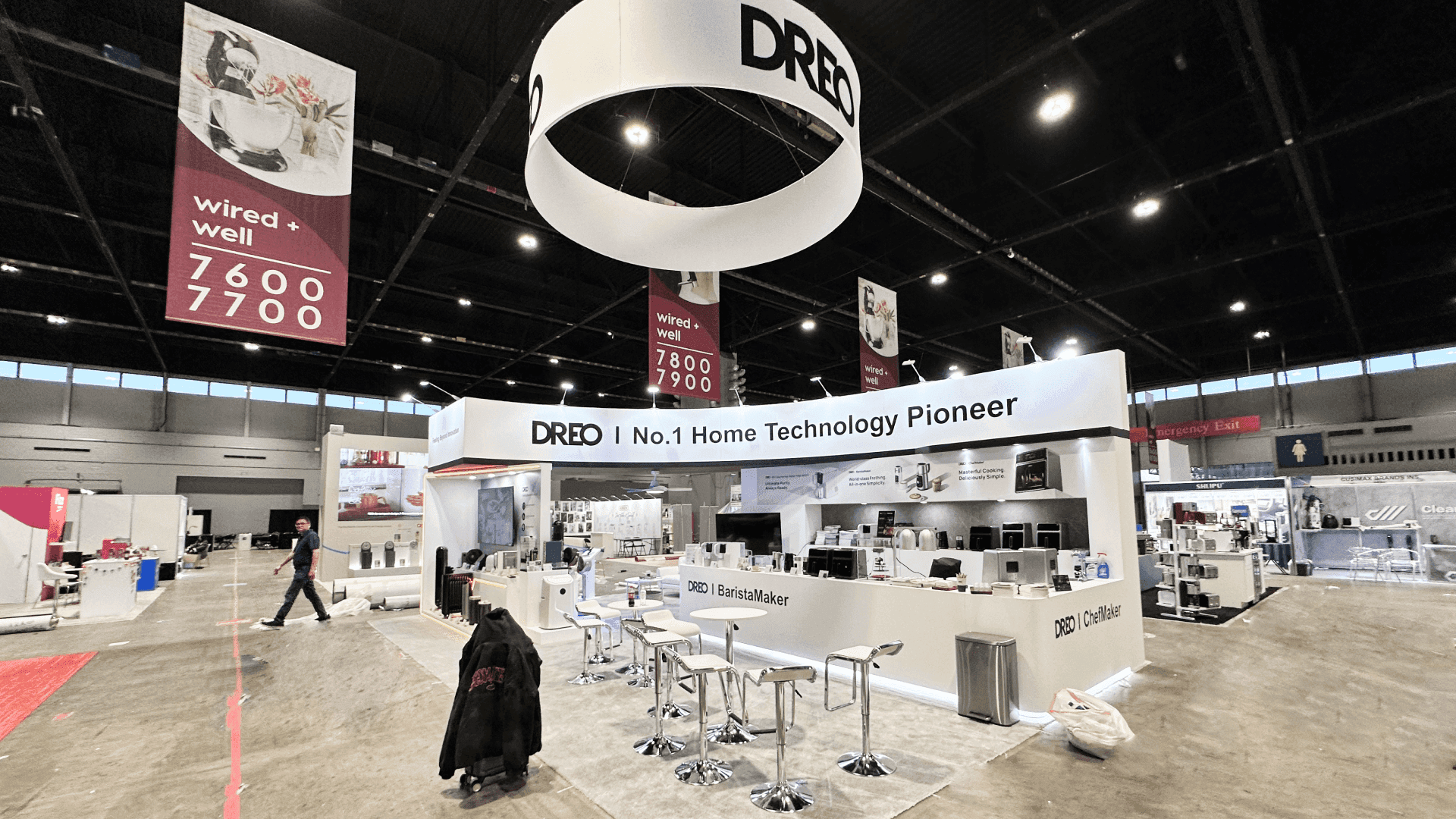
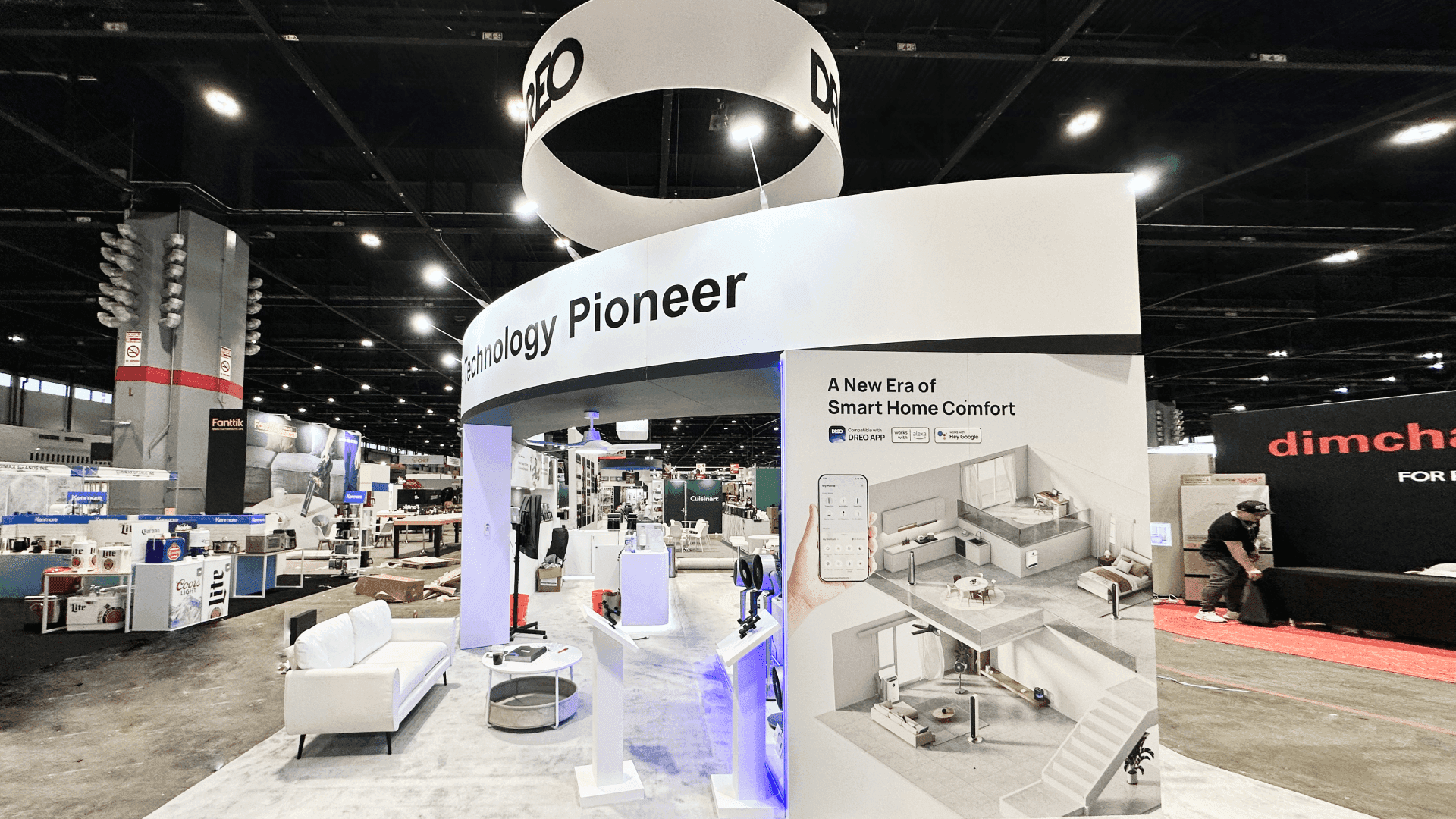
A focused demo can fit in a 10x20. A 20x20 booth works better when the demo must stay active while another buyer moves into an integration discussion. A 20x30 becomes useful when several demos, devices, or technical conversations need to run at once.
For physical products, service-led solutions, or mixed exhibit programs, use the NFMT West booth planning hub. At Horseshoe Event Center, confirm current power, connectivity, device, and other show-service requirements before finalizing the demo environment.
Why Exhibitors Choose Circle Exhibit
Clear scope, transparent quote review, nationwide booth support, and efficient setup planning for qualified rental and custom exhibit projects.
48hr
Setup Window
10+
Years Since 2014
U.S.
Trade Show Support
Real
Booth Project Proof
The key question is how many guided demonstrations and technical discussions must operate at once. Screen count alone is not a useful reason to increase the footprint.
A 10x20 booth can support one primary screen or interface, one guided demonstration, light device display, and a standing follow-up conversation.
A 20x30 booth gives several demos, devices, visualization layers, and technical conversations more room to operate without concentrating everything at one station.
A 20x20 booth is useful when the main demonstration must stay active while another buyer moves into a longer integration or compatibility discussion.
A larger footprint becomes easier to justify when multiple demo teams, distinct system families, substantial device displays, or more private technical conversations need to run independently.
Connected building systems are easier to evaluate when buyers already understand the facility problem and operating condition behind the demonstration. If that context is introduced in a Learning Lab, the booth does not need to repeat the explanation; it can move into system behavior, workflow, controls, or compatibility. Separating Learning Lab content from booth proof makes the demonstration more useful because buyers arrive knowing what they are trying to verify.
That evaluation often becomes facility-specific once existing controls, equipment, drawings, or system information enter the conversation. Buyer-provided material can help narrow compatibility or application questions, while missing technical inputs may still prevent a reliable conclusion. The process for using facility specs in a booth evaluation provides a practical boundary between an initial show-floor discussion and deeper technical review.
The booth should make an invisible system legible in a few steps. Architecture, screens, devices, and staff positions should support the same explanation rather than act as separate attractions.
Show one understandable relationship between devices, data, controls, software, and operator action instead of covering the booth with disconnected features.
Give staff control of the sequence while keeping the trigger, response, interface, and operational result visible to the buyer.
Use architecture, workflow, protocol, or integration graphics only when they help a facility manager understand how the solution could fit an existing environment.
Give longer integration questions somewhere to continue without occupying the main demonstration screen or interrupting the next guided demo.
This planning scenario applies to BAS, IoT, CMMS, controls, dashboards, connected devices, and other systems that buyers understand through workflows and system behavior rather than one physical object.
NFMT West runs November 3–4, 2026 at Horseshoe Event Center in Las Vegas.
NFMT West’s Digital Evolution programming specifically includes building automation systems, IoT sensors, AI-driven maintenance, energy dashboards, and integration challenges.
Not Sure Which Booth Size You Need?
Not every exhibitor knows whether a 10x20, 20x20, 20x30, or larger booth is the right fit. Circle Exhibit can help review your event goals, product display needs, demo areas, meeting space, storage, budget scope, and setup timeline before you choose a booth size.
One Demo Can Easily Turn Into a Feature Tour
Screens Need Different Jobs
1
Choose One Facility Use Case
2
3
4
Rental Works When the Technology Stays Surface-Mounted
A Las Vegas trade show booth rental can support standard monitors, demo counters, branded walls, light device displays, and one or two guided system demonstrations.
Custom Makes Sense When Technology Becomes Part of the Exhibit
Embedded screens, integrated devices, technology walls, multiple synchronized demos, or more controlled technical spaces can justify custom fabrication. Use booth fabrication and prebuild support when technology changes the structure or installation method.
Hybrid Works for Reusable Demo Modules
A rental framework can carry custom technology fixtures, reusable demo components, system graphics, and device integrations without requiring the entire structure to be custom-built.
Verify current NFMT and venue information for power, connectivity, screens, devices, and any other service the buyer-facing demonstration depends on.
Screens, devices, chargers, control hardware, and staff positions should be resolved early enough that power and cabling are part of the design rather than a show-site patch.
Test the actual interface, devices, accounts, visual content, staff explanation, and technical handoff as one continuous demonstration.
If the live environment fails, a local or recorded backup should still show the system logic clearly enough to support the buyer conversation.
Rental Booths for Smart Building System Demos
A rental system is a practical fit when BAS, IoT, CMMS, controls, or connected-building demos rely on standard screens, demo counters, light device displays, branded graphics, and a separate technical handoff rather than embedded technology architecture.
How many smart-building demos should run at once?
Run only as many as staff can guide clearly while still handling technical questions. Multiple simultaneous demos need enough separation that one conversation does not interrupt another.
Does a smart-building booth need a large main screen?
When is a separate integration discussion area useful?
What if the system demo depends on internet connectivity?
What booth size works for multiple smart-building demos?
READY TO PLAN YOUR NEXT BOOTH?
Let’s Build a Booth That Fits Your Event
Share your event name, booth size, city, timeline, product display needs, and design references. Circle Exhibit will review your project direction and help you choose a rental-friendly or custom exhibit path.
3000+
Booth Projects Supported
50+
U.S. Event Cities
Transparent
Quote Review
Use the parent Event Hub when the exhibit also includes physical products, service-led solutions, broader booth-size decisions, or mixed evaluation tasks.
Use 20x20 planning when the guided demo and technical integration discussion need to operate as distinct functions in the same booth.
Relevant when the system focuses on energy management, controls, energy dashboards, monitoring, building efficiency, or related facility-energy applications.
Useful when screens, devices, custom demo components, power, cable paths, and reusable technical elements must be resolved before fabrication.
Use graphics planning when buyers need clear system relationships, integrations, workflows, or facility use cases before they can ask useful technical questions.









