Greenbuild Booth Planning for Building Technology Demos
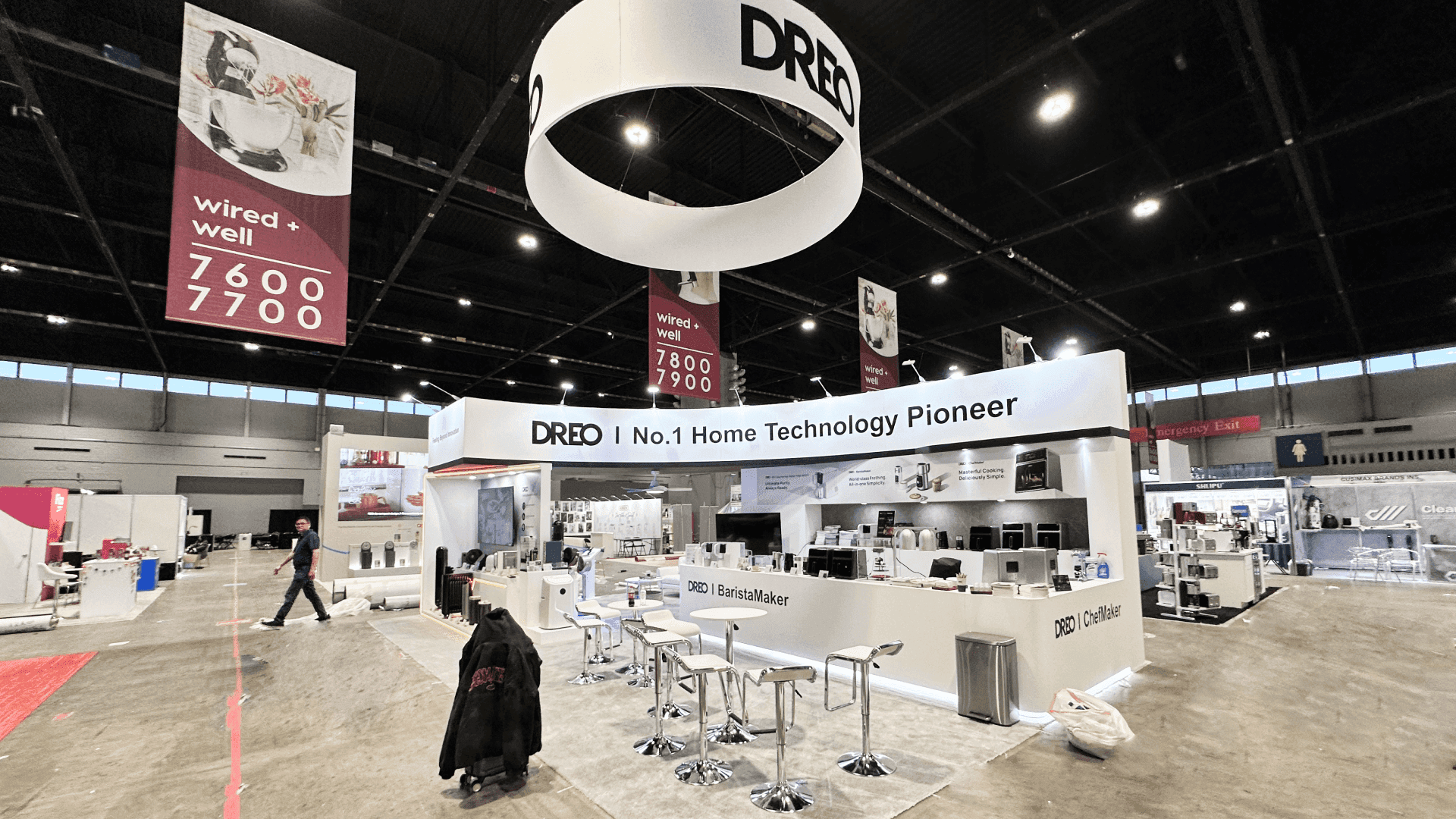
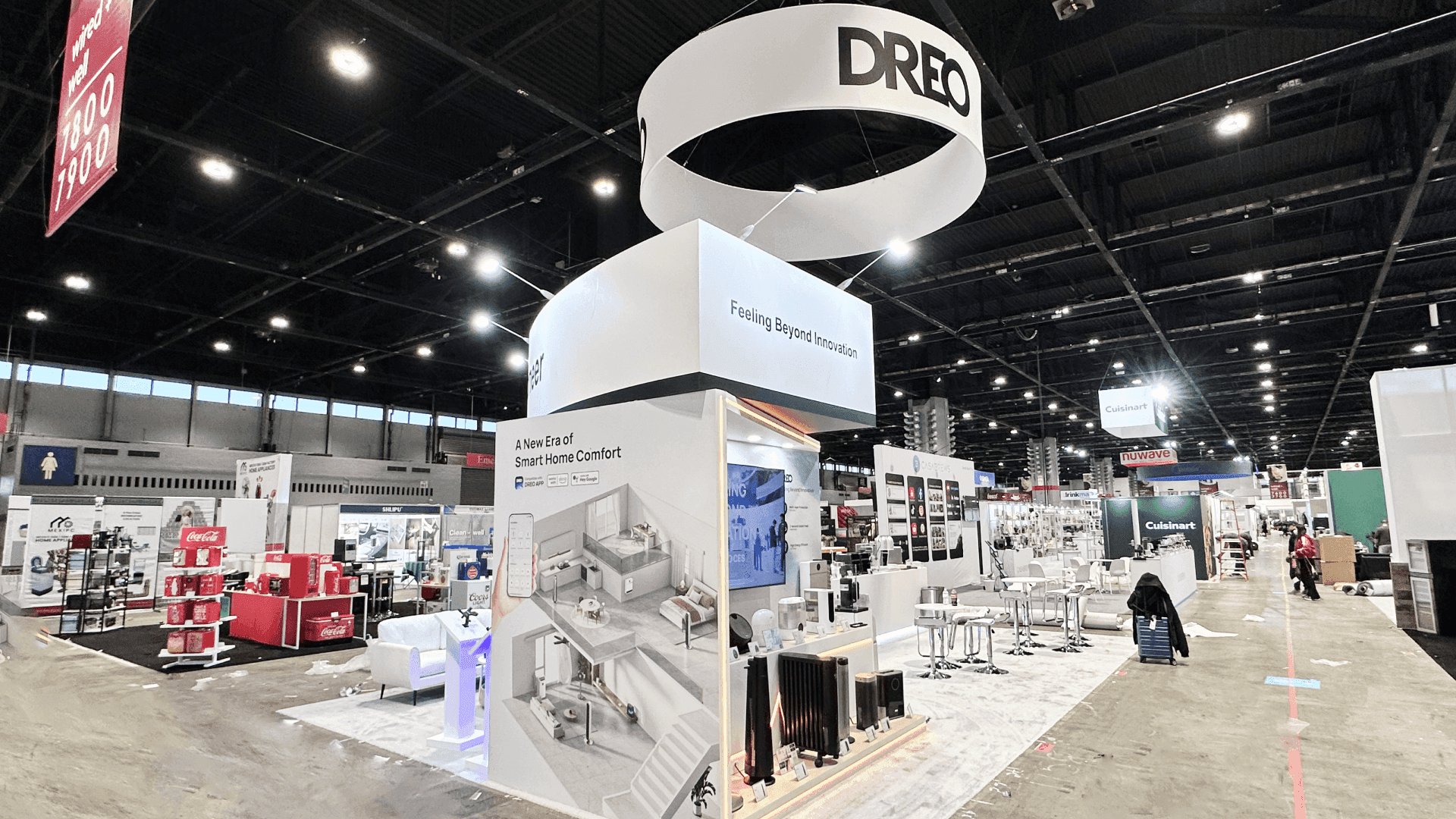
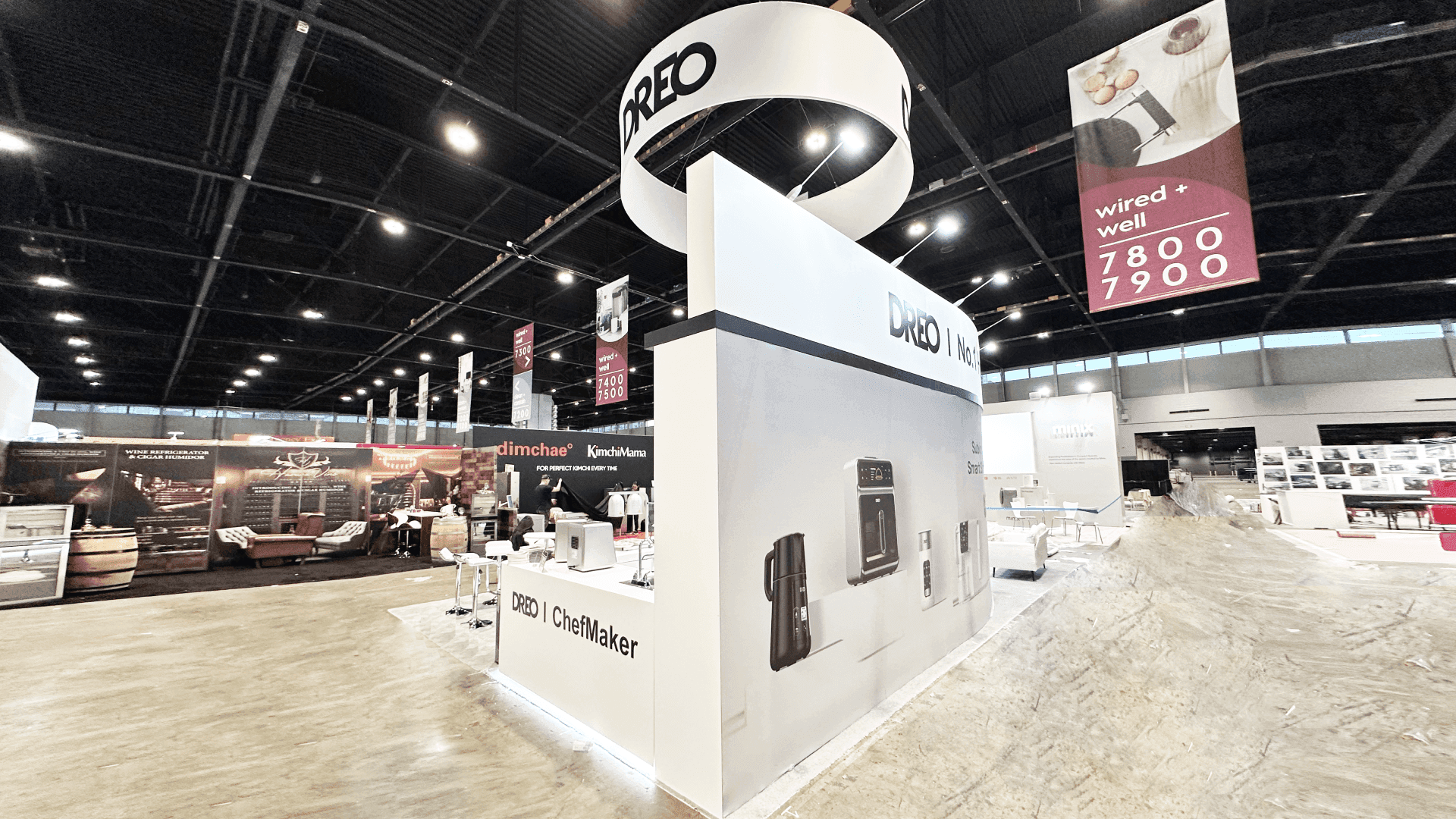

How should building technology exhibitors plan a Greenbuild demo booth?
Build the booth around one repeatable workflow that shows the problem, action, and result. Screens, devices, presenter positions, power, data, and fallback content should support that sequence. A separate handoff point lets qualified visitors discuss integration, deployment, or project fit without delaying the next demonstration.
A row of dashboards does not explain how a building technology works. Buyers need to see the problem, the action, and the result in one short sequence. The first decision in Greenbuild booth planning is whether the exhibit should be product-led, technology-led, meeting-led, or hybrid. This page takes the technology-led route further by turning software, smart-building systems, automation, controls, and connected workflows into a visible, repeatable buyer experience.
A 10x20 or 20x20 can support one guided screen demonstration and a brief follow-up conversation. When the workflow needs a dedicated audience area and a separate place for technical questions, a 20x30 technology demo booth provides enough room for both. A larger footprint is warranted only when several systems, partner technologies, or demonstration stations must operate at the same time.
At McCormick Place, power, internet service, cable paths, device security, equipment placement, testing time, and fallback content must be planned before move-in and verified before opening. Those operational requirements should shape booth design and engineering from the start, so screens, counters, devices, presenter positions, and utilities support the workflow instead of being added after the layout is finished.
Why Exhibitors Choose Circle Exhibit
Clear scope, transparent quote review, nationwide booth support, and efficient setup planning for qualified rental and custom exhibit projects.
48hr
Setup Window
10+
Years Since 2014
U.S.
Trade Show Support
Real
Booth Project Proof
Choose the footprint around simultaneous demonstrations, viewing distance, equipment, waiting space, and technical follow-up. More screens do not justify more space unless they support distinct visitor tasks.
A 10x20 fits one screen-led workflow, one presenter, light equipment, lead capture, and short standing conversations. 10x20 booth planning helps test screen position, storage, and aisle clearance.
Use a 20x30 when the live workflow and integration discussion need to run at the same time. 20x30 booth planning helps separate the demonstration from technical follow-up.
A 20x20 gives the demonstration a defined viewing area while retaining space for devices, storage, qualification, and brief follow-up. Review 20x20 booth planning when several visitors need to see the same screen.
A 30x40+ island fits several demo stations, partner technologies, connected equipment, group presentations, or private technical meetings. 30x40 booth planning helps test whether each additional zone has a distinct purpose.
A Greenbuild technology demo should make the problem, action, and result easy to follow more than once. The live demonstration layout guide explains how to separate viewing, waiting, operation, reset, and follow-up without turning the demonstration into a stage performance.
If the workflow also depends on a physical sensor, controller, device, or building interface, the installed-condition mockup guide helps determine whether a small assembly is needed beside the screen. Keep that element secondary unless the physical connection is part of the buyer’s decision.
The technology exhibit should make one workflow understandable, keep the demonstration operational, and move qualified visitors into the correct technical or business conversation.
Visitors should recognize the starting problem, see the system act, and understand the operational or performance change without being shown every feature.
Test screen height, device placement, presenter position, reflections, audio, and viewing distance together rather than as separate display decisions.
Give every device and account a confirmed power, data, login, reset, and backup plan. The fallback should preserve the same buyer explanation.
Use a clear handoff point to identify the visitor’s business or technical question and move the discussion away from the main demo.
Software, automation, controls, connected devices, and digital platforms need a visible workflow rather than a static product lineup.
Greenbuild 2027 runs October 19–22 at McCormick Place in Chicago, where live demos depend on advance utility and testing plans.
Owners, facility teams, architects, engineers, consultants, and technology stakeholders need to understand what the system does, how it connects, and what follows deployment.
Not Sure Which Booth Size You Need?
Not every exhibitor knows whether a 10x20, 20x20, 20x30, or larger booth is the right fit. Circle Exhibit can help review your event goals, product display needs, demo areas, meeting space, storage, budget scope, and setup timeline before you choose a booth size.
Repeating the Demo During Traffic
Aligning Screens, Devices, and Presenter
1
Freeze the Main Workflow
2
3
4
Rental for Screen-Led and Portable Demos
Rental works when standard screens, counters, portable devices, storage, and a small technical discussion point support the full workflow. Review Chicago trade show booth rental for this type of demo environment.
Custom Build for Integrated Technology
Custom fabrication becomes useful when screens, devices, controls, sensors, cable access, acoustics, or interactive elements must be built into the exhibit. Chicago fabrication and show-site execution connects those requirements to production and installation.
Hybrid Build for a Reusable Demo System
A hybrid system combines reusable walls, storage, screens, and meeting components with custom device mounts, counters, cable access, or workflow-specific fixtures.
Finalize outlets, network requirements, device loads, cable routes, and access points before counters, flooring, and equipment are positioned.
Install screens, controllers, sensors, devices, and accounts early enough to test the full demonstration rather than each component separately.
Store adapters, chargers, cables, peripherals, replacement devices, and support details where staff can reach them without entering the visitor path.
Run the demonstration from beginning to end, test the fallback switch, confirm presenter positions, and practice the technical handoff.
A Greenbuild Rental Booth That Keeps the Demo Moving
Map the demonstration sequence before placing screens, counters, or connected devices. Sightlines, presenter position, power, data, waiting space, and fallback content should support one repeatable workflow, with a separate place for technical questions after the demonstration.
What should a Greenbuild building technology demo booth include?
Include one clear workflow, a visible result, screens or connected devices, a defined presenter position, tested power and data, fallback content, and a separate point for technical questions. Every element should support the same buyer decision.
Does a Greenbuild technology exhibitor need a 20x30 booth?
Should a building technology demo run continuously or on a schedule?
What should an exhibitor do if a live demo loses internet or device connectivity?
How should staff move visitors from a demo into a technical discussion?
READY TO PLAN YOUR NEXT BOOTH?
Let’s Build a Booth That Fits Your Event
Share your event name, booth size, city, timeline, product display needs, and design references. Circle Exhibit will review your project direction and help you choose a rental-friendly or custom exhibit path.
3000+
Booth Projects Supported
50+
U.S. Event Cities
Transparent
Quote Review
Place Greenbuild within the wider Chicago market for building systems, automation, architecture, engineering, energy, and facility technology.
Plan the physical evidence when software, sensors, controls, or connected systems depend on a product, assembly, or equipment component.
Coordinate service orders, device staging, equipment arrival, screen placement, installation sequence, technical dependencies, and final testing.
Use diagrams, interface views, process graphics, labels, and supporting messages to make the workflow understandable before a visitor joins the demo.
Coordinate device placement, cable access, screen setup, field adjustments, final testing, dismantle, and equipment return.










