
When a Loose Sample Stops Being Enough
A loose sample works when the relevant information is contained in the product itself. A finish chip can show color and texture, a material section can establish thickness, and a cutaway can reveal internal layers. That approach breaks down when the decision depends on how the product relates to something outside the sample.
A wall panel may look complete on a table while leaving its joint, corner return, or attachment unresolved. A flooring piece can show its surface without explaining the edge condition or transition to another finish. A fixture may be easy to inspect on its own but reveal nothing about the access or clearance required once installed.
Physical context becomes useful when removing it could change the buyer’s evaluation. Give the mockup one clear job: show the interface, orientation, sequence, clearance, scale, or operating relationship that a smaller display cannot preserve.
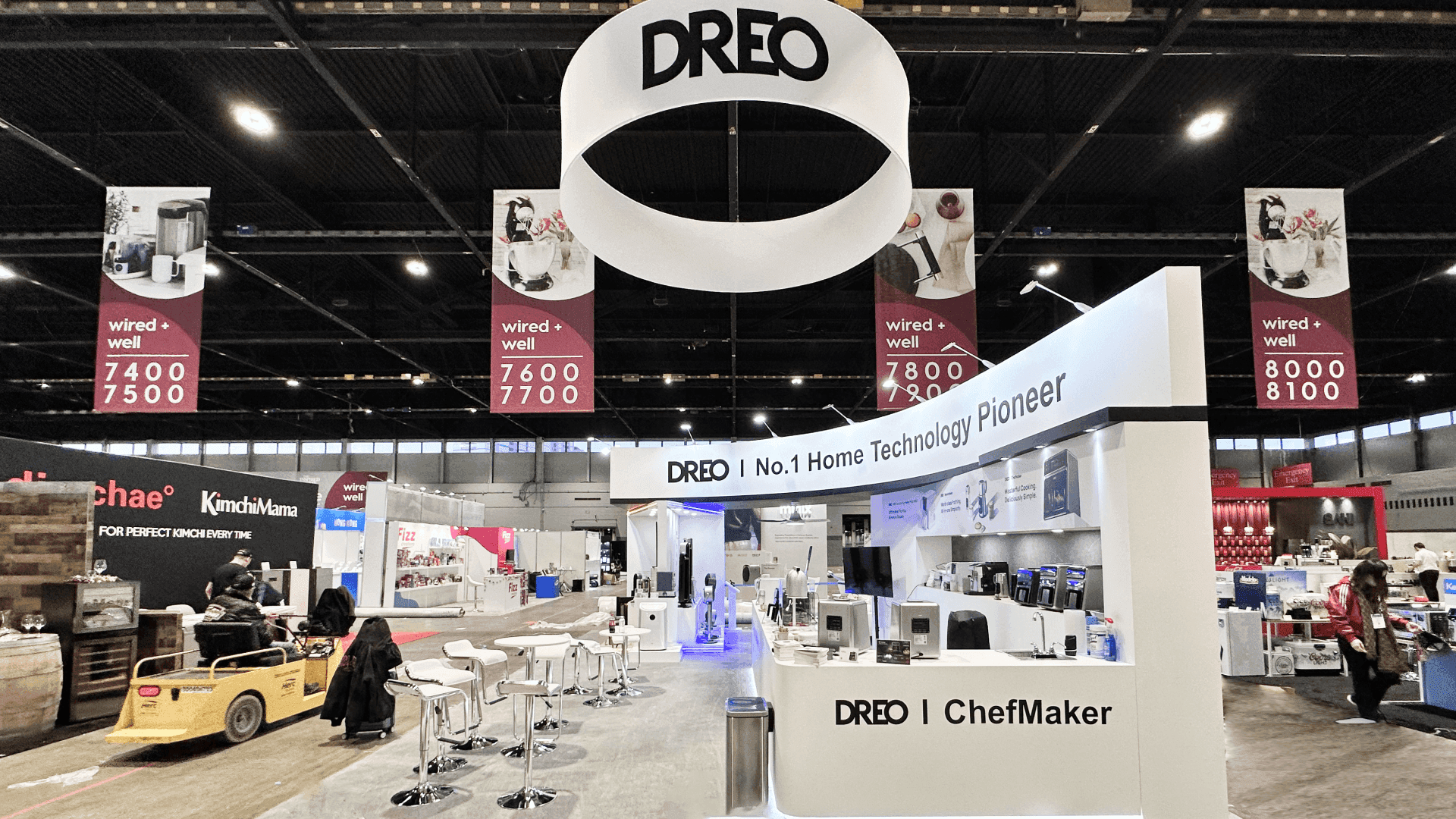
A loose sample can explain finish or composition. An installed-condition mockup is more useful when buyers need to see how the product connects, fits, or changes orientation.
Which Product Conditions Need Physical Context?
Build the surrounding condition only when it preserves information that would otherwise be lost. The table below separates six reasons to use an installed mockup from details that a loose sample can already communicate.
Evaluation Depends On | What a Loose Sample Leaves Unanswered | What the Mockup Should Show |
|---|---|---|
Connection or interface | How the product meets an adjoining material or component | The relevant joint, transition, attachment, or boundary |
Orientation or direction | Whether position changes how the product is installed or viewed | The correct vertical, horizontal, overhead, or embedded condition |
Assembly sequence | Where the product sits among surrounding layers or components | Enough of the assembly to make the sequence visible |
Access or clearance | Whether an installer, user, or service technician can reach the product | The critical access zone and any relevant obstruction |
Installed scale or proportion | How the product relates to the surrounding surface or opening | A representative area with the important finished edges |
Movement or operation | How a moving or adjustable part behaves near surrounding construction | The operating component and the clearance required around it |
This is a booth-planning framework, not an official Greenbuild requirement. The deciding question is whether the added context changes what a visitor can understand in person. For a practical example, the Gasland KBIS product display places built-in products within a recognizable application instead of presenting each unit as an isolated object.
When a Sample, Cutaway, or Drawing Is the Better Choice
An installed-condition mockup should not be the default. It adds fabrication, handling, installation, and floor space, so it needs to provide information that a smaller format cannot.
Use a loose sample when the visitor mainly needs to compare finish, color, thickness, texture, or material feel. A cutaway is usually better when the important detail sits inside the product. Drawings or digital references are more accurate when several configurations must be explained, the surrounding condition is too large to reproduce credibly, or a full installation would introduce details unrelated to the decision.
Bring the complete product when visitors need to operate, open, adjust, or inspect the item itself rather than its relationship to surrounding construction.
An application scene built mainly for appearance can create the wrong impression. Simplified context should not resemble an approved, tested, or universally applicable assembly when the display was designed only to explain one physical relationship.
What an Installed Mockup Can—and Cannot—Establish
A physical assembly can make an application easier to inspect, but its meaning must remain limited to the condition actually shown.
It can show:
Where the product sits within a defined condition
How it meets an adjoining material or component
Which side, layer, joint, or surface deserves attention
How orientation changes the application
Where movement, access, or clearance matters
Which detail should lead into a technical conversation
It does not automatically establish:
Tested system performance
Code or project compliance
Suitability for every substrate or adjoining material
Final engineering approval
Complete installation instructions
Actual field conditions for a specific project
Identify the exact product or configuration, the condition being represented, and any surrounding components that have been simplified. When product labels, application notes, or document references need to sit beside the display, graphics and brand presentation can keep that information connected to the item without turning the assembly into a wall of technical copy.
Use words such as “shows,” “illustrates,” or “represents” when the display explains an application. Avoid saying it “proves” a performance result unless the statement and its supporting documentation genuinely justify that conclusion.
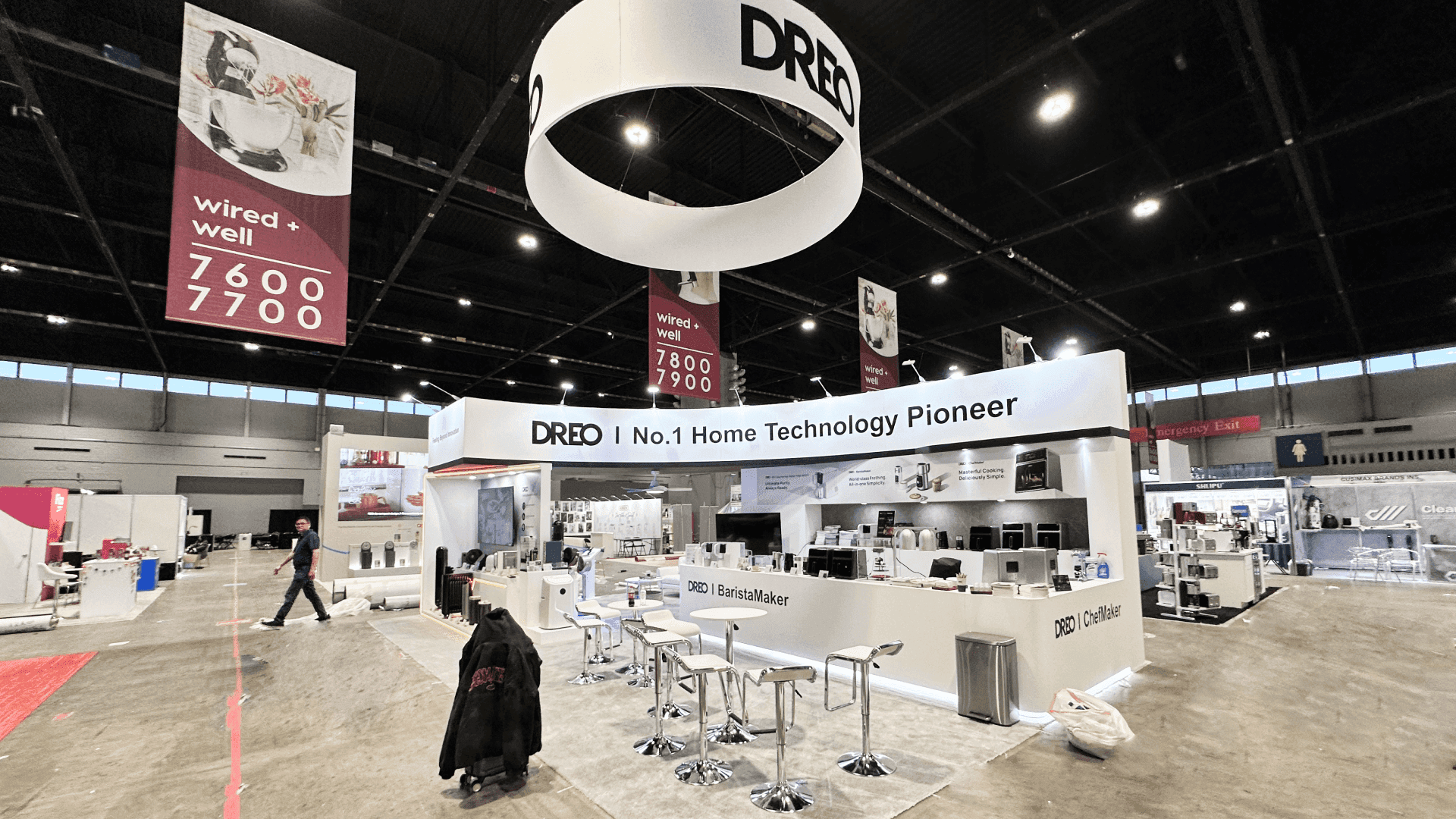
Define the condition the mockup represents, which components are real or simplified, and what supporting information visitors still need.
Write the Mockup Brief Before the Booth Layout
Define the physical condition before arranging walls, counters, lighting, and storage around it. A short brief gives the product team, exhibit designer, fabricator, and technical staff the same reference and prevents the surrounding booth from forcing late changes to the display.
For example, a brief for a corner assembly might state:
Buyer decision: Understand how the panel meets an adjacent finish.
Condition shown: One outside corner with the relevant transition.
Real components: Panel, trim, visible attachment, and finish material.
Simplified components: Noncritical backing and concealed construction.
Viewing position: Front surface and exposed edge visible from the aisle side.
Supporting reference: Product identification and the applicable installation detail.
Limitation: Illustrative condition, not project-specific engineering.
Follow-up: Technical application review with the product team.
The same brief should record dimensions, weight, support requirements, removable sections, visitor access, lighting needs, and anything staff may touch or operate. If the display needs recessed mounting, concealed support, integrated lighting, removable panels, or a custom structural base, design and engineering support should resolve those dependencies before production.
Move the Approved Mockup Into Booth Planning
Once the product mockup is approved, Greenbuild product booth planning covers viewing distance, handling, storage, product protection, technical conversations, booth size, and installation sequence. The booth layout should accommodate the approved display instead of forcing the product team to redefine it.
A product mockup and a booth design mockup serve different purposes. The physical product mockup represents a specific application condition. The booth design mockup guide helps the team review how that display fits within the complete exhibit, including sightlines, clearance, staff access, and visitor circulation.
Before the booth design review begins, the product, represented condition, supporting references, and display limitations should already be settled.
Frequently Asked Questions
Should adjoining materials in an installed-condition mockup be real?
Use real adjoining materials when their thickness, finish, connection, movement, or compatibility affects what the visitor needs to inspect. Noncritical surrounding construction can be simplified, but the display should identify which elements are representative rather than part of the actual product system.
How much of a building assembly should the mockup show?
Show enough of the assembly to preserve the critical interface, orientation, sequence, clearance, or finished relationship. There is no need to reproduce the entire wall, room, or system when a smaller section answers the same application question accurately.
Can an installed-condition product mockup be reused at another trade show?
It may be reusable when the structure is durable, modular, safely packaged, and still represents the current product and application. Before reuse, confirm the product version, labels, supporting references, surrounding materials, dimensions, and the visitor task for the next event.







