Bulk Material Handling System Booth Planning at The Powder Show
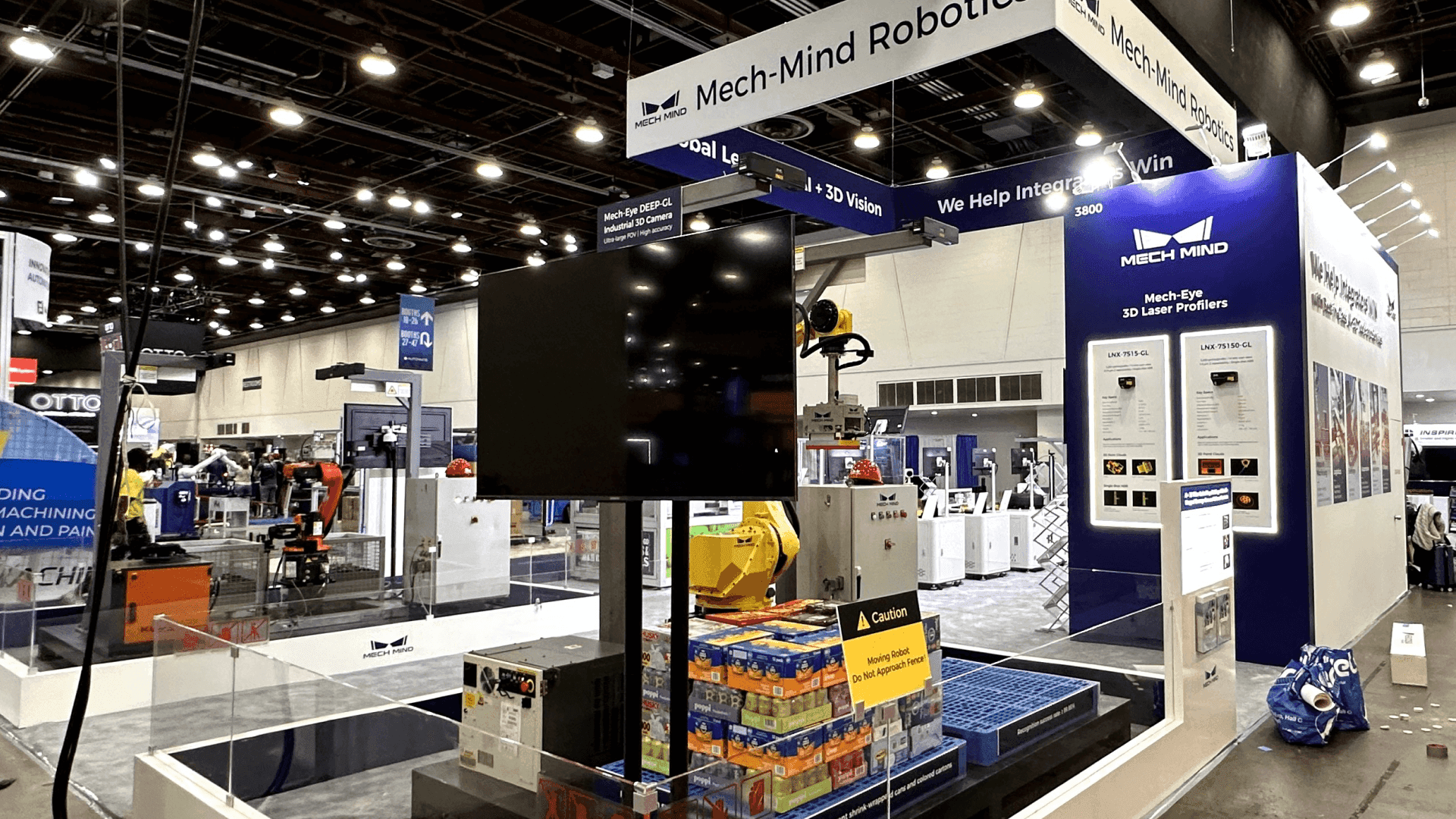
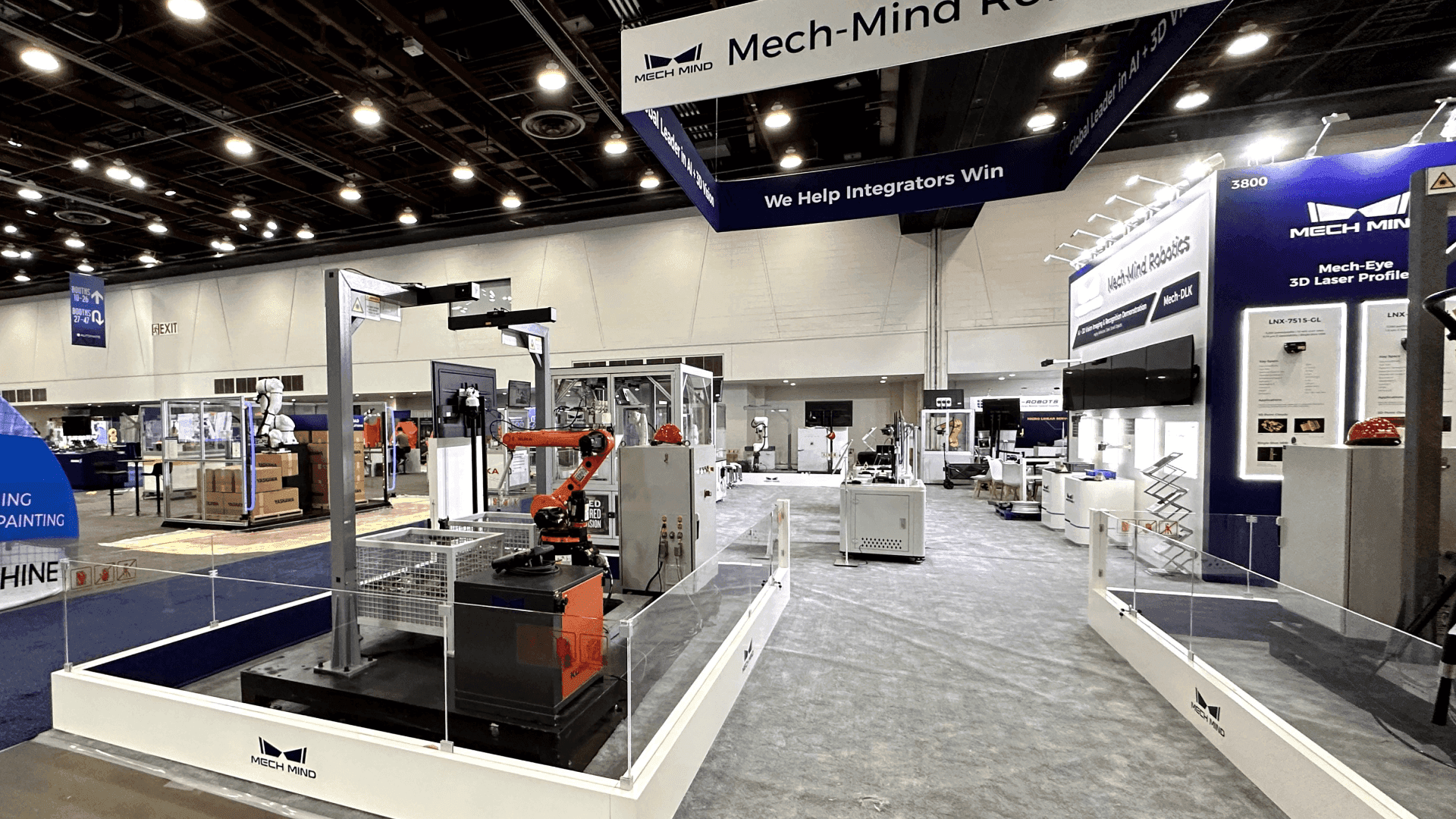


How Can a Booth Explain a Full Bulk Material Handling System?
Start with one material path rather than a list of products. Use one or two anchor components to establish the physical system, then show where material enters, transfers, is controlled, and exits. Diagrams, controls, and service-access points should match that sequence so buyers can connect each component to a real project.
A conveyor, feeder, valve, bin, or weighing unit rarely makes sense as an isolated object. Buyers want to understand where it sits in the material path, what comes before and after it, and how it connects with controls, maintenance access, and the rest of the facility.
At The Powder Show, the planning task is to make those system relationships visible rather than prove a processing result. Booth design and engineering can reduce a facility-scale line to the components, diagrams, controls, and access points buyers actually need to evaluate. A 10x20 or 20x20 booth may pair one anchor component with a clear upstream-and-downstream diagram, while 20x30 and 30x40+ layouts can show connected equipment zones, controls, service access, and space for project discussions.
When an exhibit includes large or heavy components, logistics and pre-show coordination becomes part of the layout decision. In Rosemont, anchor equipment, supporting structures, and surrounding graphics need an installation sequence that preserves the intended material path and service access. Final freight, service, and move-in assumptions should remain provisional until the 2027 Exhibitor Portal is published.
Why Exhibitors Choose Circle Exhibit
Clear scope, transparent quote review, nationwide booth support, and efficient setup planning for qualified rental and custom exhibit projects.
48hr
Setup Window
10+
Years Since 2014
U.S.
Trade Show Support
Real
Booth Project Proof
The footprint should preserve the material sequence, component relationships, inspection access, and project conversation space. It does not need to reproduce the entire facility line.
A 10x20 booth can present one compact component family when diagrams or screens establish where it sits in the larger process. Keep the physical display and system context focused on one buyer question.
A 20x30 footprint gives several connected stages enough separation to remain legible while preserving service and discussion space. Use one sequence across the equipment, diagram, and controls.
A 20x20 layout can combine one physical anchor component with its controls, a visible material path, and a short project conversation. Preserve access on the sides buyers need to inspect.
A 30x40 booth or larger may suit tall, heavy, or multi-stage systems that need broad sightlines, inspection access, and several project conversations. Added equipment still needs one readable path.
Showing where a conveyor, feeder, valve, bin, or weighing unit sits in the material path helps buyers understand the wider system. The next conversation is whether the component can fit their material, surrounding equipment, controls, and maintenance process. Bulk material handling integration questions identifies what staff should prepare and which decisions require technical follow-up.
When the full system cannot fit inside the booth, clear trade show booth graphics can establish the upstream and downstream relationship without turning the display into a dense engineering diagram.
The physical equipment, graphics, controls, and conversation points should describe the same material path from entry to exit.
The physical order, diagram, and screen sequence should tell the same story. If each medium uses a different path, buyers have to reconcile the system before they can evaluate it.
Use each displayed conveyor, feeder, valve, bin, or instrument to mark a specific stage. Labels should explain function and relationship, not just model names.
Place interfaces beside the equipment or diagram section they control. Buyers should be able to see which measurement, alarm, or adjustment belongs to each transfer point.
Reserve a discussion point where teams can review capacity, material characteristics, maintenance access, integration, and next-step project information without stopping the system walkthrough.
Conveyors, feeders, valves, bins, weighing systems, controls, and transfer components need enough context for buyers to understand how material moves between them.
This planning page covers bulk material handling exhibits at the April 27–29 event in the Donald E. Stephens Convention Center in Rosemont.
Buyers often compare component fit, capacity, controls, service access, reliability, and integration with the equipment already operating in their facilities.
Not Sure Which Booth Size You Need?
Not every exhibitor knows whether a 10x20, 20x20, 20x30, or larger booth is the right fit. Circle Exhibit can help review your event goals, product display needs, demo areas, meeting space, storage, budget scope, and setup timeline before you choose a booth size.
Components Read Like Isolated Products
The Material Path Disappears
1
Start with the Entire Material Path
2
3
4
Rental Exhibit around Anchor Components
A rental system can frame one or two independent components with modular walls, graphics, counters, and meeting furniture. It works when the equipment does not require extensive built-in structure or concealed services.
Custom Build for a Connected System Story
Custom work becomes useful when platforms, elevated components, integrated controls, concealed services, or purpose-built access define the architecture. Chicago-area booth builder support can connect those requirements to fabrication and installation.
Hybrid Exhibit for a Changing Equipment Mix
A hybrid exhibit combines owned anchor components with reusable rental structure and graphics. The system story can change from show to show without replacing the full exhibit.
Place the heaviest or least flexible equipment before surrounding walls, counters, and graphics restrict access. Build the remaining exhibit from the confirmed anchor position.
Confirm equipment dimensions, weight distribution, access, and clearance against the final floor plan and current show documents before releasing production.
Install graphics, controls, guards, and secondary components after the anchor equipment is aligned. Their final positions should reinforce the same material sequence.
After setup, follow the path as a buyer would. Correct labels, blocked views, disconnected controls, and dead-end conversations before opening.
Need a Rental Booth for Bulk Material Handling Equipment?
A rental system can support one or two independently placed components with branded walls, system graphics, controls, light storage, and meeting furniture. Confirm dimensions, access, and assembly order before choosing the structure.
How can an exhibit reduce a facility-scale system to one booth?
Select the stages buyers need to understand and use one or two anchor components to establish scale. Diagrams, controls, video, or models can represent parts that cannot fit without breaking the sequence.
Which bulk handling components should be physically displayed?
What booth size works for a bulk material handling system?
How should controls be connected to physical equipment?
What should be confirmed before a large system exhibit enters production?
READY TO PLAN YOUR NEXT BOOTH?
Let’s Build a Booth That Fits Your Event
Share your event name, booth size, city, timeline, product display needs, and design references. Circle Exhibit will review your project direction and help you choose a rental-friendly or custom exhibit path.
3000+
Booth Projects Supported
50+
U.S. Event Cities
Transparent
Quote Review
Use this page when the buyer needs to verify a material change or processing result rather than follow a connected handling system.
Connect The Powder Show with the wider industrial event market and manufacturing exhibitor planning context in the Chicago area.
For material-path diagrams, stage labels, control references, equipment callouts, and project information that must match the physical floor layout.
For exhibits that require anchor-equipment placement, surrounding structure, controls, graphics, and dismantle to follow a defined sequence.
Use the broader commercial resource when the project needs coordinated design, production, graphics, installation, and delivery around industrial equipment.










