I/ITSEC Serious Games Showcase Planning for Game-Based Training Exhibitors

How should a Serious Games Showcase display be planned for I/ITSEC?
A serious games display should begin with one short playable segment, a clear start point, and an observer view that helps nearby visitors understand the experience. Shared showcase stations or independent demo areas may also need mirrored screens, simple instructions, controllers or headsets, charging access, quick reset, backup content, and room for developer conversations.
The I/ITSEC Serious Games Showcase & Challenge features finalist games created for training, education, simulation, research, assessment, and real-world skill development. Visitors can experience the games, speak with developers, and compare how different formats support practical learning outcomes.
A playable display needs to make the learning purpose and starting point clear before the interaction begins. Players, waiting visitors, observers, and developers each need enough room around the station, while screens and supporting information should remain visible outside the active play area. Within the broader I/ITSEC exhibitor planning environment, these demonstrations sit alongside larger simulation, training, and technical exhibits with different space and equipment requirements.
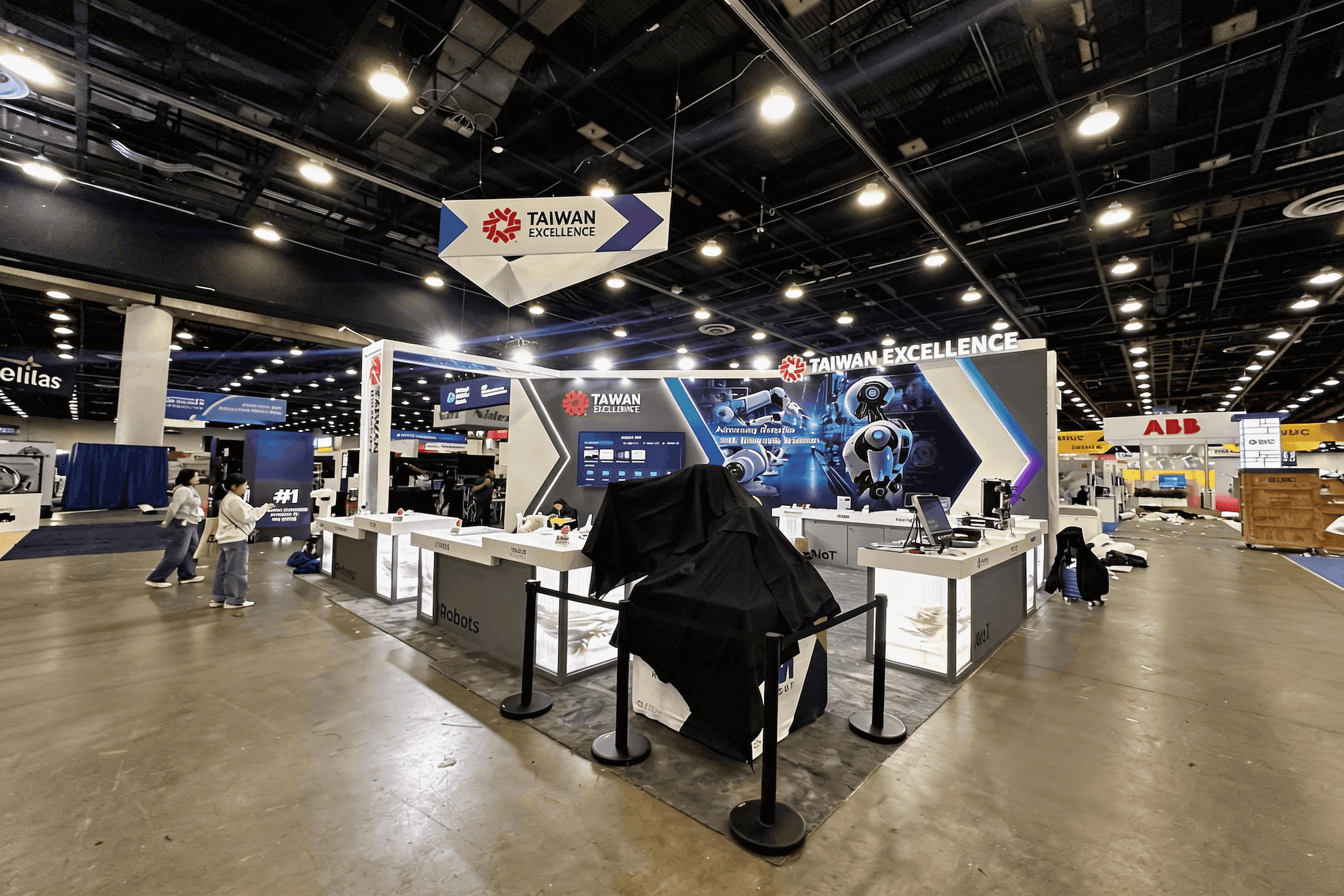
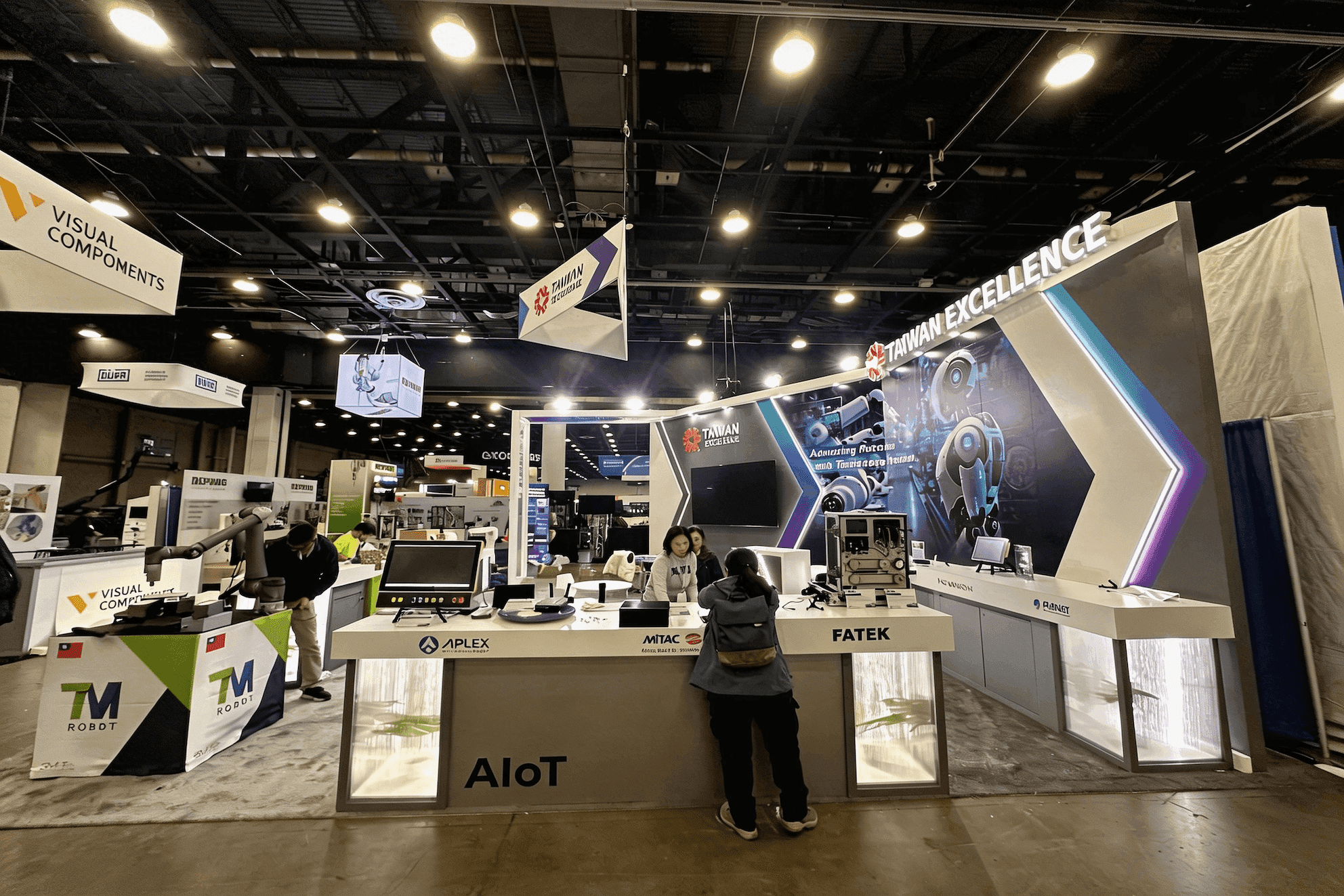
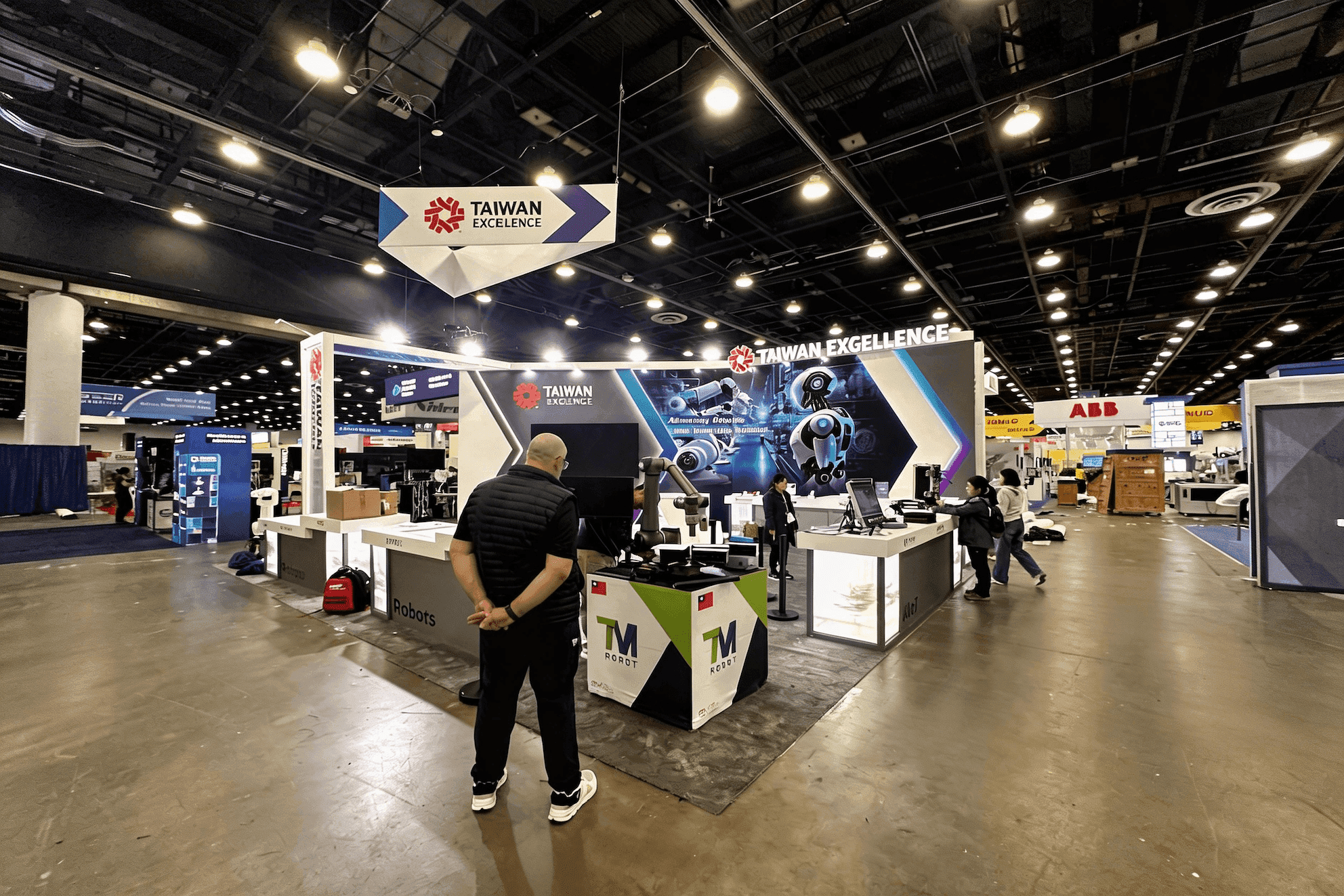
Finalists presenting in the official showcase area at the Orange County Convention Center should plan around their assigned station guidance. For a separate serious-game, XR, or game-based training exhibit, a 10x20 booth can provide enough room for a playable station, external viewing, device storage, and developer conversations without overbuilding the footprint.
Why Exhibitors Choose Circle Exhibit
Clear scope, transparent quote review, nationwide booth support, and efficient setup planning for qualified rental and custom exhibit projects.
48hr
Setup Window
10+
Years Since 2014
U.S.
Trade Show Support
Real
Booth Project Proof
Finalist games are presented within the official SGS&C showcase area. The following configurations apply to sponsors and companies planning separate serious-game, XR, or game-based training exhibits elsewhere at I/ITSEC.
Keep a shared station focused on one game, one active player, clear instructions, and a compact observer view. Equipment, cables, literature, and replacement devices need to remain within the assigned footprint.
A 10x20 booth gives the active player, waiting visitors, external viewing, equipment storage, and developer conversations more separation.
Use a 10x10 booth for one PC, mobile, console, or compact XR demonstration with a mirrored display and a small developer discussion point.
Move to a 20x20 booth when the exhibit includes several game stations, a controlled XR area, wider observer viewing, technical storage, and a training or deployment meeting zone.
Playable training demos should make it clear where the active user begins, where others wait and watch, and how the station resets for the next session. The interactive training demo flow guide explains how to position the user, observer screen, developer, waiting area, and equipment handoff so each experience is easy to enter, follow, and restart.
A serious game display should communicate the learning purpose, make participation easy, and allow non-players to understand the experience without crowding the active station.
Use a limited segment that shows the core task, decision, or learning outcome. Avoid starting visitors at a menu, tutorial, or long narrative sequence.
Show gameplay, key choices, or results on a screen visible from outside the station. The observer view should remain useful even when the player uses a headset.
Assign clear positions for controllers, headphones, headsets, chargers, cleaning supplies, spare devices, and cables so each handoff can happen without searching for equipment.
Prepare a consistent restart point, recorded walkthrough, screenshots, or a guided explanation. The developer should be able to continue the conversation when the playable version is unavailable.
The Serious Games Showcase & Challenge recognizes games designed for education, training, simulation, assessment, and practical learning outcomes.
The 2026 Serious Games Showcase & Challenge runs November 30–December 3 at Booth 2281 in the I/ITSEC exhibit hall at the OCCC South Concourse.
Finalists come from industry, government, and student teams, with awards recognizing general-audience, government, student-developed, innovation, and XR entries.
Not Sure Which Booth Size You Need?
Not every exhibitor knows whether a 10x20, 20x20, 20x30, or larger booth is the right fit. Circle Exhibit can help review your event goals, product display needs, demo areas, meeting space, storage, budget scope, and setup timeline before you choose a booth size.
Visitors Do Not Know Where to Begin
Only the Player Can See the Experience
1
Choose One Playable Segment
2
3
4
Rental for Focused Playable Demos
A single game or compact training experience usually needs more attention on the playable station than on the surrounding structure. Orlando booth rental can provide the walls, monitor positions, counters, storage, and branded surfaces needed to keep players, observers, and developers organized around the demo.
Custom for Multi-Title or XR Training
Custom fabrication becomes more relevant when several games, controlled XR zones, integrated audio, overhead visibility, private meetings, or unusual technical interfaces determine how visitors move through the exhibit.
Hybrid for Reusable Demo Systems
A hybrid approach can keep the main booth structure reusable while adding purpose-built game stations, equipment mounts, cable access, graphics, storage, and replaceable components for different training or education programs.
The official 2026 schedule lists booth and game setup on November 29, followed by the live Showcase at Booth 2281 from November 30–December 3.
Place the active player, waiting visitors, observer screen, and developer position so one station does not block access to the games beside it.
Coordinate screens, computers, consoles, charging equipment, audio, headsets, and cable routes with the assigned station or independent exhibit setup so device testing can begin before the Showcase opens.
Before opening, test the start state, controls, mirrored display, audio, save-state recovery, device handoff, reset time, and recorded or guided backup presentation.
Serious Games Booth Rental Planning at I/ITSEC
Finalist teams use the official SGS&C showcase stations. Sponsors and companies planning a separate serious-game, XR, or game-based training exhibit can use a rental booth for playable demos, mirrored screens, device charging, storage, visitor waiting space, and developer conversations.
What is the I/ITSEC Serious Games Showcase & Challenge?
It is an I/ITSEC special event where finalist serious games from industry, government, and student developers are demonstrated and evaluated for training, education, innovation, and XR recognition.
What should a serious game demo station include?
What type of game segment works best for an exhibit-floor demo?
Do SGS&C finalists choose a standalone booth size?
Should gameplay be shown on an external screen?
READY TO PLAN YOUR NEXT BOOTH?
Let’s Build a Booth That Fits Your Event
Share your event name, booth size, city, timeline, product display needs, and design references. Circle Exhibit will review your project direction and help you choose a rental-friendly or custom exhibit path.
3000+
Booth Projects Supported
50+
U.S. Event Cities
Transparent
Quote Review
Let player position, observer viewing, device access, XR clearance, storage, and developer conversations shape the layout before production begins.
A prebuild review verifies display height, equipment fit, screen positions, graphic placement, storage access, and cable routes before shipment.
Simple instructions, learning objectives, control guides, game categories, and outcome graphics help visitors understand the experience before playing.
Computers, displays, controllers, headsets, charging equipment, replacement devices, and booth materials need to arrive in time for setup and testing.
Leave enough installation time for screen routing, cable management, device setup, mirrored display testing, graphics checks, and playable rehearsal.