
What the Demo Needs to Prove
An interactive training demo works better when it focuses on one task visitors can understand quickly. Before deciding how many screens or control stations to use, define what the participant will do and what nearby observers should learn from the result.
Trying to show the entire platform often makes the experience harder to follow. A useful training demo has a clear starting point, one meaningful action, and a visible outcome. The selected segment also needs to make sense to someone who arrives after the session has already started.
The plan should answer four practical questions:
What training task is being completed?
Which decision or action matters most?
What result should nearby visitors notice?
Where should the conversation go after the demo?
Once the learning outcome is clear, screen content, operator position, visitor space, equipment handoff, and reset time can support the same story instead of competing for attention.
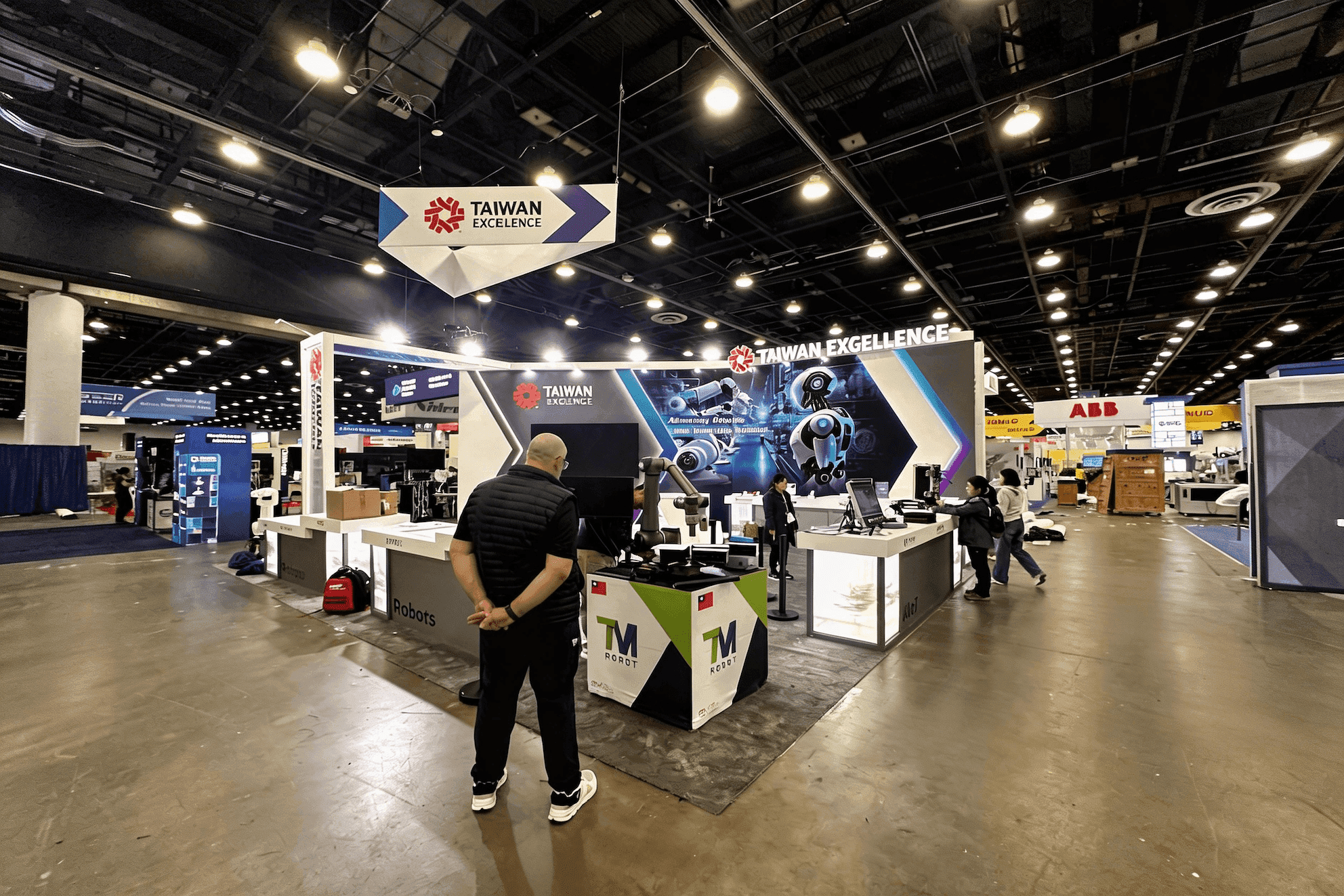
A compact interactive booth layout separates the active participant, operator, nearby observers, and the next-user waiting position.
People and Space Around the Demo
An interactive booth layout has to work for more than the person using the system. The operator needs room to guide the session and reach the controls. Observers need a clear view. The next participant needs somewhere to wait, while technical staff still need access to the equipment.
Role | What They Need | Common Layout Risk |
|---|---|---|
Active participant | Clear entry, movement, and operating space | Entry path crosses the aisle or exposed cables |
Operator | Access to controls, instructions, and equipment | Position blocks the observer screen or participant movement |
Next participant | A defined waiting position and preview | Waits inside the active zone or blocks the entrance |
Nearby observer | A visible screen and enough context | Sees the interface but not the task or result |
Subject-matter expert or sales staff | Space for follow-up questions | Conversation competes with demo narration |
Technical support | Side or rear access to the equipment | Troubleshooting requires crossing the participant’s path |
Letting the demo station consume the full footprint usually creates problems elsewhere. The layout also has to accommodate external viewing, visitor circulation, storage, and short follow-up conversations.
In a 20x20 booth, these functions often share the same footprint, so the demo station, observer view, waiting position, storage, and discussion area need to be mapped together.
From Preview to Reset: A Practical Demo Flow
An interactive demo workflow begins before the participant reaches the equipment. Visitors need to know what the experience involves, where to wait, and what result to watch for. Staff also need enough time to guide the session, answer questions, return equipment, and restore the system.
Set expectations before the session
A preview screen or short graphic introduces the task and expected result while the operator checks equipment, login status, and the starting screen.Bring the participant into the demo area
Entry remains clear of exposed cables, waiting visitors, and the main aisle.Run the selected training task
Keep the session focused on the action and result defined before production.Make the result visible
An observer screen helps nearby visitors follow the main action without entering the active demo zone.Continue the conversation and return the equipment
Staff connect the experience to the system’s practical use while headsets, controllers, seats, or account access return to their assigned positions.Restore the starting state
The operator checks the equipment, resets the content, and confirms that the station is ready for the next participant.
Waiting Visitors and the Next Participant
Demo queue planning works best when waiting visitors remain outside the operating area and away from the main aisle. The next participant can review instructions or complete basic preparation before the current session ends, reducing crowding and shortening the gap between demonstrations.
Equipment Handoff and Session Reset
Participant handoff, equipment return, and session reset should be timed as one process during prebuild. The test should include device return, account or content recovery, and the point at which the next participant can enter.
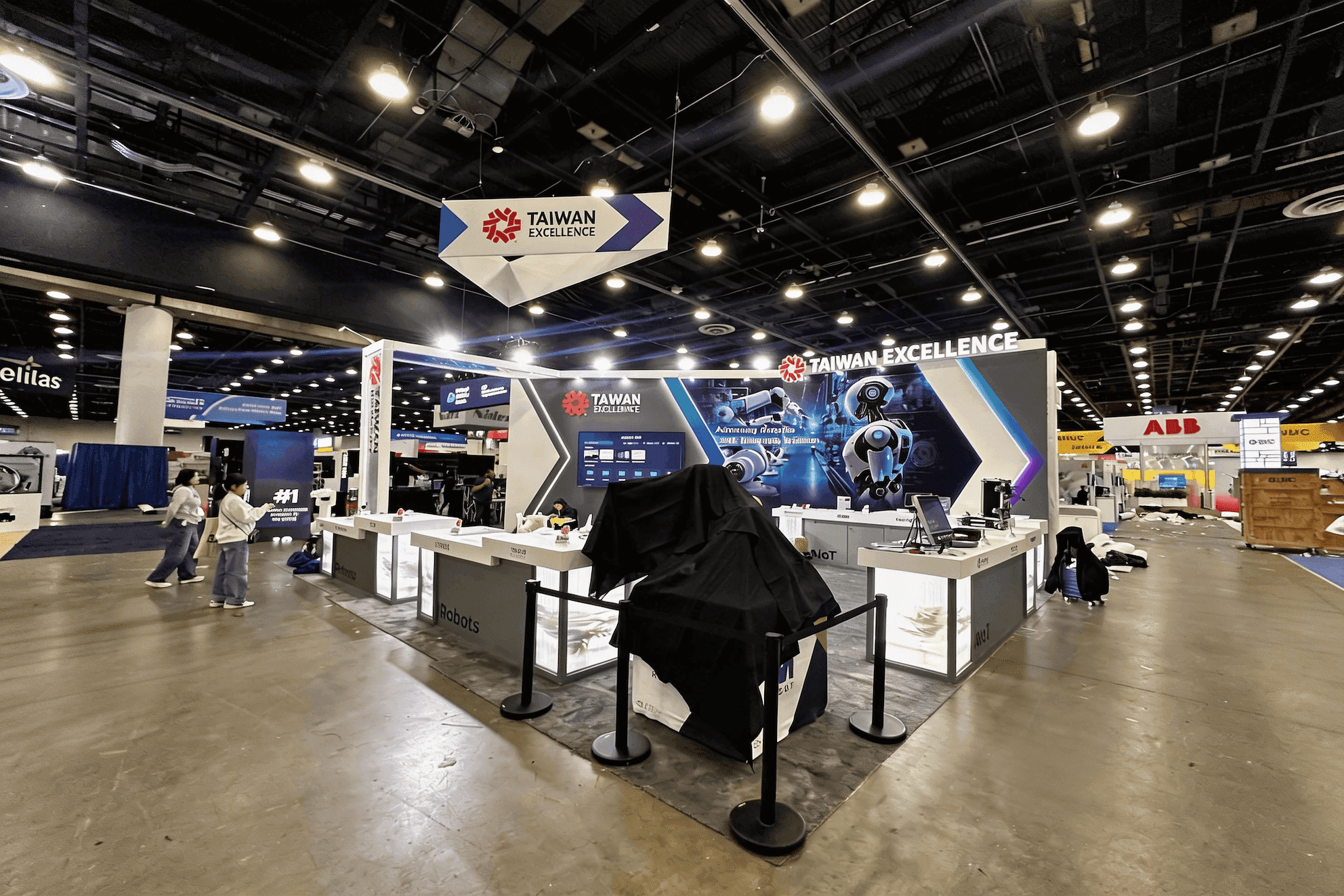
The participant uses the full training interface while the observer screen gives nearby visitors a simpler view of the task, key action, and result.
What Should an Observer Screen Show?
The observer screen has one job: help people outside the station understand what is happening. A direct screen mirror may work for a simple demo, but simulators, software training, XR, and serious games often need a cleaner external display showing the task, the important action, and the result.
Demo Type | What the Participant Sees | What Observers Need to See |
|---|---|---|
Simulator | Detailed controls and full scenario view | Current task, key action, and outcome |
Software training | Full interface, tools, and workflow | Current step, status change, and result |
XR or headset demo | First-person immersive view | Mirrored XR display with a task or progress cue |
Serious game | Controls, prompts, progress, and scoring | Objective, key decision, progress, and outcome |
Hardware training system | Controls, readings, and physical response | Visible action, key metric, and practical use |
Playable training experiences need this separation most clearly. The participant may require detailed controls and prompts, while people outside the station only need enough context to follow the objective and result.
For teams preparing an I/ITSEC Serious Games Showcase exhibit, the player view and external screen need to work together so visitors can follow the objective without entering the active station.
Observer visibility is best checked during prebuild from both the main aisle and the waiting position. Screen height, viewing angle, glare, text size, operator position, equipment obstruction, and synchronization with the live demo all affect whether the display is useful.
A separate observer screen may not be necessary when the product action and outcome are already visible from outside the station.
Prebuild Checks That Matter on the Show Floor
A demo can power on correctly and still be awkward to run once visitors arrive. Demo booth testing needs to follow the same sequence used on the show floor rather than checking each device in isolation.
A practical trade show booth prebuild review should cover:
Participant entry and external sightlines
Screen, counter, and control positions
Operator and technical access
Electrical access and cable routes
Storage doors and equipment return positions
Crate labels and equipment identification
Packing and exhibit installation sequence
This is often where small but disruptive problems become visible. An operator may block the observer screen, a storage door may not open during the demo, or a cable route may cross the participant’s path.
Once the setup is approved, the same configuration can guide pre-show logistics planning, keeping equipment packing, crate labels, and installation steps consistent with what the team tested during prebuild.
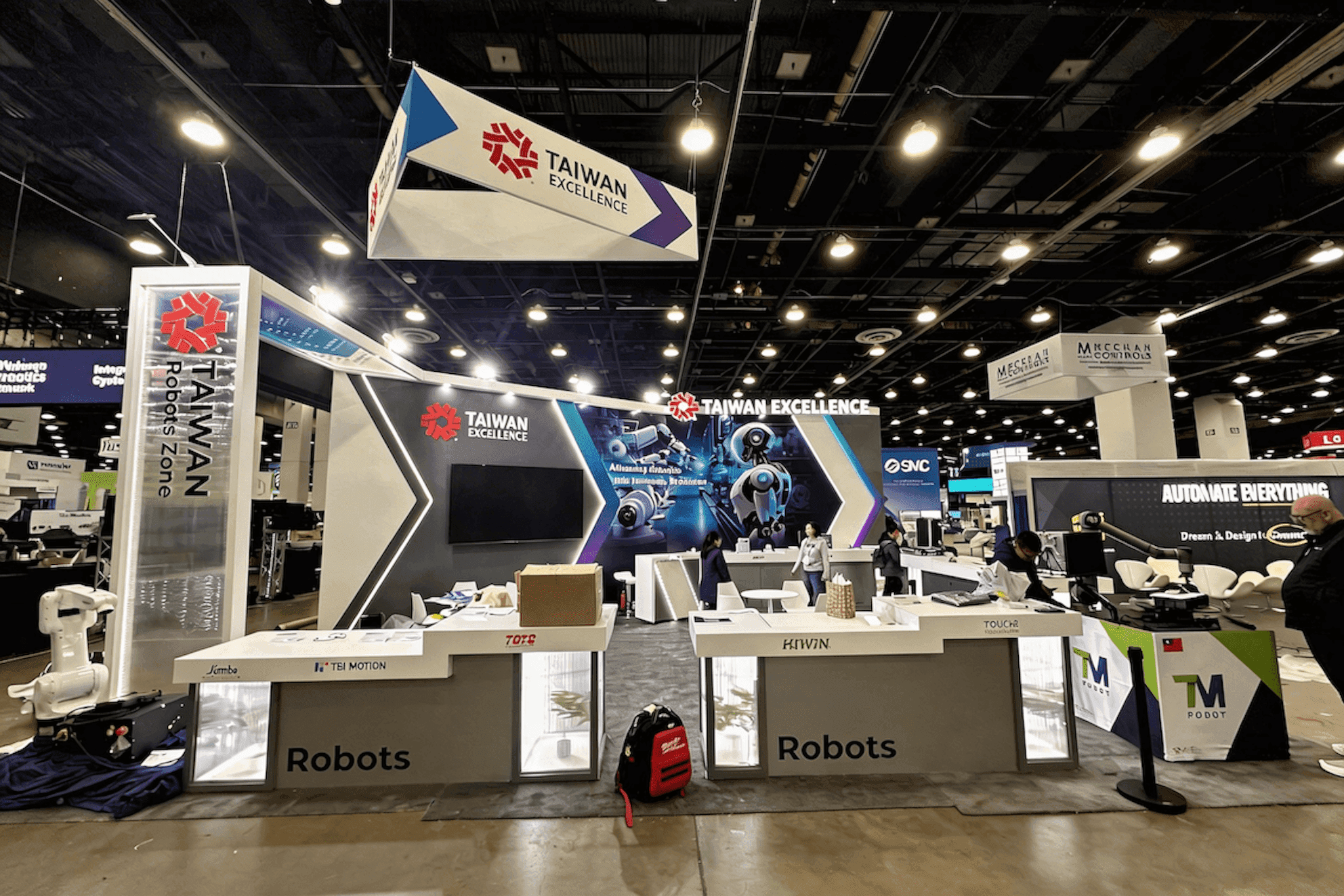
Prebuild testing follows the same entry, viewing, equipment handoff, and reset sequence planned for the show floor.
When the Live Demo Cannot Run
Network access, account issues, remote systems, or equipment problems can interrupt a live demonstration. Backup demo content still needs to explain the same training task, participant action, and expected result without trying to reproduce every feature.
Recorded walkthrough
Useful for scenarios that take too long to load, are difficult to repeat, or depend on a remote environment.Offline training demo
Locally stored data, screens, and prepared scenario content can show the core workflow without relying on cloud or venue connectivity.Guided demo with screenshots
Selected screenshots or short clips can explain the main steps and outcome while technical staff restore the system or when the visitor has limited time.
A fallback presentation only needs to preserve the logic of the experience: what the participant does, how the system responds, and why the result matters.
Interactive Demo Readiness Checklist
Before the booth ships, run the demo as visitors will experience it and confirm:
The training outcome is clear within one focused session
Participant entry, exit, and waiting positions stay clear of aisle traffic
The observer screen is readable without being blocked by staff or equipment
Electrical access, power connections, and cable routes match the final layout
Headsets, controllers, and other devices have fixed return positions
Storage and technical access remain usable during the session
Login, content, equipment, and session reset times have been tested
Backup demo content is stored locally and ready to use
The full visitor sequence has been rehearsed during prebuild
Frequently Asked Questions
How long should an interactive training demo be?
An interactive training demo should last long enough to complete one meaningful task and show a clear result. When setting the schedule, include participant preparation, equipment handoff, reset time, and the gap before the next session—not only the time spent using the system.
Does every interactive demo need an observer screen?
Not always. An observer screen is most useful when the participant’s view is hidden inside a headset, simulator, or detailed software interface. When the action and outcome are already visible from outside the station, clear graphics or staff explanation may provide enough context without a separate external display.
How can exhibitors reduce reset time between users?
Use the same starting state for every session and give headsets, controllers, and other devices fixed return positions. Prepare the next participant before the current demo ends, then test account access, content reloads, equipment checks, and the full reset sequence during prebuild.






