AWS re:Invent Booth Planning


How Should Exhibitors Plan an AWS re:Invent Booth?
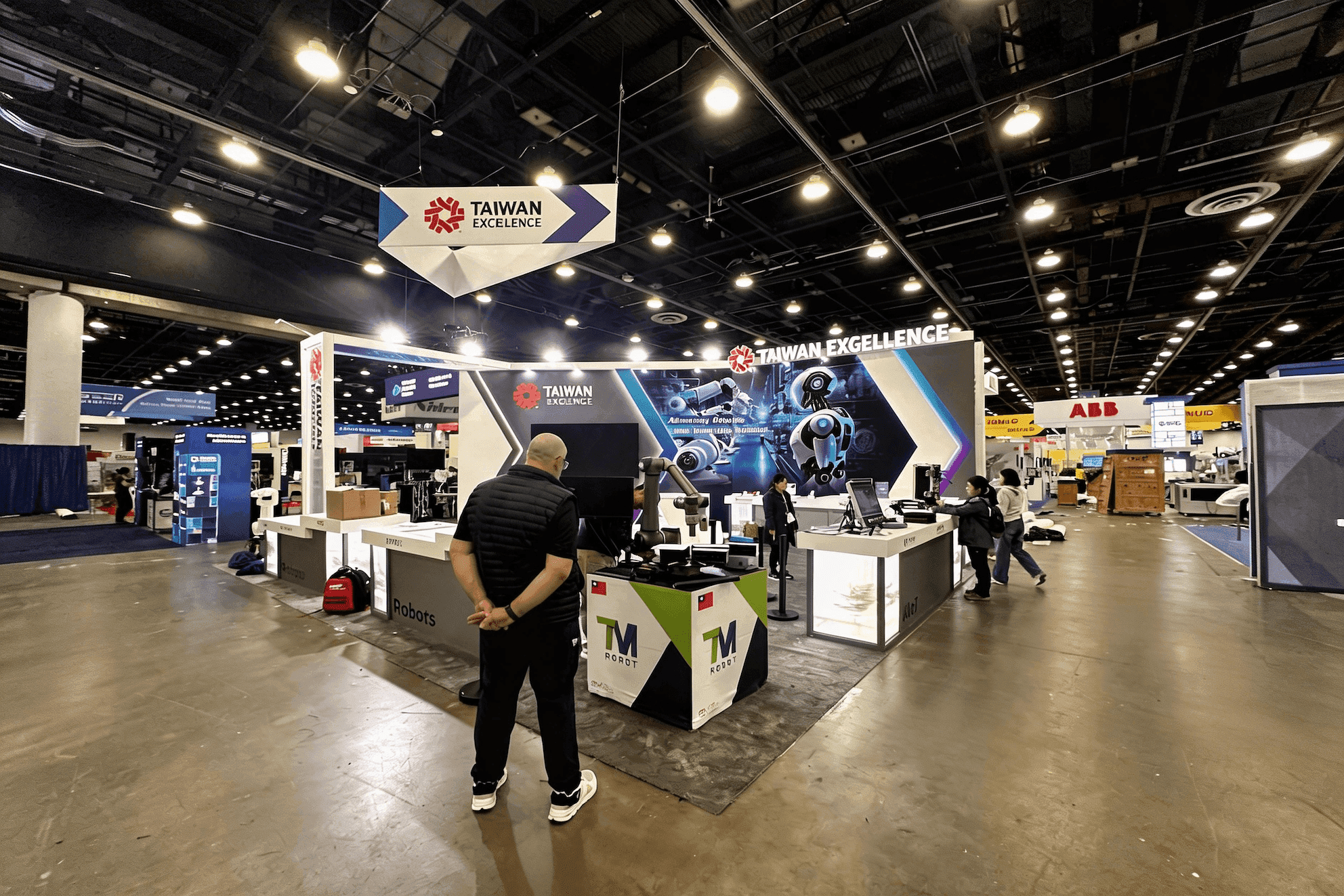
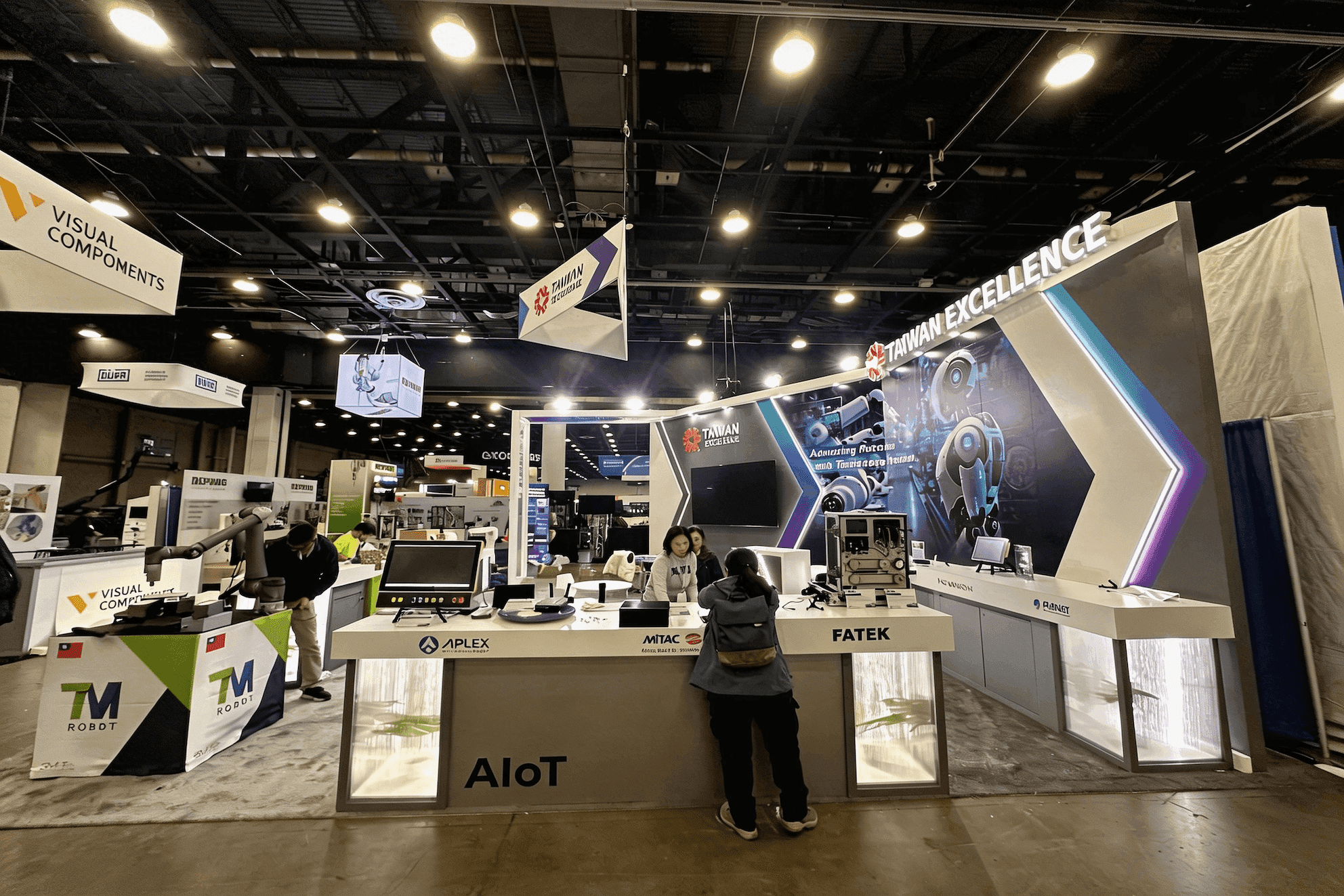
An AWS re:Invent booth should explain the main solution before visitors reach the login screen or technical details. The layout should then support a short live demo, a specialist conversation, or a scheduled customer meeting without crowding the same area. Booth size, AV needs, staffing, storage, and show-site coordination should be settled early.
A visitor may stop for a quick demo, ask a technical question, or arrive for a scheduled customer meeting. The booth needs enough separation for each conversation to work without sending every visitor toward the same counter or screen. Exhibitors running several AI or cloud workflows can use AWS re AI and cloud demo booth planning to organize demo stations, screen roles, visitor routing, and specialist handoffs in more detail.
The footprint should follow how many demos and conversations need to happen at the same time. A 20x20 booth layout can support one focused product story, a small number of controlled demo points, and short technical discussions; several product teams or longer meetings may need more separation. Because the Expo takes place at The Venetian Expo, screen infrastructure, utilities, freight access, installation timing, and demo readiness should be resolved before production is locked.
AWS re sits within the broader Las Vegas technology trade show planning landscape, but its Expo places unusual weight on live software demos, technical specialists, and deeper buyer conversations. Exhibitors that need those requirements translated into a finished physical program can work with trade show booth design and build in Las Vegas to align structure, graphics, demo space, meetings, storage, and show-site execution.
Why Exhibitors Choose Circle Exhibit
Clear scope, transparent quote review, nationwide booth support, and efficient setup planning for qualified rental and custom exhibit projects.
48hr
Setup Window
10+
Years Since 2014
U.S.
Trade Show Support
Real
Booth Project Proof
Choose the footprint by how many demos, meetings, and staff conversations need to happen at once—not by the number of screens alone.
A 10x20 booth works for one product story, one or two guided demos, and a small reception point. It becomes tight when separate teams need their own screens or conversations begin to last longer.
A 20x30 booth gives exhibitors more room to separate quick aisle demos from technical discussions and scheduled meetings. It can also accommodate several demo pods, a main solution display, and dedicated device storage.
A 20x20 booth layout can support two or three demo points, reception, concealed storage, and a small discussion area. It works best when the booth follows one clear solution story and meetings remain brief.
A 30x40 booth layout suits several product groups, a presentation area, and more private executive meetings. The larger footprint also gives staff more control over visitor queues, circulation, and conversation zones.
Inside the Partner Advantage Zone
The Partner Advantage Zone changes how AWS Partners introduce a use case, show an AWS integration, explain Marketplace availability, and connect visitors with the right specialist. How the AWS re:Invent Partner Advantage Zone Shapes Booth Planning looks at those decisions within the wider Expo.
From Move-In to Dismantle
A booth may appear complete before its demo environment and daily operating plan are ready. AWS re:Invent Expo Booth Execution Planning covers packing, move-in, demo testing, daily resets, staffing, and dismantle at The Venetian Expo.
The booth should help visitors understand the solution quickly, see a relevant live demo, and move into the right next conversation.
Explain the problem and use case before asking people to follow a dashboard, workflow, or architecture diagram.
Each demo station should cover one use case, leave room for visitors, and have a staff member who can keep the walkthrough on track.
Someone arriving through reception or a short demo should be able to reach the right product specialist, sales engineer, or meeting area without repeating the full conversation.
Backup laptops, chargers, adapters, recorded demos, lead devices, and replacement cables should stay in one assigned storage area.
The AWS re:Invent Expo takes place at The Venetian. Exhibitors should follow the current sponsor materials for booth access and show-service requirements.
Sessions and activities run across Caesars Forum, Caesars Palace, Encore, MGM Grand, The Venetian, and Wynn. Staff schedules and customer meetings should allow time for travel between venues.
More than 450 companies take part in the Expo with products, live demos, solutions, and specialist teams across cloud, AI, security, migration, and industry use cases.
Not Sure Which Booth Size You Need?
Not every exhibitor knows whether a 10x20, 20x20, 20x30, or larger booth is the right fit. Circle Exhibit can help review your event goals, product display needs, demo areas, meeting space, storage, budget scope, and setup timeline before you choose a booth size.
Technical and Business Visitors Ask Different Questions
Several Live Demos Can Work Against Each Other
1
Decide What Visitors Need to Understand First
2
3
4
Rental for a Focused Demo Program
A customizable Las Vegas trade show booth rental works well when the booth needs branded demo stations, screens, concealed storage, and a compact meeting area without a highly specialized structure.
Custom Build for a More Complex Program
Custom fabrication makes more sense when several business units need separate demo zones, the booth includes presentations or executive meetings, or screens, cable access, storage, and architectural branding need to be integrated into the structure. In those cases, Las Vegas trade show booth design and build can connect fabrication with prebuild and show-site execution.
Clarify Ownership Before Production
Confirm which structural components, graphics, screens, furniture, demo equipment, and storage elements are rented or client-owned. Also define what will be packed, stored, repaired, or reconfigured for the next event before production begins.
AWS re runs across several Las Vegas properties, while the Expo is held at The Venetian. Freight, labor, internet, electrical, service orders, and move-in access should follow the current materials for the assigned booth.
A screen can look ready while the product environment is not. Once power and connections are live, test account access, tablets, keyboards, audio, adapters, lead devices, and the exact walkthrough the team plans to use.
Keep backup laptops, chargers, cables, adapters, login instructions, screenshots, and recorded demos in one known storage area. Assign one person to handle opening checks and end-of-day resets.
Specialists may be attending sessions or customer meetings elsewhere on the AWS re campus. Build the staffing schedule so trained team members remain available at the booth throughout Expo hours.
Need a Flexible AWS re:Invent Booth Rental?
For exhibitors running modular demo stations or partner-focused cloud presentations, customizable trade show booth rental in Las Vegas can still support multi-screen layouts, structured demo zones, and clean cable management without requiring a full custom build. This is especially effective for 20x20 booths where flexibility and fast setup are essential.
What Should an AWS re:Invent Booth Include?
An AWS re:Invent booth should combine a clear solution message, focused live demos, technical conversation space, and secure equipment storage. Add meeting space when longer customer discussions are expected.
What Booth Size Works for Live Demos and Meetings?
What If a Live Demo Becomes Unavailable?
Does the Booth Need a Separate Meeting Area?
Should a Live Demo Rely on Venue Wi-Fi?
READY TO PLAN YOUR NEXT BOOTH?
Let’s Build a Booth That Fits Your Event
Share your event name, booth size, city, timeline, product display needs, and design references. Circle Exhibit will review your project direction and help you choose a rental-friendly or custom exhibit path.
3000+
Booth Projects Supported
50+
U.S. Event Cities
Transparent
Quote Review
For AWS Partners that need to explain their role in the AWS ecosystem, organize integration demos, and move visitors from a first use case into specialist conversations or meetings.
Review fabrication, prebuild checks, freight coordination, installation, and local support.
Explore rental booths with branded demo stations, screens, meetings, and storage.
Plan AWS Partner messaging, live demos, specialist handoffs, and customer meetings.
Review booth access, display planning, freight timing, installation, and show-site preparation for The Venetian Expo.








