CES AI Product Demo Booth Planning for Show-Floor Demos

How should exhibitors plan a CES AI product demo booth?
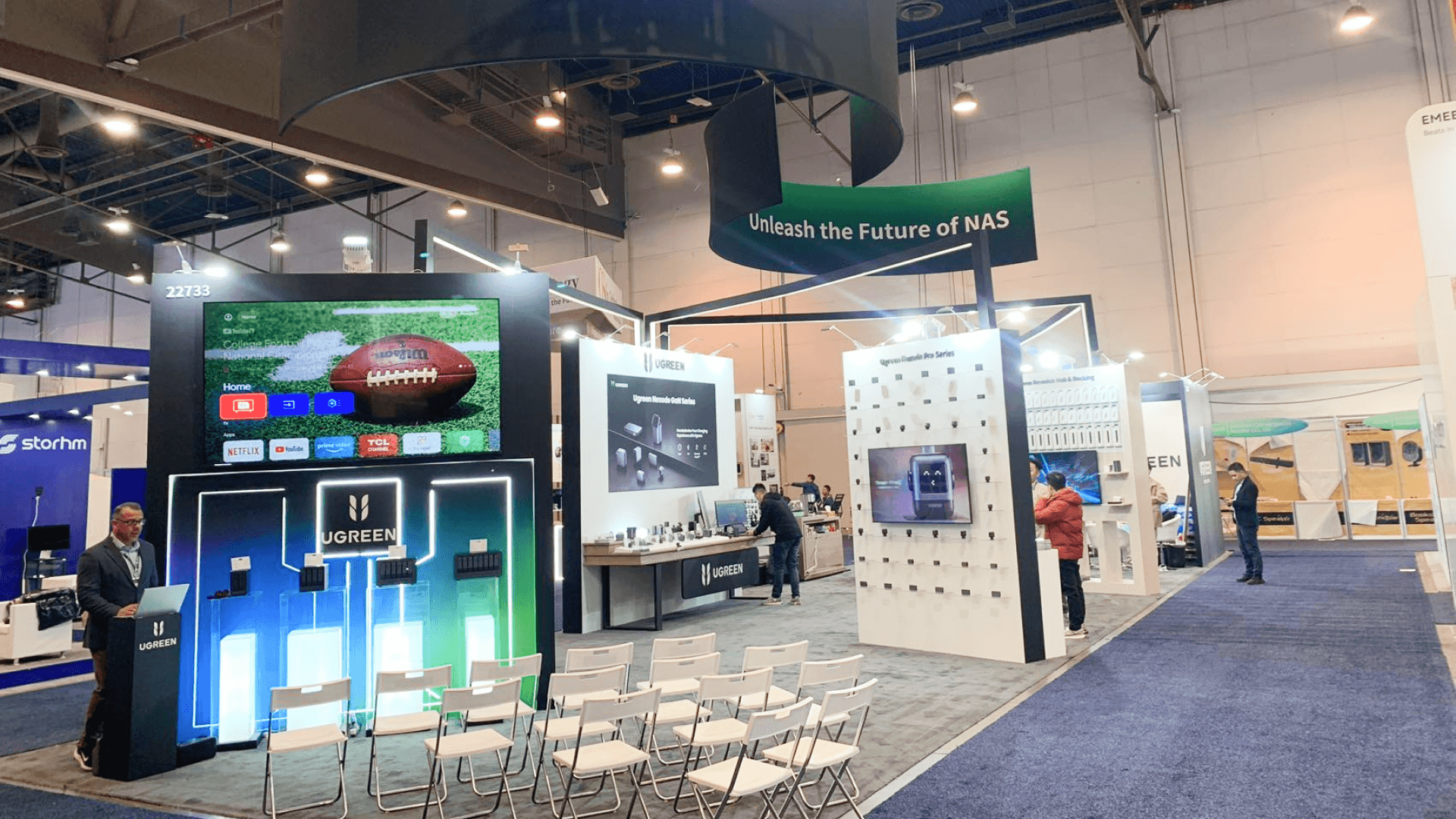
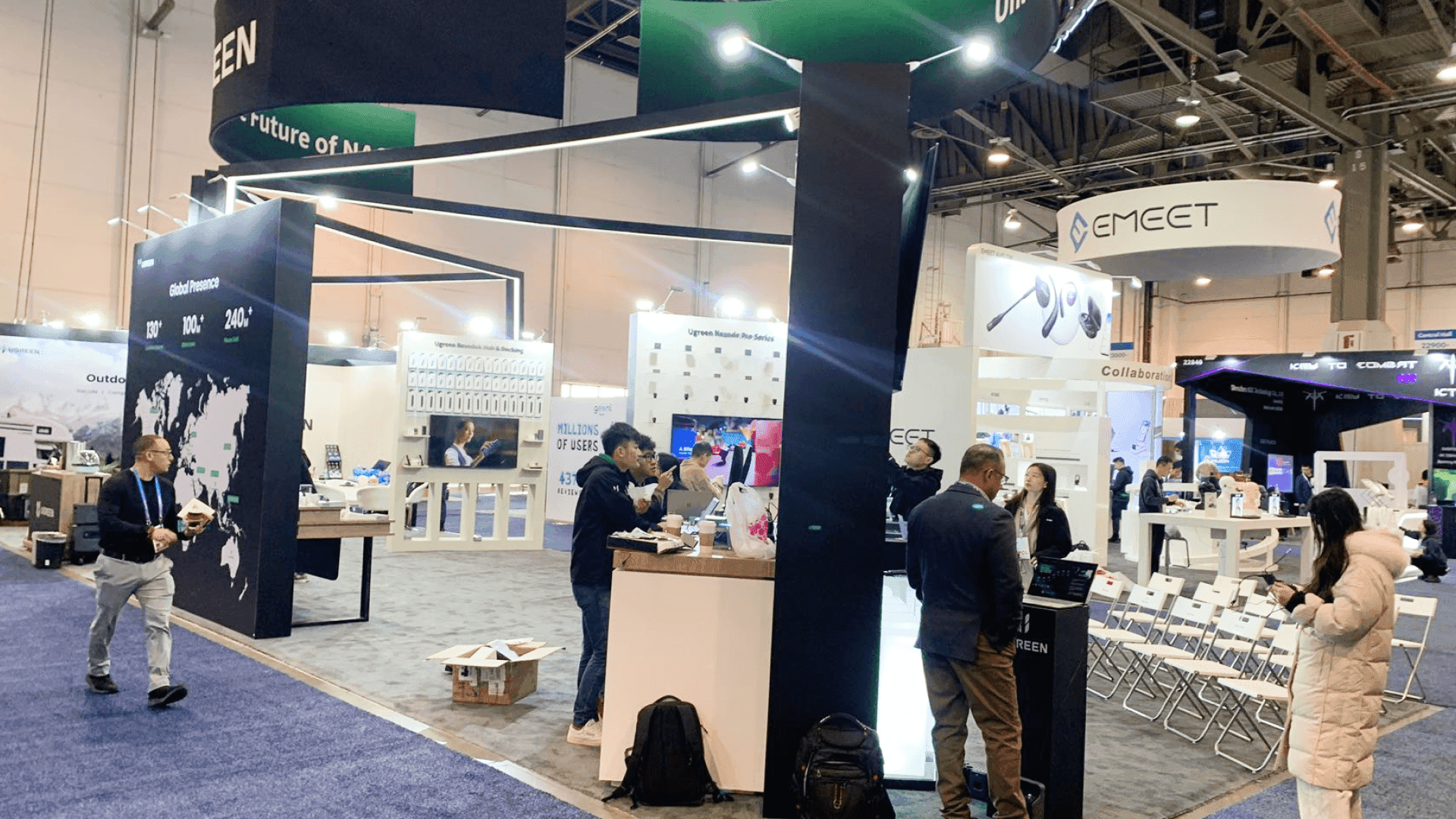
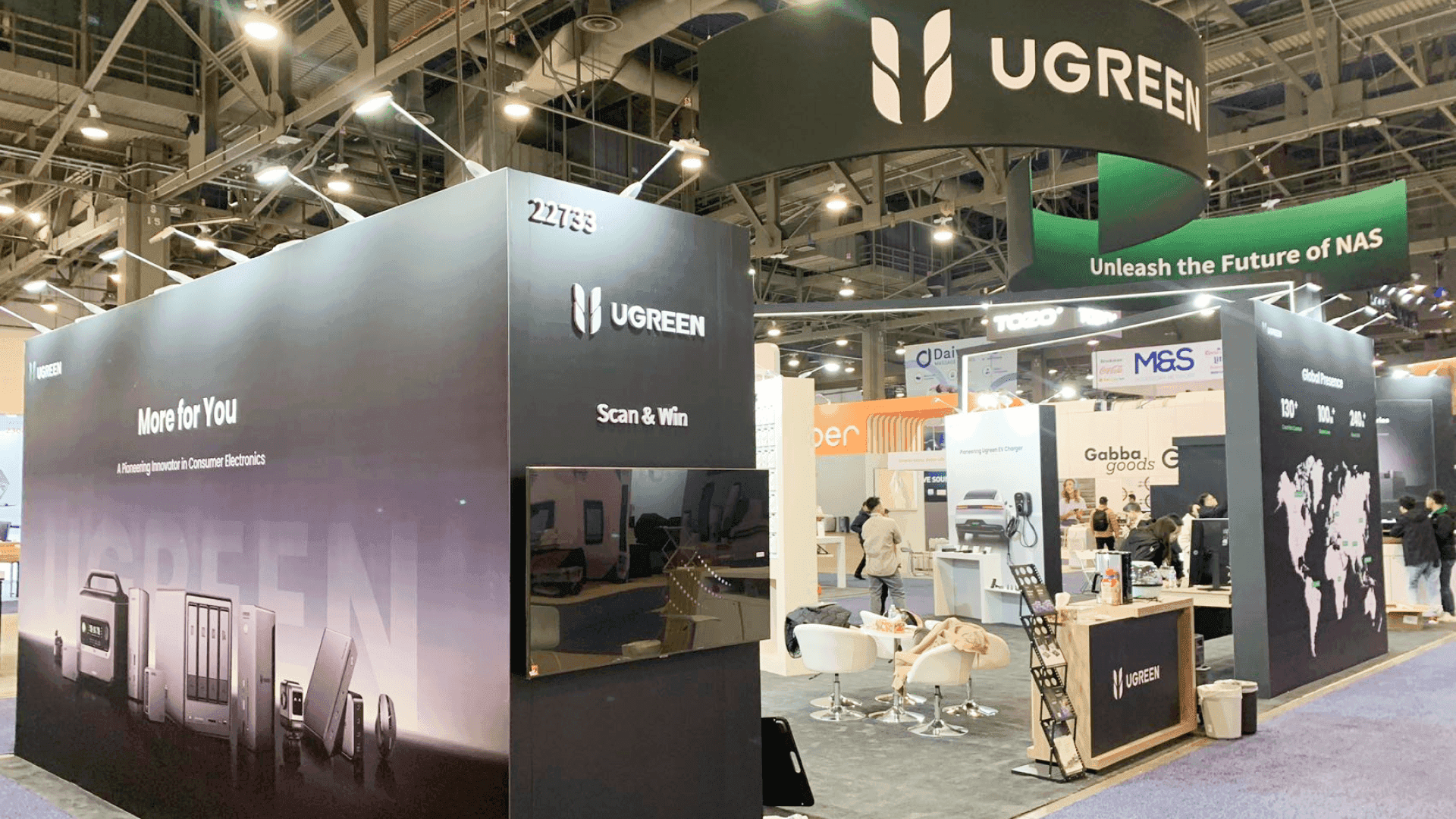
A CES AI product demo booth should be planned around how the demo runs on the show floor: the stations, devices, screens, connectivity, account or API dependencies, reset time, backup path, and technical follow-up. The setup should keep demonstrations repeatable throughout the day while giving staff enough access to recover quickly and continue deeper conversations without blocking the main demo area.
AI and software demos at CES depend on more than having the product open on a screen. Laptops, tablets, cloud services, external APIs, credentials, connected displays, reset time, backup files, and staff operating positions can all affect whether the same demo can run consistently throughout the day.
The booth therefore needs to be planned around how the demo actually operates: how many demonstrations may run at once, what equipment each one depends on, where staff reset the experience, and where a longer technical conversation can continue without holding up the next visitor. These requirements sit within the wider CES booth planning picture, where booth size, venue execution, rental, and show logistics also have to work together.
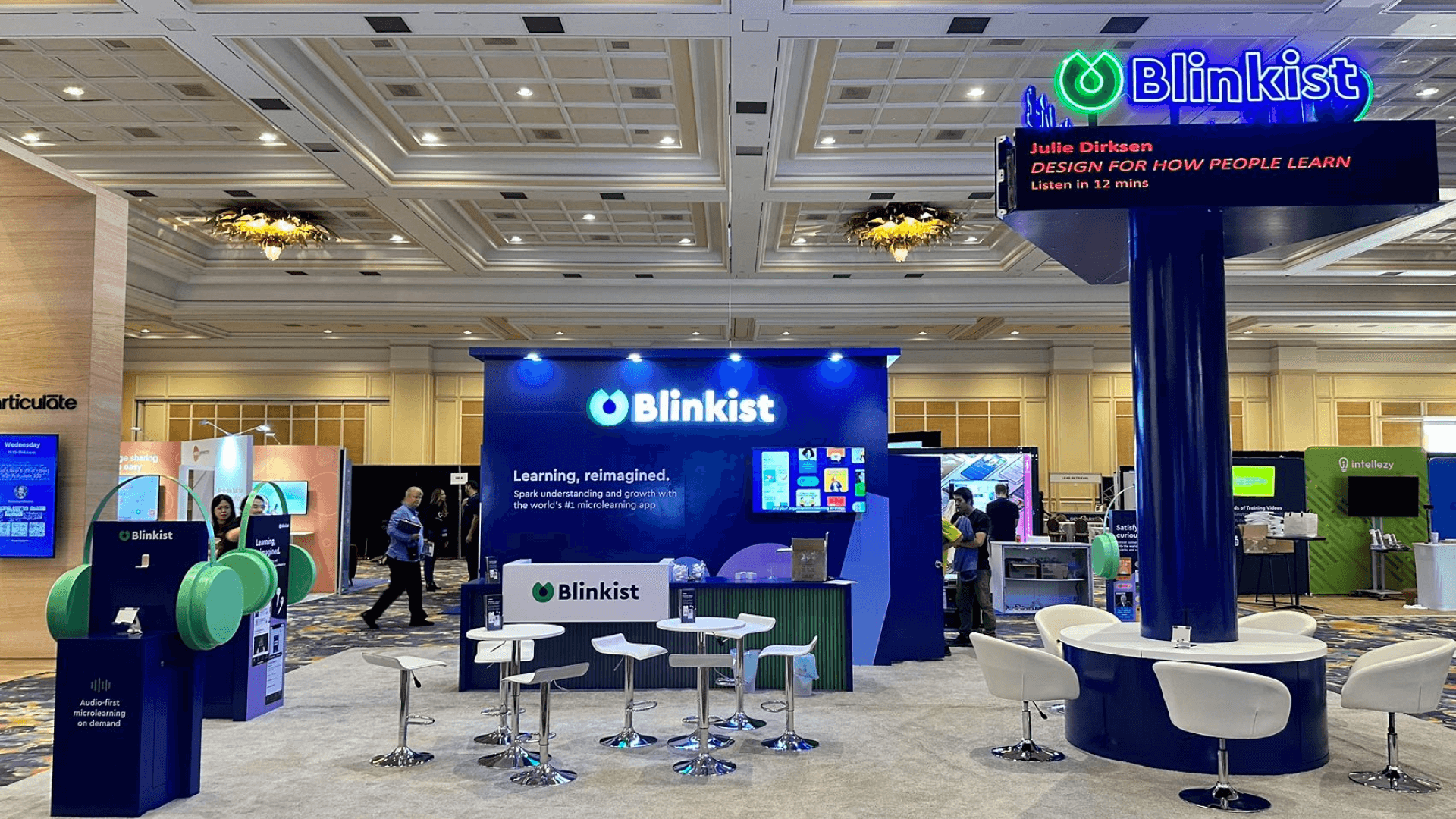
Space should follow the demo program rather than the number of product features. A focused setup may fit naturally into a 20x20 booth, while a program with several demo points or specialist conversations may need more separation. For teams building around more complex AI demo requirements, AI trade show booth planning connects those operational needs with broader exhibit and event planning.
Why Exhibitors Choose Circle Exhibit
Clear scope, transparent quote review, nationwide booth support, and efficient setup planning for qualified rental and custom exhibit projects.
48hr
Setup Window
10+
Years Since 2014
U.S.
Trade Show Support
Real
Booth Project Proof
Booth size should reflect how many demonstrations need to run, how many people operate them, how much equipment stays nearby, and whether technical follow-up needs its own space.
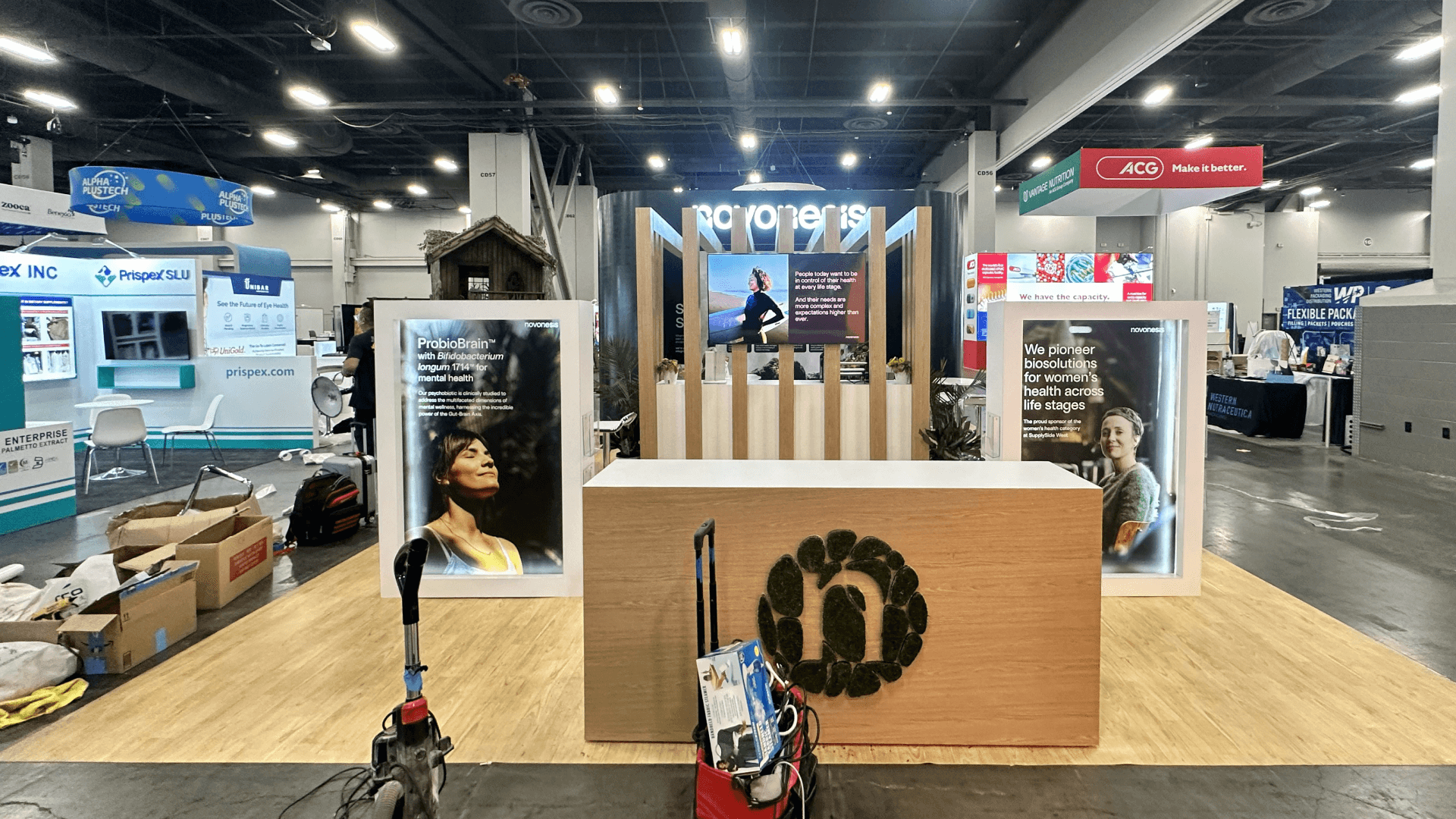
A 20x20 booth works best when one primary demonstration drives the experience and equipment, storage, and follow-up remain limited.
This footprint becomes useful when several demos need to run at once while specialist conversations and support equipment remain separated from the main interaction.
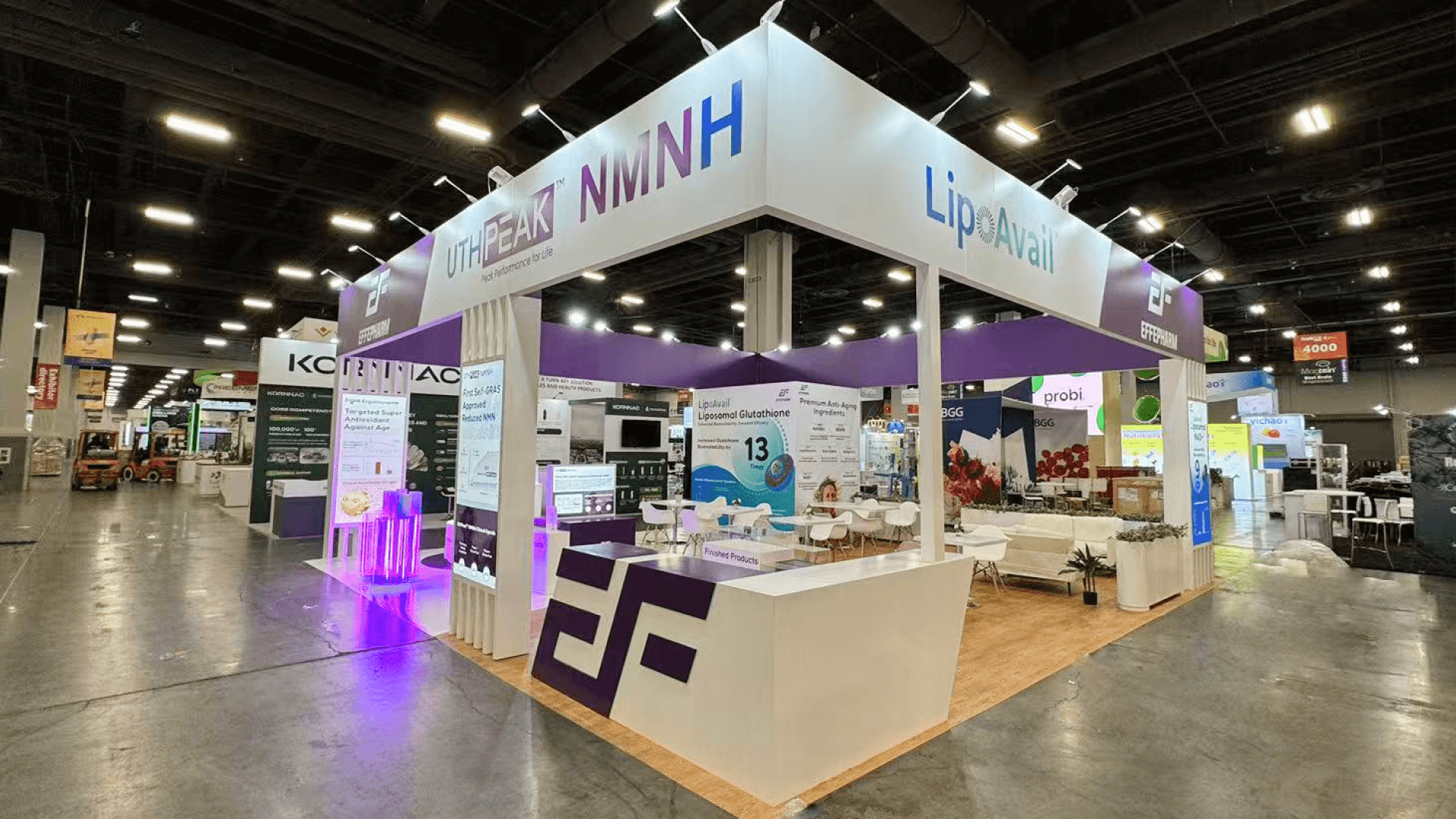
A 20x30 booth gives several stations, operators, and technical conversations more room to coexist without competing for the same viewing area.
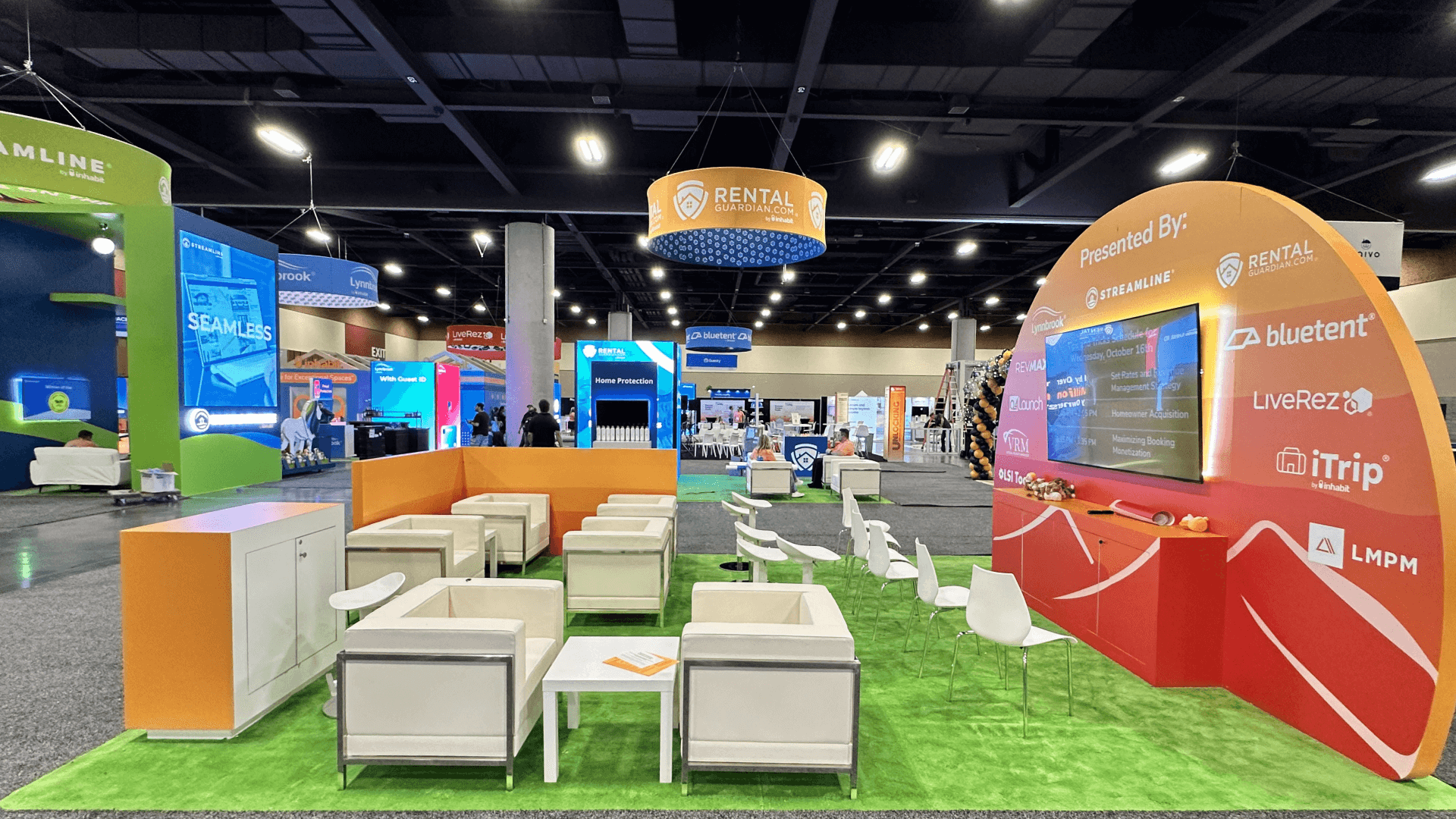
Larger island layouts make more sense for multi-product programs, several demo teams, synchronized screens, higher visitor volume, and private technical discussions.
A reliable booth cannot fix a workflow that visitors cannot follow. If the team is still deciding which product behavior to show first, how much context an AI result needs, or how the screen story should work when someone joins midway, CES AI workflow demo planning addresses that communication problem before it becomes a physical booth decision.
The booth should make the product easy to see while giving staff enough access to operate, reset, recover, and continue deeper conversations without slowing the demo cycle.
Visitors need a clear view of the result, while staff still need direct access to the device, controls, and reset state.
Connected displays should show the expected product state without forcing staff to constantly correct windows, accounts, or synchronized views.
Chargers, adapters, backup devices, local files, and other recovery tools should be close enough to use quickly but kept outside the visitor path.
A qualified visitor should be able to continue into integration or deployment questions without preventing the next person from seeing the demonstration.
AI demos at CES may depend on software, cloud services, accounts, connected devices, and repeatable demo states. Those dependencies need to keep working even as visitors arrive continuously throughout the day.
CES 2027 runs January 6–9 in Las Vegas. Final connectivity, equipment, and setup planning should follow the exhibitor’s actual CES campus and booth assignment.
A short AI demonstration can quickly turn into questions about integration, deployment, data, or system fit. The booth should allow that conversation to continue without tying up the main demo area.
Not Sure Which Booth Size You Need?
Not every exhibitor knows whether a 10x20, 20x20, 20x30, or larger booth is the right fit. Circle Exhibit can help review your event goals, product display needs, demo areas, meeting space, storage, budget scope, and setup timeline before you choose a booth size.
The Next Visitor Should Not Wait for a Reset
Several Demo Stations Can Share the Same Bottleneck
1
List What Each Demo Actually Depends On
2
3
4
When a Configurable Rental Is Enough
A rental setup can work well when screens, devices, counters, storage, and operator positions fit a repeatable structure without extensive built-in technical infrastructure.
When the Demo Needs to Be Built Into the Exhibit
Custom construction becomes more relevant when devices need integrated mounts, cable paths need to disappear into the structure, several displays must work together, or specialist areas need more
When the Structure Can Stay Reusable but the Demo Changes
A hybrid approach can keep the main structure repeatable while adapting screens, equipment, storage, graphics, and technical elements to the CES demo program.
Check booth-specific connectivity, accounts, cloud services, devices, and demo states before show traffic begins.
Backup devices, chargers, adapters, local files, and prepared outputs should be reachable without sending staff away from the booth.
Power, routers, cables, chargers, and reset controls should remain serviceable without becoming part of the front-facing experience.
After installation, test login, screens, connectivity, fallback content, handoff, reset, and readiness for the next visitor.
For exhibitors planning a CES AI product demo booth, these related pages help separate AI workflow explanation from other CES booth planning needs: CES booth planning in Las Vegas for the main event hub, CES technology product demo booth planning for hands-on product explanations, CES product launch booth planning for launch reveal messaging, and 20x30 trade show booth planning for larger screen-led demo layouts.
Need a Flexible CES AI Demo Booth Rental?
A rental-based booth can work when a CES AI demo needs branded graphics, screen support, product counters, light storage, lead capture, and a practical show-site setup path. This option is best when the AI workflow is clear and the booth does not require a fully custom structure for every screen, dashboard, or demo station.
What is a CES AI product demo booth?
A CES AI product demo booth is planned around showing how an AI product works and why the output matters. It usually includes screen-led workflow explanations, model output screens, dashboard demos, staff-led walkthroughs, meeting space, and a visitor path that moves people from basic understanding to deeper technical conversation.
What should a CES AI demo booth include?
Is a 20x20 booth enough for a CES AI product demo?
How should screens be used in a CES AI product demo booth?
How can exhibitors prepare an AI demo booth before opening day?
READY TO PLAN YOUR NEXT BOOTH?
Let’s Build a Booth That Fits Your Event
Share your event name, booth size, city, timeline, product display needs, and design references. Circle Exhibit will review your project direction and help you choose a rental-friendly or custom exhibit path.
3000+
Booth Projects Supported
50+
U.S. Event Cities
Transparent
Quote Review
A useful footprint when one primary demo needs room for visitors, staff access, nearby storage, and limited technical follow-up.
More room for several demo points, operators, devices, storage, and technical conversations without concentrating everything in one area.
Relevant when device mounts, built-in screens, concealed cabling, equipment access, or other technical requirements need to become part of the exhibit structure.
Helps coordinate booth materials, technical equipment, delivery timing, storage needs, and setup requirements before CES move-in.
Supports booth installation, equipment coordination, final adjustments, and show-floor readiness before the first demonstrations begin.