
Choose One Workflow Visitors Need to Understand First
Trying to explain the entire platform usually weakens the first interaction.
An AI product may include several models, agents, integrations, dashboards, and workflows. A CES visitor does not need to understand all of them before deciding whether the product is relevant. The first demo should focus on the workflow that most clearly shows why the product matters.
That workflow needs a recognizable starting situation, a visible role for the AI, a result the visitor can judge, and an outcome that makes sense in the user’s work.
For a decision-support product, that might mean showing how a real input becomes a recommendation. An automation product might show the task it receives, what the system changes, and what happens next. An AI agent may need to make its action visible without explaining every tool or internal process behind it.
The useful question is not:
How many capabilities can we fit into the demo?
It is:
Which product behavior gives the visitor the clearest reason to understand the rest of the product?
A CES AI demo should explain one useful workflow before it tries to explain the whole platform.
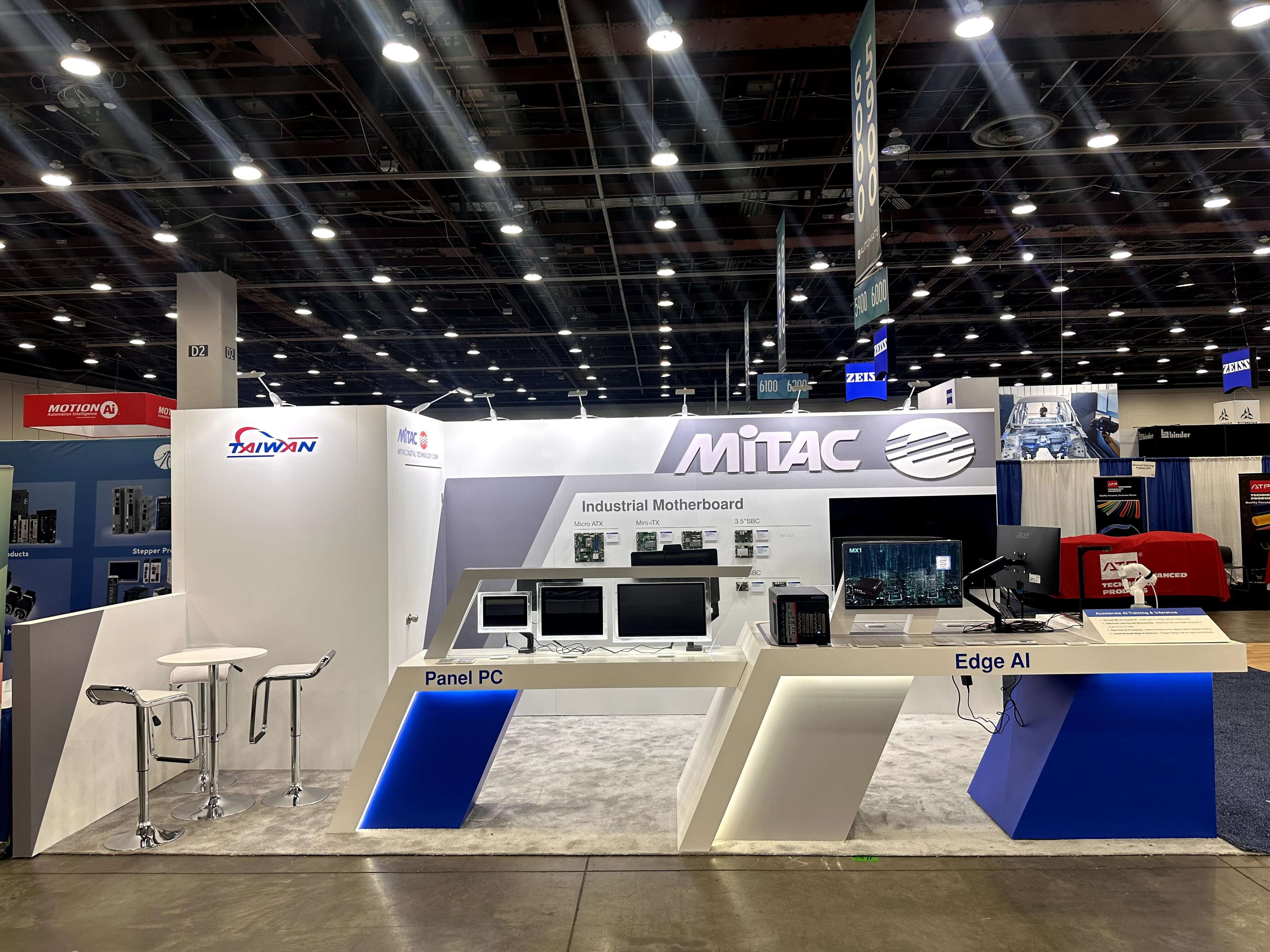
A focused workflow helps CES visitors understand what the AI is doing without requiring a full platform walkthrough.
Give the Result Enough Context to Be Judged
An AI result is difficult to evaluate when the visitor does not know what the system started with.
Before showing the output, give enough context to understand the task. Depending on the product, that starting point might be a prompt, document, image, dataset, alert, customer request, operating signal, or assigned task.
The context does not need a long explanation. It only needs to make the result meaningful.
A generated response is easier to judge when the visitor can see the request behind it. A detected condition means more when the source image or signal is clear. An automated action becomes easier to understand when the buyer knows what triggered it.
The result itself should also be specific enough to inspect. That might be a recommendation, generated output, detected issue, prioritized task, completed action, forecast, or measurable change.
Broad claims such as AI-powered, intelligent, or automated do not give the visitor the same opportunity to judge the product.
An AI result is easier to judge when visitors understand what the system started with.
The result should give the buyer something to inspect, not simply something to admire.
Make the Workflow Clear Even When Visitors Join Mid-Demo
A booth visitor may not arrive when the demo begins.
Someone may first see the result, walk up while the system is processing something, or join while a staff member is already explaining the middle of the workflow. A demonstration that only makes sense from the first step can lose people quickly.
Keep enough context visible for someone to understand the current state without requiring a restart. The use case might remain on screen. The input may stay visible beside the result. A workflow state can be labeled clearly enough that someone arriving late can tell what the system is doing.
Staff should also be able to continue from what the visitor is already seeing rather than automatically restarting the product tour.
If someone joins while an AI system is showing a recommendation, for example, the explanation can begin there:
“This recommendation was generated from the customer data shown here.”
That gives the visitor an immediate reference point. The conversation can then move backward to the input or forward into the result depending on what they ask.
A CES AI workflow demo should still make sense when a visitor joins halfway through it.
That is a show-floor communication requirement, not simply a presentation preference. Real booth interactions are partial, interrupted, and entered from different points.
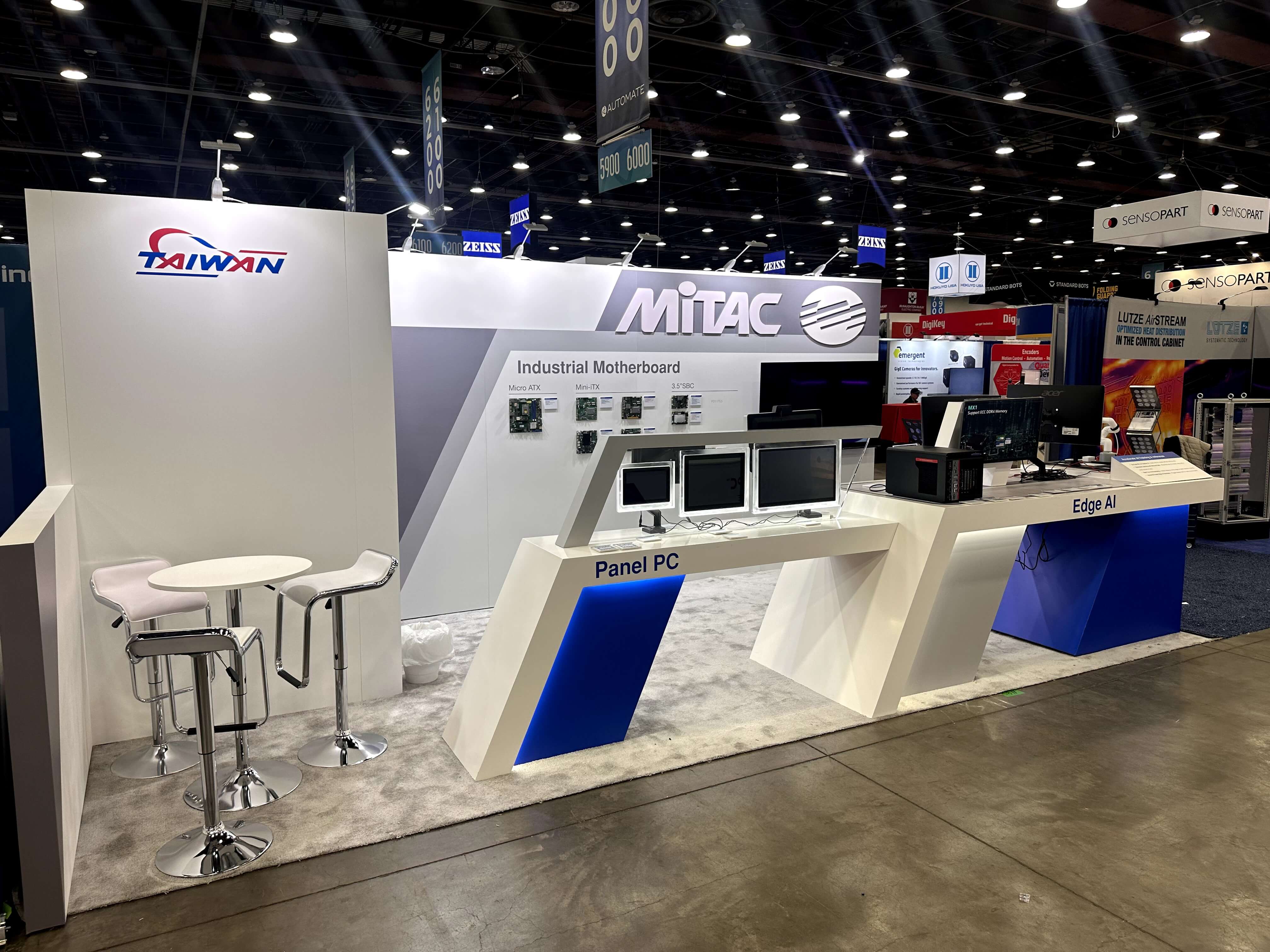
AI results are easier to judge when visitors can see what the system started with and the evidence that supports the result.
Put Product Proof Where Questions Appear
Product proof is often most useful when it appears at the moment the workflow creates a question.
If an AI output appears and the buyer asks who reviews it, that is the natural place to show the human review step.
If an agent takes an action and the buyer wants to know whether it can be stopped or changed, the relevant control should become visible there.
If the product claims integration with an existing system, show enough of that connection when system fit becomes part of the conversation.
This keeps evidence tied to the product behavior it supports instead of separating trust into a wall of security, governance, reliability, and compliance claims.
The broader question of what counts as strong AI product proof belongs outside this CES workflow article. The narrower question here is:
Where does the workflow create a buyer question, and what evidence should be available at that point?
Proof works best when it helps the visitor continue evaluating the result rather than interrupting the product story.
Use Screen Content to Keep the Workflow Coherent
Screens are useful for AI products because they can expose interfaces, workflow states, outputs, and system behavior that would otherwise remain invisible. More content, however, does not automatically make the product easier to understand.
The screen sequence should preserve the explanation.
A visitor should not have to connect an unexplained dashboard on one display, a brand animation on another, and a technical diagram somewhere else to work out what the product does.
The first view should make the current task or primary result obvious. Once that is clear, additional views can introduce supporting proof, another workflow state, or deeper technical information.
For a dashboard-heavy product, this often means resisting the temptation to expose every chart, metric, and tab at once. Establish which result matters first. Let the deeper interface become useful after the visitor understands what they are looking for.
Screen content should help answer four immediate questions:
What is happening now?
What did the AI do?
What result should I notice?
Where can I look if I want more detail?
Screen content should preserve the explanation order rather than expose the entire interface at once.
A clear screen sequence still has to work inside a real CES booth. How many demos can run at once, where visitors and staff stand, where screens and devices are positioned, and how the setup stays reliable are separate physical planning decisions. Those requirements are covered in CES AI product demo booth planning.

Screen content should keep the workflow easy to follow, with the main result visible first and deeper technical detail available when needed.
Keep the First-Look Story Short Without Hiding Technical Depth
The first CES interaction does not need to carry the entire technical story.
In the first few moments, the visitor mainly needs to understand what the product does, which workflow it changes, and what result is worth noticing. If that first layer is overloaded with architecture, model detail, integration maps, or technical limitations, the product can become harder to understand before it becomes more credible.
That does not mean technical depth should disappear.
Once the visitor understands the product and starts asking more specific questions, the explanation can move into data, integrations, controls, architecture, implementation, or limitations.
The deeper explanation should build on the same product story rather than replace it. A short first look and a technical discussion can contain different levels of detail without becoming two different versions of what the product does.
At CES, the first interaction should make the next question possible. It does not need to answer every question in advance.
Check Whether the Workflow Story Is Ready for CES
Before the demo content is finished, review it from the perspective of someone who has never seen the product before.
Is one use case clear quickly?
Is the starting point of the workflow visible?
Is the primary result easy to identify?
Can someone joining halfway through still understand what is happening?
Can the visitor tell why the result matters?
Does supporting proof appear when the workflow raises a question?
Does screen content preserve the product story?
Can technical detail follow without crowding the first look?
If those points are unclear, adding more features, charts, or screen content is unlikely to solve the underlying communication problem.
A CES AI workflow story is ready when a visitor can enter at different points, understand the important product behavior, judge the result, and know what question to ask next.
FAQ
What should a CES AI demo show first?
Start with one recognizable use case and enough context to understand the task. Visitors should know what the product is trying to accomplish before they are asked to judge the AI output.
Should a CES AI demo show the whole platform or one workflow?
One clear workflow should usually come first. It gives visitors a manageable way to understand what the AI does and why the result matters. Additional platform capabilities can follow when someone wants to explore the product more deeply.
How can an AI demo stay understandable when visitors join midway?
Keep the current task, input, or result clear enough that someone can understand what is happening without restarting the demonstration. Staff should be able to continue from what the visitor is already seeing.
How much context should an AI output include at CES?
Show enough of the starting input or task for the visitor to understand what produced the result. The goal is not to expose every processing step, but to make the output easier to judge.
How much technical detail should an AI workflow demo include at CES?
The first interaction needs enough detail to make the product understandable and credible. Data, integration, controls, architecture, and implementation detail can follow when the visitor chooses to continue into technical evaluation.







