Medtrade Booth Planning for HME Products and Technology


How should HME exhibitors plan a Medtrade booth?
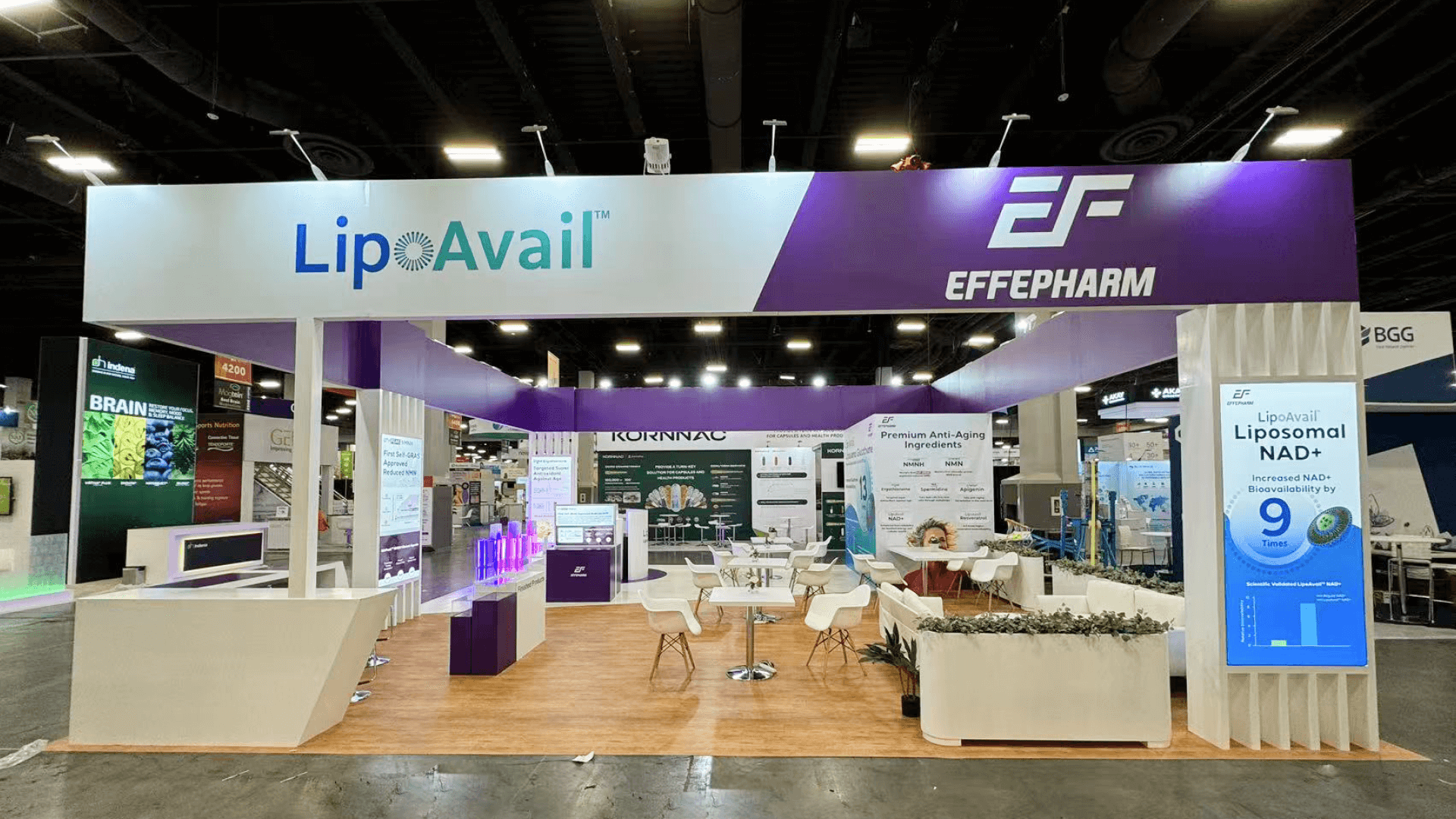
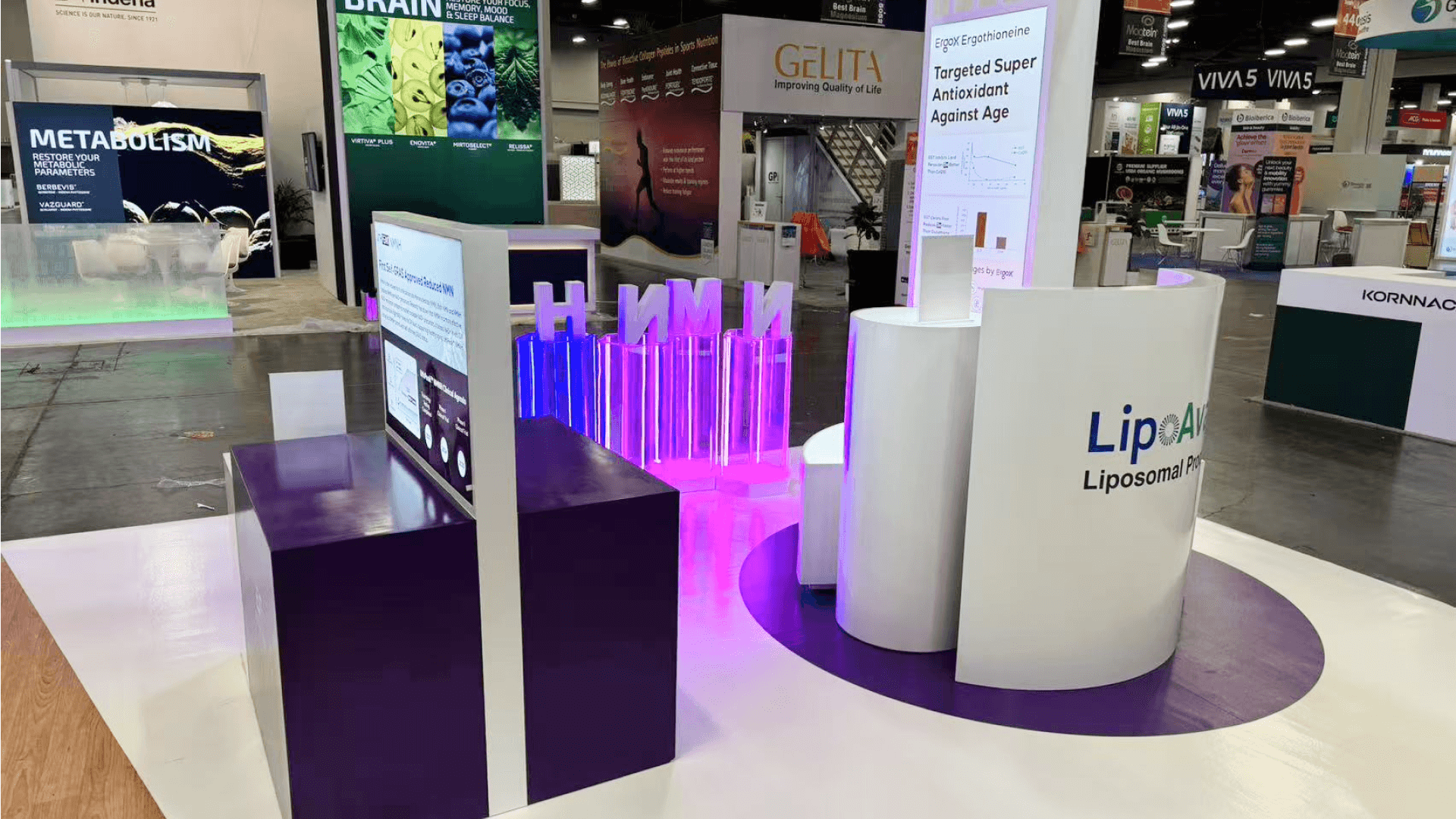
Medtrade booth planning should start with what an HME provider needs to evaluate: product differences, equipment operation, or a software task. Give each activity room for staff, visitors, and follow-up questions. Test the layout against equipment dimensions in use, the assigned open sides, and essential storage before choosing a rental structure or custom build.
At Medtrade, HME providers compare products, assess suppliers, and look for tools that fit their businesses. Group physical products so visitors can compare models and see how equipment works. For software, show a familiar task such as inventory or order handling. A 10x20 or 20x20 footprint should be tested against the products in use, assigned open sides, and room for discussions and storage.
If you take part in the New Product Pavilion or a Tech Talk, plan what happens next at the main booth. Interested providers may want to examine the product, revisit the workflow, or discuss ordering and support. Circle Exhibit’s exhibit design and build services can bring those displays, demonstrations, and meeting areas together for Medtrade at Fort Worth Convention Center.
Why Exhibitors Choose Circle Exhibit
Clear scope, transparent quote review, nationwide booth support, and efficient setup planning for qualified rental and custom exhibit projects.
48hr
Setup Window
10+
Years Since 2014
U.S.
Trade Show Support
Real
Booth Project Proof
Compare these footprints against your product list and the activities that must happen together. The layout still needs to work with the configuration of your booked booth.
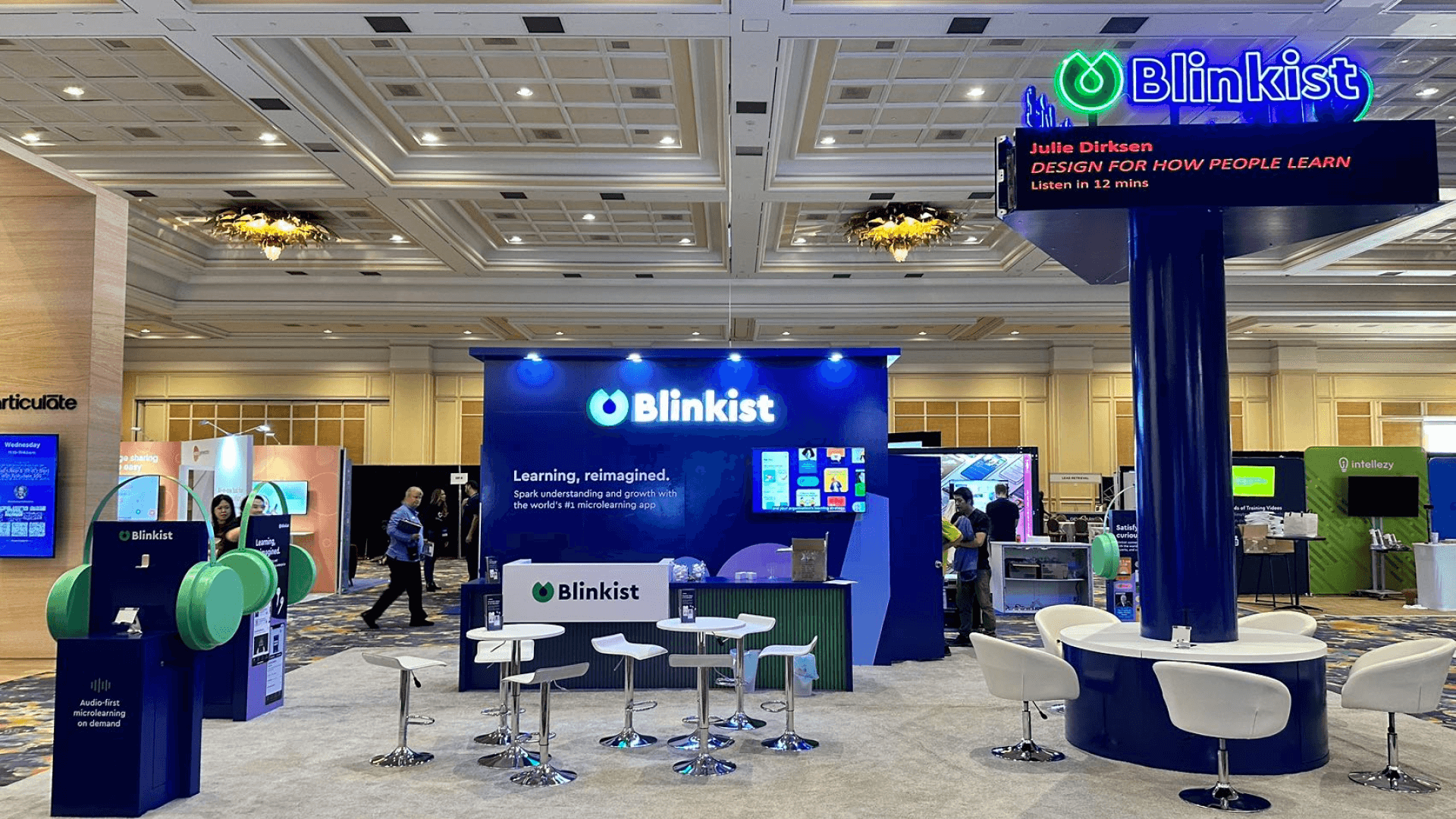
Consider this footprint for a compact sample range or screen-led introduction. Keep the display selective, with space for the presenter, visitor access, and essential storage.
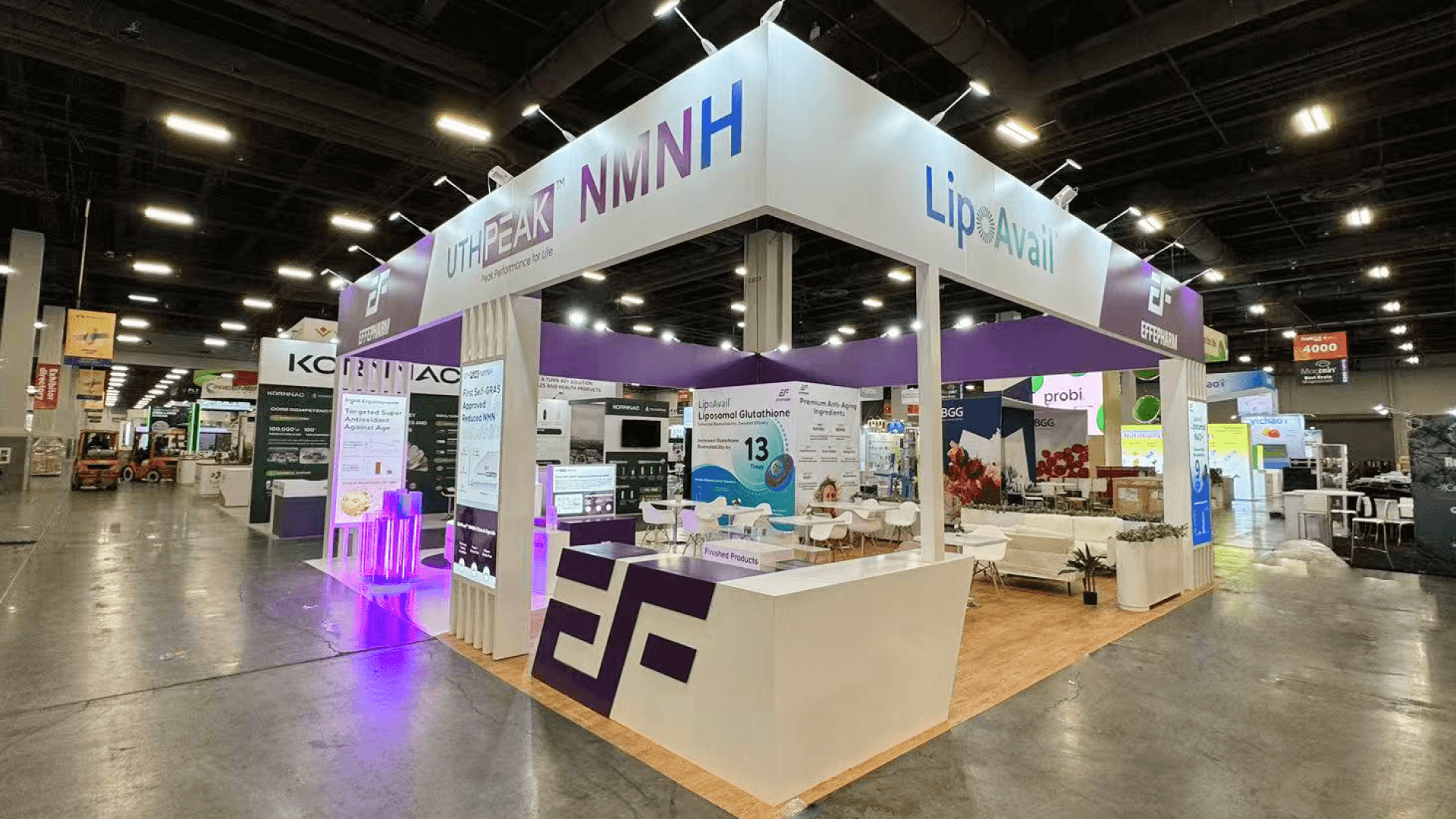
Use a 20x20 booth layout to test equipment review alongside a separate provider discussion. Check the device in operation, assigned open sides, and access to storage.
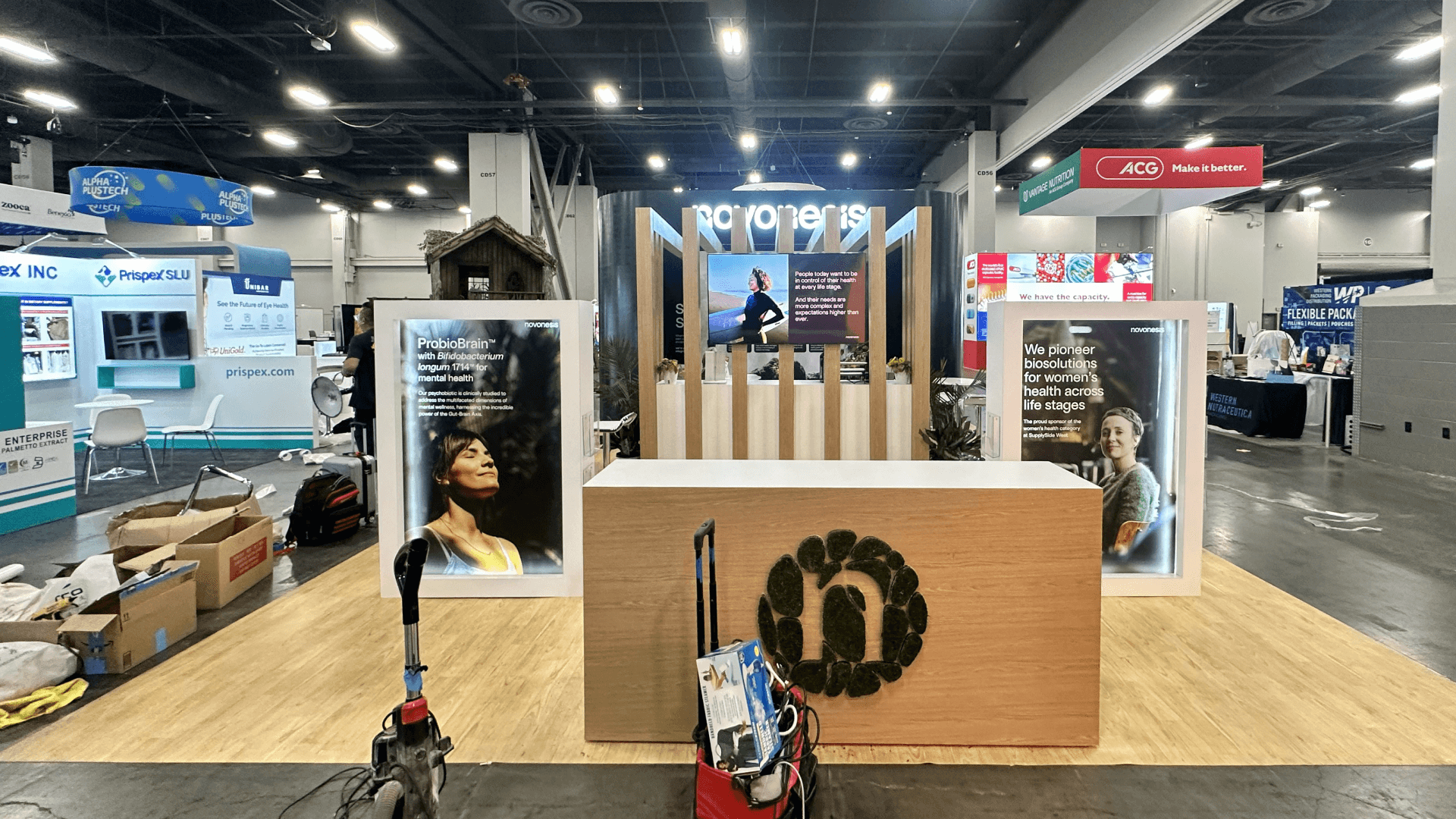
Test a 10x20 booth layout for one software demo or a focused HME range. Allow for the operator, product access, short conversations, and essential storage.
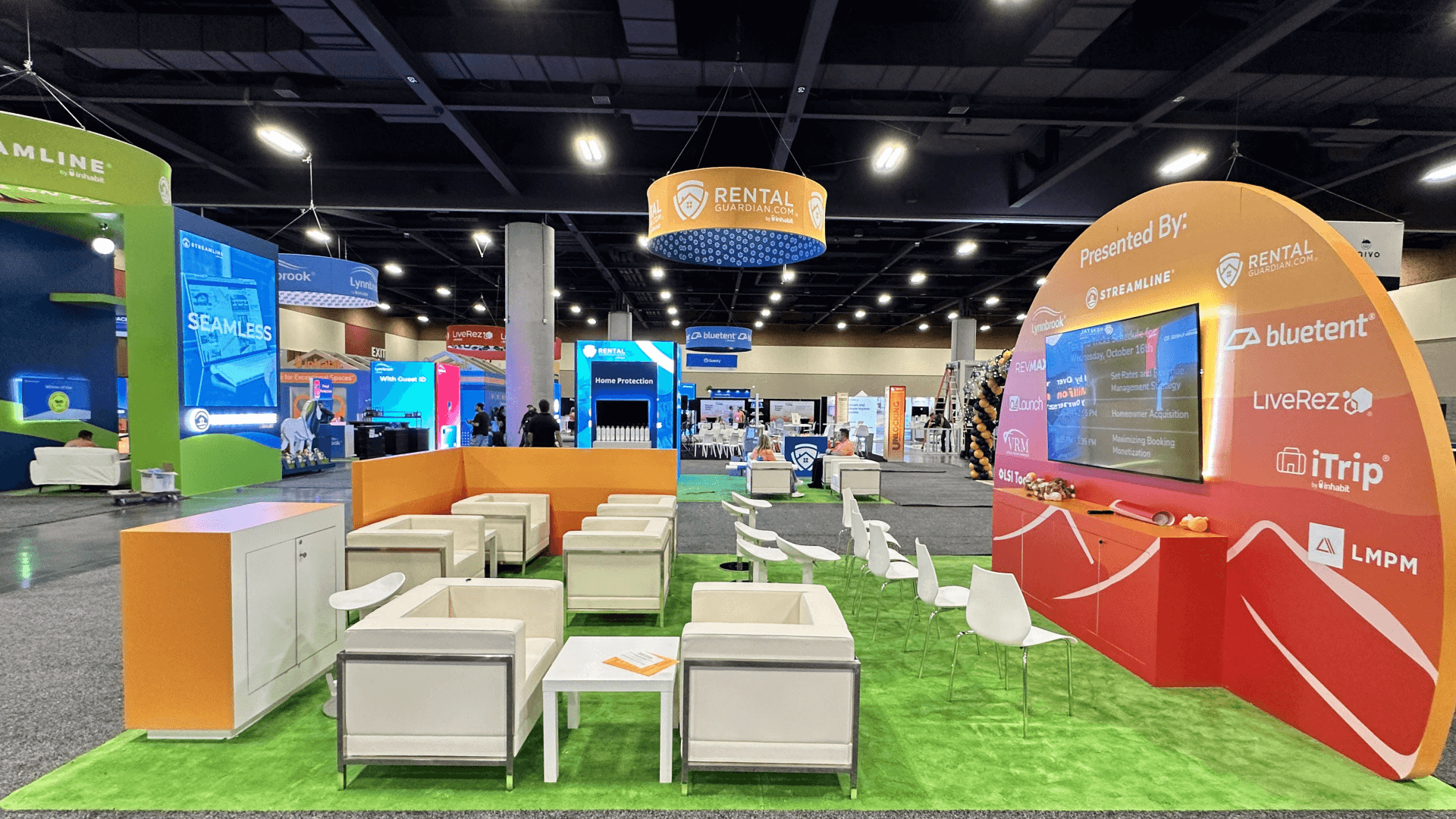
Consider 20x30 booth planning when several product groups or demonstrations must operate together. Compare equipment access, screen positions, provider discussions, and storage before confirming the larger footprint.
Describe how each product or workflow will be presented. Include the labels, viewing positions, and nearby information a provider needs to ask useful questions.
Place model names, key specifications, and relevant accessories beside the products. Use consistent labels so providers can compare the selected range without searching through separate brochures.
Identify the operator’s position, the full movement of the product, and where visitors will stand. Keep demo accessories within reach so staff can reset the area between presentations.
Prepare one workflow such as inventory management or an order process. Size and position the screen so visitors can follow the steps while the operator works.
Keep ordering, training, and support information within reach of a small discussion surface. Place it near the display without occupying the space needed for the next product review.
Medtrade connects HME and DMEPOS providers with suppliers of mobility, respiratory, sleep, daily living, and business technology products.
Conference: March 23–25. Expo: March 24–25 at Fort Worth Convention Center in Fort Worth, Texas.
Providers, HME retailers, distributors, and homecare teams compare products, meet suppliers, and explore options for their businesses.
Not Sure Which Booth Size You Need?
Not every exhibitor knows whether a 10x20, 20x20, 20x30, or larger booth is the right fit. Circle Exhibit can help review your event goals, product display needs, demo areas, meeting space, storage, budget scope, and setup timeline before you choose a booth size.
Equipment Takes More Room in Use
Software Demos Can Be Hard to Follow
1
Choose the Provider Questions to Answer
2
3
4
Rental Structure for a Focused Range
A rental structure may suit a focused HME range or screen-led demonstration. Its display surfaces, furniture, and storage need to support the planned review and conversations.
Custom Build for Equipment Constraints
Consider a custom build when the available rental structures cannot accommodate the equipment’s dimensions, mounting, or operating movement. Define those constraints before developing the structure and displays.
Rental Structure With Custom Fixtures
A rental structure with custom fixtures can suit an exhibit combining standard presentation areas with specialized equipment needs. Assess the components as one layout, including access and assembly requirements.
If adapting an earlier Medtrade plan, update receiving addresses, delivery labels, access details, and service arrangements for Fort Worth. Confirm the current edition’s instructions before booking transport.
Identify how devices will arrive, who positions them, and which connections must be ready first. Align that work with booth installation and the planned demonstration.
Confirm who receives freight, installs booth components, handles equipment, and resolves service-order questions. Put the agreed responsibilities into the project scope before mobilizing the team.
Check screens, equipment demonstrations, product labels, lighting, and stored accessories. Run the planned visitor interaction once to identify access or reset problems before the Expo opens.
Medtrade Booth Rental Options
Share the booked booth size, product list, equipment dimensions, and required demonstrations to define the rental scope. Identify the graphics, fixtures, furniture, logistics, and installation items to include in the proposal.
What if our HME product range will not fit in the booked booth?
Prioritize the models needed for the first provider conversation and keep the wider range available through supporting material. Reassess the display selection or footprint if essential equipment movement and visitor access cannot be accommodated.
Can equipment demonstrations and software demos share one booth?
Do HME products need to run throughout the show?
Are electrical service and material handling included in a booth rental?
Which Medtrade dates should we use for freight and setup?
READY TO PLAN YOUR NEXT BOOTH?
Let’s Build a Booth That Fits Your Event
Share your event name, booth size, city, timeline, product display needs, and design references. Circle Exhibit will review your project direction and help you choose a rental-friendly or custom exhibit path.
3000+
Booth Projects Supported
50+
U.S. Event Cities
Transparent
Quote Review
Turn the HME product list, operating dimensions, and provider discussions into a layout and production brief.
Plan model labels, product comparisons, and workflow graphics that providers can read during a short visit.
Review custom fixtures, equipment supports, assembly details, and display fit before the booth is shipped.
Coordinate booth freight and customer equipment, including receiving arrangements and the handoff to installation.
Define the setup sequence, final checks, repacking, and responsibilities for booth components and equipment.