HITEC Connected Guest Technology and Hardware Booth Planning
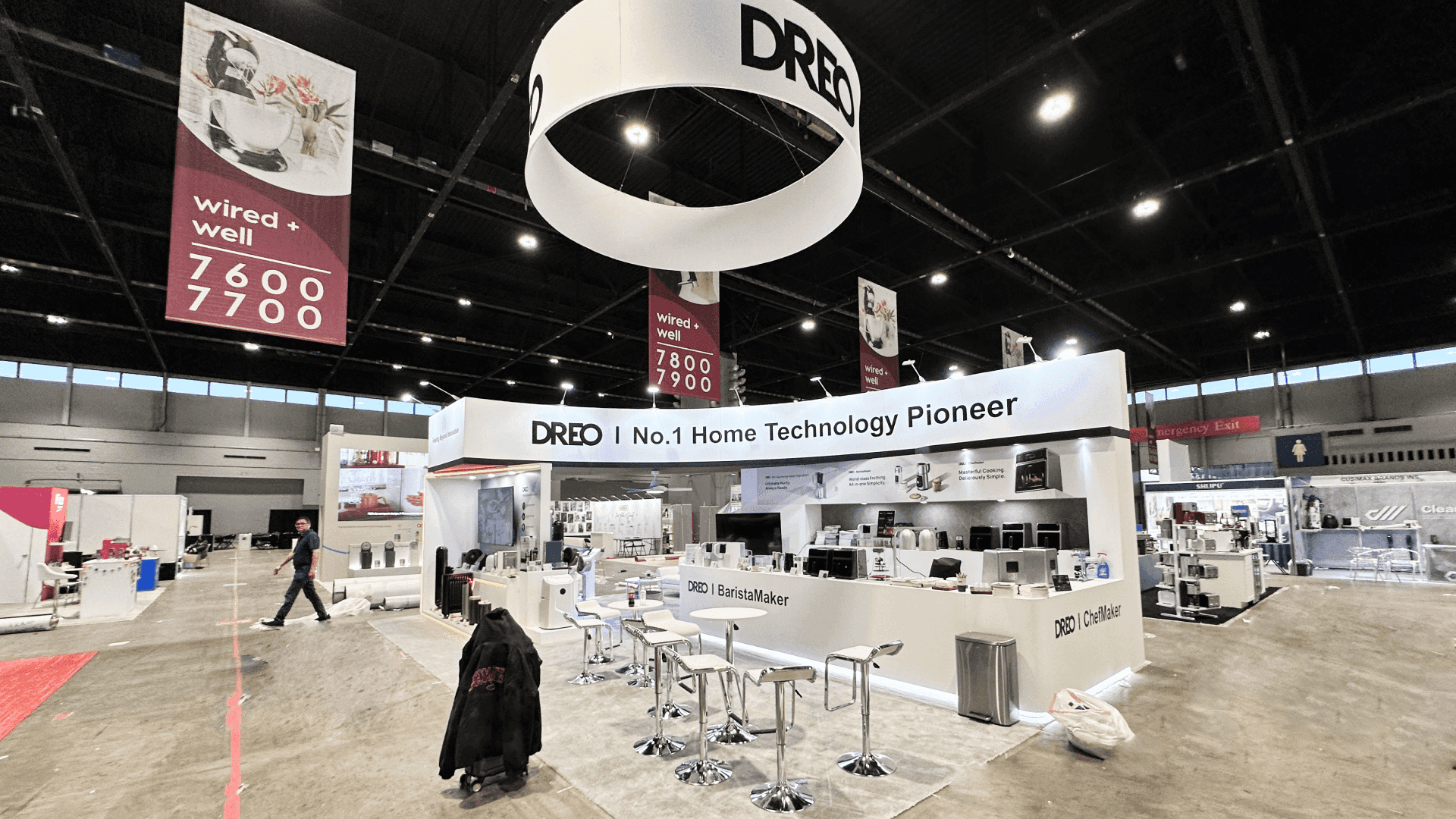
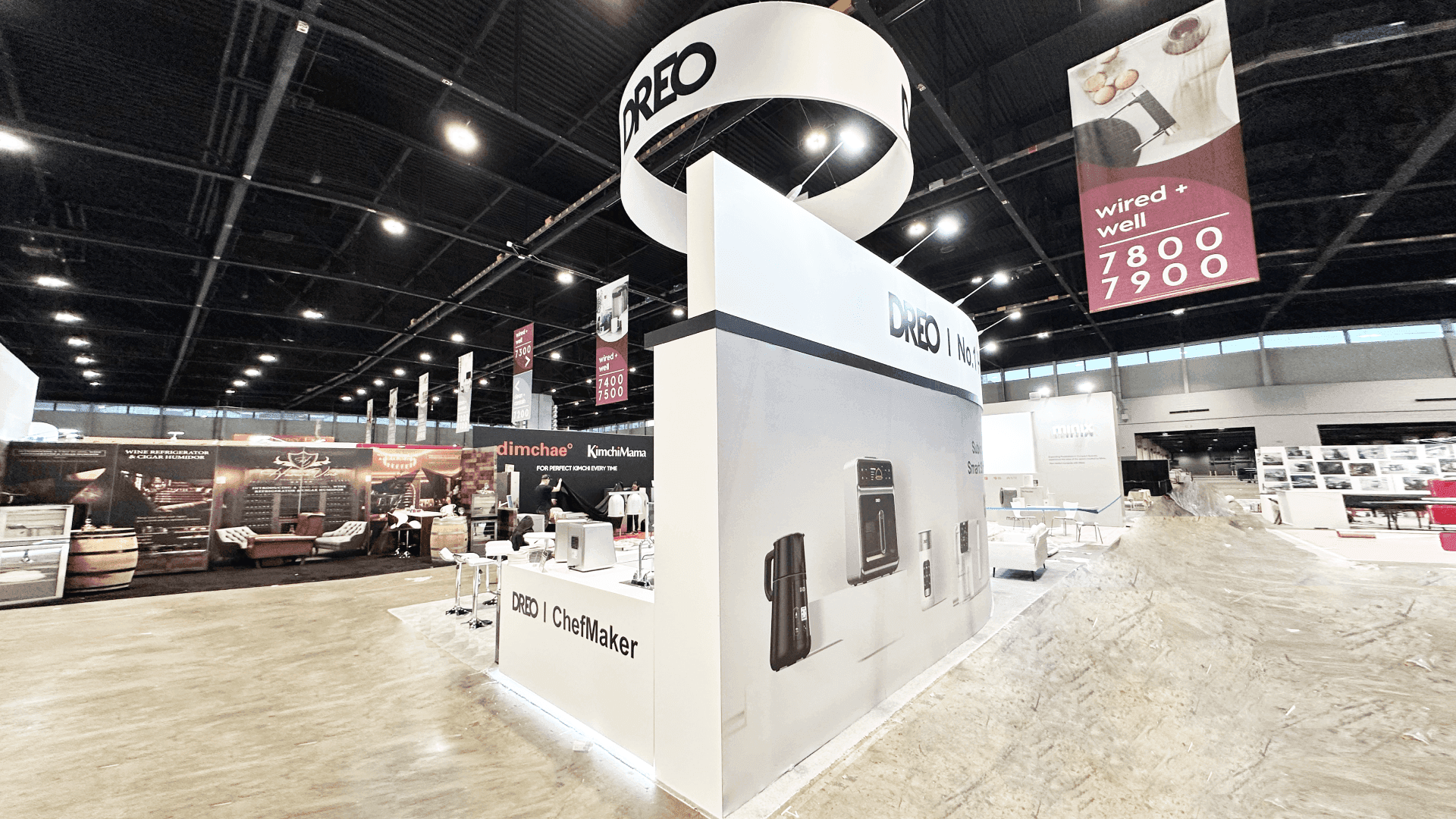
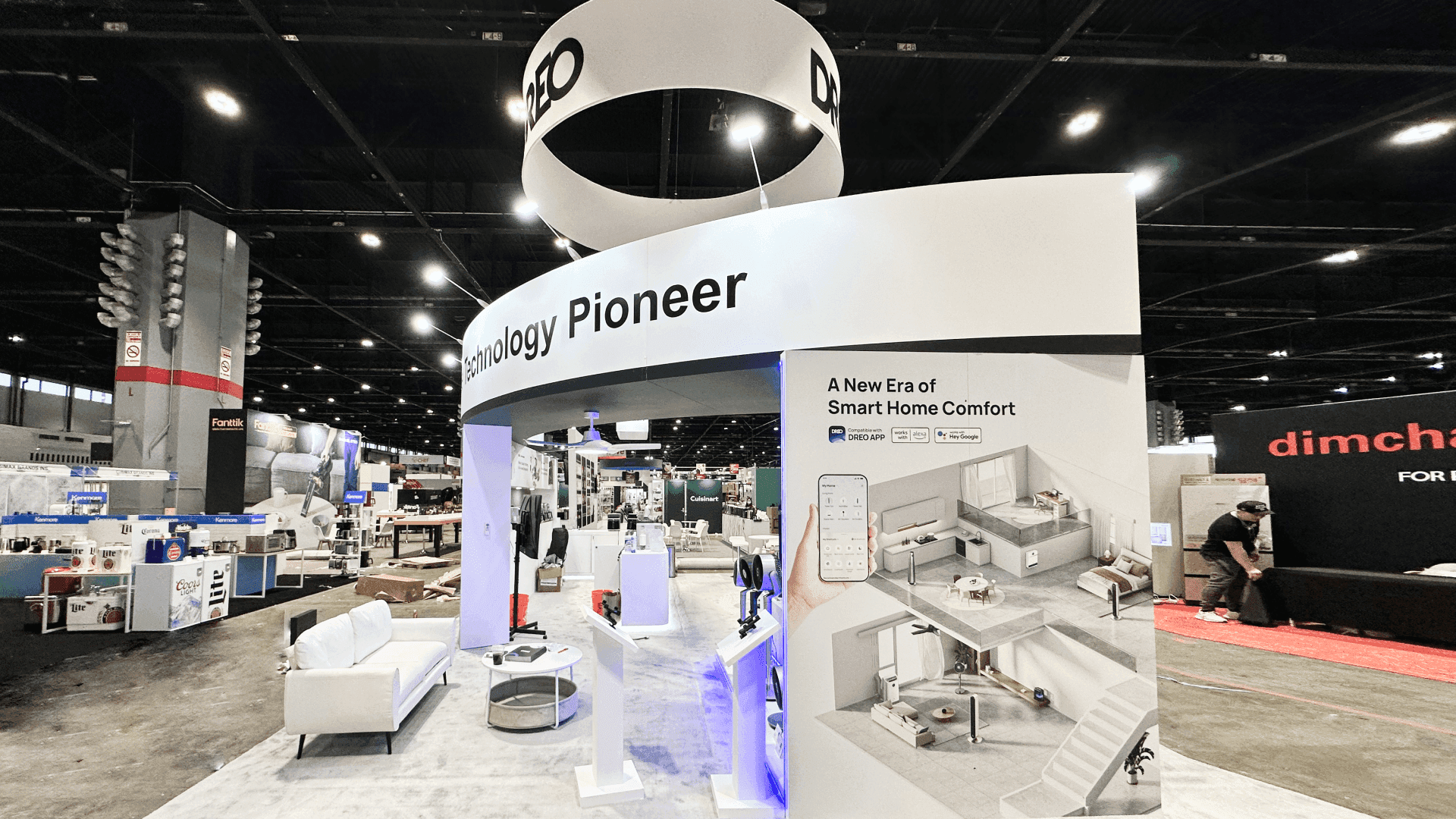

How Should Hardware and Guest Technology Exhibitors Plan a Booth at HITEC?
Give the visitor one meaningful action to complete, a response they can see, and a clear explanation of how the product fits a hotel environment. Choose the footprint from the full operating envelope—including the user, staff, moving parts, power, connectivity, service access, and reset space—not from the device dimensions alone.
A connected technology exhibit at HITEC should allow hotel teams to perform one meaningful action, observe the product’s response, and understand what deployment would require inside an operating property. Whether the product is a kiosk, access-control device, guest-room display, communications system, or network component, it needs to be operated—not merely displayed. Each station should also clarify what the product connects to and which compatibility or installation questions require further review.
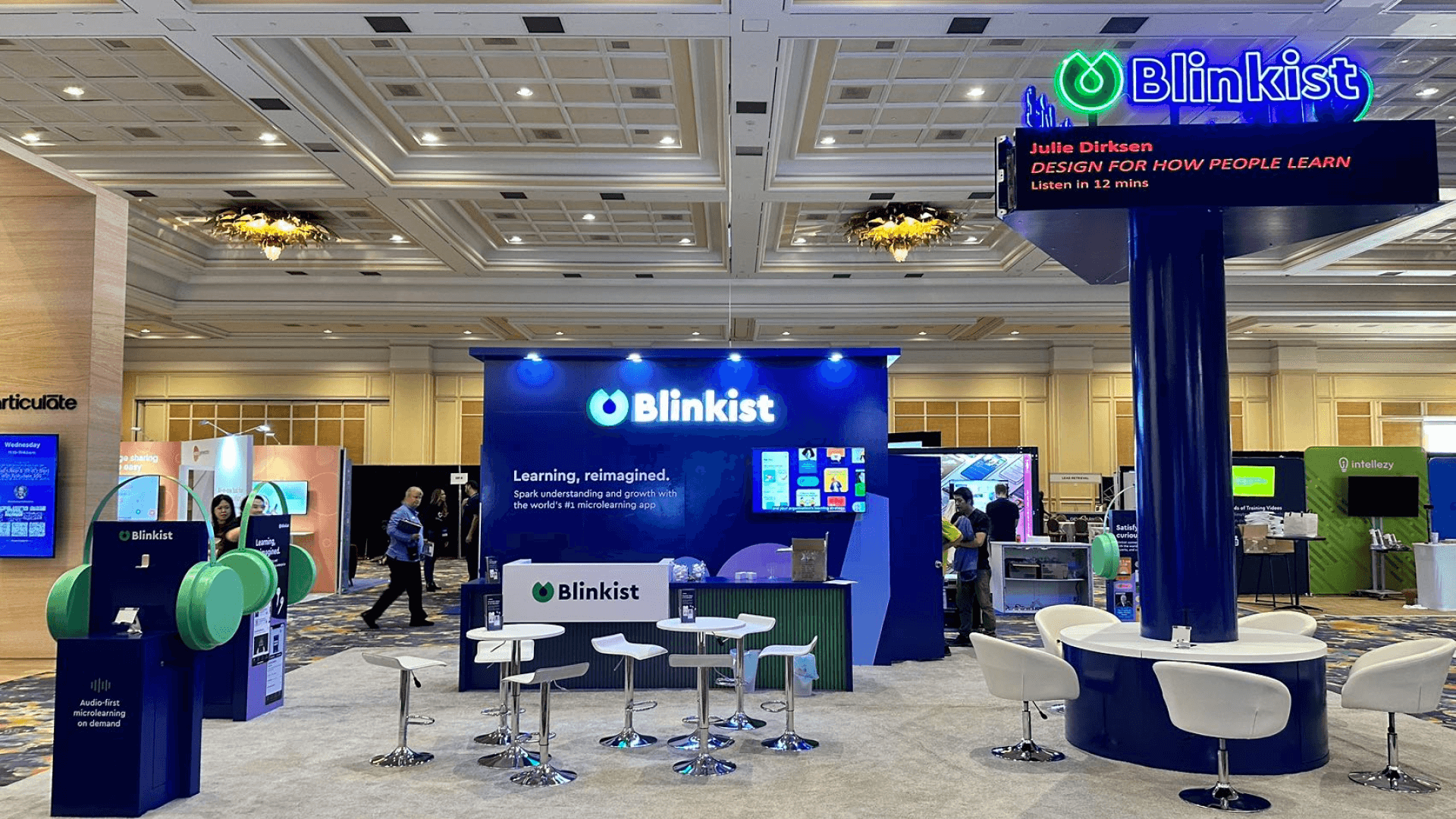
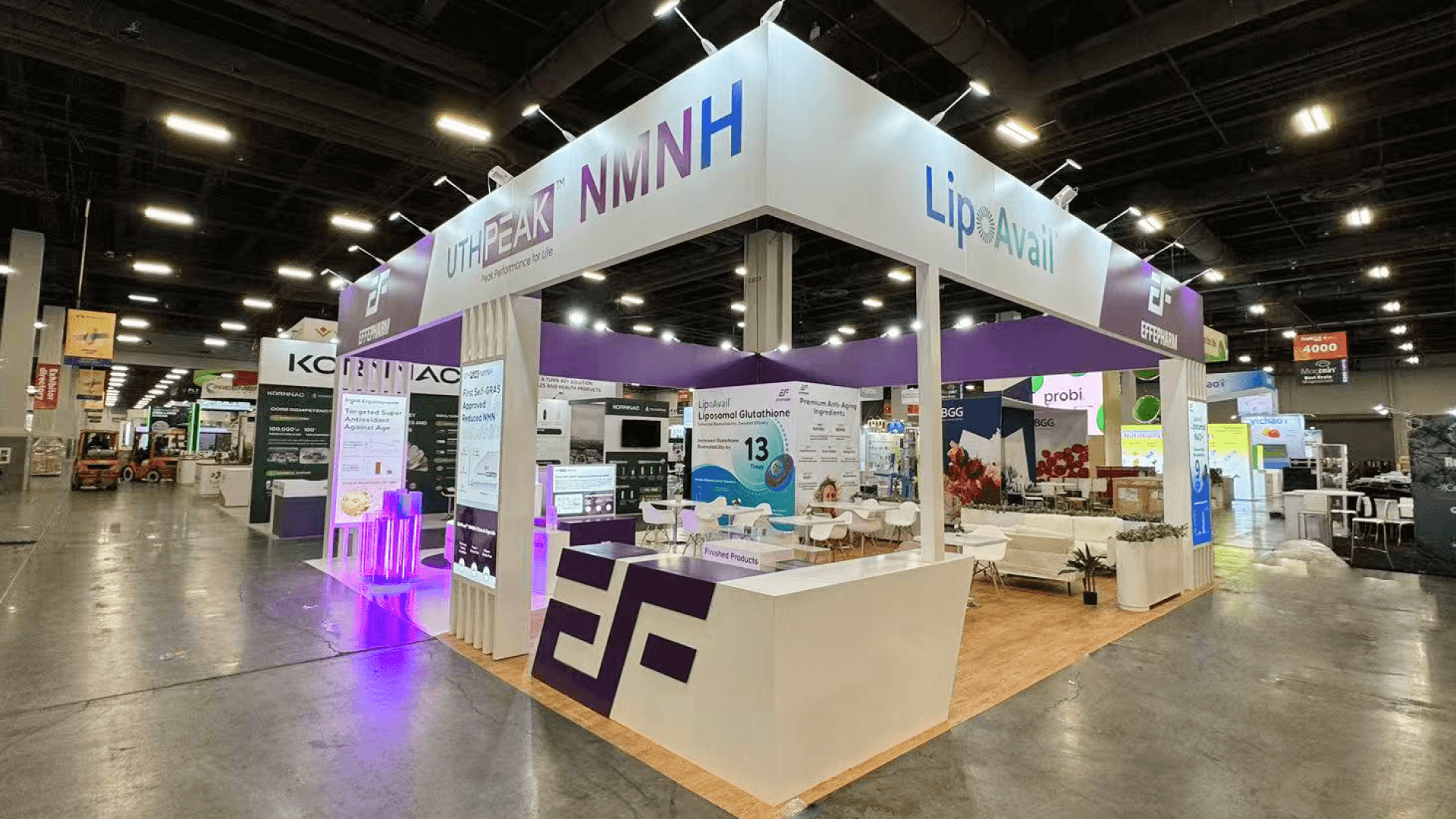
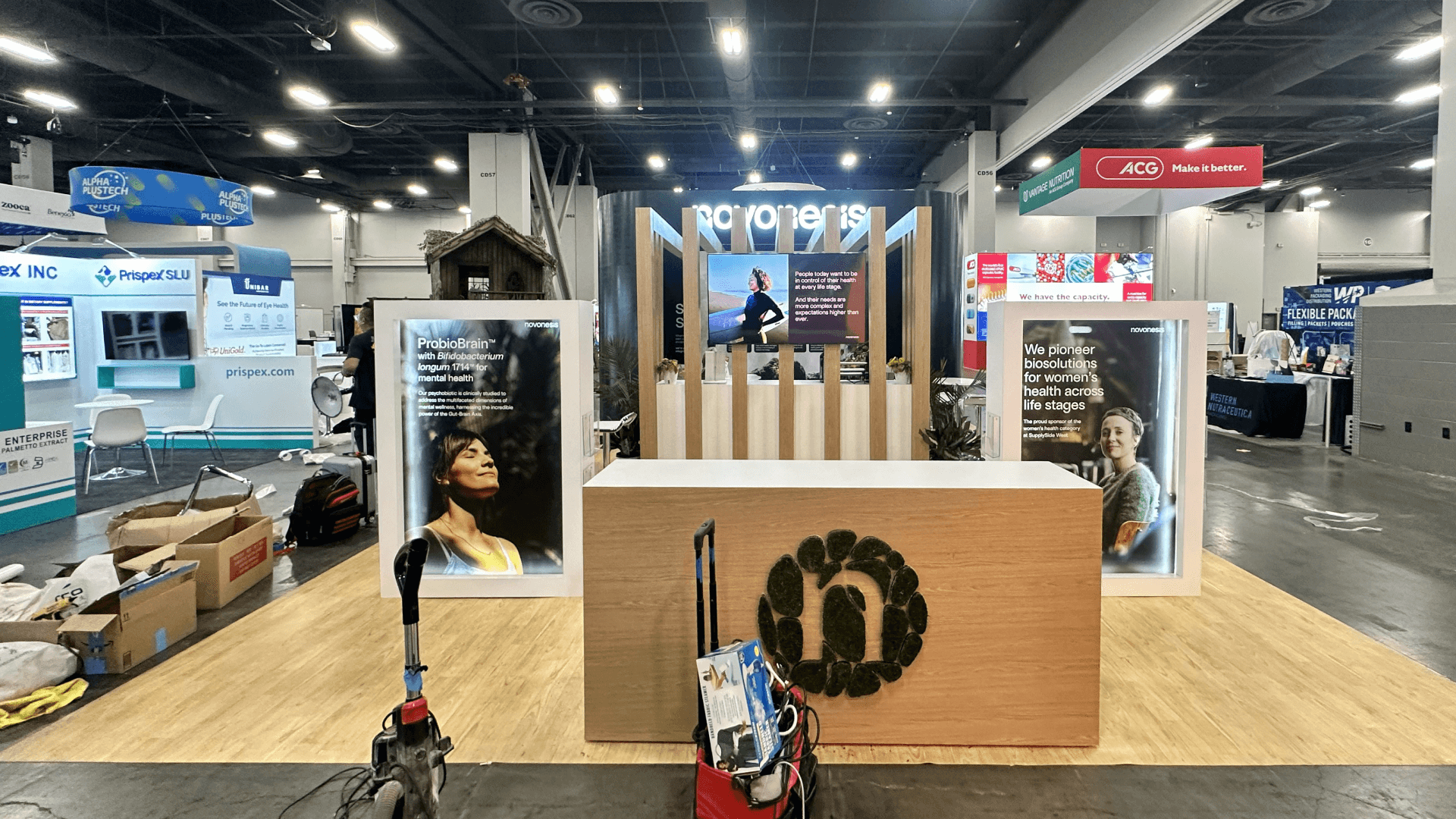
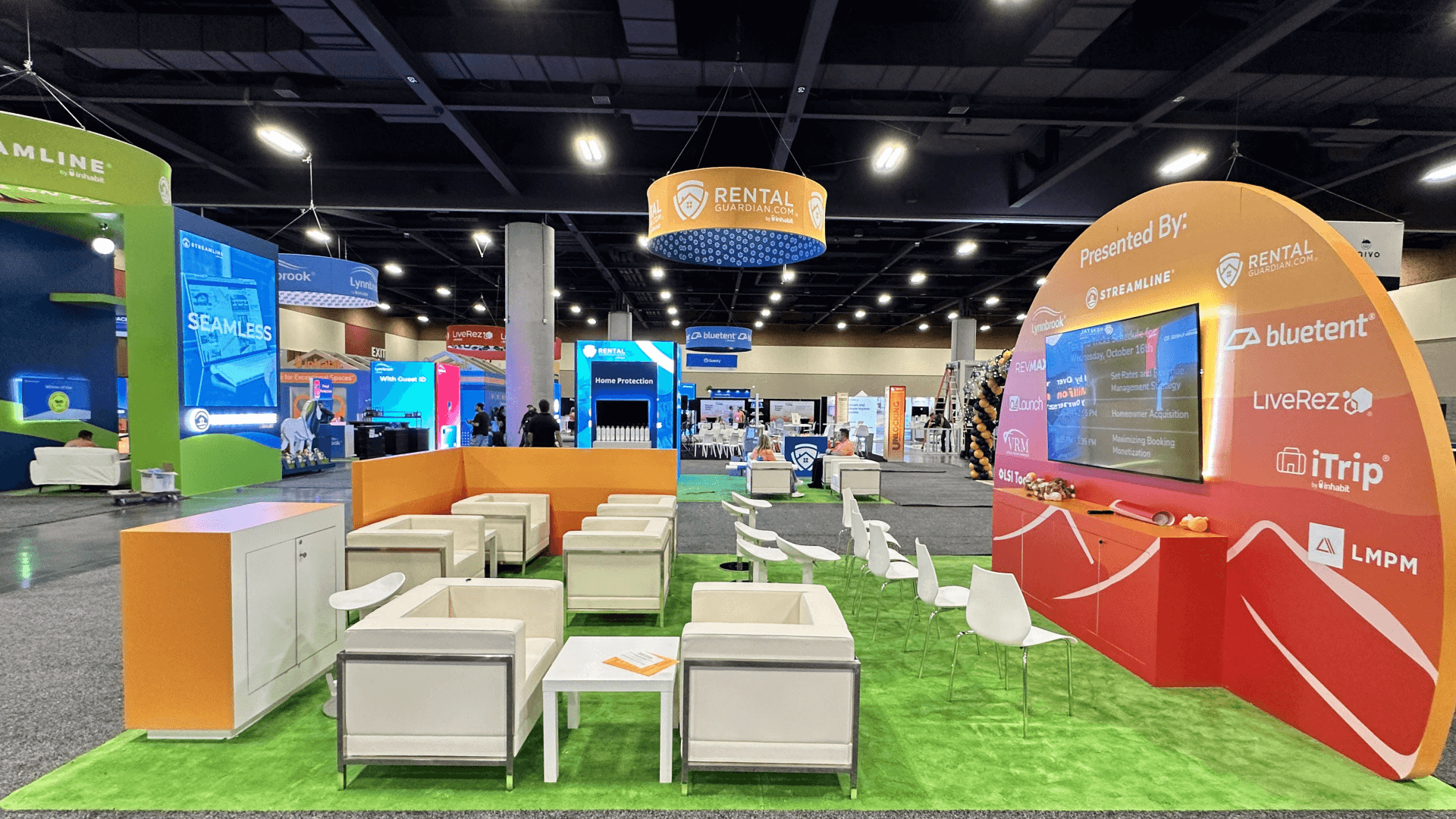
The complete operating envelope—not just the product dimensions—should guide booth size selection. A 10x10 or 10x20 may support one compact device test with enough access for staff to reset it. A 20x20 can separate two interactions or keep a technical conversation from interrupting the test. A 20x30 or larger footprint becomes useful when several devices, room-like settings, service areas, or specialist discussions need to remain active together.
At the Orange County Convention Center, freight, power, internet, cable routing, installation, and final equipment testing should follow the completed device layout. Before the show opens, staff should rehearse the full visitor loop: approach, action, response, explanation, and reset. If that sequence cannot be repeated reliably throughout the day, the exhibit is not yet ready to function as a working test environment.
Why Exhibitors Choose Circle Exhibit
Clear scope, transparent quote review, nationwide booth support, and efficient setup planning for qualified rental and custom exhibit projects.
48hr
Setup Window
10+
Years Since 2014
U.S.
Trade Show Support
Real
Booth Project Proof
For hardware exhibitors, size follows the operating envelope: the device, the person using it, staff support, moving parts, connections, service access, and the next visitor waiting to test.
A small device can work here when the interaction is brief and every movement stays inside the booth. Keep spares, tools, and packaging outside the visitor path.
Separate products or test actions can operate from different sides of the island. Centralize utilities while protecting cable routes and service access.
Use the longer footprint for one main test plus comparison products or a short technical exchange. Let waiting visitors observe without entering the active area.
Choose a larger island for several interacting devices, a guest-room or lobby context, scheduled demonstrations, or separate test and technical discussion zones.
A working device response shows what happened in one configured setup; it does not establish compatibility with every hotel environment. The connected device compatibility evidence guide helps exhibitors record the demonstrated configuration, evidence source, supported conditions, required property inputs, and unresolved validation question.
After that evidence boundary is fixed, the live demonstration layout guide can address viewing, staff access, and reset so the selected device action can repeat on the show floor without expanding the compatibility claim.
A hardware display must turn the product from an object into a controlled test, while keeping the user action, equipment boundary, service access, and deployment evidence clear.
Make the intended action and expected response clear before staff begin explaining the product.
Account for the user, assisting staff, moving parts, accessibility, and the edge between active testing and aisle traffic.
Keep power, network, ventilation, cable routes, and service panels organized and reachable throughout the show.
Use a concise diagram, physical sample, mounting reference, or room context to show how the product fits an operating property.
HITEC includes guest-room technology, access systems, kiosks, displays, communications, networking, security, and other connected property infrastructure.
June 28–July 1, 2027, at Orange County Convention Center, West Concourse, Halls C and D.
Hotel buyers may judge the user interaction, operating response, compatibility, infrastructure requirements, and deployment conditions within the same visit.
Not Sure Which Booth Size You Need?
Not every exhibitor knows whether a 10x20, 20x20, 20x30, or larger booth is the right fit. Circle Exhibit can help review your event goals, product display needs, demo areas, meeting space, storage, budget scope, and setup timeline before you choose a booth size.
The Operating Envelope Reaches the Aisle
Service Access Disappears Inside the Booth
1
Define the Test Action
2
3
4
Rental Components for Standard Device Support
Let the physical interface decide. An Orlando rental booth plan is a sound starting point when standard counters, walls, mounts, shelving, and cable management can support the equipment safely.
Custom Fabrication for Physical and Service Demands
Custom fabrication becomes relevant when the booth must carry unusual loads, integrate equipment mechanically, conceal complex services, reproduce a room condition, or control access around a specialized test.
Hybrid Structure with Product-Specific Fixtures
A hybrid system can pair a reusable structural framework with custom device fixtures, technical inserts, or product-specific test modules.
Coordinate device delivery, booth structure, graphics, and utility access so equipment can be positioned and tested without repeated handling.
Confirm circuit, network, peripheral, charging, and backend requirements for every active product—not only the booth’s total power estimate.
Connections, panels, and reset controls should remain reachable until every product has passed its final operating check.
Reserve secure space for chargers, replacement units, tools, cleaning supplies, accessories, and inactive equipment without creating visible clutter.
Rental vs Custom for HITEC Hardware Displays
Let the equipment determine the build path. A rental booth can work when standard counters, walls, mounts, shelving, and cable management support the devices safely. Custom fabrication becomes more relevant when the structure must carry unusual loads, integrate equipment mechanically, conceal complex services, reproduce a hotel setting, or control access around a specialized hands-on test.
How should the operating footprint of a device be measured?
Include the product, moving components, user position, staff assistance, viewing distance, cable path, ventilation, and service access. The published device dimensions are only one part of the footprint.
Should visitors be allowed to touch the equipment?
How should booth power and network connections be planned?
How can compatibility be shown without a full installation?
When does a hardware exhibit need custom fabrication?
READY TO PLAN YOUR NEXT BOOTH?
Let’s Build a Booth That Fits Your Event
Share your event name, booth size, city, timeline, product display needs, and design references. Circle Exhibit will review your project direction and help you choose a rental-friendly or custom exhibit path.
3000+
Booth Projects Supported
50+
U.S. Event Cities
Transparent
Quote Review
for the platform or workflow behind a connected device.
for tests operating from more than one visitor approach.
for multiple devices, contextual displays, and technical discussions.
for equipment delivery, packing order, and move-in sequencing.
for equipment placement, final setup, testing access, and pack-out.