The Compatibility Questions a Working Demo Leaves Open
In the booth, a visitor taps a guest-room control panel and sees the lighting scene change. The response confirms that the device action occurred in the demonstration setup, but it does not establish support across other controller versions, configurations, or hotel environments.
A useful compatibility claim must identify the control panel, the room controller used in the demonstration, the relevant versions, and the connection method. Supporting records must then show which conditions the claim covers.
Evidence gap: The buyer has seen the device action but has not yet been shown which named configuration supports the connection or whether the property environment matches it.
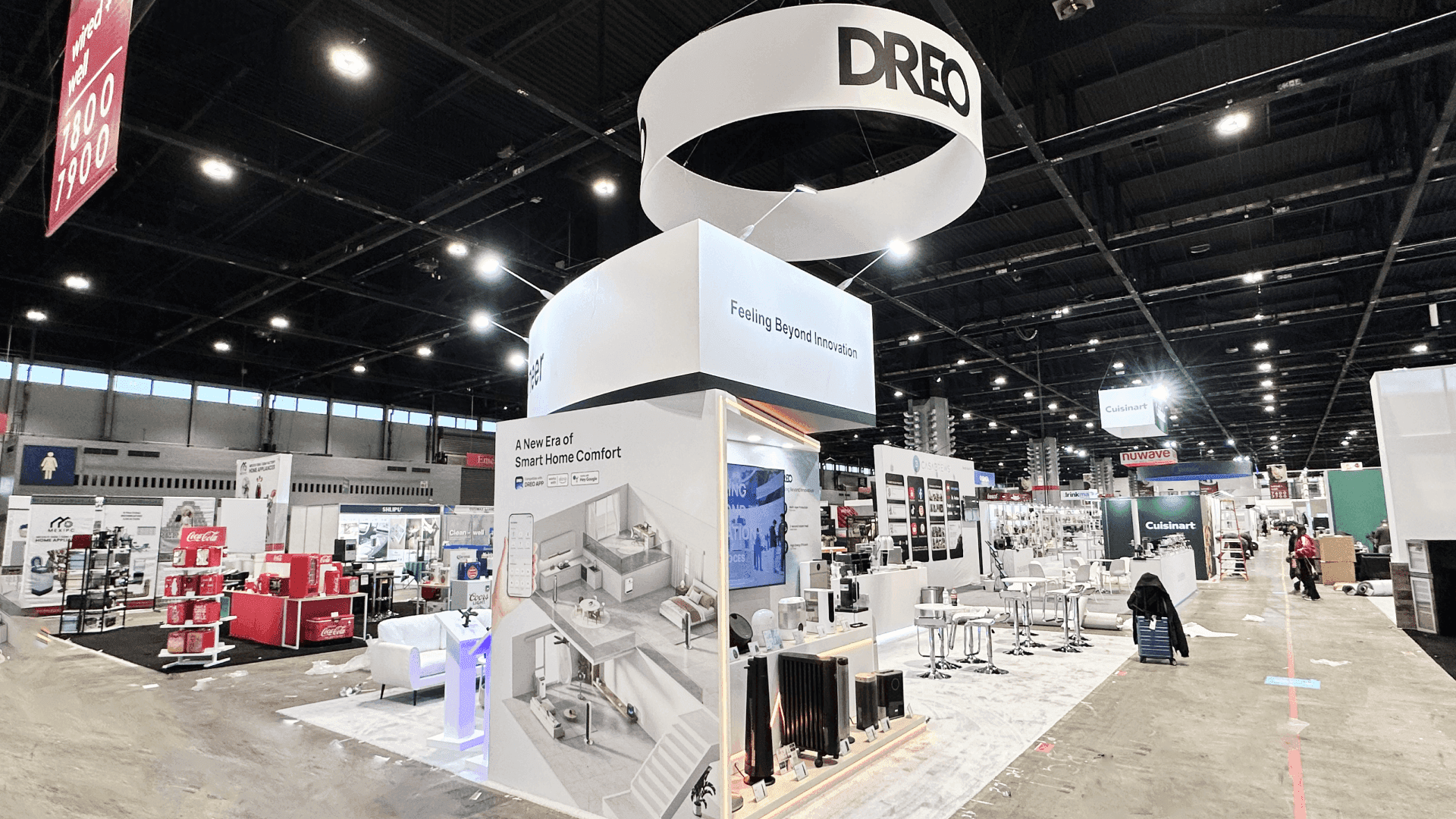
A working device action supports only the configuration shown; the evidence record identifies the connection, documented conditions, and what still requires property review.
Build the Evidence Pack Around the Claimed Connection
Build the evidence pack around each connection claim rather than the complete product catalog. For the guest-room control panel, the record should identify the device and controller used, the version or configuration details that affect the connection, the evidence source, and the conditions under which the claim was checked. If any model, version, connection method, source, or validation date is unavailable, record it as pending instead of turning missing documentation into a broader statement.
Use four evidence layers:
Observed behavior: The visitor performs the device action and sees the response in the booth configuration.
Documented support: An identified product document, configuration record, or other source describes the connection and its supported conditions.
Configuration-specific verification: A dated test result or other approved record applies to the named device combination and operating conditions.
Property comparison pending: The hotel’s installed equipment and relevant conditions have not yet been compared with the supported configuration.
These layers can apply together. They organize the material for buyer review; they do not replace the manufacturer’s testing, certification, or compatibility process.
Illustrative example only. Actual details and conclusions must be based on the exhibitor’s own products, documents, and verification records.
Compatibility claim | Device/configuration | Evidence source and date | Verified conditions | Property inputs needed | Open question |
|---|---|---|---|---|---|
For the configuration used in the demonstration, a guest-room control panel can send a lighting-scene command through the connected room controller. | Guest-room control panel paired with the demonstration room controller. Exact model, software or firmware versions, and connection method: Pending—exhibitor documentation required. | Demo observation record and a dated configuration sheet or test result. Exact file and date: Pending—exhibitor documentation required. | The lighting scene changes in the demonstration configuration. Support outside this device combination is not yet verified. | Installed controller model and version, relevant connection settings, and service-access information only when it affects this device. | Does the hotel match the supported configuration? If not, what additional validation is required? |
The pack is ready for the next review when the claim, source, applicable conditions, missing property inputs, and open question can be read together. Its purpose is to define the current evidence boundary, not to resolve the integration itself.
Keep Property-Specific Conditions Visible
Collect only the hotel information that affects the connection being evaluated; a complete property inventory is unnecessary. For the guest-room control panel, the relevant inputs may include:
Installed equipment and versions: The room-controller model, relevant software or firmware version, and any component directly involved in the demonstrated action.
Connection prerequisites: The required connection method and any network path, account, permission, or enabled setting needed for the command to operate as claimed.
Installation and service conditions: Access to the existing controller or service point only when it affects installation, inspection, or support of the device.
Recovery behavior belongs in the review only when it changes the buyer’s evaluation. If the property needs to understand what happens after a connection or power interruption, record that as a separate open condition rather than treating the booth response as proof of property behavior. The result should be a short list of inputs needed to evaluate the claim—not an installation plan, network design, or implementation schedule.
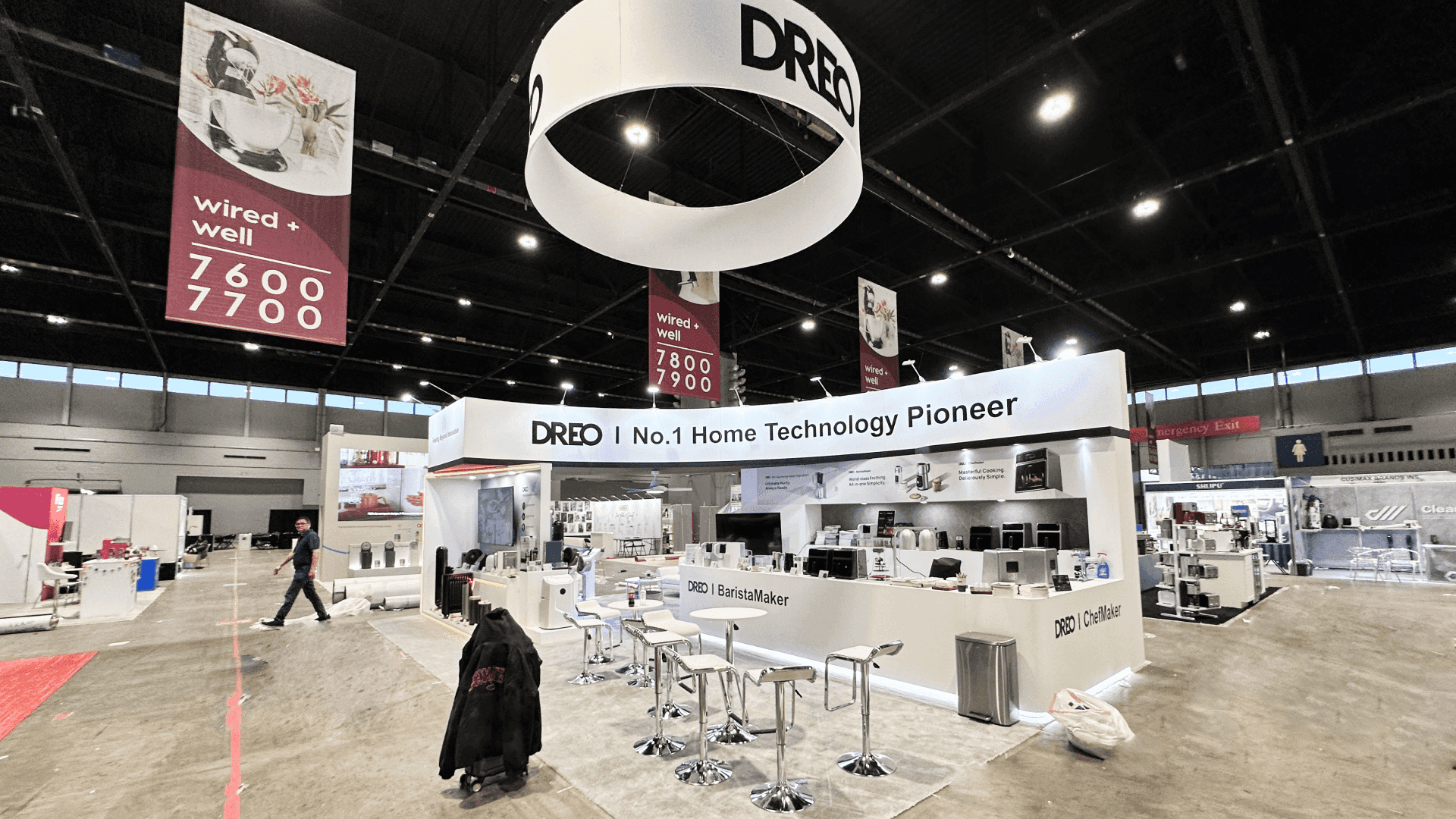
Property-specific review begins when the hotel’s installed controller, versions, permissions, and access conditions are compared with the exhibitor’s documented setup.
Give Each Open Question a Validation Owner
A note that says only “confirm compatibility” is not actionable. Use a short validation record to preserve the question, the current evidence, the missing inputs, and the person responsible for the next decision.
Example Validation Note
Question: Does the hotel’s installed room controller match the configuration supported by the guest-room control panel evidence?
Current evidence: The lighting-scene response is observable in the demonstration setup. The exact model, version, and dated supporting record remain pending.
Required inputs: The hotel provides its controller and configuration details. The exhibitor provides the supporting device record. A related technology supplier contributes only when its information is needed to resolve the connection question.
Owner and next step: One named technical owner compares the records, identifies any additional validation requirement, and confirms the result through the agreed follow-up.
After the device action and evidence boundary are fixed, the live product demonstration layout guide shows how buyer viewing, staff access, and reset can support a repeatable presentation without changing the compatibility claim.
Frequently Asked Questions
Does a working kiosk demo prove compatibility with every hotel PMS?
No. It shows how the kiosk operated with the systems, versions, connection method, and configuration used for that demonstration. The result should not be extended to other PMS platforms, versions, or hotel environments without evidence that covers those conditions.
What should exhibitors bring when a hotel installation cannot be reproduced in the booth?
Bring records that identify the demonstrated device configuration, connection conditions, source, validation date, and applicable scope. Distinguish the steps reproduced in the booth from those supported by documentation, test results, recordings, or other approved records.
Which deployment questions require a property-specific review?
Questions involving installed equipment, relevant versions, enabled configurations, required access, or account and permission conditions need property-specific review. The hotel confirms its environment before the exhibitor or appropriate technology supplier determines whether it matches the documented conditions.
Once the evidence pack is assembled, each connection claim has a source, a defined scope, and a clear statement of what still depends on the property environment. Any unresolved point can move forward with the required inputs and a named owner instead of remaining a broad compatibility promise.