HITEC Hospitality Software Demo Booth Planning

How Should Hospitality Software Exhibitors Plan a Demo Booth at HITEC?
A strong HITEC software demo starts with one hotel operating problem, not a tour of the platform. Show the relevant user action, the system response, the important data or integration handoff, and the resulting operational change. Size the booth by the number of guided demos and follow-up conversations running at the same time.
A software exhibit at HITEC should let hotel teams follow a relevant workflow, ask questions, and continue evaluating the platform without holding up the next demonstration. Each station needs a clear task, a readable interface, and enough room for the presenter to operate the software beside the buyer. Longer integration, security, or purchasing discussions need a separate place to continue while the station remains available.
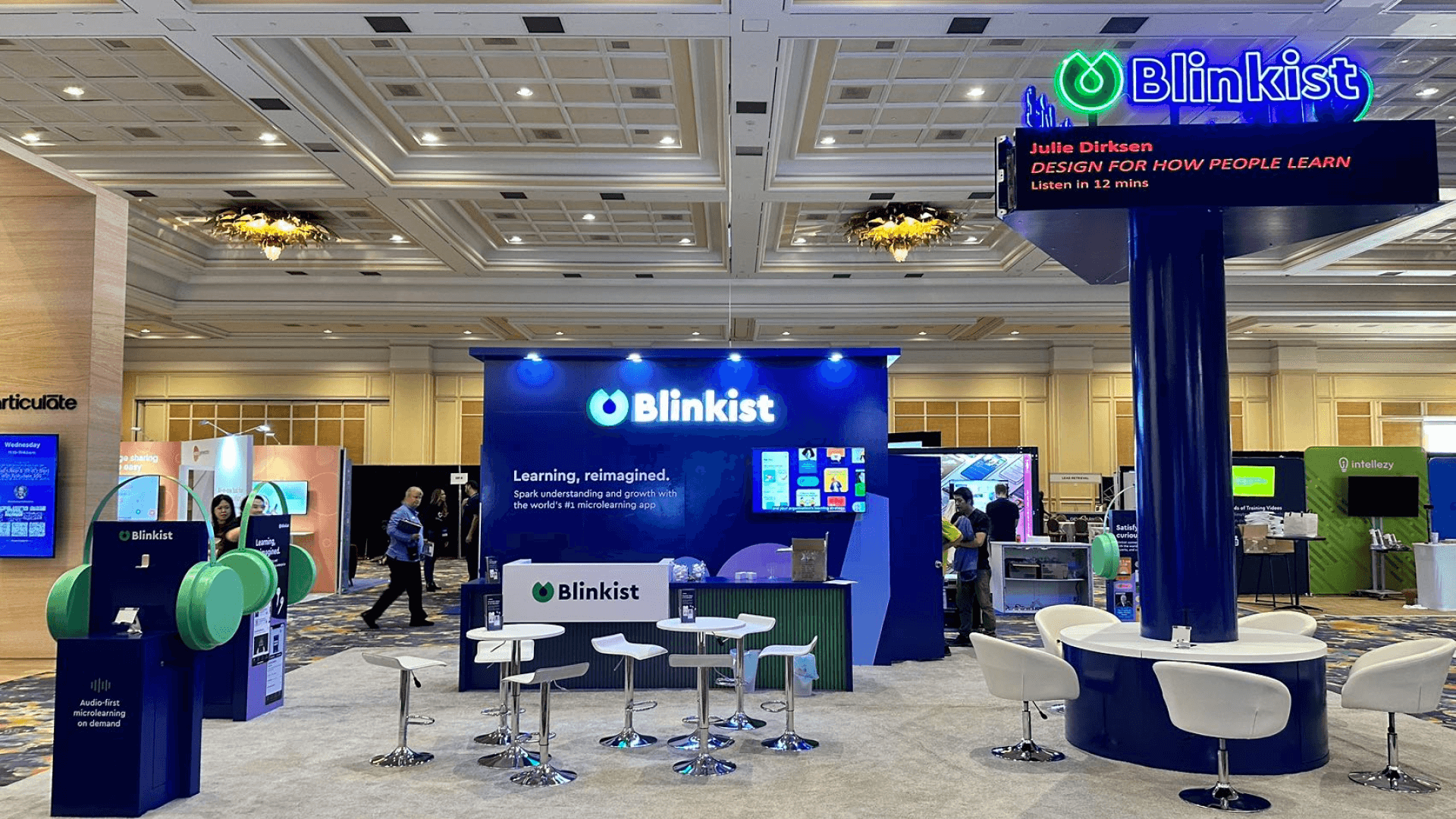
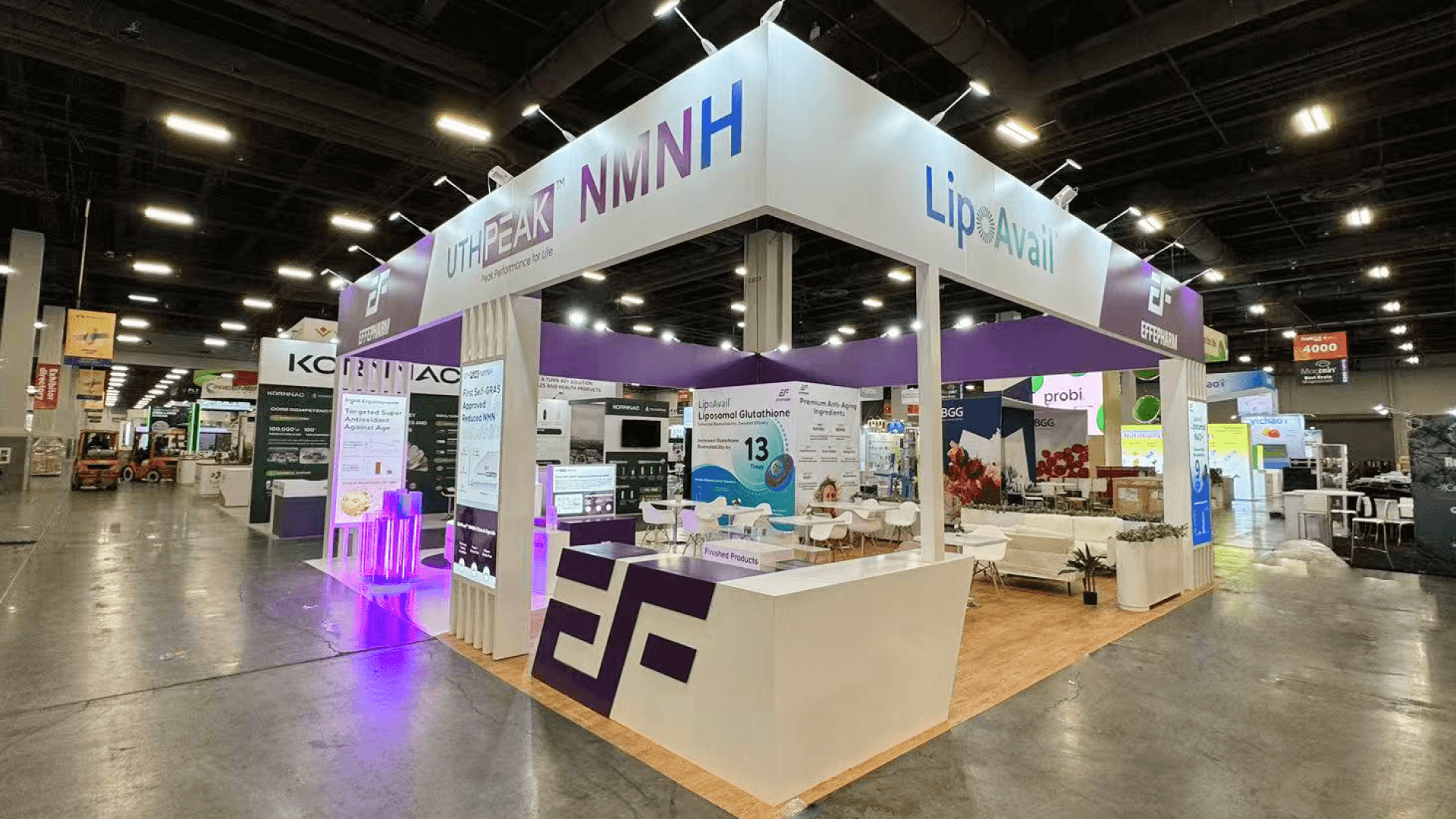
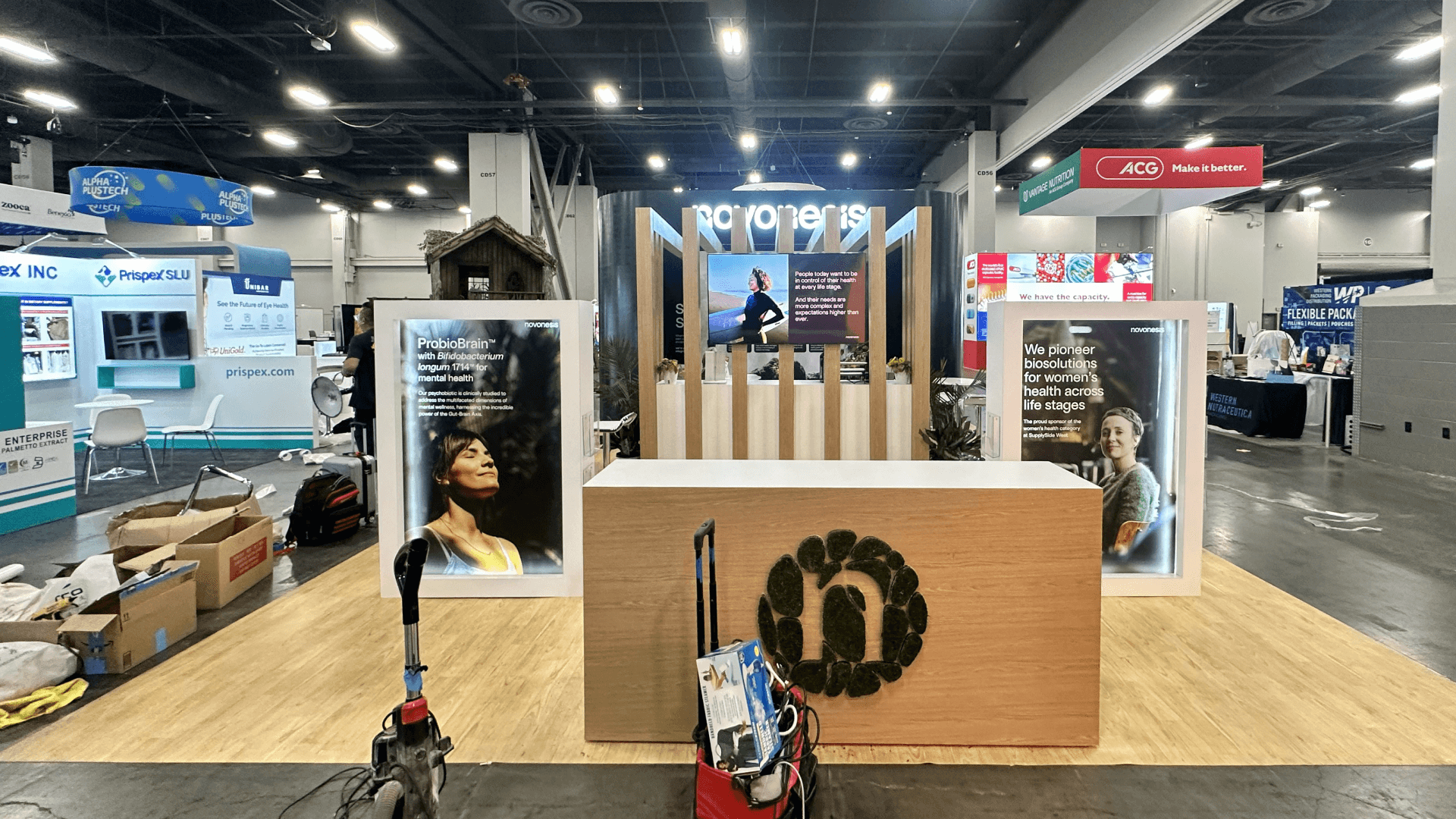
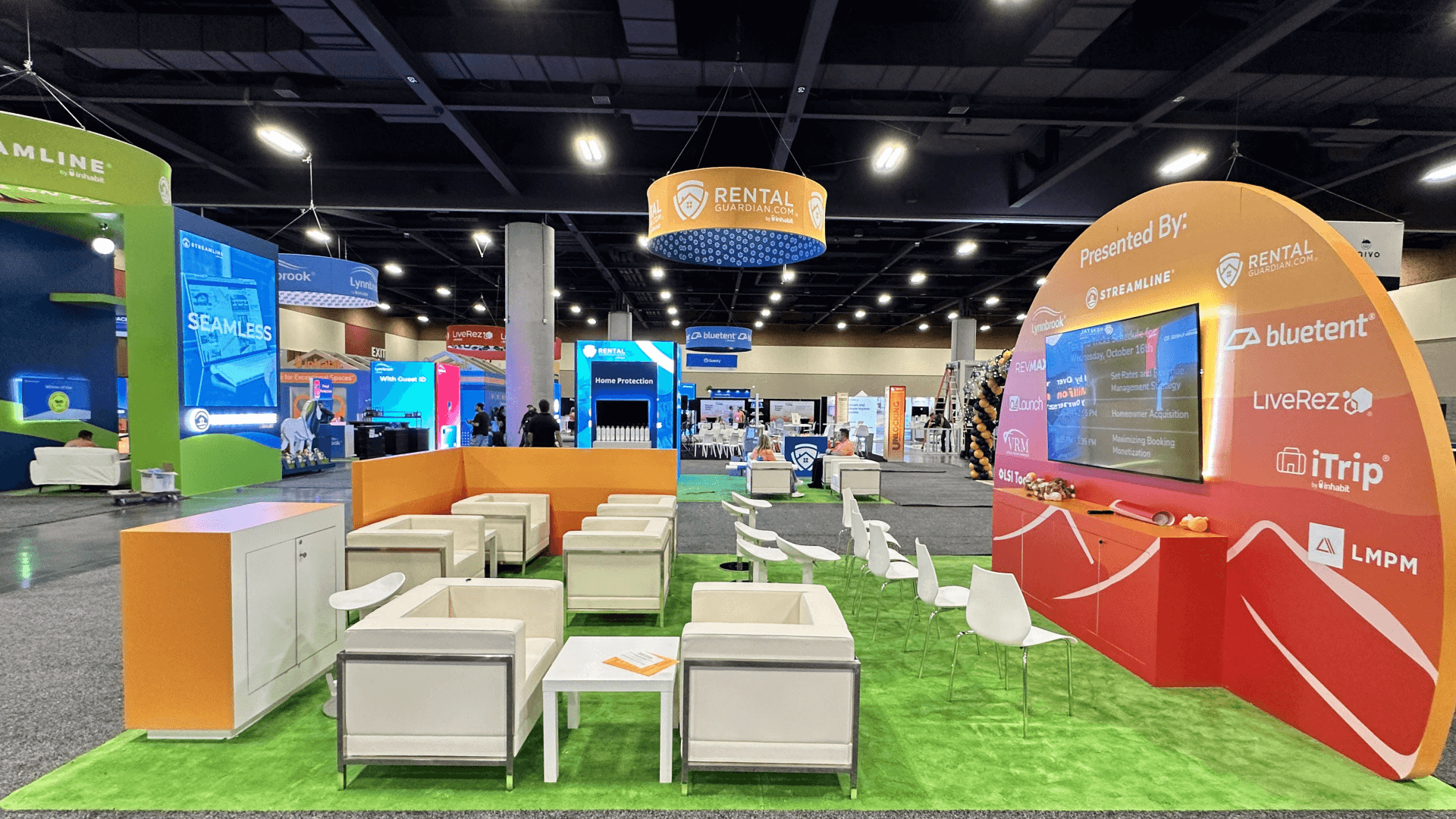
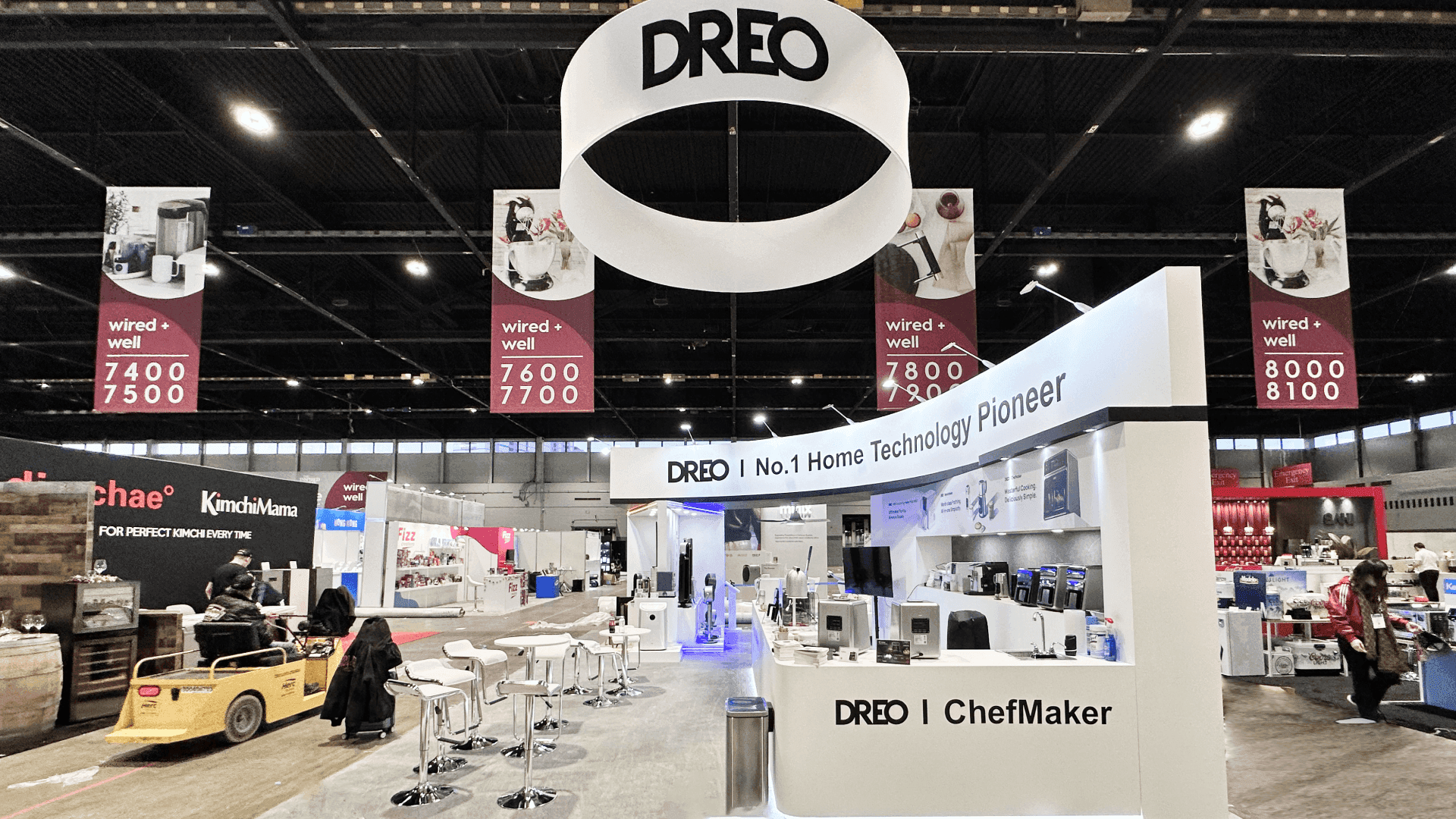
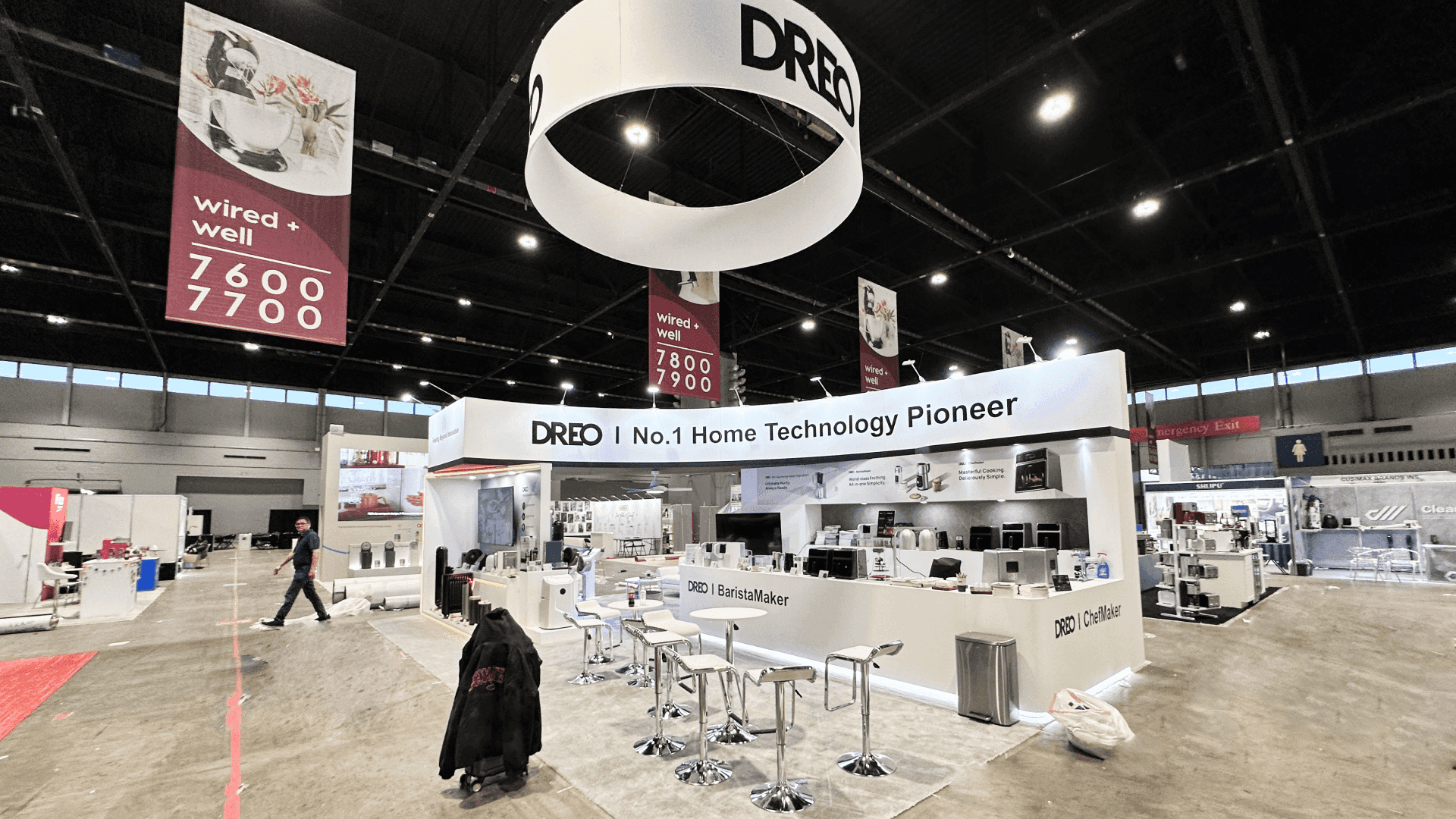
The number of simultaneous demonstrations and conversations should guide booth size selection. A 10x10 or 10x20 may support one focused walkthrough with limited follow-up space. A 20x20 offers more flexibility when two demos—or a demo and a discovery conversation—need separate positions. A 20x30 or larger footprint becomes useful when several buyer scenarios, appointments, or specialist discussions must remain active together.
At the Orange County Convention Center, power, internet, AV connections, and cable routes should match the final station layout. Installation should leave time to test the actual demo accounts, connected services, session resets, and backup content before the show opens. A successful rehearsal should confirm that staff can repeat the workflow and hand off interested buyers without interrupting the next demonstration.
Why Exhibitors Choose Circle Exhibit
Clear scope, transparent quote review, nationwide booth support, and efficient setup planning for qualified rental and custom exhibit projects.
48hr
Setup Window
10+
Years Since 2014
U.S.
Trade Show Support
Real
Booth Project Proof
For software exhibitors, footprint is a capacity decision: how many guided workflows and follow-up conversations can operate without competing for the same screen or presenter?
Suitable for one guided workflow, one presenter, and a short standing follow-up. Supporting messages should clarify the use case without introducing a second demo.
Use the open footprint for two distinct buyer scenarios or one active demo with a separate qualification point. Screen direction and sound matter more than added content.
The linear footprint can place the proof station at one end and a brief discovery area at the other, keeping the next visitor from interrupting the session.
Larger islands suit several workflows, scheduled group sessions, or separate business and technical conversations. Every station still needs a short, self-contained proof.
Before screens and presenter positions are finalized, the team should agree on one hotel workflow and the exact status change buyers need to observe. The HITEC software integration evidence guide explains how to separate booth-run steps from simulated, recorded, and document-supported evidence while keeping property-specific questions outside the public demonstration.
The resulting brief gives screen content, visitor interaction, staff handoff, and follow-up planning a clear starting point.
A software display should establish the buyer scenario before the presenter opens the interface, then keep the workflow, integration handoff, and result readable as one proof sequence.
Name the hotel problem and intended user before revealing the interface, so the first screen already has context.
Control screen angle, presenter position, viewing distance, and the handoff into follow-up discussion.
Show what enters the platform, how the system responds, and where the result goes next.
Support the workflow with implementation scope, adoption signals, operating impact, or other evidence relevant to the next buying decision.
HITEC buyers evaluate property systems, payments, revenue tools, data platforms, guest-experience software, security, and operational technology in a hospitality context.
June 28–July 1, 2027, at Orange County Convention Center, West Concourse, Halls C and D.
Hotel IT, operations, finance, revenue, and property teams may begin with the same platform but judge it through different workflows and outcomes.
Not Sure Which Booth Size You Need?
Not every exhibitor knows whether a 10x20, 20x20, 20x30, or larger booth is the right fit. Circle Exhibit can help review your event goals, product display needs, demo areas, meeting space, storage, budget scope, and setup timeline before you choose a booth size.
The Workflow Starts Too Far Downstream
“Integration” Never Becomes Visible
1
Choose the Buyer Scenarios
2
3
4
Rental When the Demo System Carries the Complexity
Start by asking what makes the exhibit difficult to build. If most of the complexity sits in screens, demo devices, content, graphics, and station arrangement, a customizable Orlando booth rental can carry the experience without asking the structure to do unusual work.
Custom Elements for AV and Acoustic Control
Custom elements earn their place when the environment requires stronger acoustic separation, deeply integrated AV, controlled presentation rooms, or a physical sequence that standard components cannot provide.
Hybrid Components for Changing Workflow Stories
A hybrid approach can preserve reusable counters, screens, cabling, and storage while allowing the workflow story and graphics to change between events.
Order and test the required connection; general exhibit-hall access is not a substitute. Keep a fallback for each buyer scenario.
Screens, laptops, chargers, network equipment, and backup devices should match the final layout before electrical orders are placed.
Structural completion is not demo readiness. Test accounts, sample data, screen mirroring, audio, and recovery content before opening.
Longer workflows and technical discussions fit scheduled periods. Public hours need a shorter entry version of the same evidence.
Rental vs Custom for a HITEC Software Demo Booth
Start with where the complexity lives. A configurable rental booth can support screens, demo counters, branded graphics, devices, storage, and several guided workflows without requiring a fully custom structure. Custom elements become useful when the software experience depends on integrated AV, stronger acoustic separation, controlled presentation rooms, or a physical sequence that standard components cannot provide.
How long should the first software demo be?
Long enough to prove the selected workflow, but short enough to avoid a queue around the station. Deeper features can follow after the buyer’s problem and relevance have been confirmed.
How many demo stations does the booth need?
How should integrations be shown?
What if the live platform or internet connection fails?
Does complex software require a custom booth?
READY TO PLAN YOUR NEXT BOOTH?
Let’s Build a Booth That Fits Your Event
Share your event name, booth size, city, timeline, product display needs, and design references. Circle Exhibit will review your project direction and help you choose a rental-friendly or custom exhibit path.
3000+
Booth Projects Supported
50+
U.S. Event Cities
Transparent
Quote Review