G2E Business Solutions & Tech Zone Booth Planning

How should exhibitors plan a G2E Business Solutions & Tech Zone booth?
For AI, software, payments, cybersecurity, analytics, and other business technologies, the booth has to make an invisible product visible. Start with one business problem the buyer already recognizes, show the shortest workflow that proves the solution, and make the next staff handoff obvious. The screen hierarchy, meeting space, storage, connectivity, and booth size should all support that sequence.
The central challenge in the Business Solutions & Tech Zone is that much of the product cannot be understood by looking at it. A payments platform, cybersecurity service, analytics tool, CRM system, or AI product needs a recognizable business context before a visitor understands why the demonstration matters.
Unlike physical gaming equipment, these products often depend on a clear use case, a primary screen demo, and a deliberate handoff into a deeper conversation. That makes the planning more specific than the broader G2E booth environment: a marketing buyer and an IT buyer may enter through the same opening story, but the next screen, specialist, or discussion should reflect what each person actually needs to evaluate.
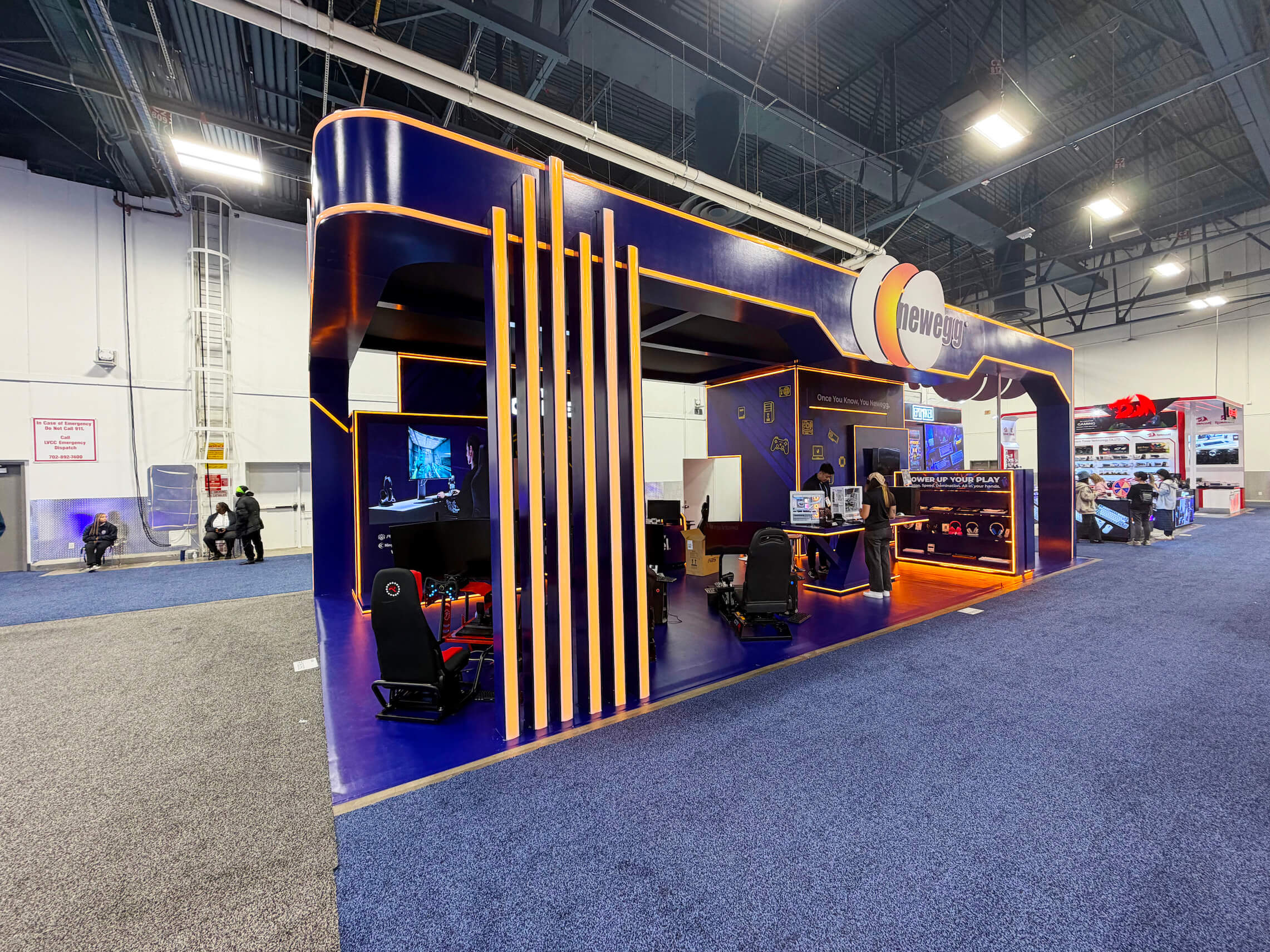
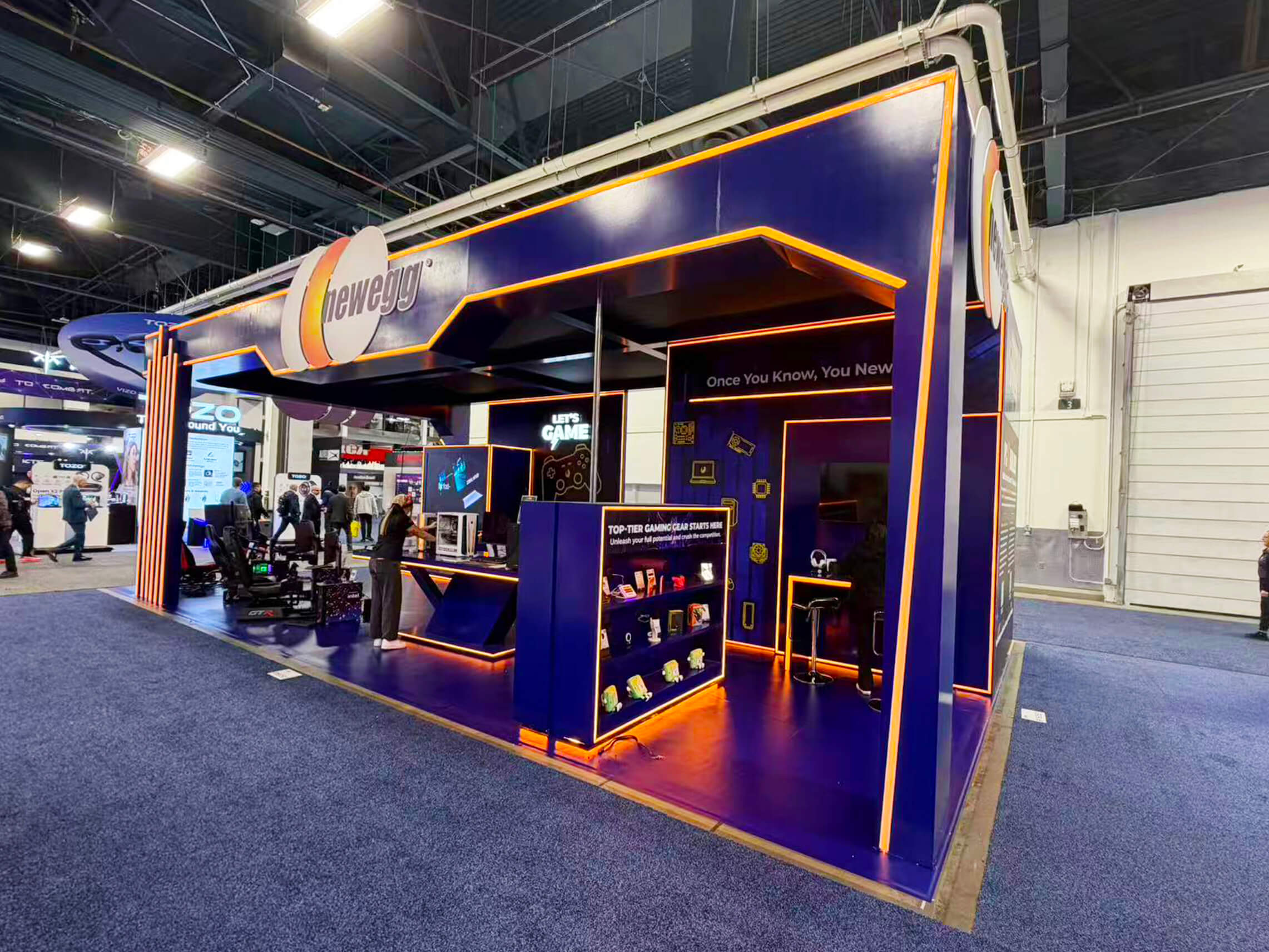
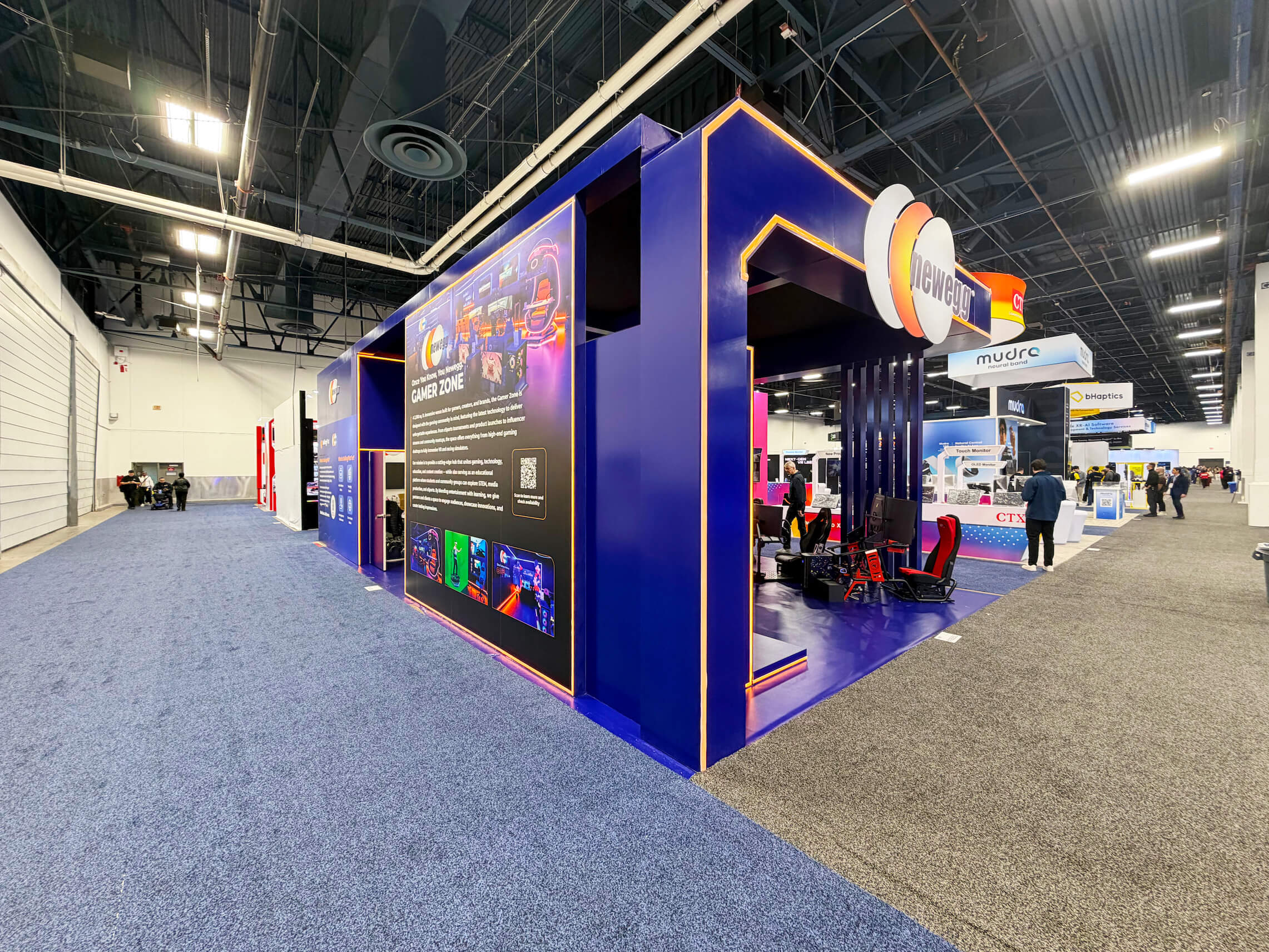
The footprint should follow that buyer journey. A 20x20 booth can work when several demos share one central story and a compact conversation area, while a 20x30 booth gives more room when multiple workflows, specialist teams, or longer meetings need separation. Once those functions are defined, design and engineering can resolve screen positions, staff access, storage, meeting zones, and technology integration into one buildable layout.
Why Exhibitors Choose Circle Exhibit
Clear scope, transparent quote review, nationwide booth support, and efficient setup planning for qualified rental and custom exhibit projects.
48hr
Setup Window
10+
Years Since 2014
U.S.
Trade Show Support
Real
Booth Project Proof
The footprint should follow concurrent activity: how many demos are running, how many buyer conversations may happen at once, whether meetings need separation, and how much technical support must stay nearby.
A 10x20 booth works when one primary workflow, one main screen or demo point, compact storage, and short standing conversations can handle most visitor traffic.
A 20x30 booth becomes useful when several workflows, specialist teams, or buyer types need separate working areas, especially when longer meetings need distance from active demos.
A 20x20 booth gives more room for one visitor to follow the main demo while another moves into a specialist conversation, with space for compact meetings and hidden technical storage.
A 30x40 booth or larger island works when separate product teams need distinct demos, larger displays, or hosted meetings. Add space only when those functions genuinely need more separation.
For exhibitors bringing gaming equipment to G2E, move-in timing can directly affect installation progress and demonstration reliability. Equipment should enter the booth only when access routes, final positions, and technical requirements are ready, leaving enough time for testing and adjustments before visitors arrive. Explore the complete G2E gaming equipment move-in planning process to understand how final placement and show readiness are connected.
The booth does not need to show every feature. It should help the right buyer recognize a relevant problem, see credible proof, and know where the conversation goes next.
The first graphic or screen should make the problem clear before introducing features or integrations. Graphics and brand presentation should reinforce the same use case as the live demo.
Let the primary screen carry the main story. Secondary screens can prove a specific workflow, support another buyer role, or take a deeper technical question.
When a visitor moves beyond the introductory demo, the conversation should move too—to a specialist station, standing discussion point, or meeting area—so the main demo remains available.
Spare devices, adapters, routers, chargers, cables, and reset tools should stay easy for staff to reach without entering the visitor-facing display.
The 2026 Business Solutions & Tech Zone brings AI, analytics, cybersecurity, payments, CRM, MarTech, SaaS, and operational technology into a dedicated G2E show-floor area.
The zone runs within G2E 2026, September 28–October 1 in Las Vegas, sharing the same Venetian Expo show-site environment as the wider event.
Marketing, IT, operations, finance, HR, and digital teams may evaluate the same technology for different reasons. The booth needs one clear entry story with room for different follow-up conversations.
Not Sure Which Booth Size You Need?
Not every exhibitor knows whether a 10x20, 20x20, 20x30, or larger booth is the right fit. Circle Exhibit can help review your event goals, product display needs, demo areas, meeting space, storage, budget scope, and setup timeline before you choose a booth size.
More Screens Do Not Automatically Create a Better Demo
One Platform May Need Several Demo Paths
1
Choose the Use Case for the First Screen
2
3
4
Rental Works Well When the Demo Carries the Experience
If the booth is mainly built around branded walls, screens, counters, storage, and conversation space, a Las Vegas trade show booth rental can provide the structure without adding custom architecture that does not improve the demo journey.
Custom Becomes Relevant When the Environment Has More Jobs
Separate product zones, unusual screen integration, larger meeting environments, distinctive structural branding, or several independent demo areas can push the project beyond a straightforward modular configuration.
Hybrid Often Fits Repeat Technology Exhibitors
Reusable structure can handle the main booth while custom graphics, screen mounts, demo counters, technology interfaces, and selected meeting elements create a more specific G2E environment without rebuilding the entire exhibit for one show.
Internet and electrical needs should follow the final screen and device layout. Ordering too early can create unnecessary changes if demo positions or equipment counts shift.
Screens, devices, demo accounts, credentials, and backup content all need to be tested inside the finished booth—not just checked visually.
Mounted displays, counters, cable routes, access panels, and staff positions affect one another. Structure and technology teams should align before show-site installation begins.
Test the booth from aisle message to primary demo, specialist handoff, deeper conversation, and reset. This confirms the whole experience works, not just the devices.
Need a Flexible G2E Business Technology Booth Rental?
A rental-based booth can work well when the G2E Business Solutions & Tech exhibit relies on screens, branded walls, demo counters, storage, and meeting space without requiring a fully custom one-show structure.
What should an AI or software exhibitor show first at G2E?
Show the business problem first. The buyer should understand why the technology matters before being asked to follow product features, system architecture, or a detailed workflow.
How should multiple screens be used in a G2E business technology booth?
Does a G2E software booth need meeting space?
How important are internet and power for a G2E technology demo booth?
What booth size works for G2E Business Solutions & Tech exhibitors?
READY TO PLAN YOUR NEXT BOOTH?
Let’s Build a Booth That Fits Your Event
Share your event name, booth size, city, timeline, product display needs, and design references. Circle Exhibit will review your project direction and help you choose a rental-friendly or custom exhibit path.
3000+
Booth Projects Supported
50+
U.S. Event Cities
Transparent
Quote Review
Internet, electrical, screen installation, and other venue services become important once the final demo layout is set.
A 20x20 can support several demo touchpoints, specialist handoffs, compact meetings, and hidden technical storage when those functions need more separation.
A 20x30 becomes relevant when several workflows, buyer teams, or longer meetings need independent space without competing with active demos.
Once the demo hierarchy and buyer handoff are clear, screen positions, staff access, meetings, storage, and technology integration need to become one buildable layout.
Graphics should make the business problem clear before the demo begins and reinforce the same hierarchy used by the primary and secondary screens.