FETC School Safety Demo Booth Planning for Incident Response


How should exhibitors plan an FETC school safety demo booth?
A school safety demo booth at FETC should show one realistic incident scenario using functions the exhibitor can actually demonstrate. Place relevant devices and operator screens where buyers can follow the cause and result of each action. Use controlled simulation content, keep technical discussions from blocking the display, and choose the booth size around the equipment that must be shown.
At FETC, district safety leaders may focus on how an incident is handled, facilities teams on the physical equipment, and IT buyers on system connections. These different priorities also shape overall FETC booth planning, but a school safety demonstration has a more specific task: showing what triggered an alert, how the product responded, and which steps depend on people or other systems. The presentation should reflect the product's actual capabilities without presenting simulated actions as live functions.
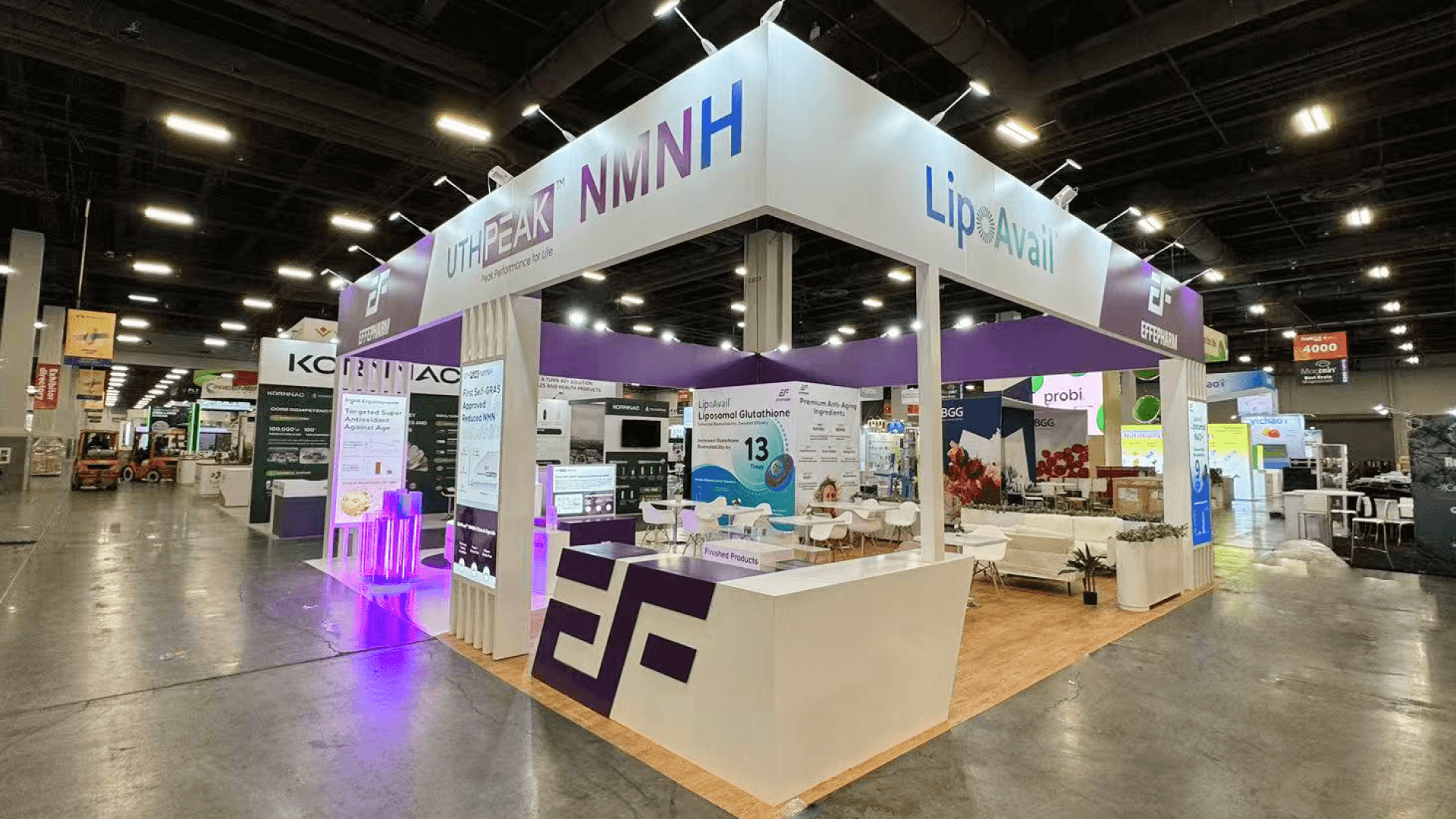
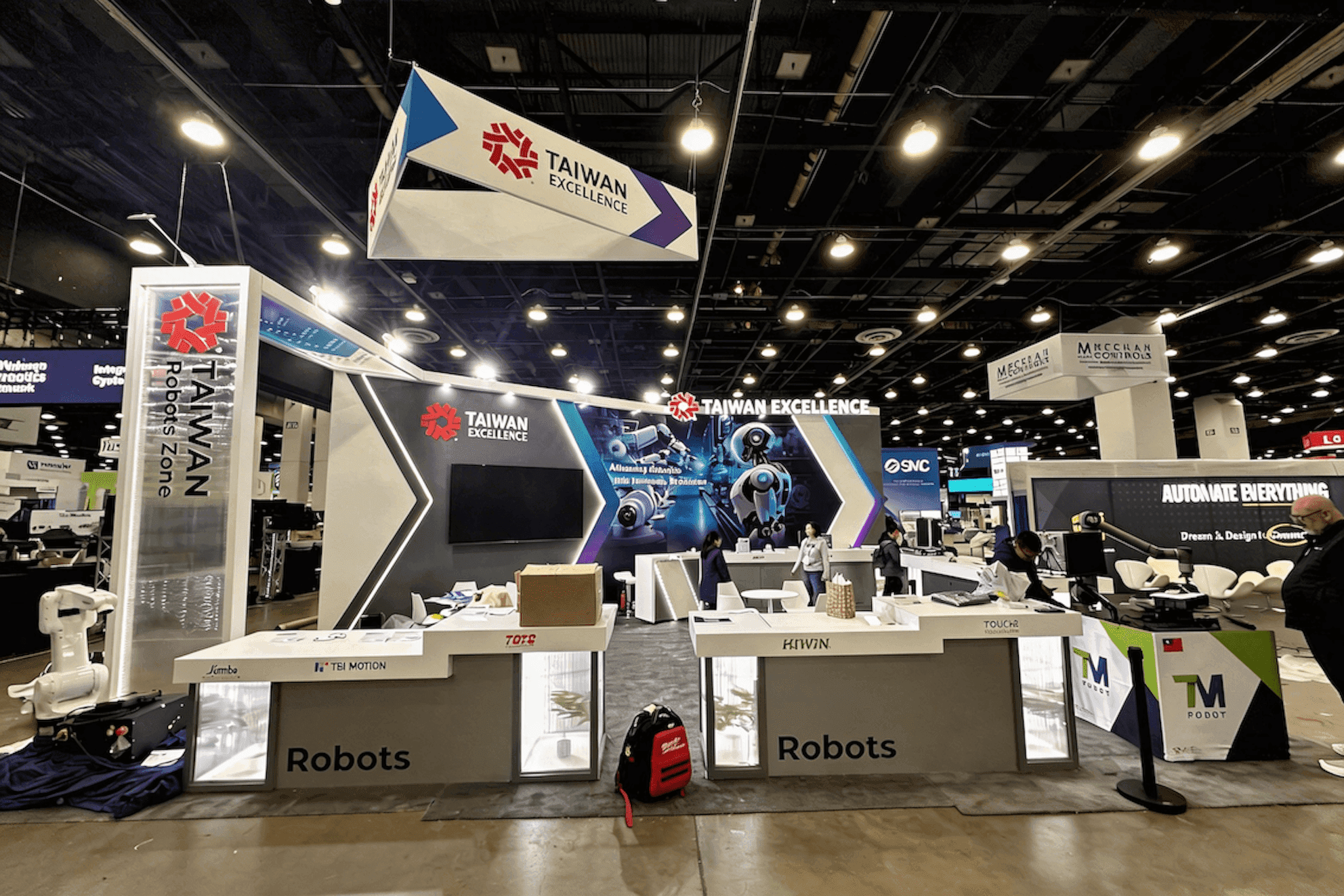
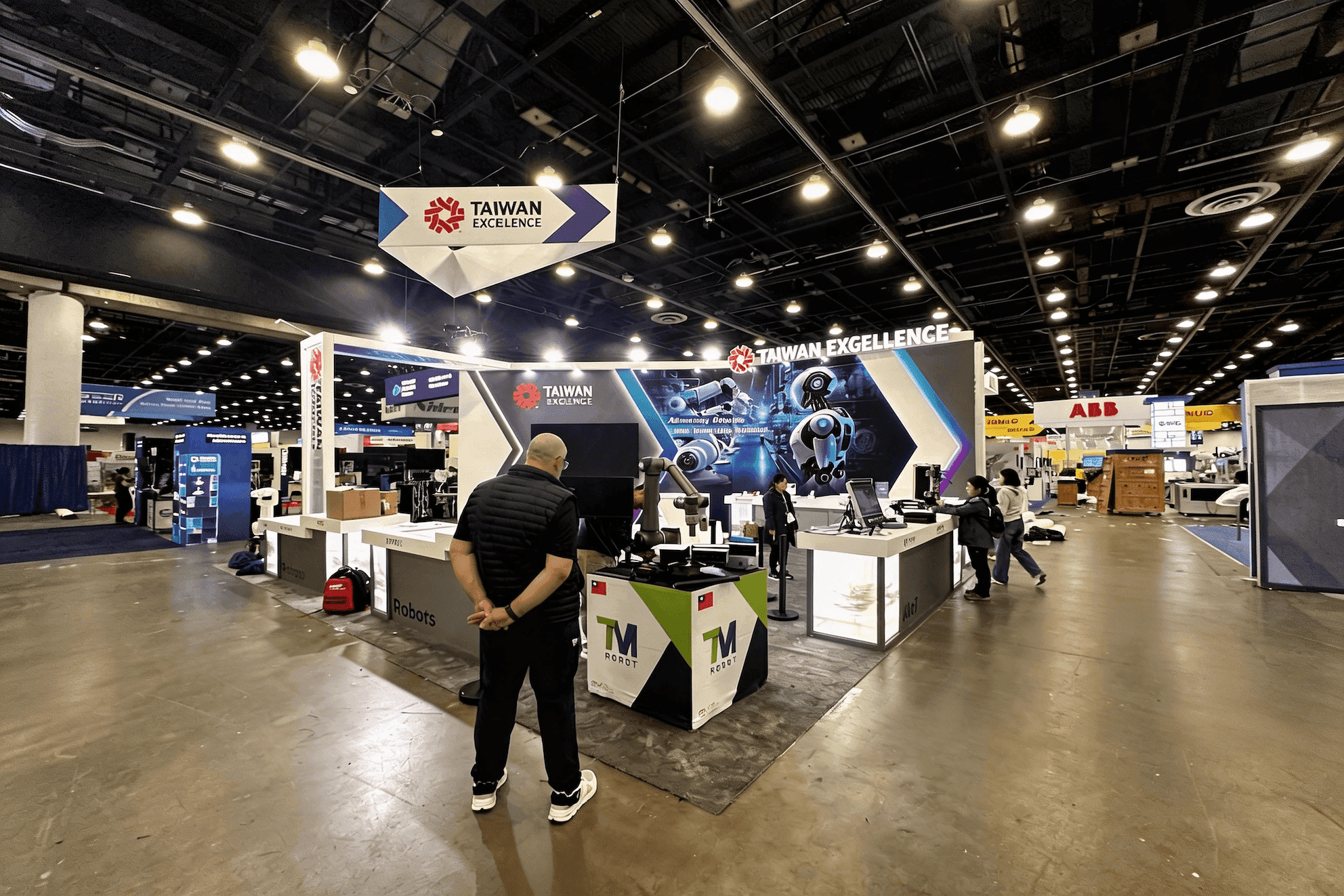
A 10×20 booth may accommodate one device alongside its operator display and a guided explanation. A 20×20 layout provides more room for related equipment and technical discussions without interrupting the demonstration. A 20×30 footprint becomes relevant when several physical components need separate mounting or viewing positions. The goal is to make the system easier to evaluate, not simply to display more hardware.
Equipment placement must also account for installation and service access. At the Orange County Convention Center, exhibitors should confirm mounting requirements, cable routes, power, and connectivity against current FETC exhibitor guidelines before production. Once the equipment is installed, test the full demonstration sequence, checking device actions, displayed results, and any recorded or simulated steps.
Why Exhibitors Choose Circle Exhibit
Clear scope, transparent quote review, nationwide booth support, and efficient setup planning for qualified rental and custom exhibit projects.
48hr
Setup Window
10+
Years Since 2014
U.S.
Trade Show Support
Real
Booth Project Proof
More equipment does not always make a stronger demonstration. Choose the footprint that lets buyers follow the device action, system status, and related discussion.
A compact booth may suit one software-led alert workflow or sample device. Keep the explanation focused on what the product actually performs.
A 20×20 layout can separate supported devices from technical discussions while keeping the demonstrated workflow understandable from the visitor area.
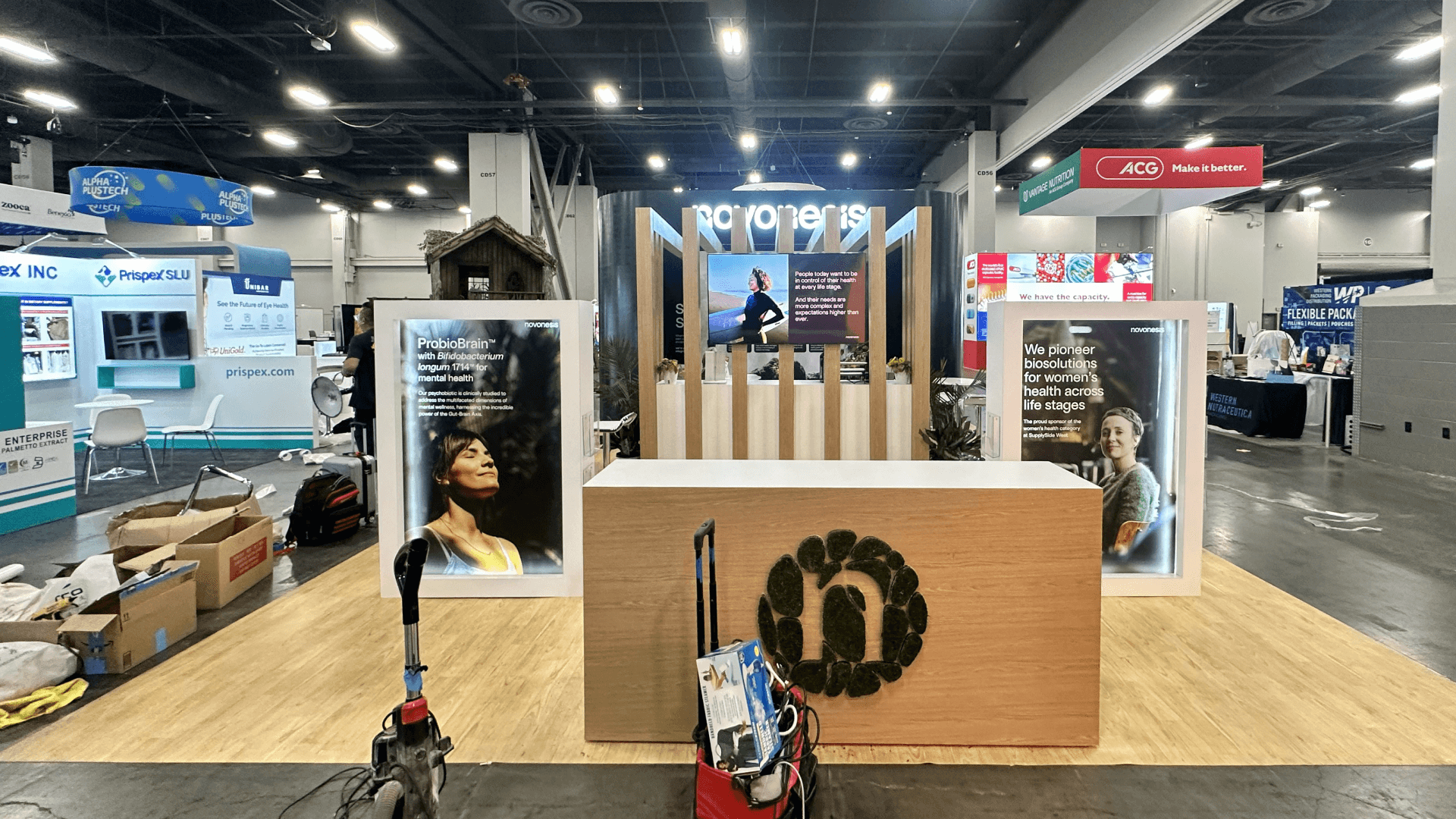
A 10×20 booth can place a device near its operator screen, with room for a guided walkthrough. Avoid spreading related elements across the display.
A 20×30 booth may be justified when several physical components need distinct positions. Larger space should solve a real equipment or viewing requirement.
A sponsorship package defines the benefits provided by the organizer, but exhibitors still need to decide how those benefits affect booth functions, graphics, equipment, and onsite responsibilities. This connection between sponsor requirements and execution is explained through booth operations planning for FETC Pavilion sponsors.
The booth should distinguish the simulated event, the product's own function, the visible result, and the questions still requiring technical review.
Introduce the scenario in plain language. Visitors should know what is simulated and which part of the response the product handles.
Position each relevant sample so buyers can relate it to the action or information shown on the screen.
Show the supported alert, state change, or operator action. Clearly distinguish live functions from recorded or simulated content.
Give qualified buyers a place to discuss installation, compatibility, system limits, and follow-up testing without stopping the public demonstration.
FETC's Safety & Security Pavilion includes emergency communication, physical security infrastructure, and other school safety solutions.
January 26–29, 2027, at Orange County Convention Center in Orlando, Florida.
Safety, facilities, and IT buyers may examine system functions, integration needs, and operating limits before further evaluation.
Not Sure Which Booth Size You Need?
Not every exhibitor knows whether a 10x20, 20x20, 20x30, or larger booth is the right fit. Circle Exhibit can help review your event goals, product display needs, demo areas, meeting space, storage, budget scope, and setup timeline before you choose a booth size.
Devices That Look Unconnected
Alerts Without a Clear Cause
1
Confirm What the Product Can Show
2
3
4
Rental for Screen-Led Safety Demos
Rental may suit a dashboard presentation with a limited number of sample devices. Review Orlando booth rental options after checking equipment size and mounting needs.
Custom for Integrated Equipment
Purpose-built supports or fixtures may be necessary when devices determine the structure. Confirm those requirements through exhibit design and engineering before production.
Hybrid for Mixed Display Requirements
Reusable walls and screens can be paired with specialized device supports. Keep custom work focused on the components that need it.
Check device mounts, fixture access, cable routes, and applicable organizer conditions before final installation.
Identify what needs a live connection, what can run independently, and which services must be ordered.
Position fixtures before fitting devices, wiring, and operator screens. Leave access for adjustments and final inspection.
Run the controlled scenario on the installed equipment. Check screen states, operator actions, and clearly labeled fallback content.
FETC School Safety Booth Rental Options
A rental booth can work for school safety demonstrations with branded screens, operator displays, and a limited number of sample devices. Share your equipment, mounting, and layout requirements to explore a suitable rental configuration and identify where custom fixtures may be needed.
Does the booth need to show a complete incident-response system?
No. Focus on the functions your product actually performs, whether that involves detecting an event, sending an alert, or displaying a response status. Clearly explain which steps depend on other systems or staff rather than presenting the entire process as your own.
Can recorded alerts be used in a demo?
Must every displayed device be connected?
How should detailed district IT questions be handled?
What should buyers be able to verify after the demo?
READY TO PLAN YOUR NEXT BOOTH?
Let’s Build a Booth That Fits Your Event
Share your event name, booth size, city, timeline, product display needs, and design references. Circle Exhibit will review your project direction and help you choose a rental-friendly or custom exhibit path.
3000+
Booth Projects Supported
50+
U.S. Event Cities
Transparent
Quote Review
Check equipment supports, operator stations, and structural requirements before production.
Compare device visibility, screen positions, and technical discussion space.
Review venue context for equipment setup, utilities, and installation.
Consider adaptable structures when the equipment needs no special construction.
Explain incident stages, device roles, and displayed results without overcrowding the booth.