APTA Transit Technology Booth Planning

How should transit technology exhibitors plan an APTA booth?
Transit technology exhibitors at APTA should plan the booth around how agencies, operators, and technology buyers will follow the system during a short visit. Fare collection, passenger information tools, fleet management software, communications systems, cybersecurity platforms, and dashboards need readable screens, clear workflow labels, storage, and space for focused buyer conversations.
APTA transit technology booths need to make software, systems, and public transportation workflows easy to follow from the aisle. Exhibitors may be presenting fare collection tools, passenger information systems, fleet management software, communications platforms, cybersecurity solutions, mobility dashboards, or other technology used by agencies and operators.
The booth should help visitors move from the problem into the workflow, then into the demo. Screens need to be readable, labels should show which part of the transit operation is being explained, and the demo counter should leave room for agency or IT-focused questions. Exhibitors who need the broader event context can review APTA TRANSform & EXPO booth planning, while teams focused on electric buses, charging infrastructure, or fleet electrification can use APTA zero-emission transit booth planning.
At McCormick Place South Hall, screen placement, storage, staff movement, demo timing, freight planning, and setup sequence should be settled before production is finalized. Chicago trade show booth builder support can help with local booth execution, while a 20x20 booth planning layout gives transit technology exhibitors room for monitors, demo counters, storage, and buyer conversations.
Why Exhibitors Choose Circle Exhibit
Clear scope, transparent quote review, nationwide booth support, and efficient setup planning for qualified rental and custom exhibit projects.
48hr
Setup Window
10+
Years Since 2014
U.S.
Trade Show Support
Real
Booth Project Proof
Transit technology booths usually depend on readable screens, demo counters, cable control, storage, and focused buyer conversations. The right size depends on the number of dashboards, workflows, and meeting areas needed.
A 10x20 booth can work for one fare collection tool, dashboard, passenger information screen, or compact software workflow with a counter and small storage.
A 20x30 booth works better when the team needs several screens, multiple demo points, meeting space, and separate areas for workflow explanation.
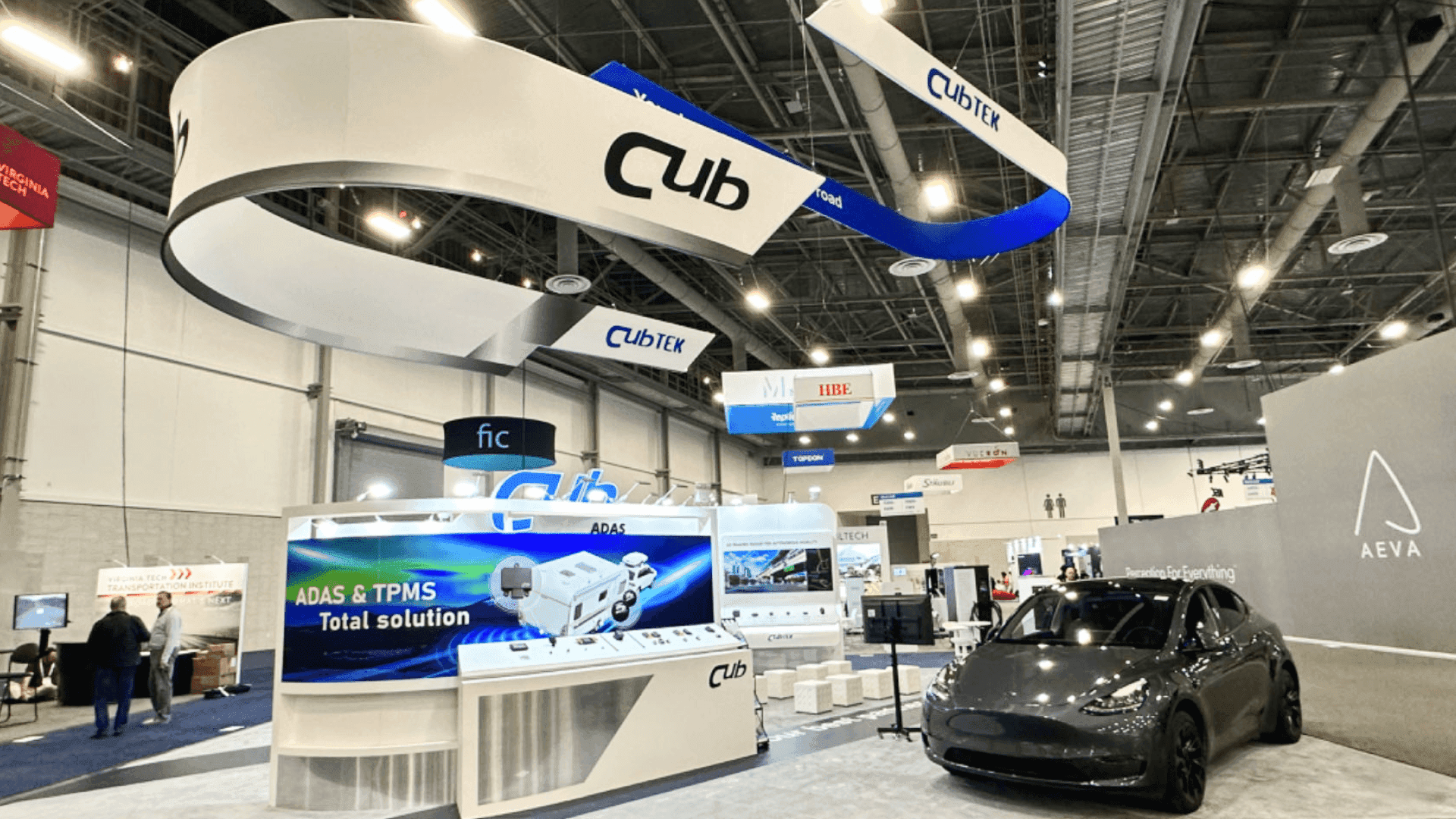
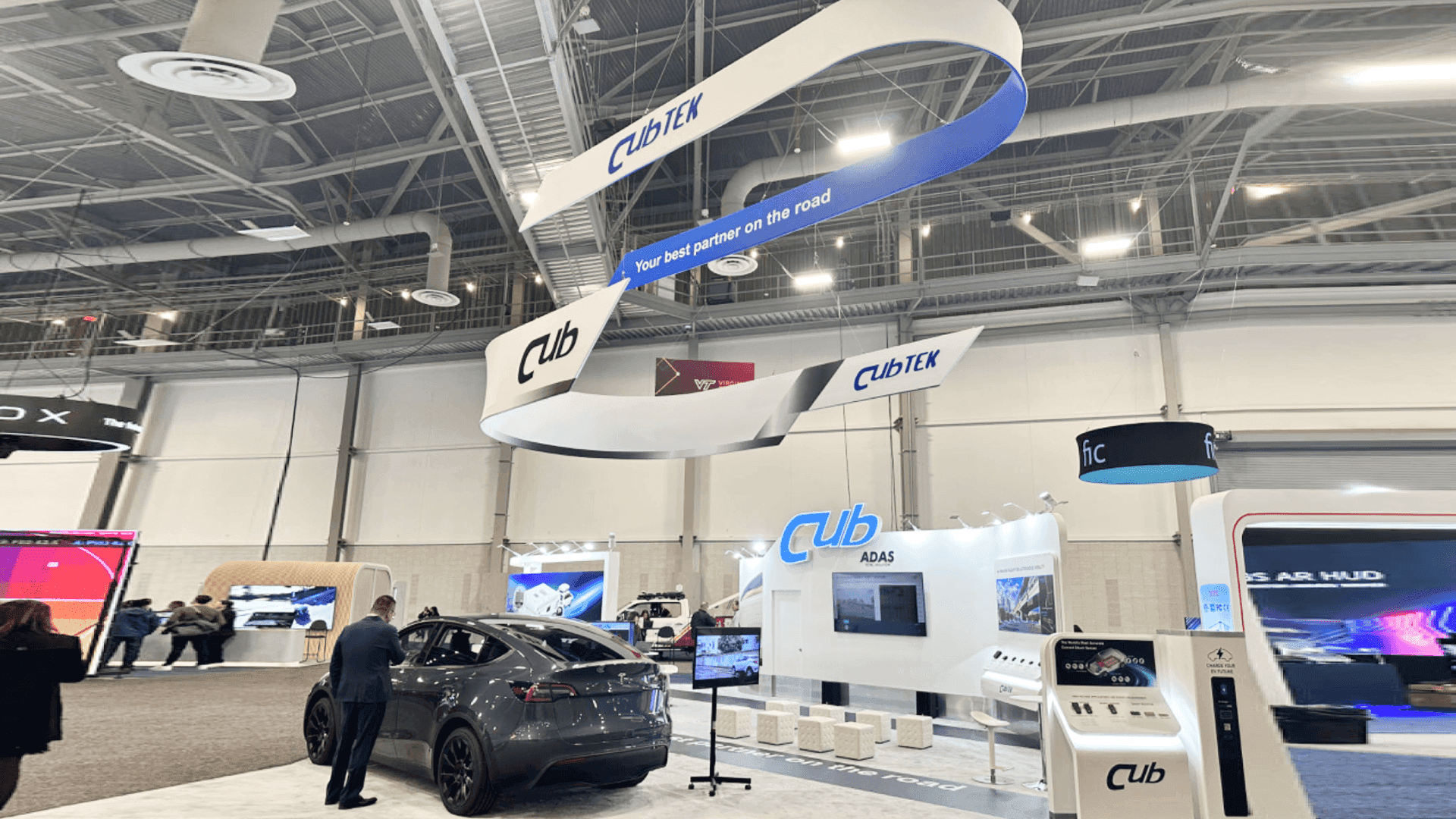
A 20x20 layout gives room for monitors, demo counters, workflow labels, storage, staff movement, and agency conversations.
A 30x40 layout can support larger platform stories, multiple demo stations, meeting rooms, storage, and a clearer visitor path for agency teams.
For transit technology exhibitors, the APTA public transportation booth planning article looks at how to organize screen-based demos, booth layout, graphics, booth size, logistics, and Chicago setup. It helps teams make fare collection, passenger information, fleet software, dashboards, and buyer conversations easier to follow on the show floor.
Transit technology booths should make software workflows easy to follow. Screens, labels, counters, storage, and staff flow need to support the demo without turning the booth into a wall of dashboards.
Fare collection, passenger information, fleet software, and mobility dashboards should be shown in a clear order so visitors can follow the workflow.
Labels should explain what each screen shows, which transit problem it supports, and what the buyer should notice first.
Counters, monitors, staff positions, and meeting areas should leave enough room for IT, agency, and procurement conversations.
Power access, cable control, backup content, storage, and monitor placement should be checked before the floor opens.
APTA transit technology exhibitors may present fare collection systems, passenger information screens, fleet management software, communications tools, cybersecurity platforms, dashboards, and mobility technology.
APTA TRANSform runs October 4–7, 2026, with EXPO open October 5–7 at McCormick Place South Hall in Chicago.
The show floor gives exhibitors a focused setting to speak with agencies, operators, fleet teams, IT leaders, procurement contacts, and mobility technology buyers.
Not Sure Which Booth Size You Need?
Not every exhibitor knows whether a 10x20, 20x20, 20x30, or larger booth is the right fit. Circle Exhibit can help review your event goals, product display needs, demo areas, meeting space, storage, budget scope, and setup timeline before you choose a booth size.
Keeping screens readable
Explaining workflow without dense copy
1
Define the main technology story
2
3
4
Rental Booth for Focused Software Demos
A rental booth works well for fare collection tools, passenger information screens, fleet software demos, or compact mobility platforms. It gives the team a clean structure, readable monitors, demo counters, storage, and space for short buyer conversations.
Custom Build for Multi-Screen Transit Systems
A custom build is better when the booth needs several demo stations, larger screens, stronger lighting, private meeting space, or a more controlled visitor path. It gives transit technology teams more control over how buyers move through the system story.
Hybrid Booth for Screens, Counters, and Meetings
A hybrid booth can keep the structure efficient while customizing the areas that matter most: monitors, demo counters, storage, graphics, and meeting space. It works well when the booth needs technical clarity without becoming oversized.
Transit technology booths should confirm monitor placement, power access, freight timing, installation sequence, and final show-floor checks before move-in.
Software demos work better when monitors, counters, storage, staff movement, and discussion space are planned together from the start.
Local support can help keep booth structure, graphics, monitor placement, storage, setup timing, and on-site execution aligned before move-in.
Before the floor opens, check screen content, power access, cable control, backup materials, and demo timing so the software demo is ready.
Need an APTA Transit Technology Booth Plan?
Transit technology exhibitors often need a booth that makes software workflows, dashboards, monitor placement, storage, and buyer conversations easier to follow.
What should a transit technology booth include?
It should include readable screens, short workflow labels, a clear demo counter, storage, staff flow, and space for agency or technology buyer conversations.
What booth size works well for transit technology exhibitors?
How should transit software demos be planned?
Should software demos and printed materials be separated?
Why is Chicago show-site planning important for APTA technology booths?
READY TO PLAN YOUR NEXT BOOTH?
Let’s Build a Booth That Fits Your Event
Share your event name, booth size, city, timeline, product display needs, and design references. Circle Exhibit will review your project direction and help you choose a rental-friendly or custom exhibit path.
3000+
Booth Projects Supported
50+
U.S. Event Cities
Transparent
Quote Review
Dashboard captions, route visuals, system diagrams, interface labels, and booth graphics can make transit software easier to understand from the aisle.
Useful for freight timing, monitor placement, cable control, storage planning, and setup checks before the exhibit team arrives.
For booths that need screen placement, demo counters, storage, lighting, meeting space, and visitor flow planned before production.
A 20x30 layout works well when the booth needs several monitors, multiple demo stations, meeting space, storage, and workflow explanation areas.
Transit technology booths with monitors, counters, cable paths, and demo hardware need a clear setup sequence before the exhibit floor opens.