Adobe Summit 2027 Booth Planning for Complex Solution Demos and Buyer Conversations
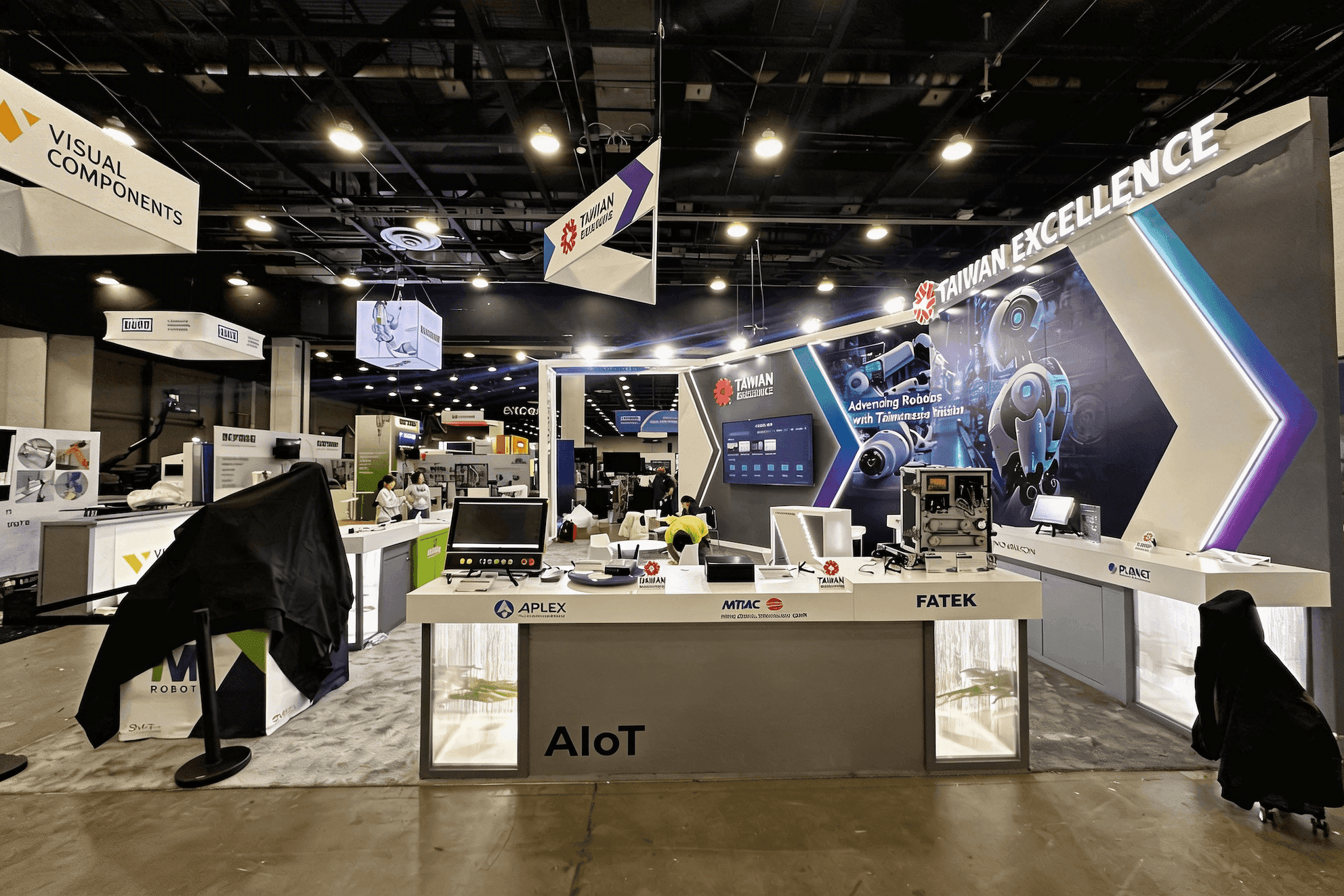

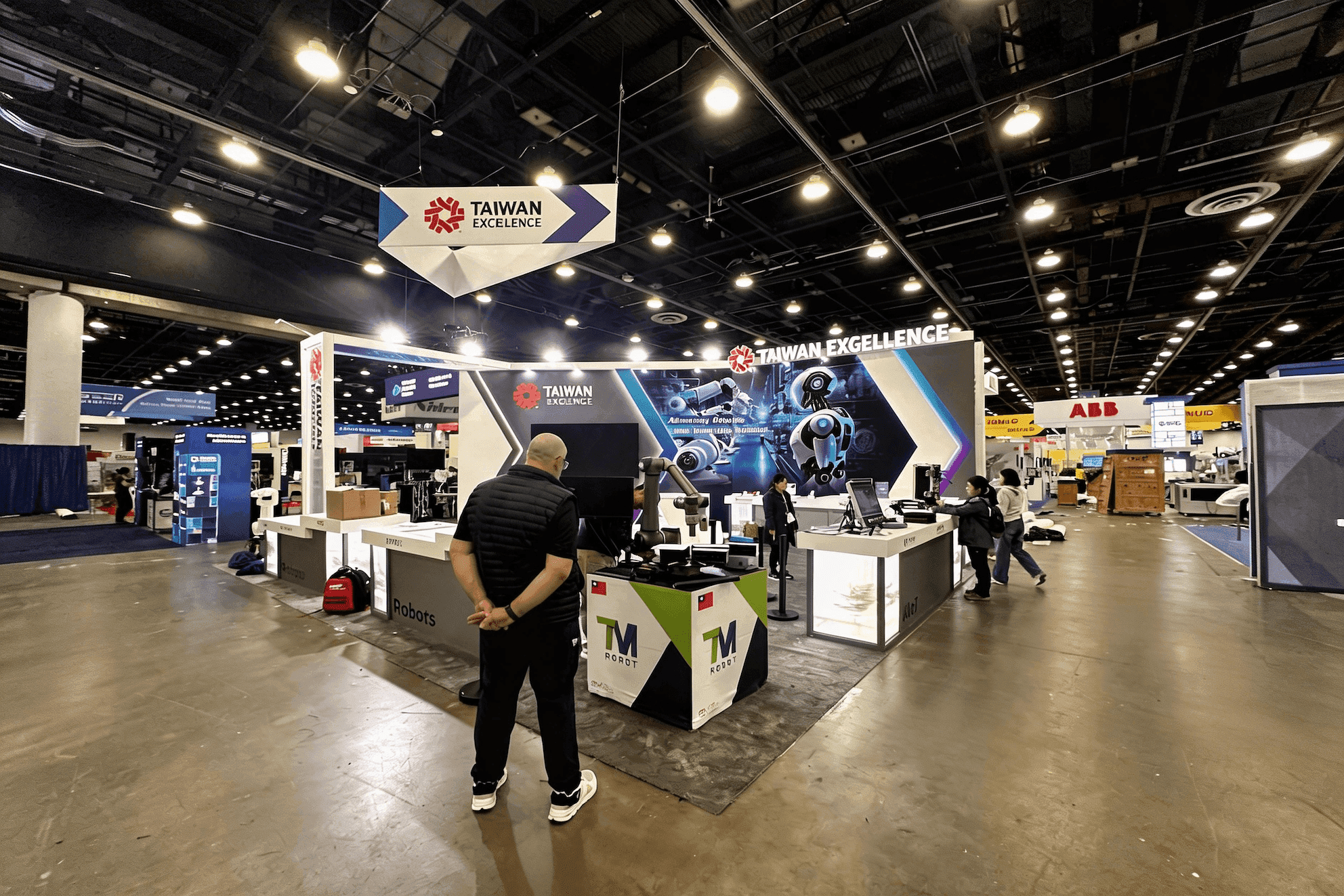

How should exhibitors plan a booth for Adobe Summit 2027?
Adobe Summit exhibitors need a booth that makes a complex AI, customer-experience, data, or workflow solution understandable before the conversation becomes technical. Start with the buyer's first question, then plan the demo, conversation space, meeting capacity, screens, staff, and storage around the next step you want that buyer to take.
Adobe Summit exhibitors are often explaining products that are difficult to understand from a logo wall or feature list alone. A technology platform may need to show how a workflow works, while an agency or system integrator may need to explain where its team fits into a customer's Adobe environment. In both cases, the booth needs to answer the buyer's first question quickly: what problem does this company solve, and is it relevant to me?
Once interest is established, the booth has to support the next step without forcing every visitor into the same experience. Some buyers only need a short walkthrough; others need a technical discussion or a longer meeting. Technology partners expecting several demonstrations to run at the same time face a different operating problem, covered in Adobe Summit technology partner demo and meeting planning. The broader Las Vegas technology trade shows page places Adobe Summit within the city's software, AI, cloud, data, and enterprise-technology event landscape.
The footprint should be decided after those buyer actions are clear. A booth built for one focused demo behaves very differently from one supporting several solutions, parallel conversations, and scheduled meetings. For exhibitors comparing trade show booth design and build in Las Vegas, the more useful question is not how large the structure can be, but whether the demo areas, screens, meeting space, storage, staff movement, and show-site requirements can operate together without competing for the
Why Exhibitors Choose Circle Exhibit
Clear scope, transparent quote review, nationwide booth support, and efficient setup planning for qualified rental and custom exhibit projects.
48hr
Setup Window
10+
Years Since 2014
U.S.
Trade Show Support
Real
Booth Project Proof
Choose the footprint by what needs to happen at the same time—demos, conversations, meetings, screens, staff movement, and storage—not by square footage alone.
A compact footprint works well for one primary solution, one demo point, short standing conversations, and light storage. 10x20 booth planning is a useful reference when dedicated meeting space is not a priority.
When a demo must stay active while a qualified buyer continues talking nearby, the space needs to support two different jobs. 20x20 booth planning is relevant for a demo area, compact meeting space, hidden storage, and clear circulation.
When several solution stories need to stay active at once, the booth needs separate visitor paths rather than one central presentation. 20x30 booth planning gives more room for multiple demos, meetings, staff movement, and clearer functional separation.
Larger island space makes sense when several teams, parallel demos, scheduled meetings, or separate solution stories need to operate independently. More square footage only helps when each zone has a clear purpose.
Some Adobe Summit planning questions begin before the visitor reaches the booth. When a buyer has already discussed an AI workflow, integration, implementation, or partner opportunity elsewhere in the Summit ecosystem, the Adobe Summit partner booth handoff guide explains how to carry that context into the right demo, specialist discussion, meeting, or follow-up without starting the conversation again.
Sponsors still deciding how much physical presence they actually need can use the Adobe Summit sponsorship scope guide to separate goals that truly require booth capacity from those that do not, then define the minimum working scope for demos, meetings, teams, and support functions.
The booth should help buyers understand the solution quickly and decide what to do next. Messaging, screens, demo areas, conversation space, and hidden support functions should each make that journey easier.
Aisle-facing messaging should help buyers identify the business problem, solution category, or use case before staff begin explaining features. Clear graphics and brand presentation keeps several capabilities connected without turning the booth into a dense feature wall.
Screens should show how the solution works—what enters the system, what happens next, and what outcome matters. Dashboards, AI outputs, integrations, and workflow stages usually provide more useful proof than a looping brand video.
Some buyers need only a quick explanation, while others want to discuss architecture, implementation, integration, or business fit. The booth should give demos, deeper discussions, and meetings enough separation without making the layout feel fragmented.
Backup laptops, chargers, adapters, cables, lead-capture devices, literature, and staff supplies should stay close enough for quick access but out of the visible product story.
Adobe Summit brings customer experience, marketing, AI, data, content, commerce, workflow, Adobe products, and partner solutions into the same business and technology environment.
Adobe Summit 2027 is scheduled for March 22–25 in Las Vegas. Venue-specific planning should wait until Adobe confirms the current 2027 location.
Sponsors may be speaking with marketing, customer-experience, digital, data, technology, implementation, and partner teams evaluating business fit as well as technical capability.
Not Sure Which Booth Size You Need?
Not every exhibitor knows whether a 10x20, 20x20, 20x30, or larger booth is the right fit. Circle Exhibit can help review your event goals, product display needs, demo areas, meeting space, storage, budget scope, and setup timeline before you choose a booth size.
Make the Screen Prove Something
Allow for Different Conversation Depths
1
Start With the Buyer's First Question
2
3
4
Focused Demo Program
A rental-based exhibit can be enough when branded walls, screens, one focused demonstration area, light storage, and simple conversations cover the show-floor program. Once those requirements are clear, Las Vegas trade show booth rental provides a more useful comparison than choosing from structures first.
Demo + Meeting Program
A hybrid system works well when standard structure can remain reusable but demo counters, graphics, AV integration, meeting treatment, or selected storage need more control.
Multi-Zone Sponsor Program
Custom fabrication becomes more relevant when several demonstrations, integrated screens, private meetings, concealed cable paths, larger storage, or separate solution zones have to function as one coordinated environment.
Do not lock venue-specific service, freight, utility, or installation assumptions until Adobe confirms the applicable 2027 venue and sponsorship details.
Screens, demo devices, power, connectivity, and cable access can affect counter positions and structure. Resolve these requirements before production drawings are finalized.
Screen walls, counters, storage, and cable routes should leave enough access for assembly, cabling, screen setup, testing, and final adjustments. Installation requirements should be considered before the layout is approved.
Before opening, follow the real visitor path through the booth—from message and demo to conversation, meeting, or lead capture—not just whether every screen and light turns on.
Need an Adobe Summit Booth Rental Built Around Demos and Meetings?
A rental-based exhibit can support focused demos, screens, meeting space, storage, and Las Vegas show-site execution once the booth workload is clear. Define the buyer journey and functional requirements first, then compare rental configurations that fit the program.
What does an Adobe Summit booth need to help buyers understand?
A buyer should quickly understand the problem being solved, why the solution is relevant, and what they should see or discuss next. Screens, demos, meetings, and graphics should support that sequence rather than compete for attention.
How should exhibitors choose an Adobe Summit booth size?
Does every Adobe Summit sponsor need a live software demo?
When does an Adobe Summit booth need a separate meeting area?
What should be fixed before Adobe Summit booth production begins?
READY TO PLAN YOUR NEXT BOOTH?
Let’s Build a Booth That Fits Your Event
Share your event name, booth size, city, timeline, product display needs, and design references. Circle Exhibit will review your project direction and help you choose a rental-friendly or custom exhibit path.
3000+
Booth Projects Supported
50+
U.S. Event Cities
Transparent
Quote Review
Adobe Summit sits within a wider group of Las Vegas events where software, AI, cloud, data, screens, and technical demonstrations change how exhibitors use booth space.
This footprint becomes relevant when one active demonstration needs to coexist with a compact meeting function, storage, and circulation without turning the booth into several small rooms.
A larger rectangular footprint becomes more useful when multiple solution stories, demonstrations, meetings, and staff roles need to remain active at the same time.
Screen positions, counters, storage, meeting space, cable access, structure, and installation clearances need to be resolved together before production begins.
After the booth program and structure are approved, fabrication, graphics, screen integration, packing, installation, testing, and final show readiness have to work as one execution plan.










