
The Sponsorship Goal Comes Before the Footprint
Before comparing booth sizes, define what the Adobe Summit sponsorship is expected to accomplish.
A technology partner may need to show an AI or customer-experience workflow, explain how a solution connects with the Adobe environment, qualify technical interest, hold buyer meetings, support partner or go-to-market conversations, or give senior teams somewhere to continue a deeper discussion.
Those jobs create different physical demands. One focused workflow demo can share space with short conversations. Several independent solution stories, scheduled meetings, or parallel teams create a different load. Brand visibility or executive engagement, by contrast, does not automatically become more effective because the booth is larger.
The more useful question is not “How much space can we get?” but “What does our Adobe Summit program need the booth to do?”
A sponsorship option only works when its physical scope can carry that program.
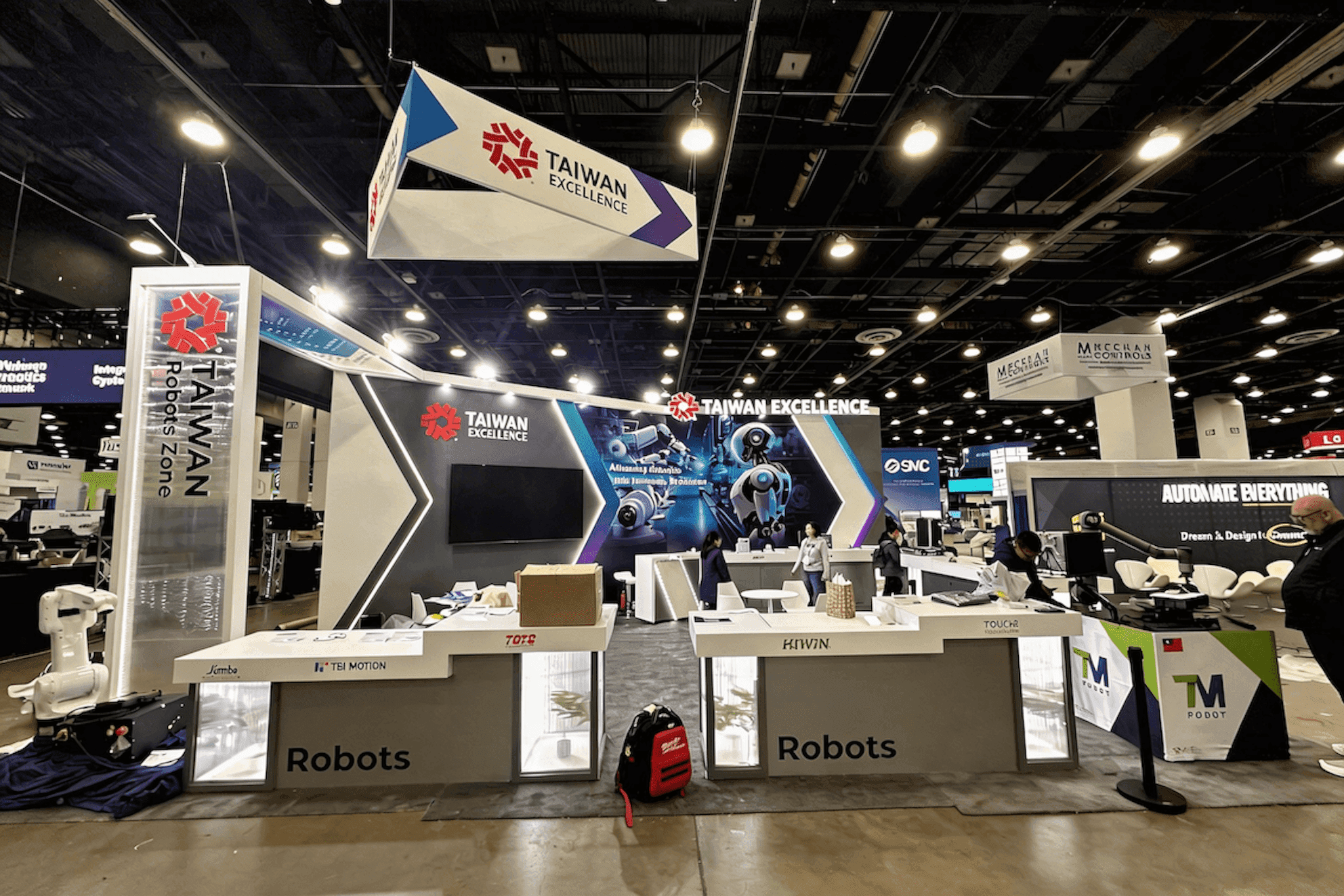
Adobe Summit exhibit scope should follow the demos, meetings, teams, and support functions that need to stay active at the same time.
Not Every Adobe Summit Goal Needs to Live in the Booth
Adobe Summit sponsorship is broader than the physical exhibit itself. Recent Summit formats have included sponsor booths alongside meeting environments, Community Pavilion interactions, partner conversations, sessions, executive engagement, and other ways for sponsors and buyers to connect.
That changes the booth-space decision. The question is not whether a sponsor has many objectives. It is which objectives must remain available inside the exhibit throughout show-floor hours.
Repeated workflow demos, technical qualification, scheduled meetings, and several solution teams working in parallel consume real booth capacity. Broad brand visibility, some partner discussions, or some executive conversations may be important without requiring another physical zone inside the booth.
What Actually Needs Booth Space?
Adobe Summit Sponsor Goal | Must It Live in the Booth? | Physical Implication |
|---|---|---|
Brand visibility | Not always | More square footage does not automatically make a complex solution easier to understand |
One focused workflow demo | Yes | One usable demo point with room for a short conversation |
Multiple simultaneous demos | Yes | Independent presenter, viewer, and circulation capacity |
Technical qualification | Usually | Somewhere to continue beyond the first product explanation |
Scheduled buyer meetings | Yes | Conversation capacity that does not remove an active demo from use |
Partner or go-to-market discussion | Sometimes | Some discussions may need booth meeting space; others can continue through broader Summit interactions |
Executive engagement | Not always | More booth space only helps when those conversations genuinely need to happen inside the exhibit |
Several independent solution teams | Yes | Separate operating paths so one team does not interfere with another |
The distinction is between sponsorship presence and booth workload. A sponsor can have several important Adobe Summit objectives without assigning a physical zone to every one of them.
Space should increase when an activity genuinely has to remain available inside the booth and cannot reliably share capacity with another function.
The Real Capacity Question Is What Must Run at Once
A list of sponsorship goals still does not tell you how much physical capacity is required. Simultaneous activity does.
One workflow demo and short standing conversations may comfortably share the same area. The operating load changes when two independent demos need to remain available while a technical discussion continues and a scheduled buyer meeting is already underway.
Those functions cannot all depend on the same position.
The pressure increases again when several solution teams are explaining different Adobe-related workflows while qualified buyers continue into deeper discussions or meetings. At that point, the exhibit needs distinct operating paths rather than one area repeatedly changing jobs.
The useful test is:
Which functions can share space, and which must remain available independently?
Physical scope should grow when demonstrations, meetings, staff roles, or visitor movement begin competing for the same capacity—not simply because the sponsorship plan contains more objectives.
A Larger Scope Is Justified When Functions Start Competing
The strongest reason to increase Adobe Summit exhibit scope is operating conflict.
One demo becomes multiple simultaneous demos
A second screen alone does not justify more space. A second independently staffed software or AI demonstration may. Once several demos must remain active while qualified visitors move into technical discussions or meetings, the issue shifts from scope selection to the concurrent operating model covered in Adobe Summit technology partner booth planning.Walk-up conversations become scheduled or longer buyer meetings
Short qualification may share space with a demonstration. A longer meeting cannot if it repeatedly removes the same demo position from use.One solution story becomes several independent buyer paths
Several Adobe-related capabilities do not automatically need several zones. More capacity becomes relevant when different buyers need different solution paths at the same time.One team becomes several teams working concurrently
Product, technical, partner, and sales teams add both staff movement and visitor movement. One shared area can eventually become the constraint.Hidden support begins consuming buyer-facing space
Demo devices, chargers, backup equipment, literature, personal items, and other support needs can reduce usable demo and meeting capacity even when the nominal footprint has not changed.
The rule is simple:
Increase the Adobe Summit exhibit scope because a required function no longer fits—not because a larger booth looks more impressive.
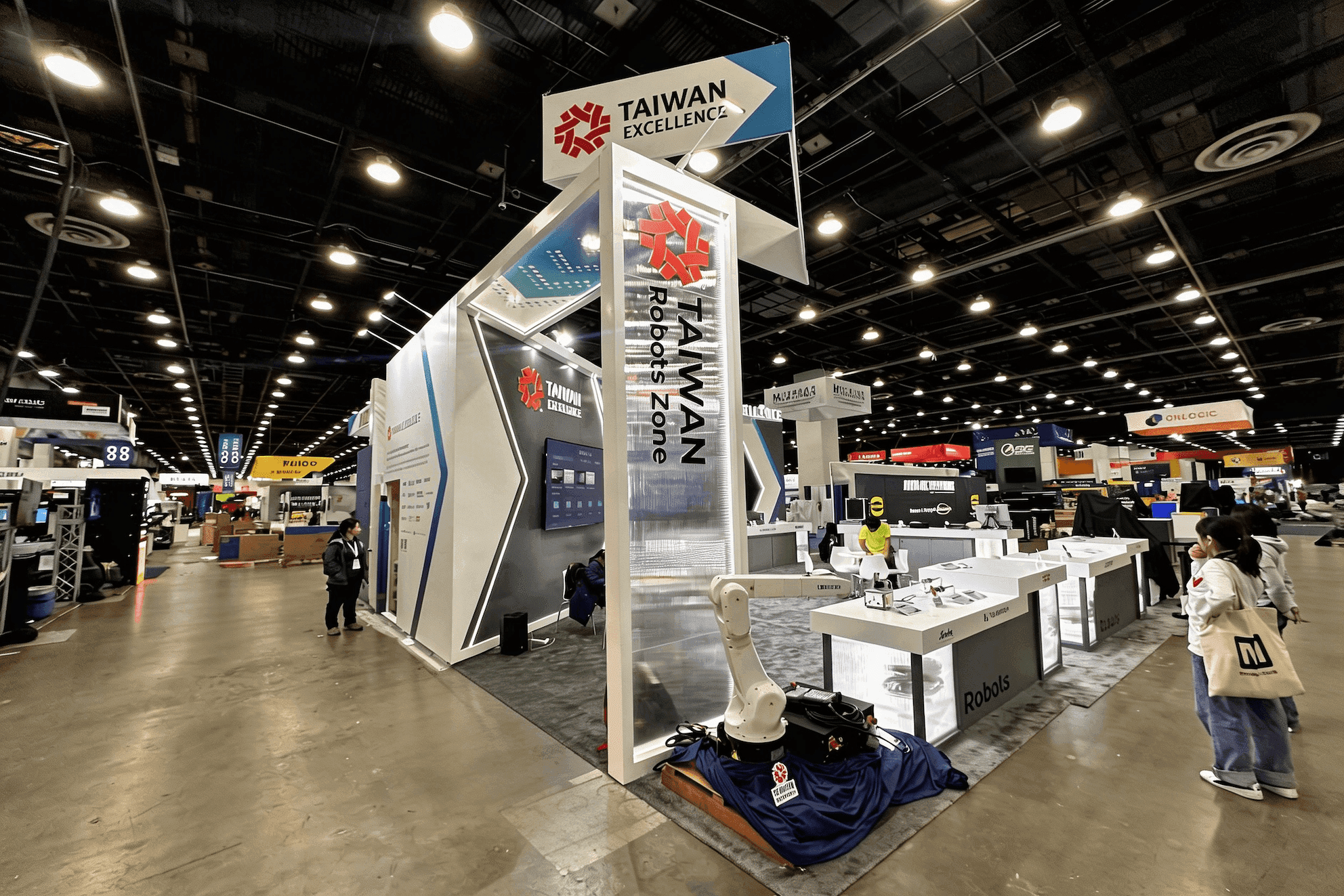
A larger Adobe Summit footprint becomes useful when independent demos, technical discussions, and buyer meetings begin competing for the same booth capacity.
Compare the Minimum Working Scope With the Current 2027 Sponsor Options
Once the minimum working scope is clear, compare it with Adobe's current 2027 sponsorship options. Do not start with a package name and then look for ways to fill the available floor area.
Start with the demos, meetings, teams, and support functions that must remain usable. Then check whether the available exhibit scope can carry that workload without obvious overbuild or underbuild.
A program built around two focused demos and one compact meeting function, for example, eventually needs a real footprint test. The constraints in 20x20 booth planning become relevant at that point—not because 20x20 is automatically the answer, but because the demos, meeting function, circulation, and support space all have to coexist without removing capacity from one another.
Before committing, verify the physical exhibit scope and included benefits against Adobe's current 2027 sponsorship materials. Previous-year footprints or sponsor benefits can show how Adobe has structured sponsorship in the past, but they should not be treated as current 2027 specifications unless Adobe confirms them.
Before Committing, Be Able to Answer Three Questions
Minimum Functional Scope
What is the smallest physical configuration that can run the required Adobe Summit program?
Preferred Configuration
What provides enough operating room without paying for physical capacity that has no defined job?
Upgrade Trigger
What specific new demo, meeting, team, or support requirement would force the exhibit scope to grow?
FAQ
Does Adobe Summit sponsorship automatically mean I need a larger booth?
No. Brand visibility, partner engagement, or some executive conversations do not automatically require more floor space. Exhibit scope should increase when demos, meetings, technical discussions, or separate teams need additional physical capacity to remain available at the same time.
How do I know when an Adobe Summit booth is too small for the planned program?
The booth is becoming too small when one required activity repeatedly displaces another—for example, meetings occupying demo positions, multiple demonstrations competing for the same viewing area, or separate teams sharing space that each needs to use independently.
When should Adobe Summit scope planning move into multi-demo booth planning?
That shift happens once several independently staffed software or AI demos are already part of the committed program. The question is then no longer whether more scope is required, but how those demos, technical discussions, qualification, and meeting handoffs can remain active together.






