AAPEX Diagnostics and Shop Systems Booth Planning

How should exhibitors plan an AAPEX diagnostics booth?
An AAPEX diagnostics booth should guide buyers from vehicle data or a scan tool to fault identification, the recommended service action, and the shop workflow that follows. Devices, inspection screens, vehicle coverage, system integrations, and reporting should be arranged into a few clear demo paths rather than shown as separate hardware and software displays.
The AAPEX Diagnostics, Telematics & Shop Management Systems section brings diagnostic hardware and shop software into the same buying conversation. Exhibitors may be showing scan tools, vehicle-data platforms, digital inspection systems, telematics devices, or software that turns a fault report into a practical repair workflow. For wider product and exhibitor planning, visit the AAPEX booth planning hub.
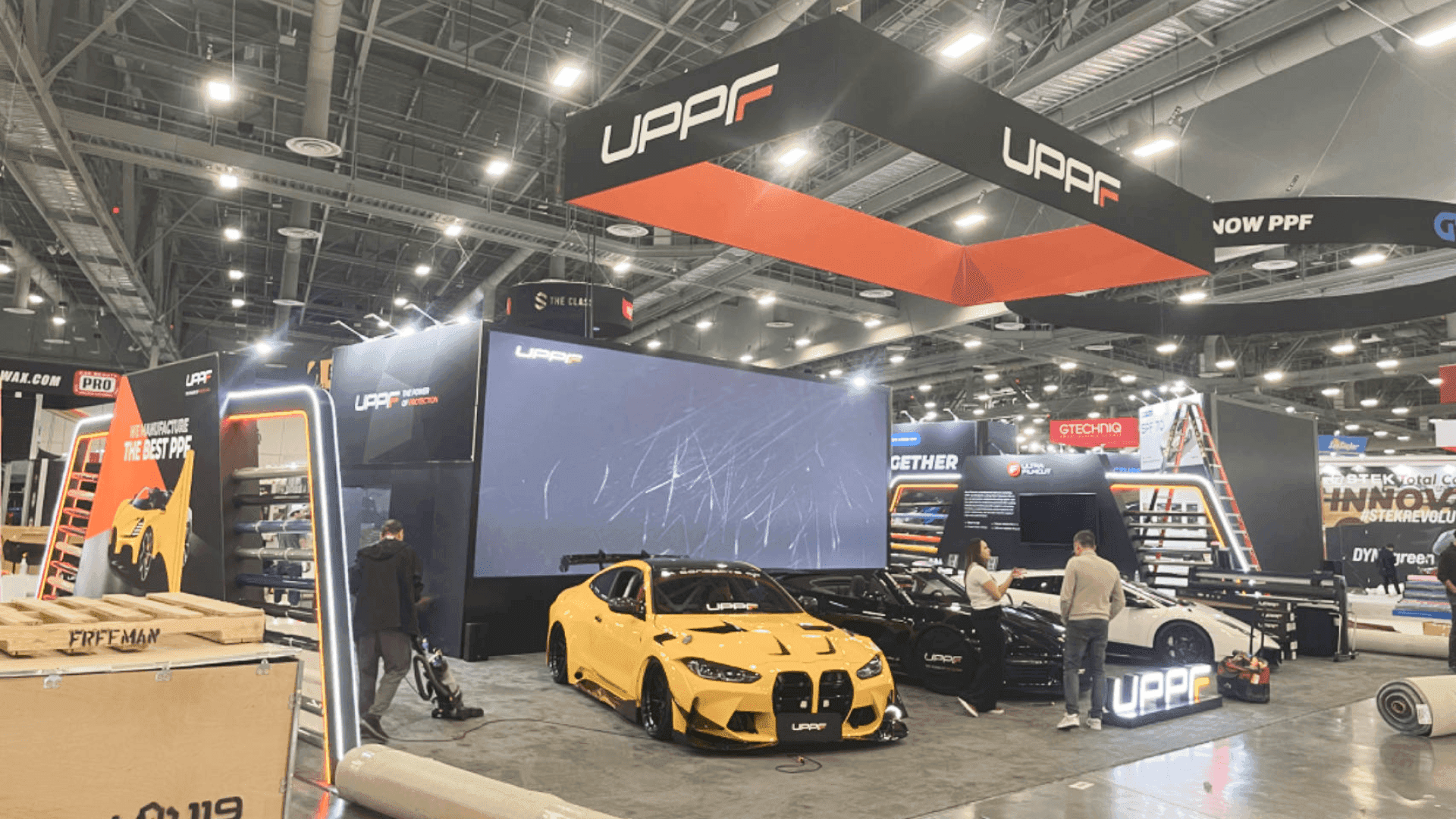
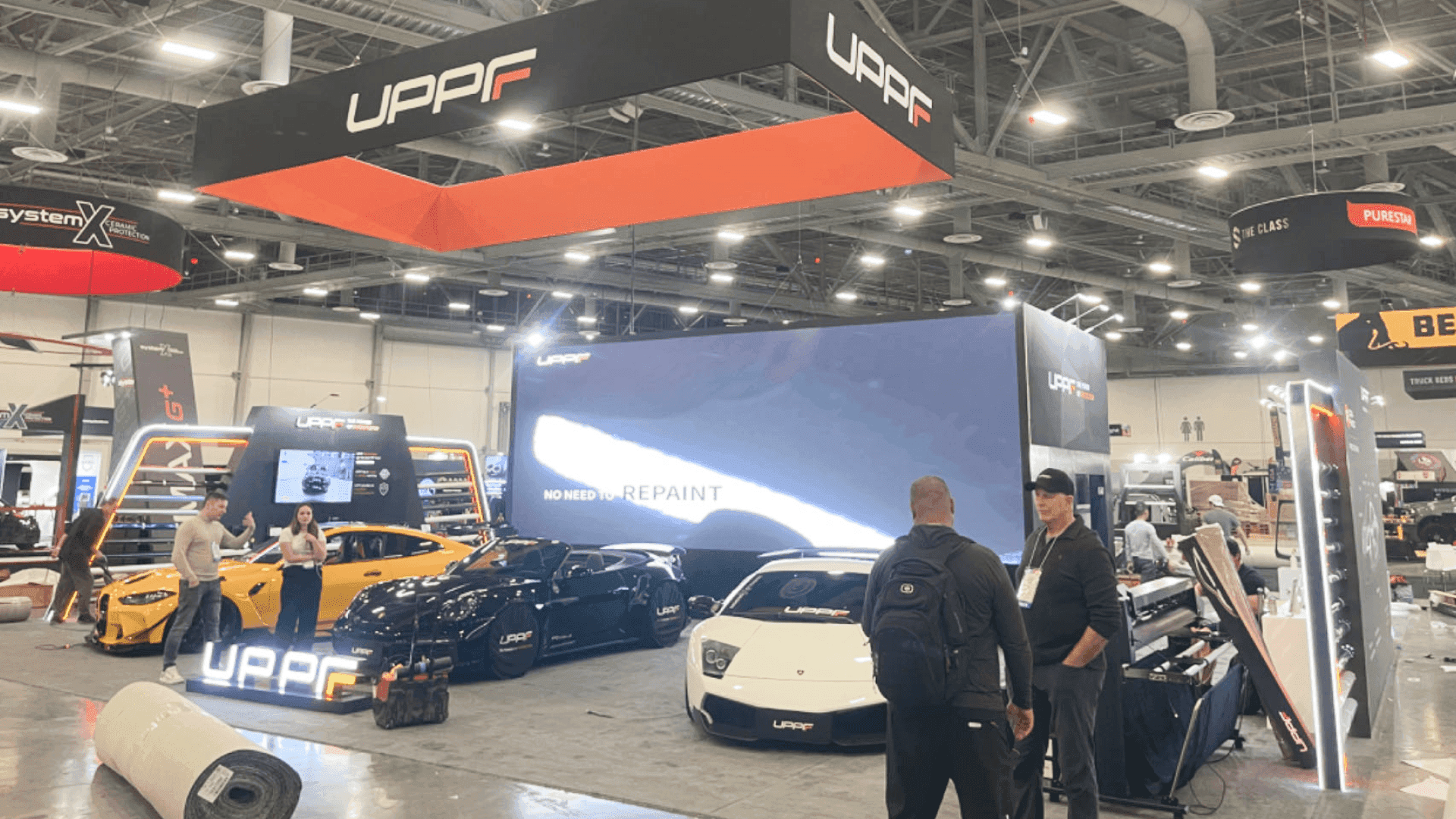
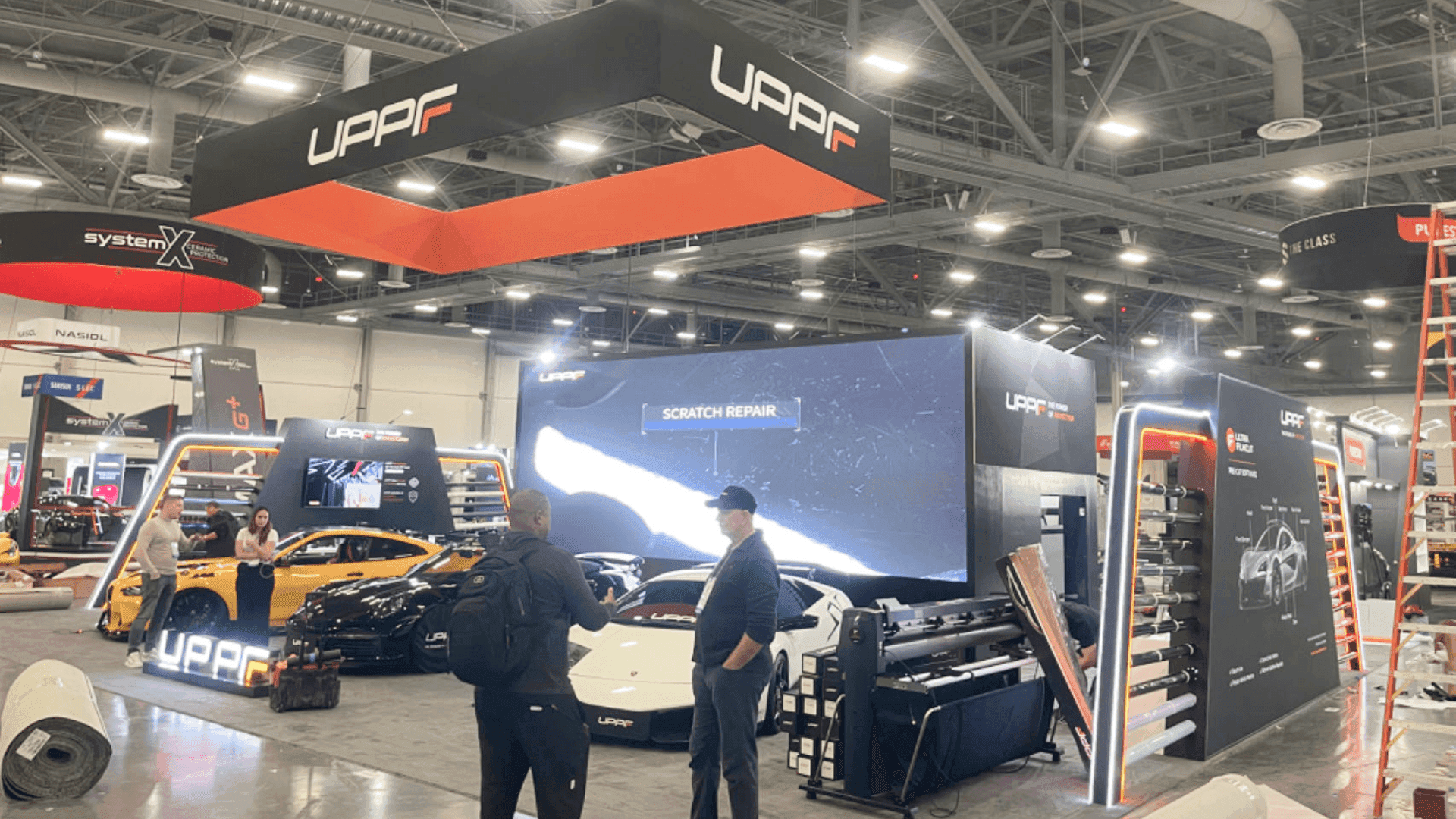
Buyers should be able to follow one complete example without moving between unrelated devices and screens. Keep the scan tool or data source, diagnostic result, recommended action, workflow graphic, and service record close together, with enough room to explain vehicle coverage, integrations, and next steps.
For AAPEX 2026, the section is assigned to Venetian Ballroom, Level 2 at The Venetian Expo. Monitor positions, electrical and data requirements, cable routing, counter heights, and an offline demo backup should be confirmed before booth production and demonstration content are locked.
Why Exhibitors Choose Circle Exhibit
Clear scope, transparent quote review, nationwide booth support, and efficient setup planning for qualified rental and custom exhibit projects.
48hr
Setup Window
10+
Years Since 2014
U.S.
Trade Show Support
Real
Booth Project Proof
Choose the footprint by how many diagnostic workflows need to be shown clearly—not by how many screens can fit.
A 10x10 booth can support one scan tool, sensor, or inspection product with a single screen and concise coverage or application details.
A 20x20 booth can support two or three connected demonstrations, a reception point, concealed storage, and a compact meeting area.
A 10x20 booth keeps the physical device and its workflow screen in one sightline, with room for one guided demonstration and short technical conversations.
A 20x30 booth gives several diagnostic workflows their own stations while keeping integration discussions and partner meetings away from the main demo traffic.
Diagnostic products are easier to follow when the device, vehicle data, screen, result, and next service action appear in one clear sequence. The diagnostics section of the AAPEX product display planning article explains how scan tools, sensors, sample reports, and screen content can share the same demonstration path.
The exhibit should connect each device or data source to a readable diagnostic result and the service action that follows.
Place the scanner, sensor, telematics unit, or inspection device beside the screen showing what it reads and how the information is used.
Show the sequence from vehicle data through fault identification, inspection, recommended action, repair-order handoff, and documented result.
Use concise labels for vehicle coverage, data sources, system integrations, shop type, and deployment requirements.
Provide a place to discuss implementation, training, integrations, and multi-location use without blocking the live demonstration.
The section brings together scan tools, vehicle data, digital inspections, repair orders, and service records in one clear path from fault identification to recommended action.
AAPEX runs November 3–5, 2026, with this section planned for Venetian Ballroom, Level 2 at The Venetian Expo in Las Vegas.
The audience includes technicians, shop owners, service advisors, distributors, repair groups, and buyers evaluating diagnostic devices, shop systems, and software integrations.
Not Sure Which Booth Size You Need?
Not every exhibitor knows whether a 10x20, 20x20, 20x30, or larger booth is the right fit. Circle Exhibit can help review your event goals, product display needs, demo areas, meeting space, storage, budget scope, and setup timeline before you choose a booth size.
Showing a Complete Workflow Briefly
Keeping Small Interfaces Readable
1
Choose the Main Workflow
2
3
4
Rental Booth for a Focused Diagnostic Demo
A rental structure can support one or two devices, standard screens, workflow graphics, storage, and a compact meeting point.
Custom Build for Integrated Hardware and Screens
A custom build is more suitable when mounted devices, synchronized screens, custom counters, controlled lighting, or concealed cable paths must work as one system.
Hybrid Booth for Reusable Structure and Custom Demo Stations
A hybrid plan can combine a modular structure with custom equipment mounts, screen integration, workflow-specific counters, and technical storage.
Check the booth number, electrical order, internet needs, floor access, and service deadlines before equipment shipping and final setup plans are confirmed.
Coordinate screens, computers, diagnostic devices, routers, charging points, and cable paths before flooring, counters, and furniture are installed.
Use readable interfaces, controlled audio, and a clear screen hierarchy so nearby demonstrations do not distract from the main diagnostic workflow.
Run the device, screen, sample data, lead capture, and offline backup in the same sequence the team will use with buyers.
Planning an AAPEX Diagnostics Demo Booth?
A rental or hybrid booth can support diagnostic devices, technical screens, workflow graphics, concealed storage, and focused buyer conversations when the demonstration sequence is defined early.
What should an AAPEX diagnostics booth include?
It should include a clear device-to-screen demonstration, visible diagnostic steps, coverage and integration information, concealed technical storage, and space for buyer questions.
What booth size works for diagnostics and shop systems?
How is this page different from Joe’s Garage?
How is this page different from the EV Experience?
How should diagnostic hardware and shop software share the booth?
READY TO PLAN YOUR NEXT BOOTH?
Let’s Build a Booth That Fits Your Event
Share your event name, booth size, city, timeline, product display needs, and design references. Circle Exhibit will review your project direction and help you choose a rental-friendly or custom exhibit path.
3000+
Booth Projects Supported
50+
U.S. Event Cities
Transparent
Quote Review
Compare how diagnostics, service equipment, aftermarket products, vehicle technology, and automotive demonstrations require different booth layouts.
Coordinate device placement, monitor angles, counters, lighting, storage, cable paths, and staff movement before production.
Plan enlarged interface views, workflow diagrams, coverage labels, integration graphics, and screen hierarchy for technical buyers.