The Work Truck Show Booth Planning for Vehicle and Equipment Displays
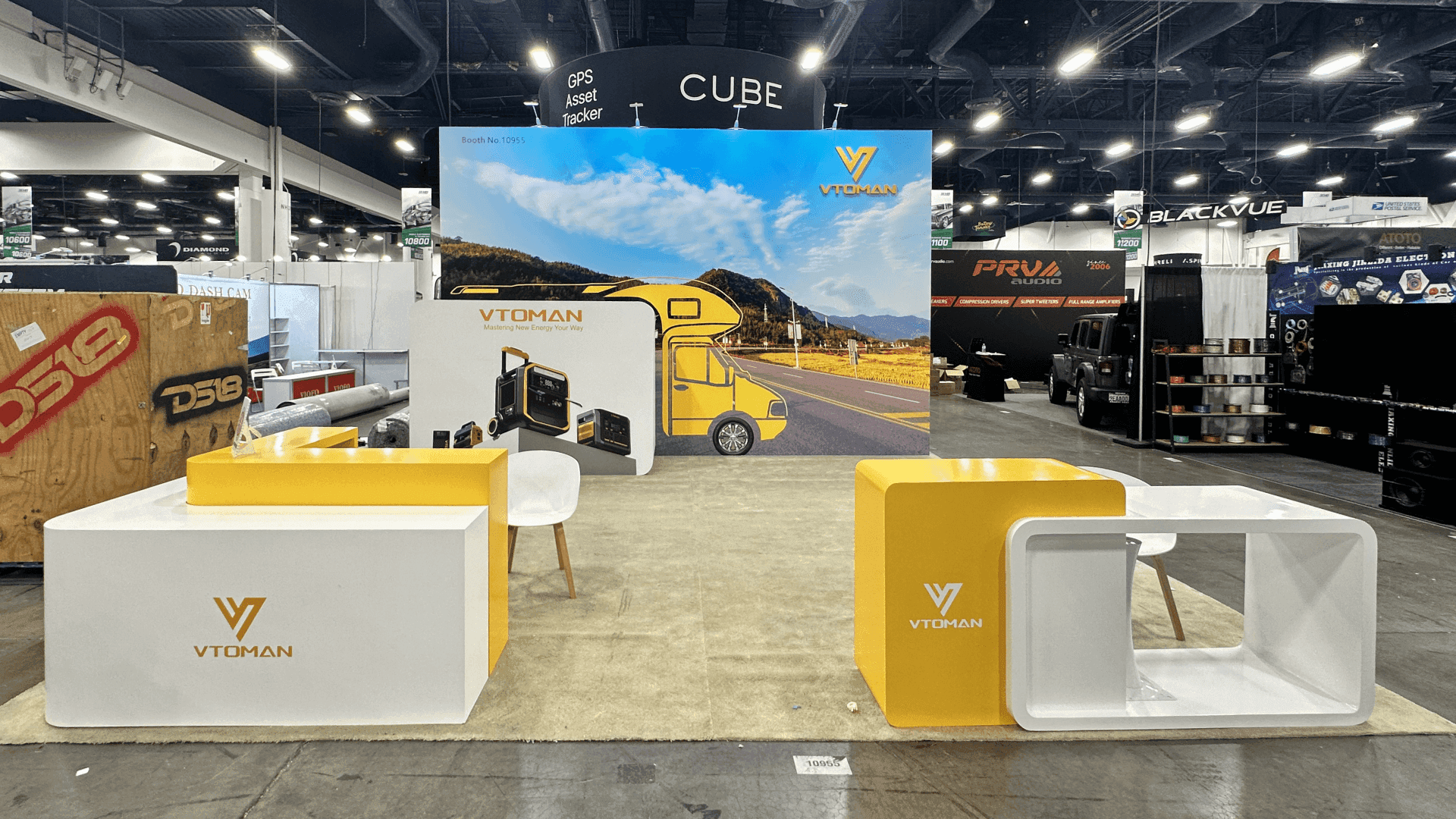


How should exhibitors plan a booth for The Work Truck Show?
Plan the booth around what fleet and upfitting buyers need to inspect and understand. Choose a vehicle, equipment display, component sample, or software demo that makes the application clear. Set the footprint around product access and buyer conversations, then confirm display conditions and installation requirements before production.
At Indiana Convention Center in Indianapolis, Work Truck Show exhibitors need to show how a product fits the buyer’s vehicles and intended use. An installed assembly can make a mounting detail visible. A short software demo can follow a familiar fleet task.
A 10x20 footprint may suit a focused component display. When product comparison and longer conversations need separate areas, assess a 20x20 booth layout. For a full vehicle or larger equipment, allow for open doors, compartments, and the sides buyers need to inspect before choosing the footprint.
The trade show booth design should leave the key inspection points clear. Place counters, fixtures, and graphics around the product, with space nearby for longer technical or purchasing conversations.
Why Exhibitors Choose Circle Exhibit
Clear scope, transparent quote review, nationwide booth support, and efficient setup planning for qualified rental and custom exhibit projects.
48hr
Setup Window
10+
Years Since 2014
U.S.
Trade Show Support
Real
Booth Project Proof
Compare footprints with the product in display condition, allowing for buyer inspection, staff access, and conversations. Open doors, compartments, or attachments may change the space required. If activities compete, consider fewer products or a different meeting arrangement before increasing the footprint. The examples below depend on the assigned booth type and show rules.
A 10x20 booth layout can provide a starting point for a small component range, one mounting sample, or a screen demo. Reserve room for visitors and staff before adding seating or another display.
In a 20x30 booth layout, equipment inspection and technical discussions can occupy different areas if the product dimensions allow. Leave access to controls, panels, and attachments before setting the size of the meeting area.
A 20x20 booth layout may accommodate several samples and a separate conversation area, depending on product dimensions and open sides. If seating restricts product access, reduce the display range or change the meeting setup.
Assess a 30x40 booth layout when inspection, technical explanations, and longer meetings need distinct areas. Include open vehicle features and the installation route in the plan, as a full vehicle or several products may require more space.
Connect each product to the vehicle and work it supports. Buyers should be able to find the relevant installation detail, inspect the features that matter, and ask a technical question beside the display.
Show where the product connects with an installed sample, mounting diagram, or labeled component. Keep vehicle applications and compatibility details consistent with the manufacturer’s specifications so staff can explain the intended use.
Keep key compartments, controls, connections, and service areas visible or accessible as appropriate. Position counters after identifying the sides buyers need to inspect and the features approved for demonstration.
Place dimensions, application notes, and configuration details beside the relevant product. For software or connected systems, identify simulated data and distinguish the functions shown at the booth from those requiring a later demonstration.
Handle short explanations beside the product and move longer fleet, upfitting, or distribution discussions out of the inspection path. Record the vehicle application and unresolved questions to guide the follow-up.
The Work Truck Show is the exhibit-floor component of Work Truck Week, featuring commercial vehicles, bodies, equipment, components, and related technology.
The exhibit hall opens March 10–12 at Indiana Convention Center in Indianapolis. The broader Work Truck Week program runs March 9–12, 2027.
The audience includes public and private fleets, equipment distributors, upfitters, truck dealers, leasing companies, and chassis and equipment manufacturers.
Not Sure Which Booth Size You Need?
Not every exhibitor knows whether a 10x20, 20x20, 20x30, or larger booth is the right fit. Circle Exhibit can help review your event goals, product display needs, demo areas, meeting space, storage, budget scope, and setup timeline before you choose a booth size.
Open Features Crowd the Booth
Key Details Are Hard to Reach
1
Set the Main Buyer Question
2
3
4
Rental for Focused Product Displays
A rental booth with reusable walls, counters, and branded graphics can suit a focused component range or screen demo. Check product weight and mounting requirements before selecting fixtures.
Custom Build for Structural Requirements
Consider a custom build if available rental structures cannot meet the equipment’s support, clearance, or installation requirements. Establish those constraints before fabrication begins.
Rental Structure with Custom Fixtures
Use a rental structure when it fits the layout, with dedicated mounts or sample stands for the product. Review fixture loads, attachment methods, and inspection access separately.
Install the booth floor covering before the display vehicle enters the building. Deliver booth materials separately, as display vehicles may not carry floor covering or exhibit materials into the booth.
Establish which vehicle features may be shown under the current exhibitor rules. Use screens for functions that cannot operate indoors, and verify the permitted demonstration setup before opening.
Confirm approval for any exhibitor-appointed contractor and the assigned access time. Identify who orders material handling, electrical, and rigging services, then align the installation crew with those arrangements.
With the exhibits in place, walk the route past labels, open compartments, screens, and meeting furniture. Check that staff can retrieve materials and continue conversations while another visitor examines the product.
Plan a Rental Booth Around Your Work Truck Display
Share your contracted footprint, product list, displayed dimensions, and the buyer conversations you need to support. Circle Exhibit can assess a rental layout and identify any product-specific fixtures. Confirm freight, installation, and separately ordered show services in the proposal.
Do the exhibit dates cover all of Work Truck Week?
The exhibit hall runs March 10–12, 2027, while Work Truck Week runs March 9–12. Use the exhibit-floor dates for booth staffing and account for any separate program commitments.
Does every exhibitor need a full vehicle in the booth?
Is a 20x20 booth enough for a vehicle display?
Can one vehicle serve the indoor display and Ride & Drive?
What is included with the organizer’s standard booth space?
READY TO PLAN YOUR NEXT BOOTH?
Let’s Build a Booth That Fits Your Event
Share your event name, booth size, city, timeline, product display needs, and design references. Circle Exhibit will review your project direction and help you choose a rental-friendly or custom exhibit path.
3000+
Booth Projects Supported
50+
U.S. Event Cities
Transparent
Quote Review
Develop the layout, structure, and fixtures around the product’s display condition and the details buyers need to inspect.
Plan product labels, mounting diagrams, and application graphics that connect the displayed equipment or component to its intended use.
Establish who handles the vehicle and equipment shipments, then coordinate the arrival of booth materials with the installation work that follows.
Establish which booth elements must be installed before or after product positioning, with access and service handoffs agreed before move-in.
Review 30x40 space planning when a vehicle or equipment display needs separate room for inspection, explanations, and buyer conversations.
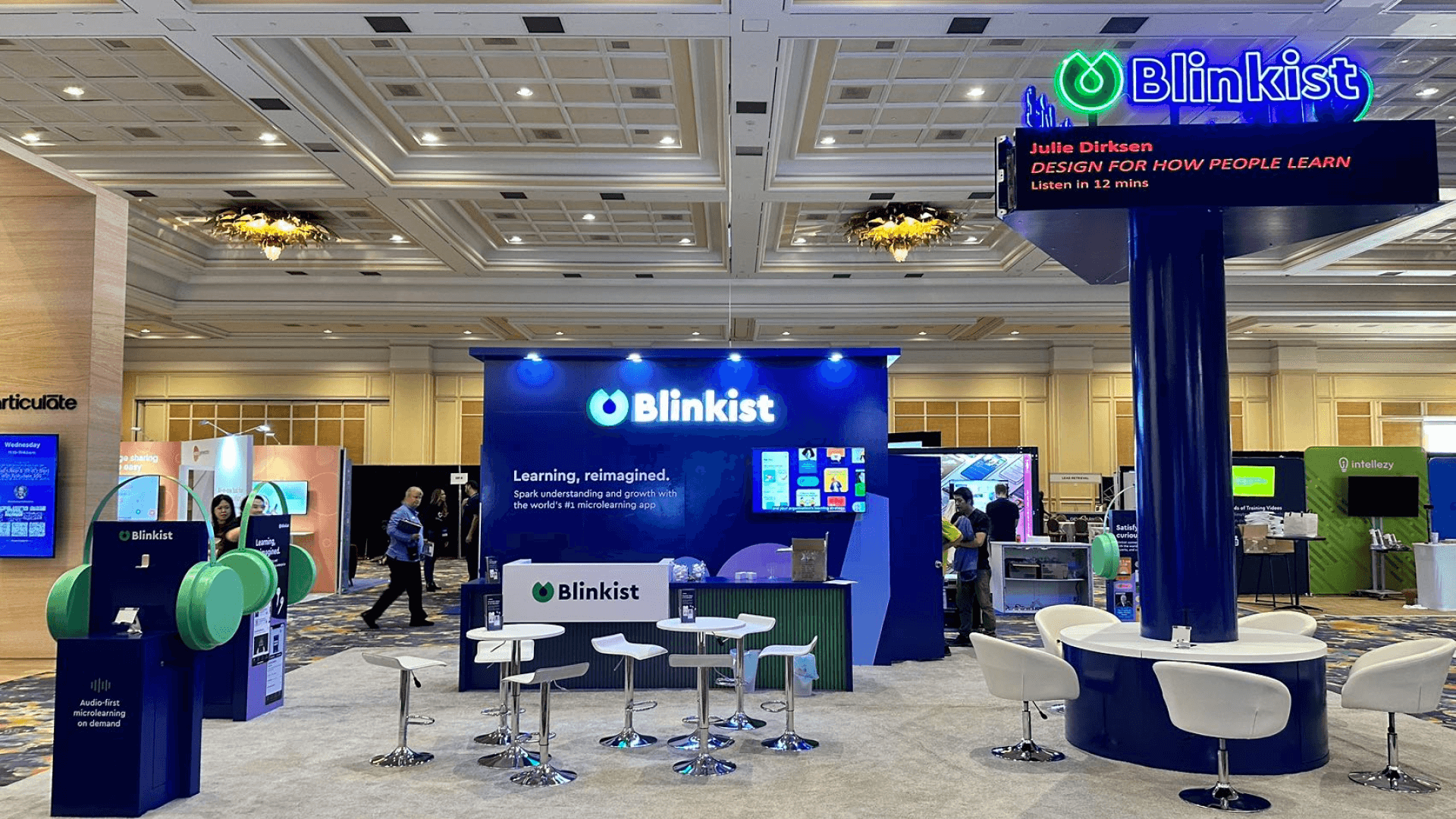
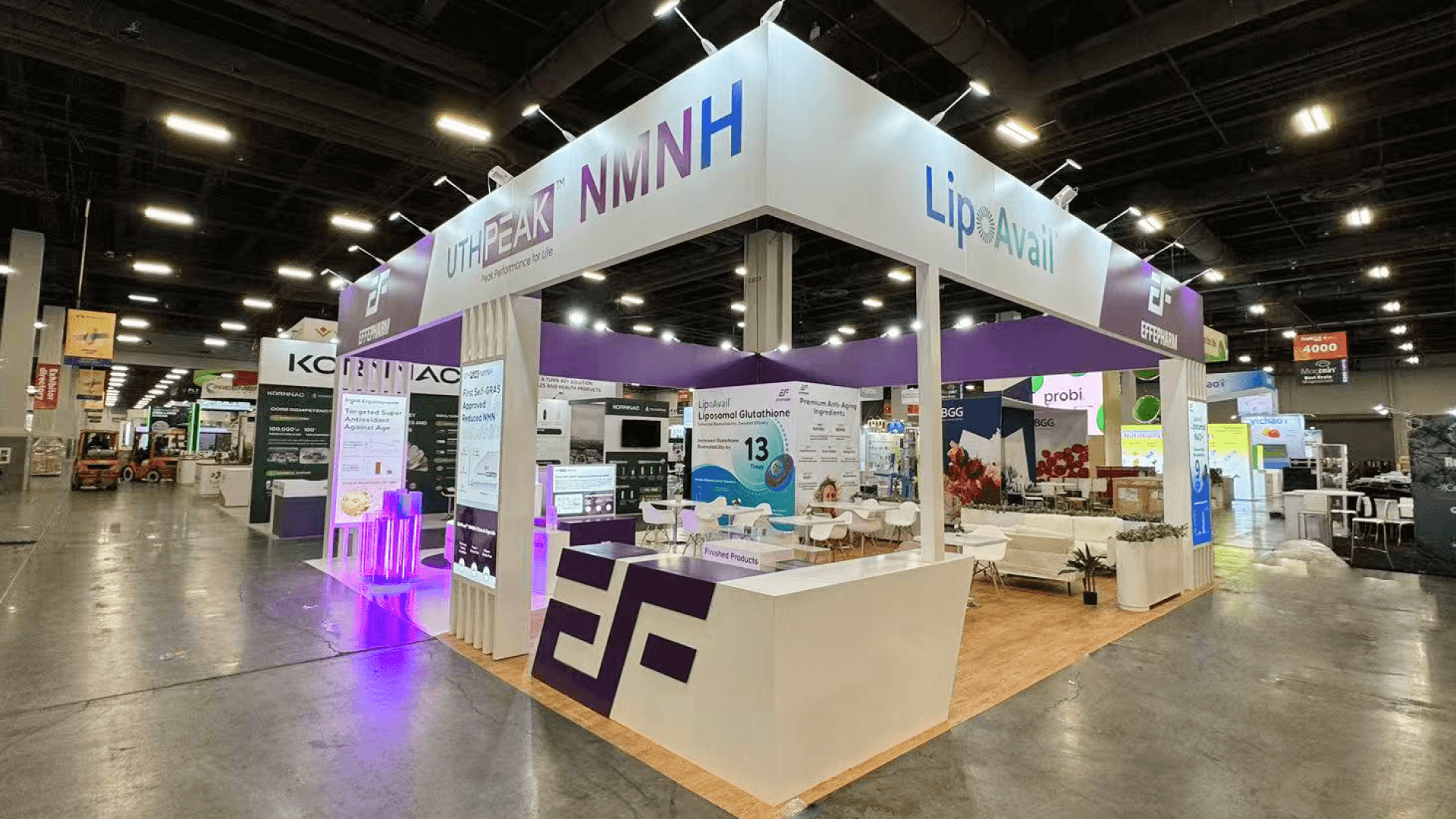
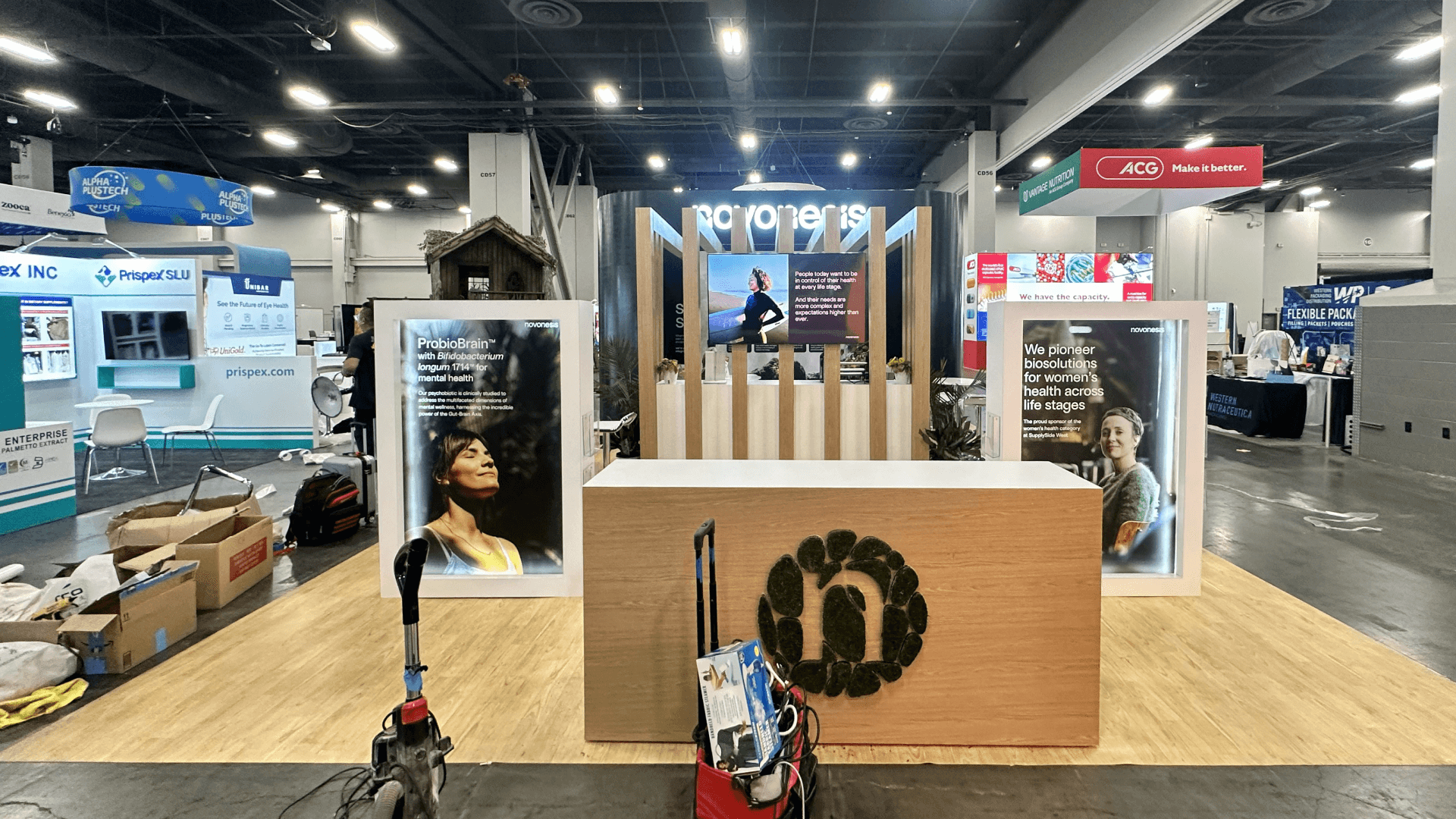
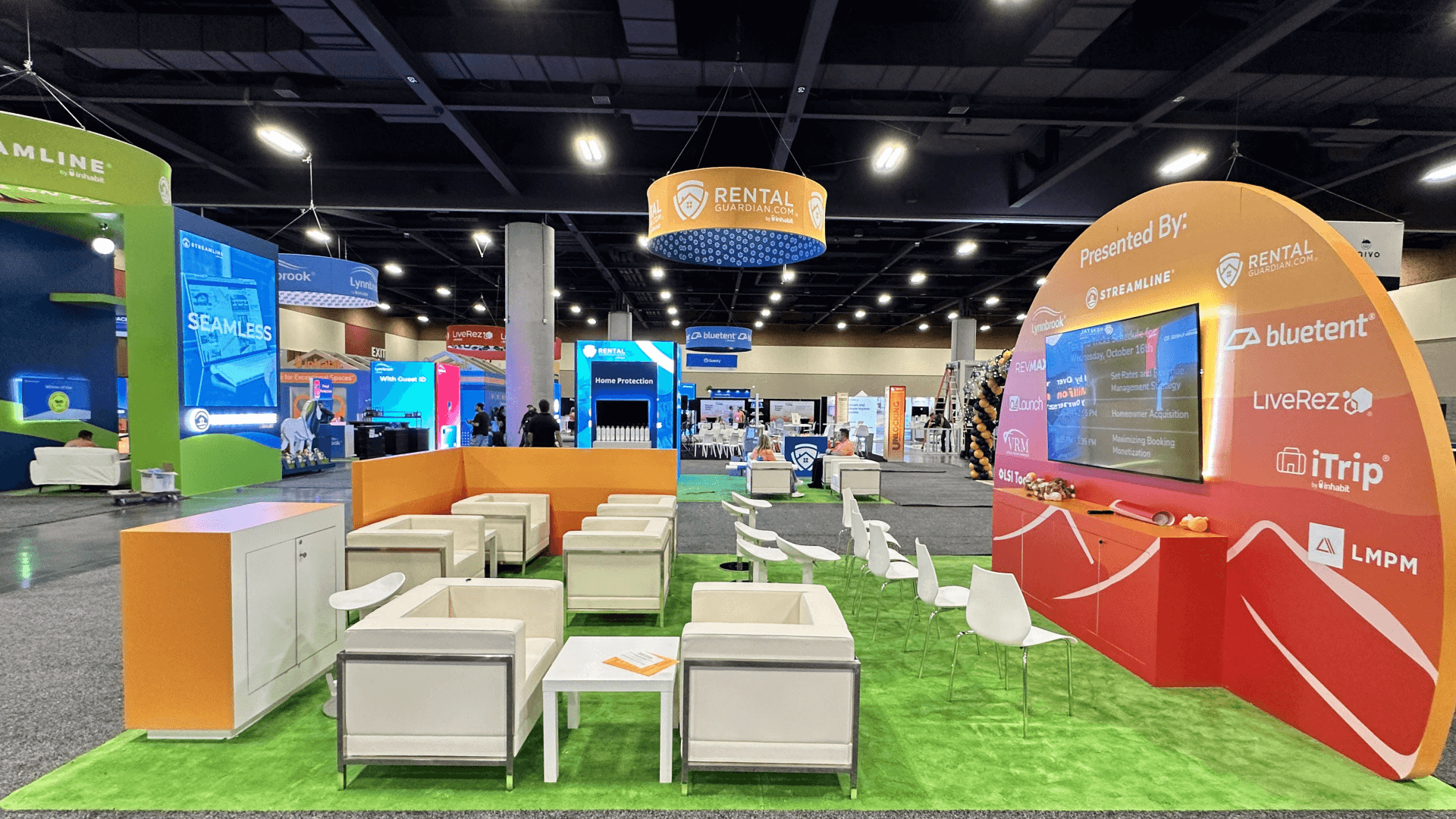
The SEMA Show vehicle and equipment booth gallery offers comparable examples of product placement, visitor access, and supporting display elements. These projects were built for SEMA Show. Work Truck Show layouts require a separate review of the assigned space and current show requirements.