PPCC Makers Market Display Planning for Apps, Agents, and Automations
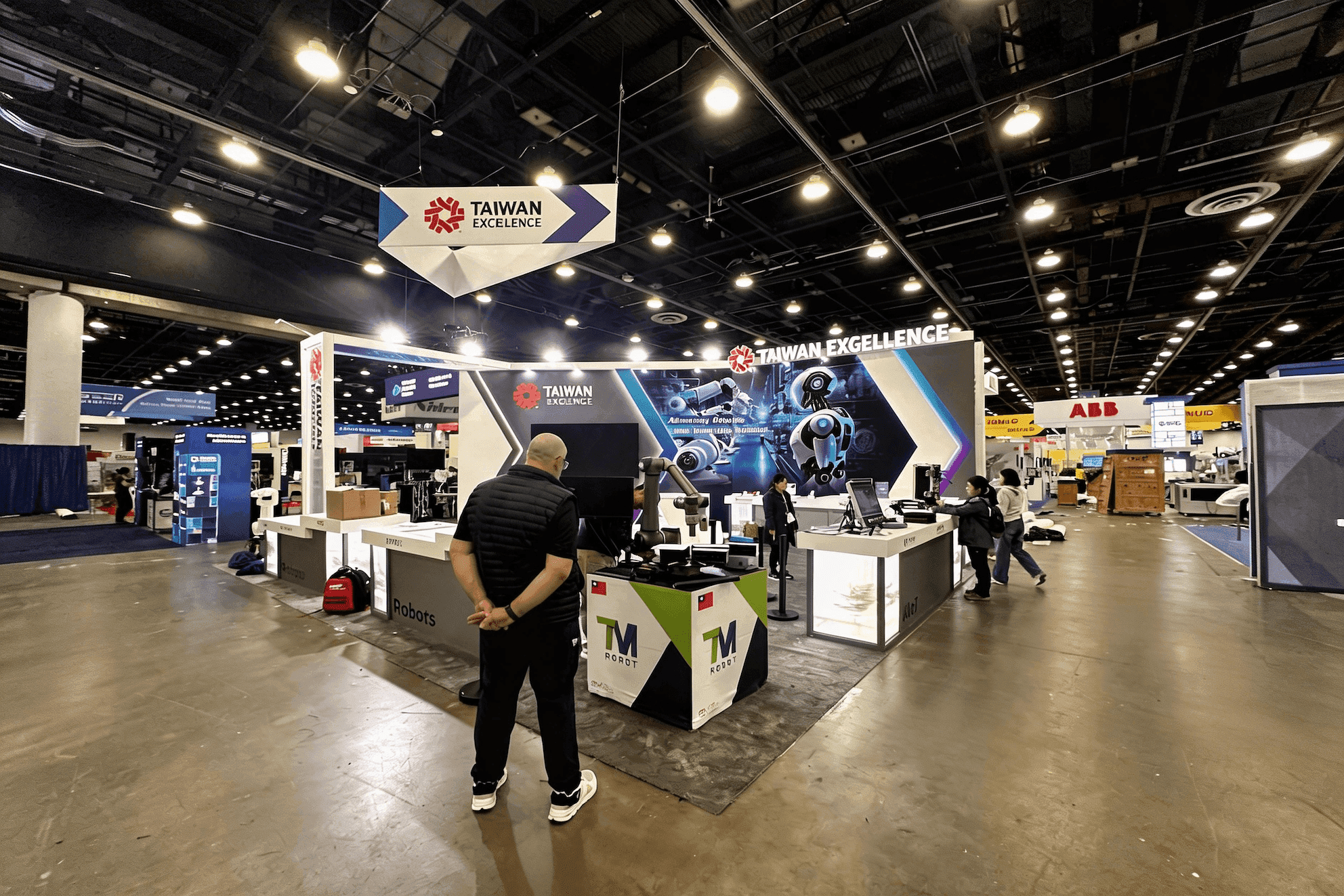

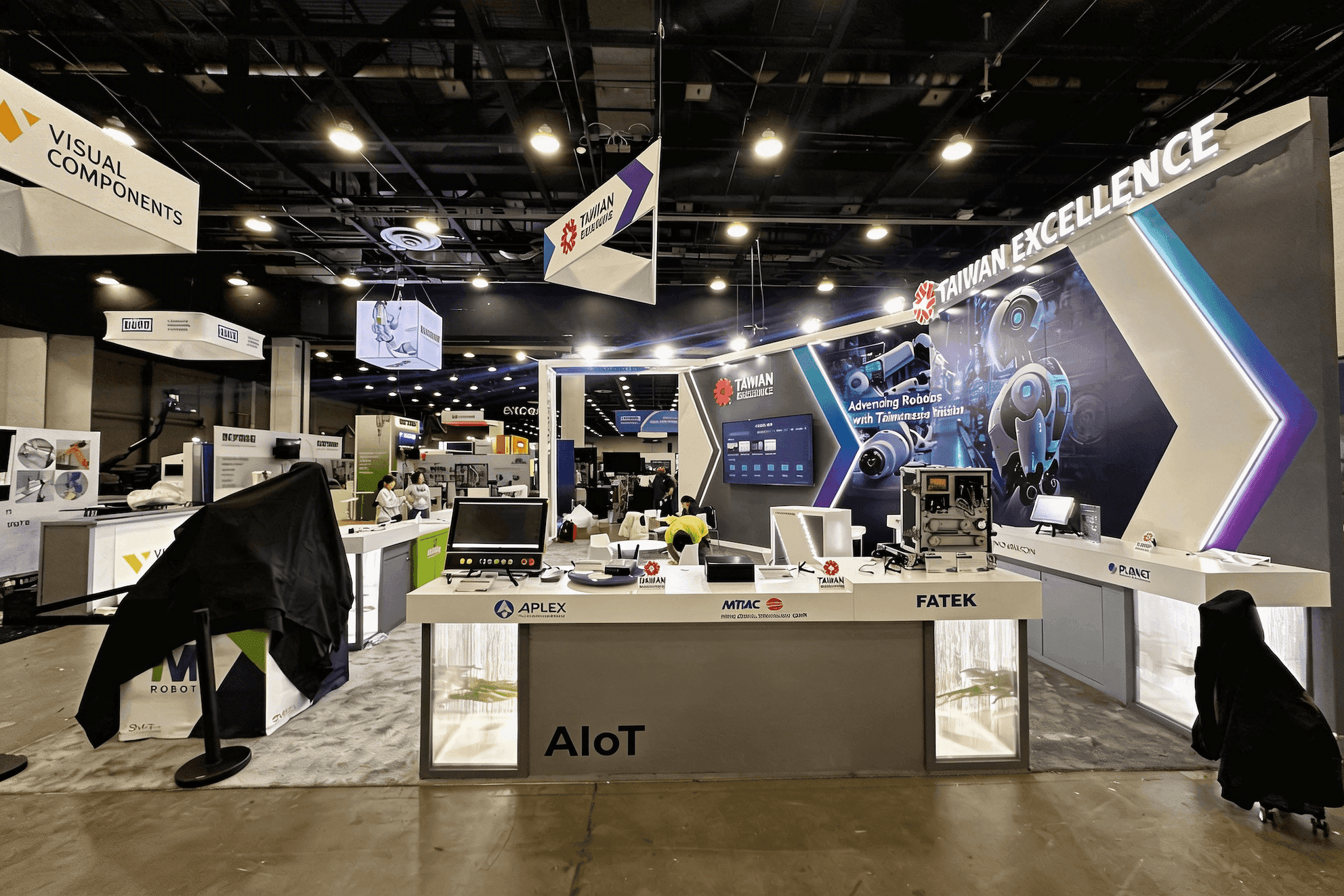

How should makers plan a PPCC Makers Market display?
PPCC Makers Market participants should organize the display around one maker-built app, agent, automation, or workflow that visitors can understand quickly. Use a clear problem-to-result message, a short repeatable proof, visible screens or devices, a place for technical questions, and a reliable reset process so the experience can restart cleanly for the next visitor.
The PPCC Makers Market is a maker-focused discovery environment within Power Platform Community Conference, where visitors can see apps, agents, automations, workflows, and other solutions created by fellow makers. This page focuses on how those creations can be presented clearly in a compact show-floor setting rather than repeating the broader PPCC exhibitor-planning journey.
Visitors should be able to understand what was built, see enough working proof to ask a useful technical question, and continue the conversation without slowing the next interaction. AI agents, Copilot Studio solutions, apps, automation, and data may all be part of the story, but the technology stack should support the use case rather than become the first thing visitors need to decode.
For maker-built AI agents and other AI-powered workflows, the same display can also sit within the broader AI trade show planning context. Makers Market planning stays more specific, with greater emphasis on discovery, visible proof, technical handoff, and keeping the display ready for the next visitor.
Why Exhibitors Choose Circle Exhibit
Clear scope, transparent quote review, nationwide booth support, and efficient setup planning for qualified rental and custom exhibit projects.
48hr
Setup Window
10+
Years Since 2014
U.S.
Trade Show Support
Real
Booth Project Proof
Until the current Makers Market participation and display package is confirmed, avoid treating it like a standard trade show booth. Start with the space needed for the working demo, viewer visibility, the maker’s position, technical questions, and basic reset support.
A compact setup can work when one solution, one clear proof, and one presenter are enough. The priority is making the outcome easy to see and understand.
When the first proof regularly leads to questions about architecture, governance, data, or implementation, give those discussions room to continue without blocking the primary demo.
If several visitors may watch at once, screen visibility and standing room matter more than decorative structure. Nearby viewers should be able to follow the demo without crowding the main interaction point.
More space becomes useful when multiple demos, devices, or longer technical conversations need to run at the same time. The added footprint should solve a real operating need, not simply make the display larger.
A Makers Market display starts with a different visitor question than a traditional Expo Hall interaction. PPCC Expo Hall vs. Makers Market display planning shows why the same Power Platform solution may need different messaging, proof, and conversation flow when the goal shifts from provider evaluation to maker discovery.
When the maker-created solution involves an AI agent or another complex workflow, trade show booth design for AI products provides a broader method for reducing technical complexity into a recognizable use case and credible working proof without turning the first interaction into a full architecture explanation.
A strong Makers Market display should make it easy for visitors to understand what was built, see it working, ask a useful technical question, and move on without disrupting the next interaction.
Use a short headline and clear visual cue so visitors can recognize the app, agent, automation, or workflow before reaching the device.
Use graphics and brand presentation to show the problem, how the solution works, and the result without turning the display into a full Power Platform architecture diagram.
The demo should prove something meaningful, then make it easy to ask about integration, governance, data, scale, or implementation.
Longer discussions should move away from the main demo point when possible. Reset the device, browser, demo data, and application state so the next visitor can start quickly.
Makers Market is a PPCC discovery environment focused on seeing what fellow makers are creating.
Makers Market is part of Power Platform Community Conference 2026, running October 27–29 at MGM Grand Conference Center in Las Vegas.
The strongest display stories center on something a maker has built and can explain through a recognizable problem, workflow, proof, and outcome.
Not Sure Which Booth Size You Need?
Not every exhibitor knows whether a 10x20, 20x20, 20x30, or larger booth is the right fit. Circle Exhibit can help review your event goals, product display needs, demo areas, meeting space, storage, budget scope, and setup timeline before you choose a booth size.
Showing One Workflow Instead of the Entire Stack
Making the Demo Visible to More Than One Viewer
1
Choose One Maker-Created Use Case
2
3
4
Start with the Official Package
Use the confirmed Makers Market footprint, furniture, signage, utility, and setup rules as the first design constraint. Do not design a conventional trade show booth before the physical format is verified.
Add Display Elements Only When They Solve a Demo Need
Screens, device stands, counters, cable access, or small storage elements should support viewer visibility, working proof, technical questions, or reset. Design and engineering can help translate those operational needs into a permitted physical setup once the package is known.
Use Custom Integration Only After Rules Are Confirmed
If the final Makers Market format permits custom physical elements, use them only where they improve the discovery system. Decorative complexity should not reduce demo visibility, visitor access, or reset speed.
Verify the current Makers Market participation format, footprint, furniture, signage, screens, power, internet, and setup requirements before committing to physical display elements.
List which devices, accounts, cloud services, network connections, and datasets are required for the primary proof to work.
Maintain backup screenshots, recorded proof, local content, or another controlled fallback for parts of the demonstration that depend on unreliable external conditions.
Test the complete cycle: starting state → demonstration → technical question → handoff → browser or application reset → next visitor readiness.
Need a Flexible PPCC Makers Market Display Setup?
Once the Makers Market display package is confirmed, rental elements such as screens, counters, branded graphics, and light storage can support a compact demo while preserving visibility, technical conversation, and fast reset.
What should I show at the PPCC Makers Market?
Choose one maker-built app, agent, automation, or workflow with a use case visitors can understand quickly. Show what problem it solves and enough working proof to start a useful technical conversation.
Should I demonstrate one workflow or several solutions?
How can several visitors follow the same demo?
Does a Makers Market display need a large booth?
What should I confirm before finalizing the display?
READY TO PLAN YOUR NEXT BOOTH?
Let’s Build a Booth That Fits Your Event
Share your event name, booth size, city, timeline, product display needs, and design references. Circle Exhibit will review your project direction and help you choose a rental-friendly or custom exhibit path.
3000+
Booth Projects Supported
50+
U.S. Event Cities
Transparent
Quote Review
Return to the PPCC Main Event Hub for overall exhibitor planning, Expo versus Makers environment context, booth capacity, commercial planning, and MGM Grand show-site readiness.
Broader theme context for AI agents, AI applications, product demonstrations, and AI-focused event environments.
For displays that need to explain what was built, what problem it solves, and how the workflow produces a visible result without overwhelming visitors with platform architecture.
For integrating screens, devices, cable access, viewer positions, counters, and storage once the current Makers Market physical format is confirmed.










