Start With the Buyer Problem, Use Case, and Outcome
The first interaction should make the product relevant before it makes the technology impressive.
A visitor should be able to understand who the product is for, what problem that person or team is dealing with, what role the AI plays, and what changes when the product works. Without that context, model names, architecture diagrams, and long feature lists often add complexity before they add value.
For the first conversation, buyers should be able to identify the problem, the user affected by it, the role of the AI, and why the result matters.
The outcome does not need to sound dramatic. It might be fewer manual steps, faster analysis, better prioritization, a clearer recommendation, a completed task, or another change that matters in the real workflow.
Product names and AI categories can support the explanation, but they cannot replace it. Saying that a platform uses generative AI, machine learning, or autonomous agents still leaves an important question unanswered:
What does that change for me?
One clear use case usually gives the product a stronger starting point than a broad tour of everything it can do. Technical depth can come later, once the buyer has a reason to care.
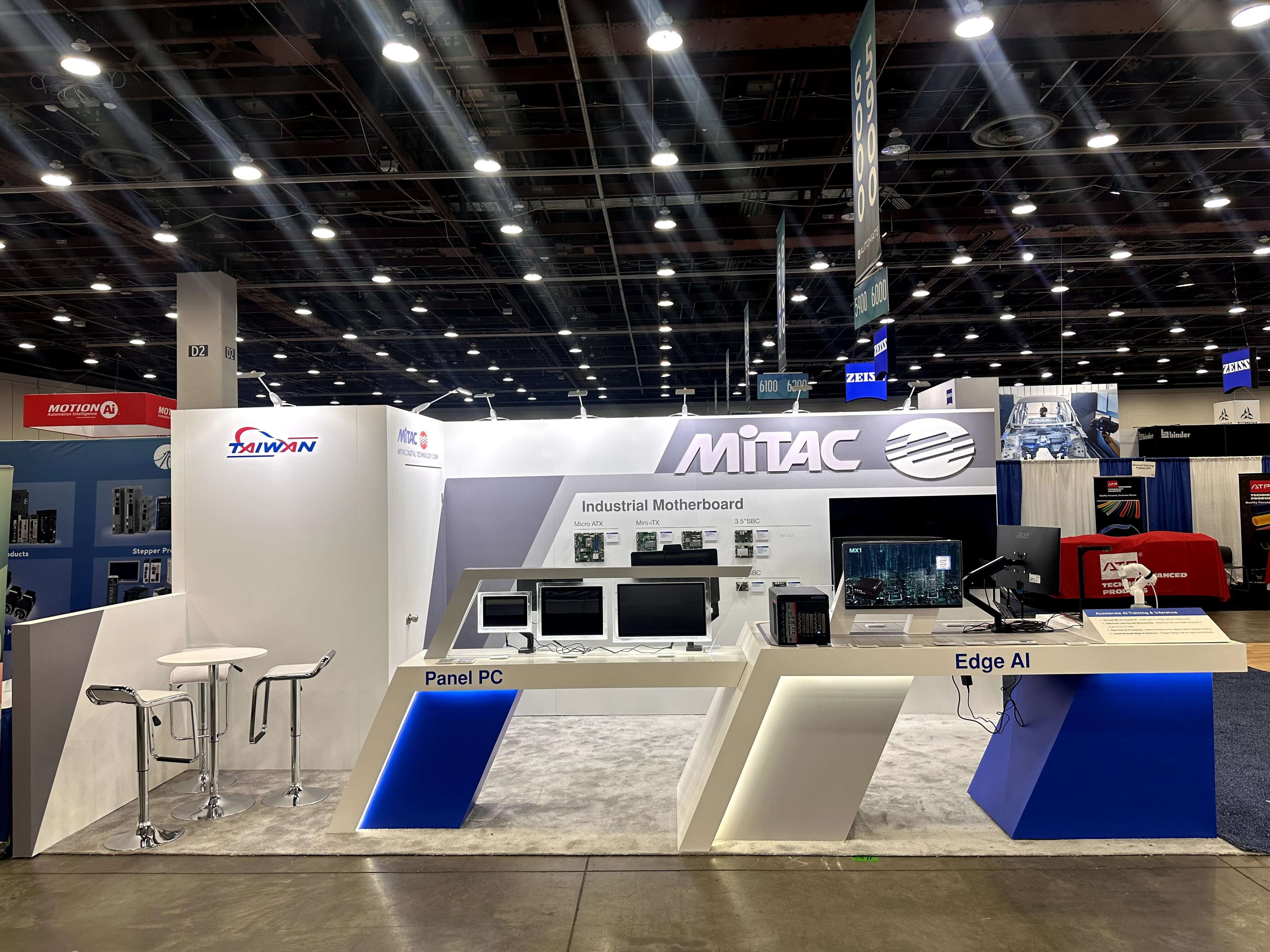
A short, visible workflow helps visitors understand what the AI does without walking through the entire product.
Make an Invisible AI Workflow Easy to Follow
Once the use case is clear, decide which part of the product behavior should actually be visible.
An AI exhibitor does not need to expose the entire platform. One workflow that a visitor can follow from beginning to end is usually more useful.
A simple sequence is:
Input → AI Action → Output → Outcome
The input gives the buyer a recognizable starting point—a request, document, image, alert, dataset, or operating condition. The next step should make the AI's role understandable without forcing the visitor to decode the underlying model.
The output needs to be concrete enough to judge: a recommendation, generated result, prioritized task, detected condition, completed action, or another product-specific result. The final question is what changed for the user because of that output.
With an AI agent, buyers may also need to see what triggers the agent, what action it takes, where human or system control remains, and what result follows. That makes the behavior easier to evaluate without turning the booth into an explanation of Agentic AI itself.
A short, complete workflow is usually easier to understand than a long tour of product features.
At CES, where a visitor may only give the product a short first look, that workflow has to remain clear without a long technical explanation. CES AI workflow communication goes deeper into how that sequence can be presented in a faster show-floor environment.
Choose the Proof Before You Choose the Display
Before deciding on a large screen, touchscreen, demo station, video, or interactive installation, ask a more useful question:
What can the buyer actually see that supports the product claim?
Here, product proof means observable evidence that supports a specific claim about the AI product. It might be a workflow, actual output, measurable result, visible system behavior, integration, or human checkpoint.
Once the proof is clear, the display format becomes easier to choose.
What the Buyer Needs to Verify | Ways to Make It Visible |
|---|---|
What the product actually produces | Product interface, demo screen, or guided output |
How the AI changes an input | Short guided workflow |
What changes before and after the AI is used | Side-by-side comparison |
What the AI actually does | Live interface, interaction, or visible system behavior |
Business or operational impact | Measurable result or use-case comparison |
Performance or scale | Dashboard, benchmark, or technical visualization |
How the product fits into an existing system | Connected-system or workflow view |
Where human oversight remains | Visible review, approval, or control point |
The proof should determine the display format—not the other way around.
A screen may attract attention, explain a workflow, show evidence, or support deeper evaluation. It does not need to perform every job at once. A polished brand animation can help draw visitors in, but it should not replace product evidence when a buyer wants to judge whether the AI actually does what is being claimed.
These decisions also shape the booth itself. A product that needs a guided workflow may require a dedicated demo point, while technical evaluation may need a quieter place for a specialist to continue the conversation. The exact layout can vary by show and booth size, but the exhibit should follow the way the product needs to be demonstrated—not force the demo into a generic booth format.

Choose the evidence buyers need to see before deciding whether that proof belongs on a screen, dashboard, live interface, or guided demo.
Match the Proof to the AI Product
Different AI products ask buyers to judge different kinds of behavior. The booth should reflect that difference rather than forcing every product into the same demo format.
AI Product Example | What Buyers Need to See |
|---|---|
Generative AI / LLM | The input, the generated result, and how that output changes the user’s next action |
AI Agent / Agentic AI | What triggers the agent, what it does or which tools it uses, where control remains, and what result follows |
Data / Analytics AI | The source data, the insight produced, and how that insight supports a decision |
AI Infrastructure | The workload, measurable performance or scale, and how the system connects with the surrounding stack |
Computer Vision / Physical AI | What the system detects, what action follows, and the visible result |
Clinical AI | Where AI enters the clinical workflow, what it produces, how a person reviews it, and what happens next |
These are examples, not a taxonomy. Each row answers the same practical question:
What does the buyer need to see to judge this product?
For agentic products, control, exceptions, and recovery can become part of the proof itself. Agentic AI demo planning looks more closely at how those behaviors can be made visible to technical buyers.
The product category should guide what is shown, not become the subject of the booth. Buyers do not need a definition of an LLM, agent, or infrastructure platform if they can already see what the product does and how its result can be evaluated.
Decide What Should Be Live—and What Should Not
Live is not automatically more credible.
A live demo works best when the inputs are controllable, the product behaves consistently, external services are dependable, and the workflow can reset quickly for the next visitor.
When those conditions are missing, a controlled format may communicate the product more clearly.
Here, controlled proof means using prepared inputs, outputs, recorded sequences, or guided demonstrations when a fully live workflow would introduce unnecessary risk or inconsistency.
A controlled or hybrid approach may be better when the product depends on sensitive data, unstable third-party APIs, unpredictable inputs, long processing times, unreliable connectivity, difficult reset conditions, or outputs that cannot be reproduced consistently.
Use a live demo when the inputs, connection, product behavior, and reset process are reliable; use controlled proof when failure would make the product harder to understand.
Give Business and Technical Buyers Different Levels of Detail
Not every visitor needs the same version of the product story.
Someone walking past the booth may only need to understand the use case and result. A buyer who stops may want to see one clear piece of proof. Someone evaluating the product more seriously may ask how the workflow operates, while a technical evaluator may want to discuss data, controls, integrations, architecture, or deployment.
In practice, that may mean:
Aisle Scan — What does the product do?
Short Proof — Show one clear use case or result.
Product Evaluation — How does the workflow work?
Technical Evaluation — How does it handle data, controls, integration, architecture, or deployment?
Qualified Conversation — Could this work in our environment?
The first interaction should not carry the entire technical story. Too much detail too early can make the product harder to understand; too little depth leaves serious evaluators with nowhere to go.
The product story stays consistent. What changes is how much detail the buyer needs.
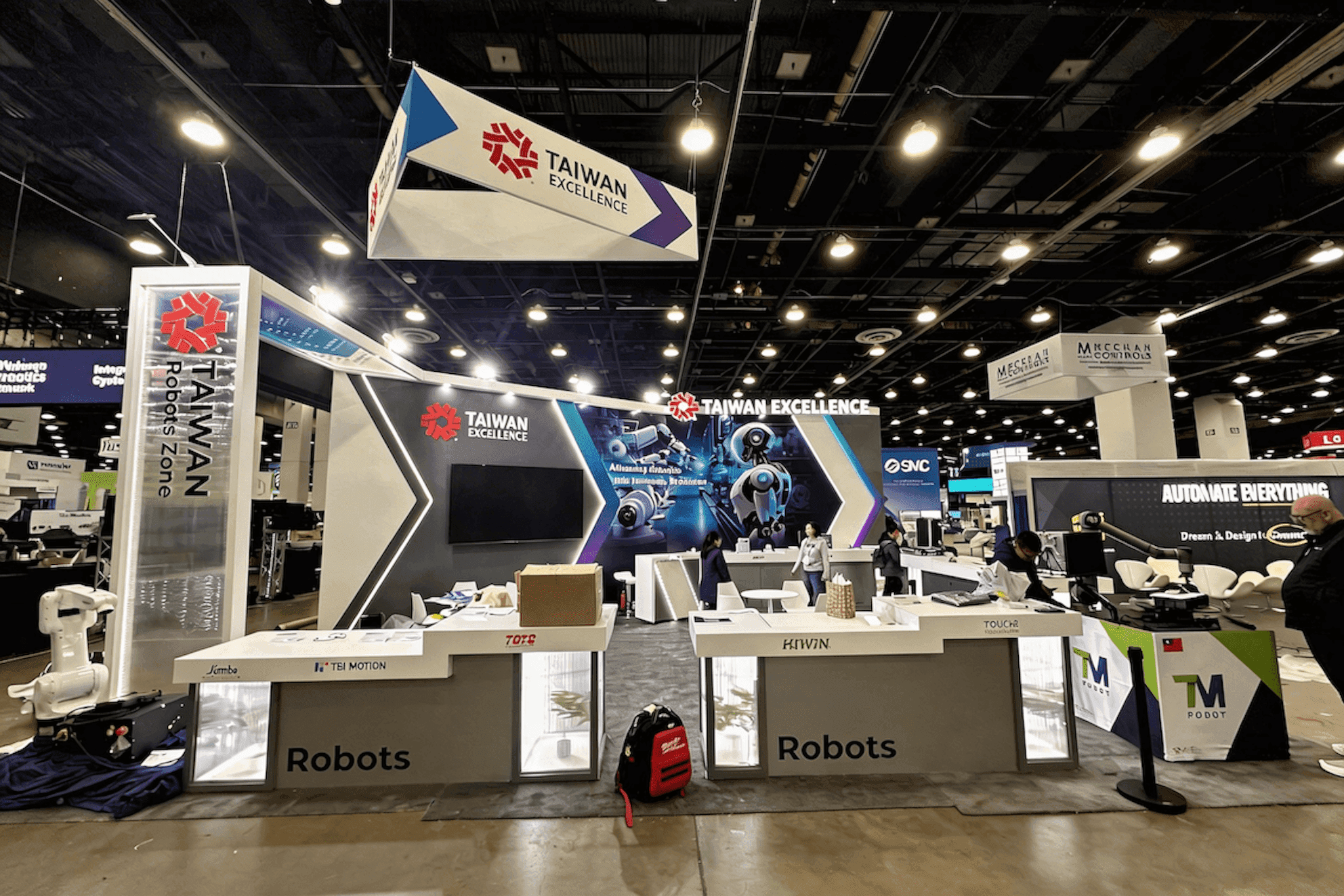
The same AI product can support a quick use-case explanation, visible product proof, and deeper technical evaluation without giving every visitor the same demo.
Make Trust Questions Answerable in the Booth
Once a buyer understands what an AI product does, the next questions often become more specific:
Is this live? What data is being used? Where does human review happen? What control remains? What happens when the system is uncertain? How does it integrate with what we already use?
The booth does not need to answer every security, governance, or compliance question in the aisle. It does need to avoid an information dead end.
A human review point can be visible in the workflow. A control can be shown rather than merely mentioned. A technical specialist can step in when integration or data questions appear. When several stakeholders are involved, different teams may need different evidence before they are ready to continue.
The practical test is simple:
When a serious buyer asks the next reasonable question, can the booth support that conversation?
Apply the Method to the Show You Are Attending
The product story can stay consistent even when the show environment changes. What often changes is how quickly buyers expect to understand the product, what proof matters first, and how far they want to take the technical conversation.
Keep the core use case and product proof stable, then adjust the emphasis to the audience and event environment. The AI trade show booth planning hub connects those requirements with different AI show environments, demo needs, booth planning decisions, and show-specific execution.
Check Whether the Demo Is Show-Ready
A demo is show-ready when the product story, evidence, and evaluation path can work repeatedly in the booth environment—not simply because everything is running live.
Before the show opens, check whether:
the buyer problem and use case are clear quickly;
the role of the AI is visible;
the workflow can be followed without a long explanation;
the proof supports the product claim;
the live, controlled, recorded, or hybrid format has been decided;
the demo can be repeated reliably;
important trust questions have an answer path;
serious buyers have a clear path into deeper technical or commercial evaluation;
a backup proof path exists if the primary demo fails.
Show-ready means the product story, proof, demo reliability, and path into deeper evaluation have been tested for the show environment.
It does not mean that every component must be live or that every technical question must appear in the first interaction.
FAQ
What should an AI product demo show at a trade show?
Show one recognizable use case, the input, what the AI does, the resulting output, and an outcome the buyer can judge. The goal is to give visitors visible product evidence rather than relying on broad AI claims or a long feature list.
Should an AI trade show demo be live or recorded?
Use live when the product, inputs, connections, external services, and reset process are reliable. Controlled or recorded proof can be stronger when sensitive data, unstable dependencies, unpredictable inputs, or long processing times make a live demonstration difficult to repeat.
How do you make a complex AI product easier to understand in a booth?
Start with the buyer problem and one clear use case. Show where the AI enters the workflow, what it does, what comes out, and what changes for the user. Technical detail can follow once the product is relevant.
Should an AI booth show product features or one complete workflow?
A short, complete workflow should usually come first because it helps buyers connect what goes in, what the AI does, and what result follows. Individual features can come later when a buyer wants to explore more of the product.
How much technical detail should an enterprise AI product demo include?
Include enough technical detail to make the product credible without overloading the first interaction. Integration, data handling, controls, architecture, and deployment can become available when a buyer moves from initial product proof into technical evaluation.
What makes an AI product demo credible?
Credibility comes from observable evidence: a real output, repeatable workflow, measurable result, visible system behavior, clear human checkpoint, or meaningful integration. Buyers should be able to connect the claim to something they can see or question.