ISC West Access Control and Surveillance Booth Planning

How should exhibitors plan an ISC West access control and surveillance booth?
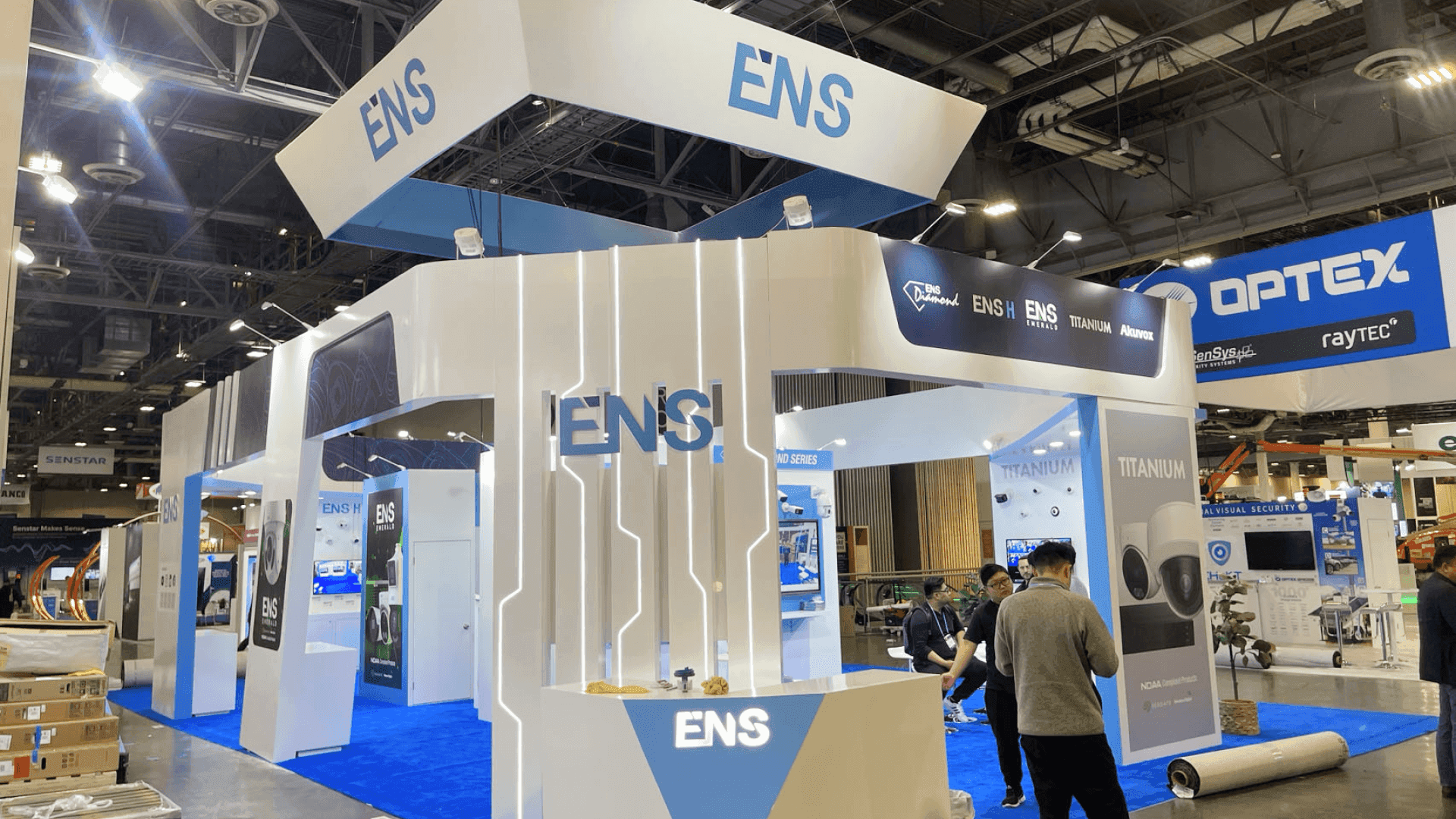
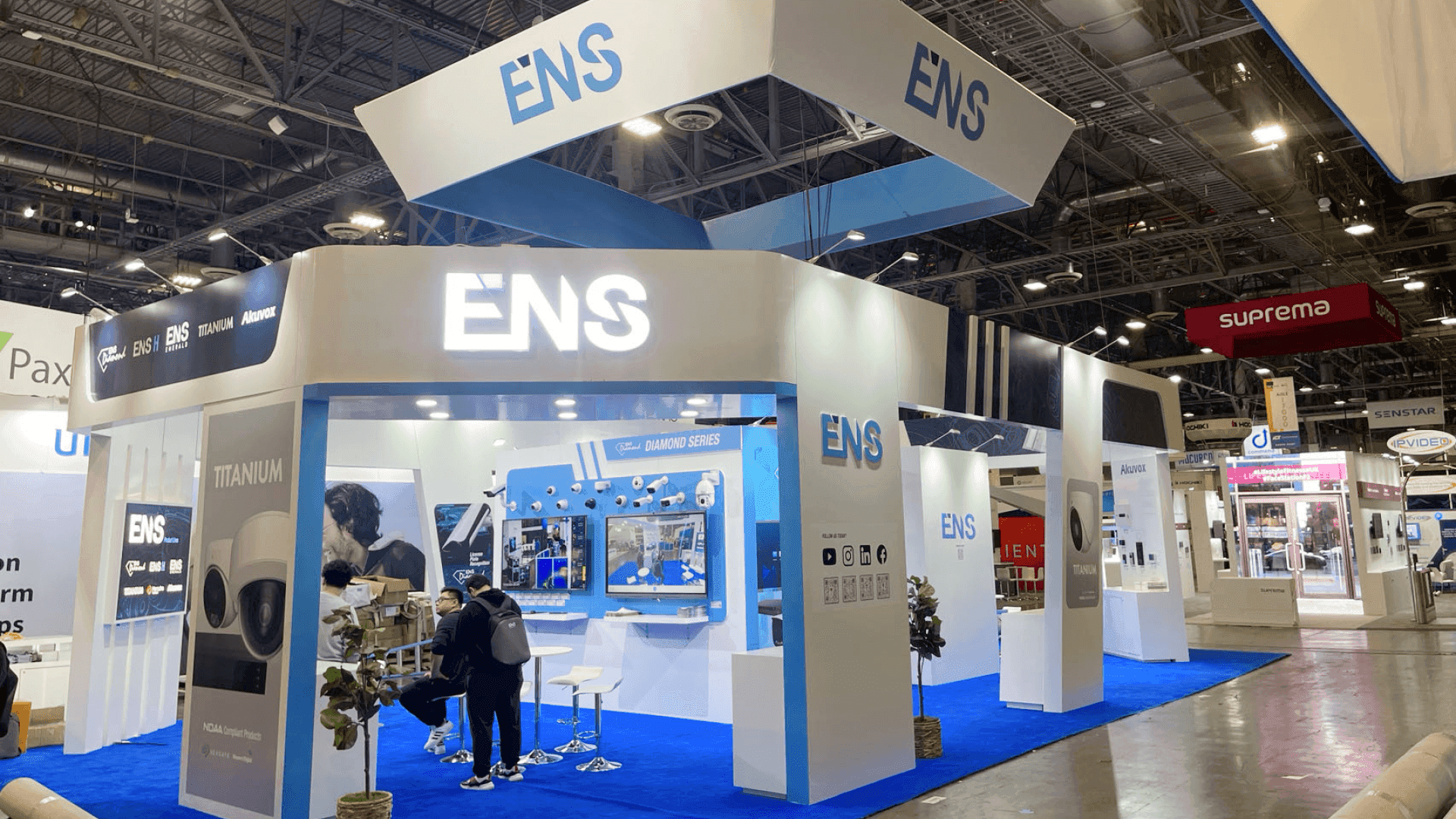
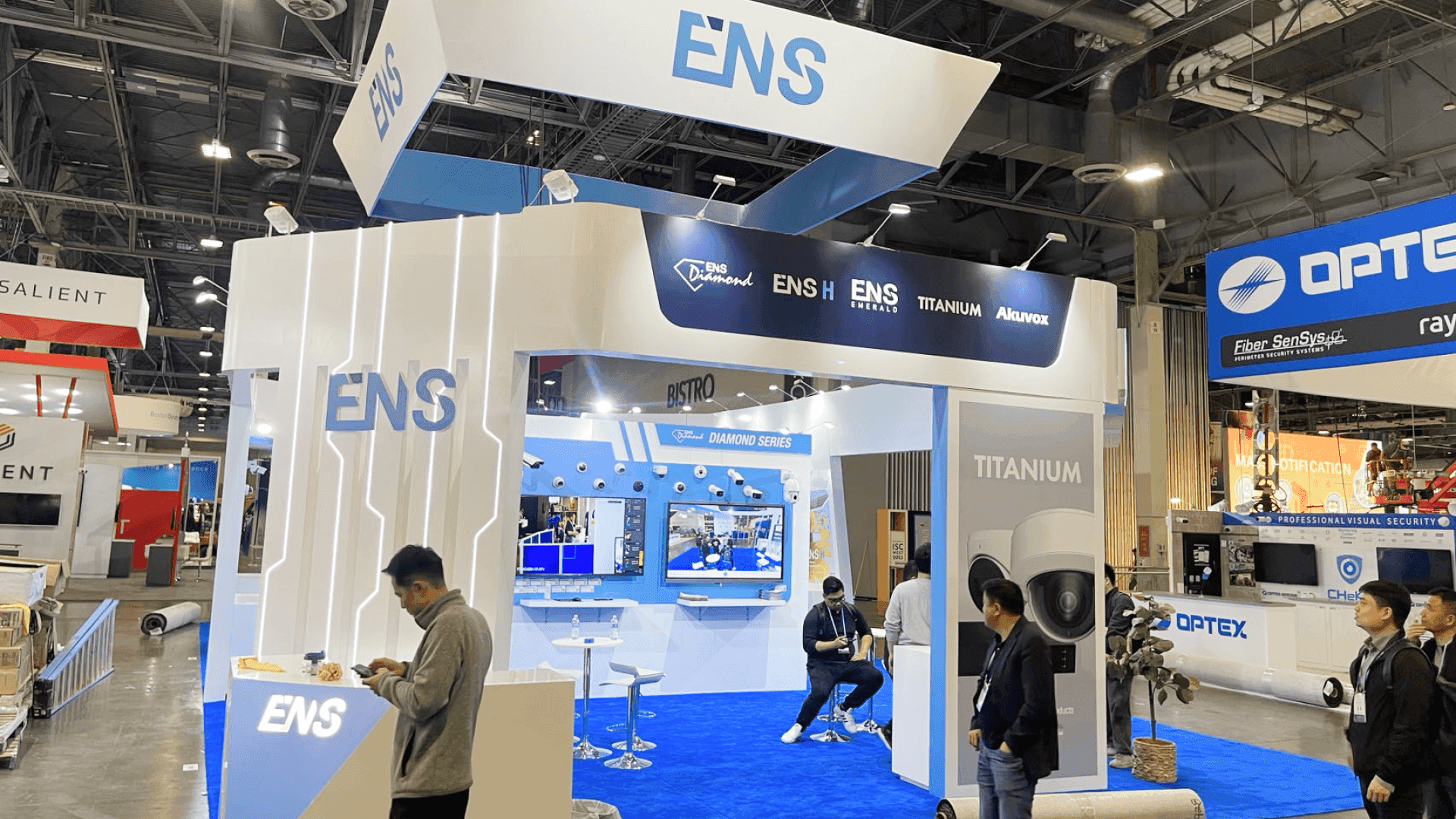
An ISC West access control and surveillance booth should be planned around hardware visibility, camera or reader demos, monitor displays, VMS dashboard walkthroughs, demo counters, buyer conversation flow, storage, graphics, and Venetian Expo setup. The booth should help visitors understand how the system works, what problem it solves, and how it fits into a real security workflow.
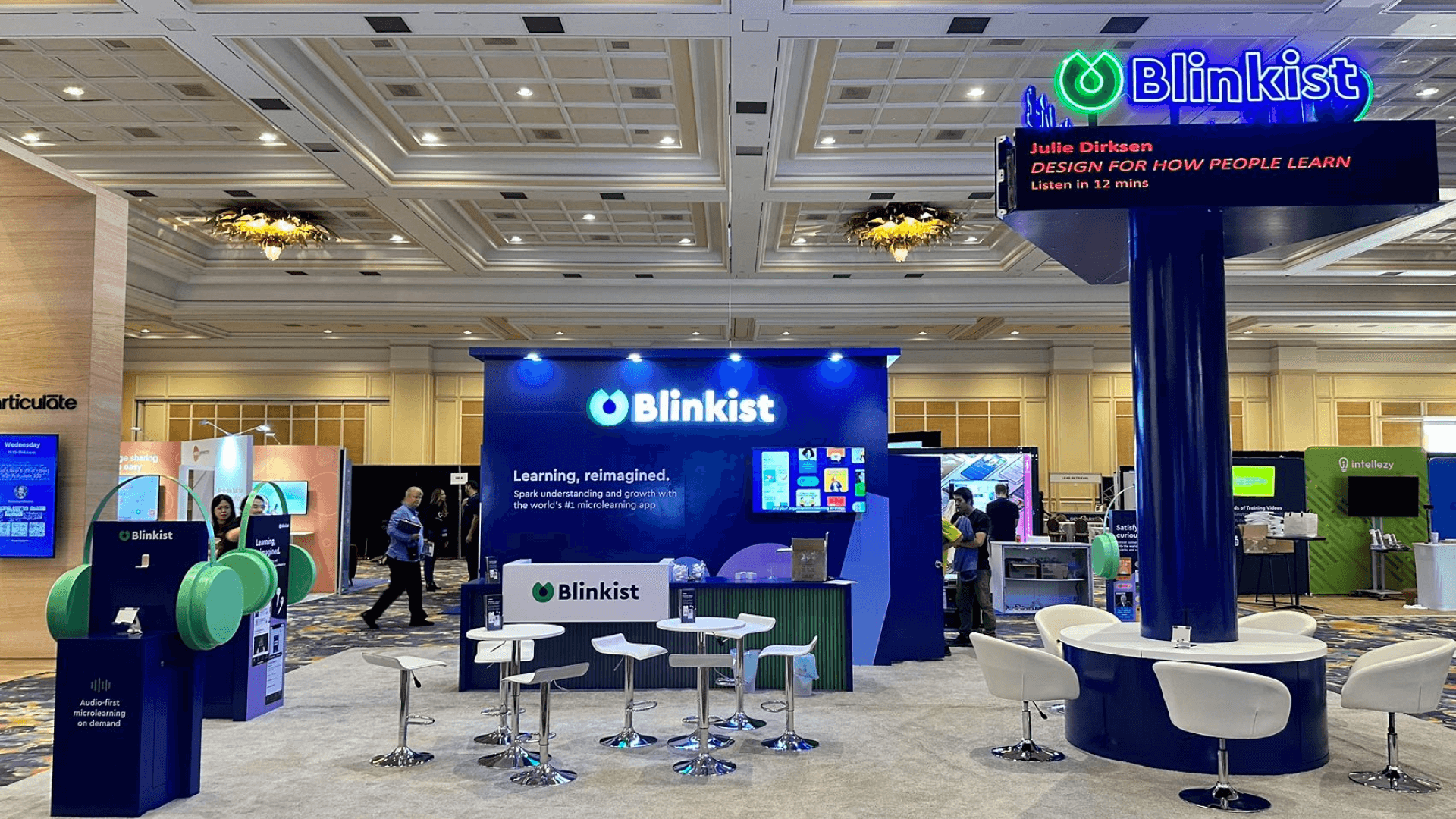
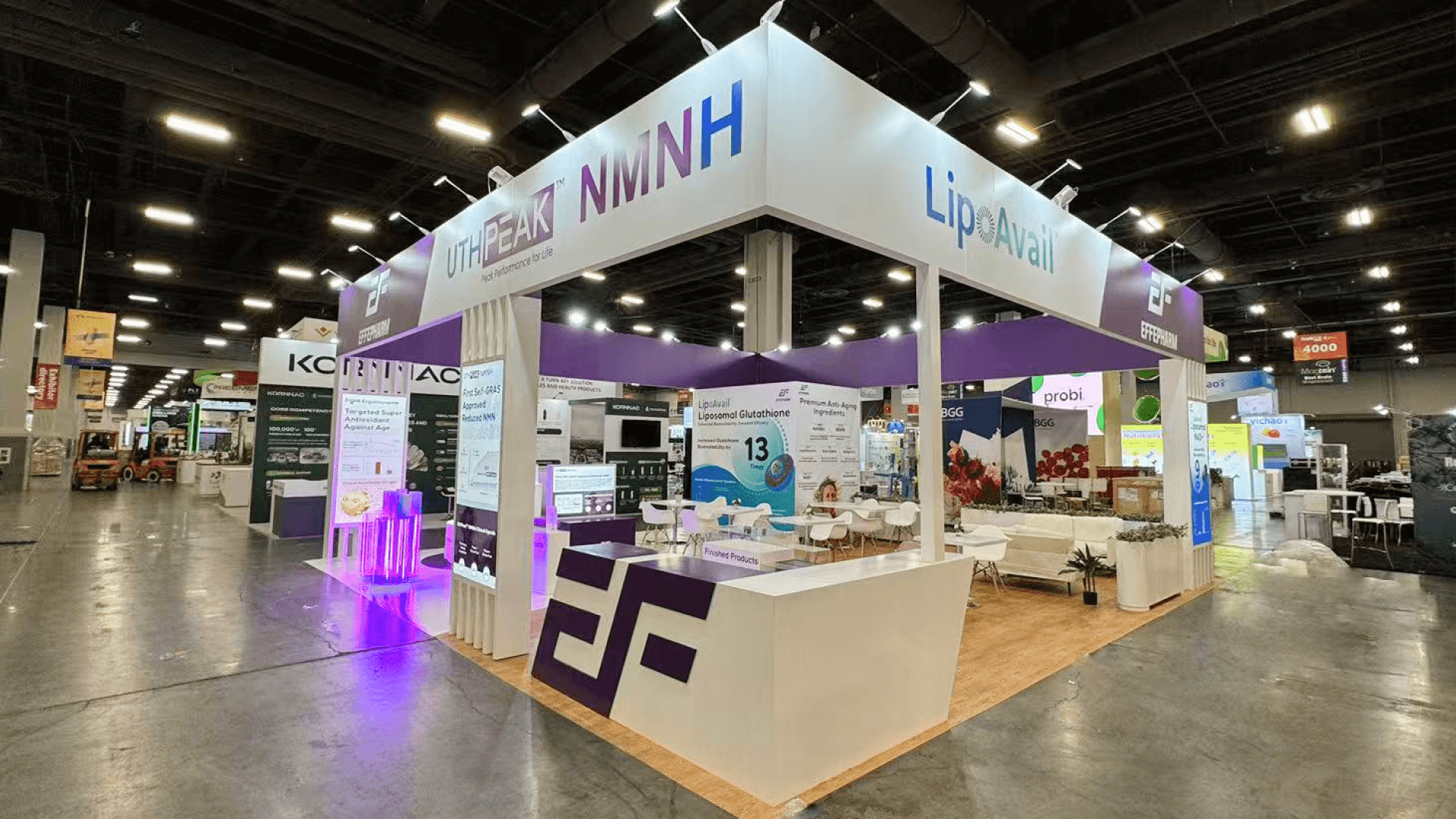
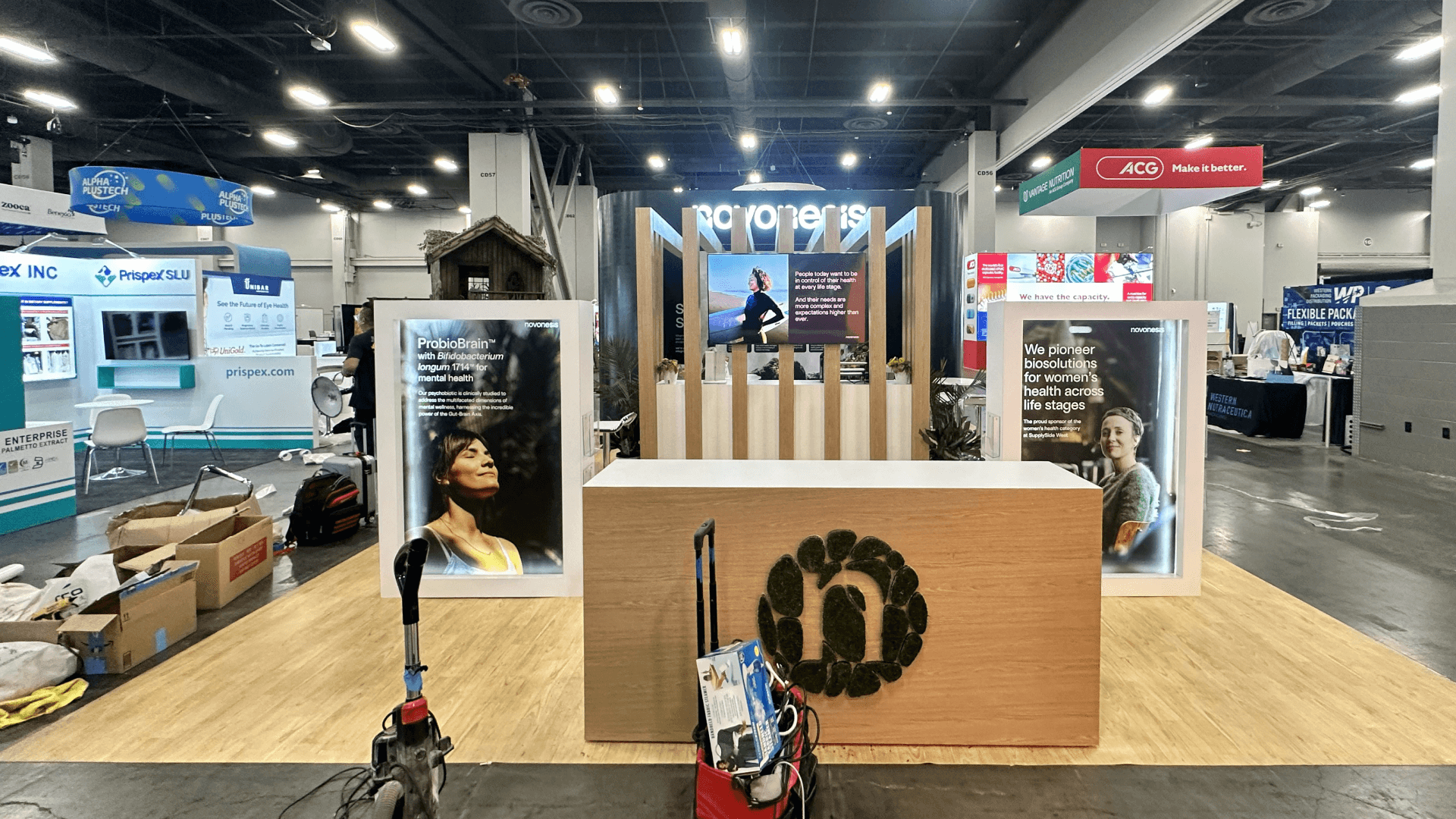
Access control and surveillance exhibitors at ISC West often need to show both the physical device and the system behind it. Badge readers, smart locks, credentials, cameras, sensors, and control panels may need to work alongside VMS screens, monitoring dashboards, and connected security workflows, so the booth should make those relationships clear without forcing every product into the same display area.
At The Venetian Expo, that usually means planning the hardware, screen content, demo counters, storage, staff positions, and visitor circulation as one system. A 20x20 booth can support a focused access control or surveillance demo with one primary screen and meeting area, while a 20x30 booth gives exhibitors more room to separate hardware demonstrations, live camera feeds, monitoring interfaces, and longer buyer conversations.
As physical security products become more connected to software, cloud platforms, identity systems, and network monitoring, ISC West also overlaps with the wider security technology and cybersecurity trade show environment. The strongest exhibits make it easy for visitors to move from the device they can see to the workflow, data, or security response happening behind it.
Why Exhibitors Choose Circle Exhibit
Clear scope, transparent quote review, nationwide booth support, and efficient setup planning for qualified rental and custom exhibit projects.
48hr
Setup Window
10+
Years Since 2014
U.S.
Trade Show Support
Real
Booth Project Proof
ISC West booth size should be chosen around product hardware, camera display needs, monitor count, VMS dashboard walkthroughs, demo counter placement, storage, staff coverage, and whether visitors need a quick product view or a deeper technical conversation.
A 20x20 booth can work when the exhibitor needs one focused access control or surveillance product story, demo counters, monitor support, light storage, lead capture, and short buyer conversations. For size-specific ISC West guidance, review ISC West 20x20 booth planning.
Access control displays may include badge readers, smart locks, credential examples, panels, sensors, door hardware, and software interfaces. These products should be placed where visitors can understand the workflow without crowding the counter or blocking the booth entrance.
Camera and surveillance exhibitors often need product mounts, monitor previews, VMS screens, comparison points, and staff explanation areas. The layout should make the product output easy to understand from the aisle before visitors ask deeper technical questions. For broader demo planning, review ISC West security product demo booth planning.
A custom booth plan is useful when the exhibit needs built-in demo counters, product mounts, integrated monitors, cable control, secured hardware, hidden storage, lighting, or a more guided visitor path. In these cases, booth fabrication and show-site execution helps align structure, graphics, logistics, installation, and final setup before the show opens.
Use these ISC West planning resources before finalizing an access control or surveillance booth layout. Start with Access Control and Surveillance Booth Planning for ISC West, which explains how security exhibitors can plan camera displays, reader demos, surveillance monitors, VMS screens, product counters, staff handoff, and buyer conversations inside an ISC West booth.
For broader demo strategy, review Security Brands Product Demo Booths for ISC West. Exhibitors can also use ISC West booth planning for broader event context, ISC West security product demo booth planning for demo-focused layouts, and technology trade show booths in Las Vegas for broader technology exhibit planning across ISC West product demos, screen displays, and local show-site setup.
Access control and surveillance booths need to make security workflows easy to see, test, and explain. Product hardware, monitor output, dashboard screens, demo counters, graphics, staff handoff, storage, and lead capture should work together so visitors understand the use case quickly.
Badge readers, smart locks, panels, credentials, sensors, and door hardware should be arranged so visitors can understand how access is granted, monitored, or managed. The booth should make the workflow clear before the conversation becomes technical.
Camera demos should connect the product hardware with the image output visitors see on screen. Monitor placement should make it clear which product is producing the result and why the output matters.
VMS platforms, monitoring interfaces, alert dashboards, and connected security tools need screen-led explanations. The booth should guide visitors from the security problem to the dashboard proof, then into a staff conversation or follow-up.
Graphics should explain the product category, workflow, integration value, target buyer, and technical proof points from the aisle. Strong graphics and brand presentation helps visitors understand the booth before staff begins the demo.
ISC West brings access control, camera, surveillance, VMS, monitoring, and connected security exhibitors into a product-driven environment. Booths should help visitors understand hardware, screen output, workflow, and use case quickly.
ISC West takes place at The Venetian Expo in Las Vegas. Exhibitors should plan booth structure, demo counters, graphics, storage, product hardware, monitors, cables, and setup order around venue move-in and show-site readiness.
Many ISC West visitors need to evaluate product features, integration fit, monitoring workflow, deployment environment, reliability, and buyer use case. The booth should move visitors from product visibility to technical conversation without creating a crowded demo area.
Not Sure Which Booth Size You Need?
Not every exhibitor knows whether a 10x20, 20x20, 20x30, or larger booth is the right fit. Circle Exhibit can help review your event goals, product display needs, demo areas, meeting space, storage, budget scope, and setup timeline before you choose a booth size.
Connecting Hardware With Screen Output
Avoiding Counter and Monitor Crowding
1
Define the Main Security Workflow
2
3
4
When Rental Can Work
A rental booth can work for ISC West exhibitors that need branded graphics, demo counters, monitor support, light storage, lead capture, and a practical Venetian Expo setup path. This option is often enough for one focused access control display, camera demo, or VMS walkthrough. For this direction, review Las Vegas trade show booth rental.
When Custom Build Support Helps
Custom build support is stronger when the booth needs built-in counters, product mounts, integrated monitors, secured demo hardware, hidden storage, lighting, cable control, or a more guided visitor journey. In these cases, booth fabrication and show-site execution helps keep the demo experience consistent from design to installation.
How to Decide
Choose based on the demo sequence, not only the booth size. A focused setup may fit ISC West 20x20 booth planning, while exhibitors with broader security product demos can also review ISC West security product demo booth planning.
Cameras, readers, smart locks, credentials, sensors, monitors, laptops, mounts, cables, power access, and demo materials should be staged before final product testing. Staff should know which devices are live, display-only, or used for hands-on review.
Demo counters should support hardware review, screen viewing, and technical explanation without blocking booth entry. Counter placement should leave room for visitors to pause, ask questions, and move forward.
ISC West booths may need storage for demo devices, cables, printed materials, hardware cases, chargers, staff supplies, spare parts, backup equipment, and product packaging. Storage should stay accessible but outside the main visitor path.
Before opening, the team should check product hardware, monitor output, screen content, cables, product labels, demo counters, storage access, lead capture, staff roles, and visitor flow. [**Logistics and pre-show coordination**](/services/logistics-pre-show-coordination) helps keep these show-site details aligned before opening.
For exhibitors planning an ISC West access control or surveillance booth, these related pages help separate hardware-specific planning from other ISC West booth needs: ISC West booth planning for the main event hub, ISC West security product demo booth planning for demo-focused layouts, ISC West 20x20 booth planning for size-specific planning, technology trade show booths in Las Vegas for broader technology exhibit context, and booth fabrication and show-site execution for custom build and installation support.
Need a Flexible ISC West Access Control Booth Rental?
A rental-based booth can work when an ISC West access control or surveillance display needs branded graphics, demo counters, monitor support, light storage, lead capture, and a practical Venetian Expo setup path. This option is useful when the product story is focused and the booth does not require fully custom monitor integration, product mounts, or secured hardware structures.
What is an ISC West access control and surveillance booth?
An ISC West access control and surveillance booth is an exhibit layout planned around showing how security hardware, cameras, credentials, monitoring screens, or VMS dashboards work. It may include demo counters, product hardware, monitor displays, staff-led walkthroughs, storage, lead capture, and a visitor path from quick understanding to technical conversation.
What should an access control booth include at ISC West?
How should surveillance products be displayed at ISC West?
Can a rental booth work for ISC West access control and surveillance exhibitors?
How does ISC West access control and surveillance planning connect with Las Vegas technology trade show planning?
READY TO PLAN YOUR NEXT BOOTH?
Let’s Build a Booth That Fits Your Event
Share your event name, booth size, city, timeline, product display needs, and design references. Circle Exhibit will review your project direction and help you choose a rental-friendly or custom exhibit path.
3000+
Booth Projects Supported
50+
U.S. Event Cities
Transparent
Quote Review
Use the main ISC West event page for broader booth planning, booth size choices, rental vs custom build decisions, Venetian Expo setup notes, and ISC West project references.
For exhibitors planning camera demos, access control product displays, monitor screens, security dashboards, demo counters, and buyer conversation flow.
For broader technology exhibit planning across ISC West, CES, NAB, security product demos, screen-led displays, buyer conversations, and Las Vegas show-site setup.
For exhibitors that need booth structure, access control demo counters, camera displays, monitor support, cable control, graphics, logistics, installation, storage planning, and show-site execution support for ISC West.