Identify the GBTA Option You Are Booking
Before comparing formats, identify the participation area you are applying for and the booth type you intend to book within it. The 2027 GBTA Exhibitor Prospectus lists those as separate choices.
Participation area or option | 2027 listing | Decision this affects | What the listing does not confirm |
|---|---|---|---|
AI & Innovation Pavilion | Turnkey Booth, Kiosk, or Tabletop | Confirm eligibility, then choose the listed format that supports the planned buyer activity | Live availability, dimensions, equipment, or complete package contents |
Independent Hotel Pavilion | Turnkey Booth, Kiosk, or Tabletop | Confirm pavilion fit for the represented properties, then choose the format that supports the planned buyer conversation | Eligibility for every hotel or representation team, live availability, or detailed physical configuration |
Sustainability Row, New Entrant Pavilion, Destination Row, and Groups & Meetings Pavilion | Turnkey Booth, Kiosk, or Tabletop | Confirm which area applies before comparing its formats | That eligibility for one area applies to another or that every listed format remains available |
Reconnect Row and Government Row | Space Only Booth | Confirm that the relevant row applies and that space-only fits the intended activity | A finished exhibit structure, equipment, or complete service scope |
General exhibit space | Exhibit space priced by square footage | Determine the required footprint and the activities it must support | That a finished booth, pavilion placement, or turnkey insert is included |
Custom Turnkey Booth Insert | An insert for existing 10x10, 10x20, or 20x20 exhibit space | Decide whether the insert suits a footprint that has already been secured | Pavilion eligibility, pavilion placement, detailed equipment, artwork specifications, or every included service |
This table reflects the GBTA Convention 2027 Exhibitor Prospectus reviewed on November 2, 2026. It shows the listed combinations, not live inventory, formal acceptance, or the complete scope of any package.
Use the booking confirmation, current configuration sheet, or written organizer response to verify the participation area, exact format, dimensions, graphics requirements, equipment, and service scope. If a record names only the pavilion without identifying the format, the selection is not yet complete.
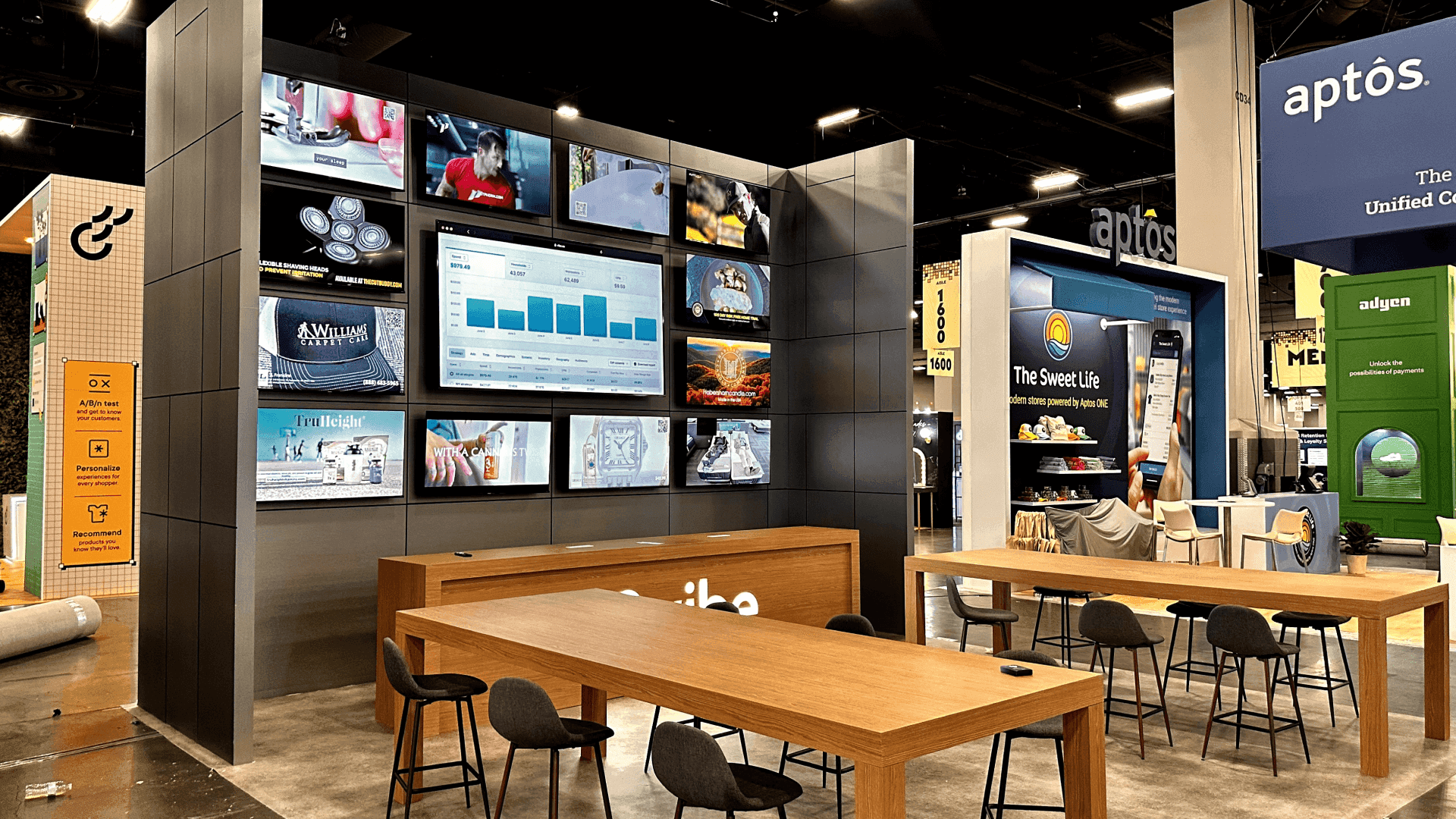
GBTA lists multiple formats within selected pavilions, while general exhibit space remains a separate participation route.
Match Each Pavilion Format to the Buyer Task
Now test the shortlist against the buyer activity. What must the buyer be able to do at the booth, and can the listed setup support it?
Travel Technology Scenario
A software team demonstrating a travel approval, payment, or reporting workflow needs more than a screen. Someone must operate the product, buyers need a clear view of the result, and the team may need to continue one discussion while the next demonstration begins.
Those overlapping activities—not the software category—determine whether a kiosk or tabletop can work. Check the work surface, power, connectivity, operator position, and room for viewers shown in the current configuration. If the compact format cannot support the activity, check the booth option in the same pavilion before considering general exhibit space. If the specification is missing, keep the choice provisional rather than assuming the format will work.
Once the format is confirmed, use GBTA technology demo planning to position the screen, define the viewing area, and keep follow-up conversations from blocking the next run.
Hotel Representation Scenario
A hotel representation team should begin with what it will actually present: one independent property, a small group of properties, or a broader portfolio. Share that scope with the organizer when confirming pavilion fit; the hotel category alone does not establish acceptance.
A buyer may only need a quick introduction, or may need to scan destinations, compare a focused property selection, and meet the right representative. Those activities place different demands on the setup. Check the available graphic area, work surface, and room for a buyer conversation in the current configuration.
If property review and scheduled discussions need to happen at the same time, compare another format within the same pavilion. Do not approve or reject a format without the configuration needed to support that decision.
With the participation format settled, use GBTA hotel portfolio planning to organize property comparison and direct each buyer to the right representative.
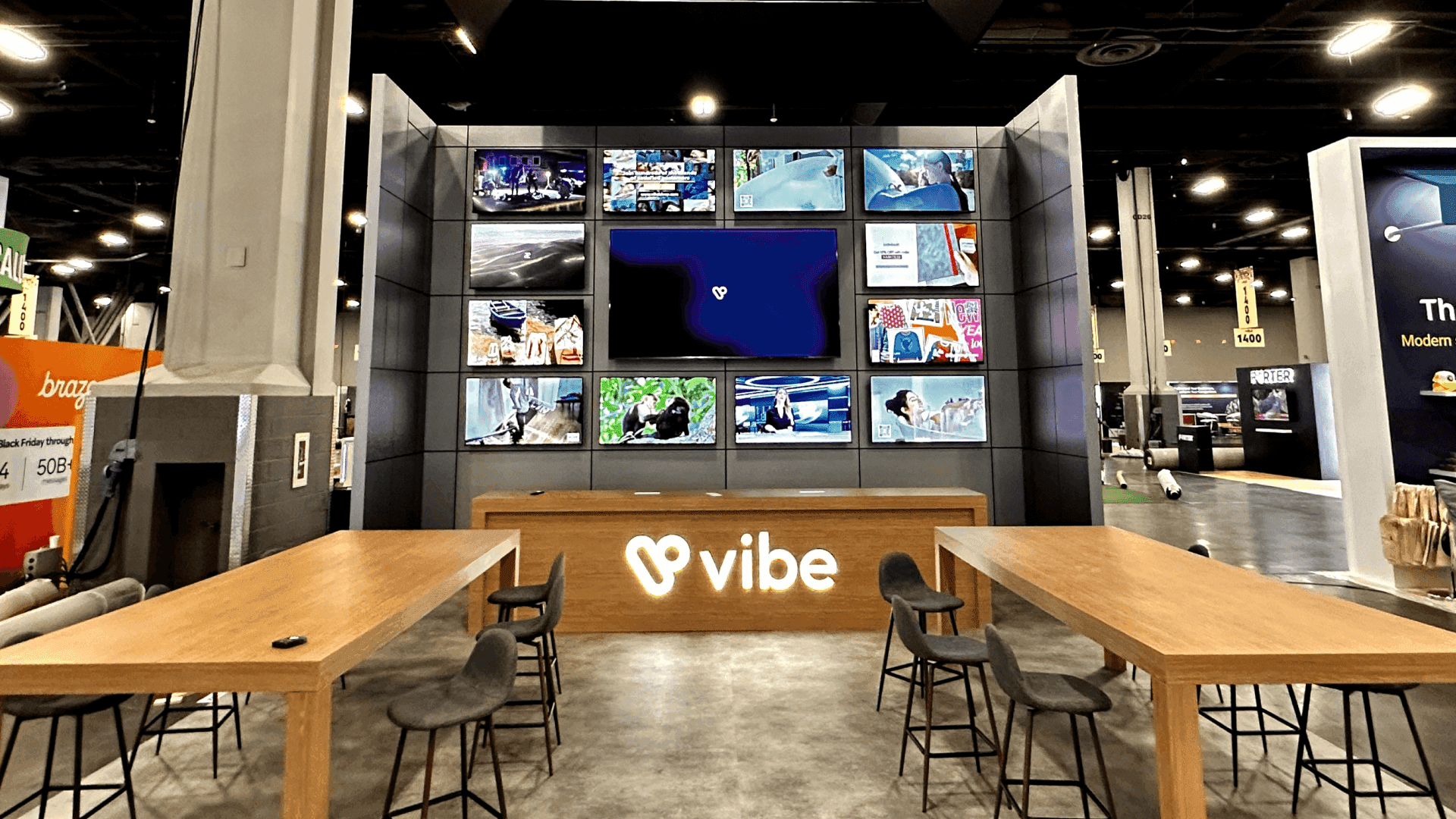
The right format depends on whether the buyer activity requires a compact introduction, a working demo, or overlapping property discussions.
Choose a Route and Record What Is Still Open
The comparison should end with a named route, not a general preference. Choose the first outcome supported by confirmed information and record anything that could still change it.
What is confirmed | Route | Why it fits | What is still open |
|---|---|---|---|
Pavilion fit is confirmed, and a specific format supports the required buyer activity | Select that pavilion and the verified booth, kiosk, or tabletop format | The documented setup supports the planned activity | Availability, booking confirmation, or remaining package details |
A kiosk or tabletop cannot support the activity, but the booth format in the same pavilion can | Keep the pavilion and change to its booth format | The booth resolves the equipment, viewing, or conversation limitation | Booth availability and remaining package details |
No suitable pavilion or listed format is available, or the documented setups cannot support the activity | Review general exhibit space with the organizer | The required activity needs a different footprint or physical setup | Available footprint and the booth configuration to be selected afterward |
A condition that could change the selection remains unresolved | Keep the affected route provisional and pause only the dependent commitment | The missing answer could change the selected area or format | The exact question, the confirming party, and the decision it affects |
Selecting general exhibit space does not automatically require a custom booth. Choose the booth configuration separately after the footprint and operating requirements are confirmed.
Once space is secured and an insert is selected, stop comparing participation routes. Use GBTA insert scope planning to document what the insert covers, what remains unresolved, and who owns the next step.
Questions Before You Commit
Does ordering a turnkey insert confirm a pavilion location?
No. A turnkey insert equips space that has already been secured; it does not confirm where that space is located. Pavilion placement must appear in a separate participation or space confirmation.
Do the same display formats apply to every GBTA specialty area?
No. GBTA lists formats by specialty area, and those options can differ. Check the current-year prospectus and booking confirmation rather than assuming that a format listed for one pavilion is available in another.
Can a pavilion fee and an independent booth rental quote be compared directly?
Not by total price alone. Compare the same scope on both sides, including exhibit space, structure, graphics, equipment, utilities, freight, installation, dismantling, and other required services. Only then assess the uncovered work, responsibilities, and final cost of each route.
Carry the Decision Into the Booth Brief
Record the selected participation area, exact display format, reason for the choice, supporting document and version, unresolved condition, and confirming party. Each open item should also identify the layout or production decision it could change.