The HFA Show Club Software Demo Booth Planning
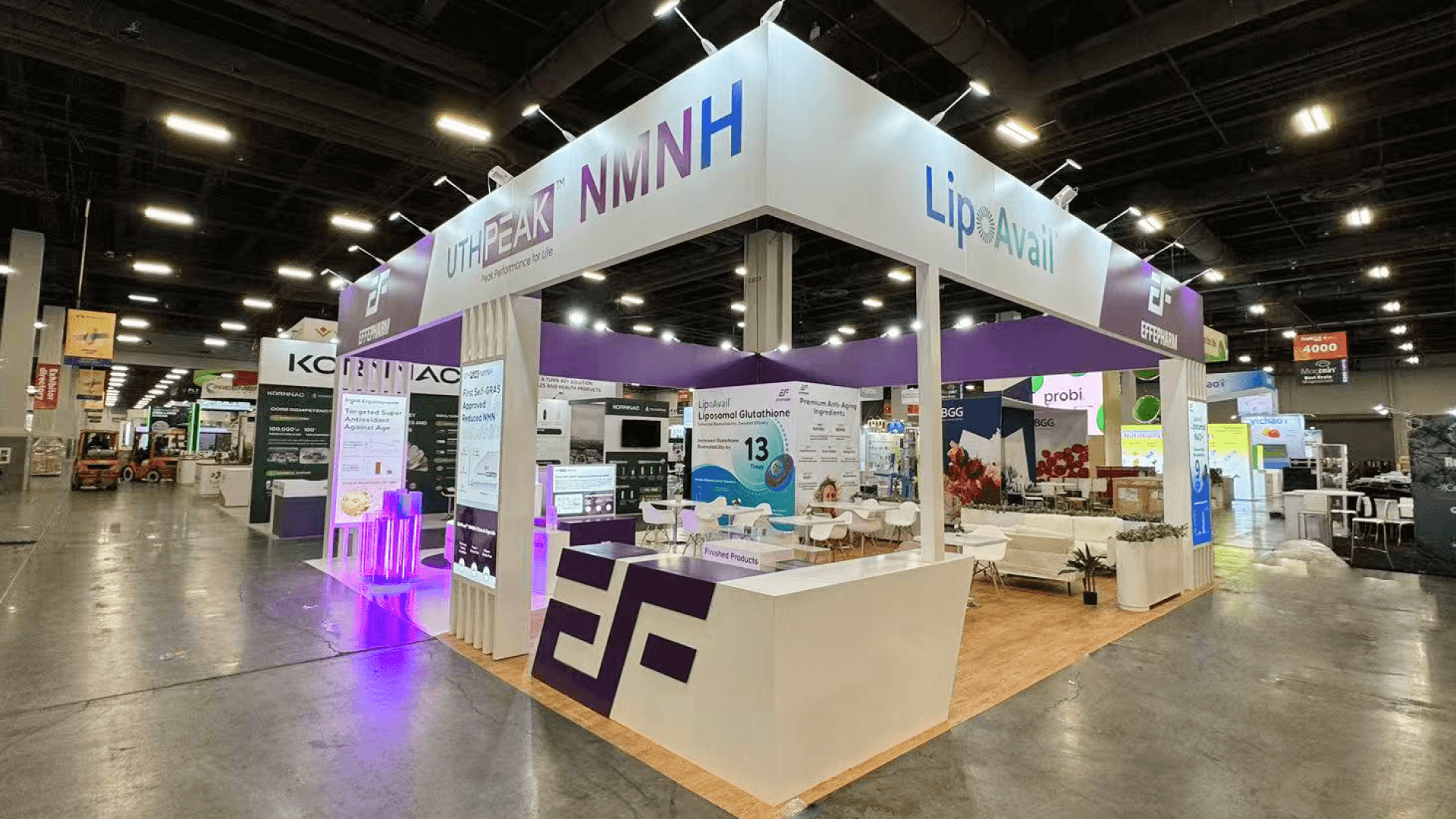

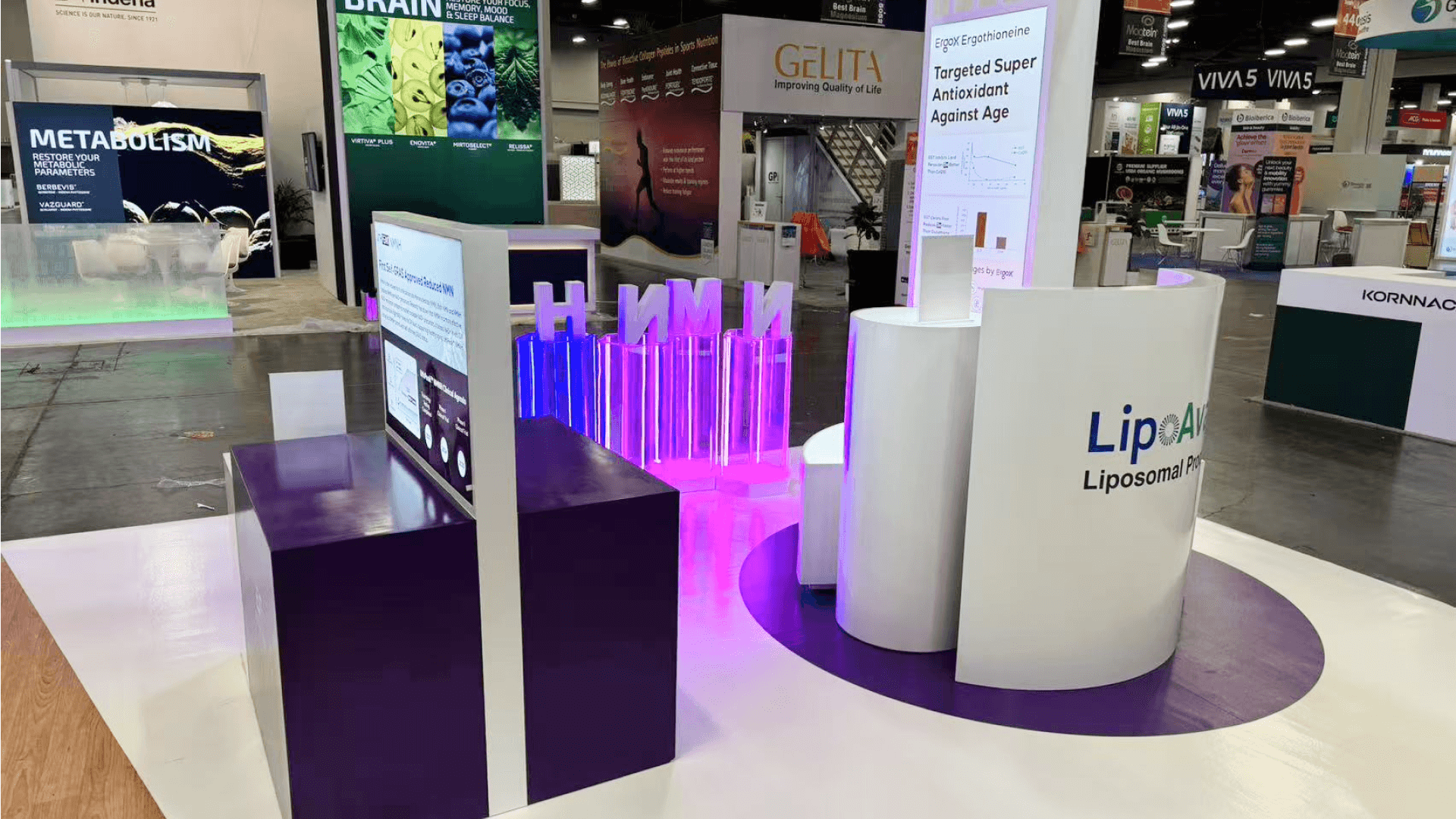

How should a club software booth work at The HFA Show?
HFA Show club software booth planning depends on who operates the demo, who watches, and whether sessions run together. Arrange shared viewing for guided walkthroughs, visitor controls for hands-on use, and independent stations for different concurrent demos. Give longer requirements discussions a place to continue without holding up the demonstration.
A booking or membership demo should help club buyers follow the workflow and relate it to daily operations. If visitors will use the controls, give them room to interact without blocking the presenter or other viewers. The software station should have a clear role in the overall HFA Show booth plan, alongside other displays and buyer discussions.
In a 10x20 booth, the same station may support demos and consultations at different times, provided the setup suits both. If they need to run together, plan a separate discussion point so longer questions do not hold up the demo.
At Mandalay Bay Convention Center, confirm screen positions, cable routes, and power requirements before installation. Arrange any connection services the demo needs, then check the installed screen from the intended viewing positions.
Why Exhibitors Choose Circle Exhibit
Clear scope, transparent quote review, nationwide booth support, and efficient setup planning for qualified rental and custom exhibit projects.
48hr
Setup Window
10+
Years Since 2014
U.S.
Trade Show Support
Real
Booth Project Proof
Begin with who operates, who watches, and which activities must happen together. Screen visibility, visitor interaction, discussion time, and the assigned aisle access determine the useful configuration.
A 10x10 booth can suit a limited viewer group and a focused interaction. Keep the main activity clear if extra seating or parallel demos would crowd the same space.
Consider a 20x20 footprint when separate groups need their own presentation positions. Different concurrent demos require screen content, controls, and staff arrangements that can operate independently.
A 10x20 layout can separate the controls from a short conversation point. Check whether staff can continue that conversation while another visitor approaches the demonstration.
A 20x30 booth may help when a group presentation and longer consultations must run together. Give each group a defined place to watch or discuss, with a clear route between them.
Screen visibility and presenter positions matter only if the planned workflow can run for the next visitor. For a booking demo repeated throughout the show, booking demo rehearsal helps the product team check what the first run changes and test how a second run begins. Bring the resulting device, screen, and between-demo requirements back into this booth layout so the station supports the actual presentation process.
Match the physical setup to the software task, the people following it, and the discussion that comes next. Each element should have a clear role in that sequence.
For a guided walkthrough, place controls where the presenter can use them without blocking the screen. For hands-on evaluation, give visitors a usable control position that preserves the group’s view.
Use shared viewing when a group follows the same walkthrough. When separate sessions show different content at the same time, give each group a viewing arrangement that works independently.
Put a discussion point beyond the controls when demos need to continue. Make the handoff clear so staff can welcome the next visitor while the conversation carries on.
When both interfaces explain the same workflow, arrange the display so buyers can follow their relationship. Use screen positions and supporting labels to keep the sequence clear for the intended viewers.
Software demonstrations built around selected member-facing and staff-facing club workflows.
March 11–12 at Mandalay Bay Convention Center, within the March 10–12, 2027 event.
Owners, operators, and managers reviewing software for their club’s business processes.
Not Sure Which Booth Size You Need?
Not every exhibitor knows whether a 10x20, 20x20, 20x30, or larger booth is the right fit. Circle Exhibit can help review your event goals, product display needs, demo areas, meeting space, storage, budget scope, and setup timeline before you choose a booth size.
The Presenter Blocks the Buyer’s View
Extra Viewers Gather in the Aisle
1
Choose the Task for Each Station
2
3
4
Rental for a Defined Demo Station
Adaptable counters, graphics, screens, and furniture can support a clearly planned station. Consider Las Vegas trade show booth rental when those components provide the required viewing and interaction.
Custom Elements for Specialized Hardware
Purpose-built exhibit elements may be useful when rental components cannot accommodate unusual controls, device housings, or mounting requirements. Confirm those physical requirements before developing the surrounding structure.
An Adaptable Setup for Different Formats
Reconfigurable counters and screens can help when the exhibit switches between individual walkthroughs and group presentations. Check that each arrangement preserves access to the controls, useful viewing positions, and circulation.
Confirm the product’s connection requirements and the services available to the booth. Prepare an exhibitor-approved fallback that can still explain the intended workflow if the live demonstration is interrupted.
Match power and cable locations to the approved screens, counters, and controls. Agree who completes each connection before the booth is assembled on site.
The exhibitor approves accounts, content, demonstrated functions, and starting states. The booth team checks the screens, controls, and other physical display conditions included in its agreed scope.
Run the chosen workflow from the completed station before opening. Check presenter and viewer positions, access to the controls, and the move into a longer discussion with the booth staff.
Plan a Rental Booth for Your Club Software Demo
Share the demo hardware, intended viewer group, booked footprint, and whether demonstrations and consultations must run together. Circle Exhibit teams can use those inputs to propose rental counters, screens, graphics, and discussion furniture for your Las Vegas booth.
Can one station show both member and staff views?
Yes, if both views explain the same workflow and the transition is easy to follow. Choose the screen and control arrangement around who presents, watches, and interacts.
Can prerecorded content replace the interactive demo?
Does every demo station need a large shared screen?
Can one station handle demos and scheduled consultations?
Can a buyer arrange a follow-up without watching the full demo?
READY TO PLAN YOUR NEXT BOOTH?
Let’s Build a Booth That Fits Your Event
Share your event name, booth size, city, timeline, product display needs, and design references. Circle Exhibit will review your project direction and help you choose a rental-friendly or custom exhibit path.
3000+
Booth Projects Supported
50+
U.S. Event Cities
Transparent
Quote Review
Check how the software station fits shared branding and other displays, and how buyers move into the wider exhibit.
Prepare station labels and supporting messages that help buyers follow the selected club task without repeating the full software interface.
Resolve counter dimensions, screen positions, visitor controls, and mounting details before drawings and component choices are released for booth production.
Coordinate the physical setup around confirmed equipment, power, cabling, and supplier responsibilities, including the handoff between the exhibitor and installation team.