Google Cloud Next Security Hub Booth Planning


How should a Google Cloud Next Security Hub booth be planned?
Start with the security proof, not the number of screens. Decide what visitors should recognize, what the demo must show, when a specialist needs to step in, and where deeper consultation can continue. The space should then support those interactions, device backup, reset, and visitor flow. Confirm the current 2027 Hub format before production.
Security conversations at Google Cloud Next can move quickly from a broad business problem into architecture, integration, data protection, threat response, and implementation detail. That makes the booth experience different from a simple product walkthrough: visitors may need a short introduction at the aisle, a guided demo at the screen, and then more time with a security specialist.
That pattern appears across cloud and cybersecurity trade shows, where technical proof and specialist conversations often happen within the same exhibit. At Google Cloud Next, the Security Hub has previously brought together security demos, hands-on activity, focused programming, and consultation opportunities, so exhibitors need to think about how that security experience fits into the wider event. The exact 2027 format should still be confirmed when updated sponsor materials are released.
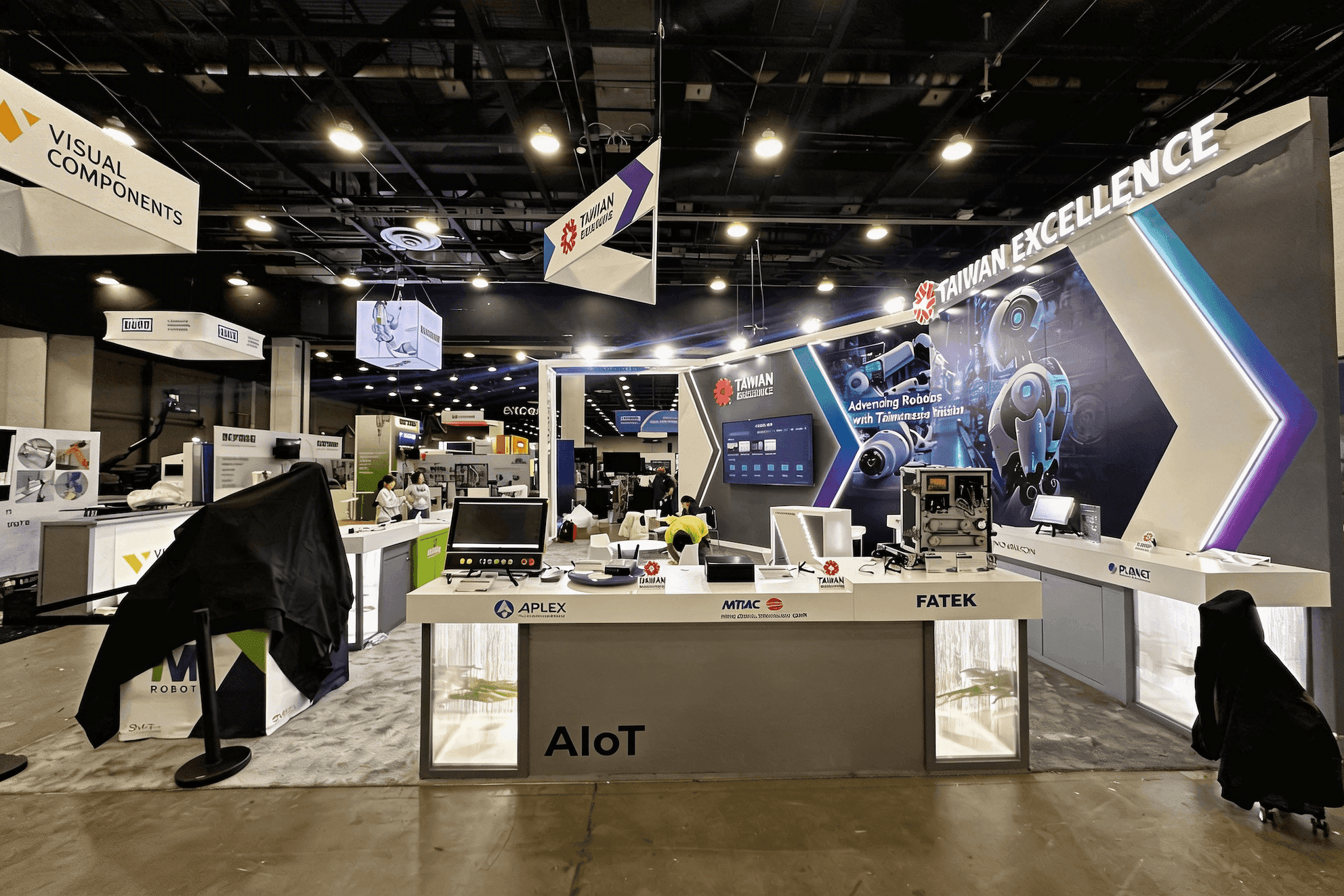
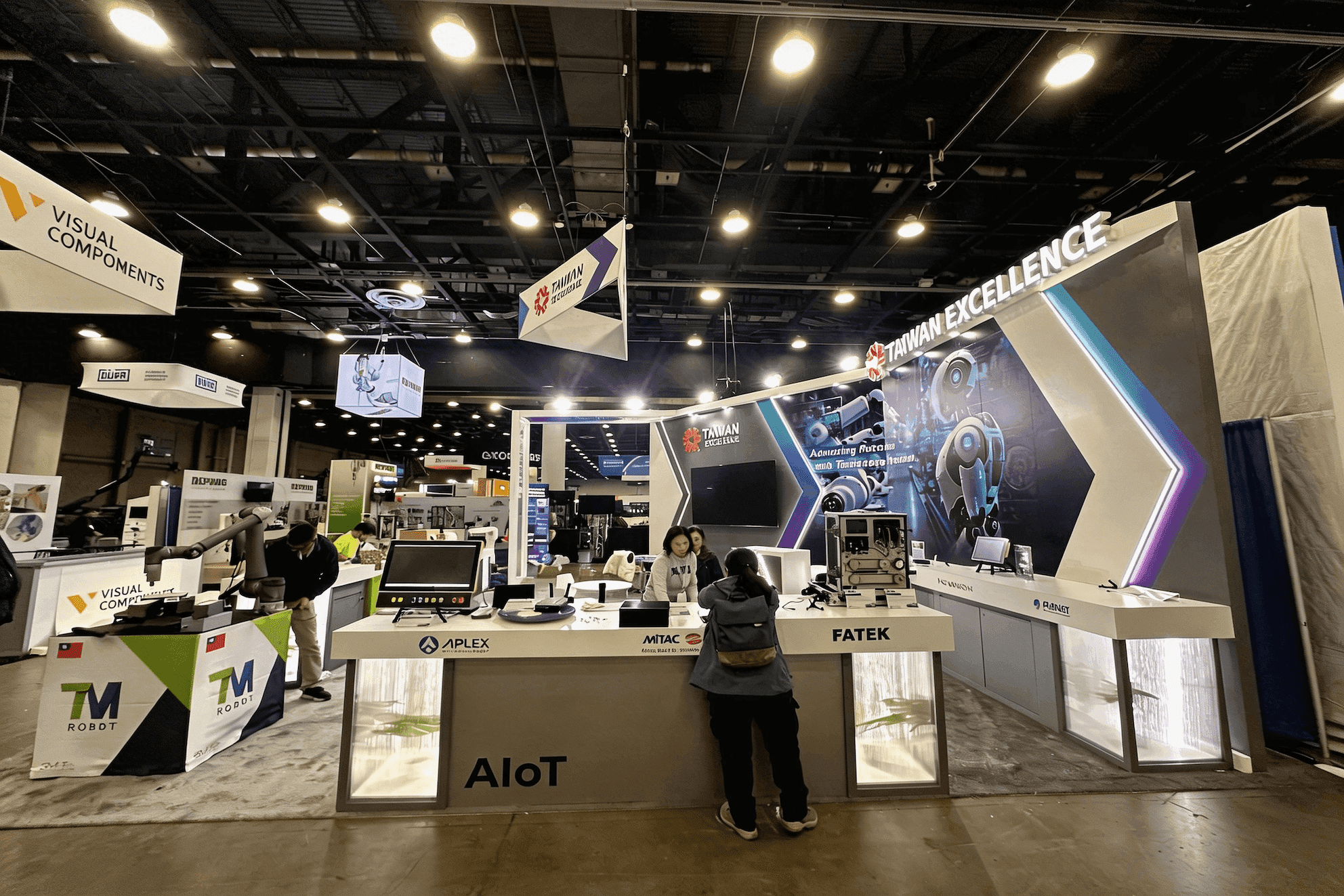
For exhibitors using a 20x20 trade show booth, the layout needs to keep screens and demo stations active while giving specialists enough room for longer technical discussions. Storage, staff positions, equipment, and visitor circulation all affect whether the experience feels clear or congested. Broader trade show exhibit design and build support can connect those layout decisions with fabrication, graphics, logistics, and on-site execution.
Why Exhibitors Choose Circle Exhibit
Clear scope, transparent quote review, nationwide booth support, and efficient setup planning for qualified rental and custom exhibit projects.
48hr
Setup Window
10+
Years Since 2014
U.S.
Trade Show Support
Real
Booth Project Proof
Start with the number of demos, specialists, and deeper consultations that need to run at the same time. Once the current Google Cloud Next sponsorship package confirms the available footprint, use that operating plan to decide what can realistically fit.
A focused setup can work when one main proof drives most conversations and one specialist can handle deeper questions nearby. The priority is keeping the demo visible while the expert conversation stays outside the next visitor’s path.
Two workflows or solution stories create a different operating problem. Viewing positions, specialist ownership, waiting space, device support, and storage all need to be separated before more traffic is added.
When one visitor may stay for a longer technical discussion while another demo continues, the space needs a clear handoff point and enough separation for both interactions to work at the same time.
A larger activation is justified when several demonstrations, specialists, and consultations must run concurrently. The final footprint should follow the current sponsor allocation and operating load rather than a generic size recommendation.
A focused security interaction may give buyers part of the risk or category context before they reach a vendor-specific conversation. Google Cloud Next sponsor activation planning examines what information should come next and when the buyer is ready for a deeper technical handoff, while this page stays focused on how the Security Hub itself supports proof, specialist discussion, and consultation.
A security display should help the visitor understand the risk, see what changes when the solution is applied, and know when the question needs a deeper technical conversation.
Start with the threat, vulnerability, operational problem, or protected environment, then show the technical change created by the solution.
A dashboard by itself is not proof. Use alerts, workflows, architecture views, response actions, or before-and-after states only when they help the buyer understand what the security product actually changed.
The activation should make it easy to move a qualified visitor from the demonstration into the right expert conversation without interrupting the next demo.
Devices, chargers, adapters, replacement hardware, technical references, backup content, and reset materials should stay close enough for staff to recover a demo quickly without entering the visitor path.
Google Cloud Next has previously used a dedicated Security Hub with security demos, specialists, focused programming, and consultation opportunities. The 2027 Hub format should be confirmed when current sponsor materials are released.
Google Cloud Next 2027 runs April 13–15 at Mandalay Bay Convention Center in Las Vegas. This page focuses specifically on security demo, specialist, and consultation planning.
Security visitors often want to move beyond product claims and see how a solution addresses a real risk, fits their environment, and supports a deeper technical discussion.
Not Sure Which Booth Size You Need?
Not every exhibitor knows whether a 10x20, 20x20, 20x30, or larger booth is the right fit. Circle Exhibit can help review your event goals, product display needs, demo areas, meeting space, storage, budget scope, and setup timeline before you choose a booth size.
Technical Proof Can Become Too Dense
The Right Expert Needs to Be Easy to Find
1
Prove One Security Outcome
2
3
4
Use the Official Package When It Solves the Basics
If the sponsor package already provides the required structure, branding area, utilities, or furnishings, the better investment may be in demo content, graphics, equipment integration, and staff workflow rather than rebuilding the environment.
Add Custom Elements Only Where the Program Needs Them
When permitted, custom counters, integrated screens, storage, privacy, or equipment positions can make sense when they solve a specific security-demo or consultation requirement.
Keep Reusable Components Flexible
Exhibitor-owned demo hardware, replaceable graphics, portable presentation elements, and configurable support components can remain reusable even when the official Hub package changes from one year to the next.
Screens, devices, cables, charging points, backup hardware, and storage should be positioned so staff can fix or replace something without interrupting the entire visitor area.
Run the demonstration from the visitor-facing starting point through the specialist handoff, including devices, screens, credentials, connectivity, content, and fallback assets.
Assign responsibility for restoring demo states, charging devices, clearing sessions, replacing equipment, refreshing content, and returning each station to a ready condition.
Before opening, decide who handles each technical topic, where visitors wait or continue the conversation, and what staff should do when every specialist is already engaged.
Rental Options for Security Demo and Consultation Needs
If the current Security Hub package allows exhibitor-supplied or customized booth elements, a rental system can support screens, demo counters, equipment storage, specialist handoffs, and consultation space without rebuilding the entire environment. The priority should be keeping security demos operational while allowing deeper technical conversations to continue nearby.
What should a Security Hub booth demonstrate first?
Start with the security problem or protected environment, then show one piece of technical proof that helps the visitor understand what changed and why it matters.
Should a security demo be live or recorded?
How much consultation space does a security activation need?
How can multiple security demos avoid blocking each other?
What should be reset between security demonstrations?
READY TO PLAN YOUR NEXT BOOTH?
Let’s Build a Booth That Fits Your Event
Share your event name, booth size, city, timeline, product display needs, and design references. Circle Exhibit will review your project direction and help you choose a rental-friendly or custom exhibit path.
3000+
Booth Projects Supported
50+
U.S. Event Cities
Transparent
Quote Review
The Main Event Hub covers the wider Google Cloud Next exhibitor journey, general booth-size decisions, broader buyer groups, rental/custom planning, and Mandalay Bay context.
Relevant when demo positions, screens, specialist locations, consultation space, storage, equipment, and circulation need to become one coordinated physical plan.
Useful for turning risk, architecture, workflows, technical evidence, and security outcomes into a readable information hierarchy.
Relevant when structure, displays, screens, equipment, cabling, furniture, and technical testing depend on the installation sequence.
Venue-level context for freight, utilities, installation, access, and other show-site conditions that sit outside the Security Hub’s internal demo workflow.