FETC Immersive Technology Booth Planning for Hands-On Trials


How should exhibitors plan an FETC immersive technology demo booth?
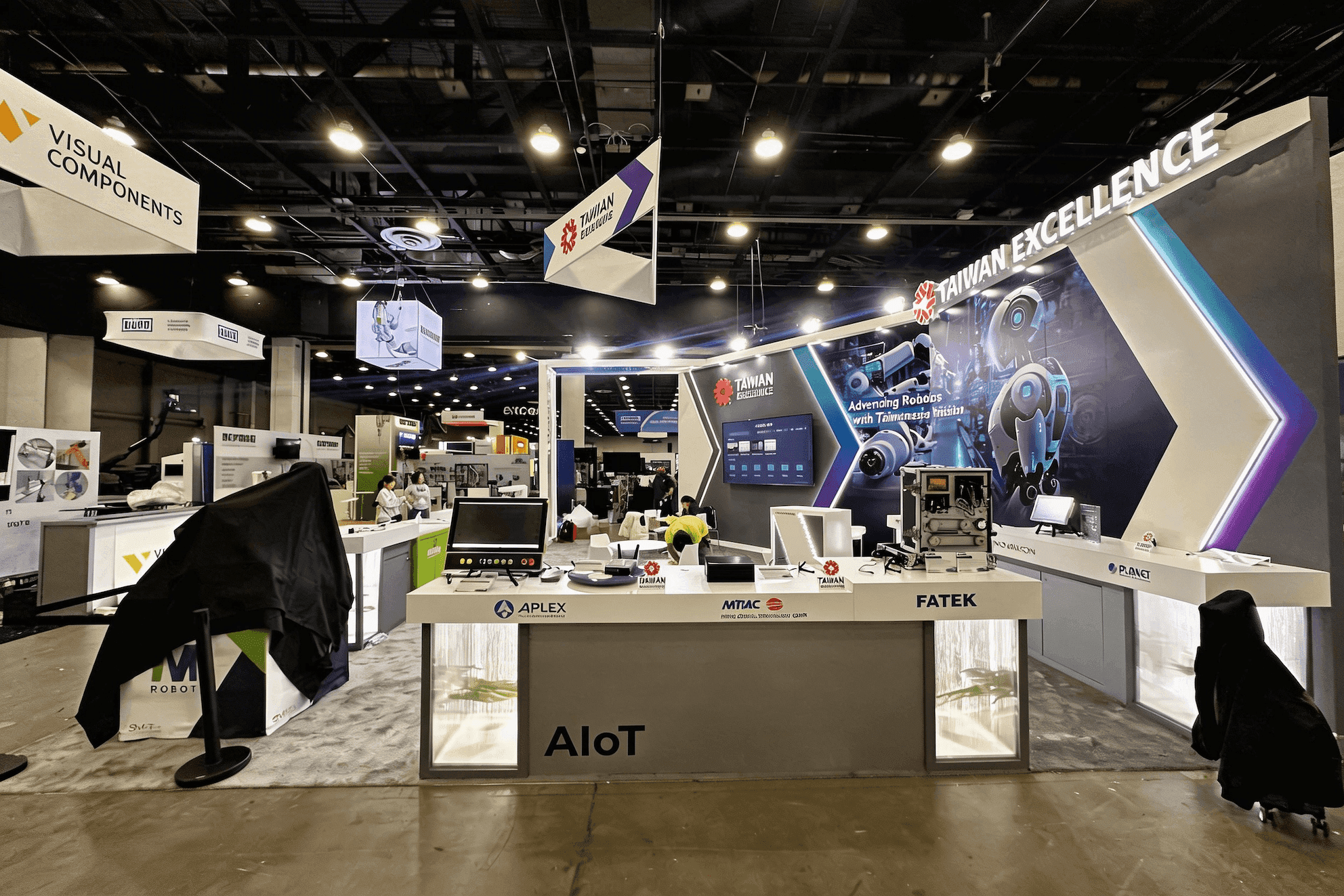
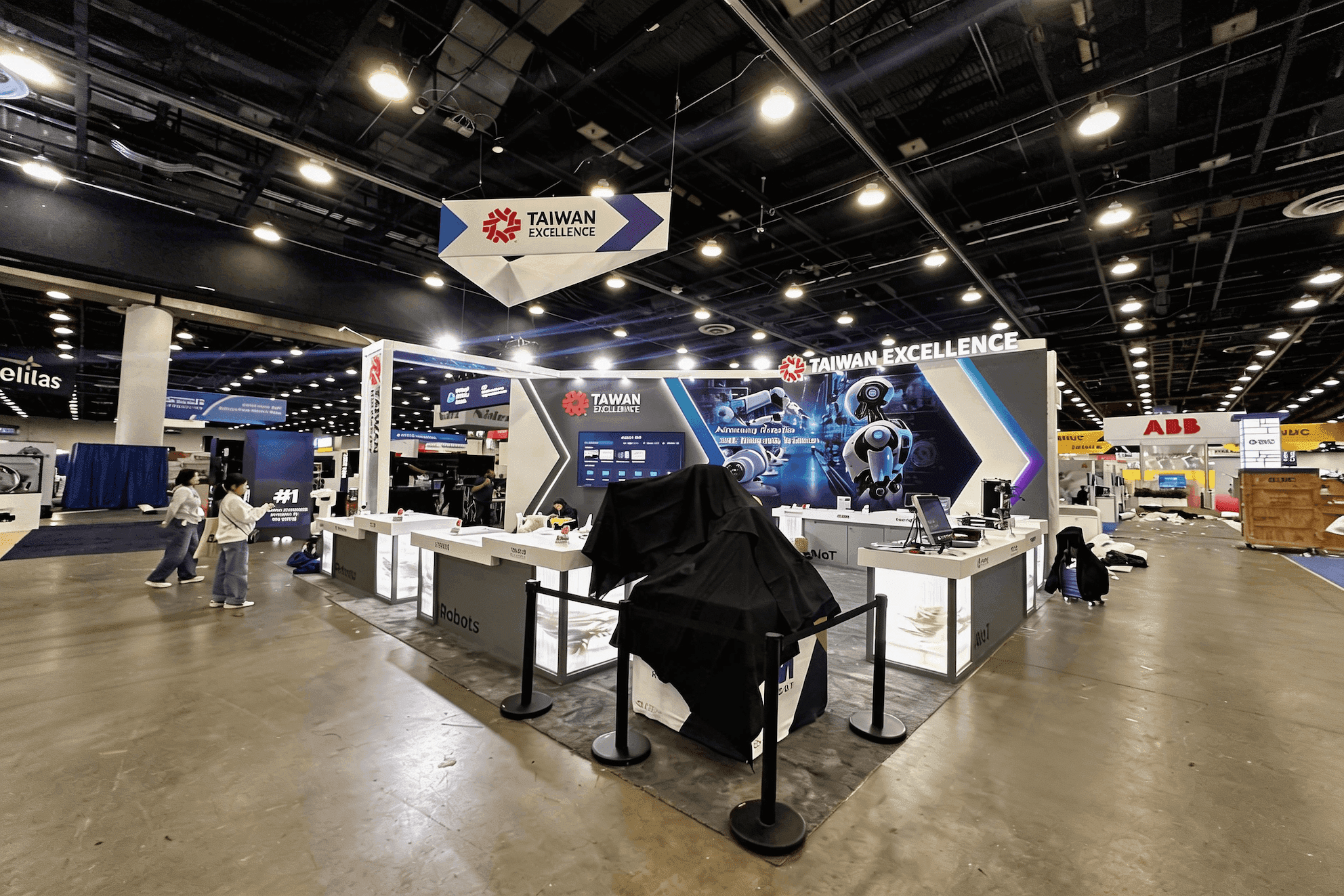
An FETC immersive technology booth needs room for people to try the product and for others to understand what is happening. Keep active users clear of spectators, give observers a useful display, and set aside space for equipment changeovers. The layout should also let staff discuss classroom applications without stopping the next demonstration.
A VR headset may give one visitor a clear view of the learning experience while leaving nearby educators unsure what students would actually see. Robotics demonstrations present a different challenge: observers need a good view without crowding the equipment. These hands-on requirements add another layer to the overall FETC booth plan, where product demonstrations must also leave room for district buyer conversations.
Before choosing a footprint, consider how much clearance the equipment needs and where observers will stand. A 10×20 booth may accommodate one supervised trial, while a 20×20 layout offers more room to separate active users, observer screens, and equipment changeover. A 20×30 booth becomes relevant when multiple experiences need to run simultaneously, with enough staff and space for each.
Equipment placement also depends on the venue setup. At the Orange County Convention Center, power and network connections, equipment delivery, and installation arrangements need to be confirmed against current FETC exhibitor requirements. Once the booth is installed, test the demonstration with the actual devices to check what observers can see and how quickly staff can prepare for the next visitor.
Why Exhibitors Choose Circle Exhibit
Clear scope, transparent quote review, nationwide booth support, and efficient setup planning for qualified rental and custom exhibit projects.
48hr
Setup Window
10+
Years Since 2014
U.S.
Trade Show Support
Real
Booth Project Proof
A device count is not a capacity plan. Include the user, supervising staff, observers, operating clearance, and the space needed between demonstrations.
A compact booth may suit one seated VR activity or tabletop STEM demonstration. It is not a default choice for room-scale movement or several users.
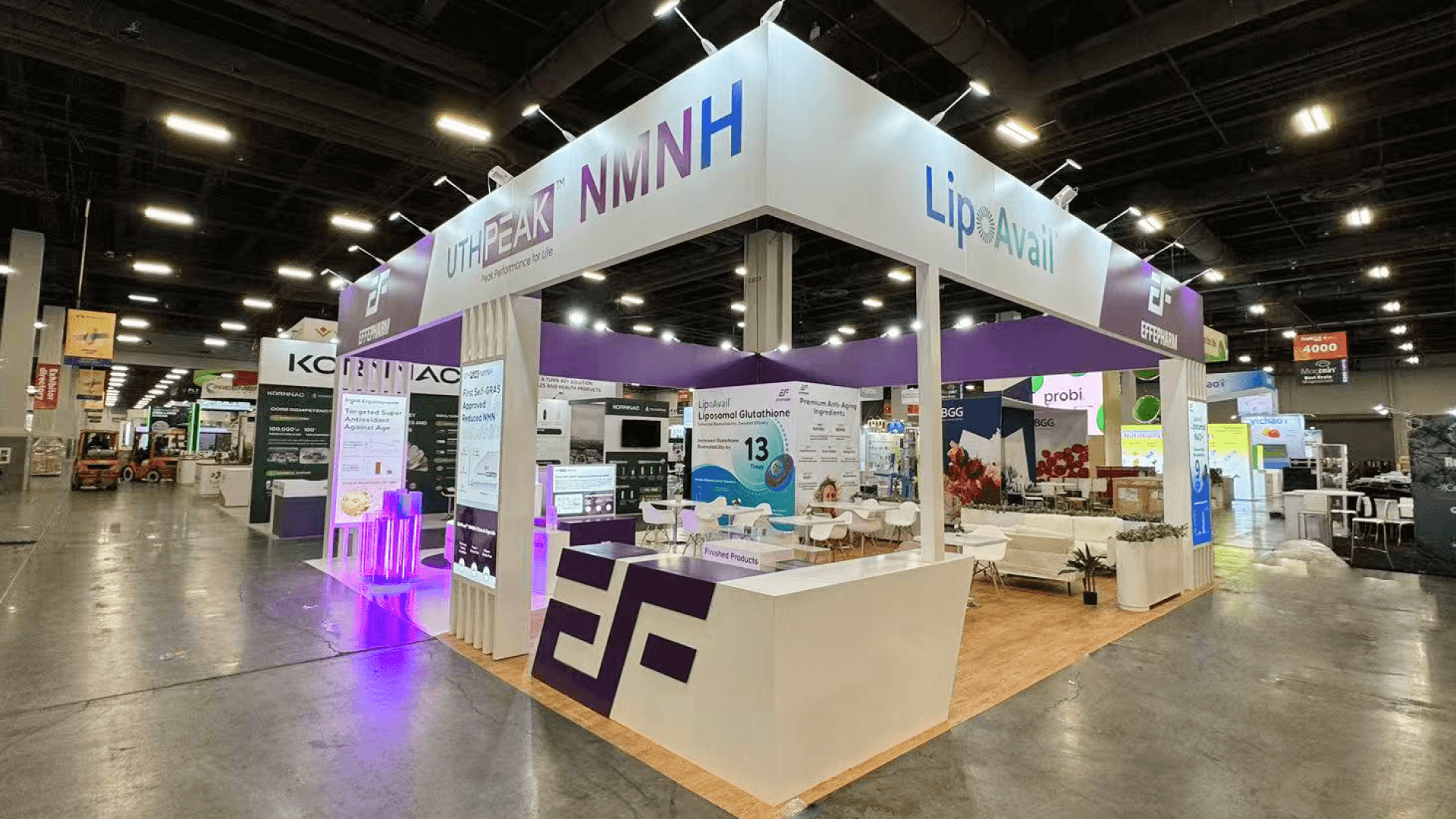
A 20×20 layout can provide clearer separation for the user, observer screen, and equipment staging. Check the actual working clearances before committing.
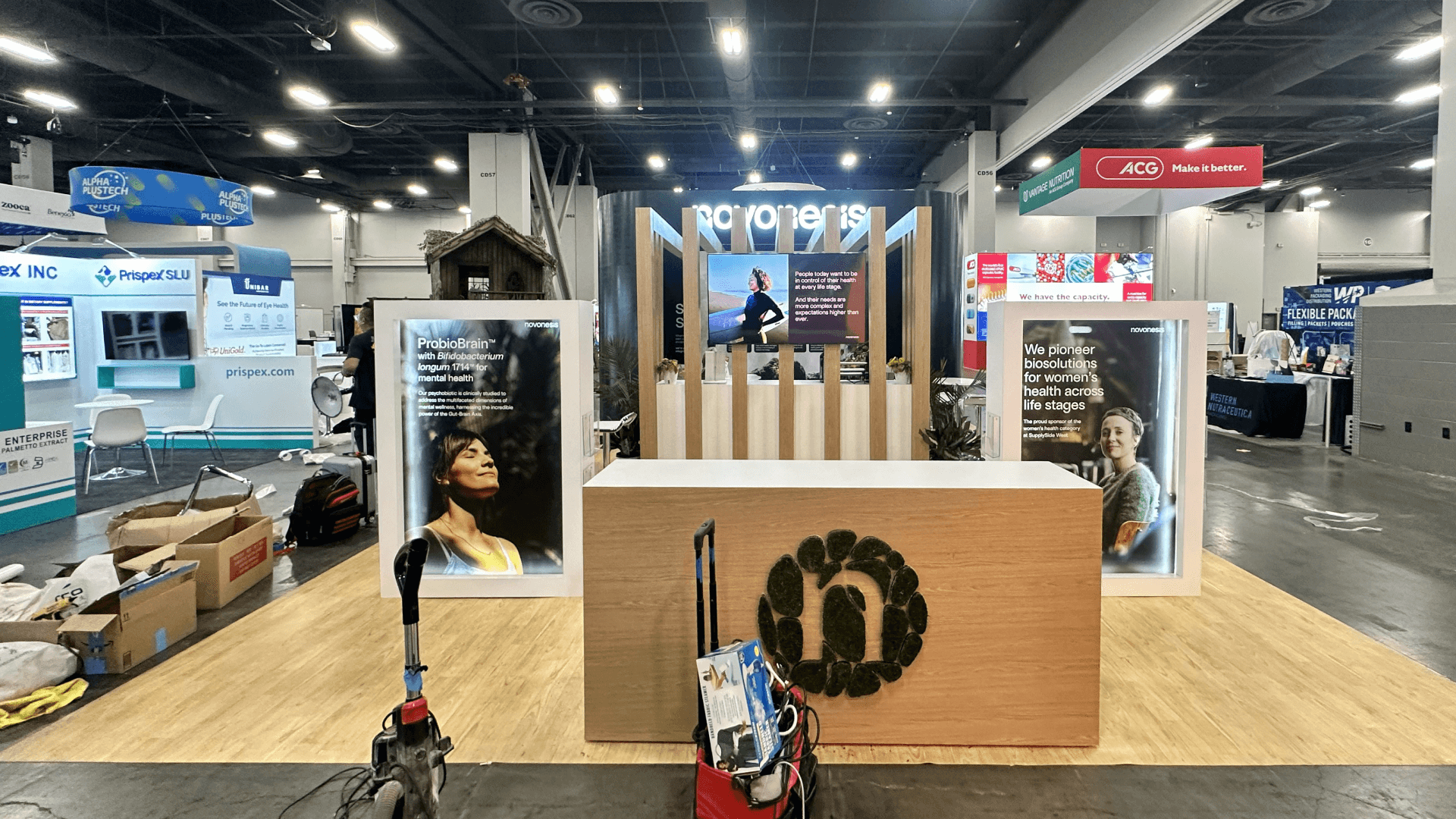
A 10×20 booth can separate one supervised trial from a small viewing or explanation point. User movement and staff access still determine whether it fits.
A 20×30 booth can accommodate separate experiences when each has enough room, equipment, and staff. Otherwise, one stronger trial may serve visitors better.
Pavilion activities often require coordination between reception staff, product specialists, and demonstration teams. These responsibilities can affect how exhibitors manage visitor flow and keep product demonstrations available during the event. Understanding sponsor booth operations helps teams prepare before final staffing decisions are made.
The display has to work for the person using the product, the educators watching, and the staff preparing the next session.
Give the user and instructor the room specified for the device. Keep waiting visitors and stored equipment outside that space.
Where the technology allows it, mirror the live activity or show the relevant learning result. The screen should explain the experience, not distract from it.
Keep charged replacements, controllers, cleaning supplies, and reset controls within easy staff reach without bringing them into the visitor area.
After the trial, discuss the learning task, supervision, device needs, and possible classroom use. Keep that exchange outside the active station.
FETC's Immersive Technologies Pavilion features AR/VR, STEM, STEAM, and robotics solutions for interactive learning experiences.
January 26–29, 2027, at Orange County Convention Center in Orlando, Florida.
Educators and instructional technology teams may assess the learning activity, equipment needs, and practical classroom use.
Not Sure Which Booth Size You Need?
Not every exhibitor knows whether a 10x20, 20x20, 20x30, or larger booth is the right fit. Circle Exhibit can help review your event goals, product display needs, demo areas, meeting space, storage, budget scope, and setup timeline before you choose a booth size.
Observers Crowding the Activity
Waiting Visitors Blocking the Aisle
1
Choose the Learning Task
2
3
4
Rental for Standard Trial Setups
A modular booth may work for a seated experience, observer screen, and compact equipment storage. Review Orlando booth rental options against the actual operating clearances.
Custom for Specialized Equipment
Dedicated fixtures or engineered supports may be needed for unusual equipment, mounting, or protective enclosures. Confirm these requirements before approving the structure.
Hybrid for Product-Specific Stations
Use reusable walls and graphics with custom trial fixtures where necessary. The specialized elements should be practical to transport, install, and maintain.
Coordinate equipment delivery and staging so sensitive headsets, controllers, and robotics units are protected until the booth is ready.
Test charging, external displays, connectivity, and backup presentation content with the actual show-floor setup.
Confirm user clearances, staff access, visitor positions, and equipment placement after installation—not only on the drawing.
Have the booth team guide one participant through the activity, equipment return, and next-user changeover before opening.
FETC Immersive Technology Booth Rental
A rental booth may work for guided trials when the device clearances, observer screens, and equipment storage fit the layout. Share the device dimensions, user movement, and changeover needs to check whether standard structures are enough.
Can a seated VR demonstration fit in a 10×10 booth?
A 10×10 booth may accommodate one seated VR trial if there is enough room for the user, supervising staff, and required equipment clearances. Standing or room-scale experiences may need a larger footprint.
What should the observer screen show?
Is a second trial station worth adding?
Where should the waiting visitors stand?
How can a short trial lead to a useful buyer discussion?
READY TO PLAN YOUR NEXT BOOTH?
Let’s Build a Booth That Fits Your Event
Share your event name, booth size, city, timeline, product display needs, and design references. Circle Exhibit will review your project direction and help you choose a rental-friendly or custom exhibit path.
3000+
Booth Projects Supported
50+
U.S. Event Cities
Transparent
Quote Review
Compare active-use space, observation, and equipment staging within one footprint.
Explore a larger layout when separate trials have enough staff and equipment.
Check whether adaptable structures suit the trial and observer layout.
Review special fixtures, device supports, and installation requirements.
Check venue-related service, freight, and equipment setup considerations.