Construction Technology Demo Booth Planning for Procore Groundbreak

How should construction technology exhibitors plan a demo booth at Groundbreak?
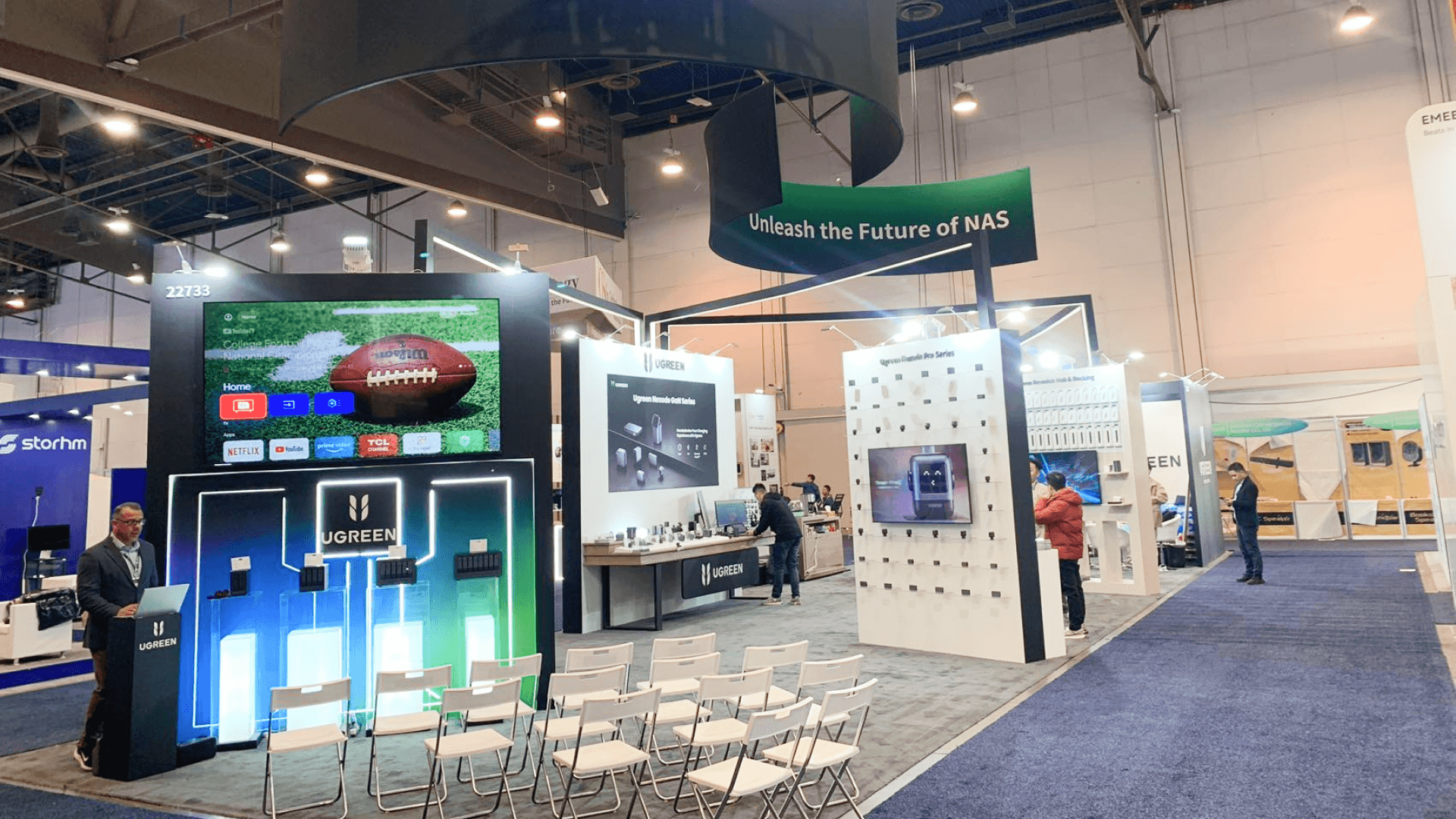
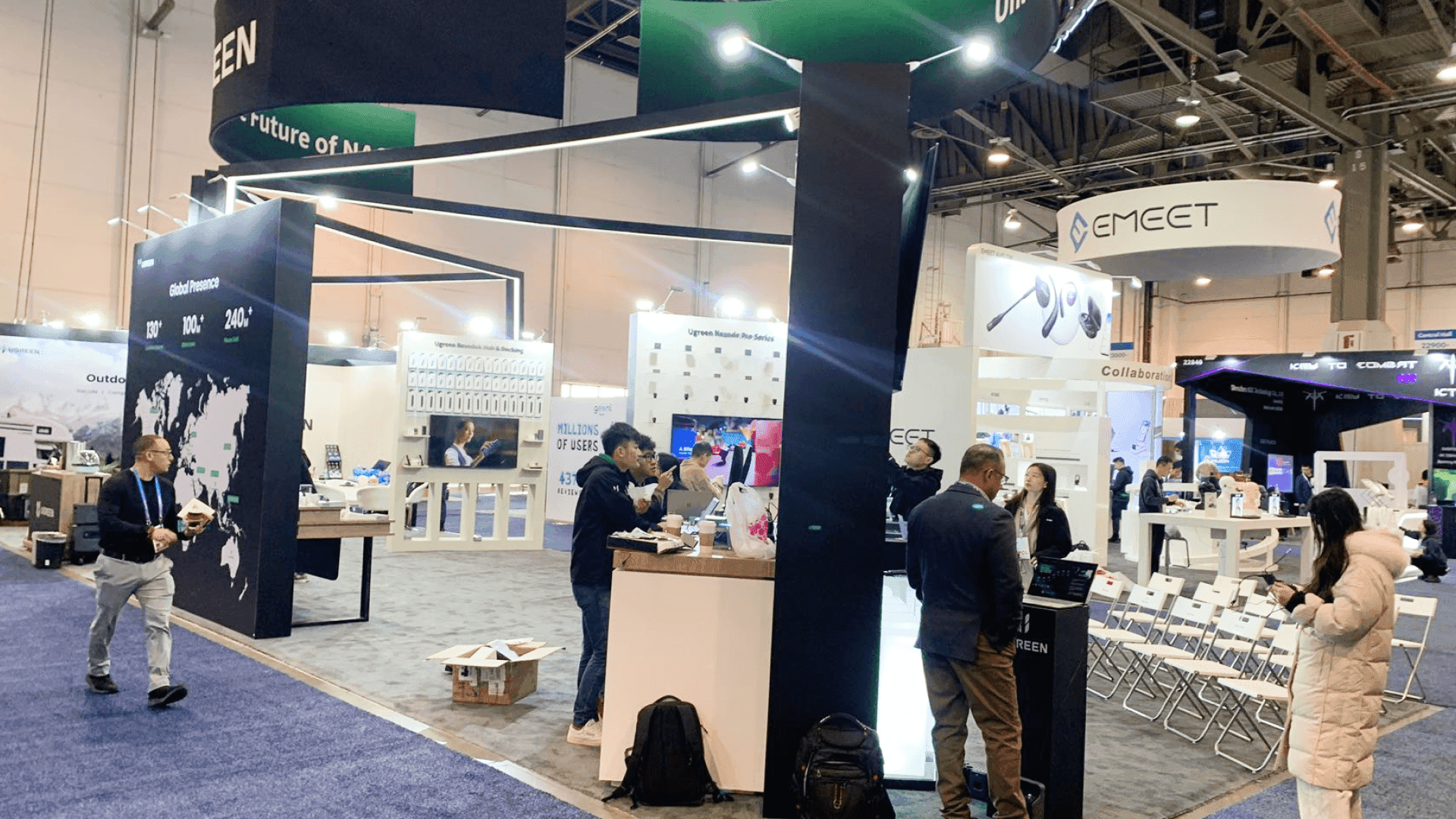
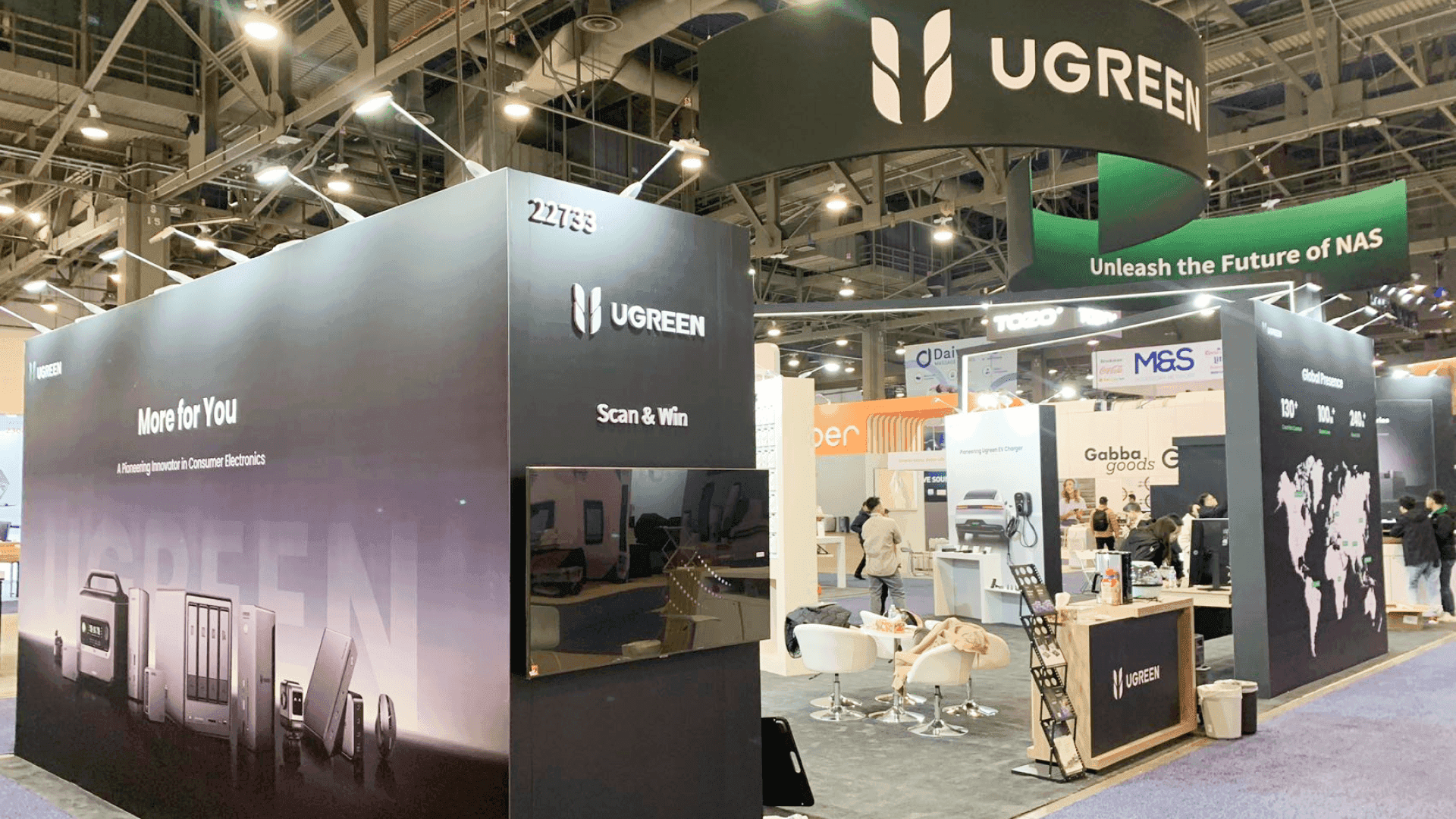
A Groundbreak technology demo booth should be easy to operate repeatedly, not just easy to photograph. Each demo point needs a clear purpose, enough room for visitors to stop without blocking another station, and a practical path into deeper conversation. Screens, devices, storage, charging, power, internet, and backup content should support that operating model.
A Groundbreak technology booth can look simple from the aisle — a screen, a counter, a few devices — but become difficult to operate once several visitors stop at the same time. Software demos need readable screens and stable accounts; jobsite technology may require charging, physical handling, or device resets; and deeper questions often need a technical specialist without interrupting the next demonstration.
At this stage, the main Groundbreak decisions should already be clear. Exhibitors still working through audience, overall booth scope, footprint, Rental vs Custom, or Orlando execution can use Procore Groundbreak booth planning as the broader planning reference.
Once the exhibit becomes demo-led, the operating model matters more than the number of screens. Each station needs a clear purpose, visitors need room to stop without blocking another demo, equipment needs accessible support space, and staff need a clean handoff from demonstration to deeper technical or commercial conversation.
Why Exhibitors Choose Circle Exhibit
Clear scope, transparent quote review, nationwide booth support, and efficient setup planning for qualified rental and custom exhibit projects.
48hr
Setup Window
10+
Years Since 2014
U.S.
Trade Show Support
Real
Booth Project Proof
Booth size should follow how many demos run at once, how much room visitors need to stop, and whether deeper conversations can happen without blocking the next interaction.
A 10x20 works well for one main screen or device and short standing conversations. A second demo, physical equipment, or seated discussion can make the space feel tight.
When software, jobsite technology, scheduled demos, and walk-up traffic need more separation, 20x30 booth planning gives the team more room to keep demonstrations and deeper conversations apart.
When the booth needs two demos, technical storage, and a small specialist conversation area, 20x20 booth planning helps test whether those functions can fit without crowding the visitor path.
A larger island works better when several demos need independent aisle access, physical products take meaningful floor space, or the exhibit needs larger specialist, hospitality, or meeting areas.
Demo stations, screens, devices, and visitor handoff work better when the team has already decided what the demonstration needs to prove. Before finalizing the physical setup, what the technology demo needs to prove helps define the construction problem, where the solution fits, what change the buyer should see, and what action follows.
With that proof brief in place, the booth can be planned around delivering the same evidence clearly and repeatedly instead of adding more screens, features, or demo points without a clear evaluation purpose.
A functioning technology booth should make it obvious which demo is relevant, let visitors interact without creating congestion, and give staff enough support space to keep the same experience running throughout the day.
Each station needs a clear subject or use case so visitors can choose where to stop without first asking someone to explain the entire product portfolio.
Screens, tablets, cameras, scanners, or other field technology should be positioned around the actual visitor interaction rather than added after the booth layout has already been decided.
A short demo should be able to turn into a technical or commercial conversation without keeping the next visitor from using the station.
Chargers, spare devices, batteries, cables, backups, literature, and staff materials need to stay close enough for quick resets while remaining outside the main presentation area.
Groundbreak brings software, AI, connected workflows, Procore integrations, field systems, and jobsite technology into the same demo environment.
Groundbreak 2026 runs October 21–22 at OCCC, with dedicated Expo Hall time for attendees to explore solutions and meet exhibitors.
Sponsors can use the Expo Hall to demonstrate solutions and continue conversations with construction professionals and decision-makers.
Not Sure Which Booth Size You Need?
Not every exhibitor knows whether a 10x20, 20x20, 20x30, or larger booth is the right fit. Circle Exhibit can help review your event goals, product display needs, demo areas, meeting space, storage, budget scope, and setup timeline before you choose a booth size.
Demo Traffic Blocking the Booth
Mixing Software and Physical Technology
1
Decide What Happens at Each Station
2
3
4
Use Standard Structure Around Standard Demo Needs
One or two screens, branded surfaces, counters, basic storage, and standing conversations can often sit comfortably within a rental system. If that describes the operating model, Orlando trade show booth rental is the more relevant next step than adding custom fabrication by default.
Build Custom Where the Technology Demands It
Purpose-built counters, device mounts, large displays, concealed cabling, technical storage, or several linked demonstration zones are stronger reasons for custom fabrication than the Groundbreak name itself.
Keep the Core, Change the Demo Layer
A reusable structure can carry different screens, counters, devices, and graphics from one show to the next, allowing the technology layer to change without rebuilding the complete exhibit.
Define where the demonstrations happen before finalizing power and internet positions. Screens, computers, charging, connected devices, and technical counters should drive the utility plan.
Screens, computers, cameras, scanners, and other devices are easier to position once the main structure and graphics are complete enough that technical equipment will not need to be repeatedly moved.
If the main proof depends on cloud access, a live account, or a remote system, the fallback should preserve the same buyer takeaway rather than become an unrelated video loop.
After heavy traffic, someone needs to restore devices, charging, login states, screens, cables, lead capture, and station readiness. Build that reset into the staff routine rather than treating it as end-of-day cleanup.
Rental Booth Options for Groundbreak Technology Demos
A rental structure can support software, AI, and jobsite technology demos with screens, counters, storage, and branded graphics while keeping the core exhibit reusable.
How many demo stations should a Groundbreak technology booth have?
Use only as many active stations as the team can operate without overlapping crowds or repeated product stories. Every station should have a different visitor purpose.
Is a 20x20 booth enough for construction technology demos?
How should software and jobsite hardware be shown together?
Should a Groundbreak demo depend on live internet?
What should be checked before the Expo Hall opens?
READY TO PLAN YOUR NEXT BOOTH?
Let’s Build a Booth That Fits Your Event
Share your event name, booth size, city, timeline, product display needs, and design references. Circle Exhibit will review your project direction and help you choose a rental-friendly or custom exhibit path.
3000+
Booth Projects Supported
50+
U.S. Event Cities
Transparent
Quote Review
Use this when the open question is still at event level — Groundbreak audience, overall booth scope, footprint, Rental vs Custom, or broader Orlando planning.
Use this as a capacity check when two demo points, hidden storage, staff positions, and a small specialist area all need to coexist.
More relevant when walk-up demos, scheduled presentations, physical technology, and deeper conversations need separate space.
Useful after the demo inventory is known and screen supports, counters, device positions, cable routes, storage, and circulation need to become one buildable plan.
Useful when the physical demo system works but visitors still need a clearer hierarchy between the construction problem, product category, screen content, and visible proof.