OPTECH Property Management Software Booth Planning

How should exhibitors plan an OPTECH property management software booth?
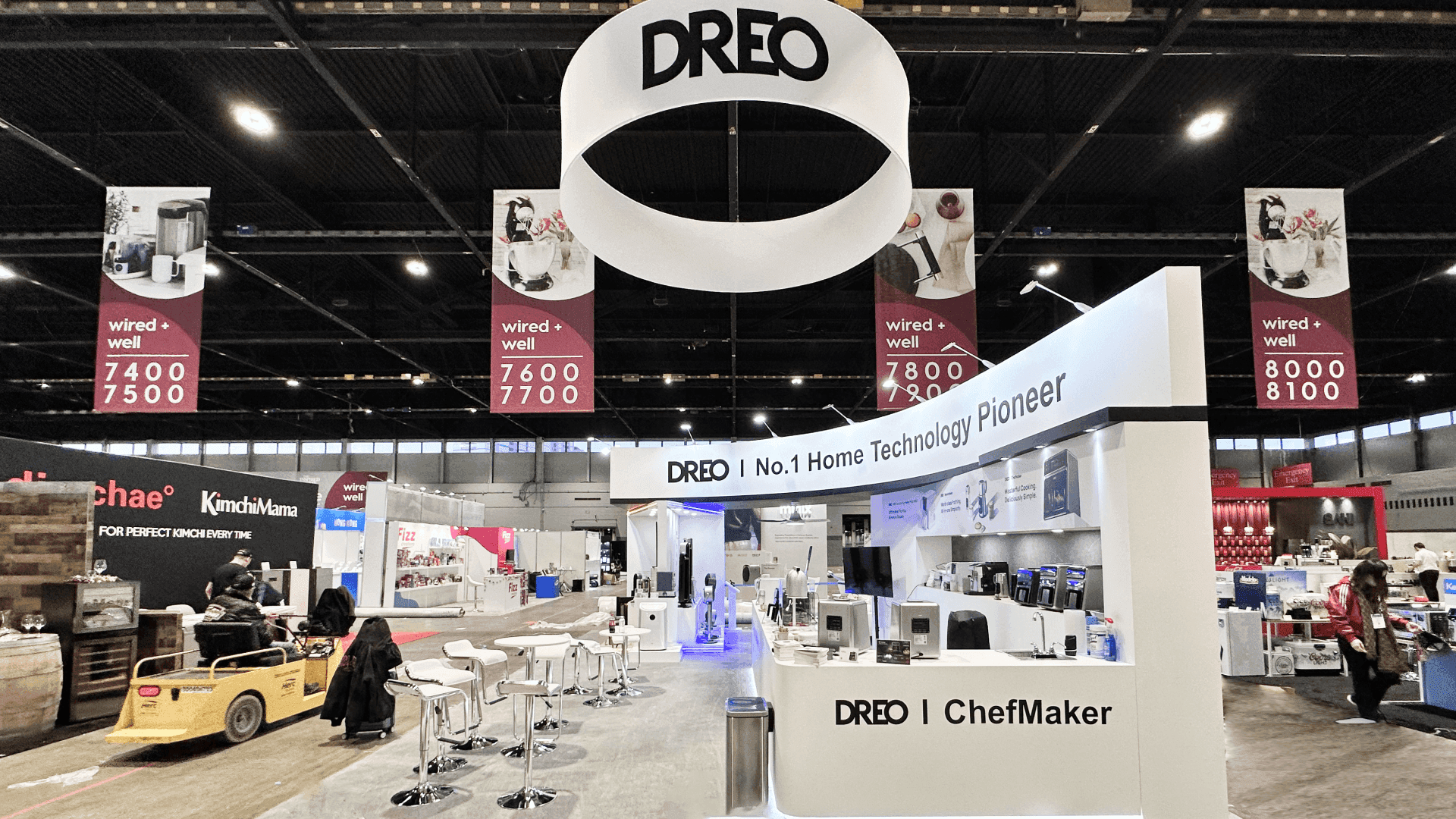
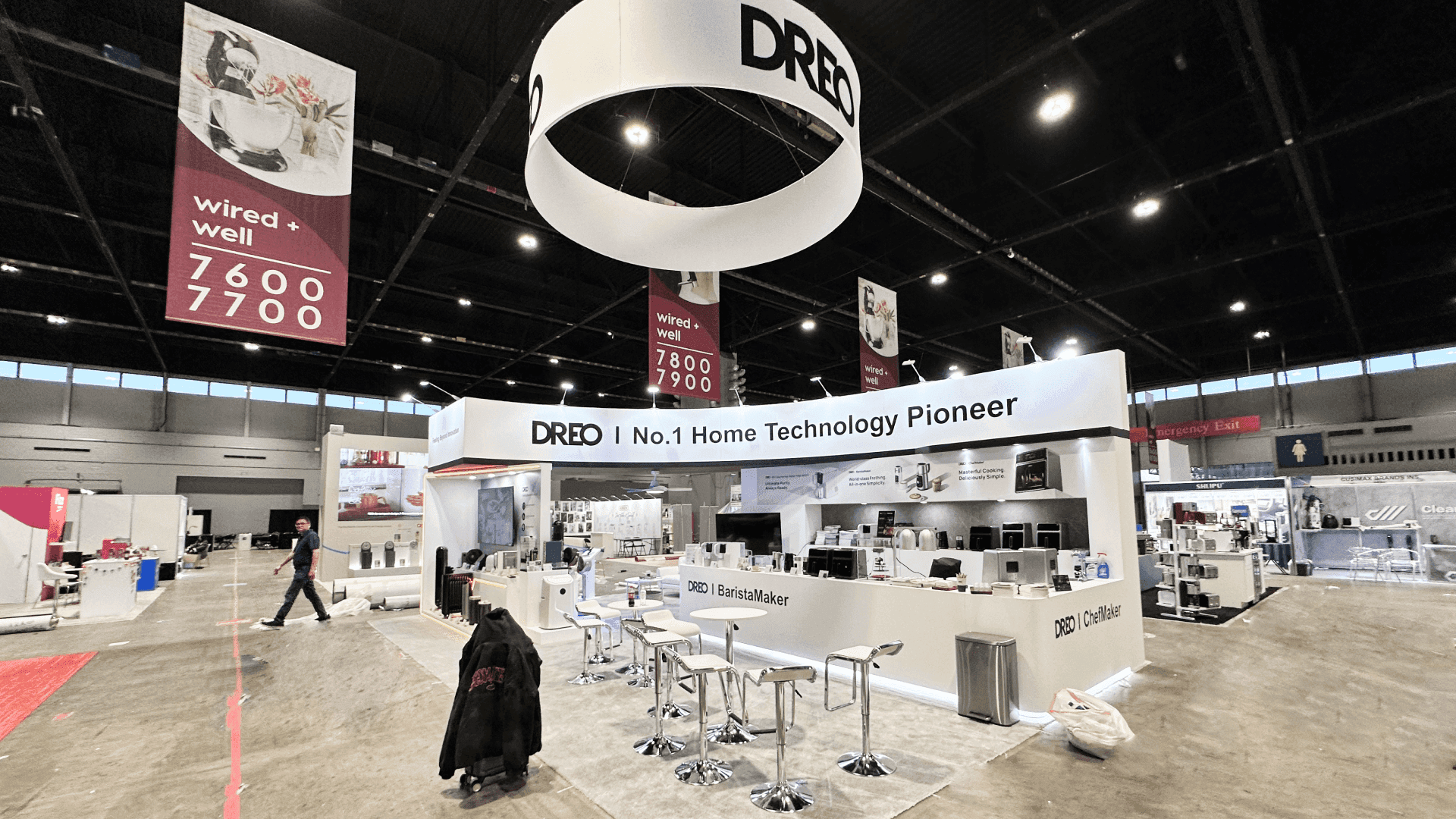
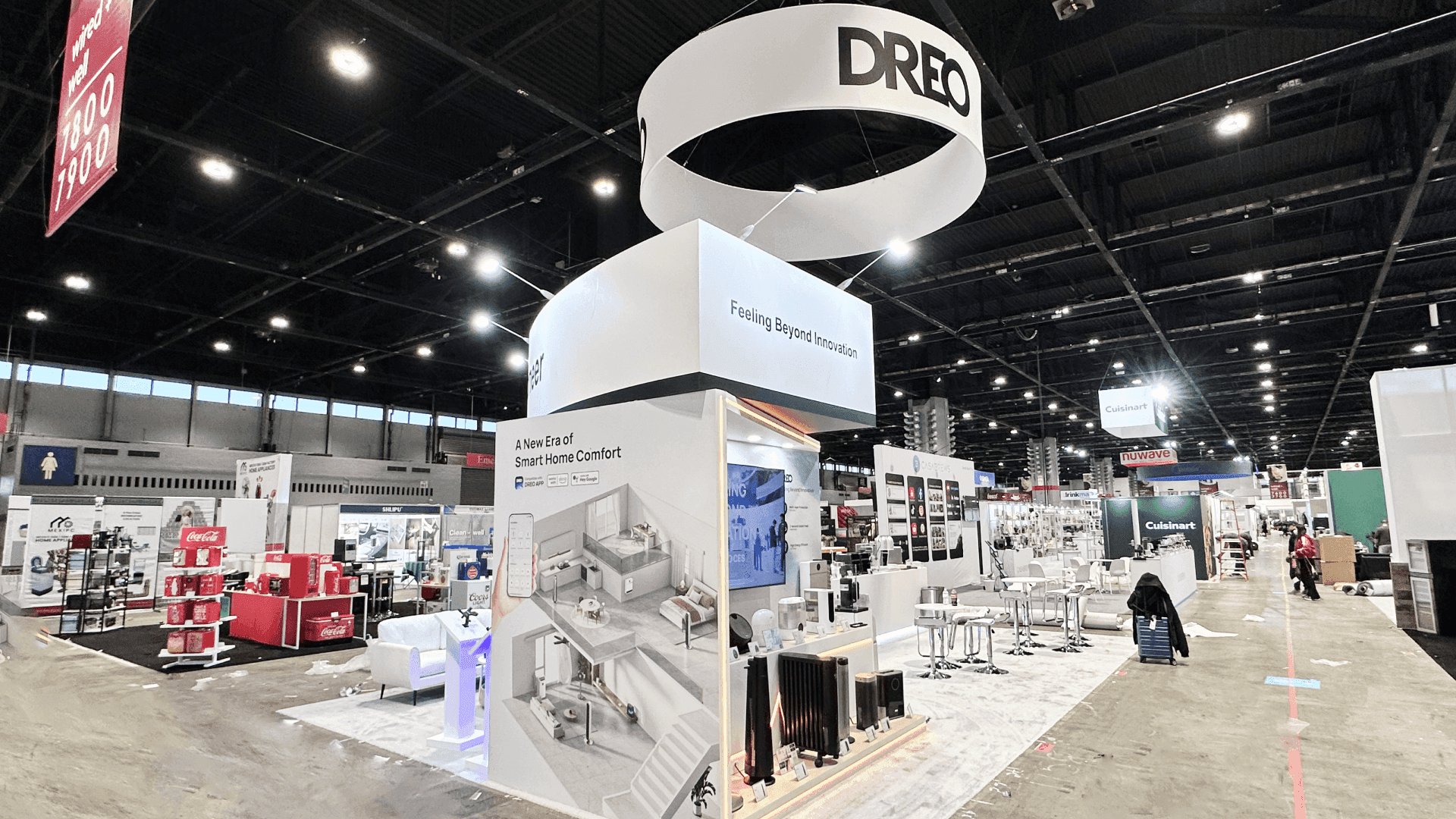
An OPTECH property management software booth should be planned around a clear software category message, resident platform workflow, leasing automation screens, maintenance or operations demo content, staff handoff, lead capture, and buyer conversation space. The booth should help property management buyers understand the software before entering a deeper demo.
An OPTECH property management software booth should make the software category and core workflow clear before a technical conversation begins. Resident platforms, leasing automation, maintenance, payments, analytics, and operations dashboards need screens and graphics that explain who uses the product and how it improves daily work.
Demo counters, staff roles, lead capture, and storage should support a smooth transition from first interest to specialist discussion. A 10x20 booth suits one focused workflow, while 20x20 and 20x30 layouts can separate multiple demonstrations and buyer meetings for property managers, multifamily operators, and owners.
Within the wider OPTECH booth plan, MGM Grand setup requirements should inform screen placement, electrical access, fabrication, and installation. Experienced Las Vegas trade show booth builders can help coordinate these elements with the product story.
Why Exhibitors Choose Circle Exhibit
Clear scope, transparent quote review, nationwide booth support, and efficient setup planning for qualified rental and custom exhibit projects.
48hr
Setup Window
10+
Years Since 2014
U.S.
Trade Show Support
Real
Booth Project Proof
Booth size should be chosen around how many software workflows need to be shown, how many visitors can watch a demo, where staff answer questions, and whether the booth needs meeting space for property management buyers.
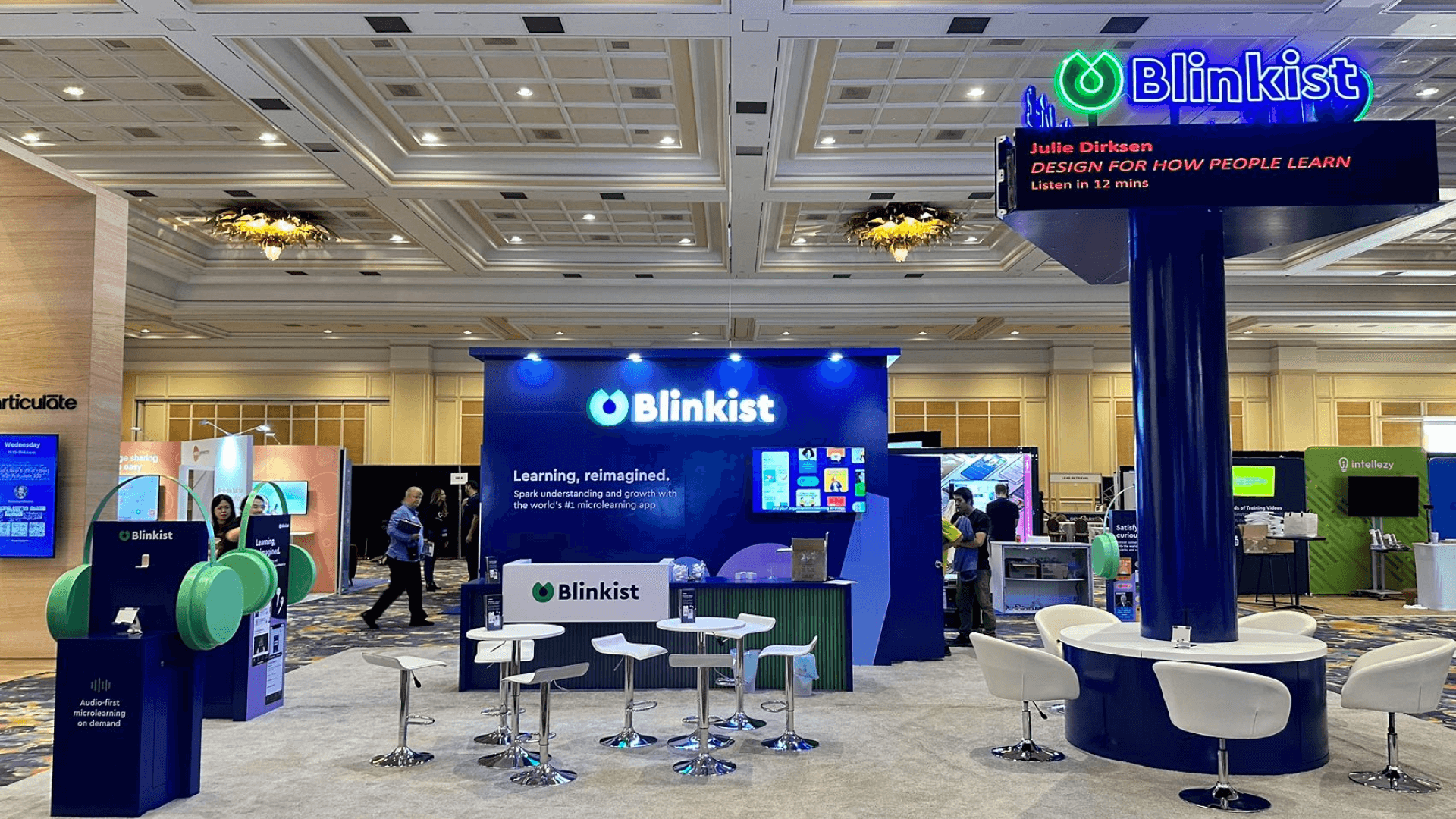
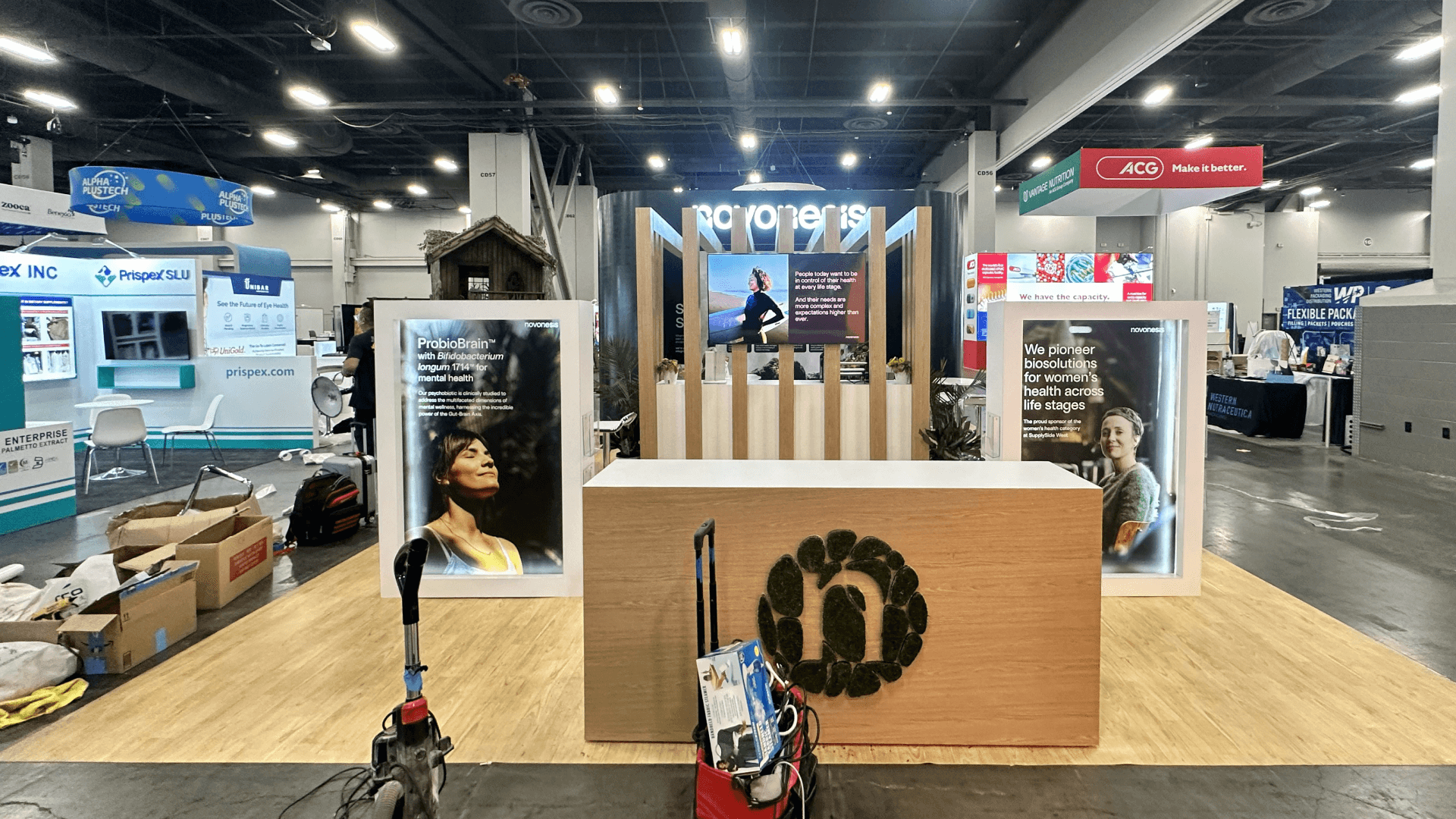
A 10x20 property software booth can work when the exhibitor needs one main screen-led workflow, a simple counter, lead capture, and short staff-led conversations. This layout should keep the message focused. For inline layouts, review 10x20 booth planning.
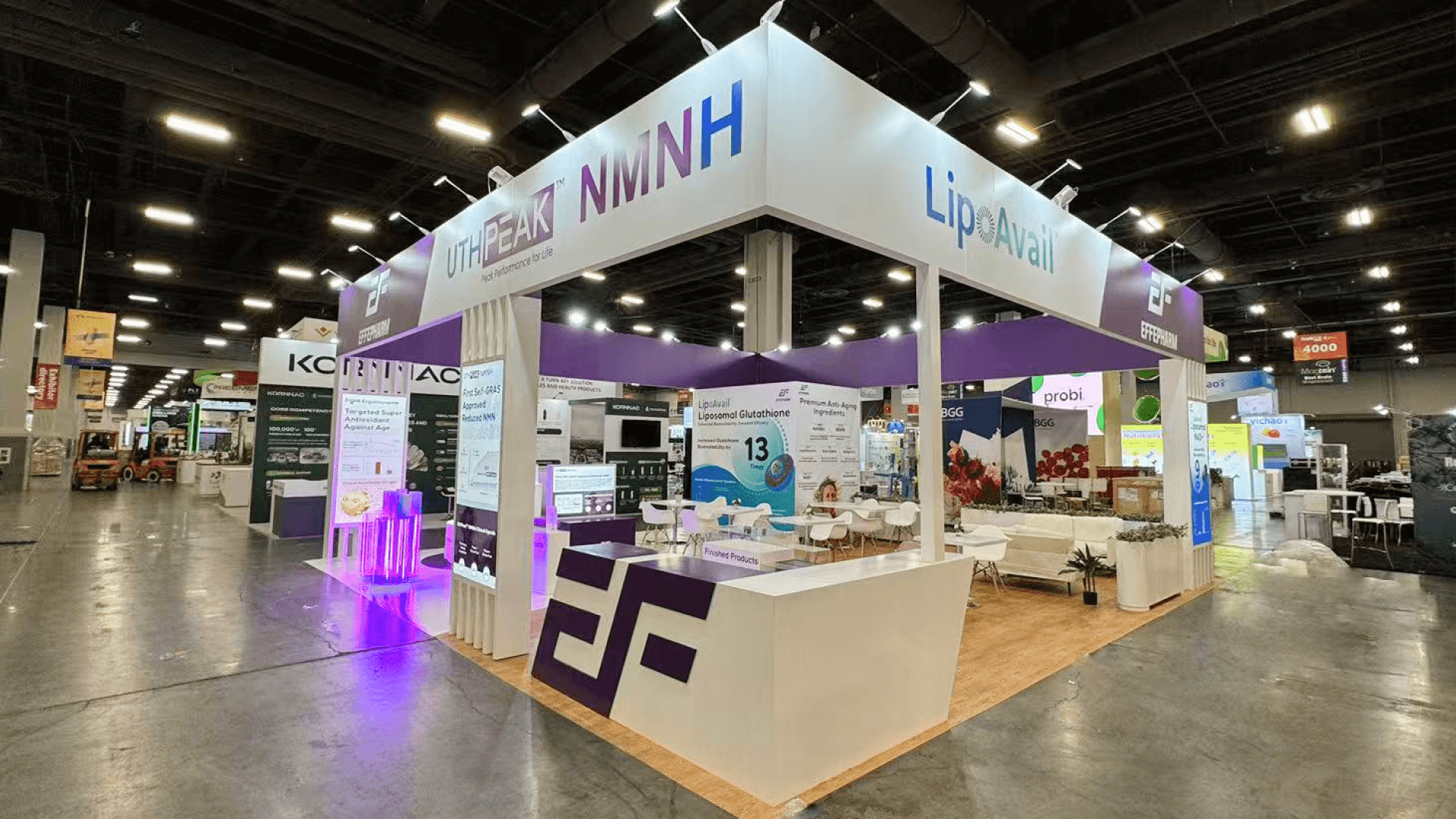
A 20x30 OPTECH software booth is useful when the exhibitor needs multiple demo points, screen content, storage, meeting space, and clearer staff handoff. For size-specific planning, see OPTECH 20x30 booth planning.
A 20x20 layout gives more room for software screens, demo counters, storage, lead capture, and a small buyer discussion zone. It can support a focused resident platform or leasing automation demo. For this footprint, see 20x20 trade show booth planning.
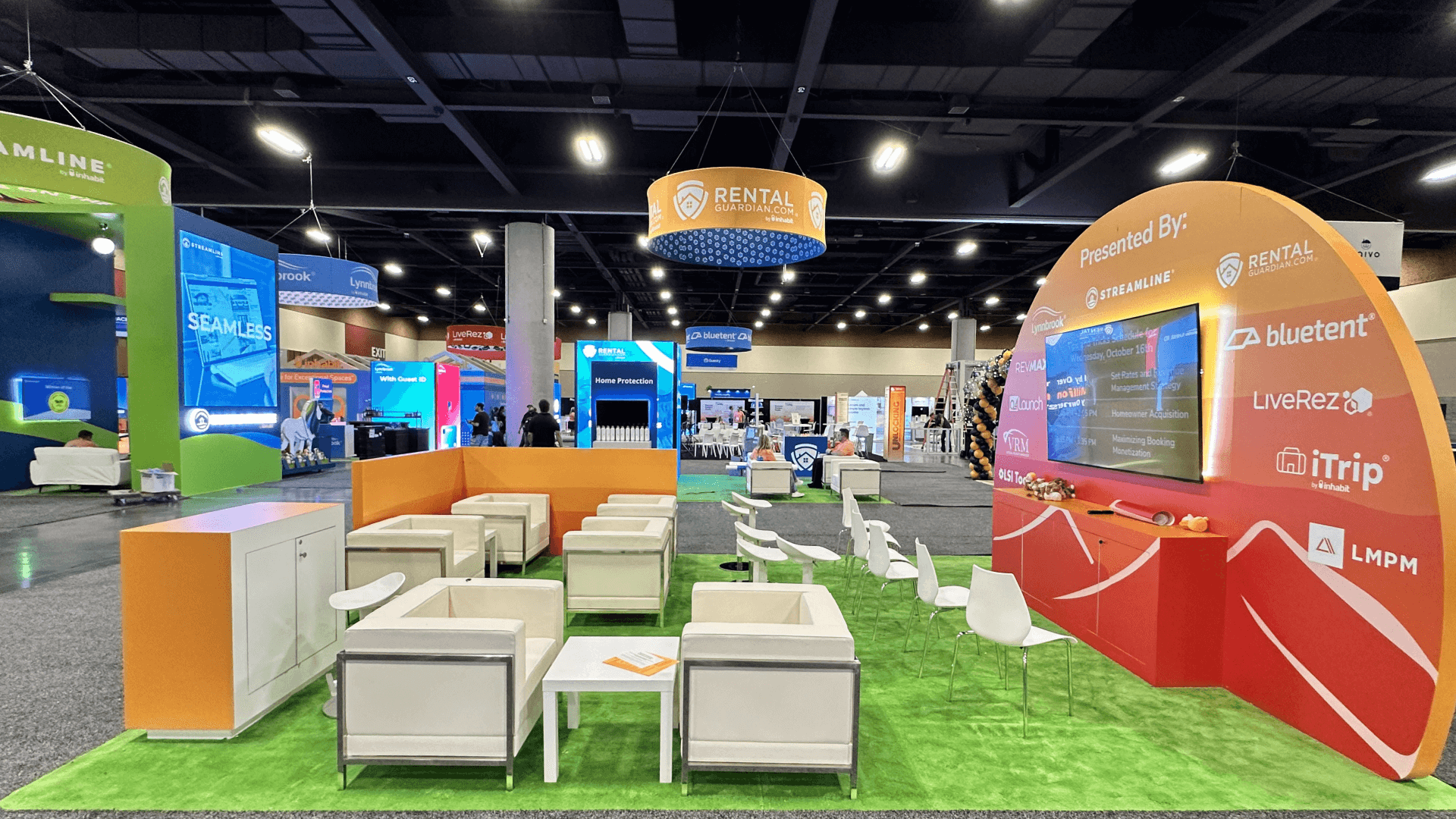
A meeting-driven software booth can support demos, buyer questions, private follow-up, product fit discussions, and partner conversations without forcing every conversation to happen at the main counter. For demo flow support, review OPTECH software demo booth layouts.
Property management buyers rarely evaluate a dashboard in isolation. They need to know which team owns a task, what triggers an action, and how the platform changes the outcome. Effective property technology booth design makes that sequence visible through graphics and short demonstrations.
For leasing, maintenance, and resident platforms, the next conversation matters too. Clear OPTECH demo conversations help move interested buyers into integration or implementation discussions without interrupting the main workflow demonstration.
Property management software booths should make the workflow, user role, benefit, and follow-up path easy to understand.
Show a recognizable resident journey, such as submitting a maintenance request and receiving an update. Distinguish resident-facing actions from the information property managers use to track and resolve the issue.
Present leasing as a connected sequence from inquiry to application or approval. Keep maintenance, reporting, and analytics on supporting screens so buyers can follow one workflow without switching between unrelated dashboards.
Once buyers identify a relevant workflow, move the discussion toward integrations, deployment, portfolio requirements, or implementation. Keep detailed technical consultations separate from the introductory demonstration.
Clear graphics should explain the product category, user workflow, and key value before a visitor asks for a demo. Graphics and brand presentation helps keep the booth message focused.
OPTECH attracts property management, multifamily operations, leasing, resident experience, and technology buyers who need to understand software workflows quickly.
Property management software booths often need screens, workflow examples, staff explanation, and meeting space rather than only static product graphics.
OPTECH projects such as Anyone Home and Inhabit can help show how software-focused booths support screen-led explanation and buyer conversations.
Not Sure Which Booth Size You Need?
Not every exhibitor knows whether a 10x20, 20x20, 20x30, or larger booth is the right fit. Circle Exhibit can help review your event goals, product display needs, demo areas, meeting space, storage, budget scope, and setup timeline before you choose a booth size.
Avoiding Too Many Screens at Once
Separating Quick Demos from Buyer Questions
1
Choose the Software Workflow to Lead With
2
3
4
Rental Booths for Focused Software Workflows
Rental booths suit exhibitors presenting a focused property management workflow through screens, counters, graphics, and meeting areas. Compare Las Vegas booth rental options when configurable structures can support demonstrations and buyer discussions.
Custom Exhibits for Integrated Platforms
Custom construction makes sense when several workflows, integrated screens, private meeting areas, or specialized counters shape the booth architecture. Graphics, technical access, and installation should be planned together to support each product scenario.
Choosing by Workflow Complexity
Start with how many workflows buyers need to compare and whether discussions involve detailed technical or operational questions. A focused demonstration may suit rental, while more integrated presentations can justify custom construction.
Screens, laptops, demo files, and backup devices should be assigned to specific workflow points before setup begins.
Chargers, devices, brochures, meeting kits, lead capture tools, and staff materials should stay accessible but outside the main visitor path.
Demo stations should leave space for visitors to pause, watch, ask questions, and move into a conversation without blocking the aisle.
Before opening, teams should check screen content, staff positions, meeting areas, storage, and lead capture. [**Logistics and pre-show coordination**](/services/logistics-pre-show-coordination) helps align these details.
Related OPTECH Software Booth Planning Pages
Need a Flexible OPTECH Software Booth Rental?
A rental-based booth can work when an OPTECH property management software booth needs branded graphics, a demo screen, a counter, light storage, lead capture, and a practical setup path.
What is an OPTECH property management software booth?
It is a booth planned around property management software, resident platforms, leasing automation, maintenance workflows, analytics dashboards, or operations tools for OPTECH buyers.
What should a property management software booth include?
How should screens be used in a property software booth?
Is a 20x30 booth useful for property software exhibitors?
How can exhibitors prepare software demos before OPTECH?
READY TO PLAN YOUR NEXT BOOTH?
Let’s Build a Booth That Fits Your Event
Share your event name, booth size, city, timeline, product display needs, and design references. Circle Exhibit will review your project direction and help you choose a rental-friendly or custom exhibit path.
3000+
Booth Projects Supported
50+
U.S. Event Cities
Transparent
Quote Review
For broader OPTECH event planning, booth size choices, rental options, project references, and related child pages.
For exhibitors planning screen-led workflows, demo stations, staff handoff, and software conversation flow.
For exhibitors planning larger software demos, meeting space, storage, and a more controlled buyer path.
For software booths that need clear workflow messaging, screen support, branded surfaces, and product explanation graphics.
For exhibitors that need booth structure, counters, graphics, storage, logistics, installation, and show-site execution.