NRF Retail's Big Show Booth Planning for Retail Solution Providers
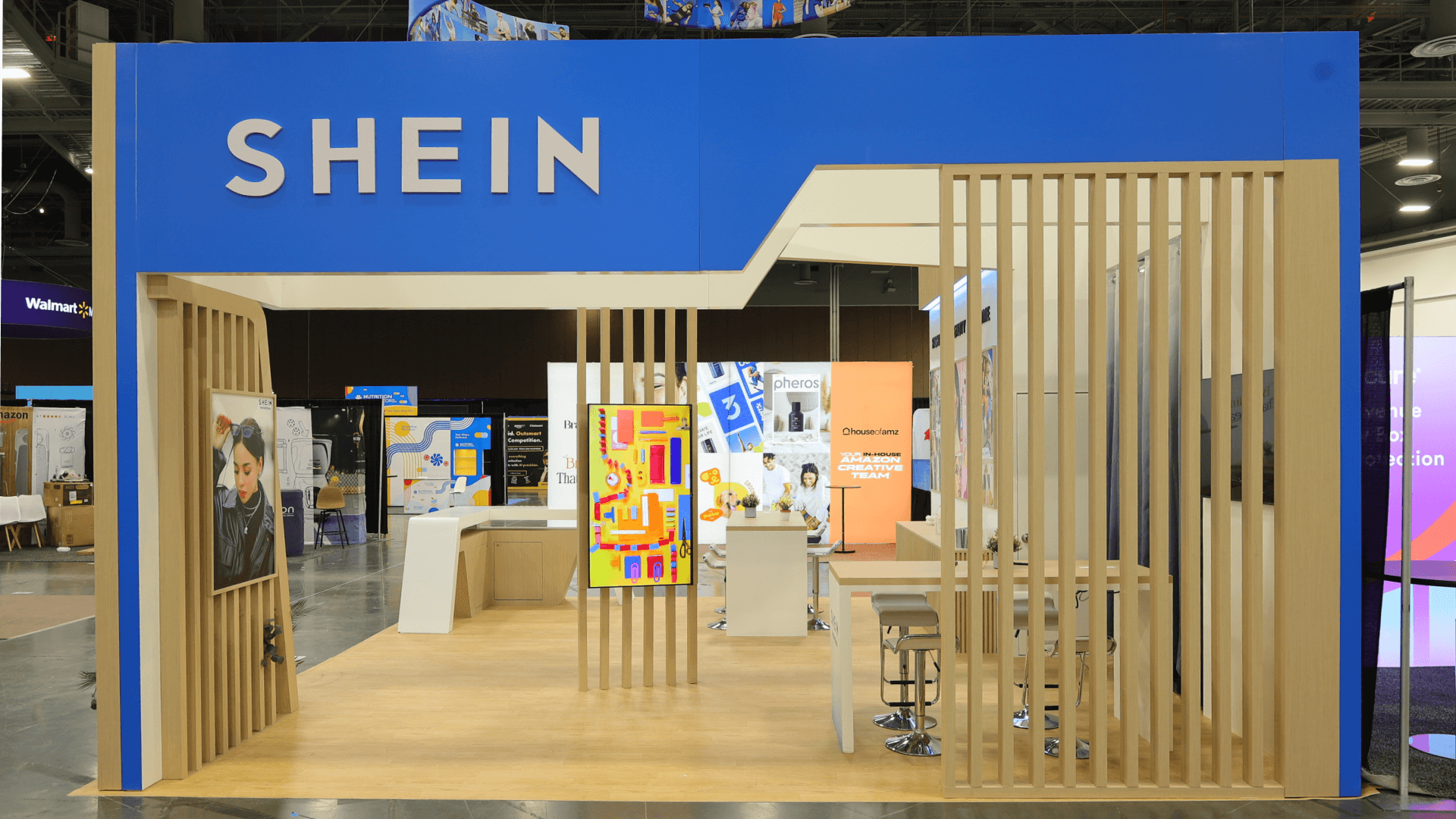

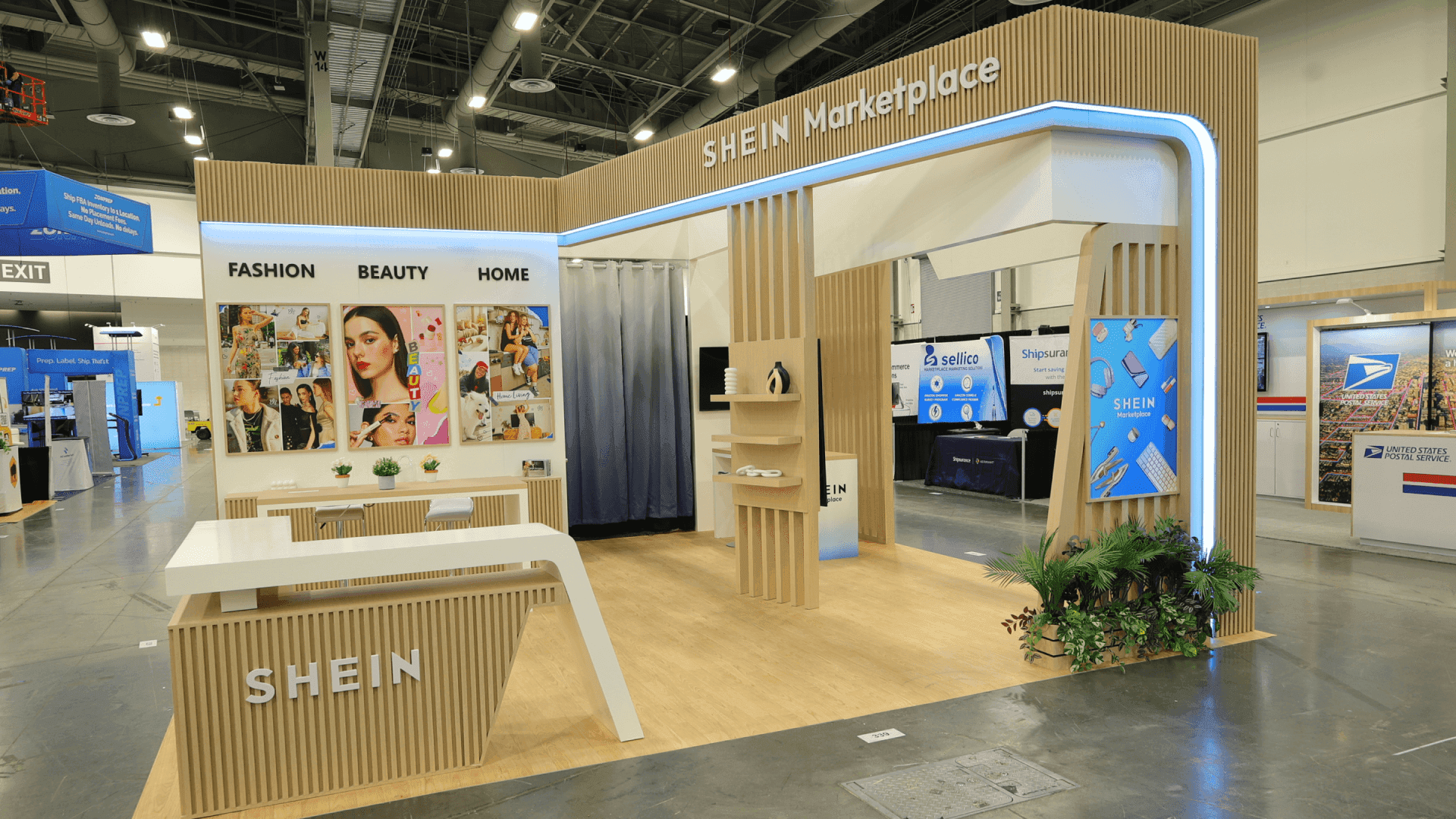

How should retail solution providers plan a booth for NRF Retail's Big Show?
Start with the retail task a visitor wants to improve, then show that task through a working device, screen, or service workflow. The booth needs a clear place to see the proof and a separate way to ask how the solution would fit. Choose the footprint by how many demonstrations, conversations, and support tasks will happen at once.
NRF Retail's Big Show brings together retailers looking at tools for stores and commerce operations. A payments vendor may need a working terminal; a software team may need a screen showing a checkout or returns sequence. Lead with the buyer task, so visitors know what they are seeing before the demonstration begins.
Footprint follows activity. A 10x10 can host one guided demonstration; a 10x20 may add room to step aside for a short discussion; a 20x20 or larger space can handle parallel activity. These are planning examples, not show requirements. Compare the functional trade-offs in booth size planning.
At the Javits Center, the chosen equipment, power, graphics, storage, and installation needs should become one production brief. That brief can guide trade show booth design and build from the first layout to show-site setup.
Why Exhibitors Choose Circle Exhibit
Clear scope, transparent quote review, nationwide booth support, and efficient setup planning for qualified rental and custom exhibit projects.
48hr
Setup Window
10+
Years Since 2014
U.S.
Trade Show Support
Real
Booth Project Proof
Count the demonstrations, questions, staff handoffs, and reset tasks expected at the same time. These footprints illustrate capacity choices; the assigned space and current show requirements still govern the final layout.
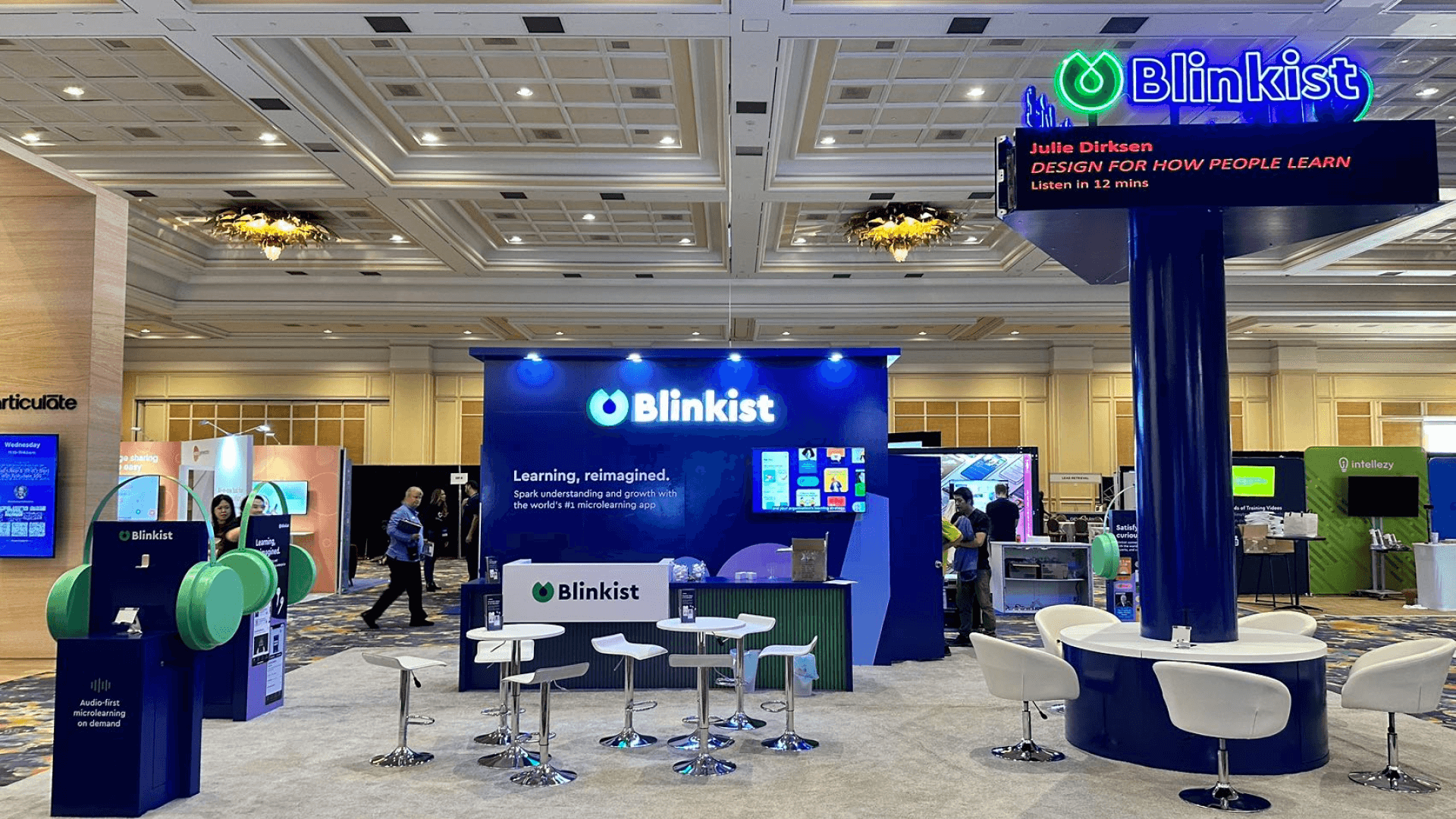
Use one clear screen or device, a short aisle message, and space for a staff-led walkthrough. A private meeting or a second live demo will be hard to fit.
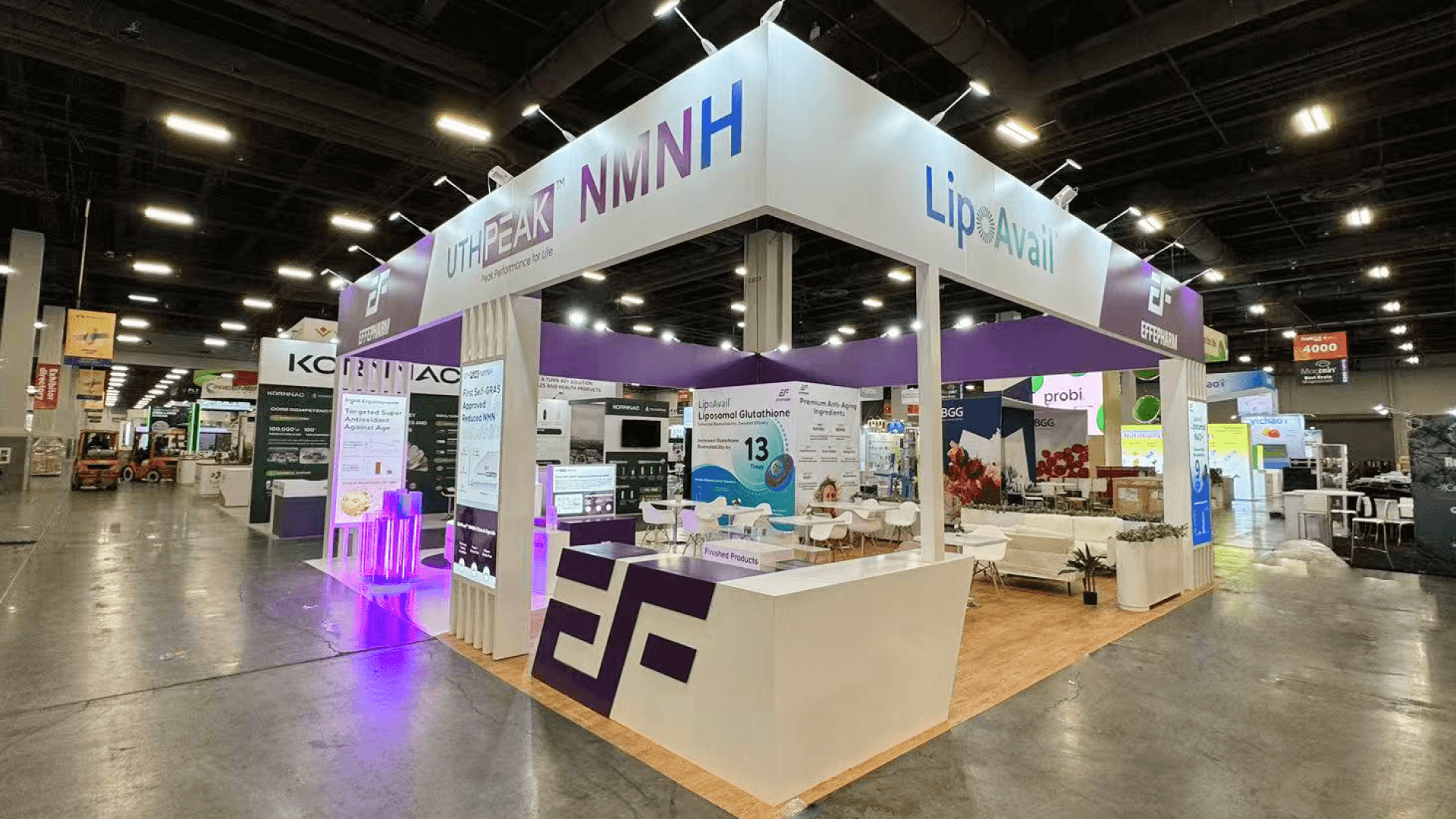
This footprint can give a demo and a buyer conversation separate positions, or support two focused demos. Check sightlines and staff coverage in 20x20 booth planning.
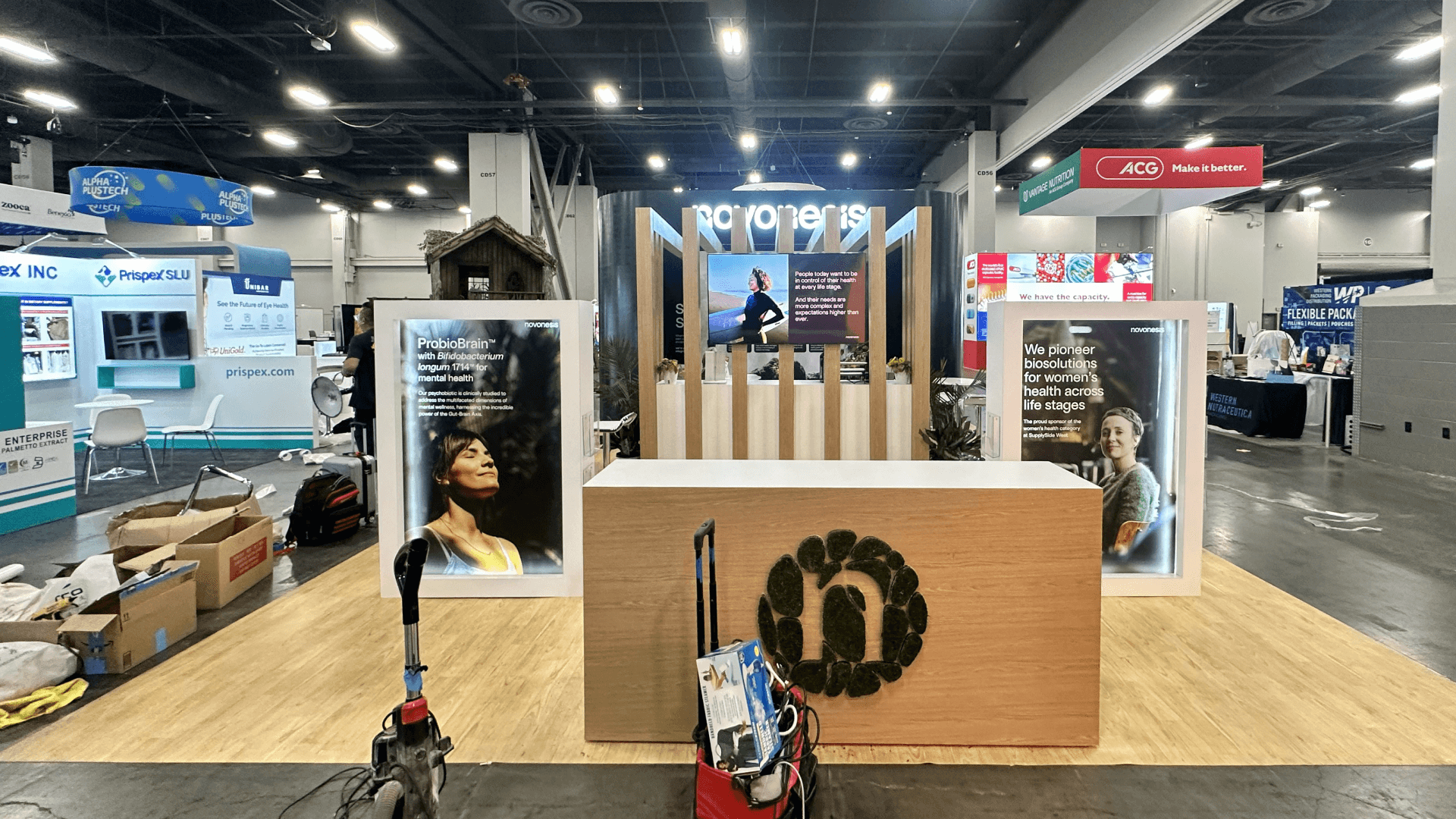
One active demonstration can sit beside a place for brief buyer questions, provided the equipment and storage do not crowd the route. Test that division in 10x20 booth planning.
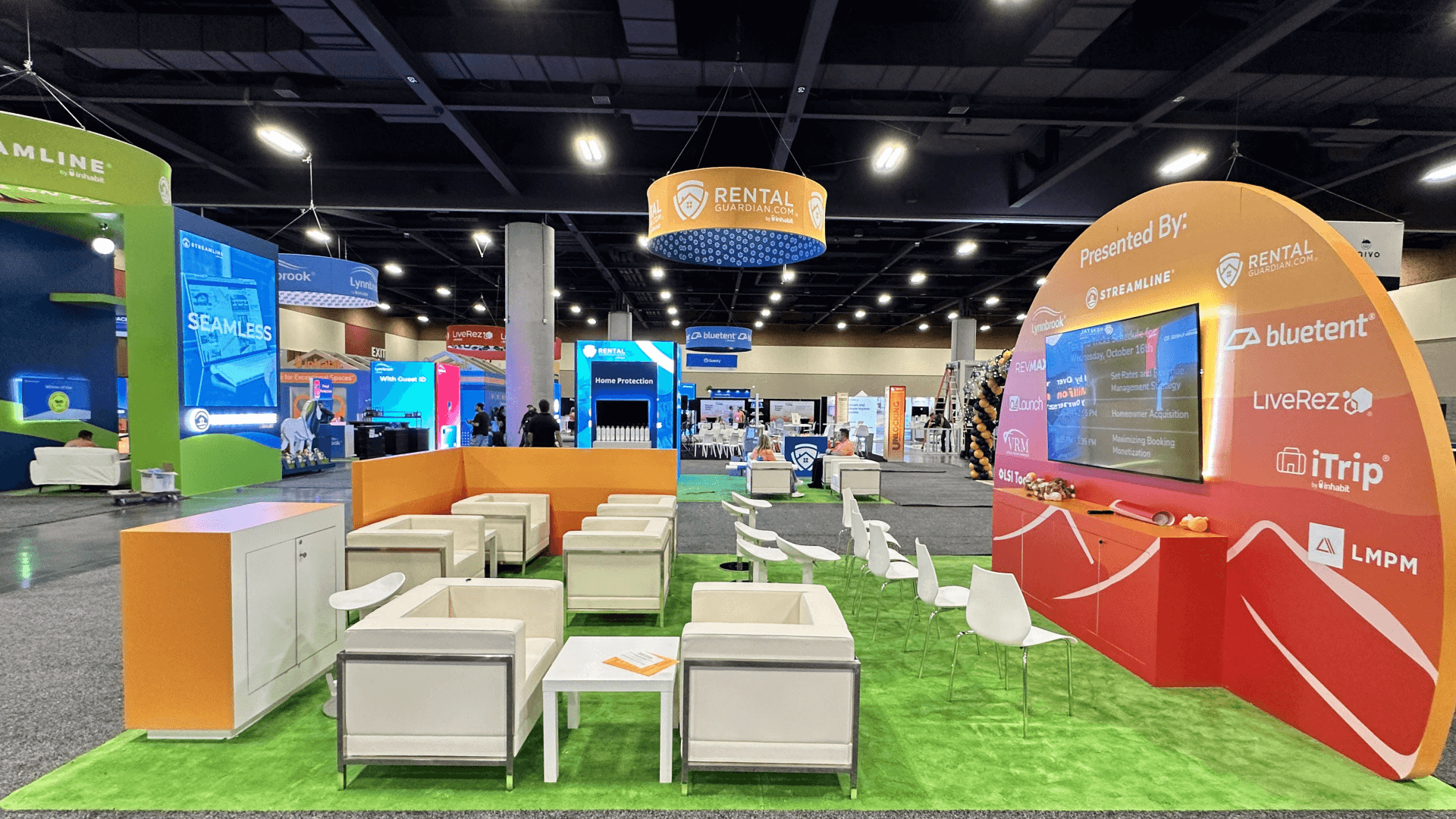
Consider more space when hardware, multiple product lines, and longer meetings must coexist. Keep the visitor's first task legible; extra floor area should not become a catalog of unrelated features.
Use the display to show what a retailer can actually evaluate, then give staff room to answer the next question without interrupting the demonstration.
Name the store or commerce task in plain language. A passerby should know whether the booth is showing checkout, fulfillment, returns, or another specific use case.
Position the device or screen so a visitor can follow the first step without waiting for a full sales pitch. Keep supporting details nearby, not across the booth.
Leave room to discuss integration, rollout, or a buyer's own process while the next visitor sees the demo. The conversation can be brief without blocking the display.
Store chargers, spare devices, printed examples, and staff supplies close to the working area. A quick reset helps the next visitor see the same complete demonstration.
The Expo brings retail tools and service providers together across store, commerce, and operations topics.
NRF 2027 takes place at the Jacob K. Javits Convention Center in New York City.
Visitors can examine solutions, compare providers, and decide which questions merit a deeper conversation.
Not Sure Which Booth Size You Need?
Not every exhibitor knows whether a 10x20, 20x20, 20x30, or larger booth is the right fit. Circle Exhibit can help review your event goals, product display needs, demo areas, meeting space, storage, budget scope, and setup timeline before you choose a booth size.
Features Without a Retail Task
Physical and Digital Proof Compete
1
Pick the Retail Task
2
3
4
Rental for One Clear Workflow
A rental system can suit a focused demonstration with branded graphics, a counter, and a modest meeting spot. Compare trade show booth rental options once the equipment list and assigned space are known.
Custom When Structure Carries the Demo
Consider a custom build when devices, product fixtures, or sightlines depend on purpose-built surfaces. Specify those demands before choosing finishes or adding more screens.
A Reusable Base With Targeted Built Pieces
A repeatable booth can still use a custom device mount or demo counter where the retail workflow needs one. Check whether those pieces can travel and fit the next venue.
Check the booth's location, dimensions, orientation, and applicable structure limits against the current exhibitor materials before final drawings are approved.
List every working device, screen, and connection, then confirm the required services and their placement through the show's current ordering process.
Mark which cases contain structure, graphics, equipment, and demo supplies. Align delivery and installation with the assigned move-in instructions.
Once the booth is installed, test the aisle view, the first demo step, the handoff to a conversation, and the reset before doors open.
Browse Rental Layouts by Booth Size
A compact layout can host one guided demo; a larger footprint may separate live proof from buyer conversations. Compare size-based rental options, then adapt the counters, screens, and storage to your assigned NRF space.
Can an NRF booth serve both store and ecommerce buyers?
Yes, if visitors can see one clear task first and staff can take the conversation toward each buyer's context. Separate messaging can help, but avoid running unrelated demos through the same screen.
Is a 10x20 booth large enough for an NRF demonstration?
How should hardware and software be shown together?
Does an Exhibitor Big Ideas session replace a booth demo?
What should be checked before an NRF booth build is finalized?
READY TO PLAN YOUR NEXT BOOTH?
Let’s Build a Booth That Fits Your Event
Share your event name, booth size, city, timeline, product display needs, and design references. Circle Exhibit will review your project direction and help you choose a rental-friendly or custom exhibit path.
3000+
Booth Projects Supported
50+
U.S. Event Cities
Transparent
Quote Review
Develop the counter positions, screen sightlines, and equipment support around the retail task visitors will see.
Give the buyer task a clear aisle message and keep technical detail close to the working demonstration.
Coordinate packed equipment, graphics, delivery, and the handoff into the Javits Center setup plan.
Plan assembly, equipment placement, final testing, and the reverse sequence for move-out.