Holiday Showcase Technology Demo Booth Planning


How should technology exhibitors run demos at Holiday Showcase?
Demonstrate one association workflow, not the full platform. Make the outcome and screen visible before a visitor joins, keep the interaction short enough to repeat, and prepare live, recorded, and offline fallback paths. Capture the buyer’s use case, then route qualified interest to a scheduled full demo or technical evaluation.
This page is for association technology exhibitors that need to prove product relevance within a short booth interaction. The booth should demonstrate one workflow, show one useful result, and identify who should continue to a deeper product session.
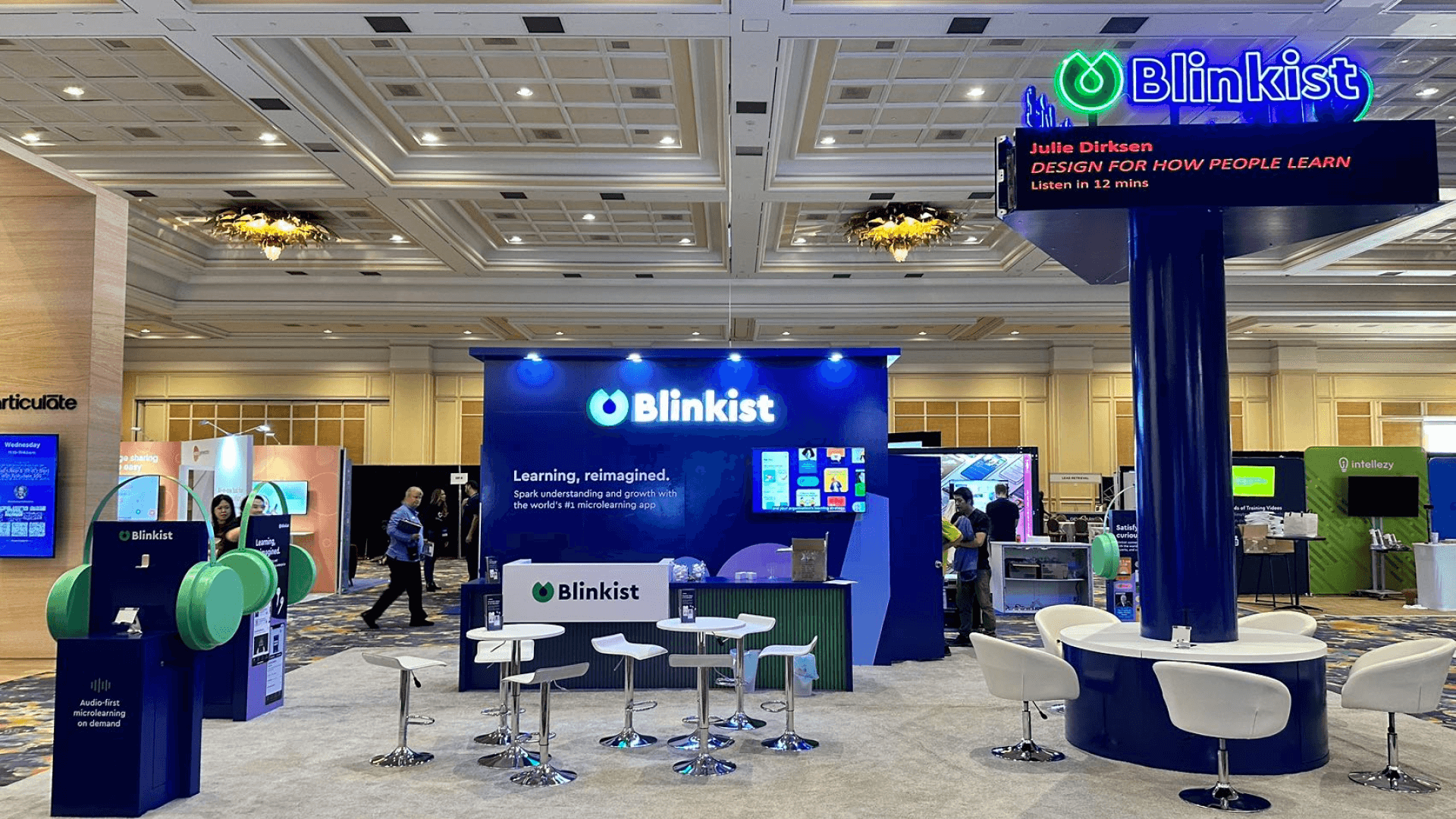
One 10×10 unit can support a rear screen, an offset operating counter, standing room for two or three viewers, and protected equipment storage. A program that needs simultaneous demos, seated qualification, or multiple product teams should confirm adjacent booth units before moving to a larger footprint.
Use the Holiday Showcase booth planning hub for event-wide space, services, staffing, and follow-up decisions. For this Child page, booth design and engineering should solve screen support, counter height, equipment access, cable routing, and demo reset.
Why Exhibitors Choose Circle Exhibit
Clear scope, transparent quote review, nationwide booth support, and efficient setup planning for qualified rental and custom exhibit projects.
48hr
Setup Window
10+
Years Since 2014
U.S.
Trade Show Support
Real
Booth Project Proof
Holiday Showcase sells 10×10 booth units. Use one unit for a single repeatable workflow; request adjacent units only when the program needs a separate qualification area, simultaneous demonstrations, or more than one product team. Larger combined layouts remain conditional until show management confirms contiguous space.
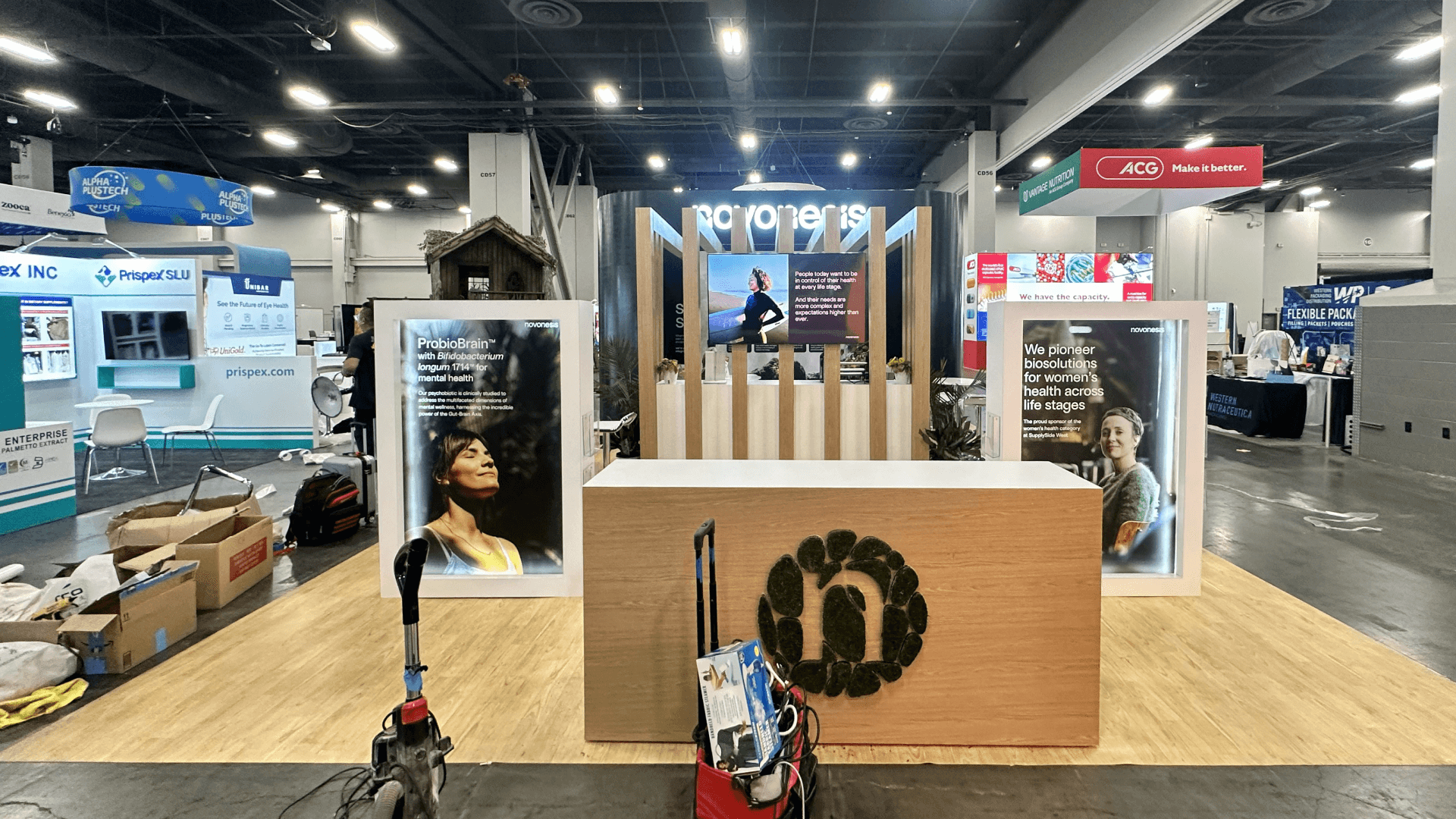
A 10×10 technology booth can support one visible screen, one operating counter, two or three standing viewers, and protected equipment storage. Keep the demo to one repeatable workflow and move deeper evaluation to a scheduled session.
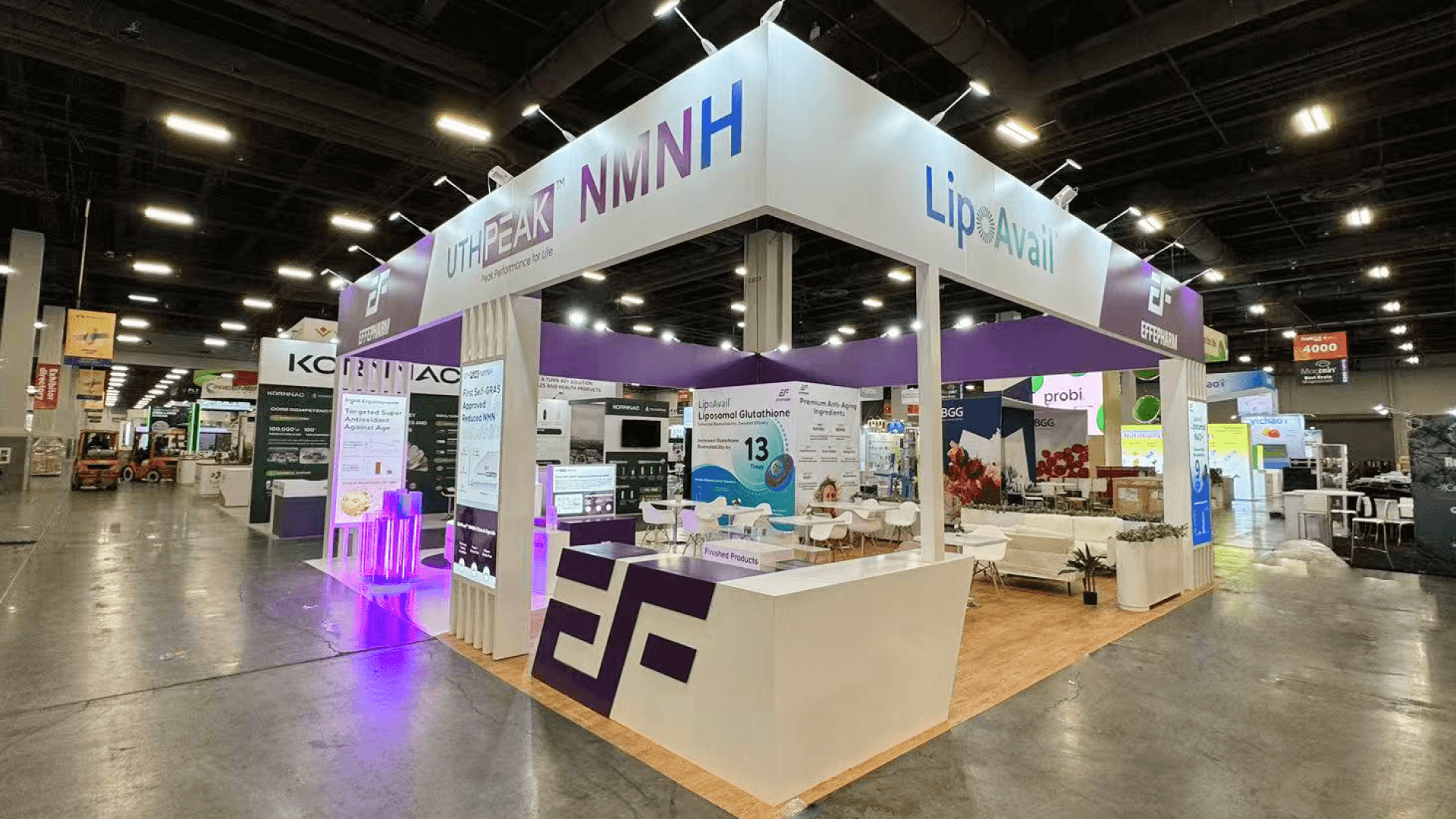
Two adjacent units may support a 10×20 technology booth with one micro-demo zone and a separate qualification or booking point. Use the added area to separate functions, not to extend the booth demo into a full platform presentation.
A corner 10×10 demo booth gives the outcome message and screen a second approach angle. It improves visibility and queue entry, but the same footprint still limits the team to one active demo path and compact storage.
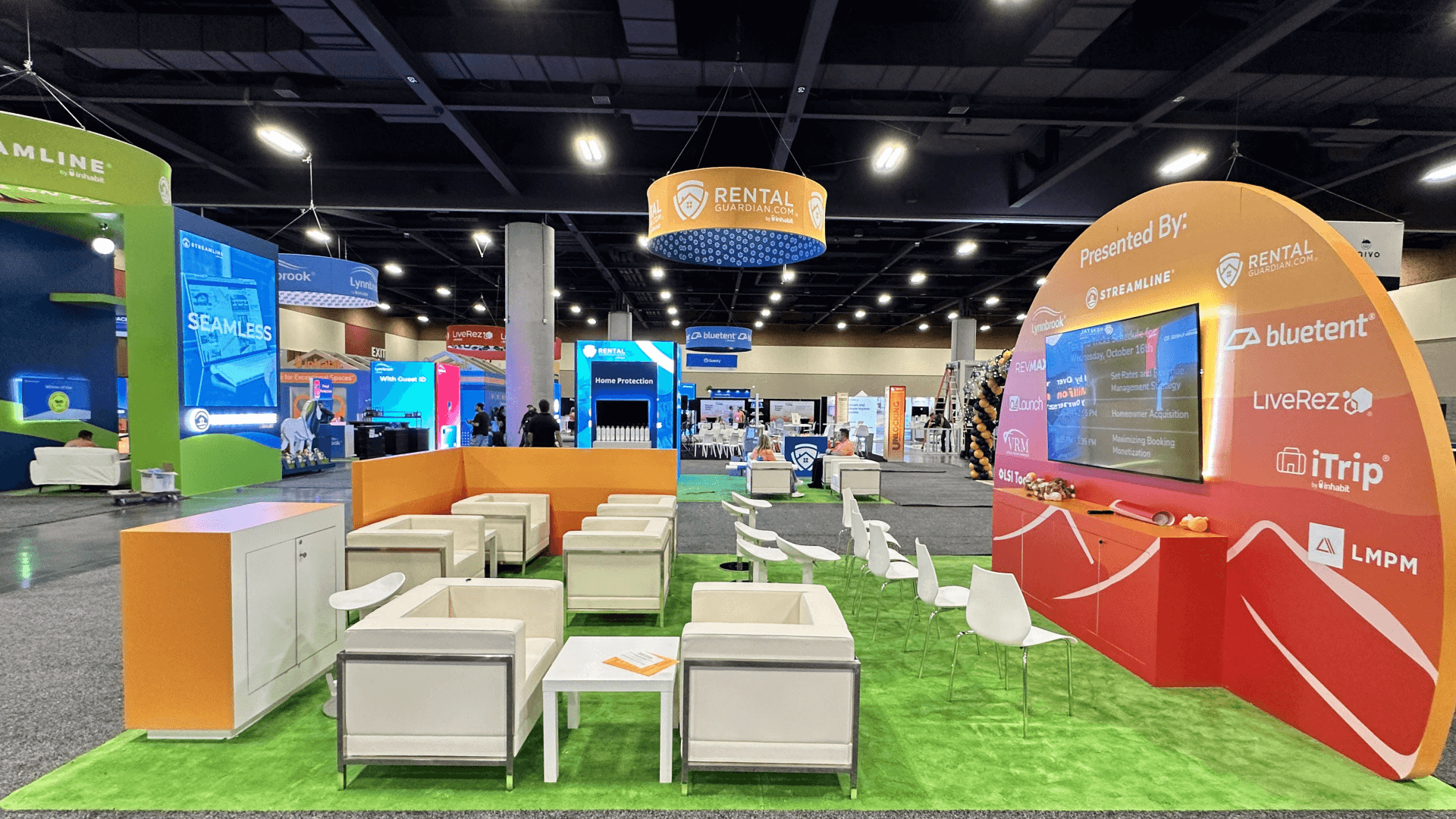
Four adjacent units could create a 20×20 technology exhibit with multiple demo stations, a qualification point, and larger technical storage. Confirm power, internet, sound, sightlines, and the combined footprint before designing simultaneous workflows.
Before selecting a monitor, demo counter, internet service, or backup method, decide who the first interaction serves and what change that buyer should recognize. The technology demo outcome guide helps teams choose one lead outcome, define a visible change, and set the point where the booth conversation should move into a full-platform review. This page then handles the screen, equipment, 10×10 viewing flow, and technical execution needed to deliver that decision.
The exhibit should communicate the use case before the demo starts, make the workflow readable during the interaction, and offer a clear route to a full product evaluation. Technology should support the conversation rather than dominate the entire footprint.
Identify the association task being improved and the result the buyer should expect. Avoid a category label or feature stack that requires staff to explain why the product matters.
Use a large, simplified interface view and a high-contrast demo sequence. Remove small navigation, sensitive data, notifications, and unnecessary steps that make the screen difficult to follow from standing distance.
Support the operating device at a comfortable presenter height and conceal power, signal, and charging cables. Provide quick access for reset or replacement without exposing the equipment area to visitors.
Capture the buyer’s use case, current system, evaluation stage, and desired next step. Make it easy to schedule a full demonstration or technical follow-up rather than extending the booth demo beyond its intended scope.
The exhibit hall is scheduled as a four-hour window on December 3. A useful booth demo can start quickly, reach one visible outcome, and reset without a long discovery or setup sequence.
Do not assume general venue connectivity or the standard booth package will support a business-critical demo. Determine power, internet, monitor, stand, AV, and lead-capture requirements from the final equipment list.
Recent Holiday Showcase data identifies 81% of attendees as decision-makers. Staff still needs to distinguish product fit from general curiosity and record the use case that justifies a deeper session.
Not Sure Which Booth Size You Need?
Not every exhibitor knows whether a 10x20, 20x20, 20x30, or larger booth is the right fit. Circle Exhibit can help review your event goals, product display needs, demo areas, meeting space, storage, budget scope, and setup timeline before you choose a booth size.
The Interface Is Too Small to Follow
The Live Account Fails at the Wrong Moment
1
Choose One Workflow and Success Moment
2
3
4
A Monitor-Ready Rental Setup
A monitor-ready Chicago trade show booth rental can provide the wall, demo counter, lighting, and protected storage for one screen-led workflow while devices and graphics change between releases or events.
An Engineered System for Repeated Demos
A Chicago trade show booth builder can engineer precise screen integration, ventilated equipment storage, proprietary interaction hardware, and a repeatable environment when the same demo program travels to several shows.
Customize the Component That Controls Reliability
Keep the main structure flexible, then customize the counter insert, cable-management part, screen surround, or equipment mount that most directly affects setup, reset, or demo reliability.
Calculate monitor, laptop, network device, lighting, charging, and lead-capture loads before ordering services. Do not assume general venue connectivity is included or suitable for a business-critical live demo.
Decide whether screens and stands will be rented locally or shipped with the booth. Protect devices, label cases and adapters, and plan who will test each component after installation.
Route power and signal cables away from entry and standing areas, keep audio at a conversation level, and avoid a screen or counter position that directs viewers into the aisle.
Test the live account, recorded sequence, offline assets, spare device, adapters, and reset procedure in the installed booth. Every presenter should know how to switch paths without stopping the buyer conversation.
Demo-Ready Booth Rentals for Holiday Showcase Technology Exhibitors
Technology exhibitors need a stable screen position, an offset operating counter, protected equipment storage, and clear cable access. A rental system can provide that framework while allowing devices, graphics, and demo workflows to change between software releases and events.
Is basic venue Wi-Fi enough for a live Holiday Showcase demo?
Do not assume basic Wi-Fi will support a business-critical workflow. Determine the connection required by the live demo, confirm current service options, and prepare recorded, offline, or static backup paths that communicate the same outcome.
How long should a booth demo be?
Should the product be shown live or as a recording?
How should the screen and counter fit in a 10×10 booth?
What should happen after the short booth demo?
READY TO PLAN YOUR NEXT BOOTH?
Let’s Build a Booth That Fits Your Event
Share your event name, booth size, city, timeline, product display needs, and design references. Circle Exhibit will review your project direction and help you choose a rental-friendly or custom exhibit path.
3000+
Booth Projects Supported
50+
U.S. Event Cities
Transparent
Quote Review
Translate the screen, counter, equipment, storage, and viewing requirements into a coordinated Chicago exhibit.
Coordinate monitors, devices, cases, adapters, graphics, freight labels, and service timing before the show.
Install the display, test the technical stack, complete final cable and safety checks, and prepare the booth for opening.