GDC Festival of Gaming Booth Planning


How should exhibitors plan a booth for GDC Festival of Gaming?
Plan a GDC booth around the visitor’s main task, with space to operate the demo, watch the result and ask questions. Use hardware dimensions and staffing needs to choose the footprint. Confirm the booked space and any included equipment before deciding what to rent or build, then place technical discussions and partner meetings where they can happen without interrupting the demonstration.
A GDC booth should make the product clear before a visitor starts a demo. Show which game experience, development task or platform capability is being presented, and decide whether the next step is feedback, technical evaluation or a partnership conversation.
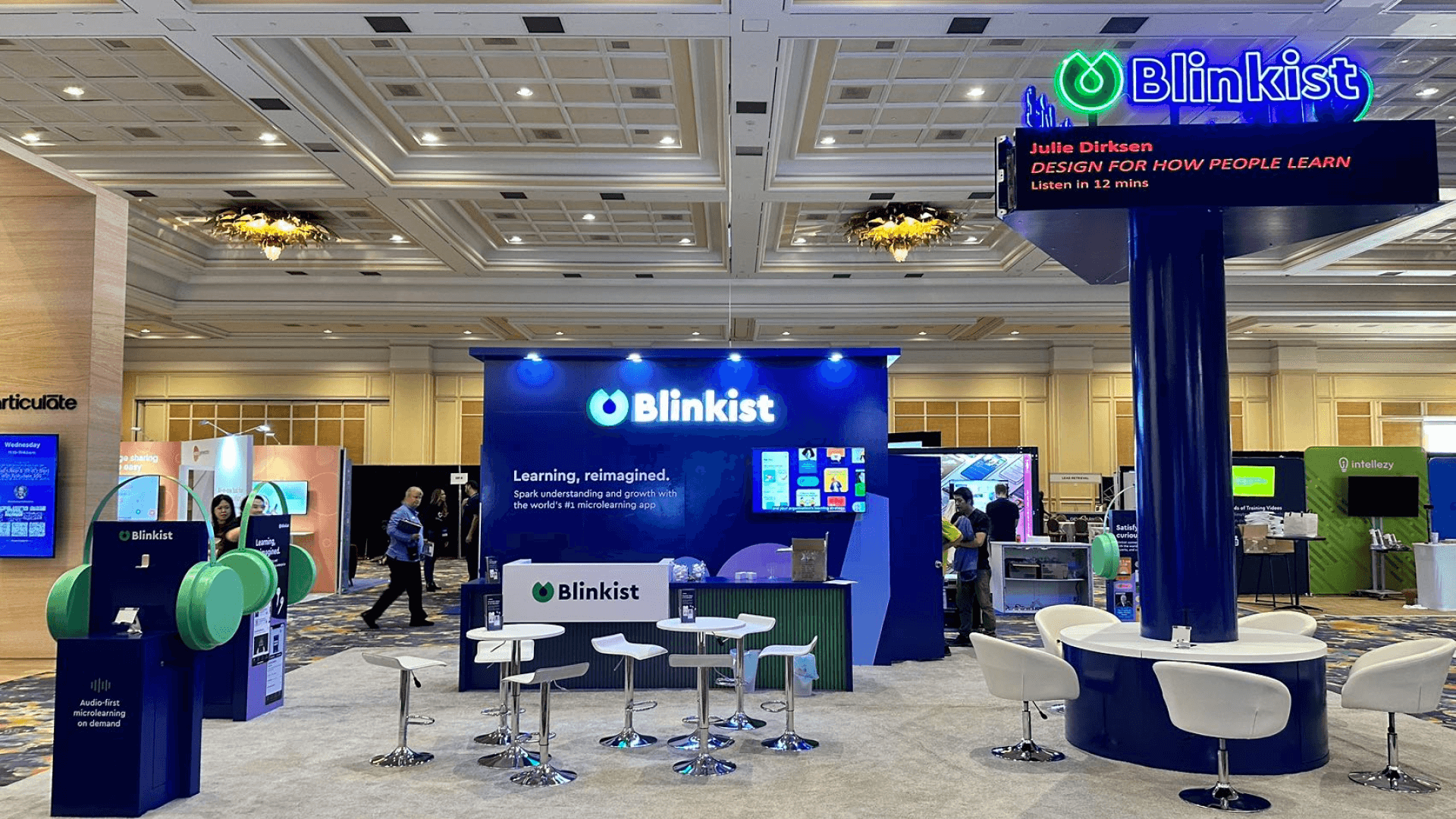
At Moscone Center, Festival Hall in Moscone South supports discovery and demonstrations; Business Hall in Moscone West provides a separate setting for meetings. Decide which questions need the demo nearby. A 10x20 booth layout can suit a focused station with short conversations when the equipment, viewing positions and staff circulation fit the space.
Circle Exhibit’s trade show booth design and build services can help develop the layout, graphics and fixtures, with service and setup requirements coordinated before production.
Why Exhibitors Choose Circle Exhibit
Clear scope, transparent quote review, nationwide booth support, and efficient setup planning for qualified rental and custom exhibit projects.
48hr
Setup Window
10+
Years Since 2014
U.S.
Trade Show Support
Real
Booth Project Proof
Start with the working footprint of the demonstration, including people and service access. The examples below describe possible uses; the contracted area and open sides determine the final arrangement.
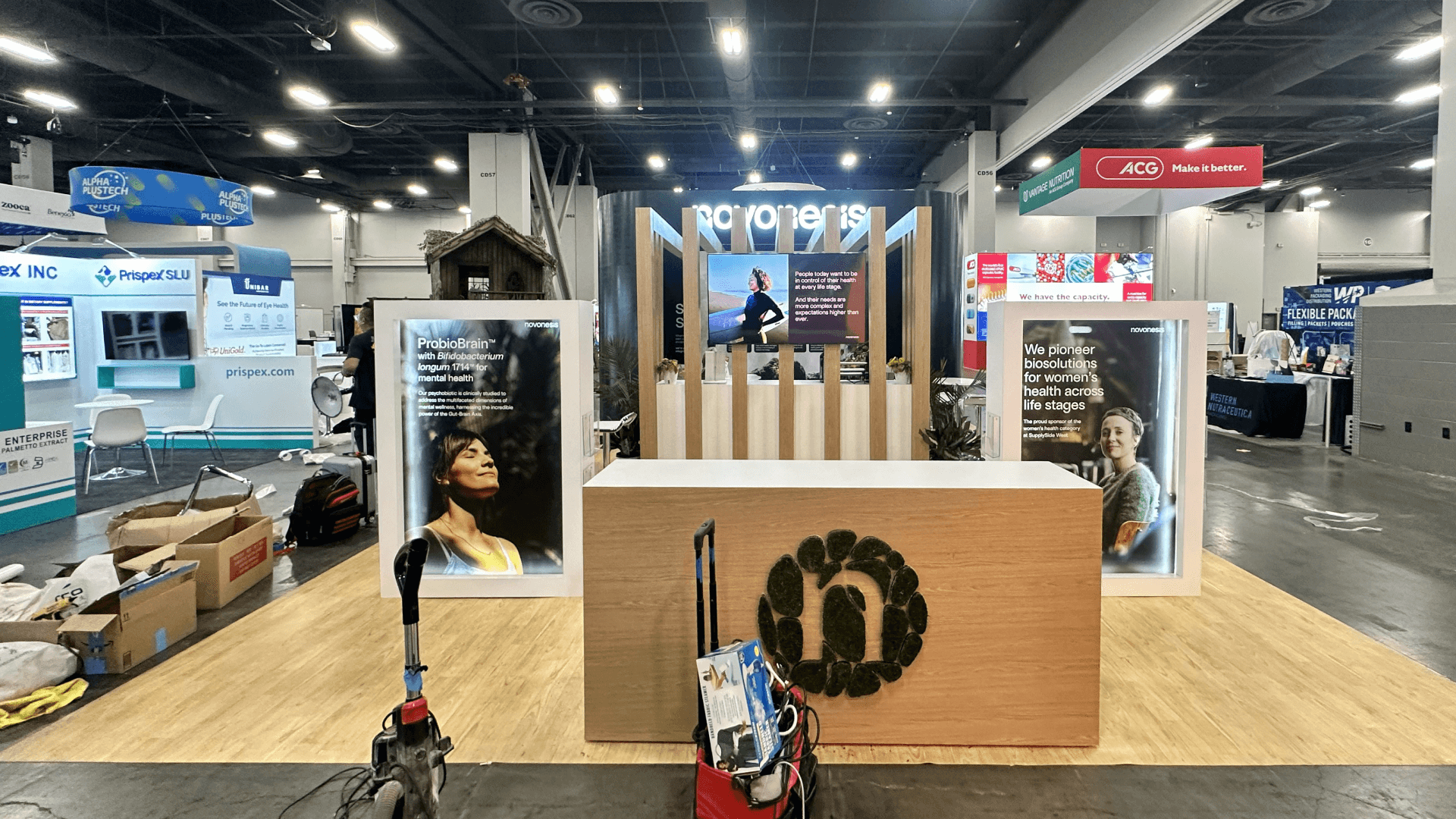
A 10x10 booth may suit one compact station when the visitor and staff positions fit inside the footprint. Keep any extra seating secondary to operating and viewing space.
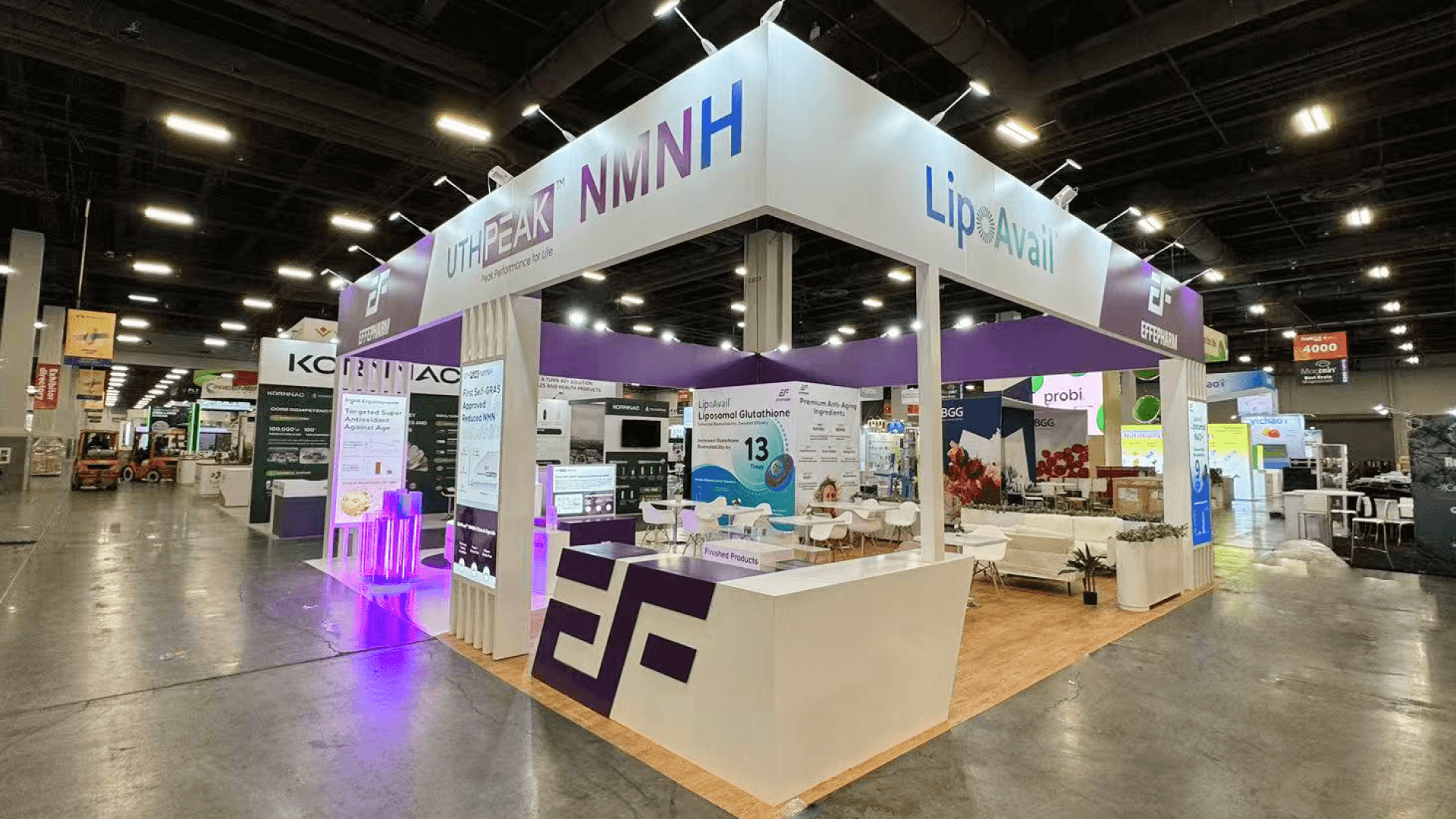
Consider a 20x20 booth when an active demo and a separate technical review need to run at the same time. Check both activities with staff and equipment in place, including access to storage.
A 10x20 booth can give one active demo a nearby place for short discussions. Before moving up in size, test whether changing the counter, screen or furniture positions resolves the conflict.
Consider a 20x30 booth when required workstations, hardware and longer conversations compete for the available area. First confirm which activities must overlap and which can be scheduled separately.
Demo Method
Product demo zone planning explains operating space, observer positions, screens, power and reset access. Use it to develop the demonstration selected for GDC.
Exhibitor Preparation
Read the exhibitor manual before production explains how to turn rules and deadlines into design, service-order and logistics actions. Apply the method to the current documents for your contracted GDC space.
The display needs to explain what is being shown, support the selected demonstration and leave room for a useful follow-up. Choose the functions that matter to your product.
Use graphics and screen content to name the product and its purpose before the demo starts. A visitor should understand what is available to try or discuss.
Place controls and instructions where the participant uses them. For software or tool demonstrations, make the selected action and result visible to people watching alongside.
Keep brief questions close to the demonstration. Agree where staff will handle feedback, deeper technical evaluation or partnership discussions when those conversations need more time.
Plan access to the connections, spare equipment and reset controls needed during the show. Keep those working areas clear as participants and observers use the station.
GDC connects game creators, publishers, platforms and technology partners across the games industry.
GDC takes place at Moscone Center on March 1–4. Festival Hall runs March 2–4.
Festival Hall in Moscone South centers on discovery and demos; Business Hall in Moscone West supports meetings.
Not Sure Which Booth Size You Need?
Not every exhibitor knows whether a 10x20, 20x20, 20x30, or larger booth is the right fit. Circle Exhibit can help review your event goals, product display needs, demo areas, meeting space, storage, budget scope, and setup timeline before you choose a booth size.
The Result Can Be Hard to See
Long Questions Can Occupy the Demo
1
Set the Demo’s Purpose and Next Step
2
3
4
Rental Booth for Focused Screen Demos
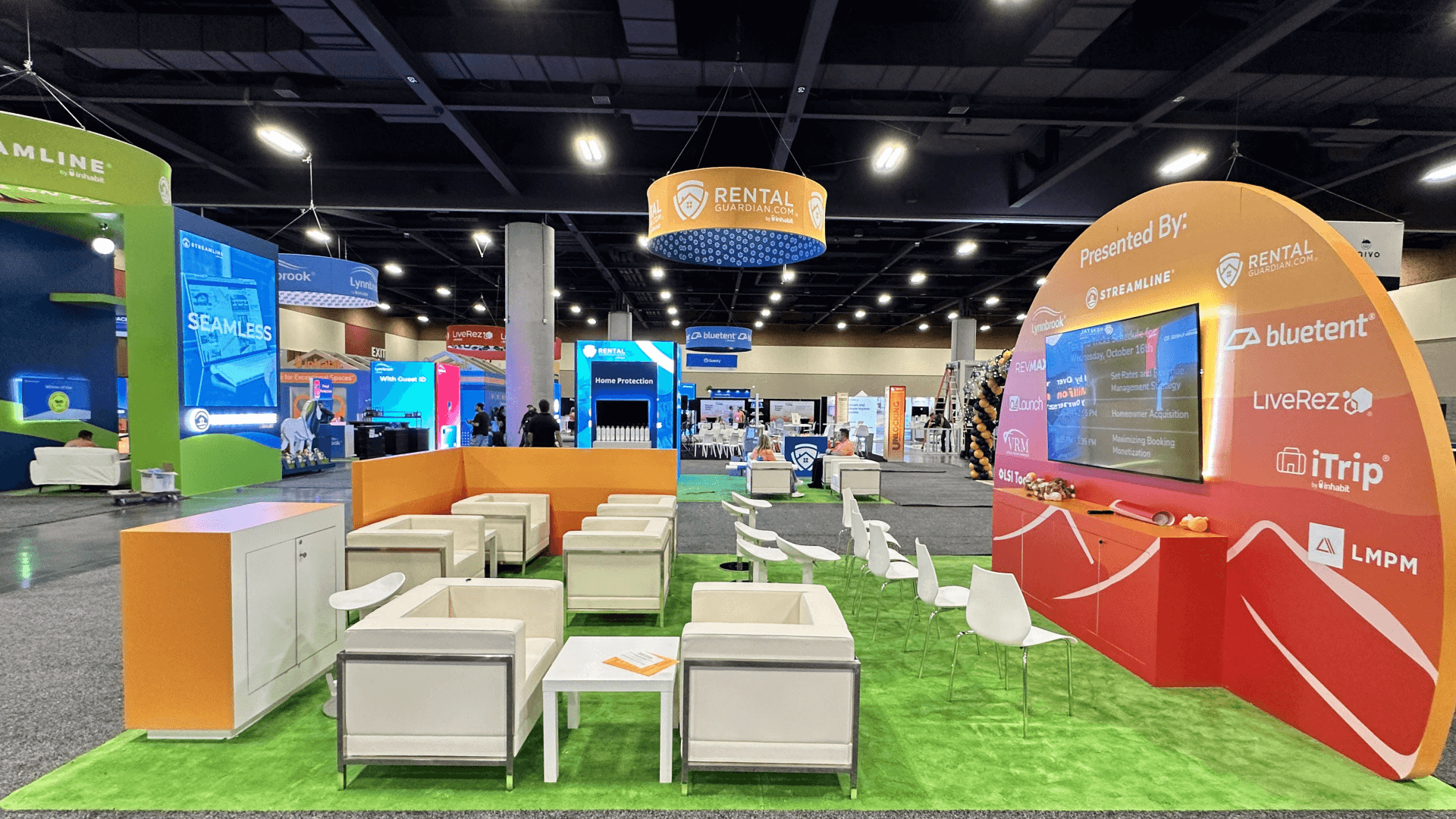
A reusable structure may suit a screen-based demonstration with standard counters and storage. Review trade show booth rental options when the equipment can be supported without purpose-made structural elements.
Rental with Custom Demo Fixtures
Keep the reusable structure where it fits, then fabricate the specific work surface, device support or enclosure the demo requires. Confirm attachments, access and packing for those added parts.
Custom Build for Specialized Displays
A custom-built exhibit may be appropriate when essential equipment or the display arrangement will not fit an available rental system. Confirm those requirements before committing to fabrication.
Use the contracted hall and floor location for delivery and installation planning. Moscone South and Moscone West have different roles in the GDC program.
Moscone lists internet and telecom service through Facility Services, with electrical work handled by the designated electrical contractor. Confirm the applicable service arrangements before placing orders.
Power and data connections are available through floor ports in Moscone exhibit halls. Coordinate the applicable connection locations with counters, flooring and service access in the approved layout.
Use the current GDC exhibitor instructions to confirm delivery windows, contractor access and installation responsibilities for the booked space. Do this before freight and crew arrangements are finalized.
Plan a GDC Booth Rental Around Your Demo
For a GDC booth rental proposal, provide the booked footprint, package inclusions, hardware dimensions and the demonstration you intend to run. Circle Exhibit can help coordinate the layout, rental components and any required custom fixtures, with graphics, logistics and installation scope defined around that brief.
How much of a game or tool workflow should we demonstrate?
Choose a short sequence that lets visitors experience the main value and ask a useful question. Keep deeper features available for visitors who need a technical evaluation rather than extending every public demonstration.
Can a 10x20 booth support a demo and technical discussions?
Do Business Hall meetings remove the need for booth seating?
What if our booked package already includes furniture or AV?
What should the booth support if we cannot run a live demo?
READY TO PLAN YOUR NEXT BOOTH?
Let’s Build a Booth That Fits Your Event
Share your event name, booth size, city, timeline, product display needs, and design references. Circle Exhibit will review your project direction and help you choose a rental-friendly or custom exhibit path.
3000+
Booth Projects Supported
50+
U.S. Event Cities
Transparent
Quote Review
Turn equipment dimensions, visitor positions and display goals into a workable booth layout.
Check the space needed for more than one evaluation path, technical conversations and accessible storage.
Coordinate booth components, demonstration equipment and show requirements before freight plans are finalized.
Plan assembly, equipment placement and removal responsibilities for the agreed booth scope.
For teams presenting AI tools for game development, compare how other event audiences change demo depth and technical conversations.