
Turn the Manual Into Four Project Actions
Use the same four actions throughout the review:
Find — Locate requirements that can change the booth, contractor access, freight, services, or show schedule.
Extract — Record the actual requirement, deadline, document, drawing, or service condition.
Assign — Identify the person or company responsible for acting on it.
Route — Move the item into the right project track: design and production, technical approval, logistics, service ordering, or installation planning.
This prevents important requirements from remaining buried in a PDF after drawings, orders, or schedules have already moved forward.
Start With Deadlines That Can Change the Project
Start with the calendar before reading the manual section by section.
Look first for drawing-submission dates, contractor documentation deadlines, service-order cutoffs, freight receiving windows, target move-in dates, and outbound freight requirements.
Not every date carries the same risk. Missing an administrative form may be recoverable. Missing a drawing review, rigging request, receiving window, or service deadline may force a design change, rush order, different delivery plan, or revised crew schedule.
For each critical date, capture three things:
What is due?
Who owns it?
What changes if the deadline is missed?
That turns the deadline list into a working project schedule.
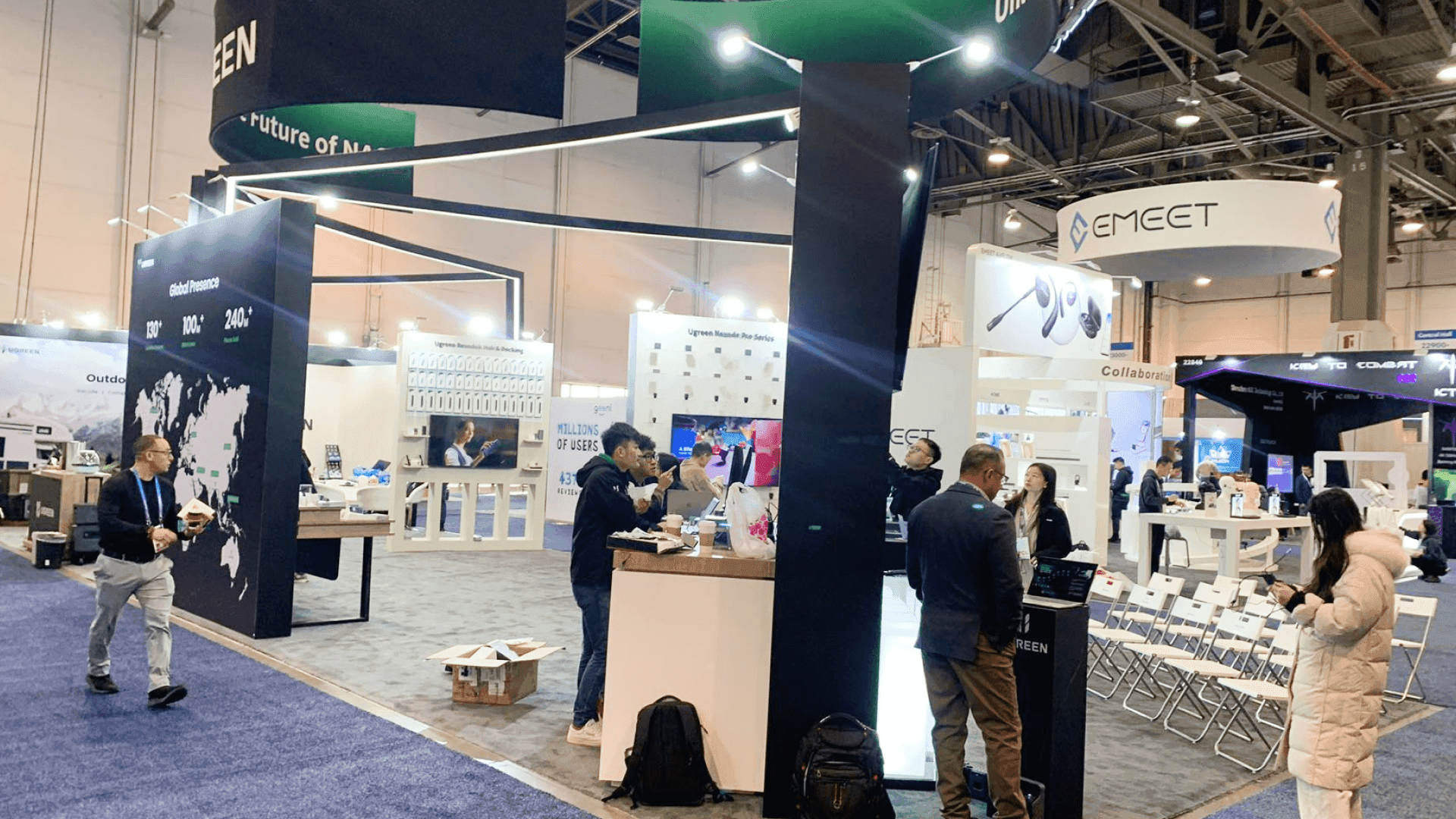
A useful exhibitor manual review starts by identifying the requirements that can still change booth design, approvals, contractor access, or the project schedule.
Flag Booth Rules That Change the Physical Design
Review booth rules while the design can still change.
Focus on requirements that affect the current concept, such as height limits, open-side rules, covered areas, structural features, hanging elements, fire and safety provisions, or accessibility.
Flag the rules that require a design or production response rather than copying every regulation into the project file.
A rendering can look complete and still create problems at a specific show if a physical restriction was never carried into the production drawings. Once a rule changes the height, shape, access, or structure of the exhibit, it needs to be reflected in the design workflow before fabrication begins.
Identify Approval and Technical Review Triggers
A booth can comply with general display rules and still require a separate submission or technical review.
Possible triggers include taller structures, covered or multilevel areas, hanging signs, suspended AV, overhead branding, structural drawings, or engineered elements. The exact requirements depend on the current event documents.
Extract four facts:
What needs review?
What documentation is required?
Who reviews it?
When is it due?
If the manual flags an engineered structure, hanging element, or another feature that needs separate review, move that requirement into an approval, engineering, and rigging review before fabrication is locked.
That keeps a technical approval issue from becoming a late production or move-in problem.
Extract Contractor and EAC Requirements
An EAC (exhibitor-appointed contractor) is a contractor selected by the exhibitor to perform approved show-site work rather than relying only on the event’s general contractor.
The manual may require EAC registration, a certificate of insurance, authorization forms, submission by a specific date, or limits on the work an outside contractor can perform. It may also identify services that must remain with an official or designated provider.
By the end of the review, the project team should know whether the contractor is authorized, which documents are still open, who owns each submission, and which services sit outside that contractor’s scope.
Separate Freight Receiving From Material Handling
Freight receiving tells you where and when a shipment can be accepted. Material handling tells you how exhibit materials move from the receiving point to the booth.
Material handling, often called drayage, is the show-site movement of exhibit freight between the receiving location and the exhibit space.
From the freight section, capture the receiving address, accepted delivery dates, shipment identification or labeling requirements, carrier instructions, booth-delivery process, and outbound handoff requirements.
Receiving dates, shipping labels, carrier timing, and booth-delivery requirements should feed directly into logistics and pre-show coordination rather than remain as notes inside the manual.
Transportation may be complete while the installation crew is still waiting for the materials to reach the booth space.
Map Show Services to the Booth Elements They Support
Electrical, internet, AV, rigging, cleaning, and other show services are easier to manage when they are tied directly to the booth elements that depend on them.
A monitor may need power and data at a specific location. A lightbox needs electrical access. A connected product demonstration may depend on internet service. An overhead sign may require both approval and rigging.
For each service, record:
Provider
Order deadline
Service location
Responsible party
Booth element affected
Then ask:
Which part of the booth cannot be completed or operated if this service is missing?
The result is a dependency map that design, production, and installation teams can use to check whether the booth is actually ready for show-site execution.
Turn Move-In and Move-Out Dates Into Working Windows
Show dates do not tell the project team when work can actually happen.
The manual may include target move-in periods, hall-access times, freight delivery windows, service appointments, contractor-access rules, empty-container return procedures, or outbound deadlines. These dates should be read together rather than treated as separate notices.
Translate them into three working windows:
Freight window — When can materials arrive and become available?
Service window — When can electrical, rigging, AV, or other required services be completed?
Crew window — When can installation or dismantling work actually take place?
If those windows do not overlap as expected, the booth may be physically ready while the show-site plan is not.

Freight, service orders, and move-in information should be routed into logistics and execution planning before the booth reaches production or the show floor.
Turn the Manual Into a Decision Routing Sheet
A good manual review should end with a working project document, not simply a marked-up PDF.
Manual Section | What to Extract | Where It Goes Next |
|---|---|---|
Deadlines | Submission, service-order, receiving, approval, and access deadlines | Project / production schedule |
Booth Rules | Physical restrictions that require a change to the current booth design | Design / production |
Approval / Drawings | Review trigger, required documents, submission owner, and deadline | Approval / engineering / rigging review |
EAC / Contractor | Registration, COI, authorization, work restrictions, and submission deadlines | Contractor authorization / show-site responsibility |
Freight / Material Handling | Receiving address, accepted dates, labels, booth-delivery requirements, and outbound handoff | Logistics |
Show Services | Provider, order deadline, service location, responsible party, and booth dependency | Service ordering / booth coordination |
Move-In / Move-Out | Freight, service, crew-access, dismantle, and outbound handoff windows | Installation / logistics schedule |
Add an owner and a simple status to each open item:
Open → Assigned → Submitted / Ordered → Confirmed
Once a requirement has an owner, destination, deadline, and status, it becomes part of the project rather than something still sitting in the manual.
Final Takeaway
An exhibitor manual is most useful when it is treated as a decision document rather than something to read from beginning to end.
Find the requirements that can change the project, extract the exact condition or deadline, assign an owner, and route each item into the right workflow before production, shipping, service orders, or move-in are locked.
The review is complete when the important requirements are reflected in drawings, orders, schedules, and responsibilities—not when every page has been highlighted.
FAQ
When should exhibitors review the exhibitor manual?
Review it before booth production, service orders, shipping, and labor schedules are finalized. Requirements found later are more likely to cause redesign, rush orders, delays, or show-site changes.
What parts of an exhibitor manual should be checked before booth production?
Start with booth rules, drawing and approval requirements, technical-service dependencies, and deadlines that could change the physical exhibit or production scope.
Is the exhibitor manual mainly for the booth builder?
No. Different sections may affect the exhibitor, booth partner, EAC, freight carrier, and show-appointed service providers. Each requirement should be assigned to the party responsible for acting on it.
Are exhibitor manual requirements the same for every show at the same venue?
No. Events at the same venue can use different contractors, deadlines, freight procedures, service providers, or approval requirements. Always work from the documents issued for the current event.







