AWS re:Invent AI & Cloud Demo Booth Planning


How should exhibitors plan an AWS re:Invent AI and cloud demo booth?
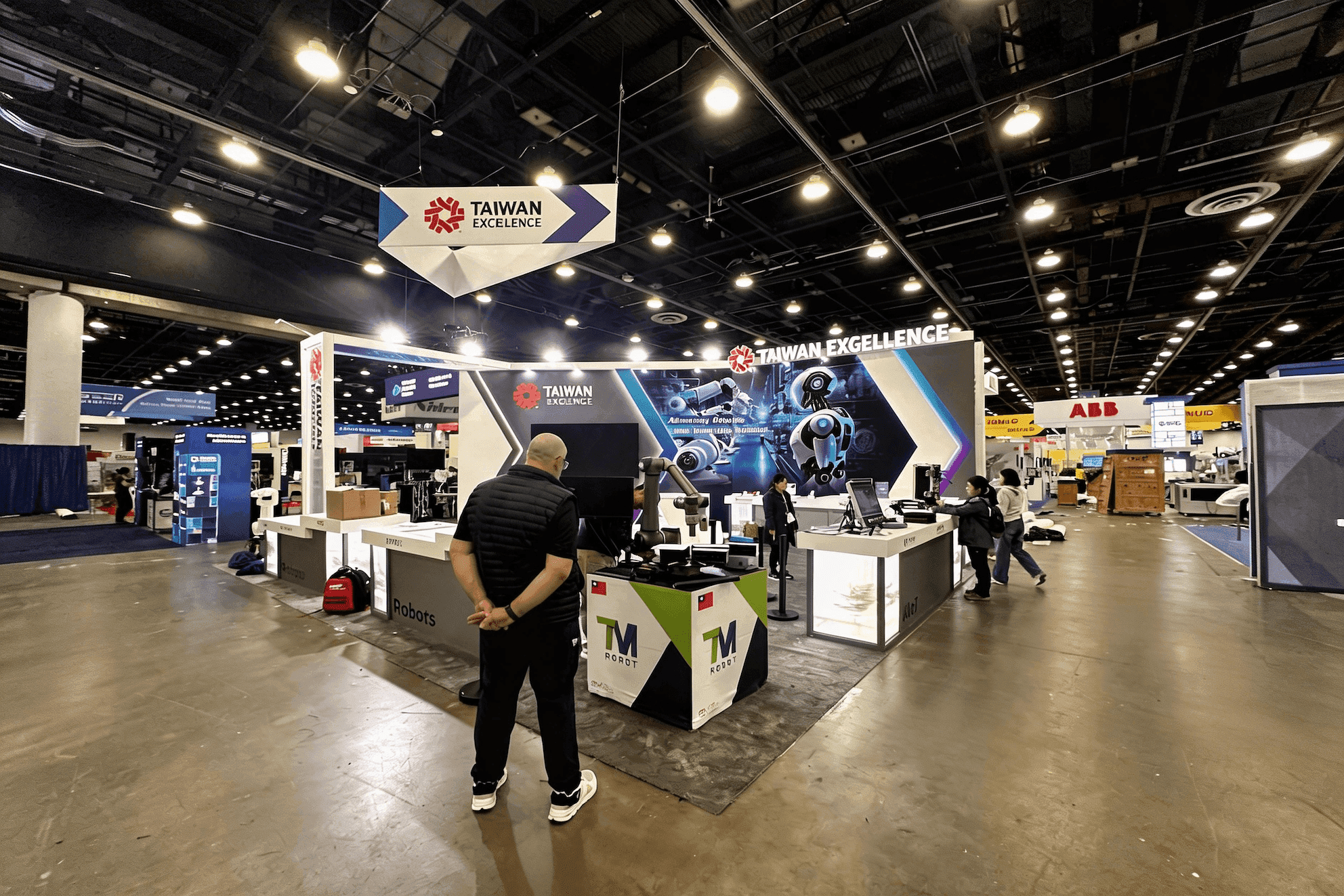
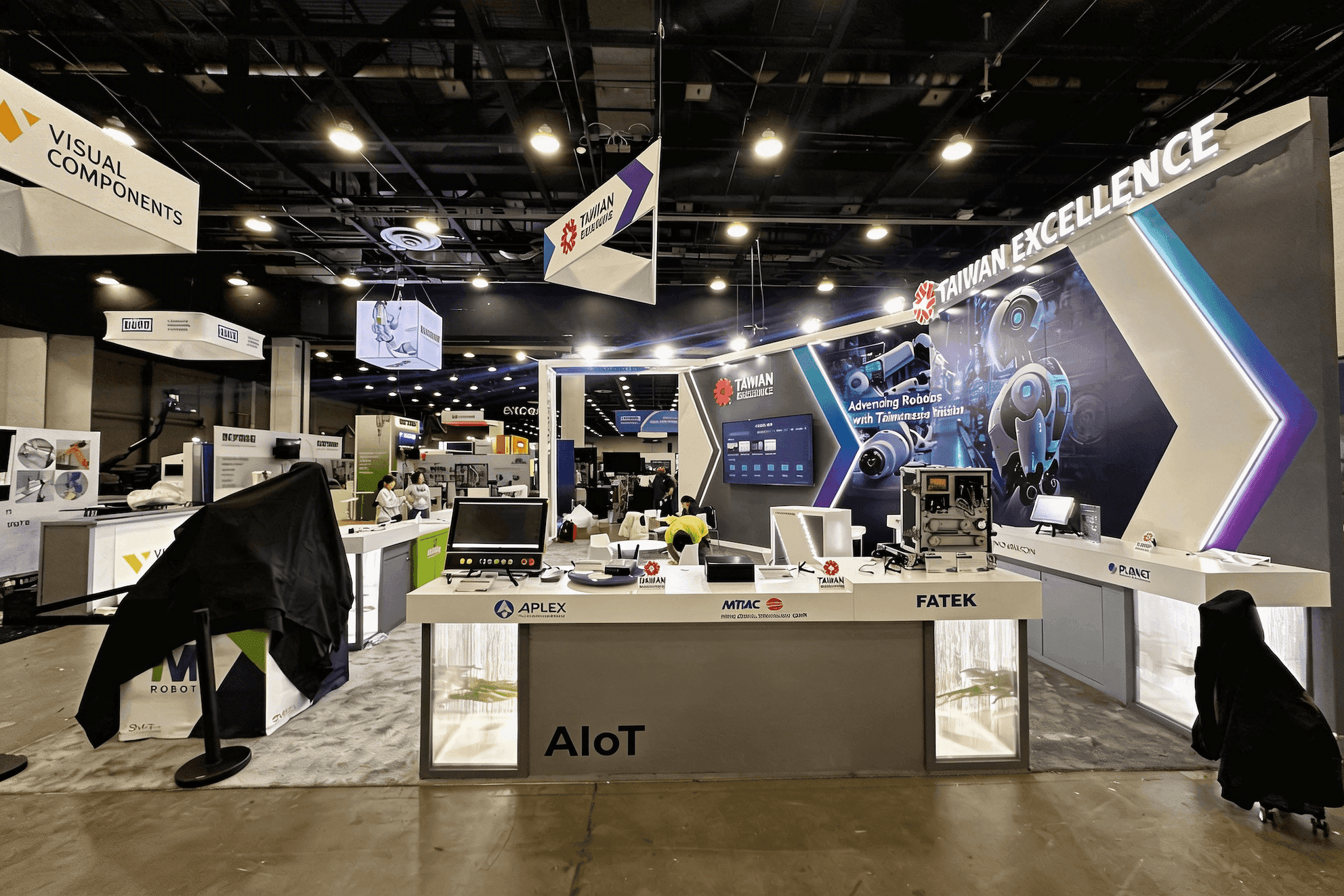
Plan the booth around the decisions visitors need to make: which use case fits them, which station to visit, and when a quick walkthrough should become a deeper technical conversation. Give each workflow a clear station, screen role, and staff owner, then size the booth around how many demos and follow-up conversations must run at once.
At AWS re:Invent, the problem is rarely a shortage of product material. It is deciding what a visitor should see first when several AI, data, cloud, security, or platform workflows could all be relevant. Three active screens can still feel unclear if every screen competes for the same attention.
Broader AWS re:Invent booth planning covers the full exhibit program, including size, staffing, meetings, storage, and Expo preparation. This page stays narrower: turning several technical workflows into one working demo system, with a clear entry point, distinct stations, controlled visitor movement, and a path into deeper technical conversations.
AWS re:Invent also represents a specific environment within the broader AI trade show landscape. Visitors may arrive with very different levels of technical knowledge, so the booth needs to move naturally from a recognizable use case into product proof, architecture detail, or a specialist discussion without forcing everyone through the same presentation.
Why Exhibitors Choose Circle Exhibit
Clear scope, transparent quote review, nationwide booth support, and efficient setup planning for qualified rental and custom exhibit projects.
48hr
Setup Window
10+
Years Since 2014
U.S.
Trade Show Support
Real
Booth Project Proof
The footprint should follow how many demos, visitors, specialists, and follow-up conversations need to operate at the same time. Adding screens does not create useful demo capacity if the people using them compete for the same floor area.
A 10x20 is strongest when one workflow carries the booth and a second screen only adds context. Two independent live demos quickly compete for standing room, staff attention, and aisle access.
A 20x30 gives multiple workflows more breathing room and creates space for visitors to leave an active station for a deeper discussion. Review 20x30 booth planning when several demos need to run without sharing the same audience area.
A 20x20 can separate two focused stations while keeping reception, equipment storage, and a short technical conversation nearby. It works best when both demos support the same overall product story. See 20x20 booth planning for the footprint trade-offs.
A larger island makes sense when several product teams need their own stations, specialists, presentation space, and customer meetings. The added footprint only helps when each zone has a defined audience and purpose.
Method and Display Support
Trade Show Booth Design for AI Products explains how to choose what buyers need to see, what proof belongs in the demo, and when technical detail becomes useful. It provides the product-proof layer behind the AWS-specific demo layout.
Execution Support
AWS re:Invent Expo Booth Execution Planning takes the defined demo system into move-in, device and connectivity testing, daily readiness, staffing coverage, and dismantle at the show.
The booth has to make complex software easy to enter and evaluate. The message, screens, stations, staff positions, and follow-up space should each carry a different part of the visitor journey.
Lead with a problem or outcome the visitor can recognize before asking them to interpret dashboards, models, architecture, or platform terminology.
Use one screen to attract or frame the use case, another to run the workflow, and deeper technical visuals only when the conversation calls for them.
Each active demo needs someone responsible for the walkthrough and a clear route to the specialist who can answer architecture, security, data, or implementation questions.
Keep longer technical discussions out of active demo paths, with backup devices, chargers, adapters, access notes, and recorded demos stored close enough for quick recovery.
AI and cloud exhibitors may run several workflows at once. The booth needs a clear way to direct each visitor to the demo that matters to them.
AWS re:Invent runs Nov. 30–Dec. 4, 2026 in Las Vegas, with the Expo at The Venetian open Monday through Thursday.
More than 450 companies bring demos, solutions, and specialists to the Expo, where visitors can test tools and talk directly with technical teams.
Not Sure Which Booth Size You Need?
Not every exhibitor knows whether a 10x20, 20x20, 20x30, or larger booth is the right fit. Circle Exhibit can help review your event goals, product display needs, demo areas, meeting space, storage, budget scope, and setup timeline before you choose a booth size.
Screens Lose Their Roles
Visitors Do Not Need the Same Technical Depth
1
Reduce the Demo Menu
2
3
4
Rental for a Repeatable Demo Setup
A customizable Las Vegas trade show booth rental can handle defined demo counters, screens, concealed storage, and a compact meeting area when the physical structure does not need extensive custom integration.
Custom Build for Integrated Demo Zones
Custom fabrication becomes more relevant when several teams need independent stations, built-in media, presentation space, private meetings, or tighter control over equipment and cable access. Las Vegas trade show booth design and build can connect those requirements with prebuild and show-site execution.
Reusable Structure, Changing Demo Stack
A reusable structure can keep counters, screen mounts, storage, and meeting zones consistent while the devices, graphics, workflows, and technical content change from one event to the next.
Confirm screen locations, counter openings, device positions, cable routes, power access, and storage before booth components are finalized for The Venetian.
AWS does not allow sponsors to create private wireless networks. Demos that are sensitive to bandwidth or latency should account for the event network or ordered wired internet.
Backup laptops, adapters, chargers, cables, credentials, and recorded demos need one known storage point that staff can reach without crossing an active station.
Test the opening message, login, workflow, technical questions, specialist handoff, lead capture, and fallback path—not just whether the screen turns on.
AWS re:Invent Booth Rental in Las Vegas
Need a booth for demos, screens, meetings, and concealed storage without building every component from scratch? A customizable rental can be configured around your AWS re:Invent footprint, technical workflow, graphics, and show-site requirements.
How many demo stations should an AWS re:Invent AI or cloud booth have?
Create a separate station only when a workflow needs its own audience or must run at the same time as another demo. Related workflows can share one visitor path.
Does every AI or cloud workflow need its own screen?
How can business and technical visitors use the same demo booth?
Can AWS re:Invent sponsors use a private Wi-Fi network for demos?
When should a demo conversation move to a meeting area?
READY TO PLAN YOUR NEXT BOOTH?
Let’s Build a Booth That Fits Your Event
Share your event name, booth size, city, timeline, product display needs, and design references. Circle Exhibit will review your project direction and help you choose a rental-friendly or custom exhibit path.
3000+
Booth Projects Supported
50+
U.S. Event Cities
Transparent
Quote Review
Use the parent Event Hub for the broader AWS exhibit program, including overall sizing, staffing, meetings, storage, sponsor context, and Expo preparation.
Compare how buyer context, demo depth, product proof, technical review, and meeting needs change across different AI event environments.
Explore a larger footprint when several live workflows, specialists, and follow-up conversations need to operate without sharing the same working zone.
Use the venue page for The Venetian context, freight and service planning, exhibit access, and longer-term show-site considerations.
Use local fabrication and show-site support when screens, counters, cable access, equipment placement, and prebuild checks need to be coordinated as one system.