ASA Perioperative Technology and Software Booth Planning
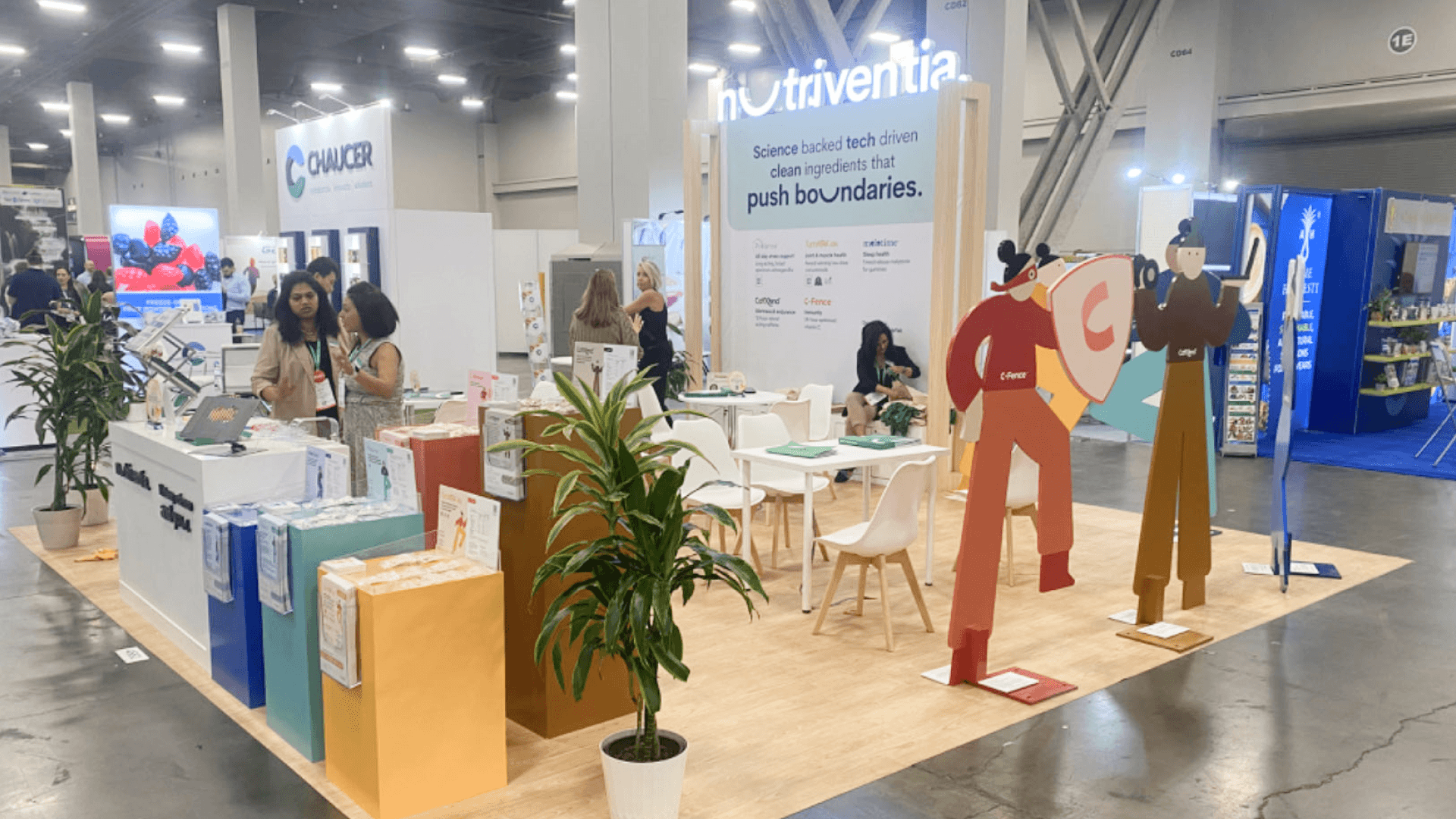


How should perioperative technology exhibitors plan an ASA booth?
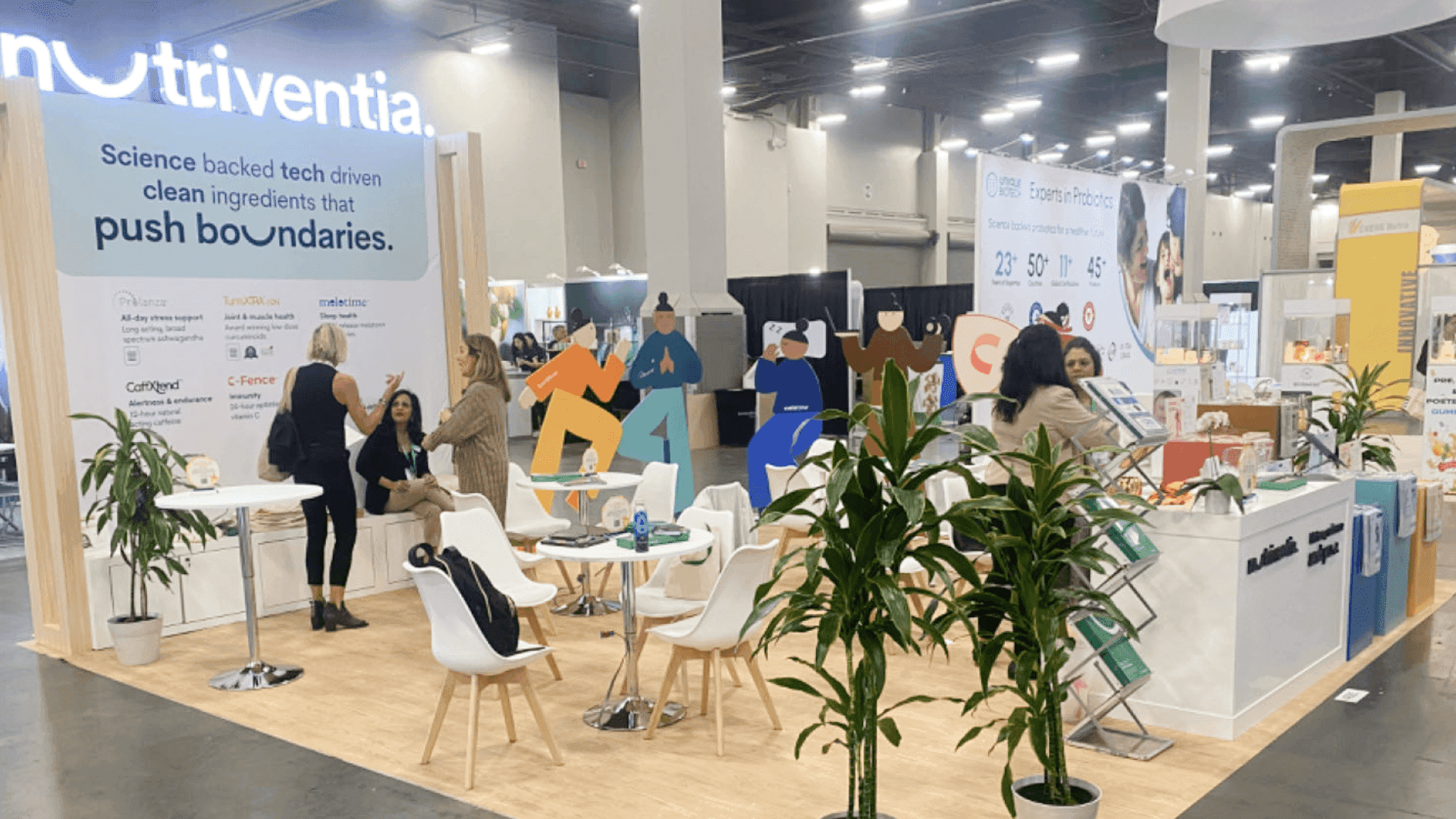
Perioperative technology exhibitors at ASA should think about how clinicians and healthcare buyers will understand the software during a short booth visit. Anesthesia workflow platforms, billing tools, practice management systems, clinical dashboards, and interface demos need readable screens, short workflow labels, demo counters, hidden storage, and enough room for technical conversations.
ASA perioperative technology and software booths need to make screen-based products clear without making the booth feel like a wall of dashboards. Exhibitors may be showing anesthesia workflow platforms, perioperative software, billing tools, practice management systems, clinical dashboards, interface demos, or other tools used around the anesthesia care process.
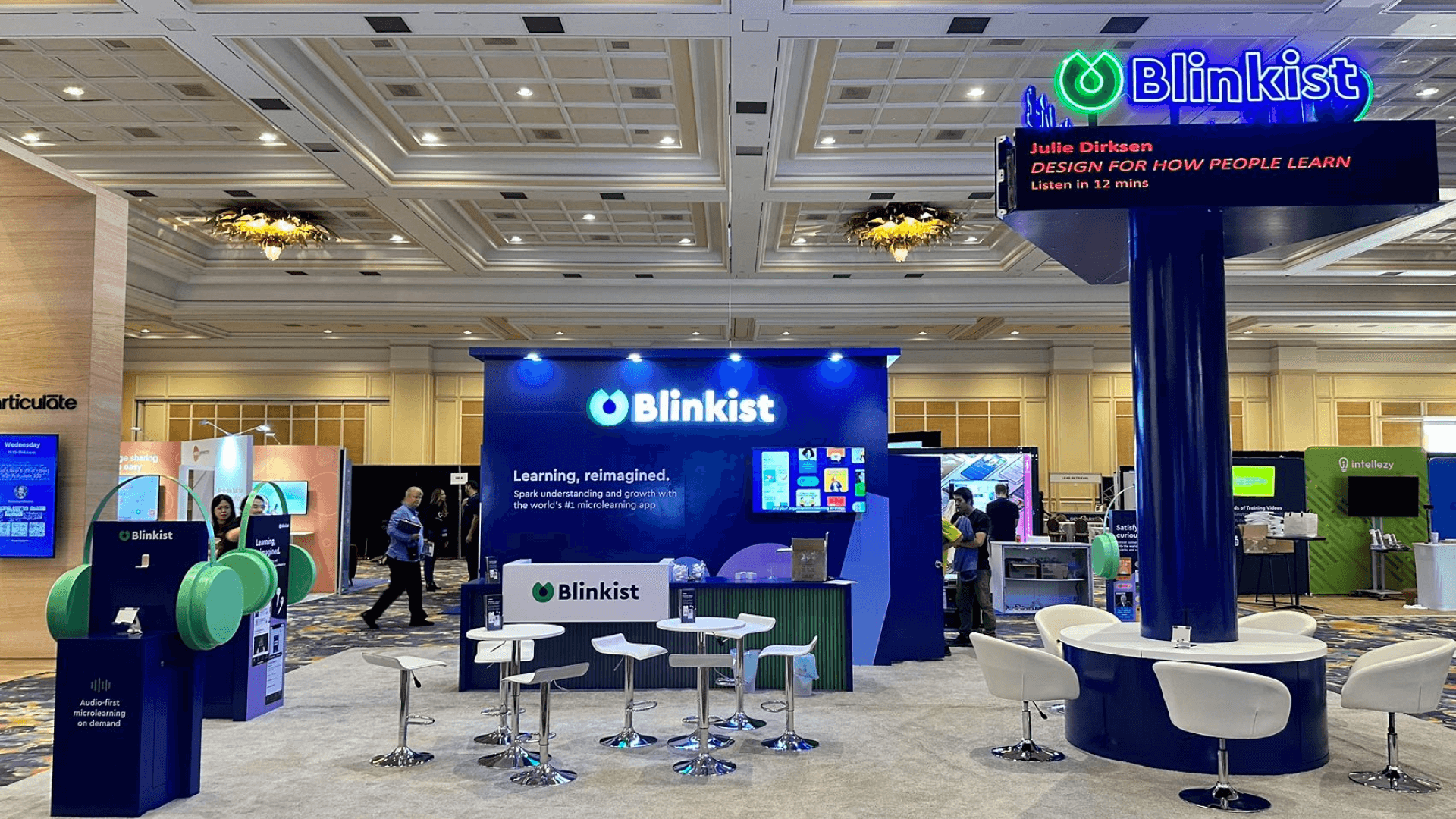
The booth should help visitors follow the workflow from the aisle into the demo. Screens need to be easy to read, labels should explain which part of the workflow is being shown, and the demo counter should leave enough room for a focused conversation. Exhibitors who need the broader event context can review ASA ANESTHESIOLOGY booth planning, while teams with heavier device or monitoring displays can use ASA anesthesia equipment and monitoring booth planning.
At the San Diego Convention Center, screen placement, demo timing, cable control, storage, staff movement, and setup sequence should be settled before production is finalized. San Diego trade show booth rental support can help with the local setup details, and a 20x20 booth planning layout gives software exhibitors room for monitors, demo counters, storage, and focused buyer conversations.
Why Exhibitors Choose Circle Exhibit
Clear scope, transparent quote review, nationwide booth support, and efficient setup planning for qualified rental and custom exhibit projects.
48hr
Setup Window
10+
Years Since 2014
U.S.
Trade Show Support
Real
Booth Project Proof
ASA software booth size should be chosen around the number of screens, demo counters, storage, staff movement, and technical conversation needs.
A 10x10 booth can work for one focused workflow demo, one monitor, and a small team handling qualified conversations.
A 20x30 booth may be better when the team needs multiple demo stations, meeting space, private discussions, or more storage.
A 20x20 layout gives software exhibitors room for readable monitors, demo counters, storage, and more comfortable buyer conversations.
An island booth can work when the exhibitor needs stronger visibility, several screen stations, meeting rooms, or a larger branded environment.
For perioperative technology and software exhibitors, the ASA anesthesia medical device booth planning article gives a wider planning reference for screen-based demos, layout, graphics, booth size, logistics, and San Diego setup. It helps teams organize workflow explanation, monitor placement, storage, staff movement, and buyer conversations without making the booth feel crowded or overly technical.
ASA software booths often need to balance screen visibility, workflow explanation, demo counters, storage, and San Diego setup within one clear booth plan.
Perioperative platforms, dashboards, and interface demos need monitor placement and labels that make the workflow understandable from the aisle.
Software demos work better when the counter, screens, storage, and staff positions are planned around a clear visitor path.
Clinicians and administrators may need space to discuss workflow fit, implementation, data use, billing process, and reporting needs.
Monitors, cables, backup content, demo devices, and staff materials need setup checks before the exhibit floor opens.
ASA exhibitors in this category may present anesthesia workflow technology, perioperative platforms, billing software, practice management tools, clinical dashboards, interface demos, and related software solutions.
ANESTHESIOLOGY 2026 is scheduled for October 16–20, 2026 at the San Diego Convention Center, giving perioperative technology and software exhibitors a San Diego setting for screen-based demos and clinical buyer conversations.
The exhibit dates are scheduled for October 17–19, creating a focused window for workflow demos, dashboard walkthroughs, software explanation, and conversations with anesthesia professionals.
Not Sure Which Booth Size You Need?
Not every exhibitor knows whether a 10x20, 20x20, 20x30, or larger booth is the right fit. Circle Exhibit can help review your event goals, product display needs, demo areas, meeting space, storage, budget scope, and setup timeline before you choose a booth size.
Keeping dashboard screens readable
Explaining workflow without too much text
1
Define the main software story
2
3
4
Rental Booth for Focused Software Demos
A rental booth can work well when the ASA booth needs a clean structure, readable monitors, branded graphics, demo counters, hidden storage, and space for focused workflow conversations.
Custom Build for Multi-Screen Technology Exhibits
A custom build makes more sense when the booth needs several demo stations, larger monitors, private meeting space, integrated lighting, or a stronger branded environment for software walkthroughs.
Hybrid Booth for Screens, Counters, and Meetings
A hybrid booth can keep the structure efficient while customizing the areas visitors use most: monitor walls, demo counters, graphics, storage, and meeting space.
At the San Diego Convention Center, software demo booths should be planned around monitor placement, power access, cable control, freight timing, and installation sequence.
Perioperative technology booths work better when screens, demo counters, storage, meeting space, and staff movement are planned together from the start.
Local rental support can help software exhibitors align booth structure, branded graphics, monitor placement, storage, and show-site setup before move-in.
Booths with dashboard screens, interface demos, or workflow software should confirm monitor content, backup cables, power access, and demo counter placement before the exhibit floor opens.
Need an ASA Perioperative Software Booth Rental in San Diego?
ASA perioperative technology exhibitors often need a booth that can balance workflow screens, demo counters, storage, graphics, staff movement, and technical buyer conversations. A rental-based or hybrid booth can keep the structure practical while supporting a clear software demo path.
What should an ASA perioperative technology booth include?
It should include readable monitors, short workflow labels, a clear demo counter, hidden storage, staff movement space, and room for technical buyer conversations.
What booth size works well for perioperative software demos?
How should software screens be planned for ASA?
Should software booths include private conversation space?
Why is setup planning important for software demo booths?
READY TO PLAN YOUR NEXT BOOTH?
Let’s Build a Booth That Fits Your Event
Share your event name, booth size, city, timeline, product display needs, and design references. Circle Exhibit will review your project direction and help you choose a rental-friendly or custom exhibit path.
3000+
Booth Projects Supported
50+
U.S. Event Cities
Transparent
Quote Review
Workflow labels, dashboard captions, clinical use case graphics, and branded booth surfaces can make perioperative software easier to understand from the aisle.
Software demo booths often need freight timing, monitor placement, cable control, storage planning, and setup checks arranged before the exhibit team arrives on site.
Useful when the booth needs monitor placement, demo counters, storage, lighting, branded structure, and clear visitor flow planned before production begins.
A 20x20 layout gives software exhibitors room for readable monitors, demo counters, hidden storage, staff movement, and focused technical buyer conversations.
Workflow labels, dashboard captions, clinical use case graphics, and branded booth surfaces should make perioperative software easier to understand from the aisle.
Circle Exhibit supports medical technology exhibitors with trade show exhibit design, booth planning, rental structures, graphics, logistics, and show-site execution across U.S. events.