AFP Treasury & Payments Booth Planning
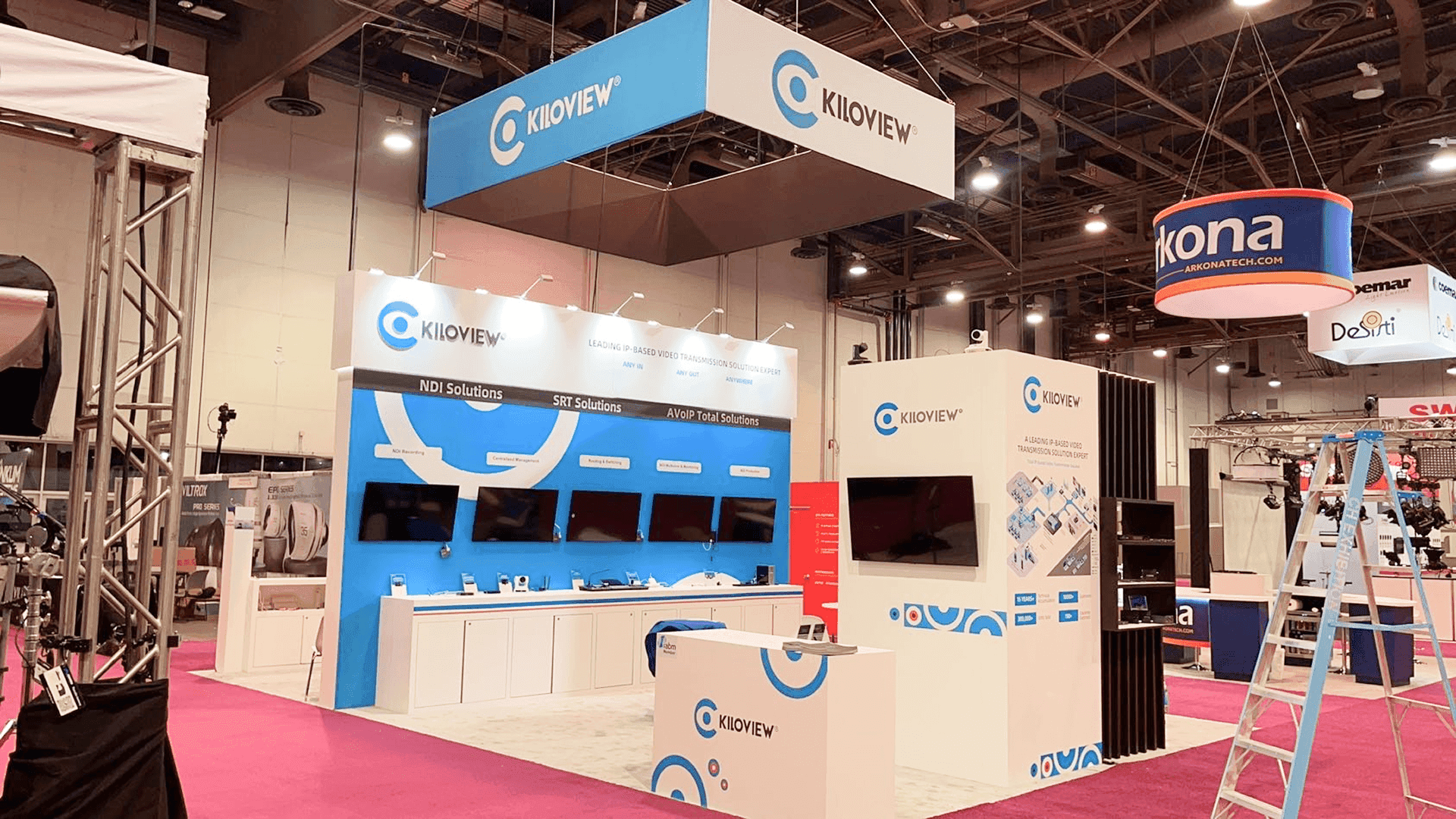
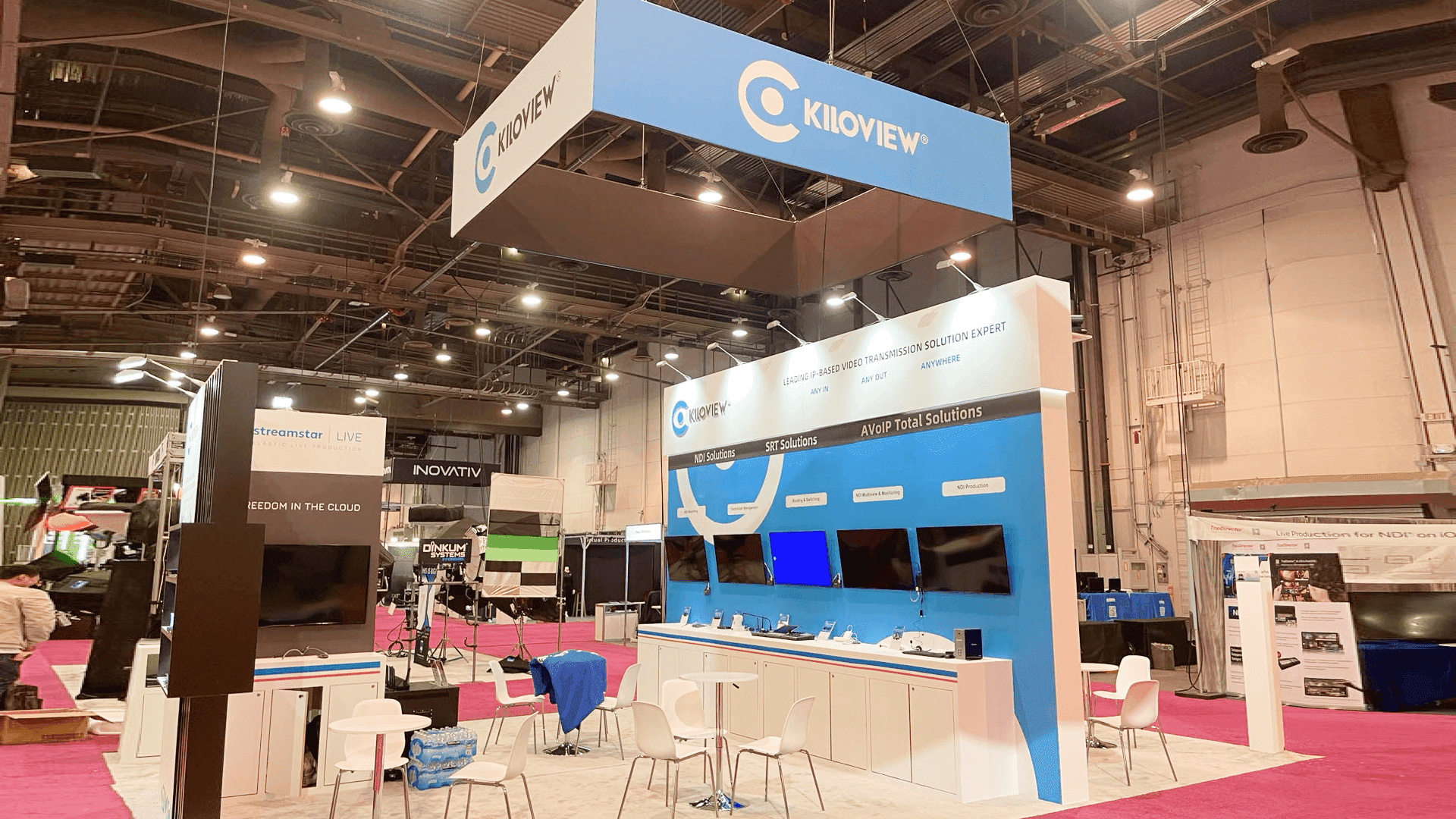
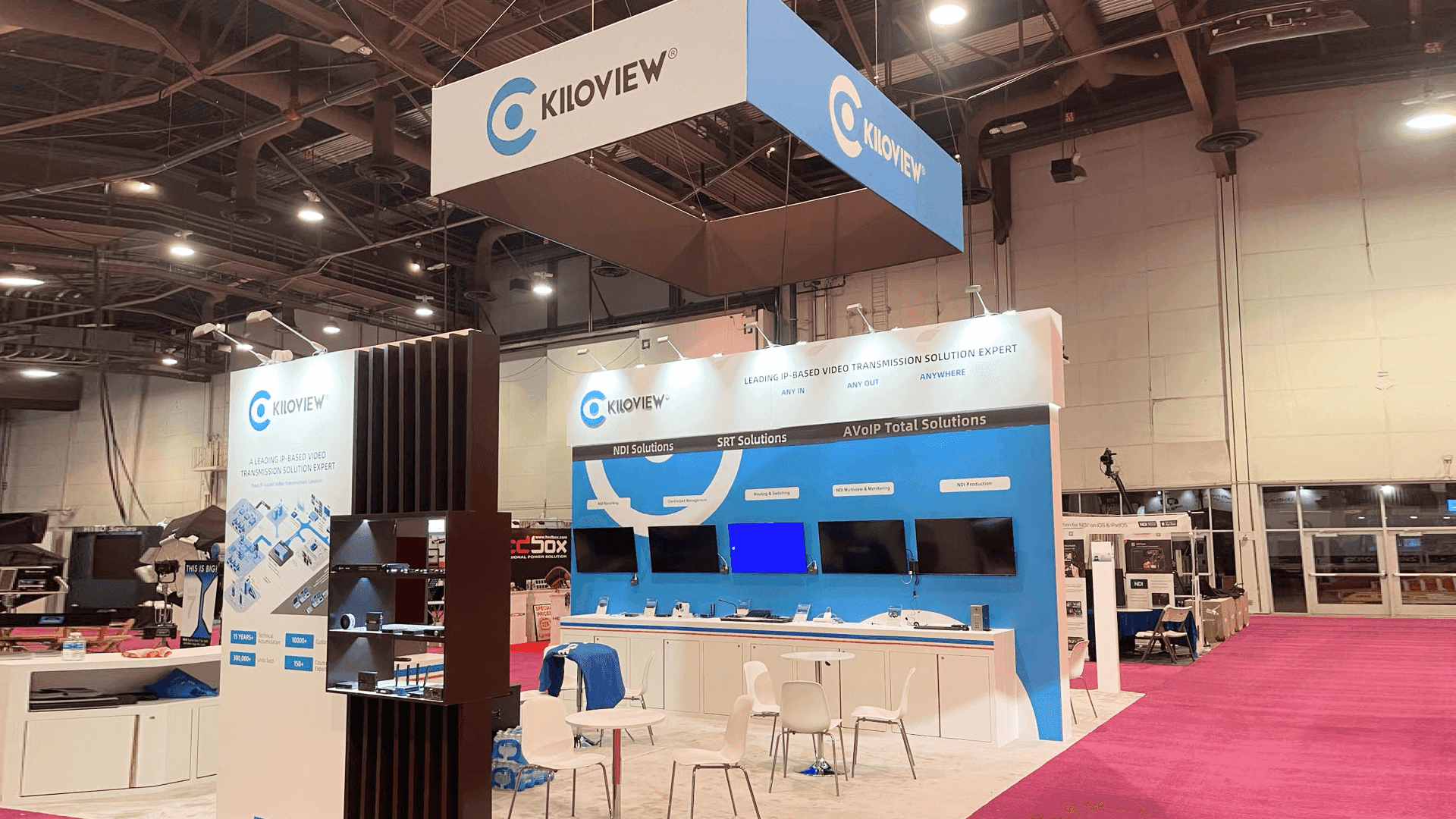

How should treasury and payments exhibitors plan an AFP booth?
Start with one or two workflows buyers can understand quickly, then give qualified visitors a clear route into a guided demo or technical discussion. Screens, staff positions and meeting space should support that progression. Buyers need to understand how the process works before they are asked to evaluate detailed features, integrations or controls.
Treasury and payments exhibitors at AFP often need to show how a solution fits into a broader transaction, banking or control workflow. This page focuses on that technical evaluation path, while AFP Conference booth planning covers the wider event strategy, buyer mix and overall exhibit decisions.
A 10×20 can support one focused workflow and guided demo. A 20×20 gives the team more room for a second demo position or a separate technical conversation area, while a 20×30 works better when several workflows or specialists need to operate at the same time. For teams balancing demo capacity with technical discussion space, 20x20 booth planning helps clarify the footprint trade-offs.
At Mandalay Bay Convention Center, screens, devices, power and connectivity should be tested together before the first live demonstration. The booth also needs a practical reset process and a clear handoff from the initial demo to the specialist who can handle deeper integration or implementation questions.
Why Exhibitors Choose Circle Exhibit
Clear scope, transparent quote review, nationwide booth support, and efficient setup planning for qualified rental and custom exhibit projects.
48hr
Setup Window
10+
Years Since 2014
U.S.
Trade Show Support
Real
Booth Project Proof
For treasury and payments exhibitors, footprint should follow the number of guided workflows and technical conversations that need to run at the same time—not the number of product modules the company sells.
A 10×20 works when the team leads with one clear workflow, one primary screen and a small standing discussion point. It suits exhibitors that qualify visitors before starting a longer technical demonstration.
A 20×30 gives several workflow or product teams room to operate without sharing the same screen or conversation area. 20x30 trade show booth planning fits teams that need more parallel specialist activity.
A 20×20 can support two guided interactions or one active demo plus a separate place for technical questions. 20x20 booth planning becomes useful when that handoff needs more physical separation.
A 30×40 makes sense when several technical teams, workflows and meeting functions genuinely need to run at once. The larger footprint should reduce cross-talk between those activities rather than simply add space.
Treasury and payments exhibitors can outgrow a standard package when several workflow demos, specialist handoffs, screens, or technical discussions need to run at the same time. The AFP Turnkey vs Regular Booth guide helps determine whether the official package is still sufficient, whether Regular + Rental provides enough flexibility, or whether the technical program genuinely requires a custom build.
The physical exhibit should make a complex transaction or treasury workflow easier to follow while giving qualified buyers somewhere to ask the technical questions that come after the first demonstration.
Use a simple system or process graphic to show where the solution fits. Buyers should be able to orient themselves before staff explain the underlying architecture.
Arrange the screen, counter and presenter position around a guided walkthrough. The visitor should be able to follow the workflow with the presenter instead of watching a passive loop.
Give staff a clear place to identify the buyer's environment, use case or integration question before moving that visitor to the appropriate specialist.
Keep deeper conversations about implementation, controls, architecture or enterprise scope away from the active demo whenever the footprint allows it.
AFP includes dedicated payments programming and recurring Treasury and Payments Tech Zone demos, giving solution providers a clear practitioner audience for workflow-led conversations.
The parent AFP Conference runs November 8–11, 2026 at Mandalay Bay Convention Center in Las Vegas.
Relevant conversations may cover payment modernization, fraud controls, bank connectivity, APIs, real-time payments, reconciliation and other treasury operating workflows.
Not Sure Which Booth Size You Need?
Not every exhibitor knows whether a 10x20, 20x20, 20x30, or larger booth is the right fit. Circle Exhibit can help review your event goals, product display needs, demo areas, meeting space, storage, budget scope, and setup timeline before you choose a booth size.
Compatibility Questions Arrive Early
Long Technical Demos Can Back Up the Booth
1
Pick the Workflow That Earns the First Demo
2
3
4
Rental for a Focused Technical Demo Program
A Las Vegas booth rental can support branded walls, one or two guided demo stations, hidden storage and a compact technical conversation area without requiring a fully custom environment.
Custom for Integrated Demo Infrastructure
Custom construction becomes more useful when several screens, counters, concealed cabling, specialist stations and semi-private meetings have to work together. A Las Vegas booth builder can carry that technical plan into fabrication and installation.
Choose by Demo Concurrency and Integration
A single workflow and a small specialist team rarely justify a highly customized build. Several concurrent demonstrations, deeper technology integration and multiple handoff points create a stronger reason to customize the environment.
A basic internet check is not enough. Test the login, data path, browser or application state the team will use during the real walkthrough.
Laptops, screens, chargers and supporting equipment should be positioned so staff can restart or reset the demo without dismantling the visitor-facing setup.
Prepare an offline, recorded or simplified version of the key workflow. The backup should still support a useful buyer conversation if the live environment fails.
Payments Stage sessions and Treasury and Payments Tech Zone demos can shift relevant traffic toward the Exhibit Hall at certain times. Demo and specialist coverage should remain flexible around those peaks.
Need an AFP Rental Booth Built Around Technical Demos?
A rental exhibit can support treasury and payments teams with guided demo stations, integrated screens, hidden storage and room for specialist conversations. The structure stays flexible while the technical workflow and buyer handoff remain clear.
How many demo stations should an AFP treasury or payments booth have?
Use the number the team can actively support. One focused workflow may only need one or two stations, while broader platforms with separate specialist teams may need several clearly divided demo positions.
Should a treasury technology booth use one large screen or several smaller screens?
How much meeting space is useful for treasury and payments exhibitors?
How should a payment workflow be shown in the booth?
When should staff move a visitor from demo to technical discussion?
READY TO PLAN YOUR NEXT BOOTH?
Let’s Build a Booth That Fits Your Event
Share your event name, booth size, city, timeline, product display needs, and design references. Circle Exhibit will review your project direction and help you choose a rental-friendly or custom exhibit path.
3000+
Booth Projects Supported
50+
U.S. Event Cities
Transparent
Quote Review
The parent Event Hub carries the broader AFP buyer mix, event-level size decisions and the relationship between treasury, payments and FP&A exhibitors.
Utilities, freight, contractor coordination and show-site setup sit outside the technical demo problem itself but still affect how the booth is delivered.
A 20×20 becomes especially relevant when one active demo needs to stay open while a second conversation moves into technical detail.
Once the technical interaction model is defined, a rental system can provide the walls, counters, screens and storage needed to support it.
Projects with several screens, concealed cabling or integrated counters need those dependencies resolved before production begins.