IMTS Automation and Robotics Booth Planning


What should exhibitors plan for an IMTS automation and robotics booth?
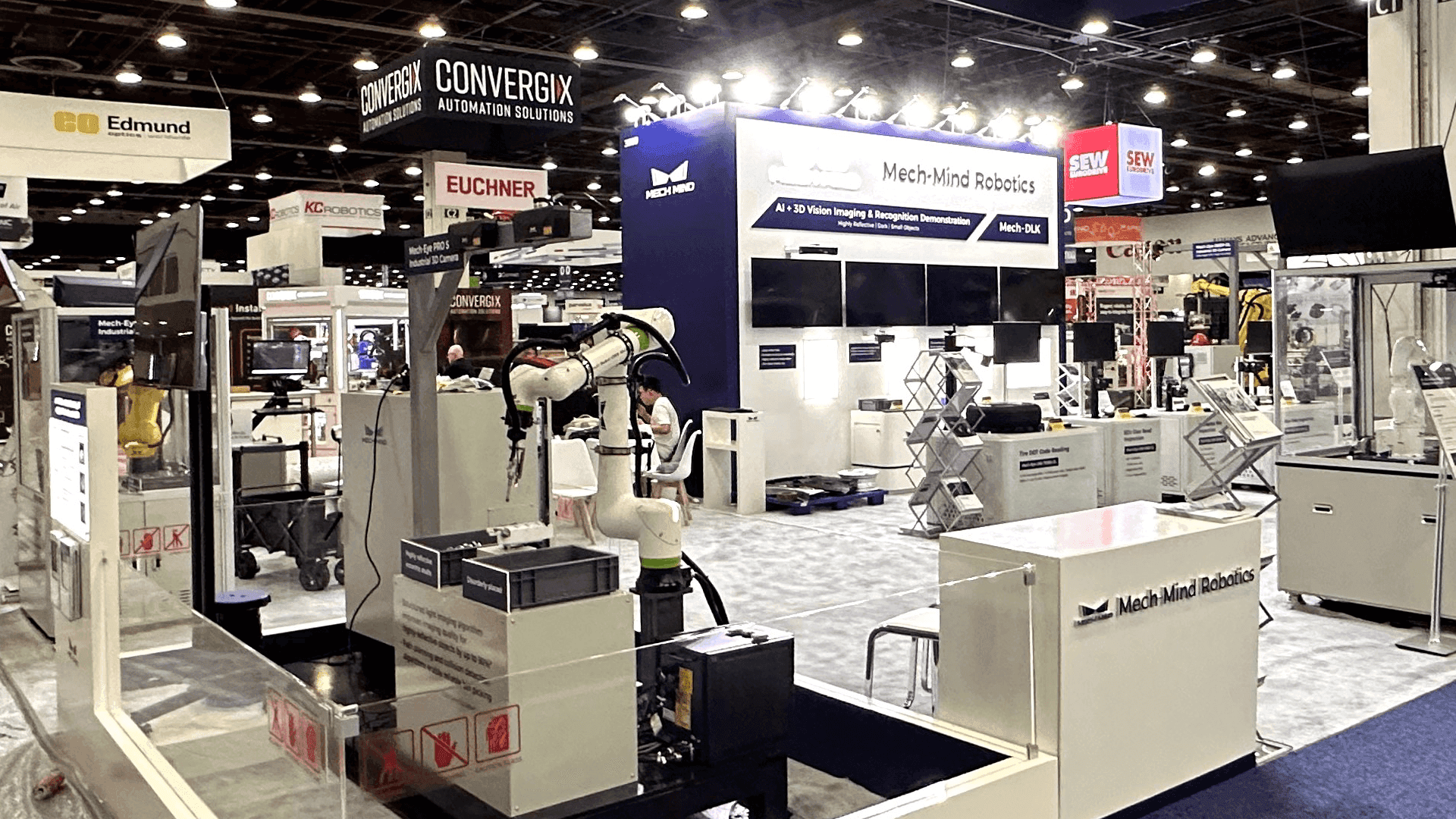
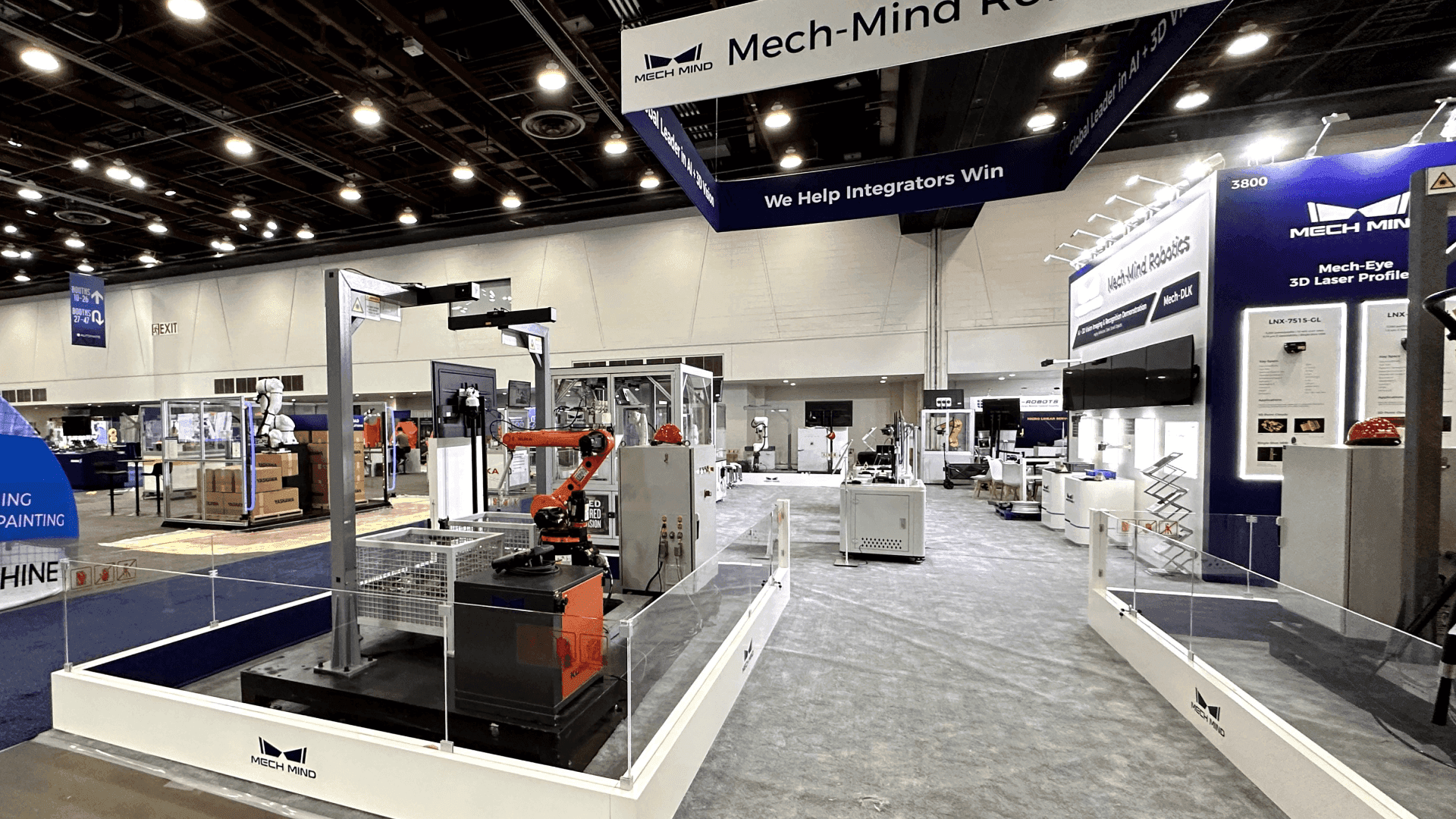
IMTS automation and robotics exhibitors should plan booth layouts around robot demo cells, automation workstations, workflow screens, vision or motion control displays, safety clearance, buyer viewing space, sample parts, cable routing, storage, and McCormick Place setup. The booth should help visitors understand how the automation process works before moving into integration details.
An IMTS automation and robotics booth needs to show the process, not just the equipment. A visitor may stop because they see a robot arm, a workstation, a control screen, or a vision system, but they stay when the workflow makes sense. The booth should help them see what the system moves, detects, sorts, inspects, assembles, or controls, and how that work fits into a real production line.
For automation exhibitors, the layout usually needs a visible demo cell, safe viewing space, control screens, sample parts, product graphics, storage, and clear points for staff conversations. Robot movement, screen content, and staff explanations should support the same story, so visitors can understand the application before the discussion moves into cycle time, integration, compatibility, or production ROI.
This page focuses on IMTS automation and robotics booth planning, robot demo cell layout, automation workstation displays, vision system presentation, motion control demos, smart production workflows, buyer viewing space, and McCormick Place setup. For broader show planning, review IMTS booth planning. Exhibitors comparing machine-based display needs can also review IMTS Metal Removal and CNC Machine Booths.
Why Exhibitors Choose Circle Exhibit
Clear scope, transparent quote review, nationwide booth support, and efficient setup planning for qualified rental and custom exhibit projects.
48hr
Setup Window
10+
Years Since 2014
U.S.
Trade Show Support
Real
Booth Project Proof
Start with the demo cell before choosing booth size. Think about robot reach, workstation footprint, safety clearance, viewing angles, screen placement, storage, staff count, and how buyers will move around the automation workflow.
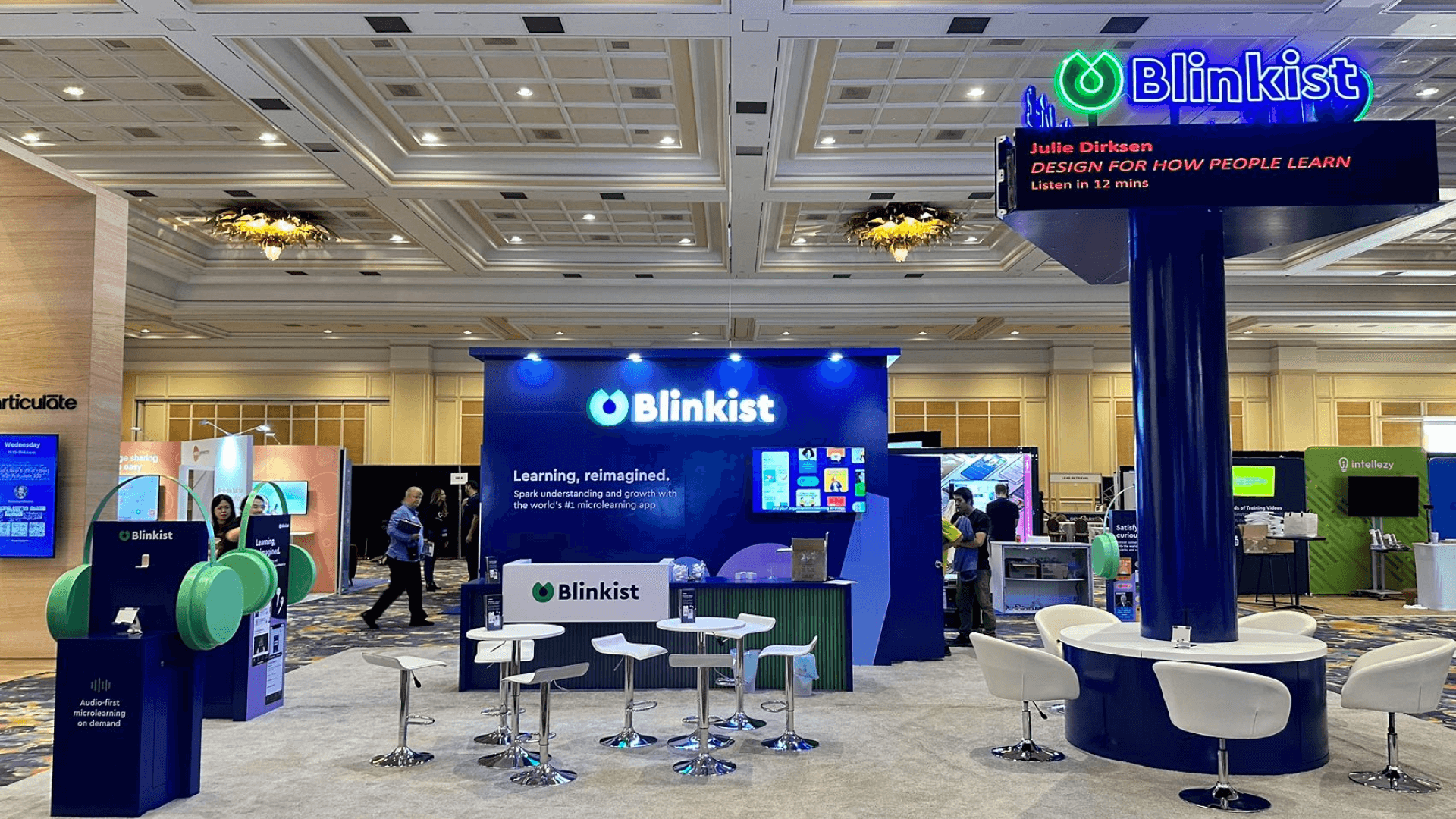
A 20x20 booth can work for a compact automation workstation, one robot demo, a small control screen, product graphics, sample review, light storage, and short buyer conversations.
Robotics and automation booths need enough room for safe viewing, equipment access, cable routing, staff explanation, and visitor flow around the demo area.
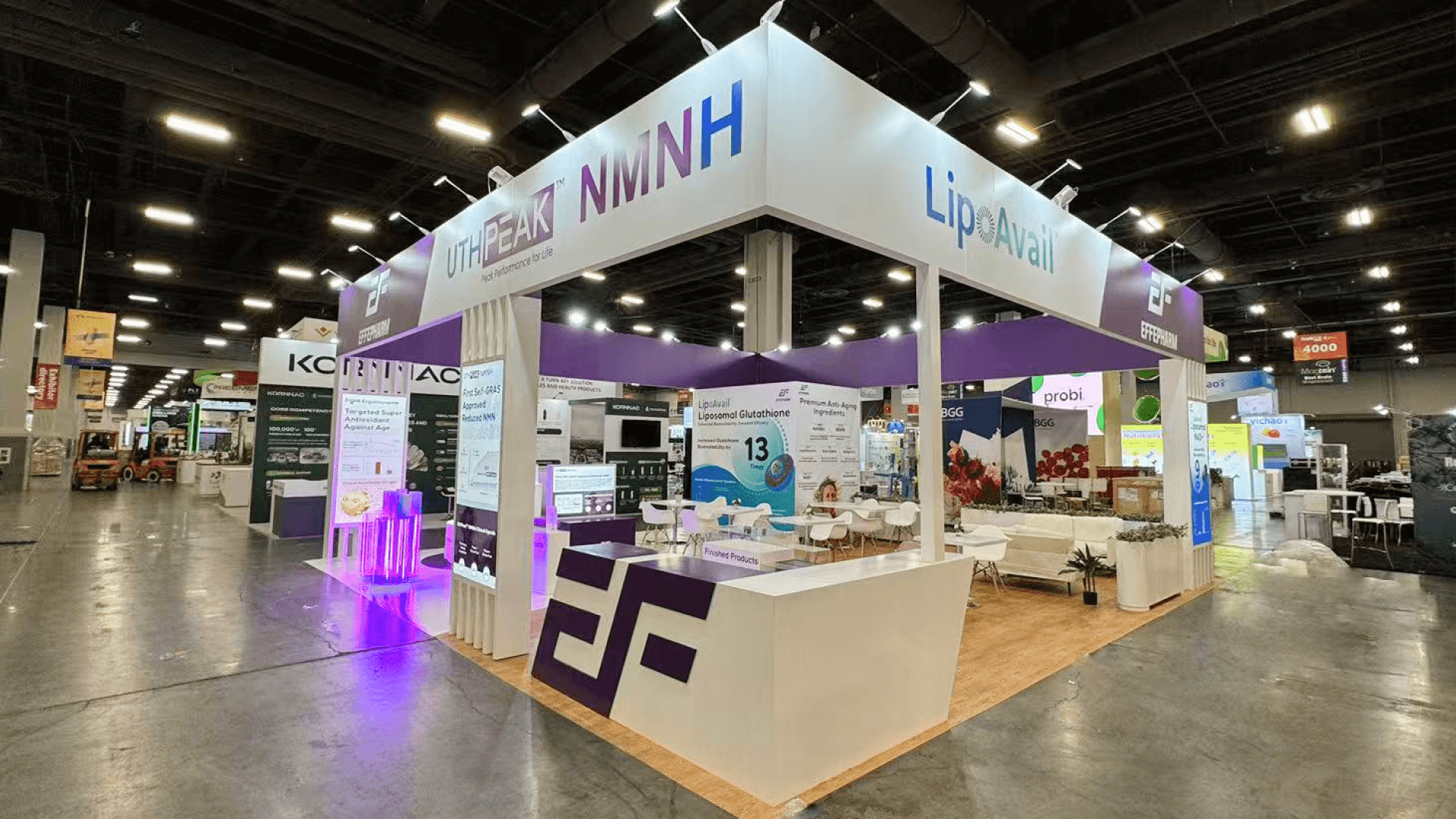
A 30x40 booth gives exhibitors more room for a robot demo cell, automation equipment, workflow screens, visitor viewing space, meeting counters, storage, and staff-led walkthroughs.
Automation booths often involve demo equipment, control screens, sample parts, monitors, backup components, and cable management. These details should be checked before the show opens.
Use this IMTS automation and robotics guide when planning a robot demo cell, automation workstation, vision system display, motion control demo, technical screen area, or buyer meeting space. Start with Planning Equipment Demo Booths for IMTS: Automation, CNC, and Laser Systems, which covers equipment footprint, demo clearance, buyer viewing flow, technical screens, sample review, storage, power access, cable routing, and show-site setup.
The booth should make the automation workflow easy to watch and easy to explain. Visitors need to see the movement, control point, input, output, and production use case without crowding the demo cell or blocking the aisle.
Robot arms, end-of-arm tooling, demo fixtures, safety zones, and sample parts should be placed where visitors can watch the movement clearly without blocking the aisle.
Automation workstations should show the workflow, input, output, control point, and production application. Buyers need to understand where the system fits in a real manufacturing line.
If the product uses vision systems, motion control, PLCs, simulation, digital twin tools, or workflow software, the booth should include screens that explain the process without forcing staff to explain everything verbally.
Automation booths need storage for tools, parts, catalogs, backup devices, demo accessories, and staff materials. Final checks should confirm screens, cables, demo equipment, graphics, and storage access before opening.
IMTS includes an Automation Sector accelerated by SPS, focused on smart and digital automation solutions for industrial manufacturing.
IMTS 2026 will take place September 14–19, 2026 at McCormick Place in Chicago, where automation and robotics exhibitors need to plan demo cells, viewing space, technical screens, and show-site setup around a busy manufacturing audience.
Exhibitors should plan booth layouts that support robot demo cells, automation workstations, vision systems, motion control displays, workflow screens, buyer viewing space, staff explanations, storage, and final setup checks.
Not Sure Which Booth Size You Need?
Not every exhibitor knows whether a 10x20, 20x20, 20x30, or larger booth is the right fit. Circle Exhibit can help review your event goals, product display needs, demo areas, meeting space, storage, budget scope, and setup timeline before you choose a booth size.
Keeping Viewing Space Safe and Open
Connecting Screens with the Moving Demo
1
Define the Demo Workflow
2
3
4
When Rental Can Work
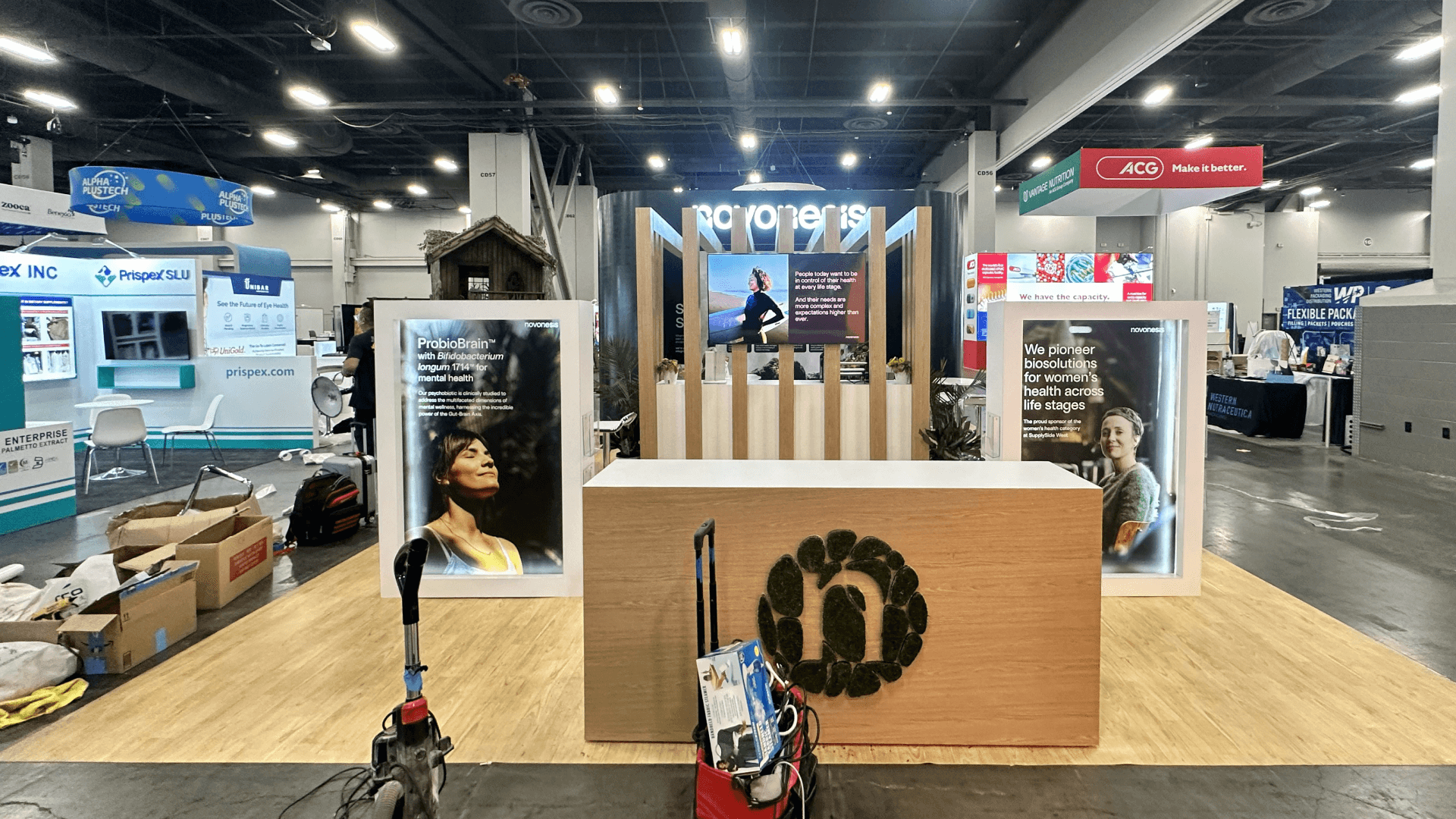
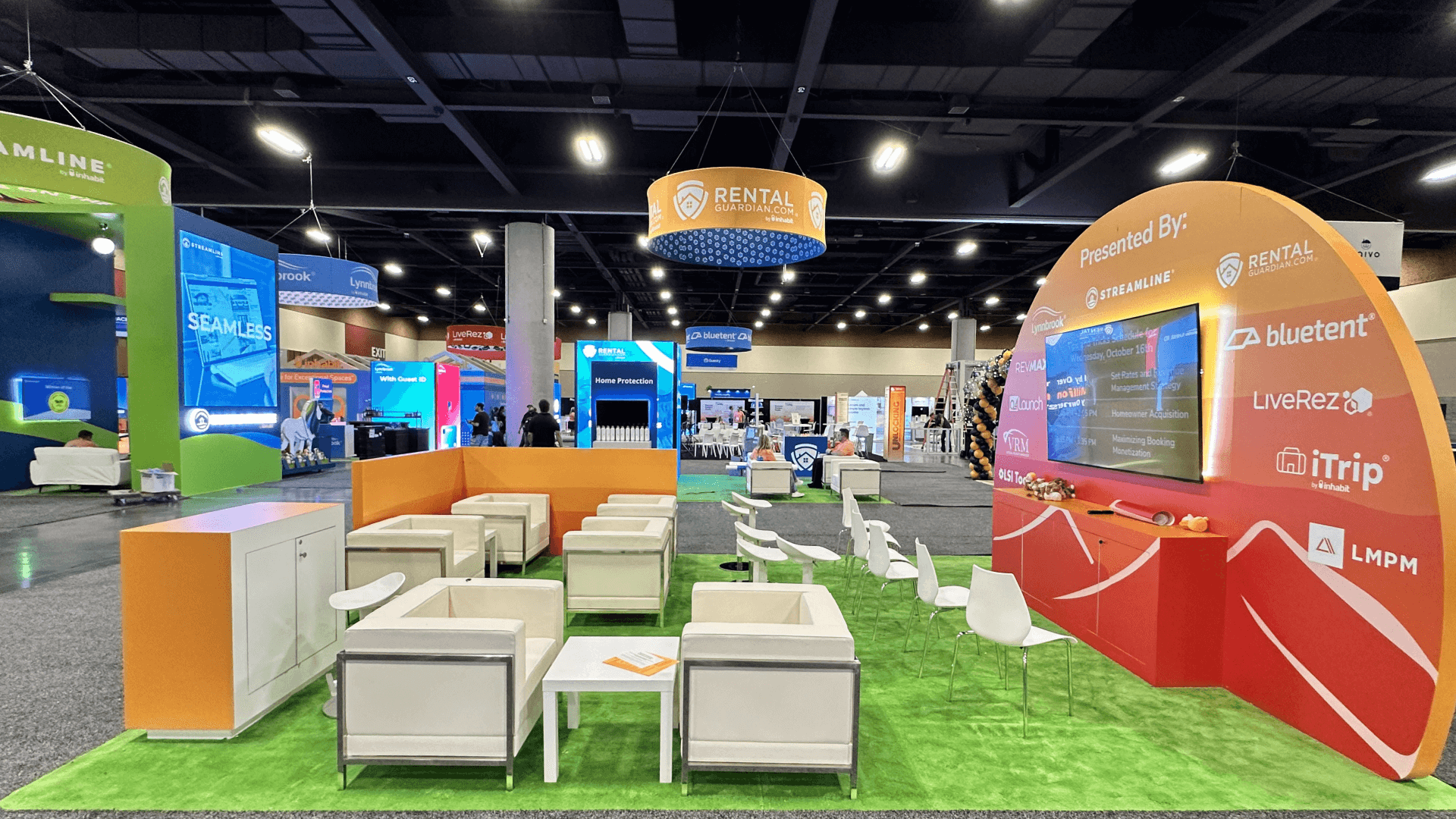
A rental booth can work when the exhibitor needs branded graphics, counters, demo screens, sample displays, meeting space, light storage, and a clean layout for a compact automation demo.
When Custom Build Support Helps
Custom build support is useful when the booth needs a larger demo cell, built-in equipment areas, screen walls, controlled storage, branded structures, private meeting space, or a more guided technical presentation path.
How to Decide
Choose based on what visitors need to see first. A software-led automation workflow may work in a smaller booth, while robot demos, workstation displays, vision systems, motion control demos, and multiple buyer conversations usually need a larger footprint.
Plan robot demo equipment, workstation placement, screen setup, cable routing, storage, and final checks early. Automation displays usually need more setup coordination than a simple product booth.
Leave enough room for visitors to stop, watch the robot or automation workflow, compare details, and ask questions without blocking the aisle or crowding the demo area.
Use graphics, screens, labels, and sample parts to explain the application first. Once visitors understand the workflow, staff can move into integration, cycle time, compatibility, or production details.
Check cable runs, control screens, demo accessories, sample parts, and backup components before opening so the booth feels stable and prepared.
Use this page as the IMTS automation and robotics booth planning path for robot demo cells, automation workstations, vision systems, motion control displays, smart production workflows, and buyer viewing space.
Need an IMTS CNC Machine Booth Rental Plan?
A focused IMTS CNC machine booth rental plan can help organize equipment footprint, sample part review, technical screens, buyer meeting space, storage, freight timing, and final show-site setup. For machine tool exhibitors, the booth should make capability easy to understand before buyers move into deeper production or purchasing discussions.
What should exhibitors plan for an IMTS automation and robotics booth?
Exhibitors should plan robot demo cell layout, automation workstation placement, viewing space, workflow screens, sample review, product graphics, storage, power access, cable routing, staff explanation areas, and final setup checks before the show.
What booth size works well for automation and robotics exhibitors at IMTS?
How should robotics demos be displayed at IMTS?
What should workflow screens show in an automation booth?
Can a rental booth work for an IMTS automation demo?
READY TO PLAN YOUR NEXT BOOTH?
Let’s Build a Booth That Fits Your Event
Share your event name, booth size, city, timeline, product display needs, and design references. Circle Exhibit will review your project direction and help you choose a rental-friendly or custom exhibit path.
3000+
Booth Projects Supported
50+
U.S. Event Cities
Transparent
Quote Review
For exhibitors planning a compact automation demo, one robot workstation, a technical screen, sample review counter, product graphics, and light storage.
For exhibitors that need more room for robot demo cells, automation equipment, buyer viewing space, meeting counters, storage, and staff-led walkthroughs.
For demo cell layout, equipment placement, screen walls, booth structure, storage, technical layout, and production planning before the show.
For exhibitors that need freight timing, demo equipment preparation, workstation components, storage planning, move-in coordination, and final show-site readiness.
For exhibitors that need booth structure checks, graphics fit, demo counter review, equipment placement checks, storage planning, and pre-show inspection before shipping.