Channel Partners MSP Workflow Evaluation Booth Planning


How should exhibitors plan an MSP workflow demo booth at Channel Partners?
Show a service task that the product genuinely supports. The visitor needs to understand the problem, the platform's role and an observable result. A readable demo station and access to technical staff may be enough. Add separate consultation space when detailed questions must continue while another demonstration runs; avoid sizing the booth by the number of software features.
A product demonstration can show that a feature works without proving how it fits an MSP's customer services. An operations manager may want to know which customer task it supports, what the vendor's platform handles, and what remains with the MSP team. The demonstration should reflect verified product capabilities without implying integrations or service responsibilities that have not been confirmed.
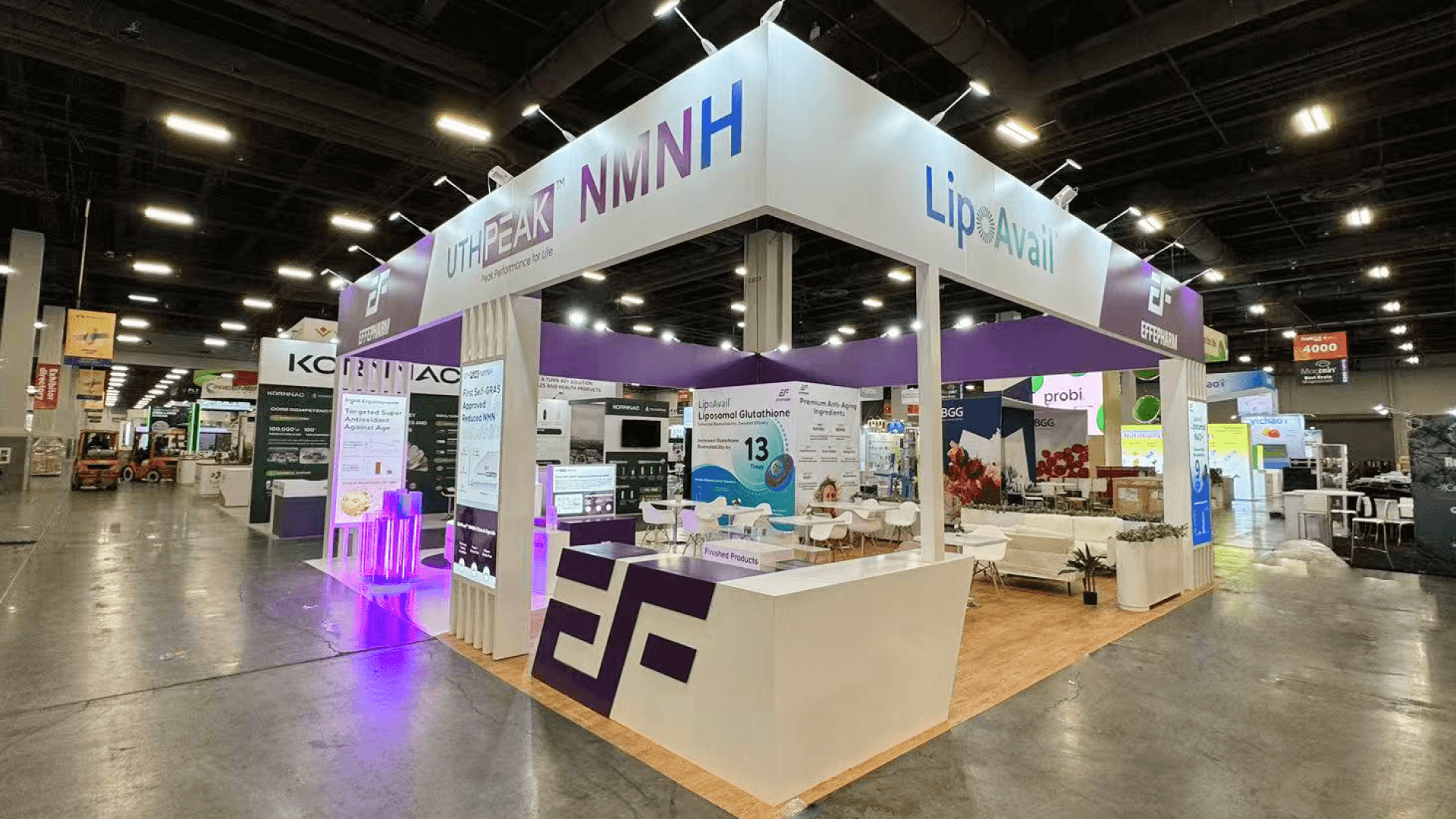
These questions shape the booth layout. A 10x20 may accommodate one guided demonstration and a brief technical discussion. A 20x20 becomes more useful when a specialist must answer detailed questions while another group watches the workflow. At Venetian Expo, the assigned Hall C location affects screen visibility, equipment access, and circulation around the demonstration area. Visitors should be able to see the result without crowding the operator's station.
If advisor recruitment is also a priority, the overall Channel Partners booth plan must balance partner conversations with MSP evaluations. That decision should come before assigning space to demonstration stations, technical specialists, and meeting furniture.
Why Exhibitors Choose Circle Exhibit
Clear scope, transparent quote review, nationwide booth support, and efficient setup planning for qualified rental and custom exhibit projects.
48hr
Setup Window
10+
Years Since 2014
U.S.
Trade Show Support
Real
Booth Project Proof
Screen count is a poor measure of floor space. Consider viewing distance, operator position and whether technical questions will interrupt the next run. Extra area makes sense when separate activities need to stay active.
One presenter and one visible result may fit a compact station. Extended technical questions can hold up the next run without separate discussion space.
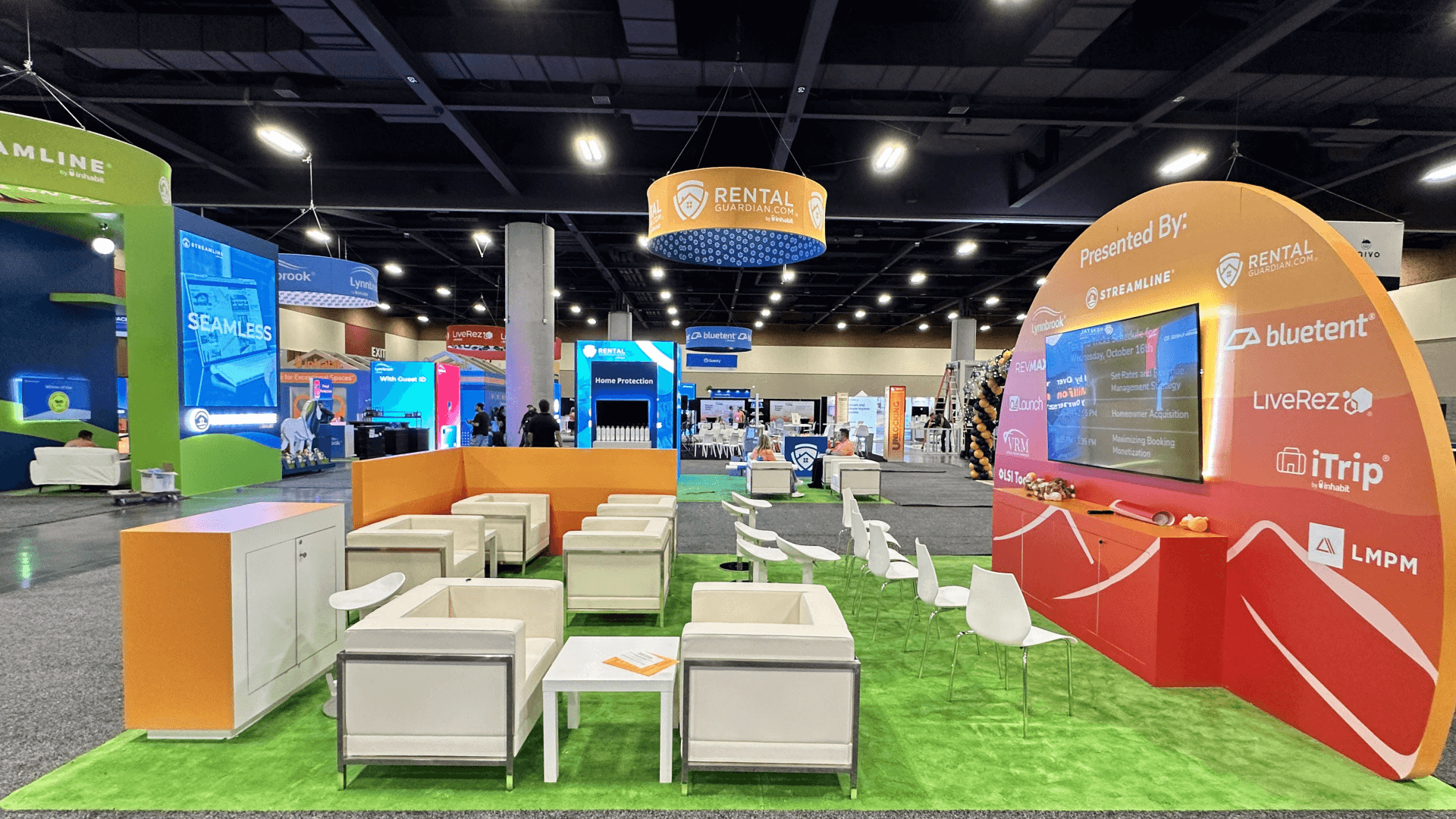
A 20x20 layout gives a specialist space to discuss operational fit while the main demonstration continues. Sightlines and staff movement still govern the arrangement.
A 10x20 booth accommodates a primary display, operator position and nearby questions. A second independent walkthrough would quickly create congestion.
Different workflows may require independent presenters or equipment. Repeating the same result on more screens does not justify expansion by itself.
An MSP workflow demonstration may depend on one technical specialist and a prepared demo environment. When partner meetings or detailed technical questions overlap with scheduled presentations, Hall C booth operations planning helps exhibitors protect promised demo times, allow for equipment resets, and determine whether discussions need a separate position.
Show a recognizable service task, the product's contribution and an observable outcome. Screens and staff positions should clarify that relationship without turning the booth into an implementation workshop.
Identify the task and customer environment. Use controlled examples, and show a multi-customer scenario only when the product supports one.
Place the key status, action or report where viewers can see it. Do not keep the decisive evidence on the presenter's device alone.
Use a concise diagram to show what the platform handles, what the MSP manages and which external tools matter.
Keep the proof accessible and allow longer fit questions nearby. Separate consultation space matters only when the next demonstration must continue.
This CPExpo booth-planning scenario concerns vendors whose MSP buyers need proof of a service workflow, not just a feature tour.
The parent conference takes place March 15–18 at The Venetian. Channel Partners Expo is scheduled in Hall C, separately from MSP Summit Expo in Hall D.
MSP evaluators may assess a product's contribution, customer context and service responsibilities before moving to a deeper technical discussion.
Not Sure Which Booth Size You Need?
Not every exhibitor knows whether a 10x20, 20x20, 20x30, or larger booth is the right fit. Circle Exhibit can help review your event goals, product display needs, demo areas, meeting space, storage, budget scope, and setup timeline before you choose a booth size.
Vendor vs. MSP Responsibilities
Integrations Are Assumed, Not Shown
1
Select a Capability Worth Proving
2
3
4
Rental — Focused Demos with Standard Equipment
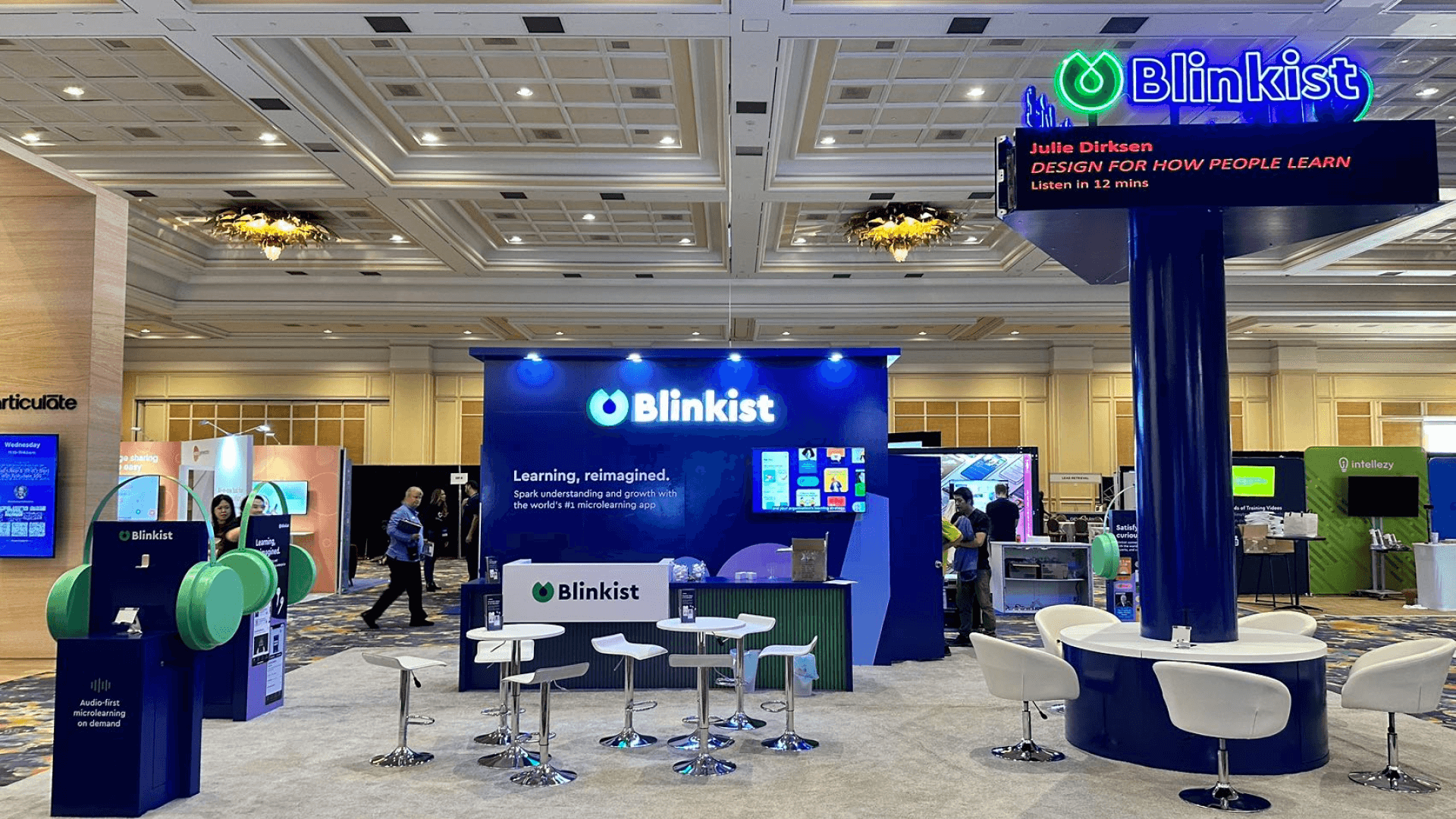
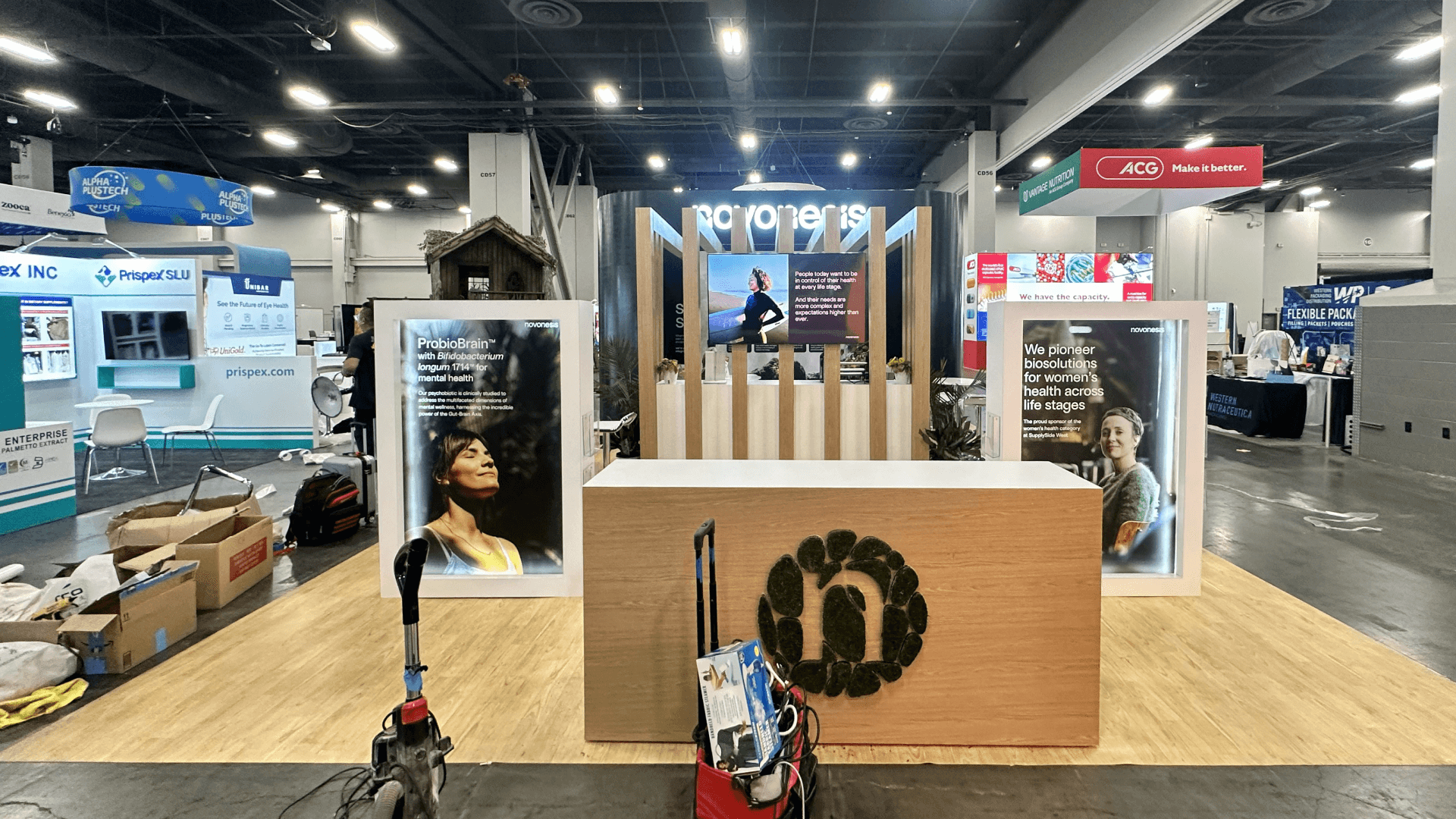
A rental booth suits workflow demonstrations using standard screens, counters, and presentation equipment. It works when the product's result is readable from the visitor area, operators can reset the demonstration reliably, and technical questions do not require a separate workstation.
Custom — When Technical Equipment Drives Design
Custom engineering becomes useful when a workflow depends on secured devices, specialized mounting, extensive cable routing, or multiple independent demonstration stations. These requirements can affect equipment access, structural support, power distribution, and the viewing conditions needed for technical evaluation.
Hybrid — Engineer the Critical Demo Elements
A hybrid solution keeps a flexible rental structure while customizing equipment supports, technical counters, or protected storage. It addresses the parts of the demonstration that standard components cannot accommodate, without rebuilding the entire exhibit around software features displayed on ordinary screens.
Channel Partners Expo is scheduled in Hall C and MSP Summit Expo in Hall D. Use the current rules for the assigned space.
Identify the power, display and connectivity needs of the chosen workflow. A local demo may require less network support than a live platform session.
After installation, stand where visitors will watch. Check that the task, platform action and result remain legible.
Restore the starting state before the next session. Check access permissions and keep approved backup content ready.
Rental Booths for MSP Workflow Demos
A focused MSP demo may only need a clear display, accessible counter, and space for technical questions. Confirm equipment, power, and sightlines before adding custom elements.
What should an MSP vendor demonstrate first?
Pick a recognizable service task the product genuinely supports. Show a result visitors can understand without a lengthy feature tour.
Must the booth demonstrate a full RMM or PSA integration?
Should exhibitors use live customer data?
When is separate technical discussion space necessary?
Is this page for MSP Summit's Hall D exhibitors?
READY TO PLAN YOUR NEXT BOOTH?
Let’s Build a Booth That Fits Your Event
Share your event name, booth size, city, timeline, product display needs, and design references. Circle Exhibit will review your project direction and help you choose a rental-friendly or custom exhibit path.
3000+
Booth Projects Supported
50+
U.S. Event Cities
Transparent
Quote Review
Translate the proof into screen positions, operator reach, viewing space and accessible equipment connections.
When technical questions must continue beside an active demonstration, examine whether 20x20 offers workable separation.
Use concise graphics to explain service context, product responsibilities and verified relationships between tools.
Approved displays, operator counters and equipment connections require installation and a practical readiness check.
Check the venue context once equipment, structure and the assigned booth position are known.