ECRM Planning Session Private Suite Product Range Display
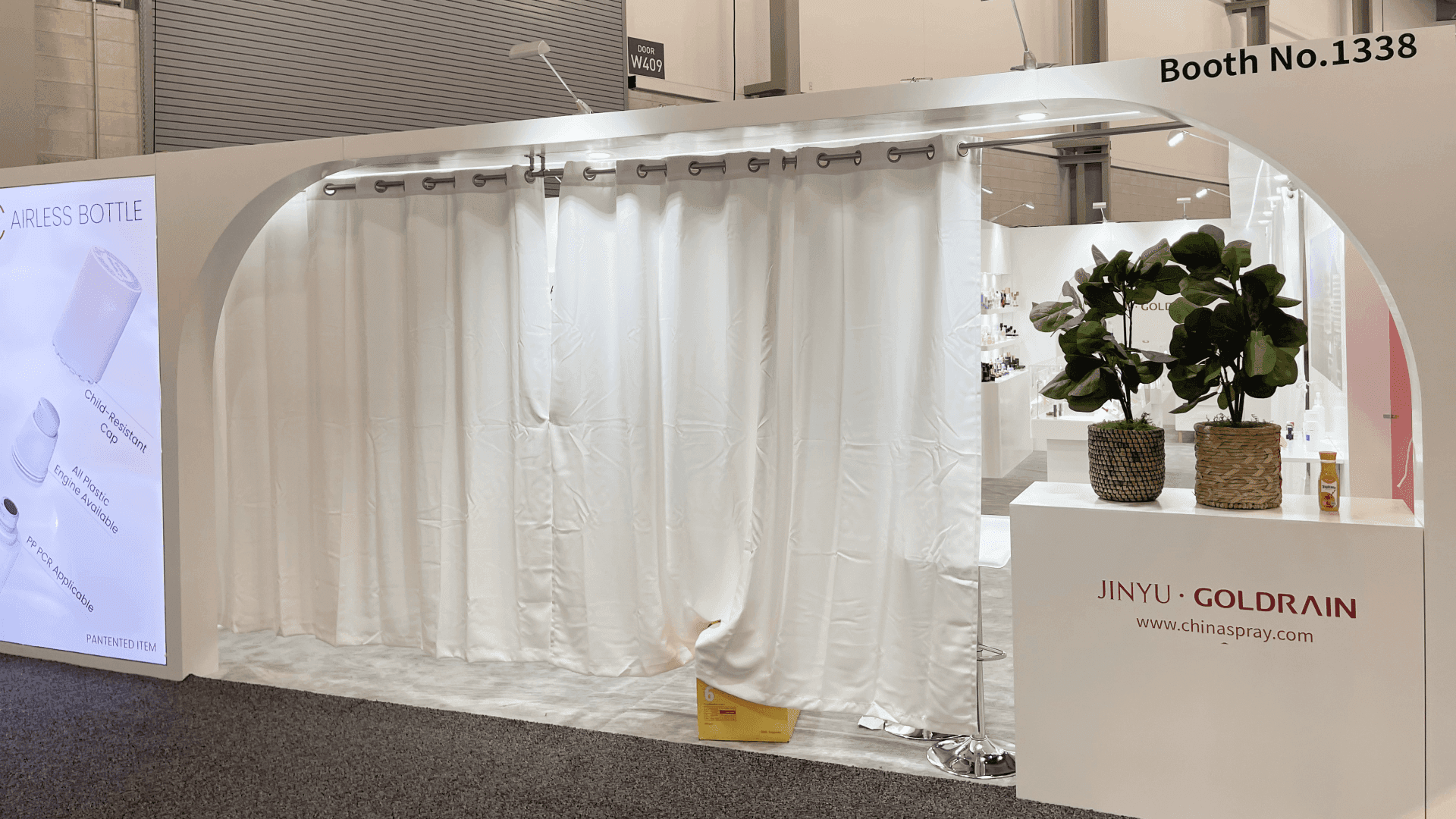
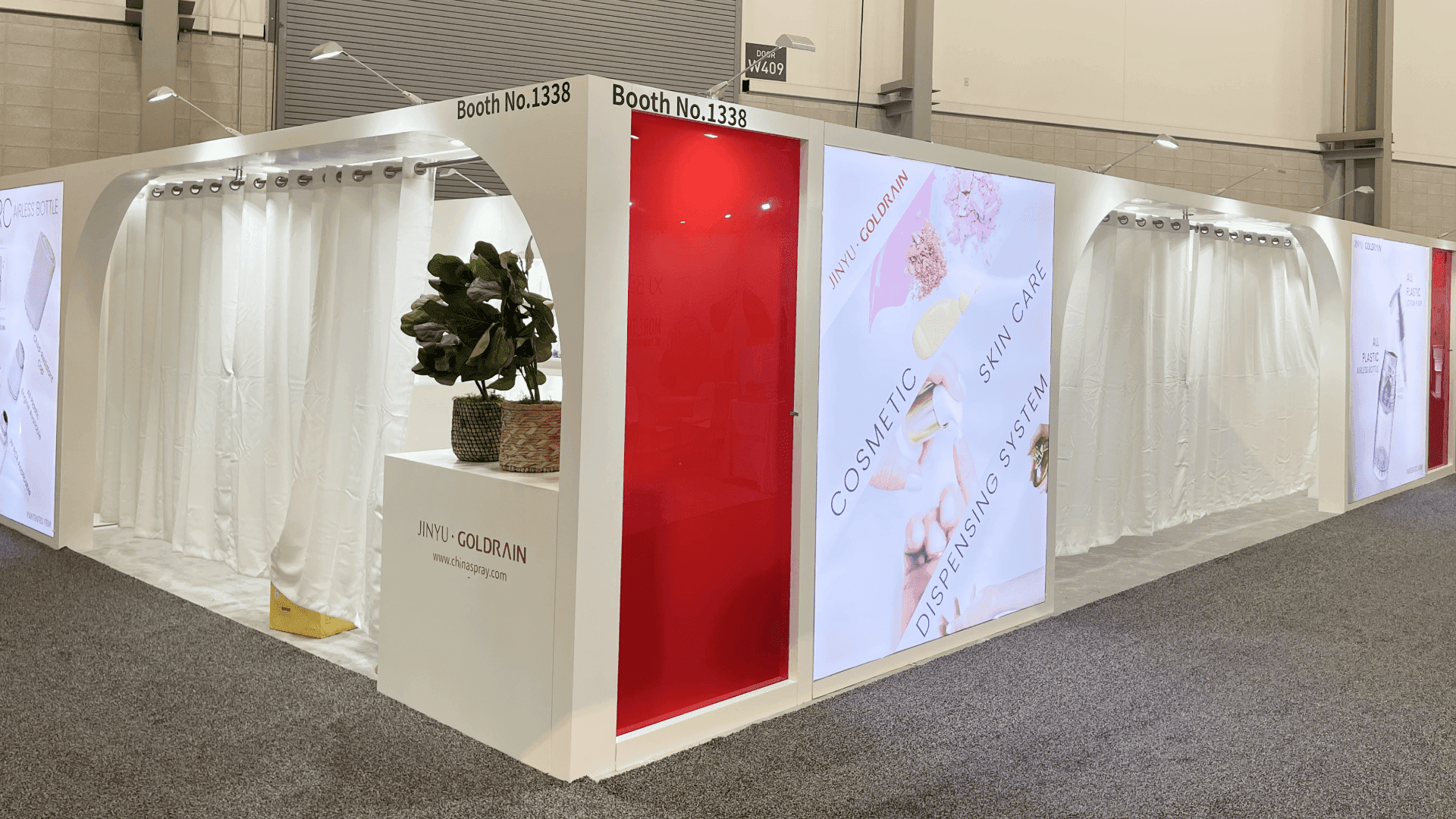
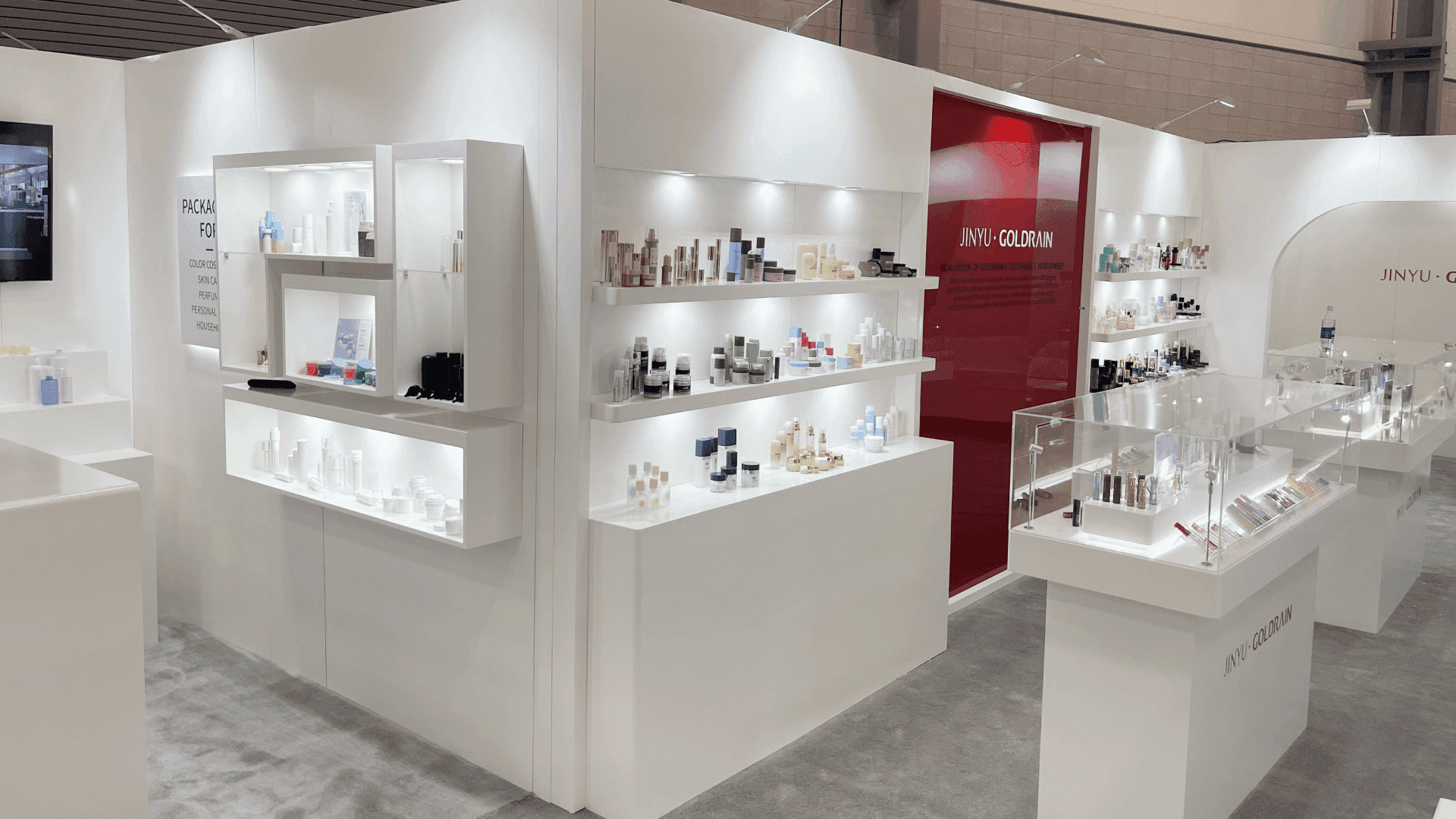

How should a Planning Session suite support a beauty range review?
Use the Planning Session suite for a focused review of the lines relevant to each matched buyer. Keep comparison products in view; one representative can lead the discussion while the other retrieves samples and records open questions. Base any graphics or fixtures on the actual room and furnishings ECRM assigns, not on an assumed booth size.
The base Planning Session package includes two attendees and 20-minute appointments with matched buyers. Use that time to compare the products relevant to each buyer side by side. Other lines can stay in reserve instead of filling every surface.
Give each representative a separate job: one leads the category discussion, while the other brings in samples or supporting information and records open questions. Arrange that workflow around the room ECRM assigns. If the conversation does not call for a two-person comparison, the ECRM skin care format overview also covers the tabletop and private 10×10 options.
Why Exhibitors Choose Circle Exhibit
Clear scope, transparent quote review, nationwide booth support, and efficient setup planning for qualified rental and custom exhibit projects.
48hr
Setup Window
10+
Years Since 2014
U.S.
Trade Show Support
Real
Booth Project Proof
ECRM describes a private suite but does not publish a standard booth footprint for it. Wait for the actual room and furnishings before sizing the display.
Start with the meeting position and the products visible from it.
Use the available surface for products the buyer is comparing now. Add another item when it helps answer a specific question about the range, format, or packaging.
While one representative leads the discussion, the other should be able to find a requested variant and bring it forward without crossing the buyer’s position.
Keep extra products and documents off the comparison area. Set handled materials aside in a separate spot, and confirm that the arrangement works in the assigned room before adding display pieces.
Two attendees can use a longer Planning Session appointment to compare related products, but the buyer still needs a clear first item. The category-to-product brief identifies that item, the detail to show with it, and the variants to hold in reserve. In the suite, one representative can lead the discussion while the other brings a comparison forward when it becomes relevant.
Organize physical products and concise information around the comparison the buyer came to make.
Show which lines belong to the buyer's category and why the selected products are being compared.
Place selected packages or formats side by side when their differences matter to this buyer.
Keep a short product or capability sheet within reach for likely questions instead of spreading documents across the room.
Record the products discussed, the buyer's open questions, and the information each representative must provide afterward.
The base Planning Session package includes two attendees and 20-minute appointments; ECRM describes the setting as a private suite.
This format is part of the June 13–16, 2027 Skin Care Session at Planet Hollywood Resort & Casino.
ECRM positions this format for leading brands seeking deeper collaboration and distribution discussions.
Not Sure Which Booth Size You Need?
Not every exhibitor knows whether a 10x20, 20x20, 20x30, or larger booth is the right fit. Circle Exhibit can help review your event goals, product display needs, demo areas, meeting space, storage, budget scope, and setup timeline before you choose a booth size.
Items That Cannot Be Seen Together
Two Reps Giving the Same Pitch
1
Build a Buyer-Specific Comparison
2
3
4
Use the Assigned Room
A focused product range and clear meeting materials may be enough without another structure.
Consider a Portable Rental Display
If the room lacks a suitable comparison surface and ECRM permits it, a compact display may help. Size it from the actual room.
Build Only for a Proven Gap
Size a fitted element after the room and permissions are known, and only if simpler materials cannot support the review.
Get the actual layout and any provided furniture details before producing room-specific graphics or fixtures.
Confirm which samples, signs, and equipment may be used in this suite.
Check how approved product and display materials are delivered to the room under ECRM's process.
Test sightlines, sample retrieval, note taking, and reset in the actual room.
Session Suite Support the Product Comparison
Start with the furniture and surfaces in the assigned suite. If they cannot support a clear side-by-side comparison, ask ECRM which additional materials are permitted before scoping a rental display piece for the room and two-person workflow.
Is the Planning Session a standard booth?
No. ECRM describes this format as a private suite, so plan from its assigned room and furniture.
How should two representatives divide the meeting?
Should every product line be visible?
When can graphics be sized?
Is a rental booth needed for the suite?
READY TO PLAN YOUR NEXT BOOTH?
Let’s Build a Booth That Fits Your Event
Share your event name, booth size, city, timeline, product display needs, and design references. Circle Exhibit will review your project direction and help you choose a rental-friendly or custom exhibit path.
3000+
Booth Projects Supported
50+
U.S. Event Cities
Transparent
Quote Review