DIA 2027 Software Demo Booth Planning



How should a software exhibitor plan a DIA demo booth?
A DIA software demo booth should let a buyer see one relevant workflow, follow its result on screen, and ask deeper implementation questions without stopping the next demonstration. Set operator and viewer positions first. Then plan screens, power, connectivity, reset time, and a separate follow-up point only where the assigned space can accommodate them.
A software exhibitor at DIA should show one user task and the result it produces. Label sample or simulated material where it appears, give buyers a clear view of the screen, and let longer technical questions move away from the station so the operator can start the next demo. If the booth also needs meetings or capability introductions, use the DIA 2027 booth plan to decide how much space the demo should take.
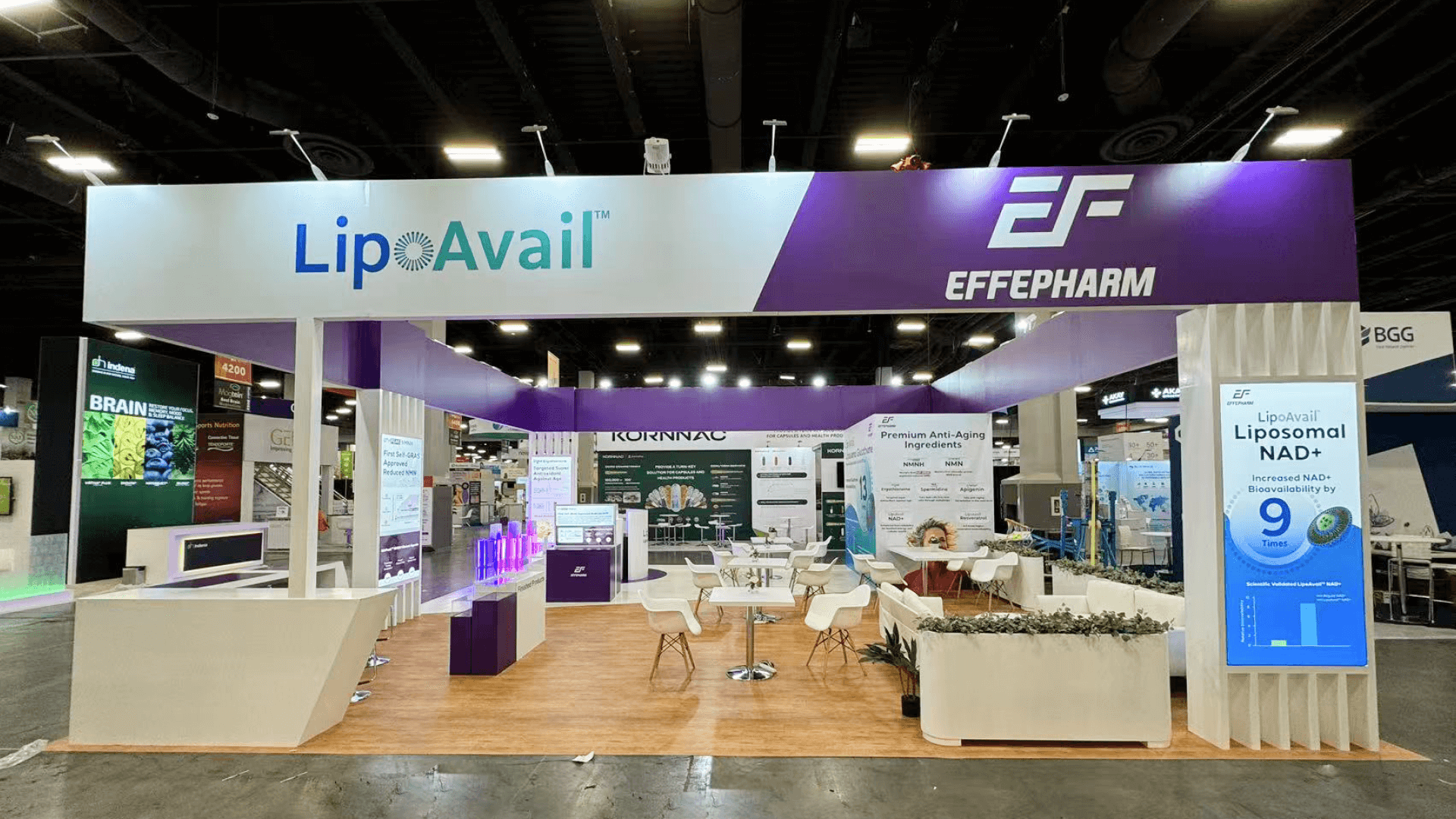
Test an assigned 10×20 with one operator and a small viewing group. Consider 20×20 when a specialist needs to discuss integration or evidence without interrupting the active demonstration. At San Diego Convention Center, confirm power, internet, screen positions, and time for testing against current exhibitor instructions.
Why Exhibitors Choose Circle Exhibit
Clear scope, transparent quote review, nationwide booth support, and efficient setup planning for qualified rental and custom exhibit projects.
48hr
Setup Window
10+
Years Since 2014
U.S.
Trade Show Support
Real
Booth Project Proof
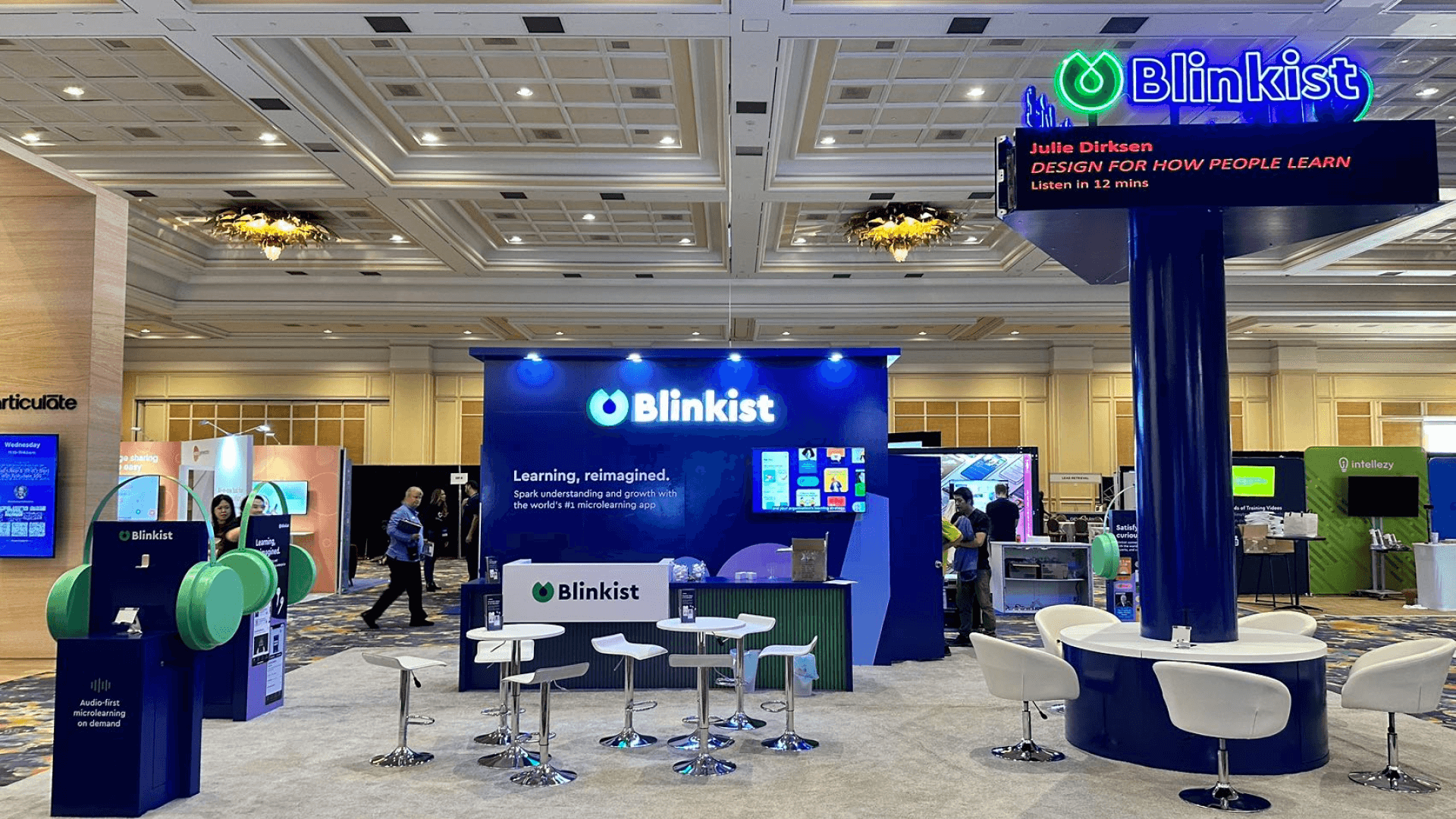
Keep the viewing path clear and allow a deeper question to leave the active station when the space permits.
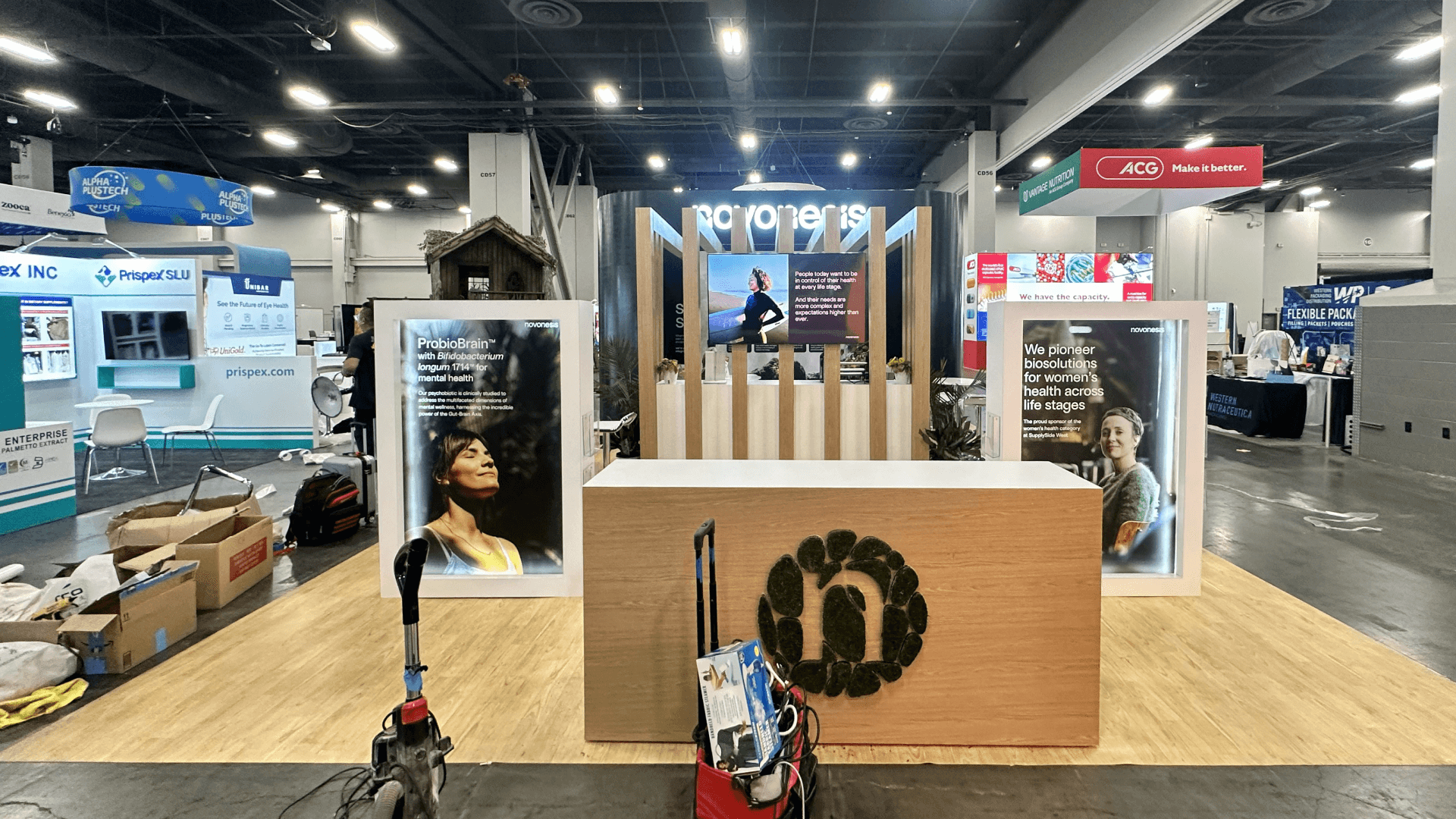
A compact space can host a tightly guided screen preview, with little room for a separate technical discussion.
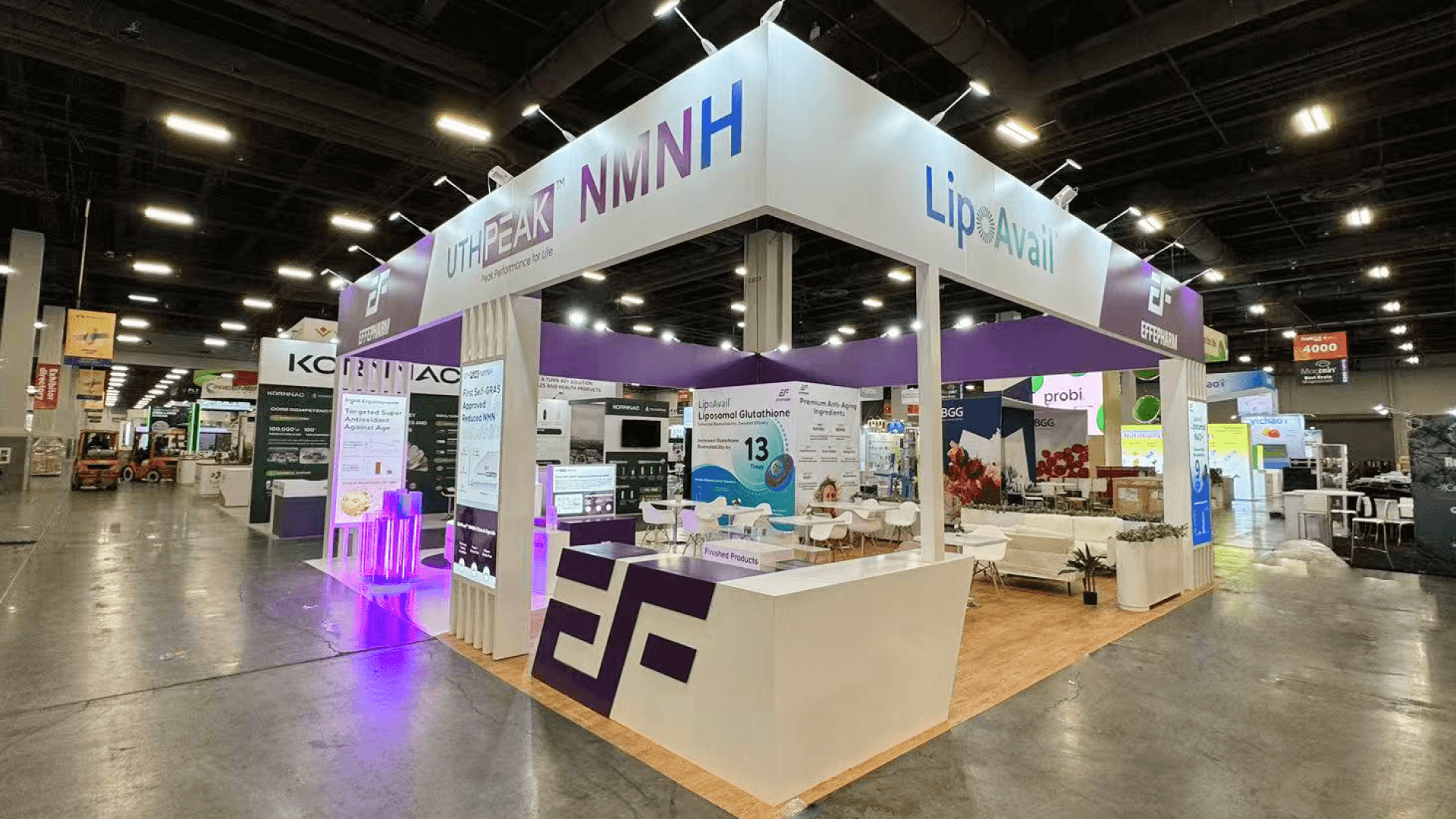
A 20×20 layout can separate a repeating demo from an integration conversation if the assigned space allows it.
In a 10×20 booth, separate the operator from viewers and check that the group leaves access clear.
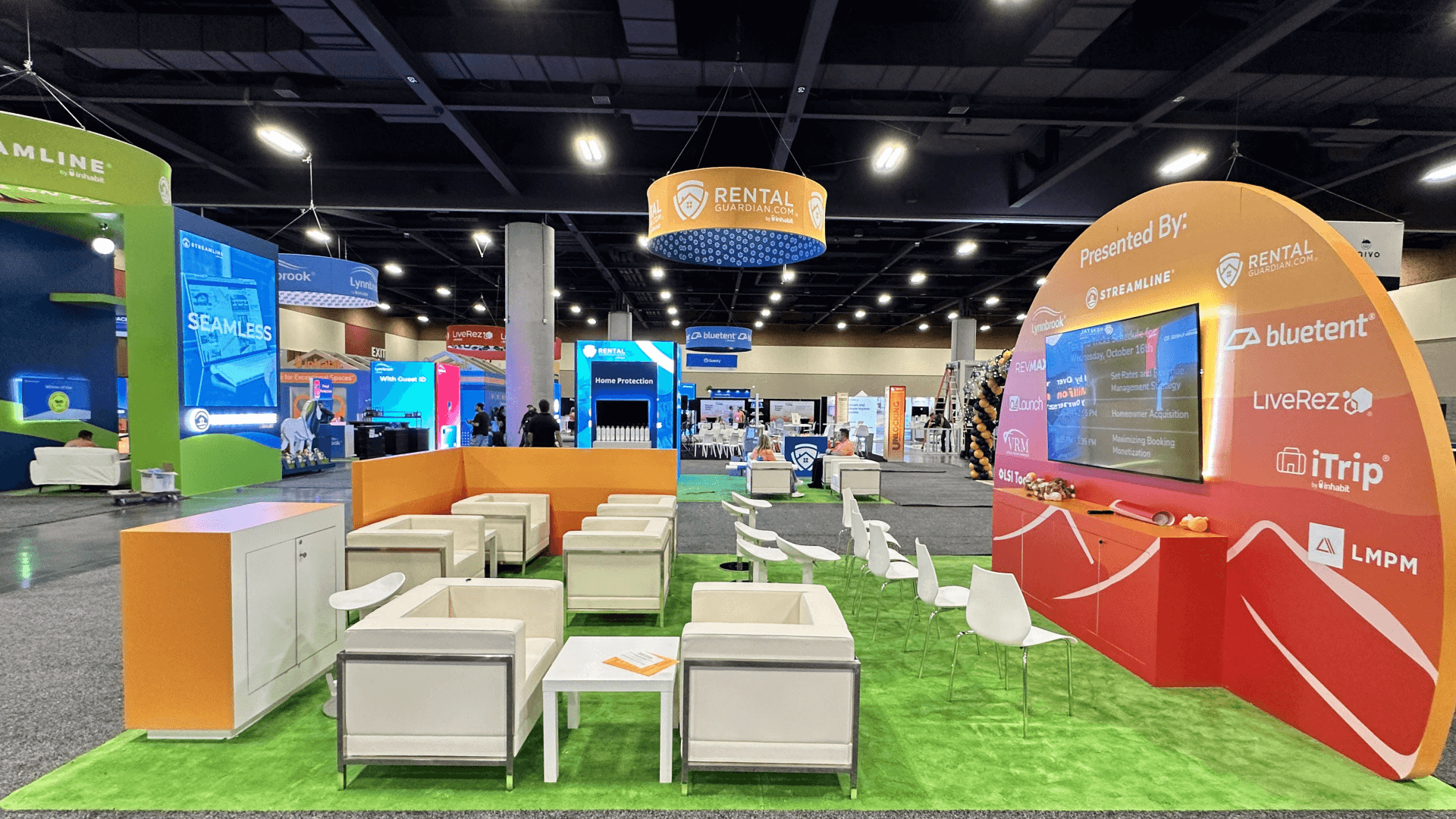
Add area only when distinct workflows or buyer groups truly need simultaneous staffed stations.
This page plans the running booth demo: screen visibility, operator position, reset, and technical handoff. First decide whether buyers need a scheduled presentation, a booth walkthrough they can join during exhibit hours, or both. The Innovation Theater vs booth demo guide answers that format question; use this page to plan the booth experience that follows.
The visitor needs to see the result, follow the operator’s actions, and know where to take a deeper question.
Show the buyer task and outcome. Label sample or simulated data so it does not imply validated performance.
Keep input devices reachable without placing staff between visitors and the screen.
Keep content, devices, and a fallback sequence ready for recovery between visits.
Give implementation questions a nearby destination so the next demonstration can start on time.
A booth-planning use case for software exhibitors, not an official DIA pavilion or named zone.
The meeting runs June 28–July 1 at San Diego Convention Center; exhibits are scheduled for June 28–30.
DIA’s Track 3 addresses data capture, integration, AI, and evidence generation across development and regulatory decision-making.
Not Sure Which Booth Size You Need?
Not every exhibitor knows whether a 10x20, 20x20, 20x30, or larger booth is the right fit. Circle Exhibit can help review your event goals, product display needs, demo areas, meeting space, storage, budget scope, and setup timeline before you choose a booth size.
Screen Detail Is Too Small
The Operator Blocks the View
1
Pick One Evaluation Task
2
3
4
Reusable Demo Base
Standard walls and counters may carry one guided station. Compare San Diego booth rental with the actual screen, power, and cable scope.
Integrated Custom Work
Consider custom construction when equipment or media must be built into a structure that a reusable system cannot accommodate.
Adaptable Structure, Specific AV
A hybrid approach can keep the base reusable while tailoring the screen and operator positions to this workflow.
Check electrical and internet requirements against the current DIA and San Diego Convention Center exhibitor instructions.
Test viewing distance and cable routes with the intended equipment before finalizing graphics.
Rehearse with the final content and operator, including the reset and any offline fallback the product can honestly support.
Verify power, connection, screen content, and cable protection before visitors arrive.
Rental Support for a Repeatable DIA Software Demo
Start with the workflow visitors will see and the operator’s position. Include monitor mounting, viewing distance, power and internet needs, cable routes, reset materials, and any separate technical discussion point in the rental brief. Specify integrated AV or custom fixtures separately so the proposed layout and installation scope can be checked.
What should a DIA software demo show first?
Begin with one buyer task and a visible result. Add features only when they explain that result or answer a question.
Can a 10×20 booth support a software demo?
Does the demo need a live internet connection?
How can technical questions avoid stopping the next demo?
How should sample data be presented in the demo?
READY TO PLAN YOUR NEXT BOOTH?
Let’s Build a Booth That Fits Your Event
Share your event name, booth size, city, timeline, product display needs, and design references. Circle Exhibit will review your project direction and help you choose a rental-friendly or custom exhibit path.
3000+
Booth Projects Supported
50+
U.S. Event Cities
Transparent
Quote Review
Resolve screen position, operator access, viewing, and storage in the physical layout.
Sequence screen placement, cable access, testing, and final checks.
Use the 10×20 guide to examine screen, counter, and viewing clearances for one station.
Review 20×20 spatial options before separating an active demo from technical review.
Align equipment delivery, service orders, setup, and testing time.