ABCA Baseball Technology Demo Booth Planning
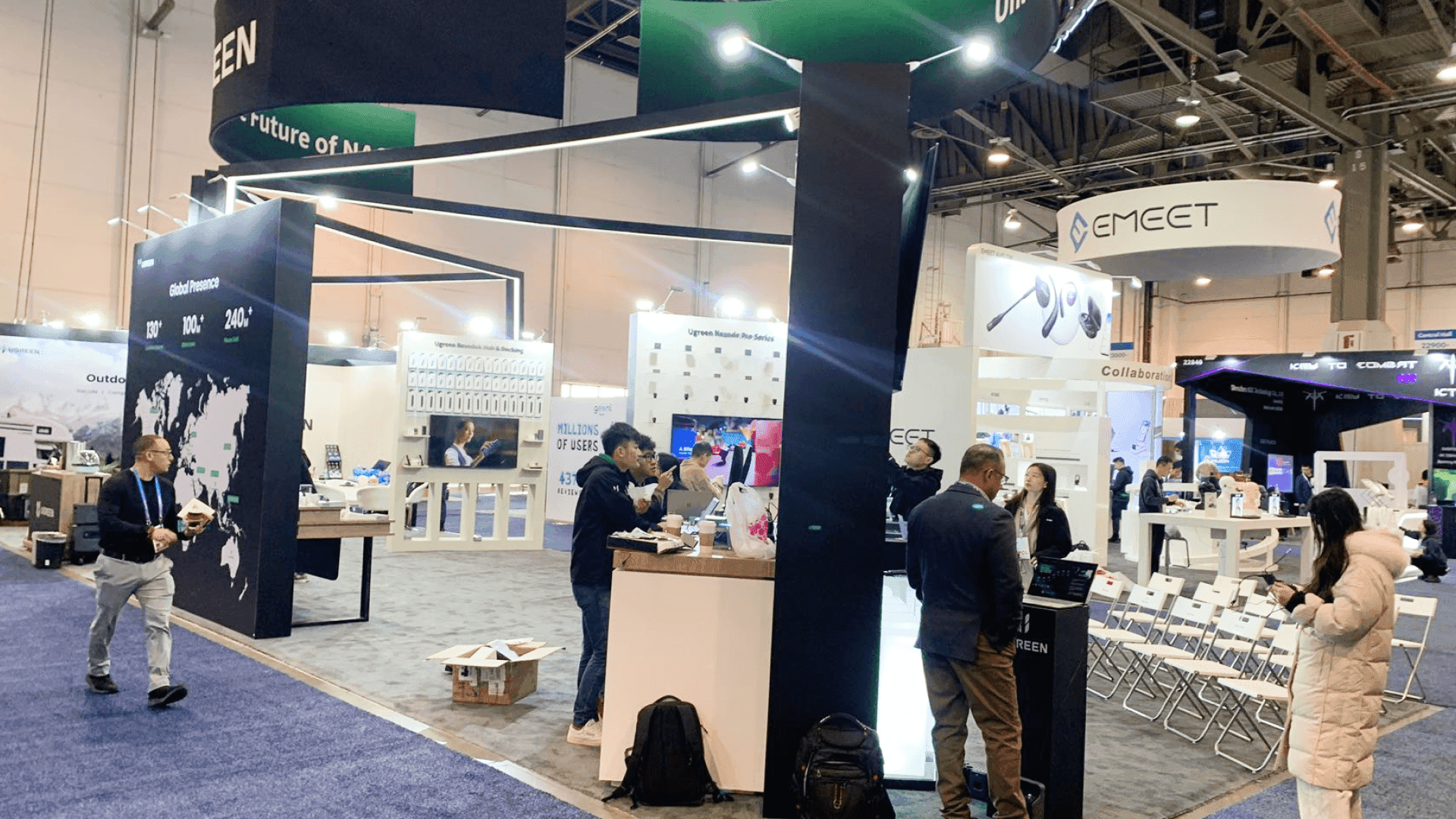
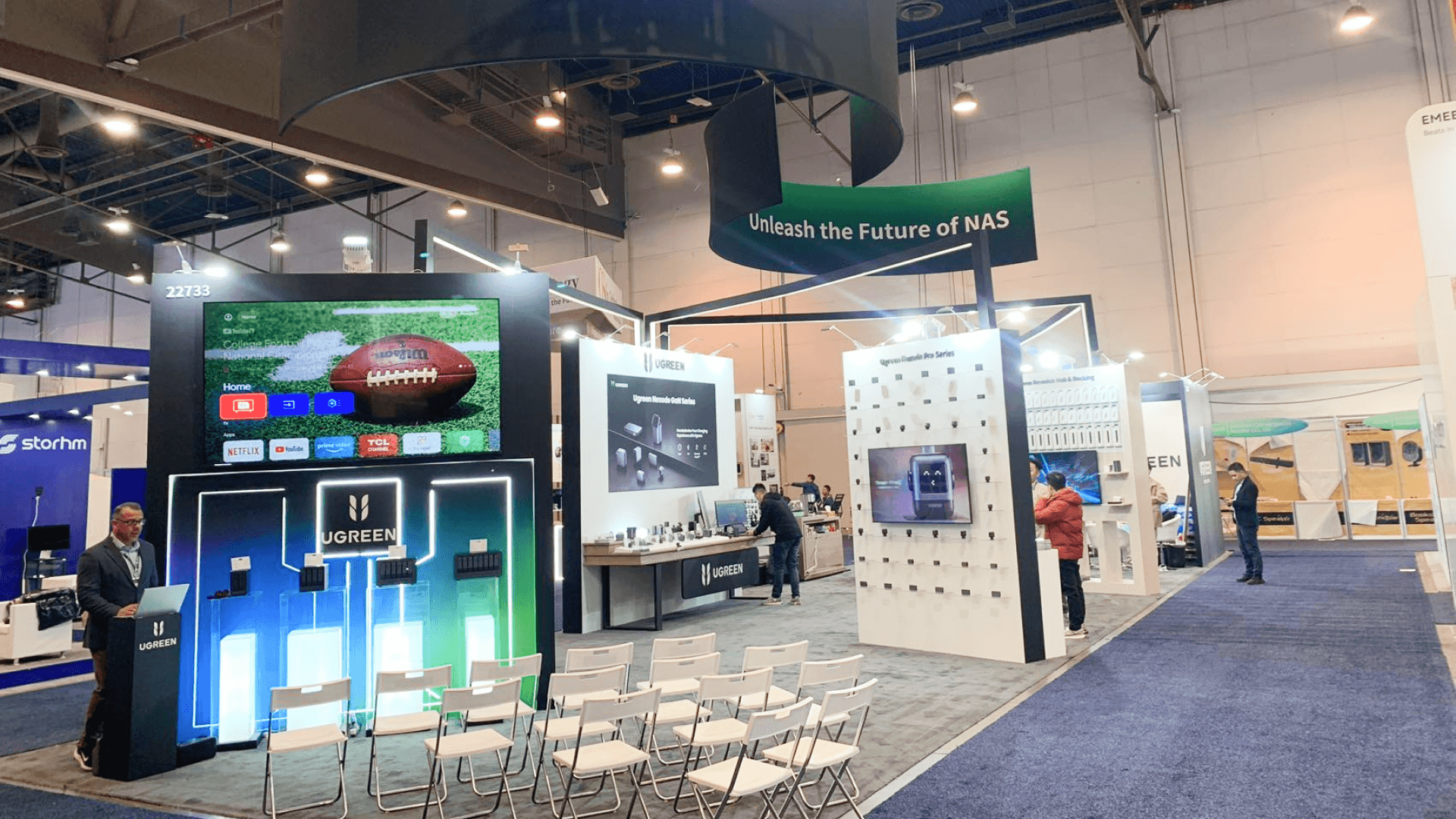
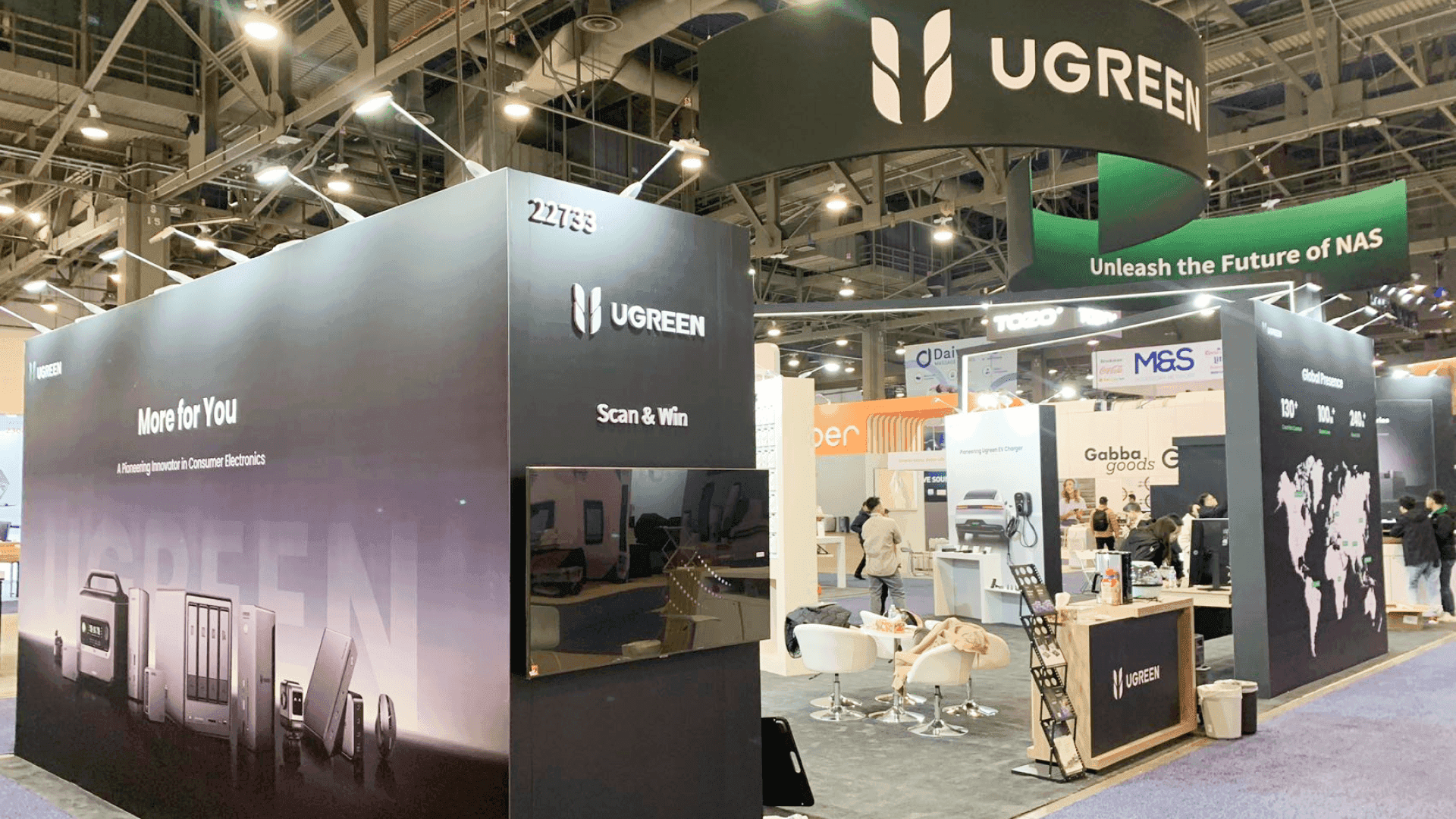

How should a baseball technology demo work inside an ABCA booth?
A baseball technology demo should let the coach follow one clear sequence: understand the action, participate or observe, see the device response or data result, hear what it means, and move into the next question. The booth also needs enough participant space, observer visibility, power, connectivity, backup equipment, storage, and reset capacity to keep that sequence moving.
A baseball technology booth works best when the coach can follow the demo from start to finish. The action, device response, screen or data output, and staff explanation should connect clearly enough that the visitor understands both what happened and why the result matters.
One focused demo path may fit into a 10x20 footprint. When participants, observers, screens, reset access, and post-demo conversations need to happen at the same time, a 20x20 booth layout gives the team more room to separate the active demo from viewing and follow-up areas. If the technology demo is only one part of a larger product, conversation, and storage plan, ABCA Convention booth planning covers those broader booth decisions.
At McCormick Place, power, connectivity, device setup, screen output, cable routing, installation, and pre-show testing can directly affect whether the demo runs reliably. These dependencies should be tested together before show opening, including the actual device-to-screen sequence the team plans to demonstrate.
Why Exhibitors Choose Circle Exhibit
Clear scope, transparent quote review, nationwide booth support, and efficient setup planning for qualified rental and custom exhibit projects.
48hr
Setup Window
10+
Years Since 2014
U.S.
Trade Show Support
Real
Booth Project Proof
The footprint should reflect demo duration, active stations, participant space, observer capacity, screen sightlines, reset requirements, and post-demo conversation.
A 10x20 booth fits one primary demo, one result screen, compact equipment storage, and short follow-up conversations. It works best when visitors move through one clear sequence instead of several competing activities.
A 20x30 booth supports two demo paths, additional equipment, multiple screens, or a dedicated technical discussion area without forcing those functions into the same working zone. It becomes useful when several activities need to run at once.
A 20x20 booth creates more separation between the active participant and nearby observers while preserving screen visibility, reset access, staff circulation, and space for post-demo questions. It suits demos that need a distinct operating zone and discussion area.
A larger footprint is justified when several technologies, substantial hardware, multiple simultaneous demos, or heavier observer traffic begin to compete for the same operating space. The extra area should solve a real throughput constraint, not simply make the booth look larger.
A live technology demo only adds value when coaches have a reason to see the product work in person, so before planning devices, screens, participant flow, or reset time, exhibitors should be clear about what the coach needs to understand and whether the technology is a strong match for the event. The ABCA product-fit guide helps establish that audience-product fit before the demo itself becomes the planning problem.
The display should show the coach what to do, what the device is reading, what the result means, and where the conversation goes next.
The participant should immediately understand the action, where to stand, and which part of the system they are about to use or observe.
The device, sensor, camera, training tool, or system should clearly connect to the metric, video, dashboard, or result shown on screen.
Do not stop at numbers. Give the coach enough context to understand what the result says about training, performance, technique, or practical use.
After the result is explained, the visitor should know whether to ask a specialist, compare an option, discuss a program use case, or continue into follow-up.
This page is for exhibitors whose product must be operated, observed, measured, or interpreted in real time rather than understood from static graphics alone.
The ABCA Convention runs January 7–10, 2027 at McCormick Place, with the Trade Show open January 7–9.
A useful demo links a training movement, measurement, video capture, device interaction, or similar action to a result the coach can understand and question.
Not Sure Which Booth Size You Need?
Not every exhibitor knows whether a 10x20, 20x20, 20x30, or larger booth is the right fit. Circle Exhibit can help review your event goals, product display needs, demo areas, meeting space, storage, budget scope, and setup timeline before you choose a booth size.
Keep Observers Out of the Demo Path
Plan the Reset Before the Next Visitor
1
Walk Through One Full Demo Cycle
2
3
4
Rental for a Focused Demo System
A Chicago trade show booth rental works well when standard walls, monitors, counters, branded surfaces, storage, and one defined demo path cover the technical requirements.
Hybrid for Specialized Demo Fixtures
Keep the main structure reusable and add custom product mounts, demo surfaces, hardware interfaces, or equipment fixtures only where the technology requires them.
Custom When the Structure Becomes Part of the System
Custom fabrication makes more sense when several stations, unusual mounting, integrated hardware, purpose-built interfaces, or complex cable routing become part of the demo itself.
List every powered device, screen, charger, connected application, and required connection point before the booth layout is approved.
Verify device pairing, software access, screen output, adapters, cables, and fallback content as one complete path.
Spare devices, chargers, adapters, cables, training items, and reset supplies should stay accessible without appearing in the customer-facing demo area.
Run the action, result, explanation, staff handoff, and reset before the floor opens so operating problems appear before visitors arrive.
Rental Booths for ABCA Technology Demos
A rental system can support a focused baseball technology demo when the booth needs monitors, counters, branded surfaces, equipment storage, and a defined participant path. Specialized mounts or demo fixtures can be added where the technology requires more than standard components.
How much space does one ABCA technology demo need?
Measure the participant area, observer space, screen visibility, staff position, reset access, and post-demo conversation—not only the device itself.
Where should observers stand during a baseball technology demo?
Should an ABCA technology demo rely entirely on Wi-Fi?
How should screens be used in a baseball technology booth?
What should happen after the technology demo ends?
READY TO PLAN YOUR NEXT BOOTH?
Let’s Build a Booth That Fits Your Event
Share your event name, booth size, city, timeline, product display needs, and design references. Circle Exhibit will review your project direction and help you choose a rental-friendly or custom exhibit path.
3000+
Booth Projects Supported
50+
U.S. Event Cities
Transparent
Quote Review
For the full event-planning context, ABCA Convention Booth Planning covers product display, conversations, storage, booth size, and broader show-site decisions.
This footprint is especially useful when participant space, observers, screens, reset access, and post-demo questions need to operate without blocking one another.
Once the demo requirements are fixed, local fabrication and show-site work need to accommodate screen placement, power, equipment access, installation, and testing.
A reusable rental system can work well when monitors, counters, storage, branded graphics, and one defined demo path are enough for the operating sequence.










