
Product Type Changes What Buyers Need to Examine
The useful distinction is not simply hardware versus software. It is what the buyer needs to do before they can judge the product.
Product Type | What Buyers Need to Examine | Better Demo Format | Booth Planning Priority |
|---|---|---|---|
Diagnostic imaging equipment | Physical system, operation, access, output | Standing product demonstration | Clearance and staff access |
Radiology software | Image detail, interface, workflow result | Guided screen review | Viewing distance and operator position |
PACS / RIS / enterprise imaging | Connected systems and workflow | Process walkthrough | Integration context |
AI imaging software | Clinical workflow and AI output | Clinical evaluation demo | Human review and integration |
Multi-product portfolio | Several product stories | Related but distinct demo points | Separation and navigation |
This provides a more useful planning input than selecting a standard booth layout first. A product that occupies little floor space can still require a substantial demonstration area, while a physically larger product may need a relatively simple interaction once adequate clearance is provided.
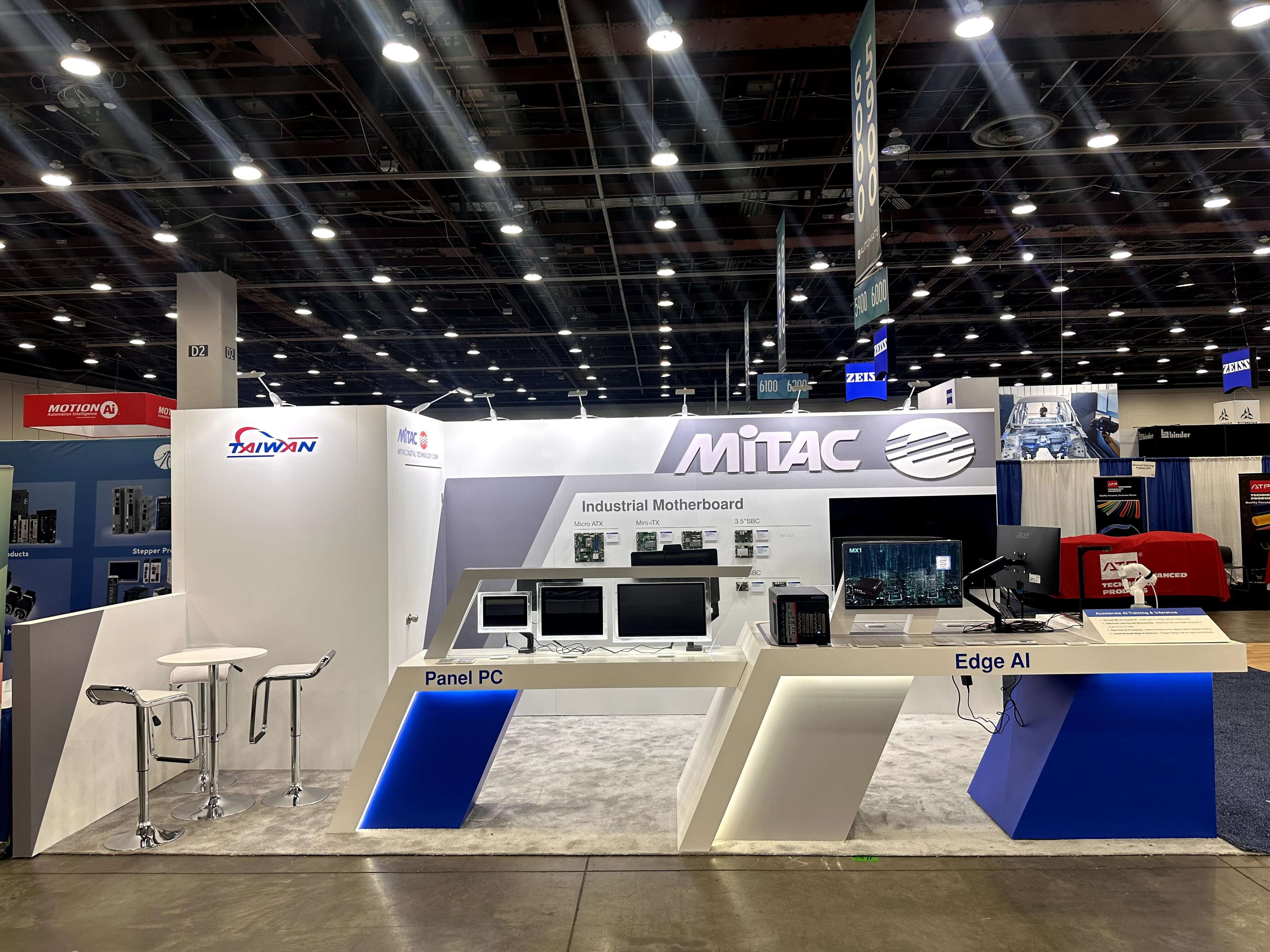
Physical imaging equipment needs more than enough floor area to fit the system; buyers and staff also need usable space to view, operate, and discuss the product.
Imaging Equipment Needs More Than Its Physical Footprint
The dimensions of an imaging system do not tell the booth team how much space the demonstration actually needs.
Visitors may need to approach the equipment, see controls or patient-facing components, watch a staff member operate it, and then move their attention to an image or result. Staff may also need access to accessories, power connections, or one side of the system that should remain clear during the demonstration.
Equipment-heavy exhibits should account for:
physical product dimensions;
buyer viewing clearance;
staff operating position;
access to controls and accessories;
power and cable access;
where the resulting image or information appears;
whether the equipment obstructs another product or demo.
A system can fit inside the booth and still be difficult to demonstrate.
The more useful measurement is the usable demonstration area around the equipment, not only the equipment footprint itself.
Radiology Software Depends on Image Readability, Not Screen Size Alone
Radiology software has almost the opposite problem. The product may occupy very little floor space, yet the viewing conditions can determine whether buyers can evaluate it properly.
A larger monitor does not automatically make a demo better. Buyers may need to inspect image detail, compare studies, follow a workflow change, or examine a specific interface element. Viewing distance, resolution, interface density, and the number of people looking at the screen all matter.
A software demo position should answer practical questions:
How close does the buyer need to be?
Does the product require side-by-side image comparison?
Can several visitors see the important detail at once?
Where does the operator work without blocking the screen?
Does deeper review require a closer workstation?
A large display may work well for orientation or a short group explanation. A closer workstation can be more useful when a radiologist needs to inspect actual image detail.
The screen setup should follow what buyers need to see, not simply the amount of wall space available.
PACS, RIS, and Workflow Platforms Need Process Context
PACS, RIS, enterprise imaging, and workflow platforms can be difficult to evaluate when the booth shows only one interface.
Their value often comes from relationships: where information originates, which system receives it, who acts on it, and what happens downstream. A buyer may understand the software screen and still not understand where the product fits into daily imaging operations.
A useful demonstration can combine:
the actual product interface;
a simplified workflow or system relationship view;
the role of the radiologist, technologist, or another user;
the point where another system becomes relevant;
access to a specialist when integration questions become deeper.
The first interaction does not need to expose the entire architecture.
It only needs enough process context for the buyer to understand where the product sits and what question should come next.
For PACS and workflow platforms, the booth is therefore explaining the product inside a connected process, not just displaying a software interface.
AI Imaging Requires Clinical Workflow and Human Review Context
AI imaging software still depends on readable screens and clear product context, but the evaluation often extends beyond the interface itself. Buyers may need to see where AI enters the clinical workflow, what it produces, and where a radiologist reviews, confirms, or acts on the result.
When those questions become central, the product has moved beyond a general radiology software demonstration. That deeper clinical-evaluation problem is why RSNA AI Showcase booth planning treats workflow position, AI output, human review, integration, and technical follow-up as a separate planning layer.
This article therefore treats AI imaging as one medical imaging product type rather than repeating the full clinical AI evaluation method here.
Separate Product Areas When the Buyer Interaction Changes
A company showing imaging equipment, software, workflow platforms, and AI products does not need a separate zone for every product name.
Products can stay together when the same buyer naturally moves between them and the interaction remains similar. A software application that directly supports an imaging system, for example, may make more sense beside the equipment than in a completely separate part of the booth.
Separation becomes more useful when:
one product needs physical viewing space while another needs close screen inspection;
different buyer groups evaluate the products;
one demo takes significantly longer than another;
different specialists own the conversations;
technical review around one product regularly blocks another demonstration.
The strongest rule is simple:
Separate product areas when the buyer interaction changes—not merely when the product name changes.
Clear labels can then help visitors identify modality, product family, clinical use, or demo purpose without forcing the graphics to explain the entire technology.

Software and PACS demonstrations work best when buyers can inspect image detail, follow the interface, and understand how the product fits into the connected imaging workflow.
Booth Size Follows the Demo Requirement
A technically complex product does not automatically need a larger booth.
A focused radiology software demo may work in a relatively compact footprint if the interaction stays screen-based. Physical imaging equipment may require more usable clearance even with fewer visitors. Several product families can increase the space requirement because they introduce additional viewing positions, operators, or specialist conversations.
The sequence should therefore remain:
Product requirement first. Space requirement second.
Once the product-specific requirements are clear, booth size is no longer the main question of this article. Footprint, installation, storage, McCormick Place coordination, and broader show execution can then be resolved within the overall RSNA booth planning.
Medical Imaging Product Display Checklist
Before the exhibit moves into production, the product requirements should be specific enough for the booth team to work from.
Confirm:
What type of medical imaging product is being demonstrated?
Does physical equipment need additional viewing or operating clearance?
How close must buyers be to inspect image detail?
Does the software need one view or several connected screens?
Does PACS, RIS, reporting, or another system need to appear in the explanation?
Is the primary interaction physical, screen-based, or process-based?
Do hardware and software actually belong in the same demo area?
Which questions require a product or technical specialist?
Can one product demonstration interfere with another?
What support equipment needs to remain close to the demo?
Which requirements must be handed to the exhibit production team?
FAQ
How should booth planning differ for imaging equipment and radiology software at RSNA?
Imaging equipment needs usable clearance for viewing, operation, and staff access around the physical product. Radiology software depends more on image readability, viewing distance, operator position, and how closely buyers need to inspect the interface or image output.
How much space does medical imaging equipment need around it?
The equipment footprint alone is not enough to determine the answer. Buyer approach, viewing clearance, staff operating space, controls, accessories, cables, and the location of the resulting image or information all affect the usable demonstration area.
How should radiology software be demonstrated at RSNA?
Plan the demonstration around the image detail or interface behavior buyers need to inspect. Viewing distance, comparison views, operator position, and the number of simultaneous viewers matter more than screen size alone.
How should PACS or radiology workflow platforms be demonstrated at RSNA?
Show enough of the connected process for buyers to understand where information originates, how systems and users interact, and what happens next. The first interaction does not need to expose the complete technical architecture.
When does a medical imaging exhibitor need separate product zones?
Separate areas become useful when products require different buyers, viewing positions, demo formats, equipment, or specialists. Multiple product names alone are not a strong reason to divide the exhibit.







