What a 20x20 Footprint Can Support
A 20x20 trade show booth provides 400 square feet of exhibit space. Depending on aisle exposure, the footprint may support one primary demo area, compact buyer meeting space, branded graphics and screens, product displays, hidden storage, and more than one visitor path.
The exact arrangement depends on the assigned open sides and traffic pattern. Those basic 20x20 booth planning considerations should be established before deciding whether demos, meetings, or product inspection receive priority inside the footprint.
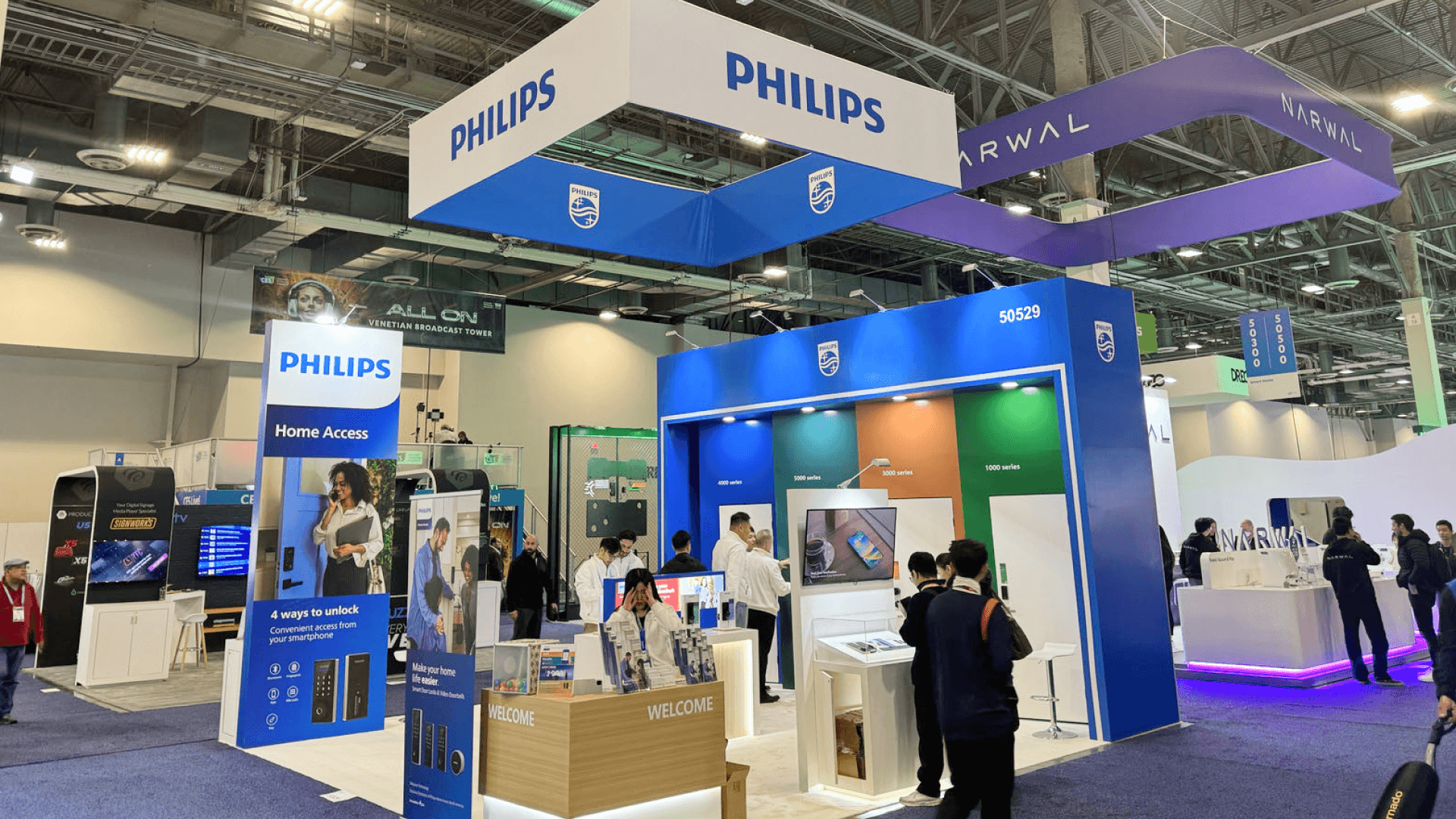
A demo-first 20x20 booth keeps the main product interaction visible from the aisle while preserving room for follow-up conversations.
Start With One Main Booth Goal
Before choosing furniture or positioning screens, decide what visitors should do first.
Some exhibitors need people to watch a product demo. Others want buyers to inspect a physical product or begin a conversation with the sales team. All three activities can appear in the same booth, but one should determine how the space is organized.
Ask:
What should visitors do first when they enter the booth?
When the answer is “watch a demo,” the demonstration needs to be visible from the aisle without occupying the main entrance.
When conversation comes first, keep the aisle edge open and position seating along a quieter side.
When product inspection is the priority, allow enough room around the display for visitors to stop, compare features, and ask questions without drifting into the meeting zone.
This decision gives the rest of the layout a clear order. A focused 20x20 booth usually feels larger than one filled with competing features.
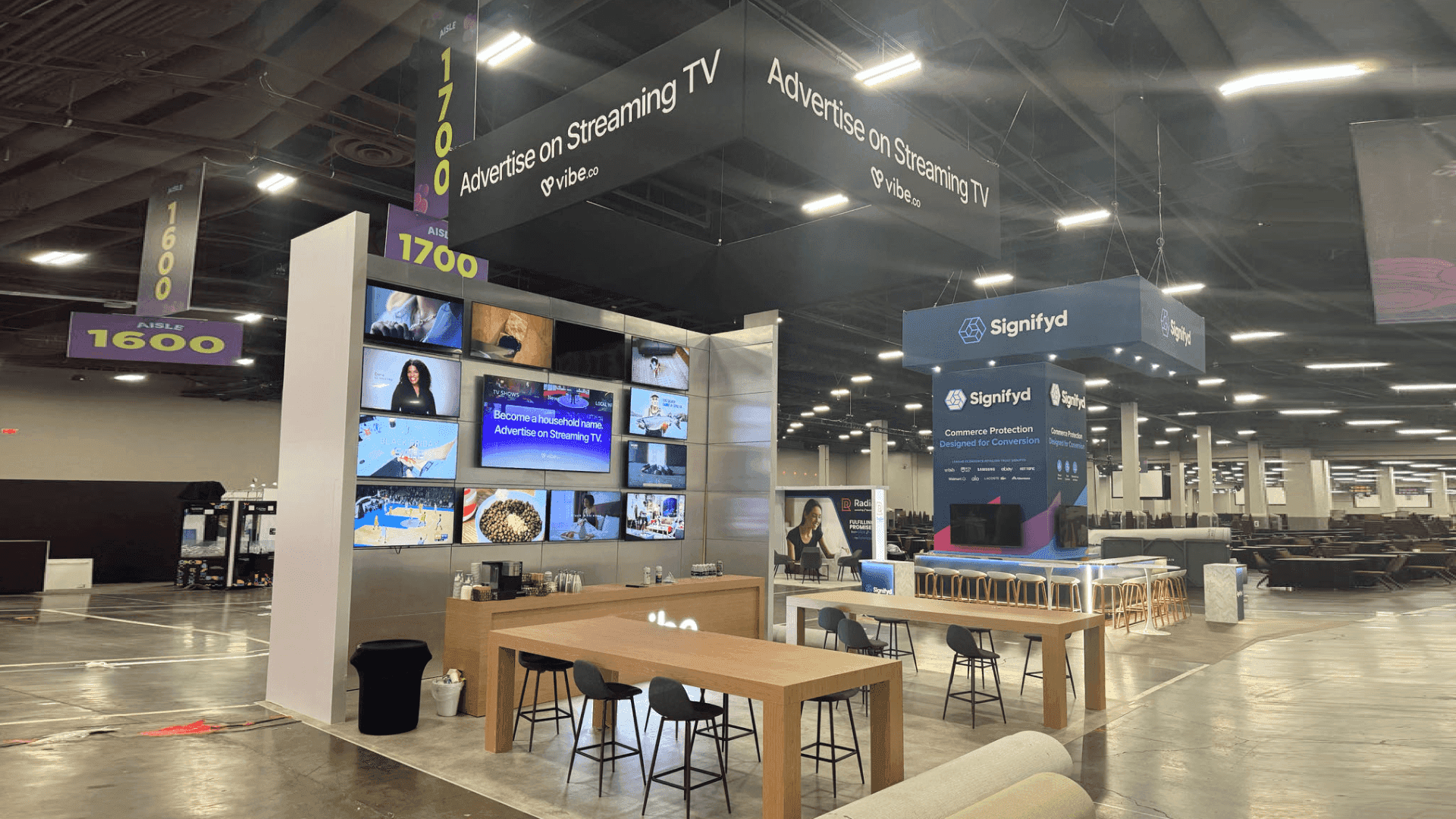
Screen-led demonstrations and compact buyer meetings can share a 20x20 island booth when their traffic paths remain separate.
Three Practical 20x20 Booth Layouts
Most practical 20x20 booth ideas fit one of three broad layout approaches. The strongest designs give one visitor activity clear priority and organize the remaining space around it.
Layout | Best suited for | Main planning risk |
|---|---|---|
Demo-First | Equipment, software, product testing, and walkthroughs | Viewers gathering around the entrance |
Meeting-First | Consulting, enterprise sales, and distributor discussions | Seating occupying too much active floor space |
Balanced | Short demos followed by buyer conversations | Demo and meeting traffic crossing |
Demo-First Layout
The product demonstration becomes the main visual anchor. A screen, working counter, equipment display, or sample station faces the aisle, while the audience remains clear of the primary entry path.
Meeting furniture stays compact and outside the demo queue. This arrangement works when visitors need to see the product in use before they are ready for a longer discussion.
The next step should also be visible. After the demonstration, interested visitors need an obvious path toward lead capture, a staff member, or the buyer meeting area.
Meeting-First Layout
The front of the booth remains open for branding, product recognition, and initial conversations. Seating is placed slightly deeper inside the exhibit or along a quieter perimeter.
Screens and samples support the discussion instead of attracting a separate crowd. This layout fits enterprise software, consulting services, distributor meetings, and other high-value sales conversations.
The meeting area should offer enough separation for a focused discussion while remaining visually connected to the rest of the booth.
Balanced Demo-and-Meeting Layout
The demo area and meeting zone occupy different sides of the exhibit. Visitors can see the product, watch a short demonstration, and continue into a conversation without crossing the main entrance or interrupting another meeting.
This approach works well when marketing and sales teams need to use the booth at the same time. It creates a natural demo-to-meeting flow without allowing either activity to dominate the footprint.
Once the layout direction is clear, the demo and meeting areas can be sized around the product, visitor behavior, and staff workflow.
Planning the Main Product Demo Area
A clear demo booth design should make the demonstration easy to notice, approach, and understand without turning the entrance into a viewing queue.
One primary station is usually enough for a 20x20 product demo booth. It may combine:
A front-facing demo counter
One screen or product display surface
Space for two to four visitors
A clear staff operating position
Nearby storage for samples and tools
Several small demonstrations can create more movement without improving understanding. One focused interaction point gives the product a stronger presence and makes the audience easier for staff to manage.
The demo also needs a clear ending. Visitors should know where to go when they want pricing, technical details, a follow-up conversation, or a scheduled meeting.
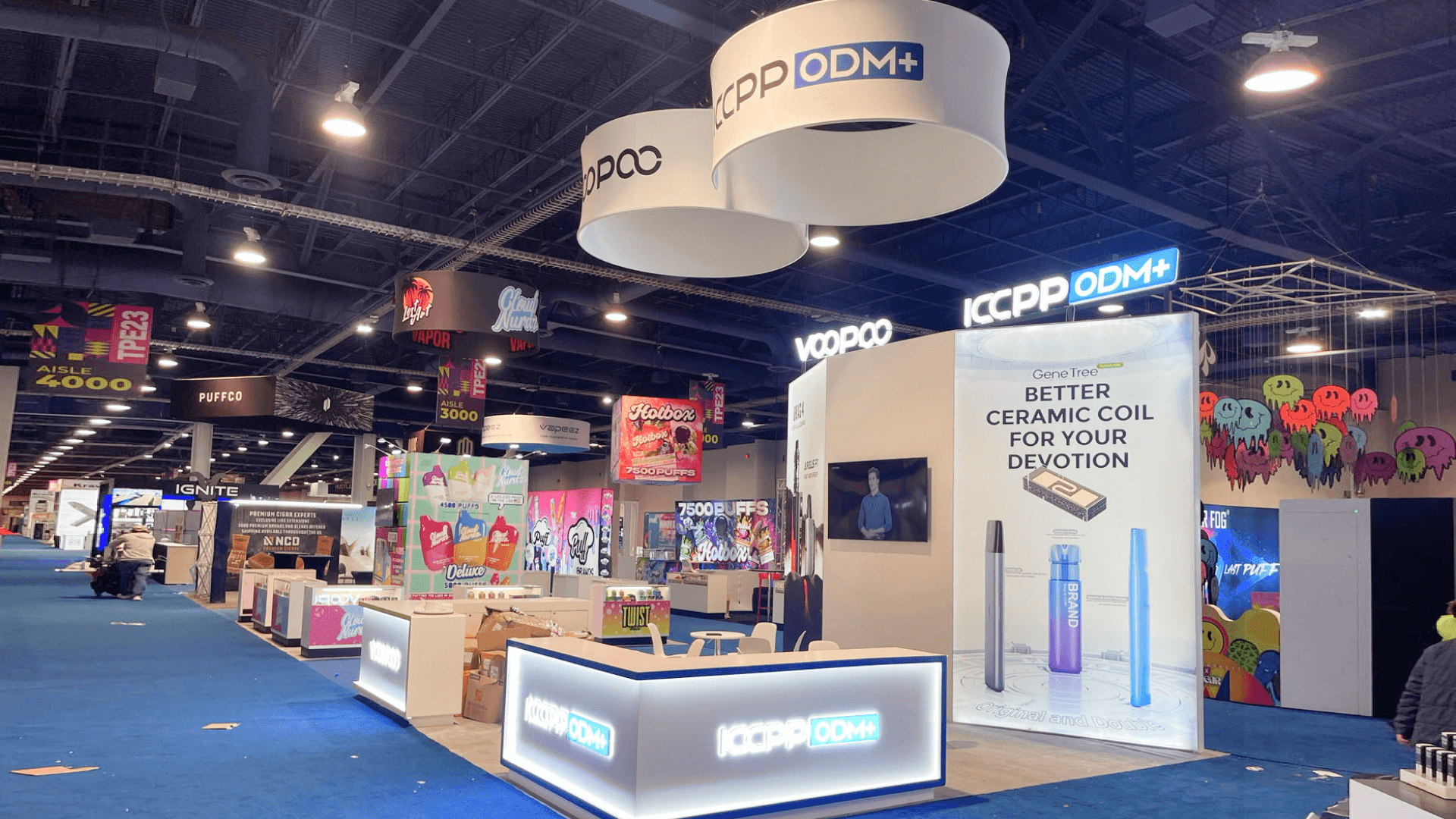
Reviewing graphics, power, furniture, storage, and clearances together helps confirm that the 20x20 layout can be built and used as planned.
Making Room for Buyer Meetings
When a demonstration creates interest, the booth needs a place where staff can continue the conversation without interrupting the next group of visitors.
In most 20x20 layouts, two chairs and a small table are enough for short buyer meetings. A standing counter may work better when the booth needs faster conversations and more open visitor flow. Full lounge seating can overwhelm the footprint unless meetings are the primary purpose of the exhibit.
Place the meeting area away from the busiest corner and outside the active demo path. It should feel connected to the exhibit without facing a loud screen or sitting directly beside the demo audience.
When several demo stations, longer seated meetings, or a larger sales team are required, the 20x20 footprint may no longer provide enough separation between activities. In that case, 20x30 booth planning provides more room to divide demonstrations, meetings, and staff circulation.
How Products Change a 20x20 Booth Layout
The same 400 square feet can work very differently depending on what is being presented.
A software exhibitor may place one screen and a standing demo counter near the aisle. Visitors can watch a short walkthrough, then move to a compact meeting table for a more detailed discussion.
A physical product booth may need an inspection counter near an open corner, with samples, tools, and replacement items stored directly behind it. Staff can begin another demonstration without walking through an active buyer meeting.
The footprint has not changed. The layout changes because the product, visitor behavior, and staff workflow are different.
20x20 Layouts in Practice
The same planning principles can produce different results once the product, demo format, and buyer conversation change.
Nakamichi — SEMA Show 2024 20x20 Booth
Interactive product stations were arranged around the perimeter, leaving the center open for shorter conversations and staff circulation. The layout shows how active product demonstrations can remain visible without filling the main visitor path.
Funnel — NAA Apartmentalize 2024 20x20 Island Booth
The island layout combined screen-led software demonstrations with compact meeting space and open circulation. Demo activity and buyer conversations could continue without sharing the same traffic path.
How to Maximize Space in a 20x20 Trade Show Display
A 20x20 booth can support both demonstrations and buyer conversations when the shared floor area is protected from unnecessary furniture, fixtures, and competing interaction points.
Use vertical graphics and screens rather than adding unnecessary floor fixtures.
Integrate storage into counters or perimeter structures.
Choose compact meeting furniture that keeps aisle access open.
Maintain one clear path through the 400-square-foot booth.
Position product demos where the audience will not block the entrance.
Keep frequently used samples near the demo station.
Remove counters that do not support a specific visitor action.
Use one strong visual anchor rather than several competing displays.
Using less furniture does not make the booth incomplete. It gives the product, graphics, and visitor experience more room to work.
Graphics and Storage That Support the Layout
Once the main activities are positioned, graphics and storage need to support the same visitor path and staff workflow.
Graphics That Move Visitors Toward the Demo
Visitors often decide within seconds whether a booth is relevant to them. Graphics should help make that decision before staff begin a full explanation.
The main wall, screen, or branded structure should communicate:
What the company offers
Which product or category is being presented
Why the visitor should stop
What the demonstration will show
An aisle-facing message creates initial recognition. Demo-support visuals help explain the product, while graphics near the meeting area can support a more detailed sales discussion.
Treating the aisle message, demo visuals, and meeting-area materials as one graphics and brand presentation plan keeps the booth from telling three separate visual stories.
Storage That Supports the Work
Storage affects how the booth operates throughout the day, not only how clean it looks in a rendering.
Samples, tools, literature, staff items, giveaways, and packaging all need assigned locations. Cabinets, counter storage, and perimeter structures can keep these materials nearby without placing them in visitor paths.
Before approving the layout, confirm:
Where samples remain before the demo
How staff reach tools and replacement products
Where meeting materials and literature are stored
Whether cabinet doors open into a visitor path
Whether storage blocks screens, graphics, or product displays
Whether counter storage reduces the staff operating position
Staff should not have to walk through an active meeting every time they replenish a sample or retrieve a tool.
Making Sure the Layout Can Be Built and Used
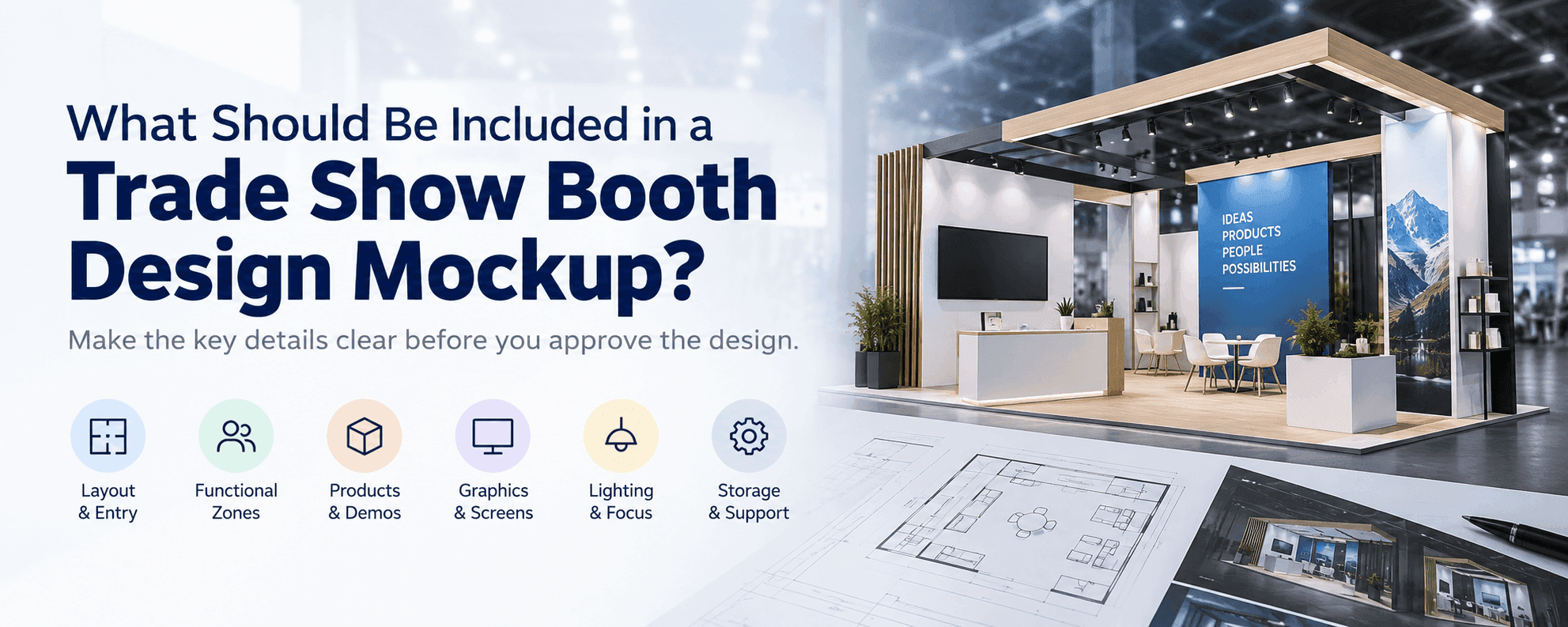
The final review should identify operational problems before booth components and graphics move into production and the installation plan is finalized. Before the layout is approved, a booth design mockup should make the entry points, visitor flow, demo and meeting zones, graphics, screens, lighting, and storage easy to review together.
Common Demo-and-Meeting Layout Mistakes
A polished 20x20 booth can still be difficult to use when the main activities are not coordinated.
Common problems include:
Demo viewers standing directly inside the entrance
Meeting seats facing a loud screen or active demonstration
Staff crossing the meeting zone to retrieve products
Oversized lounge furniture reducing demo space
Storage doors opening into visitor paths
Visitors finishing the demo without a clear next step
Screens, counters, and furniture competing for the same sightline
These problems are much easier to resolve during layout planning than after the booth reaches the show floor.
Final Checks Before Installation
A 20x20 booth layout has to work in three dimensions, not only on a floor plan.
Demo counters, screens, power access, flooring transitions, meeting furniture, lighting, and storage units should be reviewed together before installation. A rendering may appear balanced while the physical setup fails because cables cross visitor paths, equipment blocks access, or furniture does not fit as expected.
Prebuild checks should confirm:
Graphic fit and sightlines
Screen and lighting positions
Hardware alignment
Counter and cabinet clearances
Power access
Flooring transitions
The relationship between the demo area, meeting space, and storage
These checks determine whether the 20x20 trade show booth design can be built and used as intended. Once the functional layout is settled, shipping, rental scope, venue services, labor, and move-in timing become part of the broader 20x20 rental booth planning process.
Frequently Asked Questions
What are the best design ideas for a 20x20 trade show booth?
The most useful 20x20 trade show booth ideas begin with one primary visitor activity. Use one visible demo or product display, a clear graphic message, compact meeting furniture, hidden storage, and open visitor paths. Product demos and buyer meetings can share the booth when one activity remains primary and the two areas do not compete for the entrance.
What are the most popular 20x20 trade show booth layouts?
Common practical options include a demo-first layout, a meeting-first layout, and a balanced layout with demos and meetings on separate sides. The right choice depends on what visitors should do first and how long they remain in each area.
How can I maximize space in a 20x20 trade show display?
Use vertical graphics, integrated storage, compact furniture, and one clear visitor path. Keep the demonstration away from the main entrance and remove counters or displays that do not support a specific visitor or staff action.
A Strong 20x20 Layout Makes the Next Step Obvious
The best 20x20 booth layout is not the one with the most counters, furniture, or screens. It is the one that helps visitors understand what to see, where to participate, and how to continue the conversation.
One visible demo area, one strong graphic message, compact meeting space, accessible storage, and open visitor flow are usually enough. When every area supports the next step, the booth can handle product discovery, demonstrations, and buyer conversations without feeling crowded.