
Three Core Elements of a Pump System Display
Hero Pump
The main product that anchors the display and introduces its primary application or technical advantage.
Cutaway Model
A pump or component opened to show internal construction, flow path, wear points, and service access.
Performance Curve
A chart that helps contractors compare flow, pressure, efficiency, and power under different operating conditions.
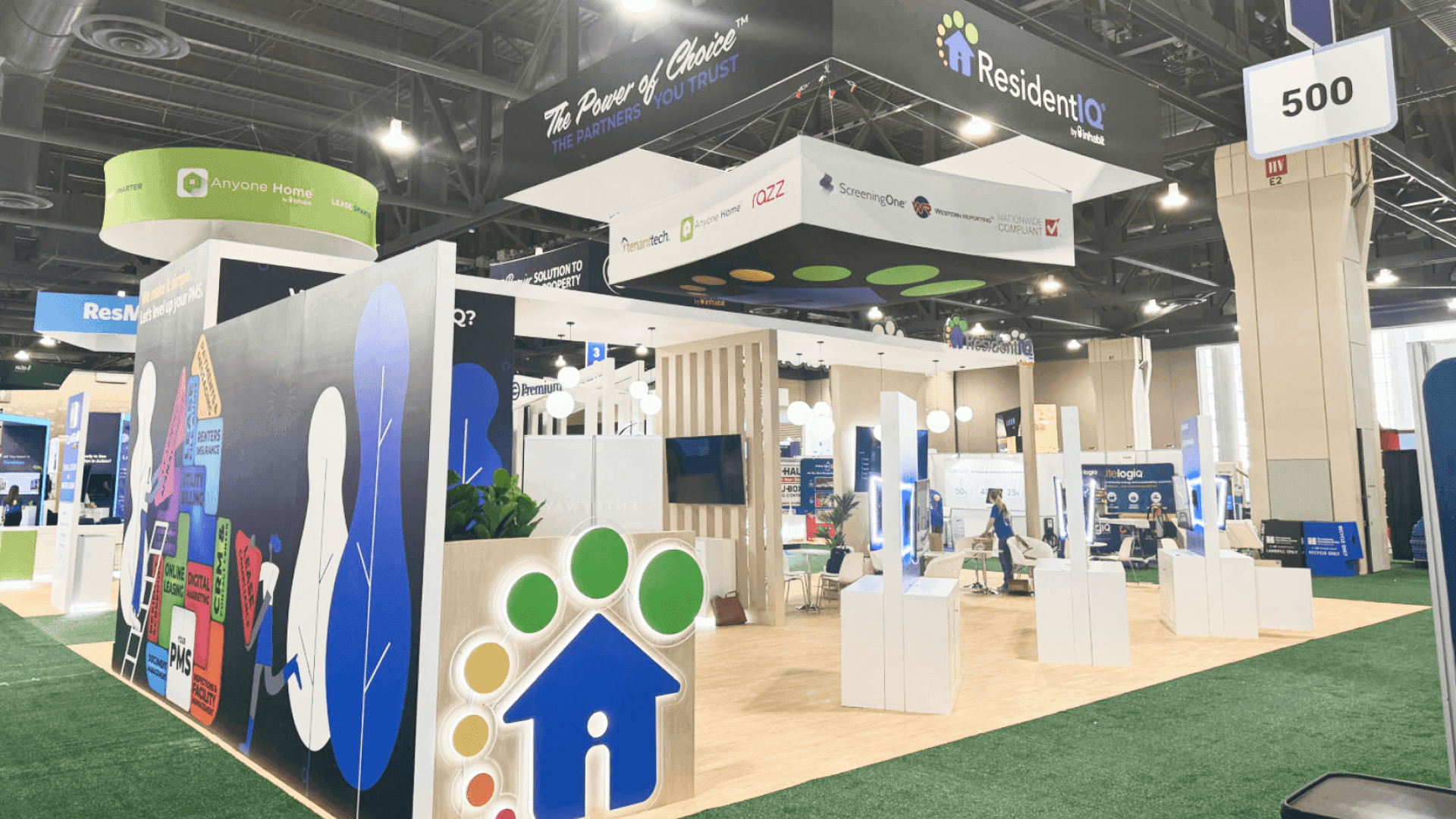
A clear pump system display connects the main pump with its motor, controls, performance information, and field application.
Build the Display Around One Complete Pump System
Start with the system relationship contractors need to understand in the field:
Pump → Motor → Drive → Control → Field Application
The display may include submersible or surface pumps, motors, variable-frequency drives, control panels, valves, pressure tanks, sensors, and monitoring products. Not every model needs equal space. Use the main products to show where each component fits, how the system connects, and what it supports in a real installation.
Let One Hero Product Lead the Display
Choose one hero product to establish the booth’s first visual message. Supporting pumps, motors, controls, and related components should explain its role rather than compete for equal attention.
Use the hero product to set:
Aisle-facing message
Product orientation
Supporting product order
Primary technical graphic
Starting point for contractor conversations
Example: Submersible Pump System
A submersible pump becomes the visual anchor. Its motor, control panel, performance curve, and well-application graphic are grouped nearby, allowing contractors to understand the complete system without moving between disconnected display areas.
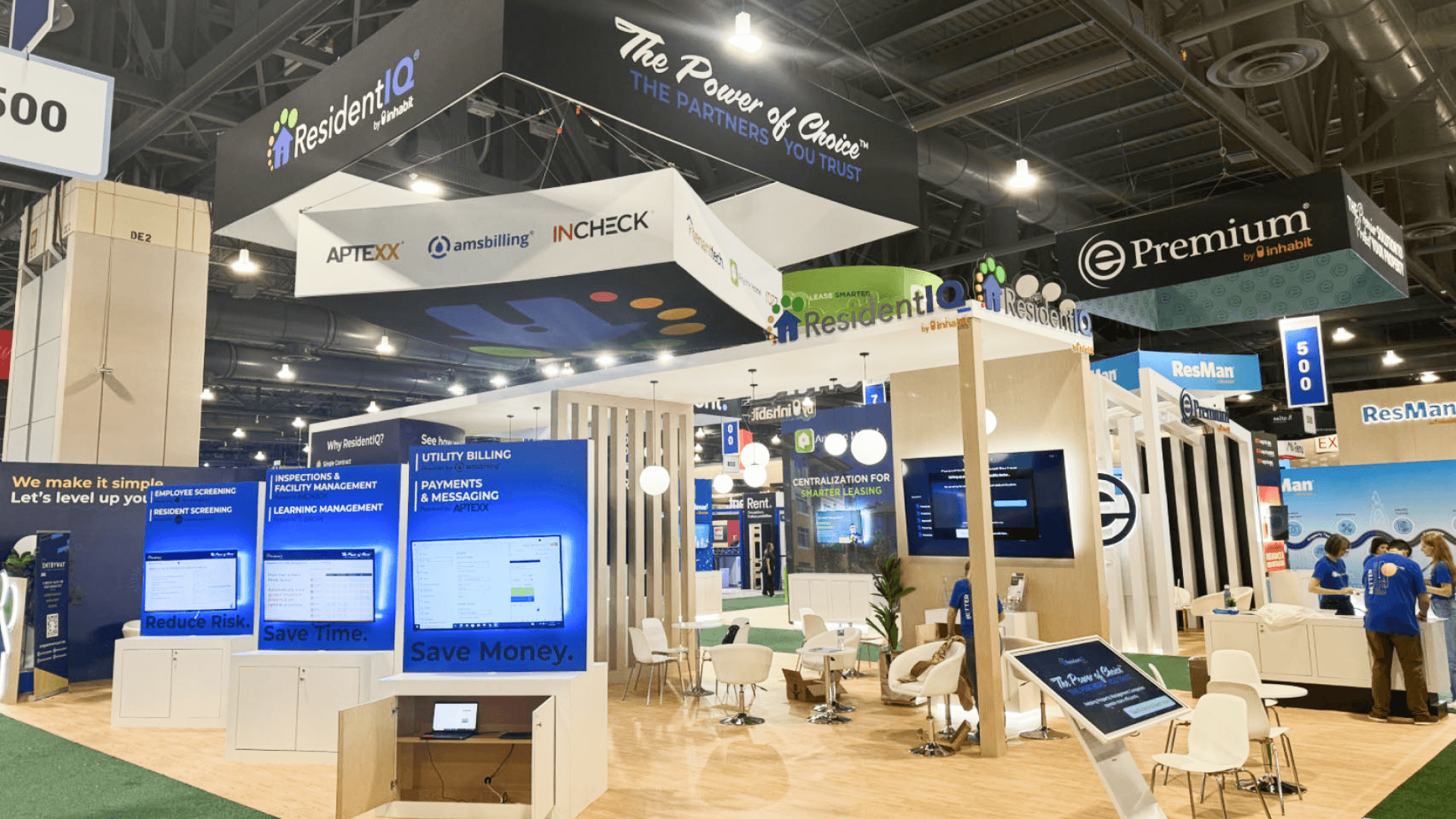
Grouping pumps, cutaway models, and technical graphics by application helps contractors compare related products in one area.
Keep the Product and Technical Proof Together
Physical pumps and components are easier to inspect and compare when the supporting information appears in the same viewing area. Group each product with the details contractors need:
Full products or cutaway models
Visible internal components
Performance curves
Flow, pressure, and efficiency data
Application visuals
Maintenance and service-access details
Well-placed booth graphics can connect each chart, label, or application image to the product it explains. Specification walls placed away from the equipment divide attention, interrupt technical conversations, and make product comparisons harder.
Organize the Display by Application, Not Model Number
Model numbers help internal sales teams manage a product line, but they are not always the fastest way for contractors to find the right solution. Group pumps and supporting products around familiar applications:
Residential water systems
Agricultural and field use
Commercial pumping
Well installation
Maintenance and replacement
Controls and monitoring
Product-Line Layout vs. Application-Based Layout
Product-Line Layout
Products are arranged by family or model number. This works for visitors who already know the catalog, but new buyers must interpret the range before finding the right pump or component.
Application-Based Layout
Products are grouped by field use, system stage, or contractor need. Visitors can locate the relevant pump system faster and compare related products, controls, and monitoring options in one area.
Choose the Booth Size Around the Display Workload
Booth size should match the number of physical products, the depth of technical explanation, inspection access, storage, and space needed for contractor conversations.
10x20: One primary product family with focused graphics and a short inspection path
20x20: Several related pumps or components with room for comparison and a small discussion area
20x30: Pumps, motors, controls, technical graphics, storage, and meetings organized as one connected system
For exhibitors bringing several physical products, a 20x30 booth layout provides enough room to keep the equipment, performance information, and contractor discussions connected without narrowing inspection access.
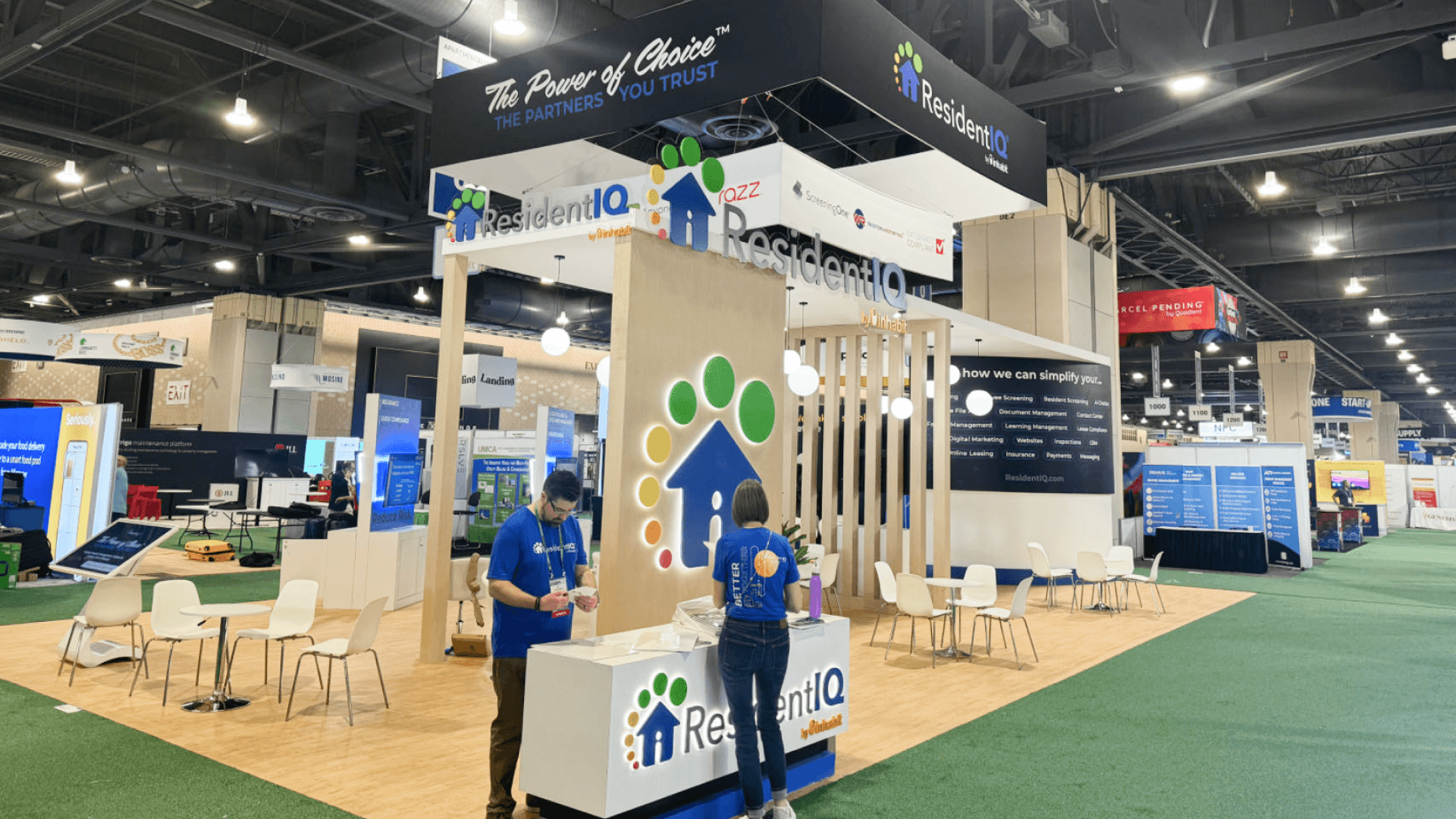
Product weight, fixing points, cable routing, power, and daily access should be confirmed before the booth ships.
Confirm Mounting, Power, and Access Before the Booth Ships
Heavy pumps, control panels, product bases, and cutaway models should be checked against the booth structure before shipment. Confirm:
Product dimensions and weight
Mounting and fixing points
Base or counter load limits
Control-panel support
Electrical requirements and cable routing
Screen and AV positions
Cutaway-model fixing
Daily access for inspection, cleaning, and reset
When a product depends on fixed supports, power, or a custom base, fabrication and prebuild checks help confirm that the equipment, structure, and utilities fit together before shipping.
Example: Mounting a Heavy Pump Beside a Control Panel
A heavy pump is mounted on a raised base beside a powered control panel. The load, fixing points, cable route, screen position, and daily access should be reviewed together before the booth leaves production.
Keep the Booth From Becoming a Product Catalog
A pump-system booth becomes harder to understand when every product and specification is given equal priority. Common problems include:
Too many equal-priority products
Pumps separated from motors or controls
Dense specification graphics
No clear field application
Meeting areas blocking product inspection
Unconfirmed product weight or mounting
Insufficient storage and reset space
Pump hoists, vehicle-mounted systems, drive-in equipment, and oversized pump assemblies need different clearance, handling, and installation planning. At Groundwater Week, these exhibits are better handled through heavy equipment display planning rather than being forced into a standard pump-product layout.
FAQ
How should pumps, motors, and controls be arranged in the booth?
Organize them by system relationship and field application. Keep the pump, motor, drive, control panel, performance data, and supporting components close enough for contractors to understand the full system at a glance.
Does a pump display require a live water demonstration?
Not always. Cutaway models, animations, performance curves, enclosed demonstrations, or video can explain pump operation when live water adds little value or creates unnecessary setup and maintenance requirements.
What product information should be ready before booth design starts?
Prepare product dimensions, weight, mounting points, power requirements, performance curves, application images, technical drawings, control-panel details, and any planned screen or video content.







