ASCRS Practice Management & Software Exhibits


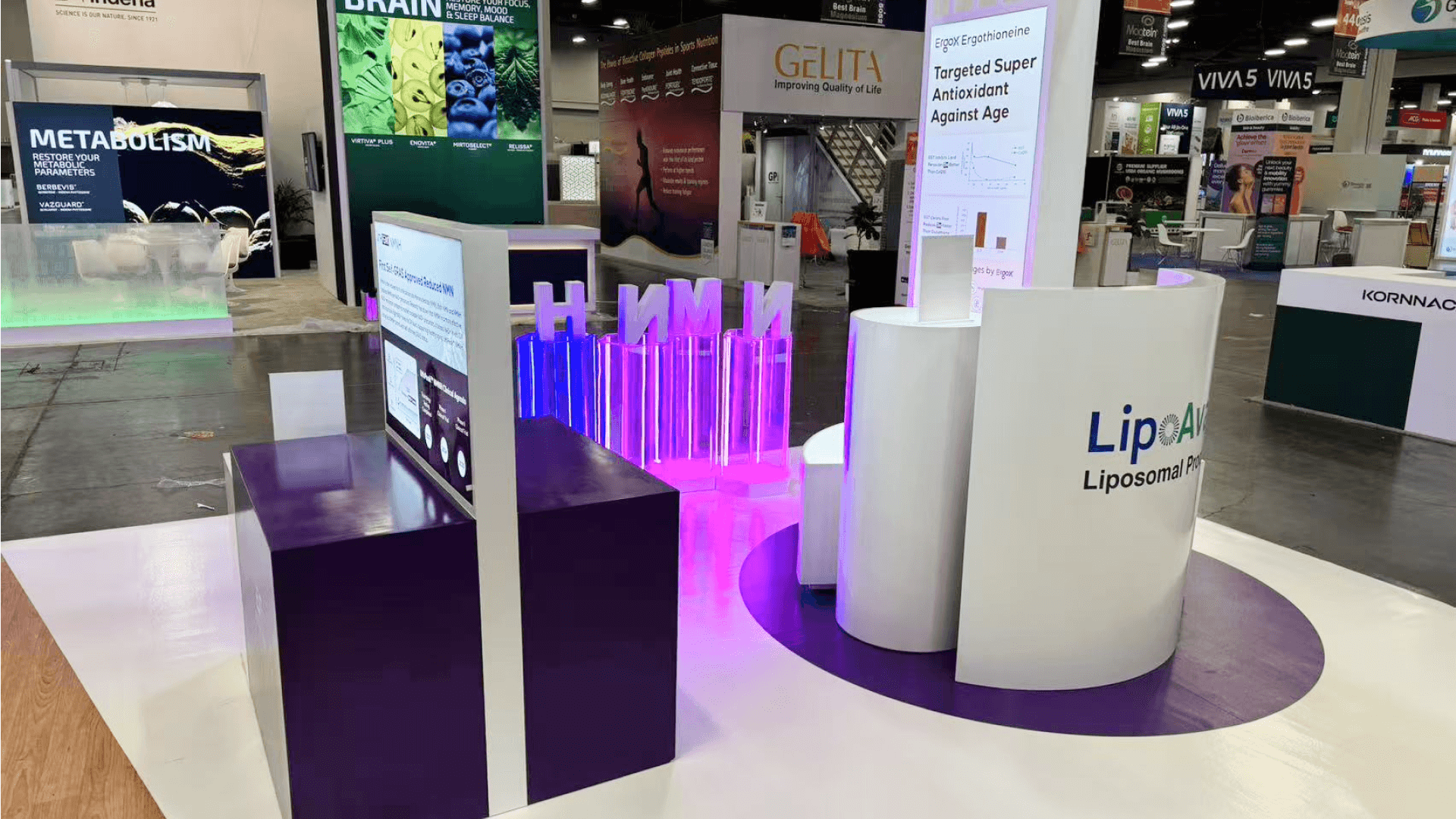

How should practice management software be presented at ASCRS?
Use one ophthalmic practice task to anchor the demonstration. Cataract surgery scheduling, patient communication, or billing can give an administrator a concrete workflow to evaluate. Show the critical steps with fictional data, then allow time for questions about staff handoffs, workflow fit, and possible next steps. The booth should make it easy to move from screen to discussion.
A guided walkthrough of cataract surgery scheduling, patient communication, or billing review gives ophthalmic practice administrators a familiar task to evaluate. Show the key steps and staff handoffs, then leave time for questions about how the workflow would fit their practice.
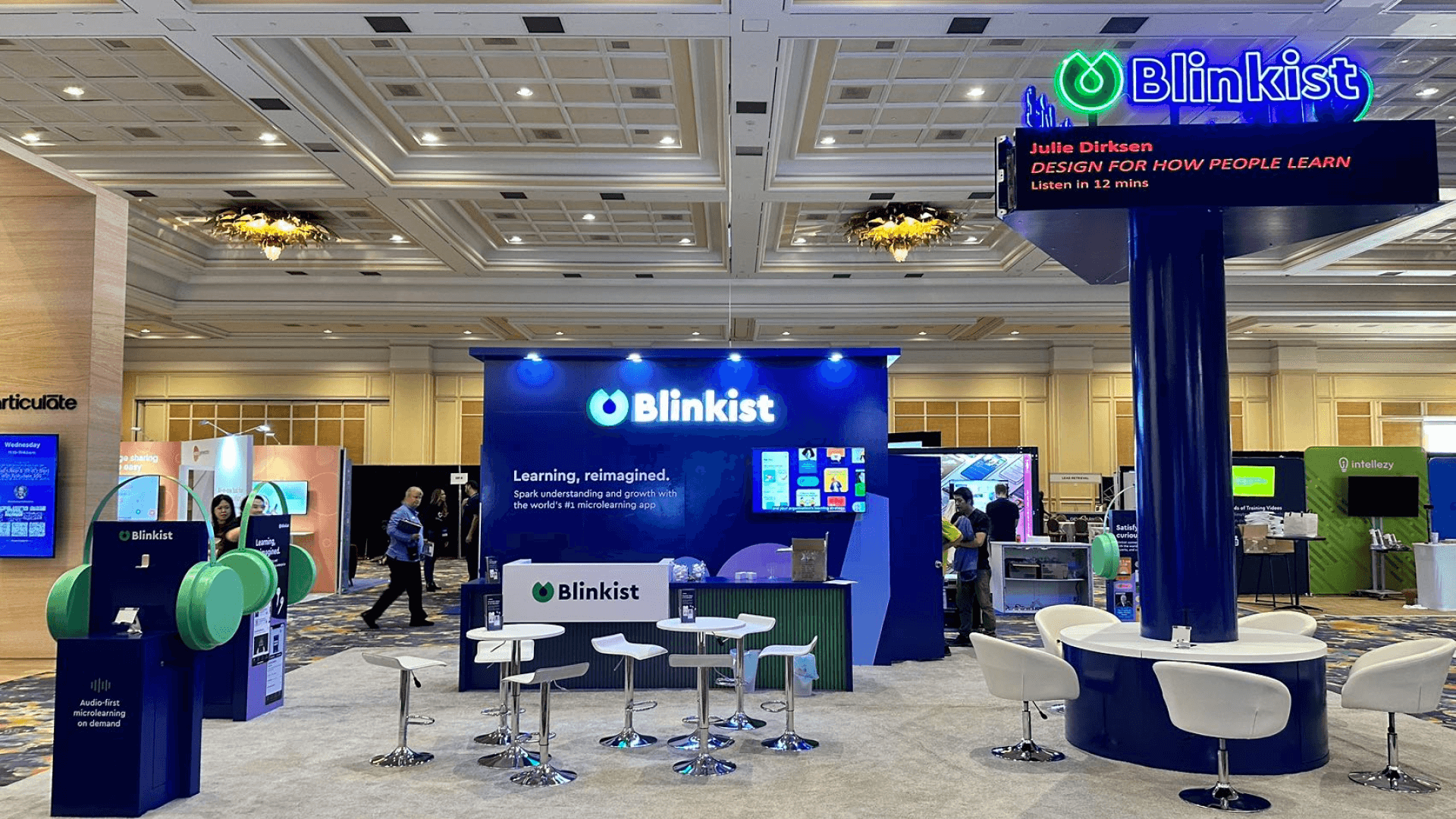
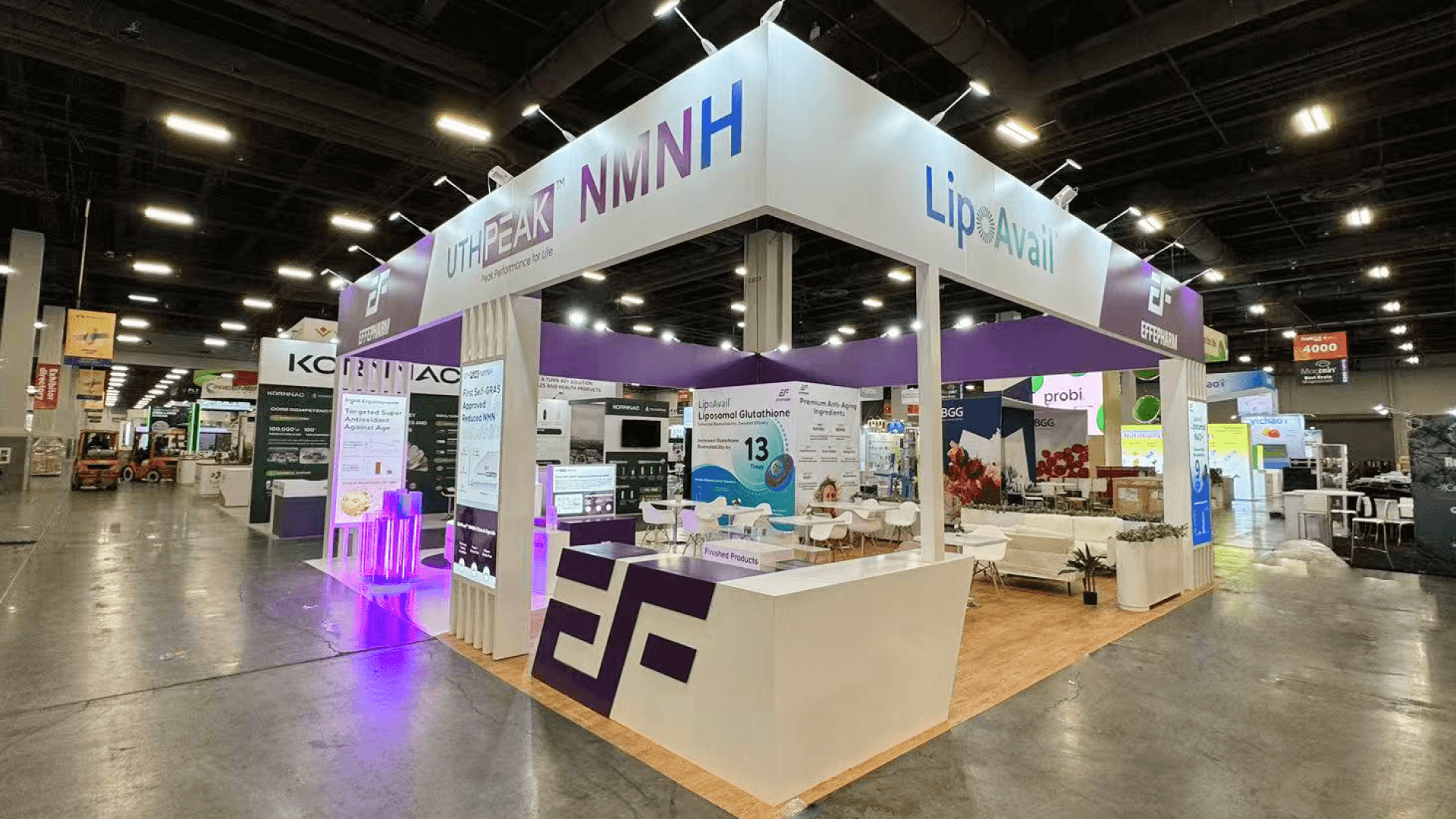
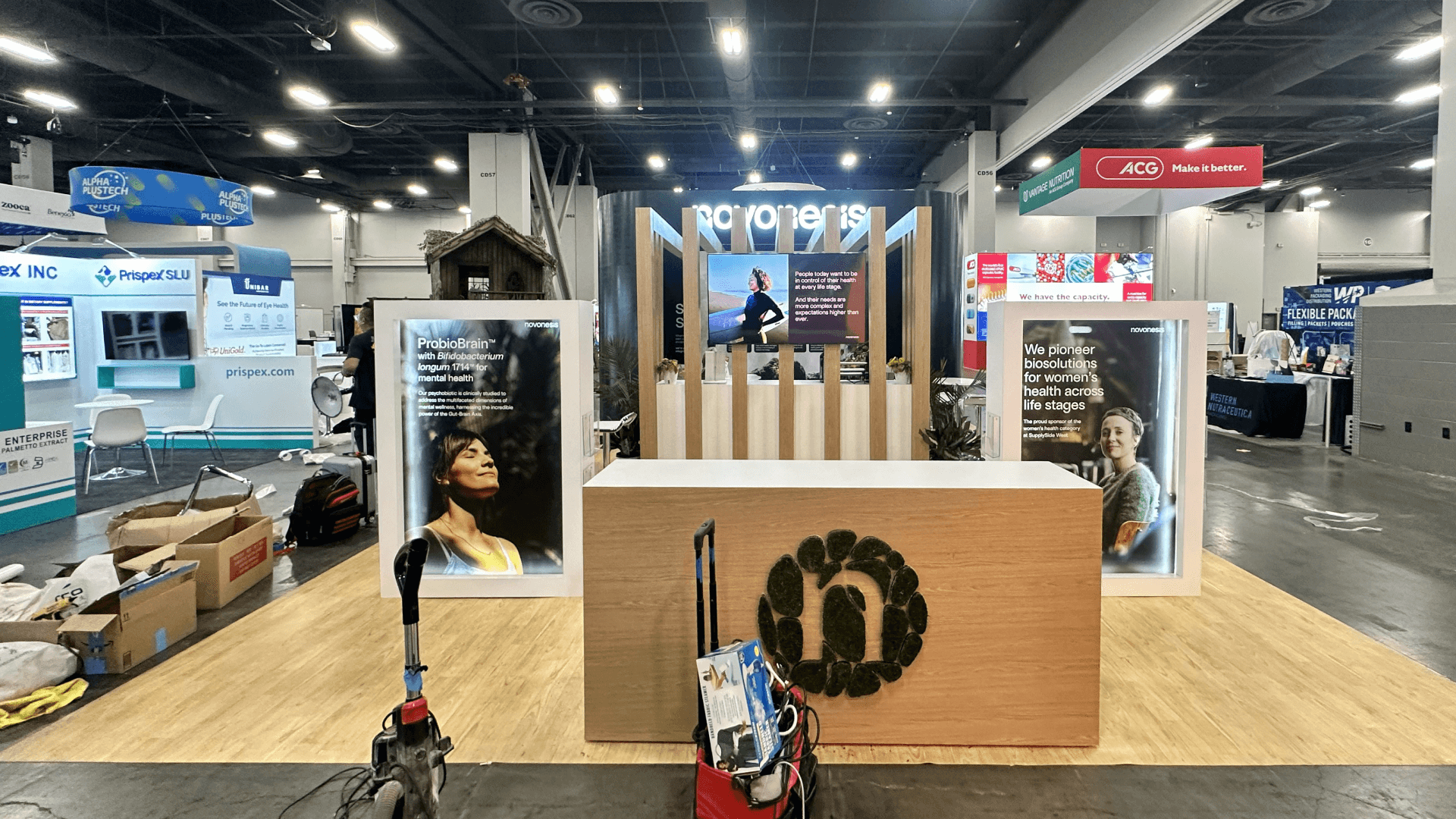
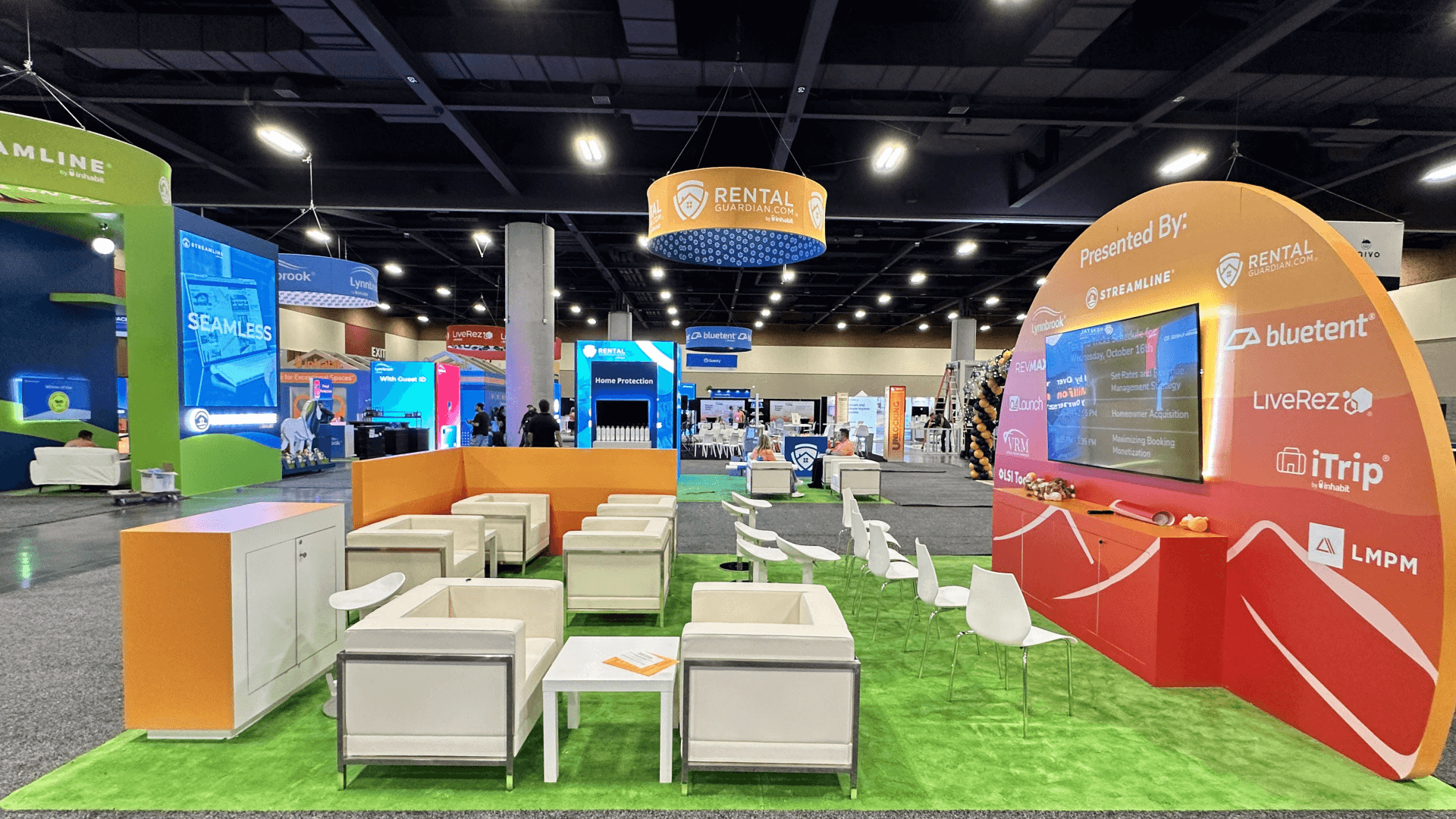
A 10×10 booth may suit one guided walkthrough and brief questions. A 10×20 layout can separate the presentation from a consultation point, while 20×20 space may accommodate parallel sessions when staffing and circulation allow. The number of simultaneous demos and consultations should guide ASCRS 2027 booth planning, including the overall footprint and rental or custom configuration.
At the San Diego Convention Center, test screen visibility, demo account access, and the intended internet connection before opening. Keep an offline walkthrough ready so staff can explain the same workflow if the live system becomes unavailable.
Why Exhibitors Choose Circle Exhibit
Clear scope, transparent quote review, nationwide booth support, and efficient setup planning for qualified rental and custom exhibit projects.
48hr
Setup Window
10+
Years Since 2014
U.S.
Trade Show Support
Real
Booth Project Proof
The number of simultaneous walkthroughs and administrator consultations determines the footprint. Use more space only when staffing and real meeting demand justify it.
A single screen and presenter can demonstrate one workflow with a brief follow-up. Keep visitor seating and secondary displays minimal.
Two presenters can demonstrate different workflows without talking over one another, provided visitor demand and staff availability support both.
Separate the screen-led walkthrough from a compact administrator consultation point. Use 10×20 booth capacity to check furniture and circulation.
A tabletop sponsorship and a full exhibit booth have different display rights and spatial limits. Verify current ASOA terms and availability before choosing either.
A screen can show that an appointment time changed without showing what the next staff member sees or does. The scheduling change demo follows one fictional record through the scheduler’s action, the next role’s actual view, and the next task. That sequence helps define the screens and role labels the booth needs.
The screen presentation should help an administrator assess one task and raise practical questions, without turning the exhibit into a software training session.
Begin with a recognizable appointment, patient message, or billing event. Show a few critical steps rather than opening unrelated dashboards.
Where a process crosses staff roles, demonstrate how information reaches the next person rather than treating clinical and office work as isolated tasks.
Use prepared sample information and consistent screen states. Avoid live patient records or sensitive account details on visitor-facing displays.
Reserve a nearby consultation point for workflow fit, staffing responsibilities, and implementation questions after the demonstration.
Software and service exhibitors may present scheduling, patient communication, billing, and administrative workflows used in ophthalmic practices.
The parent ASCRS/ASOA Annual Meeting runs April 2–5, 2027, at the San Diego Convention Center.
Operational buyers may compare software workflow fit, staff responsibilities, implementation questions, and the steps needed for further evaluation.
Not Sure Which Booth Size You Need?
Not every exhibitor knows whether a 10x20, 20x20, 20x30, or larger booth is the right fit. Circle Exhibit can help review your event goals, product display needs, demo areas, meeting space, storage, budget scope, and setup timeline before you choose a booth size.
Bridging Clinical and Administrative Roles
Explaining What Changes in Daily Work
1
Choose One Ophthalmic Office Workflow
2
3
4
Rental for Guided Software Workflows
A standard rental can house one or two screens, branded graphics, and a small consultation point. Explore San Diego rental options for that focused configuration.
Custom Space for Separate Evaluations
Multiple simultaneous workflows or private business discussions may call for dedicated stations or enclosed meeting space. Base that choice on actual appointment demand.
Reusable Exhibit With Changing Content
A modular structure can keep counters, lighting, and furniture across shows while the software demos and graphics change.
Review current event service instructions and order the connections actually required for the planned demo devices.
Arrange monitors so visitors can follow the sequence without crowding the presenter or blocking the administrator discussion area.
Check logins, fictional records, screen permissions, and presentation devices using the exact setup planned for the show.
Keep a recorded or offline walkthrough available so staff can explain the core process during a live-system outage.
ASCRS Software Demo Booth Rental Options
A focused software presentation may need only one guided workflow screen, a presenter, and space for administrator questions. Rental layouts can accommodate those tasks without unnecessary fabrication. A larger configuration is worth considering when parallel demos or scheduled consultations require separate areas.
What should practice management exhibitors demonstrate at ASCRS?
Show one relevant ophthalmic office task, such as scheduling or patient communication, and let the administrator evaluate its steps and outcome.
Can a 10×10 booth work for a software demo?
Should exhibitors show real patient data?
How should exhibitors prepare for network issues?
Is an ASOA tabletop the same as a full exhibit booth?
READY TO PLAN YOUR NEXT BOOTH?
Let’s Build a Booth That Fits Your Event
Share your event name, booth size, city, timeline, product display needs, and design references. Circle Exhibit will review your project direction and help you choose a rental-friendly or custom exhibit path.
3000+
Booth Projects Supported
50+
U.S. Event Cities
Transparent
Quote Review
Return to exhibit space selection, general booth size decisions, and San Diego venue preparation.
Compare the space available for a guided software presentation, short discussions, and staff circulation.
Browse configurable structures for workflow screens, staff positions, light storage, and compact meetings.
Shape aisle messaging and screen-adjacent graphics around the practice task, not an exhaustive feature list.
Coordinate the setup sequence for screens, counters, graphics, furniture, and final checks.